HomeJavaModsCombat Control
Combat Control
ModsJava

Combat Control

by LCLPYT · on Modrinth

Bring back classic combat from 1.8.9 and earlier. Remove the attack cooldown, re-introduce sword blocking and more!

⬇ Download on Modrinth
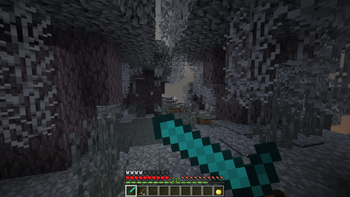
Combat Control — screenshot 1Combat Control — screenshot 2Combat Control — screenshot 3Combat Control — screenshot 4Combat Control — screenshot 5Combat Control — screenshot 6Combat Control — screenshot 7Combat Control — screenshot 8

🗡️ combat-control 🛡️

Bring back classic combat from 1.8.9 and earlier. Remove the attack cooldown and more!

Important

This mod doesn't change the combat by default. You have to use /combat style minecraft:classic to enable classic combat.

All features of this mod can be configured individually, on a per-player basis. You can have some players using attack cooldown while others don't.

The mod is only required on the server, but having the mod installed on your client makes the experience better.

📝 Features

⚠️ CAUTION This mod should not be installed while playing on public servers that don't allow it. While this mod does its best to disable all combat-related features when the server doesn't have the mod, it isn't guaranteed that it behaves exactly like vanilla. On some servers with anti-cheat measures, this could even get you banned...

🖼️ Showcase

All features showcased here can be toggled individually in the mod settings.

Sword blocking

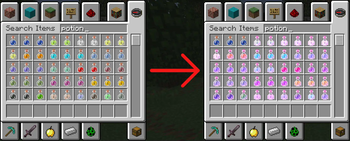
Potions have their old enchantment glint on them

Attribute style

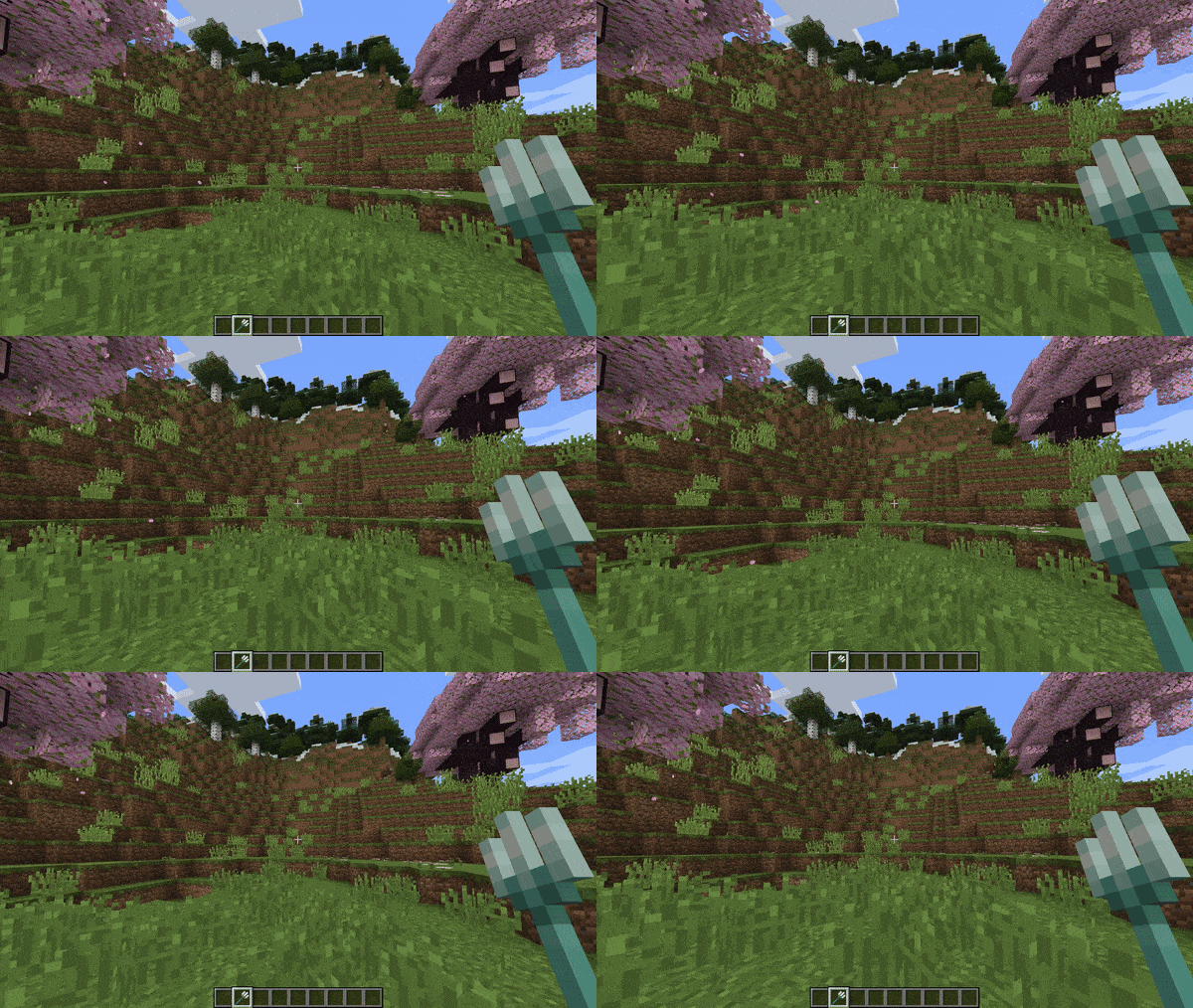
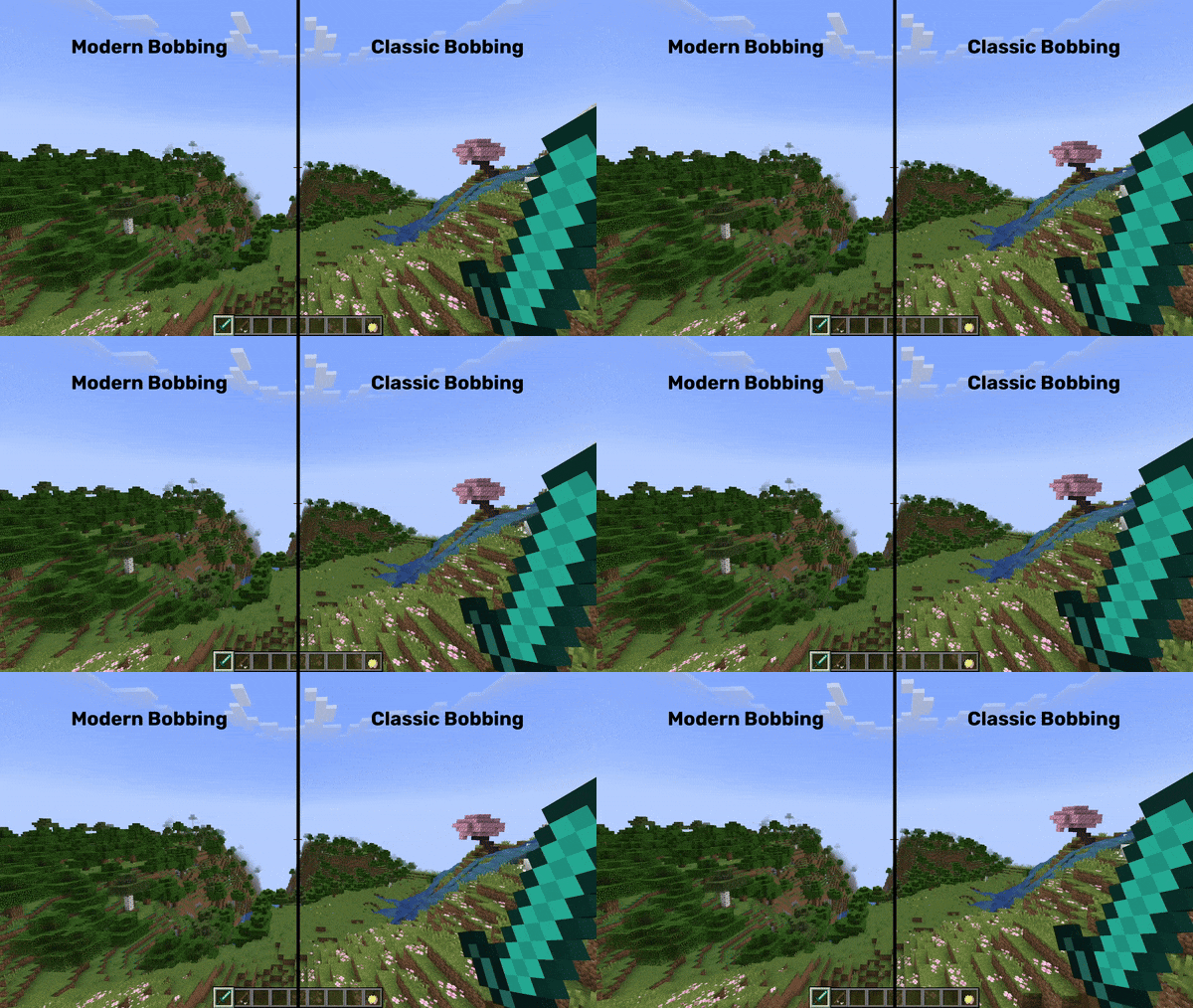
Classic bobbing animation

Reduced heart flashing

Instant sneak animation

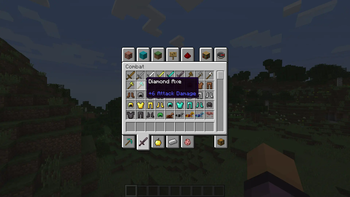
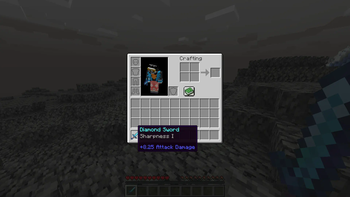
Sharpness enchantment attack damage display fix

📦 Requirements

⌨️ Commands

Change the combat style with the /combat style command:

# set the global combat style to classic 
/combat style minecraft:classic

# switch back to modern (1.9+) combat with attack cooldown etc.
/combat style minecraft:modern

# you can also change the combat style only for certain players, e.g. yourself in this example
/combat style minecraft:classic @s

Setting a style will configure a set of features at once. The minecraft:classic style, for example, disables attack cooldown, reverts the food regeneration system, changes behaviour of fishing rods and more.

However, you can also configure each feature individually, per-player:

# disable only attack cooldown globally
/combat set attackCooldown false

# make the enchanted golden apple grant regeneration 5 and absorption 1, instead of regeneration 2 and absorption 4
/combat set modernNotchApple false

# use 1.8 and earlier regeneration food mechanics
/combat set modernRegeneration false

# as with the combat style, you can also only configure features for certain players, e.g. disable attack cooldown for yourself:
/combat set attackCooldown false @s

# you can get the current setting of a feature like this:
/combat get attackCooldown

# get a setting of a specific player
/combat get attackCooldown @s

Some features, like modernDamageValues, don't work for individual players and can only be set globally.

🔓 Permissions

To execute those commands, you need to be a server operator (have OP) or have the corresponding permissions:

Feature Required permission
Use combat command combat-control.command.combat
Set combat features combat-control.command.combat.set
Set a combat feature combat-control.command.combat.set.<feature>
Set a combat feature globally combat-control.command.combat.set.global.<feature>
Get combat features combat-control.command.combat.get
Get a combat feature (globally, individually) combat-control.command.combat.get.<feature>
Set combat styles combat-control.command.combat.style
Set combat style globally combat-control.command.combat.style.global

📂 Config

You can configure all features in config/combat-control/config.toml. Once you save the config, any changes will automatically be loaded. No need to restart your game or reload anything.

If you have ModMenu installed on the client, you can also configure all features from there.

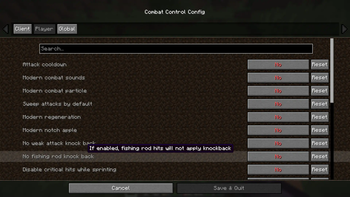
Mod settings screen

🌟 Acknowledgements

This mod is heavily inspired by Golden Age Combat by Fuzss. Some methods are literally copied from it and remapped into yarn mappings. Code in this project that is originally from Golden Age Combat is annotated with a comment or doc-comment. The MPL-2.0 license from Golden Age Combat is respected; this project uses the same license.

The reason why this project exists as a separate mod, is to make the combat configurable for each player, alongside with some other adjustments.

Also, the PING_ADJUSTED knockback variant is heavily inspired in functionality by the awesome knockback-sync plugin by CASELOAD7000 for Bukkit, Folia and Fabric. It calculates a player's knockback depending on their network latency. The values for the gravity simulation are taken from the Minecraft movement code and from Minecraft Movement Tools by OrHy3.

I got the motivation for implementing different knockback variants from this video by Intel Edits.

Thanks to b0ps_ for creating the mod icon!

🚧 API for developers

Combat-control offers an API for developers that allows for changing each players' combat style and features. The API offers fine-grained control of every combat-control feature, for every player.

The API is documented on GitHub.

Quick facts

Install steps are the general flow for this file type — How to install Minecraft Java mods & modpacks walks through it step by step.

Verified by MCModsHub

These come from our own check of the pack file, not from the source page.

Explore more