
Extended Hotbar
A mod which uses the bottom row of the player's inventory as a hot-swappable extension of the existing hotbar.
I don't know my version or loader
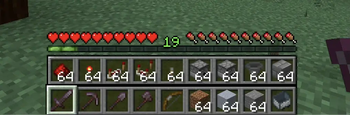
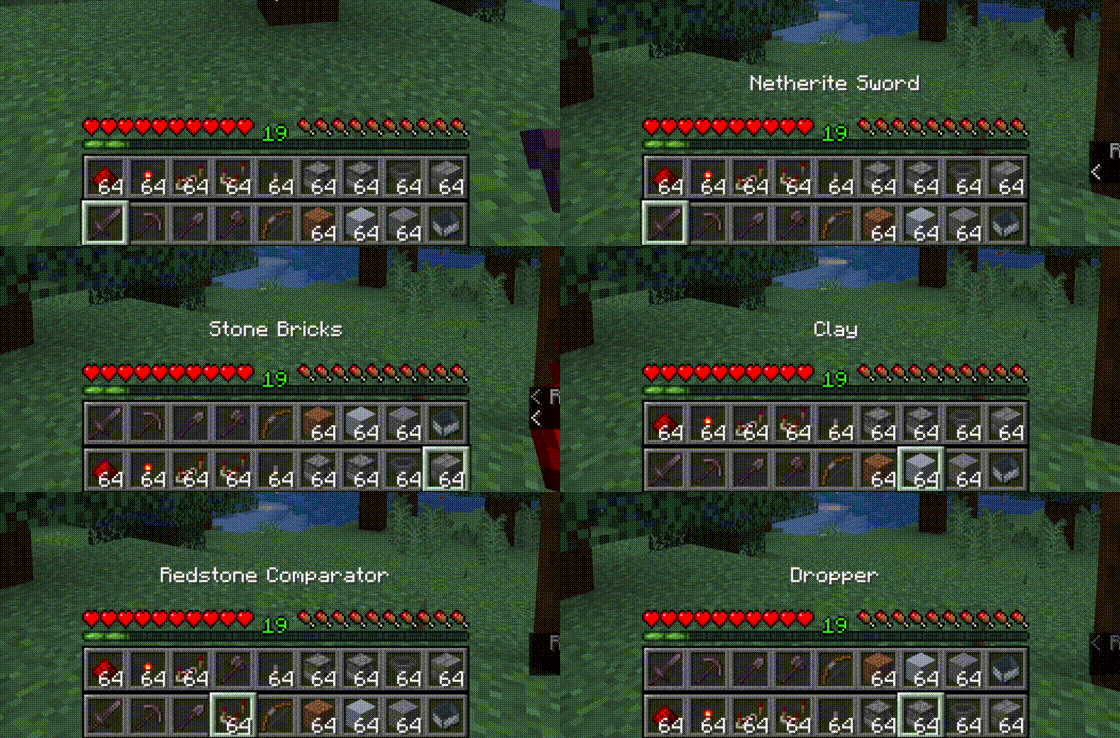
Top bar is the bottom bar of the player's inventory.
- Press R to swap the rows
- Press Shift-R to swap only the items in your hand.
- Press = to disable/enable
Controls are configurable in the standard Minecraft controls settings.
Additional configuration is in the mod's menu page. ModMenu is required for the extra configuration.
This mod is client-only and is compatible with vanilla servers.
Fluent Mode
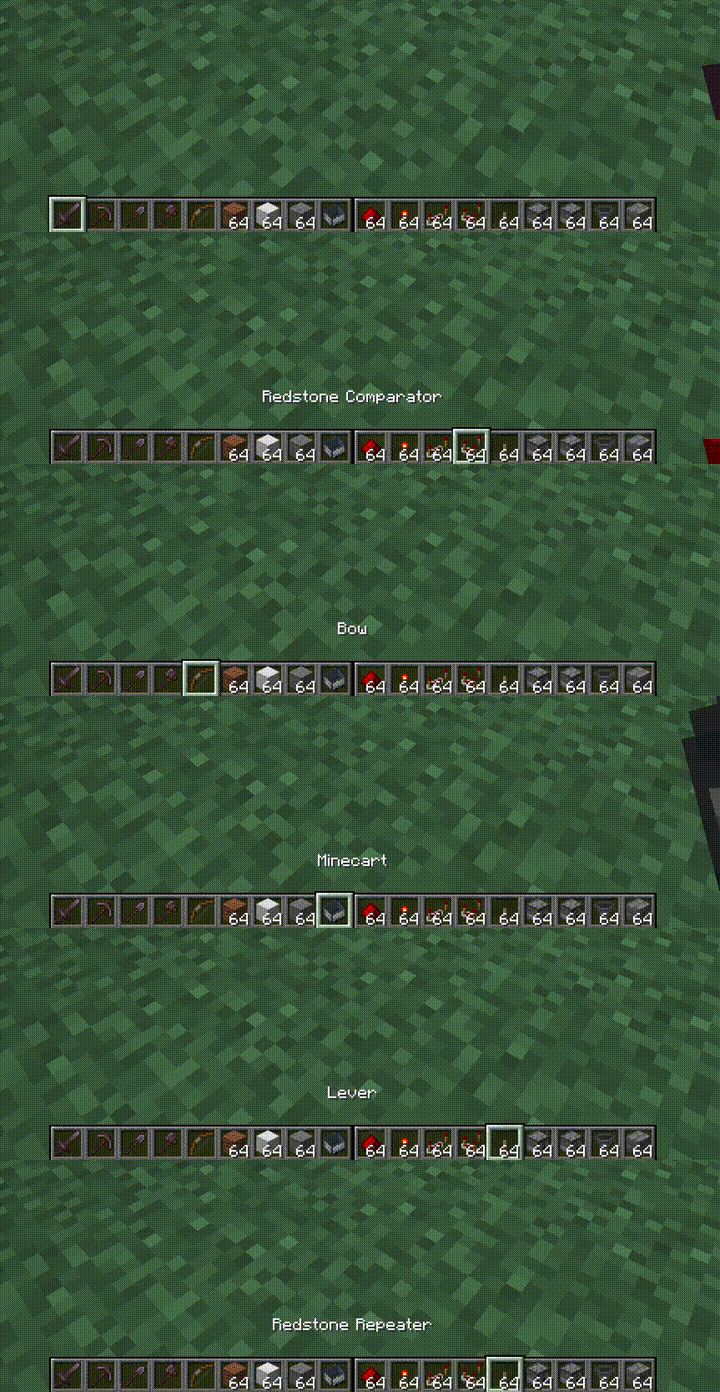
Fluent mode can be enabled in the mod's config menu (using ModMenu). This disabled manual swapping using the R key,
and instead does the swapping transparently as the user scrolls along a double-wide hotbar, created by rendering the
second hotbar alongside the first, rather than on top.
- Edition: Minecraft Java
- File type: .jar
- Minecraft versions listed: 1.21, 1.21.1
- How to install: Install the matching mod loader (Forge, Fabric or NeoForge) for your Minecraft version. → Download the .jar. → Put it in the .minecraft/mods folder and launch that loader profile.
- Where to get it: Opens on Modrinth — not every file is mirrored on our own servers.
Install steps are the general flow for this file type — How to install Minecraft Java mods & modpacks walks through it step by step.
- Ships as ExtendedHotbar-3.1.2+1.21+neoforge.jar — drop this file into the mods folder
- Download size: 302 KB
- Download link checked 30 Aug 2026 — working
These come from our own check of the pack file, not from the source page.