Advancement Frames Mod (1.21.1, 1.20.1) – Display All The Achievements You Have Earned
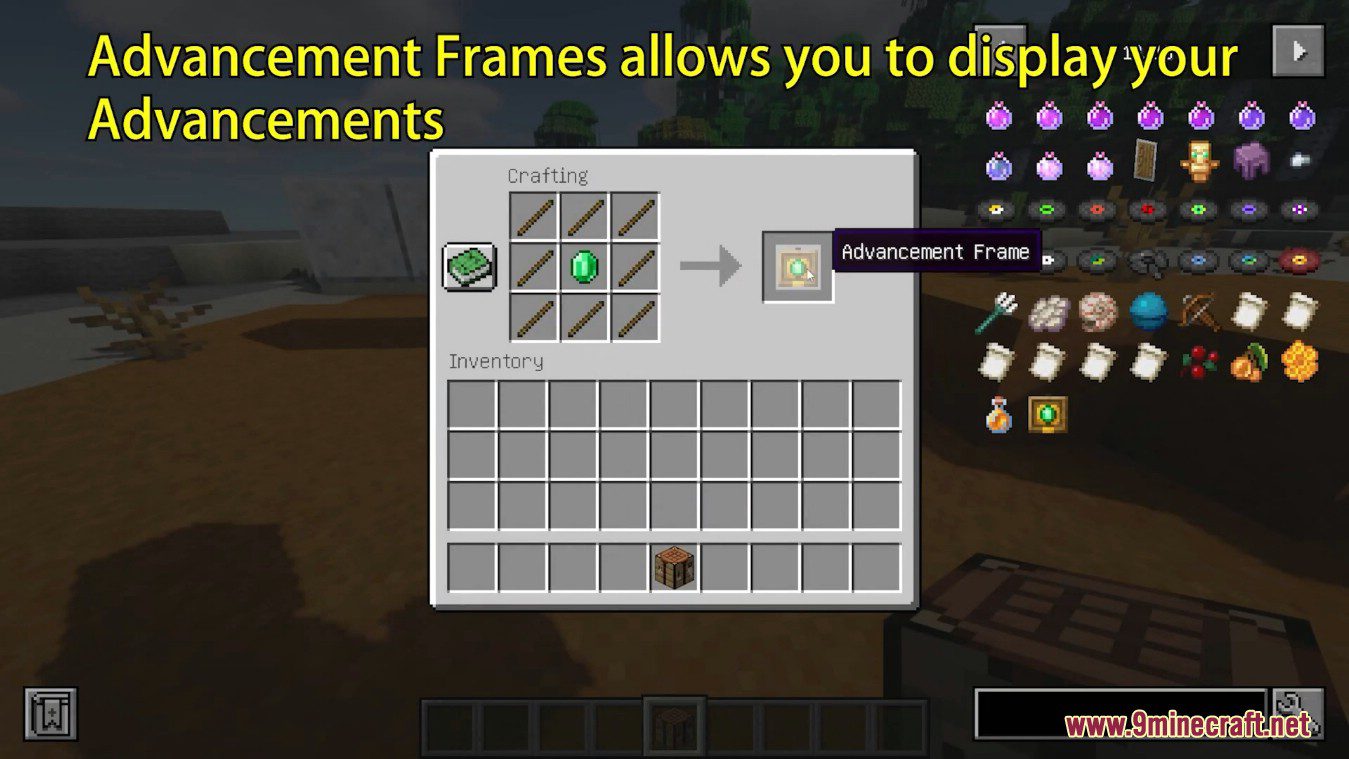
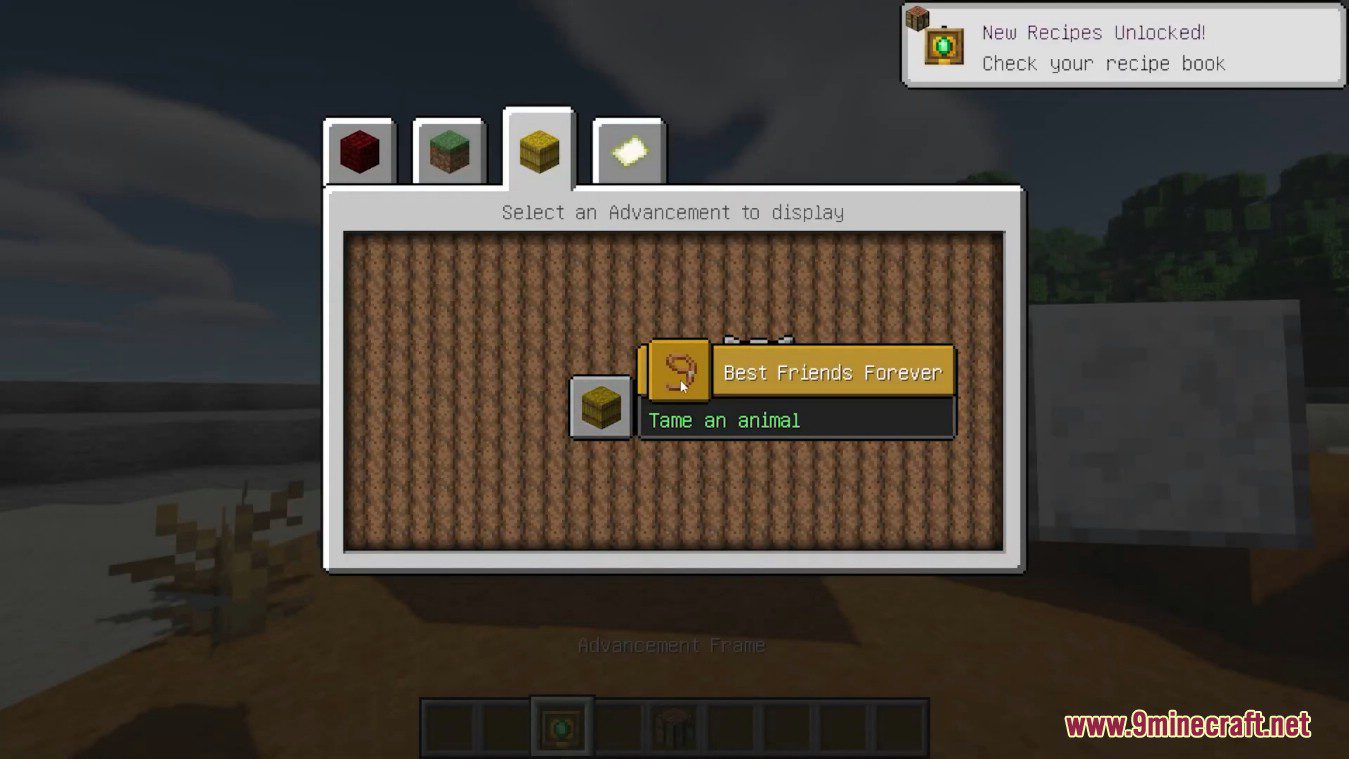
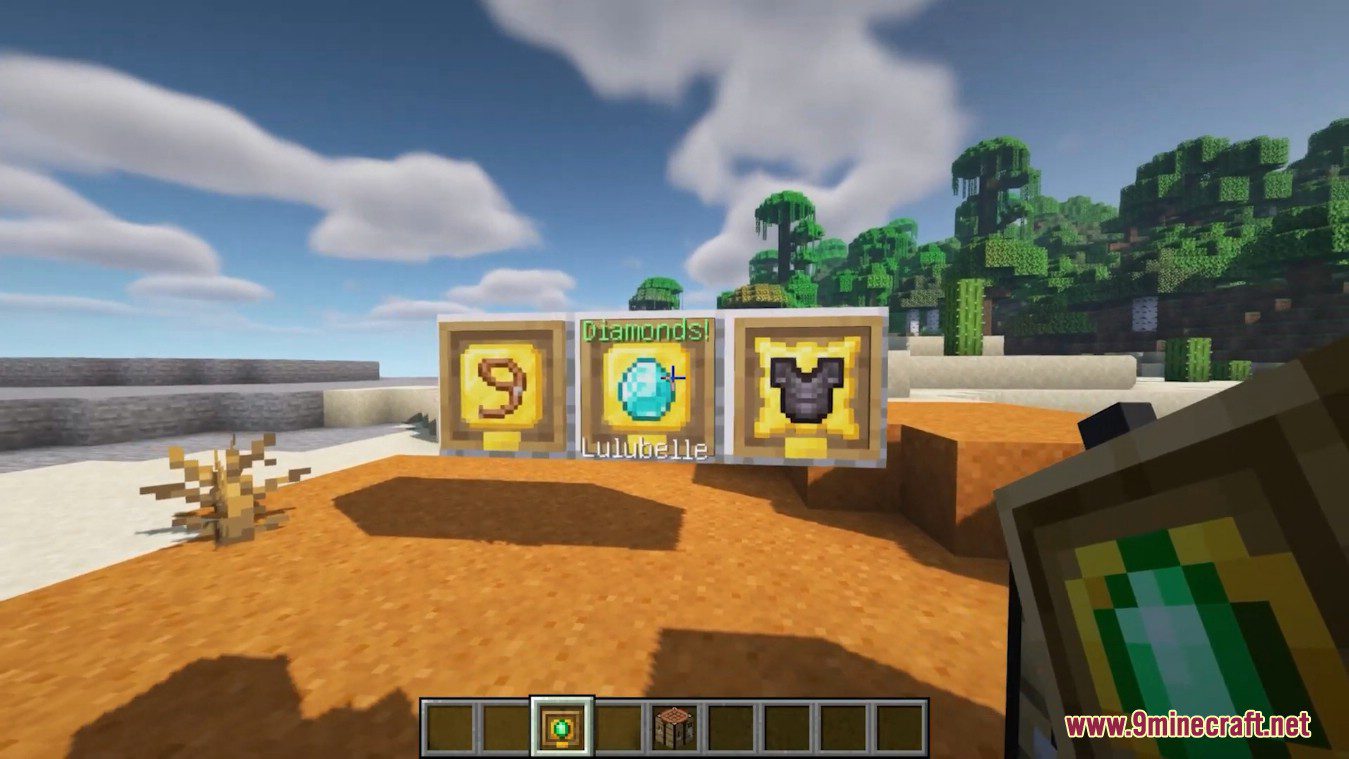
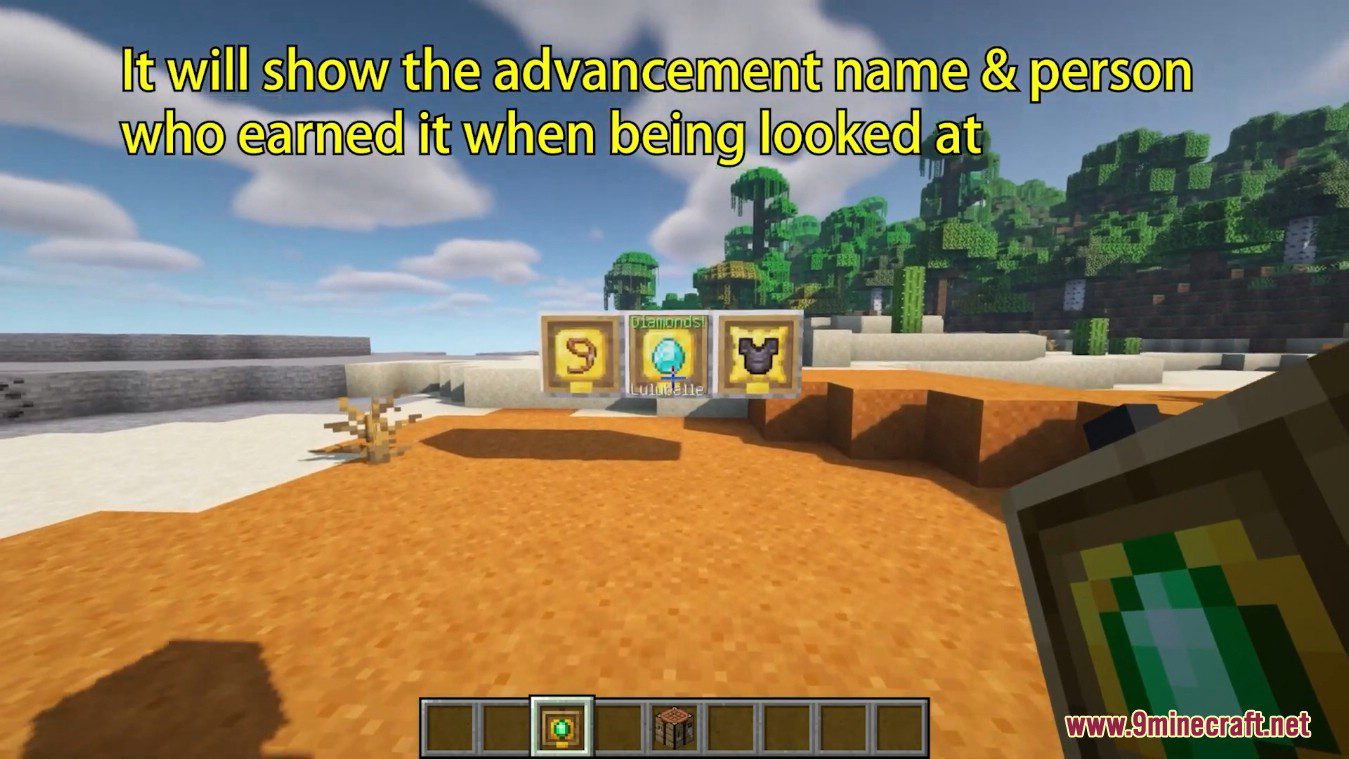
Advancement Frames Mod is a mod that offers the possibility to craft a new type of frame where we can display any of the achievements we have managed to earn. This new frame is crafted with wooden sticks and an emerald. Once this frame is crafted, all we have to do is place it on the wall. This will open the graphical interface where we can select any of the advancements we have earned. If we select one, it will appear within the frame; if we don’t select anything, it will remain empty. An advancement frame containing an item inside will display the name of the advancement and the name of the player who earned it when someone looks directly at it. If we press “Shift + right-click” on it, the description of that particular advancement will be shown.
Features:
- Frames can be crafted with an emerald and some stick at any time.
- Once placed they will open a GUI where the player will be able to select one of his earned advancement or close the gui and leave the item empty if he desires.
- When an advancement has been selected the block will display it and will show the advancement name & person who earned it when being looked at.
- Shift clicking on it will instead display the advancement description.
- If the player happens to loose some advancement they will be removed from the plaque the next time the world/ chunk is saved.
Screenshots:
Advancement Frames Mod Download Links
- Edition: Minecraft Java
- File type: .jar
- Minecraft versions listed: 1.21.1, 1.20.1
- How to install: Install the matching mod loader (Forge, Fabric or NeoForge) for your Minecraft version. → Download the .jar. → Put it in the .minecraft/mods folder and launch that loader profile.
- Where to get it: In MC Java Mods, or directly above on this page.
Install steps are the general flow for this file type — How to install Minecraft Java mods & modpacks walks through it step by step.
- Downloads as 26093.mcaddon
- Download size: 209 KB
- Download link checked 22 Sept 2026 — working
- Mirrored on our own servers — the download does not depend on the original host
These come from our own check of the pack file, not from the source page.