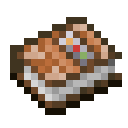
Command books
Mostly intended for creative or development purposes. This is similar in spirit to using a chain of command blocks, but more portable and easier setup.
Usage
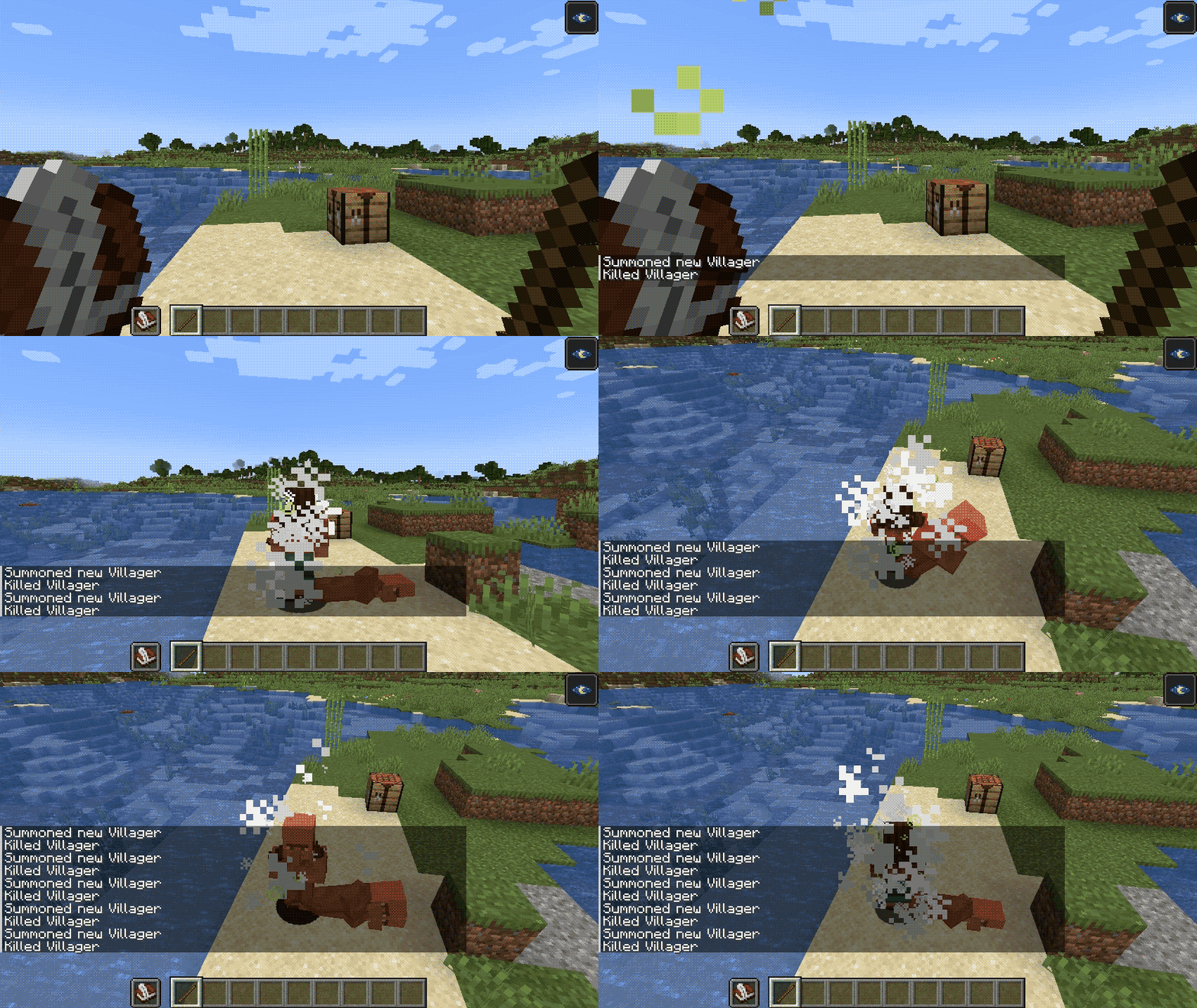
Write commands into a book-and-quill, one command per lines. To execute the commands, hold the book in your off-hand, and use a stick in your main hand. All commands are run in succession, even if one fails along the way.
The book's user is considered the source of the commands. Usage of books can be locked behind a specific permission level; by default 2 (Game Master).
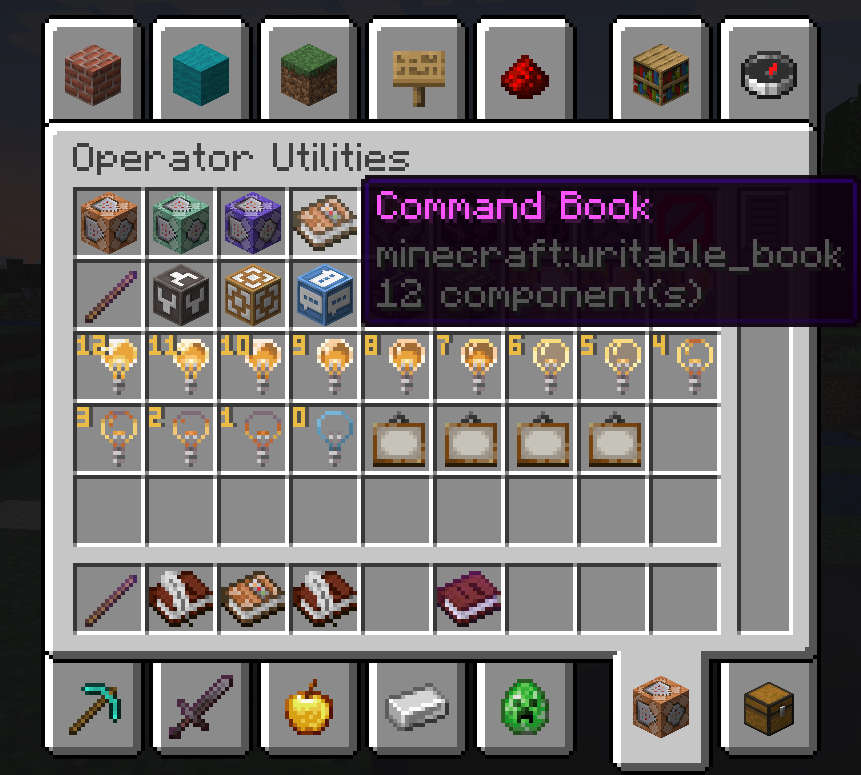
in v2 (MC 1.21.5), command books are separate from regular book and quils, and are found in the creative inventory under the operator tab. Those require a Debug Stick instead of a regular stick.
Environment
Core functionalities are fully server-side
Client-side installation is recommended to avoid opening the book every time you execute it. It is useless to players without permissions to execute books.
- Edition: Minecraft Java
- File type: .jar
- Minecraft version listed: 1.21.11
- How to install: Install the matching mod loader (Forge, Fabric or NeoForge) for your Minecraft version. → Download the .jar. → Put it in the .minecraft/mods folder and launch that loader profile.
- Where to get it: Opens on Modrinth — not every file is mirrored on our own servers.
Install steps are the general flow for this file type — How to install Minecraft Java mods & modpacks walks through it step by step.
- Ships as command-books-2.0.2+1.21.11.jar — drop this file into the mods folder
- Download size: 37 KB
- Download link checked 20 Sept 2026 — working
These come from our own check of the pack file, not from the source page.