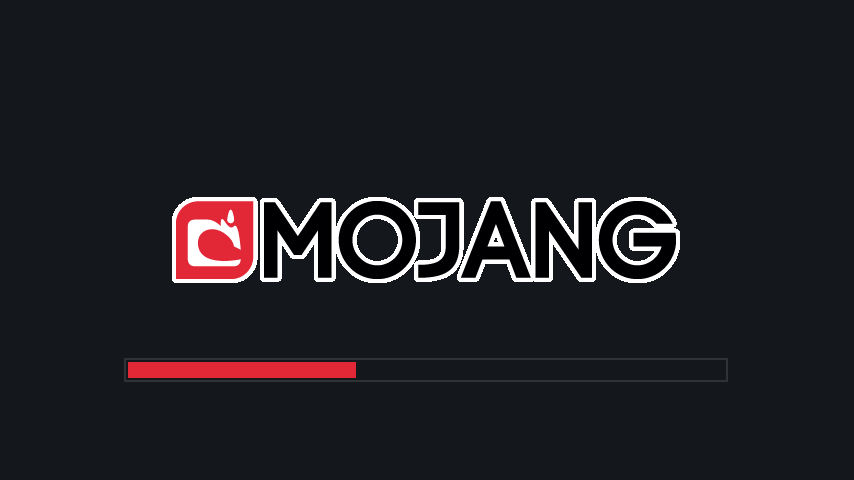
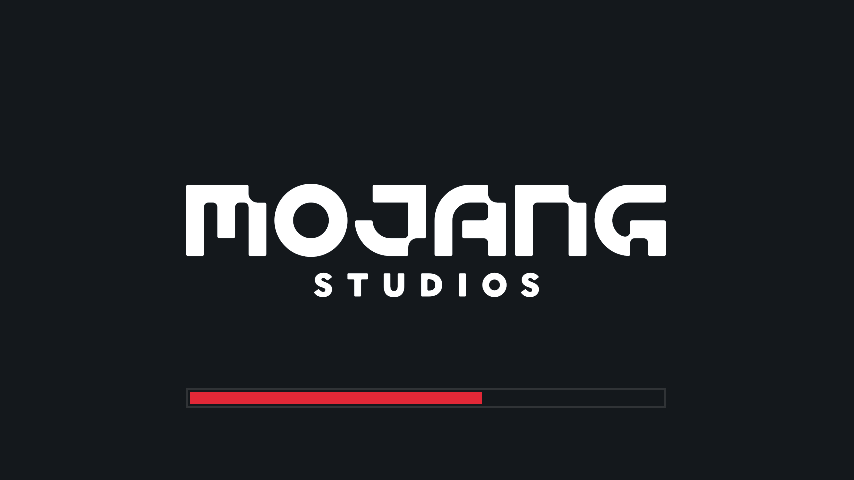
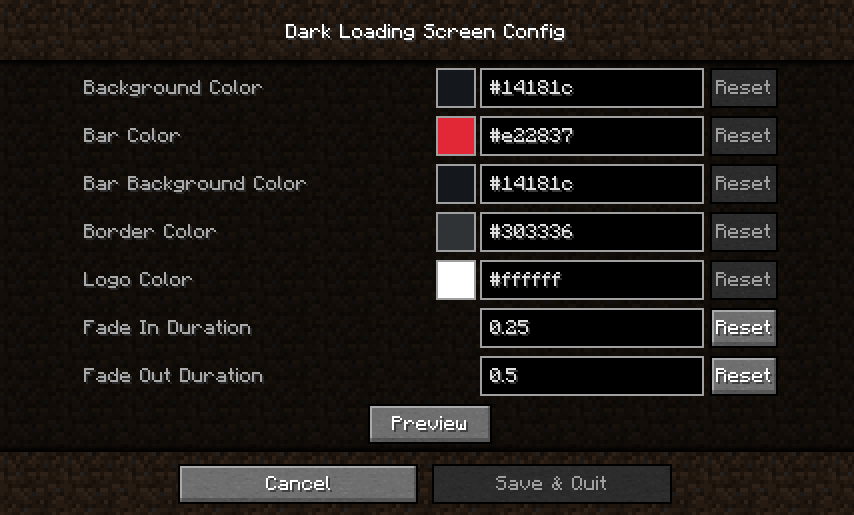
Dark Loading Screen Mod is a mod to make the loading screen darker. Colors can be modified in-game if both Mod Menu and Cloth Config API are installed. Manual configuration: Create or edit .minecraft/config/dark-loading-screen.json, manual changes are only visible after restarting the game.
Screenshots:
Dark Loading Screen Mod Download Links
Quick facts
- Edition: Minecraft Java
- File type: .jar
- Minecraft version listed: 1.21.11
- How to install: Install the matching mod loader (Forge, Fabric or NeoForge) for your Minecraft version. → Download the .jar. → Put it in the .minecraft/mods folder and launch that loader profile.
- Where to get it: Opens on the file's original source — not every file is mirrored on our own servers.
Install steps are the general flow for this file type — How to install Minecraft Java mods & modpacks walks through it step by step.
Dark Loading Screen Mod (26.2, 1.21.11) – Make The Loading Screen Darker is a free Minecraft Java mod. Compatible with Minecraft 1.21.11. Download it and open it directly in the game.