PhantomShapes
I don't know my version or loader
Phantom Shapes Mod
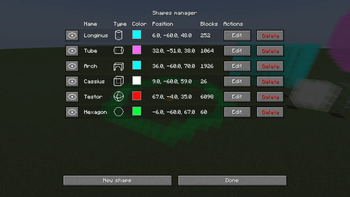
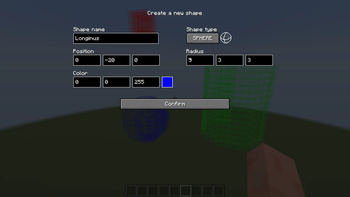
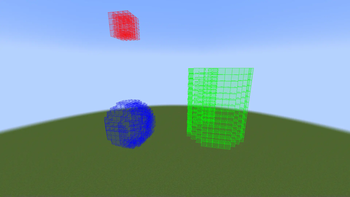
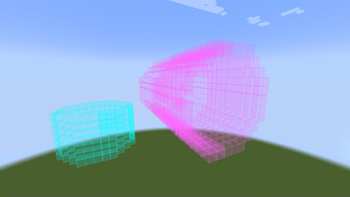
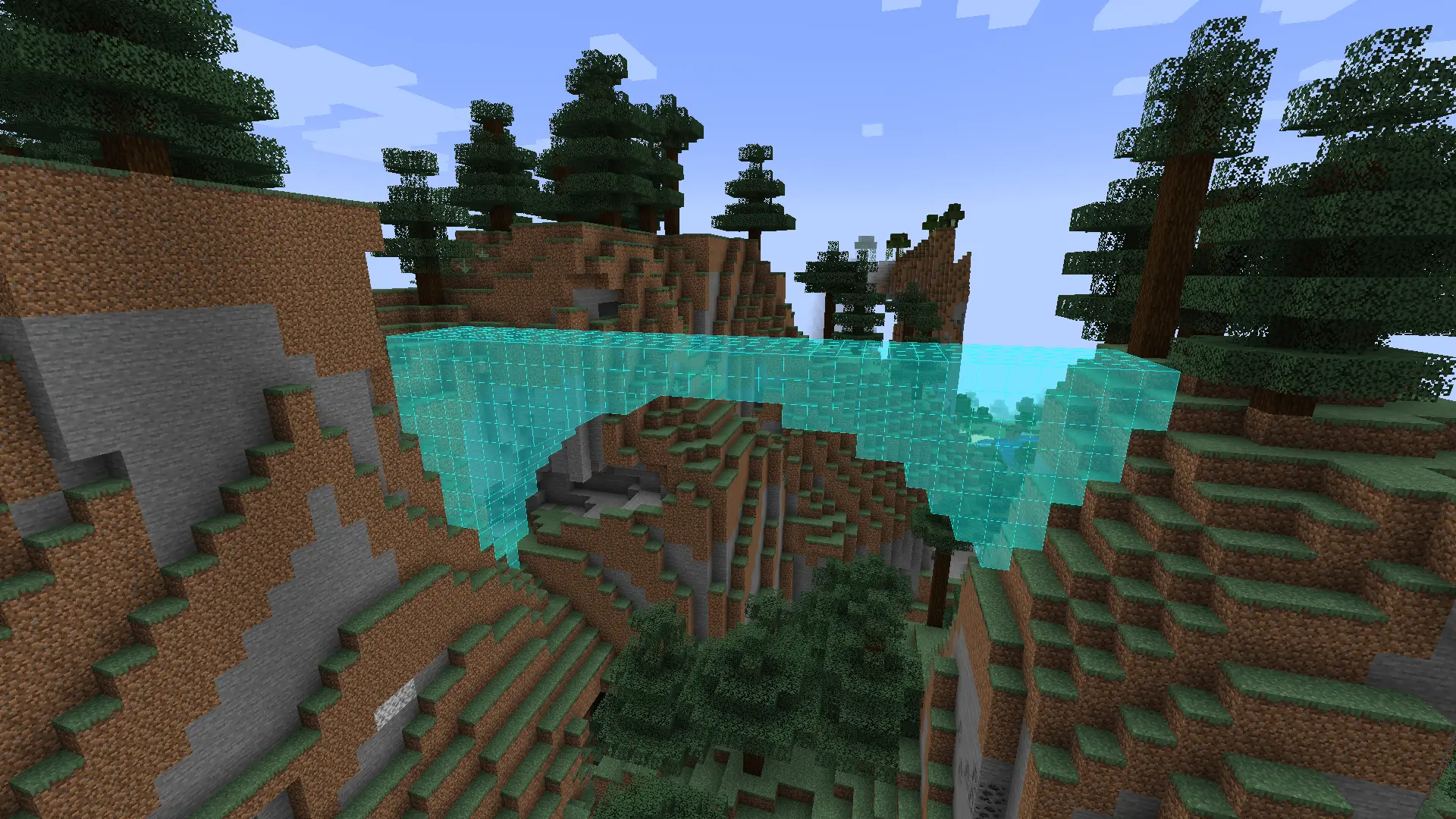
The Phantom Shapes Mod for Minecraft introduces a tool for previewing 3D shapes. With this mod, building 3D shapes becomes an ease, thanks to the inclusion of diverse shapes like cubes, spheres, cylinders, or toruses.
Further development and version bumps currently halted due to my lack of free time and many backend changes made by Mojang, requiring further research and multiple rewrites.
If you have any problems or have an idea for a new feature, make an issue on Github.
Features
Shape Variety
- Cubes
- Spheres
- Cylinders
- Arches
- Polygons
- Toruses
Rotating Shapes
Shapes can be rotated in any direction, allowing players to create unique structures with ease. For example, you can rotate a cylinder by 90 degrees in the X axis to create a tunnel.
Intuitive Interface
- A user-friendly interface allows players to easily navigate through the different shape options.
- Convenient controls make shaping and resizing structures a breeze, giving players complete control over their shapes.
- Scrollable inputs allow for precise property adjustments. Hold shift or control to change the value by 10 or 100 respectively.
- Options to change the color and transparency of the shapes or even the size of the blocks themselves.
Compatibility:
If you find any incompatibilities, please let me know.
| Mod | Compatibility |
|---|---|
| Optifine | ❓Unknown |
| Sodium | ✅Compatible |
How to use:
Upon loading into the game simply press K and the shape manager menu will show up.
You can change the keybinds in the controls menu.
From that point, you should be able to use the interface to do anything.
Mod settings can be accessed using the Mod Menu
Required libraries
Special thanks
Special thanks to kayaks00n for making the icons
- Edition: Minecraft Java
- File type: .jar
- Minecraft versions listed: 1.21.2, 1.21.3, 1.21.4
- How to install: Install the matching mod loader (Forge, Fabric or NeoForge) for your Minecraft version. → Download the .jar. → Put it in the .minecraft/mods folder and launch that loader profile.
- Where to get it: Opens on Modrinth — not every file is mirrored on our own servers.
Install steps are the general flow for this file type — How to install Minecraft Java mods & modpacks walks through it step by step.
- Ships as phantomshapes-2.0.1.jar — drop this file into the mods folder
- Download size: 143 KB
- Download link checked 30 Aug 2026 — working
These come from our own check of the pack file, not from the source page.