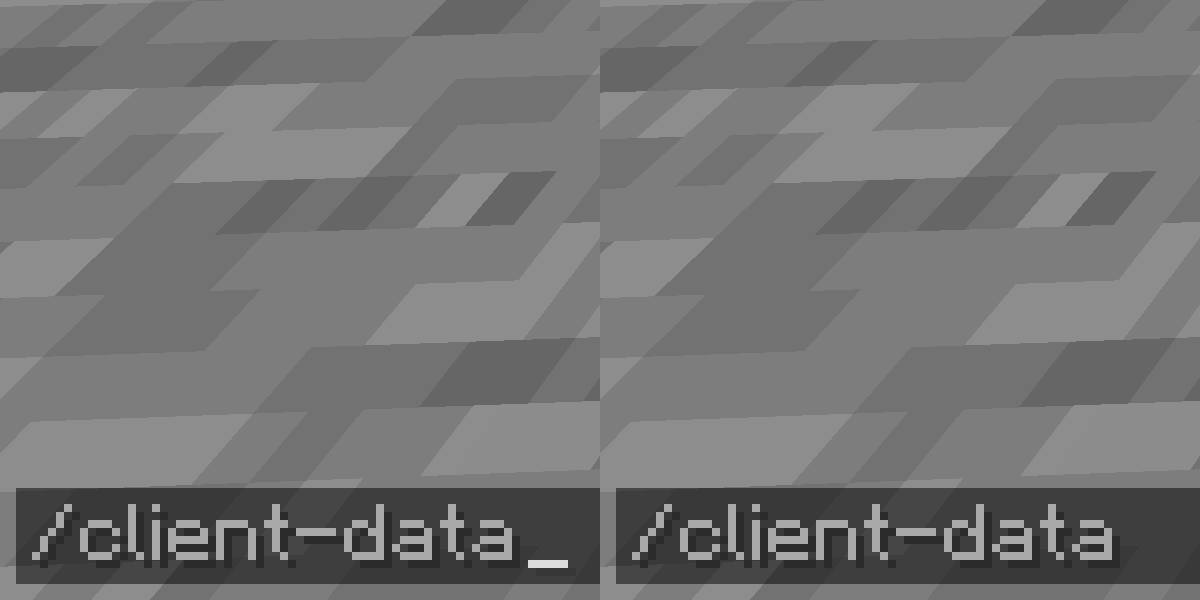
Client Data Command







Add client-sided Data command. View NBT easier without permission.
Requirements
Commands
Client-Data
client-data
    ... get <TARGET> [<path>] [<scale>]
    ... merge <TARGET> <nbt>
    ... modify <TARGET> <targetPath> <MODIFICATION>
        ... from <SOURCE> [<sourcePath>]
        ... string <SOURCE> [<sourcePath>] [<start>] [<end>]
        ... value <value>
    ... remove <TARGET> <path>
<TARGET>=(block <targetPos> | entity <target>)<MODIFICATION>=(append|insert <index>|merge|prepend|set)<SOURCE>=(block <sourcePos> | entity <source>)
About this command, please visit Commands/data page of Minecraft Wiki.
Storage data is not supported and there are no plans about.
Datac
datac (get|merge|modify|remove) ...
Shorthand version of Client-Data command.
Known Issues
Notes
- The mod file name indicates the mod name, loader and version:
(mod name)-(mod loader)-(mod version)+mc(built minecraft version).jar- For example:
FabricModTemplate-fabric-1.0+mc1.21.jar
Quick facts
- Edition: Minecraft Java
- File type: .jar
- Minecraft versions listed: 1.21-pre2, 1.21-pre3, 1.21-pre4
- How to install: Install the matching mod loader (Forge, Fabric or NeoForge) for your Minecraft version. → Download the .jar. → Put it in the .minecraft/mods folder and launch that loader profile.
- Where to get it: Opens on Modrinth — not every file is mirrored on our own servers.
Install steps are the general flow for this file type — How to install Minecraft Java mods & modpacks walks through it step by step.
Verified by MCModsHub
- Ships as ClientDataCommand-fabric-1.0+mc1.21.jar — drop this file into the mods folder
- Download size: 35 KB
- Download link checked 20 Sept 2026 — working
These come from our own check of the pack file, not from the source page.