
ModsJava
StorageBox Mod (26.2, 1.20.1) – Store A Large Number of One Item
Java mod listed for Minecraft 1.20. Downloads from the MC Java Mods app on Android.
⬇ Download
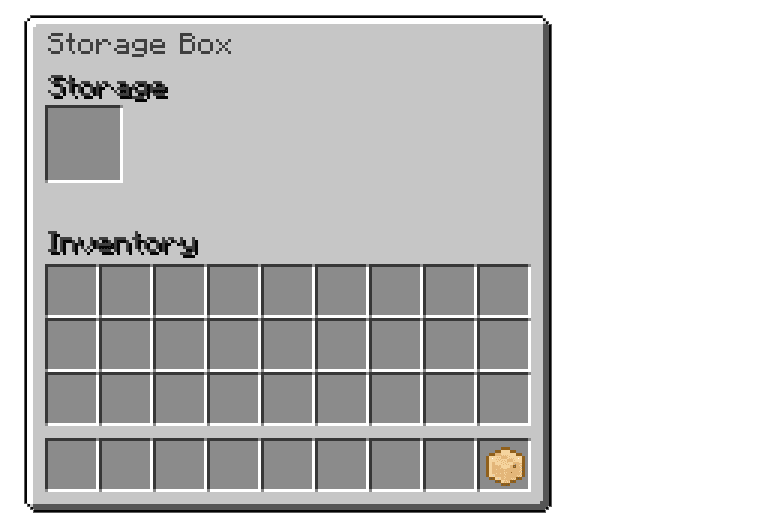
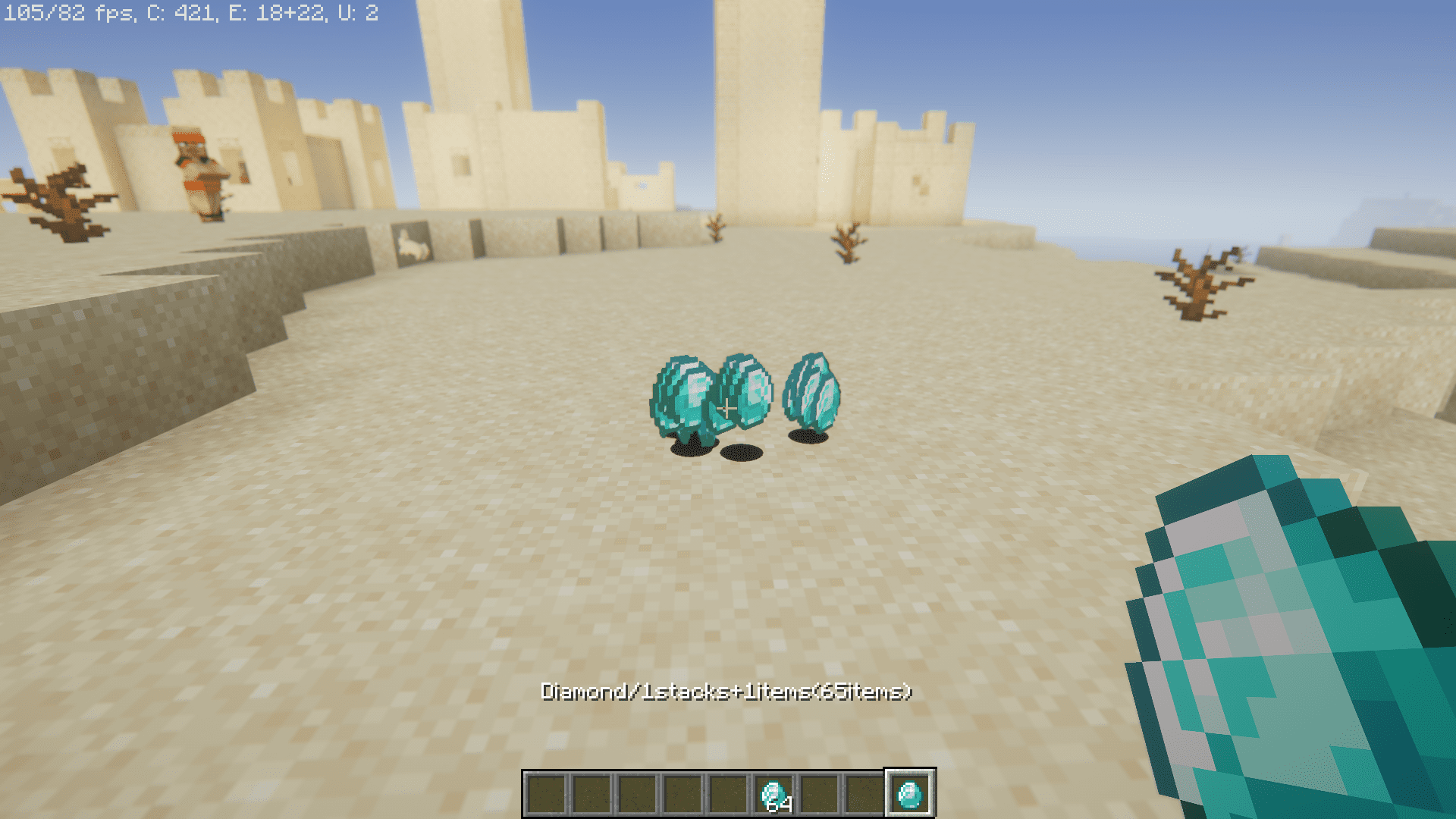
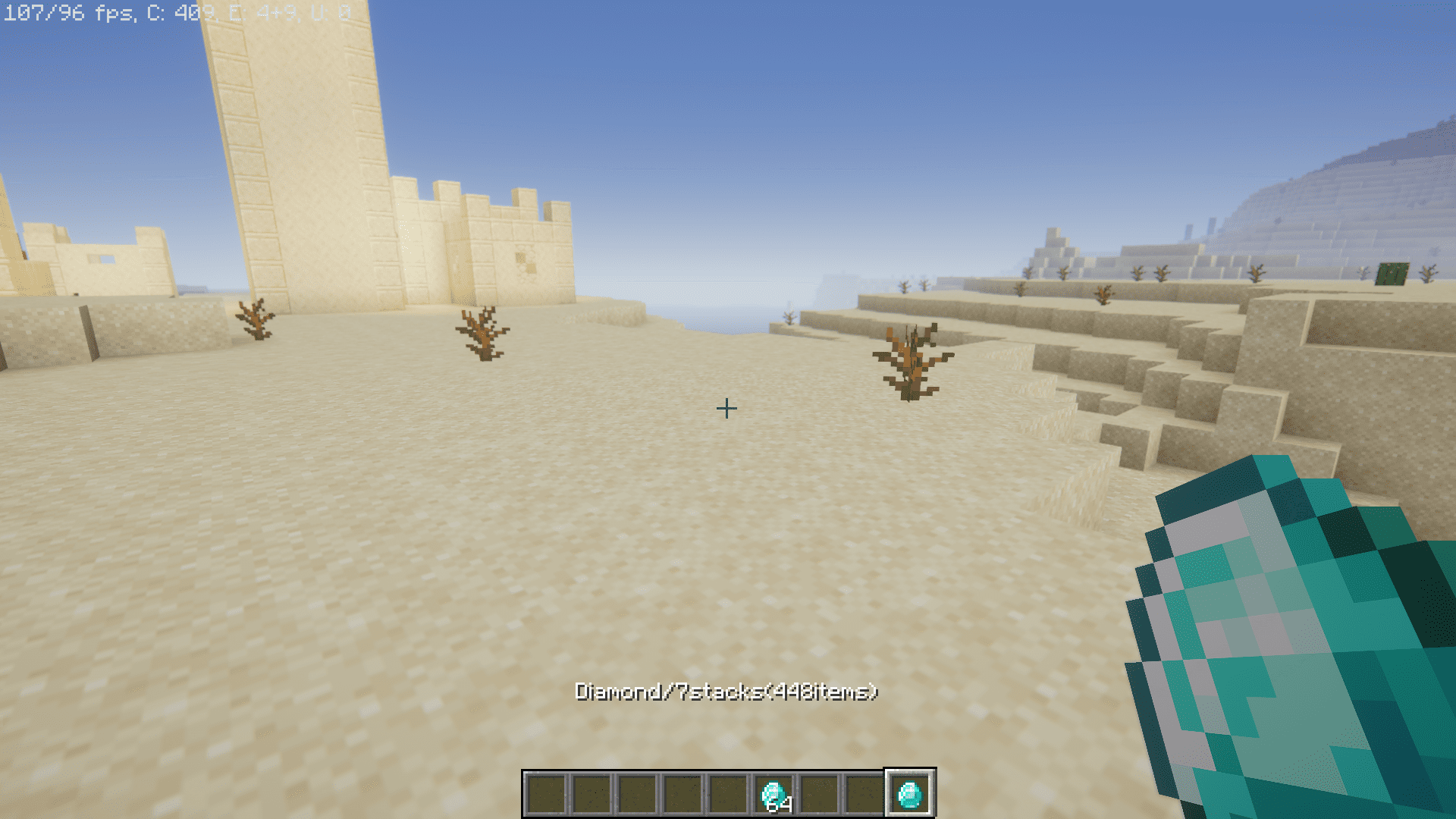
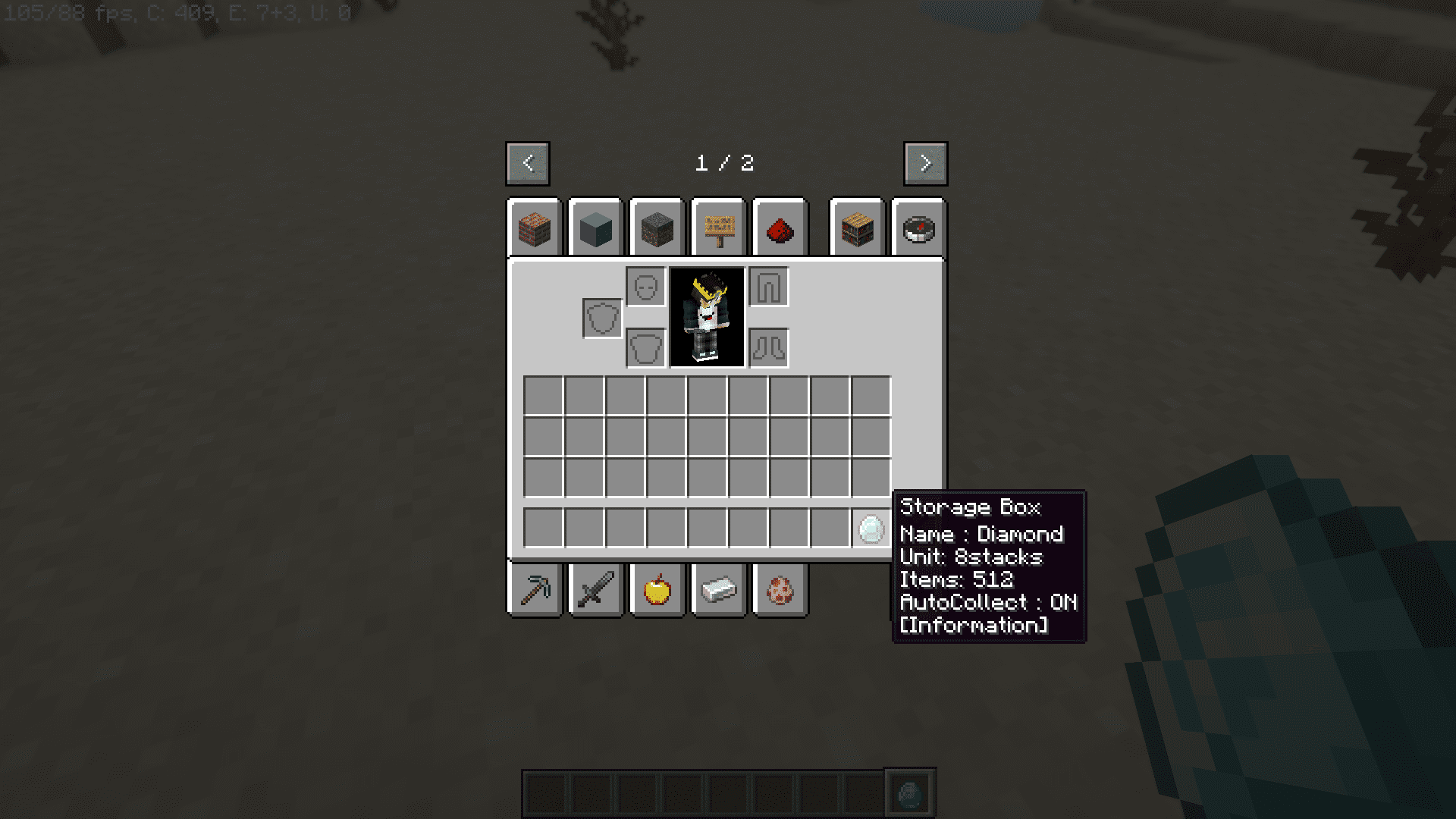
StorageBox Mod allows you to store almost unlimited amounts of a single item and carry it easily. Maximum storage per item: 2,147,483,647 units. Blocks can be placed directly, and food items can be eaten directly from the box. Items with durability or enchantments cannot be stored.
Features:
- Store almost unlimited amounts of a single item (up to
2,147,483,647units). - Blocks can be placed directly from the StorageBox.
- Food items can be eaten directly from the StorageBox.
- Items with durability or enchantments cannot be stored.
- Easy to carry and manage items.
- Auto-collect items from inventory (can be turned on/off).
- Detect special containers during auto-collect:
- Ender Chest
- Simple Backpack [FABRIC]
- StorageBoxes inside Shulker Boxes
How to use:
- Set an Item:
- Hold a
StorageBoxand right-click to open the GUI. - Place the item you want to store in the top-left slot.
- Hold a
- Controls (default keys):
- Insert an item:
: - Take out 1 stack & auto-store in container:
Shift + : - Drop 1 stack:
Ctrl + Shift + : - Toggle auto-collect:
Ctrl + :
- Insert an item:
Configuration:
- File location:
config/storagebox.json - Settings:
DefaultAutoCollect: true/false – Enable auto-collect by default.SupportEnderChest: true/false – Detect Ender Chests during auto-collect.SupportSimpleBackpack: true/false – Detect Simple Backpack [FABRIC].SupportShulkerBox: true/false – Detect StorageBoxes inside Shulker Boxes.
Screenshots:
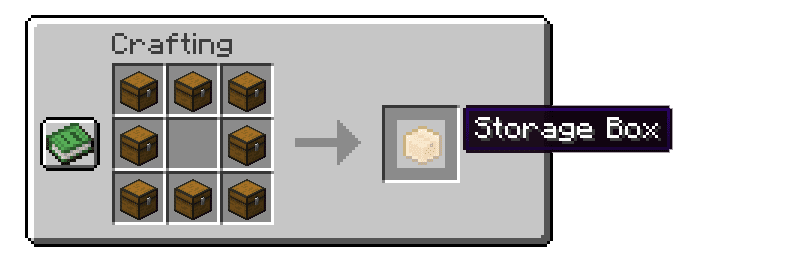
Crafting Recipes:
StorageBox Mod Download Links
Quick facts
- Edition: Minecraft Java
- File type: .jar
- Minecraft version listed: 1.20.1
- How to install: Install the matching mod loader (Forge, Fabric or NeoForge) for your Minecraft version. → Download the .jar. → Put it in the .minecraft/mods folder and launch that loader profile.
- Where to get it: In MC Java Mods, or directly above on this page.
Install steps are the general flow for this file type — How to install Minecraft Java mods & modpacks walks through it step by step.
File checked by MCModsHub
- Downloads as 2615.mcaddon
- Download size: 98 KB
- Download link checked 22 Sept 2026 — working
- Mirrored on our own servers — the download does not depend on the original host
These come from our own check of the pack file, not from the source page.