ModsJava
Neruina Mod (26.2, 1.20.1) – Say Goodbye to Game Crashes
Java mod listed for Minecraft 1.20. Downloads from the MC Java Mods app on Android.
⬇ Download

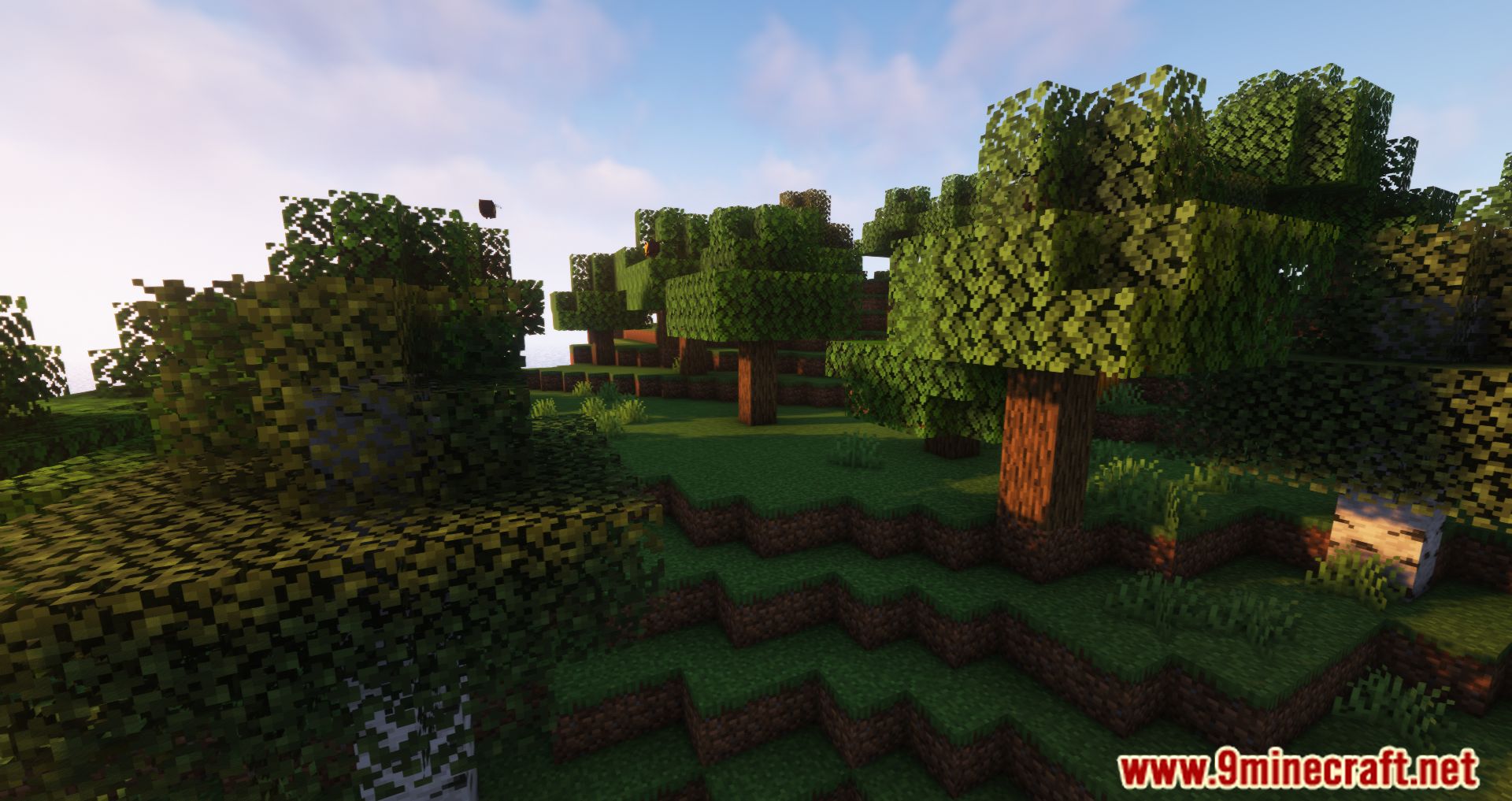
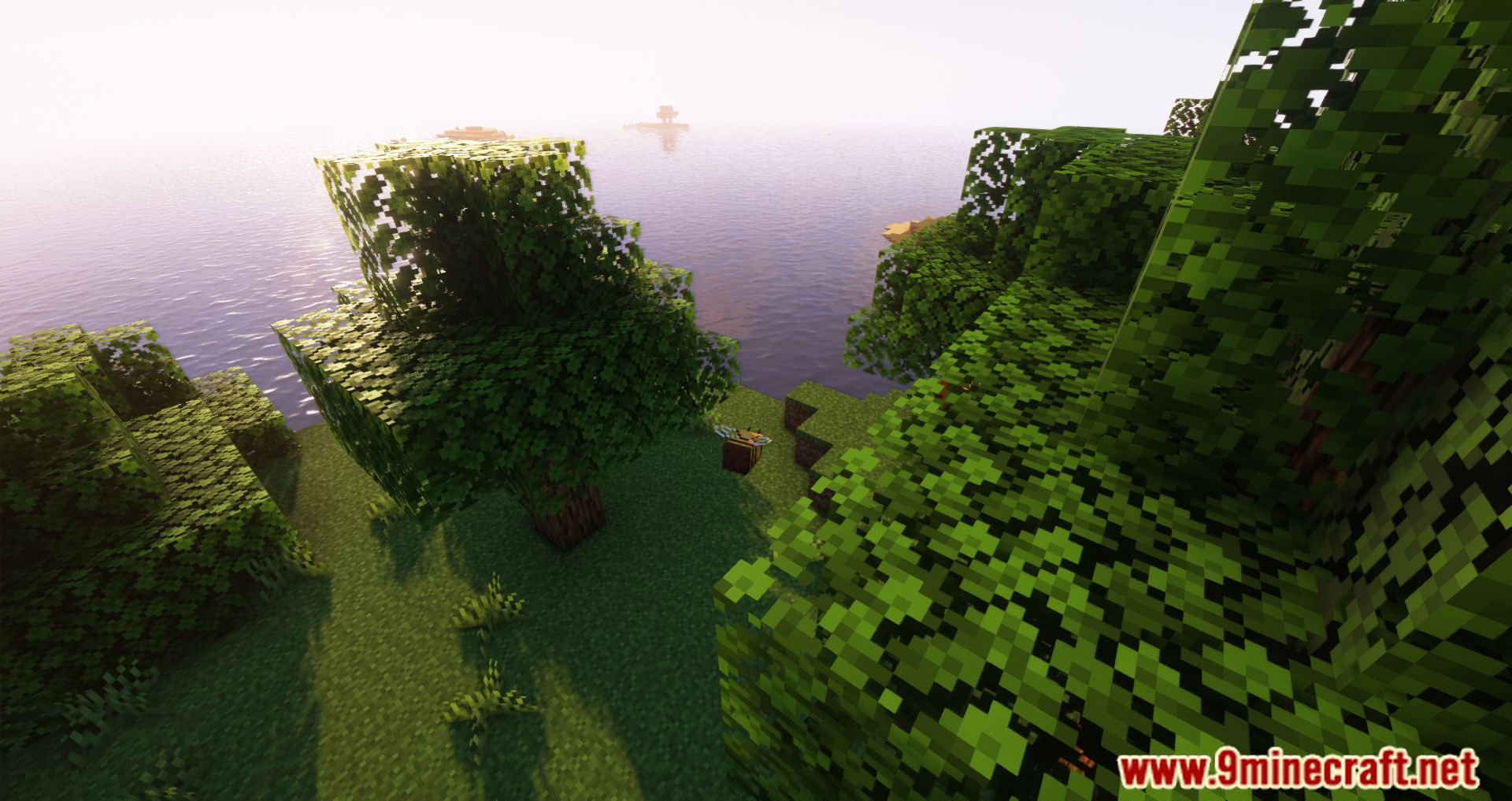
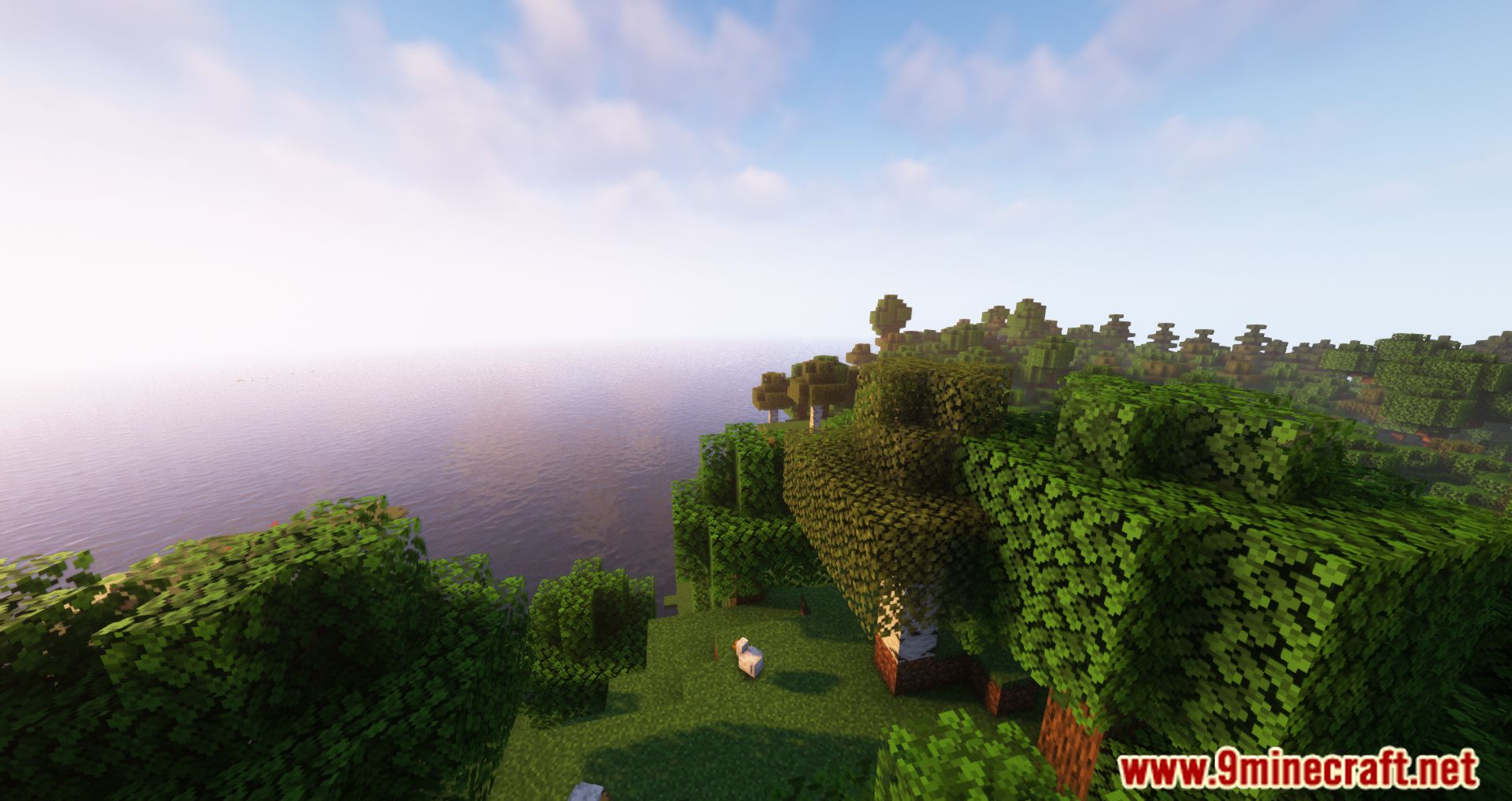
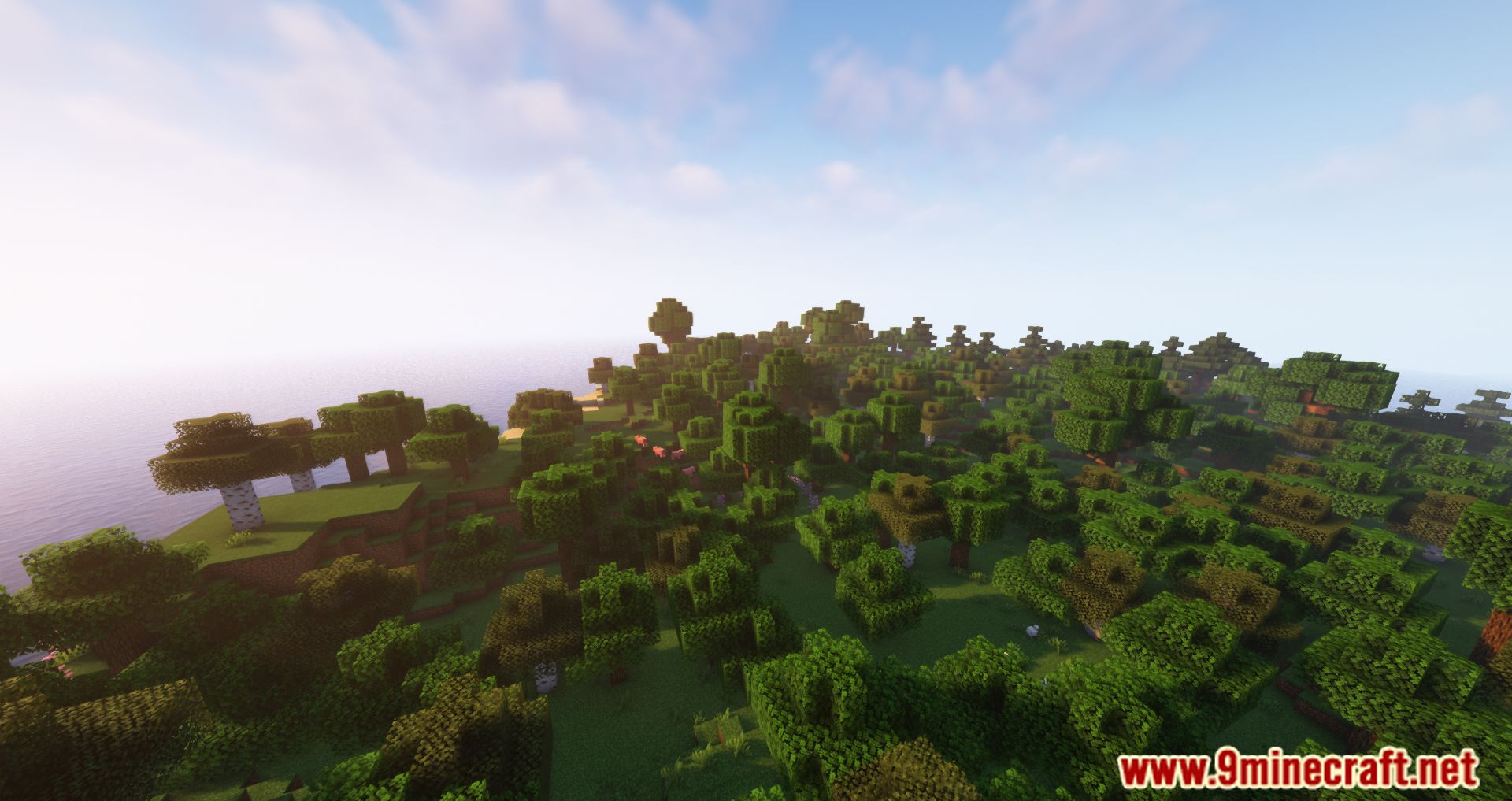
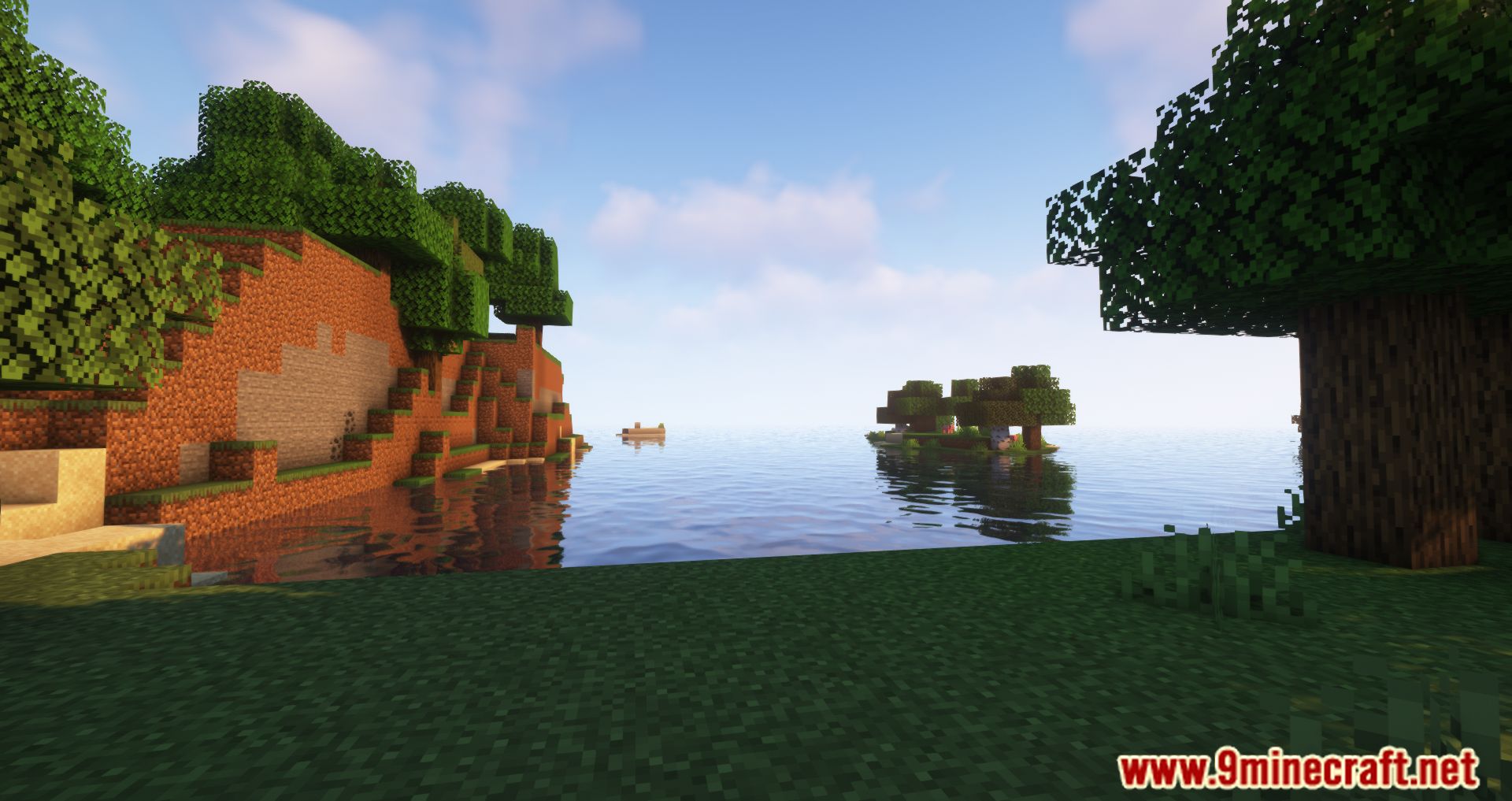
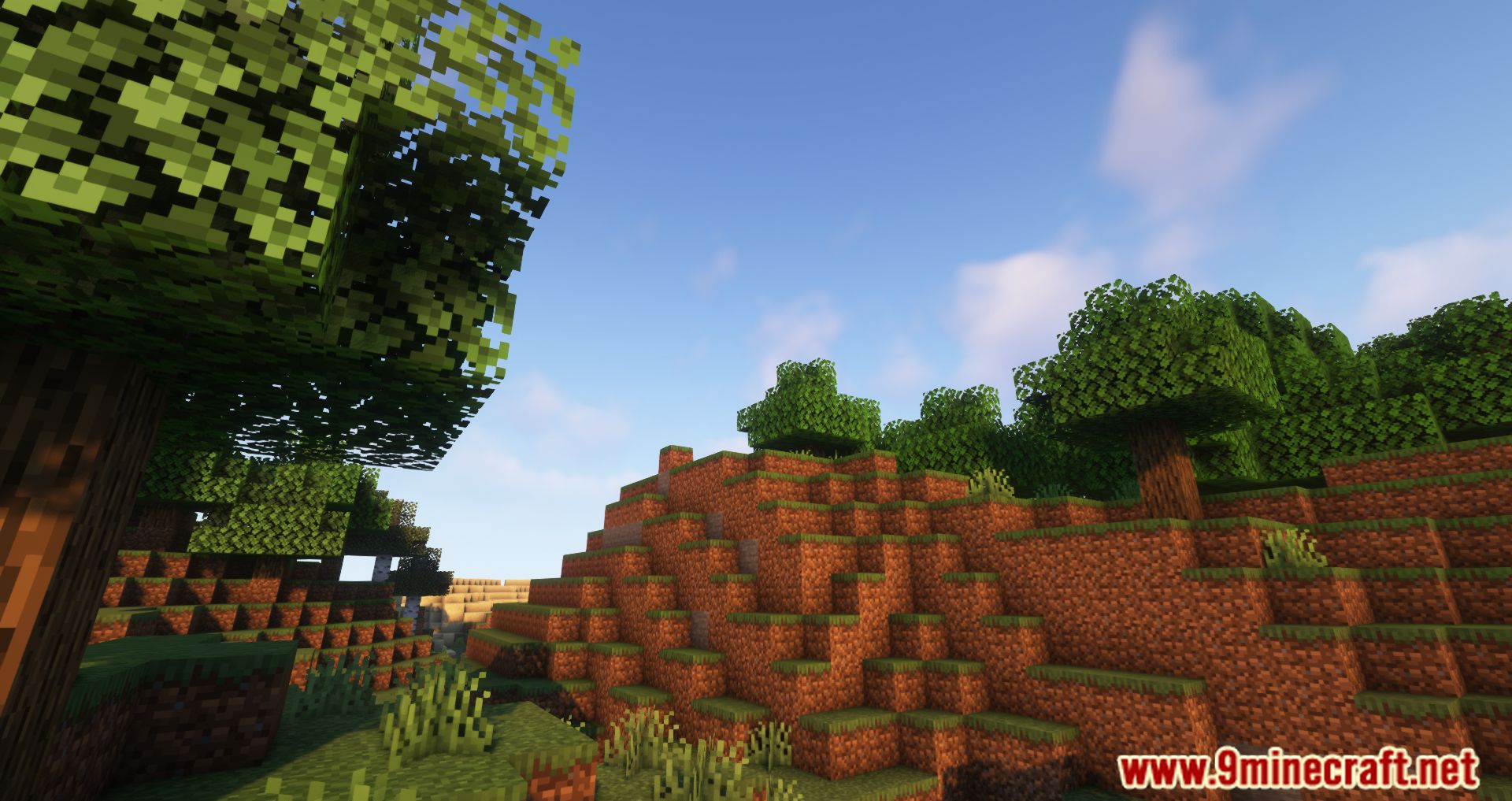
Neruina Mod prevents game crashes caused by ticking problems. When a block, mob, or item creates an error, this mod stops it from breaking your world. For example, a problematic mob will be suspended so the game can continue running. If a player is the source of the crash, they are kicked to keep the server stable for everyone else.
Features:
- Suspends any mob that causes a ticking crash. You can still interact with it but cannot attack it.
- Stops faulty blocks and block entities from ticking, but you can still access their inventories.
- Prevents items from causing crashes while in an inventory, but they can still be used in crafting recipes.
- Kicks a player from the game if their actions cause a ticking crash.
- Provides actions to manage issues, such as teleporting to the problem’s location or killing the mob.
- Lets you copy the crash information to your clipboard.
- Remembers all ticking issues even after the server restarts.
- Protects the server from becoming unusable by forcing a crash if too many errors happen too quickly, creating a detailed report.
Configuration:
- Log_level: Controls who receives broadcast messages about ticking issues. Options are ‘operators’ (default), ‘everyone’, or ‘disabled’.
- Ticking_exception_threshold: Sets the maximum number of errors allowed in a 5-minute window before the mod forces a crash to protect the server. The default is 10, and -1 disables it.
- Auto_kill_ticking_entities: If set to true, the mod will automatically kill and remove problematic entities instead of just suspending them. The default is false.
Screenshots:
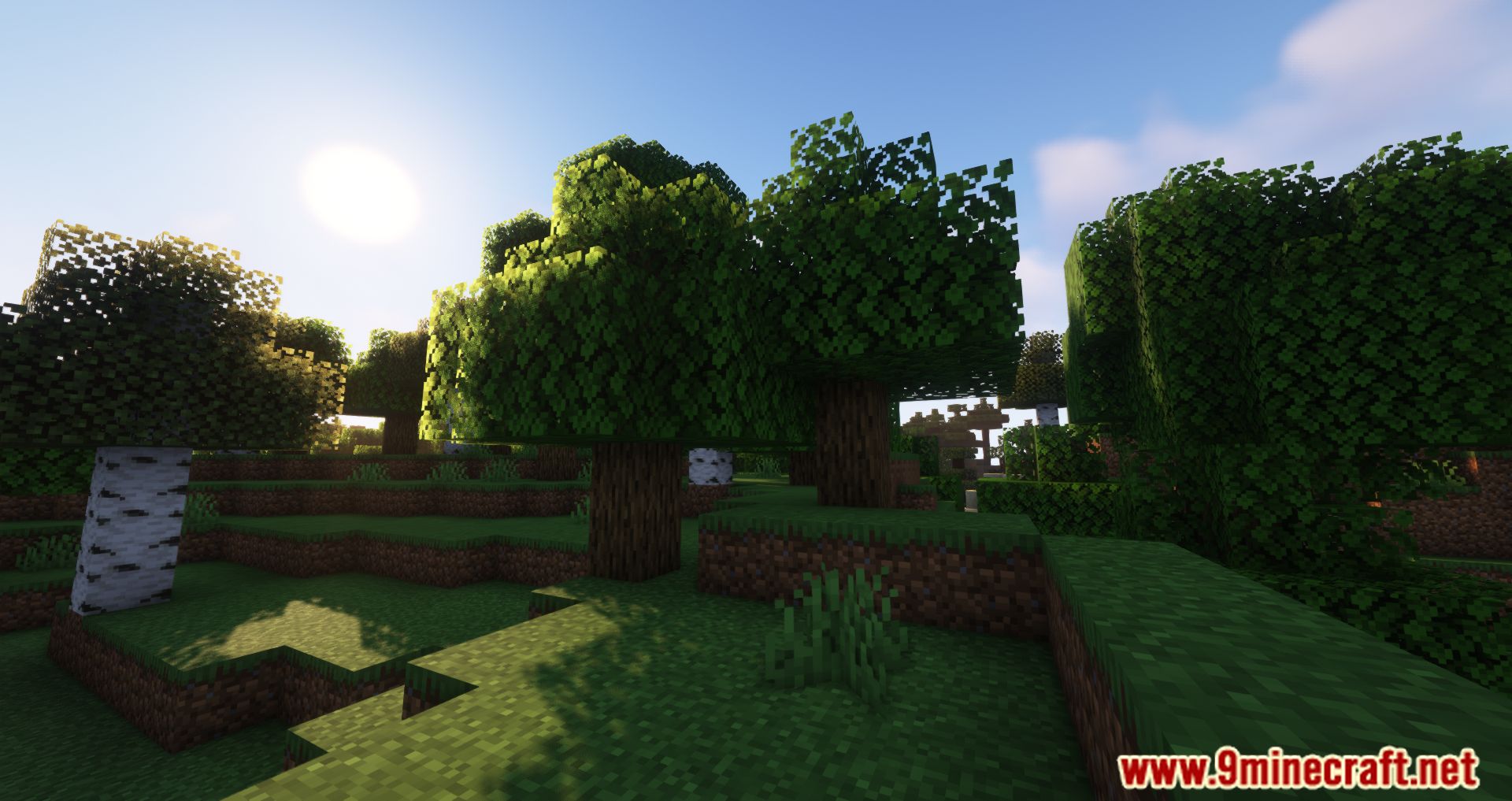
Neruina Mod Download Links
Quick facts
- Edition: Minecraft Java
- File type: .jar
- Minecraft version listed: 1.20.1
- How to install: Install the matching mod loader (Forge, Fabric or NeoForge) for your Minecraft version. → Download the .jar. → Put it in the .minecraft/mods folder and launch that loader profile.
- Where to get it: In MC Java Mods, or directly above on this page.
Install steps are the general flow for this file type — How to install Minecraft Java mods & modpacks walks through it step by step.
File checked by MCModsHub
- Downloads as 26152.mcaddon
- Download size: 1.7 MB
- Download link checked 26 Sept 2026 — working
- Mirrored on our own servers — the download does not depend on the original host
These come from our own check of the pack file, not from the source page.