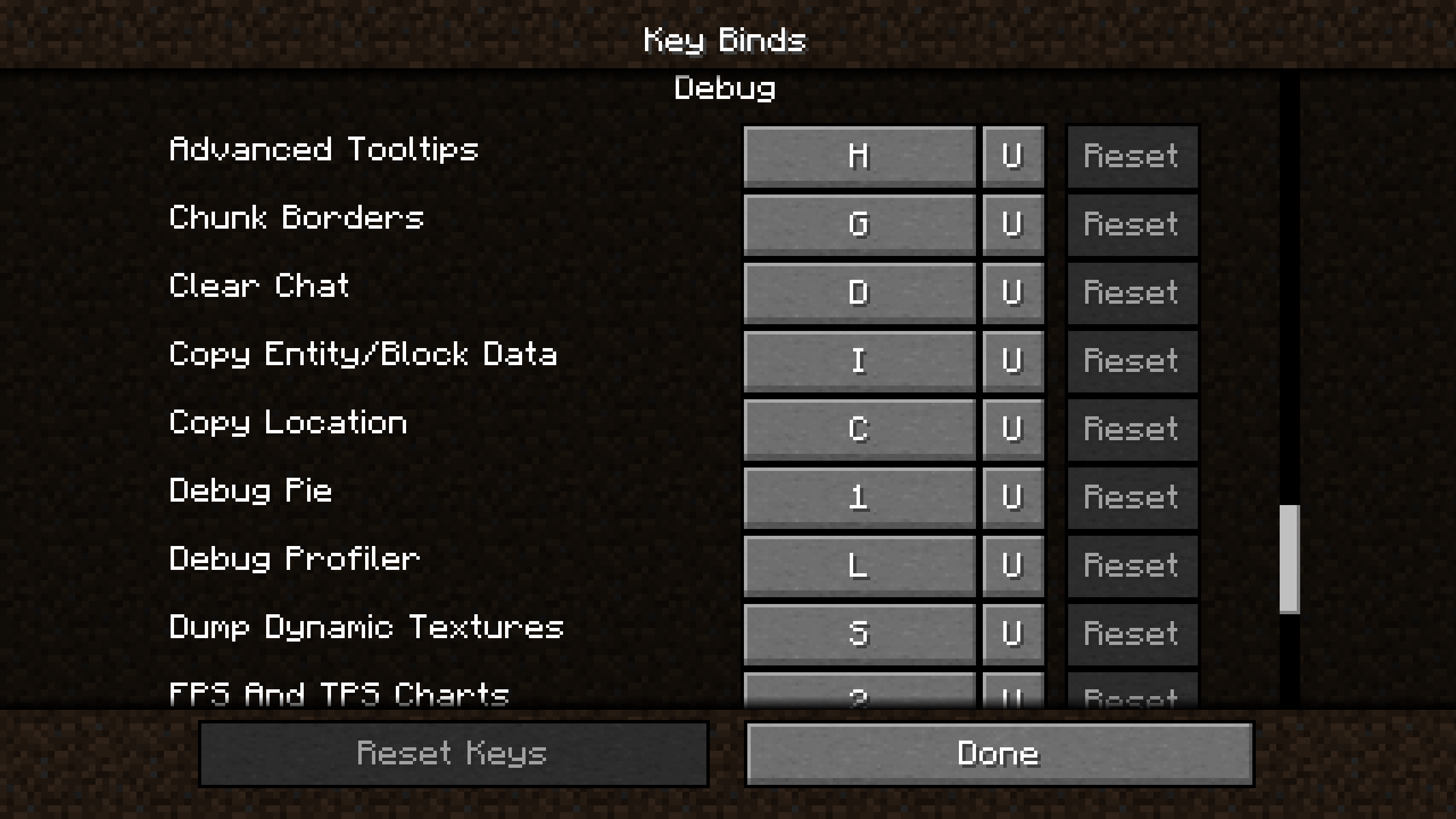
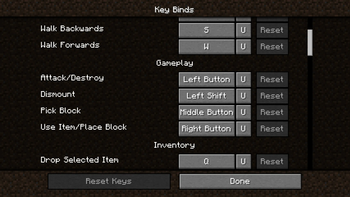
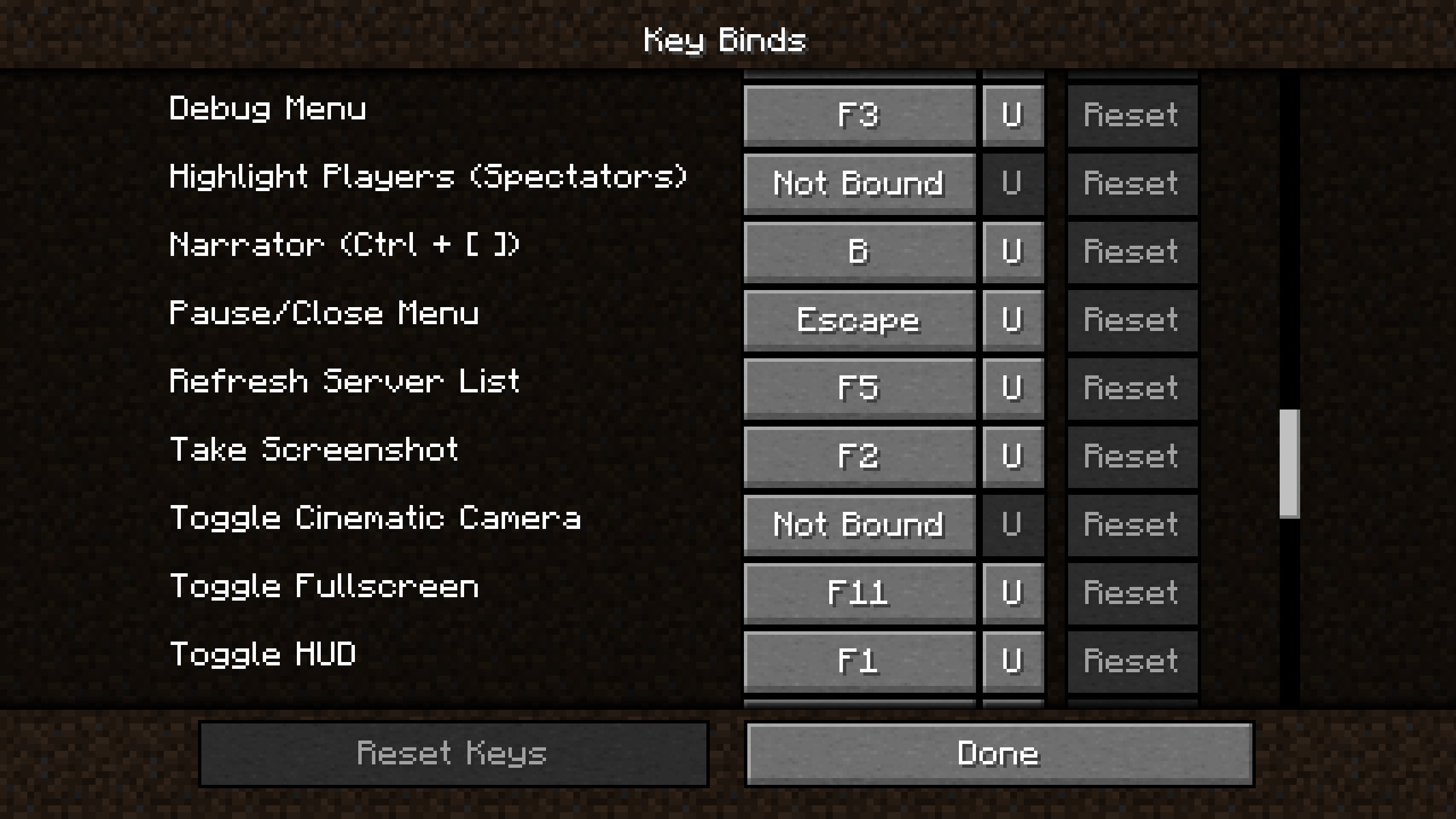
 RebindMyKeys allows you to rebind normally hard-coded keybindings. It also allows escape to be used in keybindings and adds a button to allow unbinding of keys.
Why do I want this mod?
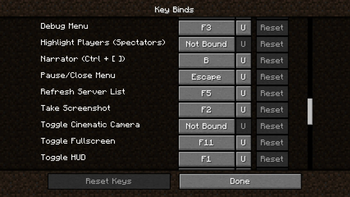
You don't like the Debug Menu being F3 or having to press F1 to hide your HUD? Then this mod is for you. With RebindMyKeys you can rebind the Debug Menu, HUD and more!
KeyBindings added for
- Pause / Close Menu
- Narrator
- Debug Menu
- Toggle HUD
- Debug Combinations (e.g. Show Hitboxes) (1.20.1 or lower is unable to rebind the f3 menu charts)
- Dismount (suggested by @tadm12)
- Refresh Server List (suggested by @BioTechproject27)
If you want me to add a KeyBinding please create an Issue on my GitHub!
Usage
Rebind
The additional KeyBindings function just like normal KeyBindings. KeyBindings which are used with a key combination only conflict with keys using the same combination. This mod also allows the vanilla fullscreen and screenshot KeyBindings to be bound to mouse keys.
Unbind
To unbind a KeyBinding simply press the "U" button. This mod removes the vanilla function of unbinding a key when you try to bind it to escape and instead allows binding keys to escape. (thanks to @syorito-hatsuki)
Rebranded from UnbindMyKeys.
- Edition: Minecraft Java
- File type: .jar
- Minecraft versions listed: 1.20, 1.20.1, 1.20.2
- How to install: Install the matching mod loader (Forge, Fabric or NeoForge) for your Minecraft version. → Download the .jar. → Put it in the .minecraft/mods folder and launch that loader profile.
- Where to get it: Opens on Modrinth — not every file is mirrored on our own servers.
Install steps are the general flow for this file type — How to install Minecraft Java mods & modpacks walks through it step by step.
- Ships as RebindMyKeys-3.0+alpha2.1.jar — drop this file into the mods folder
- Download size: 47 KB
- Download link checked 30 Aug 2026 — working
These come from our own check of the pack file, not from the source page.