Applied Web Terminal
Move your AE terminal to the web!
Dependencies
Usage
- Download the latest version of this mod from Releases and install the dependencies
- If you are playing in single-player mode:
- Enter your single-player world
- Run the command
/appwebterminal resources renderto generate frontend resources (only needs to be run once)
- If you are playing on a server:
- Create a new single-player world
- Run the command
/appwebterminal resources renderto generate frontend resources (only needs to be run once) - Upload the
aeKeyResourcesfolder from your game root directory to your server
- Connect the
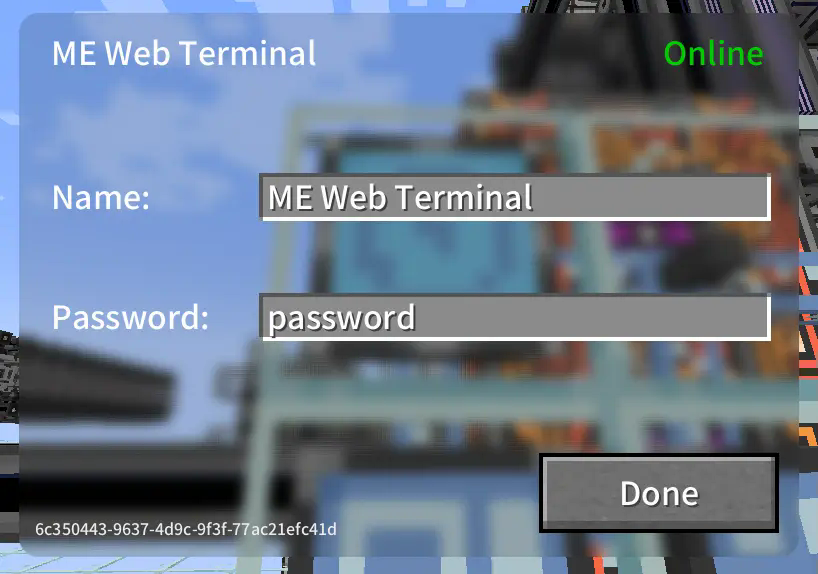
ME Web Terminalto the AE network - Right-click to open the GUI and configure the name and password
- Open your web browser, access the network terminal address, and log in with the password
- All done!
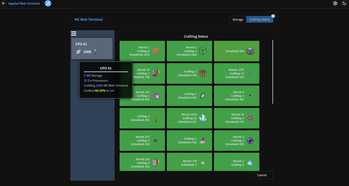
Images
Storage Page
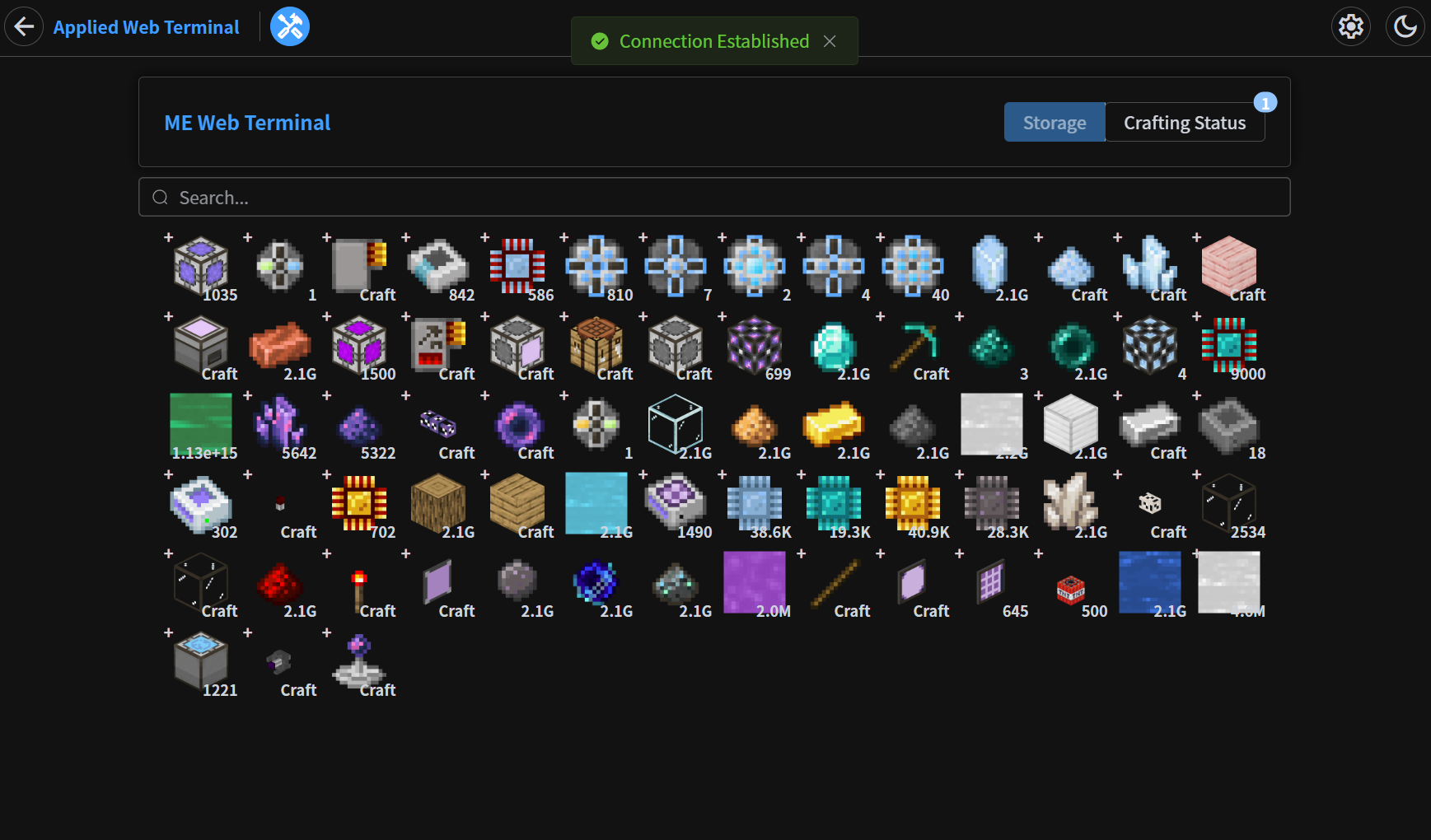
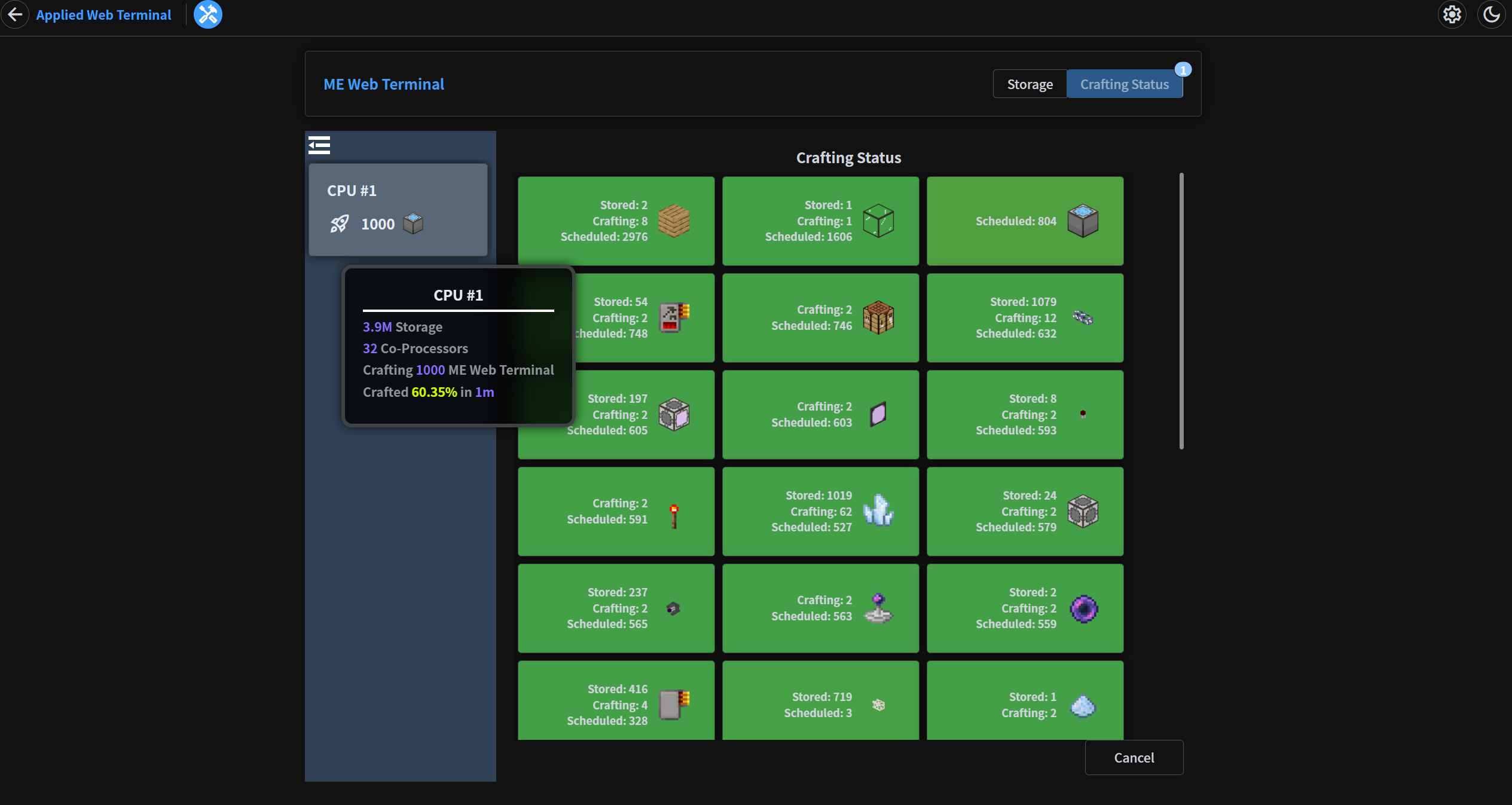
Crafting Status Page
In-Game GUI
Quick facts
- Edition: Minecraft Java
- File type: .jar
- Minecraft version listed: 1.20.1
- How to install: Install the matching mod loader (Forge, Fabric or NeoForge) for your Minecraft version. → Download the .jar. → Put it in the .minecraft/mods folder and launch that loader profile.
- Where to get it: Opens on Modrinth — not every file is mirrored on our own servers.
Install steps are the general flow for this file type — How to install Minecraft Java mods & modpacks walks through it step by step.
Verified by MCModsHub
- Ships as appwebterminal-1.2.4.jar — drop this file into the mods folder
- Download size: 10.3 MB
- Download link checked 30 Aug 2026 — working
These come from our own check of the pack file, not from the source page.