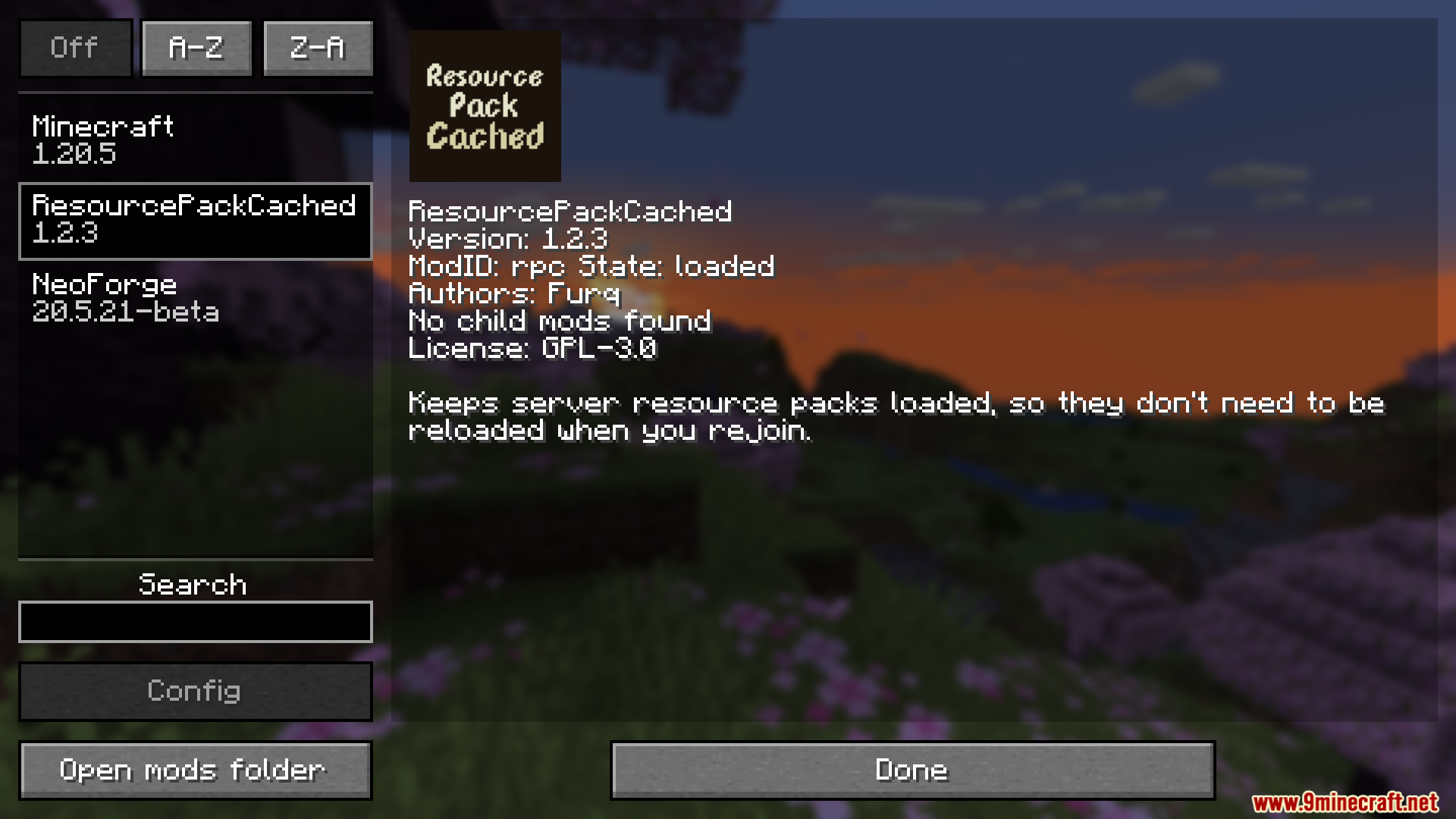

Resource Pack Cached Mod stops you from having to reload server resource packs every time you join. This mod saves a server’s resource pack the first time you connect. When you rejoin that server later, you can get in right away without the long download. It also automatically applies the last server pack you used when you start up Minecraft.
Features:
- Saves a server’s resource pack the first time you join.
- Stops the game from downloading the same pack every time you connect.
- Lets you get back into your favorite servers much faster.
- Automatically loads the last used server pack when you start the game.
This mod is great for:
- Servers that use their own resource packs for all players.
- Players who want to skip the long “Downloading Resource Pack” screen.
- Anyone testing a resource pack who needs to disconnect and reconnect often.
Screenshots:
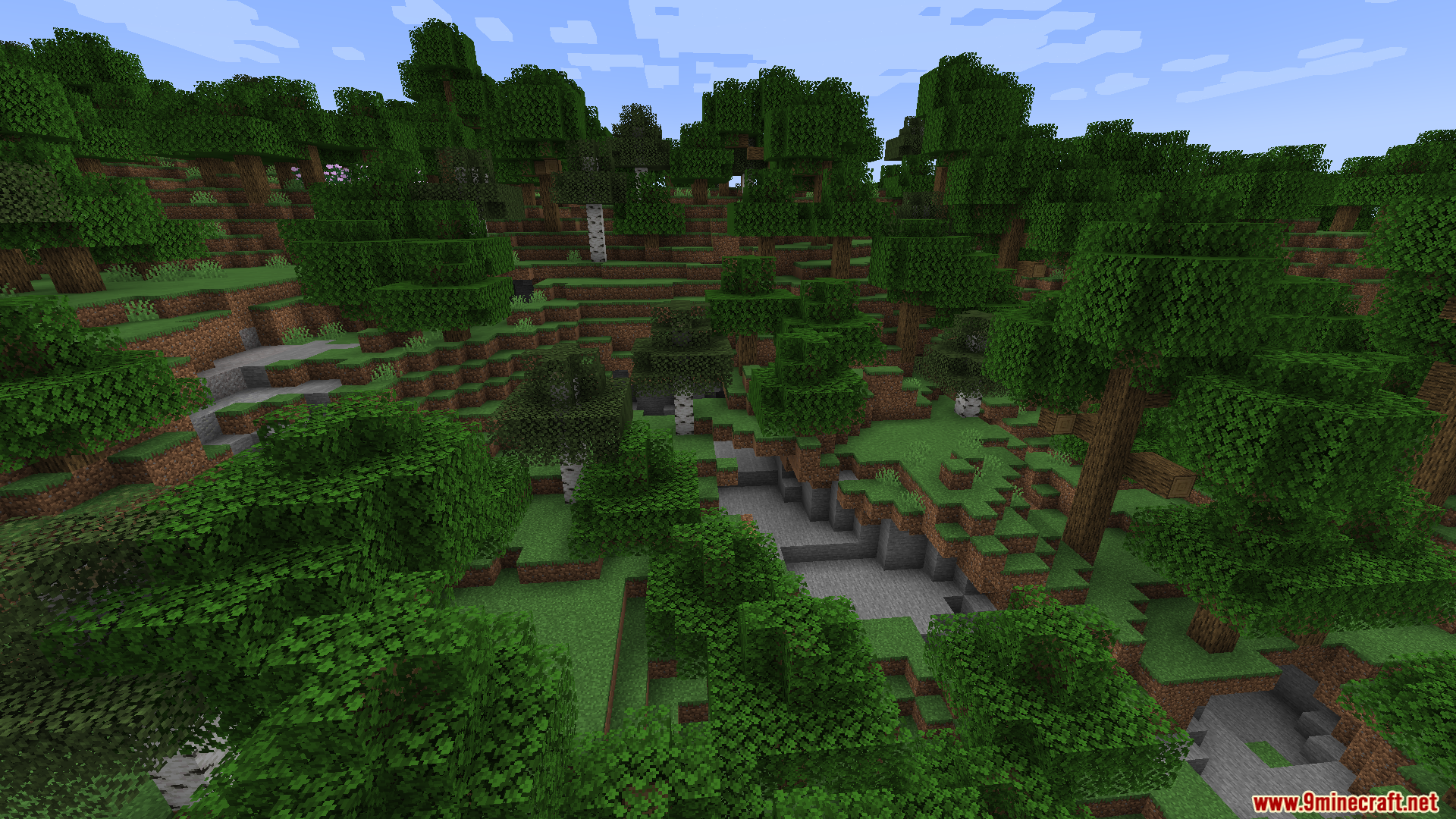


Resource Pack Cached Mod Download Links
Quick facts
- Edition: Minecraft Java
- File type: .jar
- Minecraft version listed: 1.20.1
- How to install: Install the matching mod loader (Forge, Fabric or NeoForge) for your Minecraft version. → Download the .jar. → Put it in the .minecraft/mods folder and launch that loader profile.
- Where to get it: In MC Java Mods, or directly above on this page.
Install steps are the general flow for this file type — How to install Minecraft Java mods & modpacks walks through it step by step.
Verified by MCModsHub
- Downloads as 26176.mcaddon
- Download size: 15 KB
- Download link checked 23 Sept 2026 — working
- Mirrored on our own servers — the download does not depend on the original host
These come from our own check of the pack file, not from the source page.