
ModsJava
Lazy Recipes Editor
Helps modpack and server makers to create, edit and disable crafting recipes in-game using a fancy custom GUI, without writing JSON files manually!
⬇ Download on Modrinth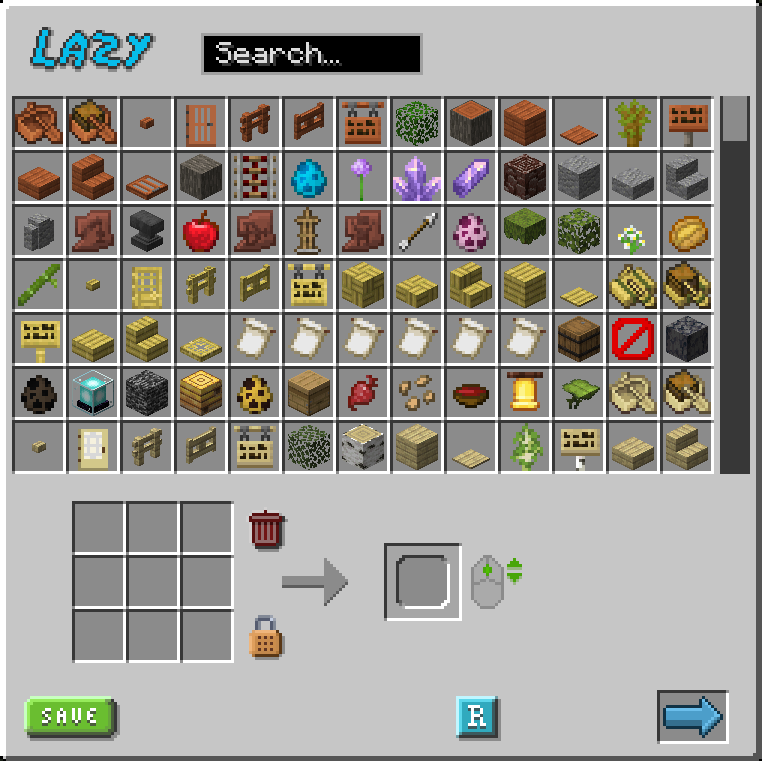
Lazy Recipes Editor
A mod that allows modpack and server makers to create, edit and disable crafting recipes in-game, without writing JSON files manually, using a fancy custom GUI. This mod uses the classical datapack tree structure to store recipes.
Join Us on Discord
Recipe Creation
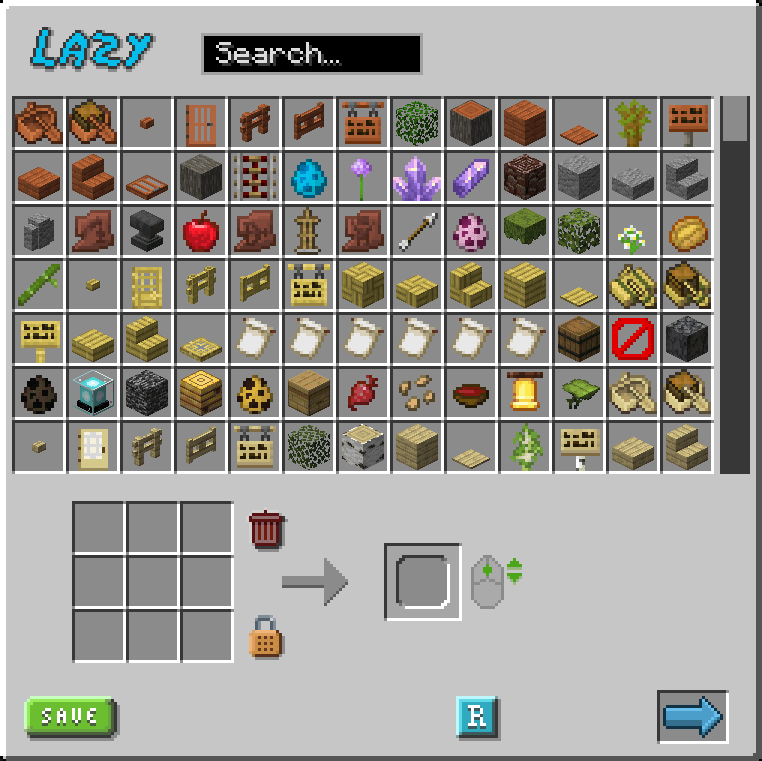
- Visual Crafting Grid: Drag and drop items to create recipes
- Item Search: Quick search through all available items and modids
- Recipes shape: Toggle between shaped and shapeless recipes
- Output Control: Set custom output amounts using mouse wheel
- Tag Support: Item tags supported as recipes ingredients! (shift + click on a crafting grid slot)
Recipe Management
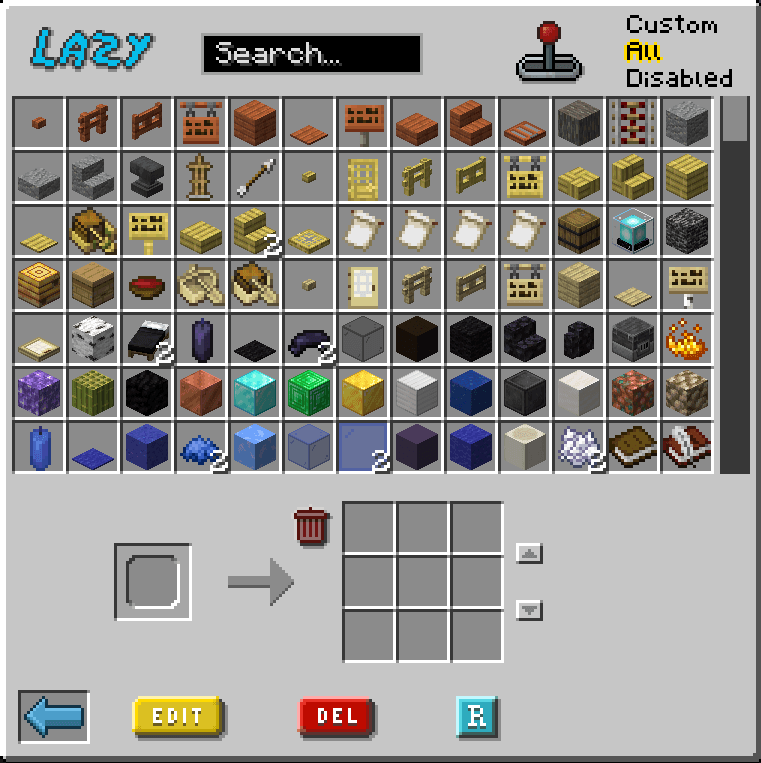
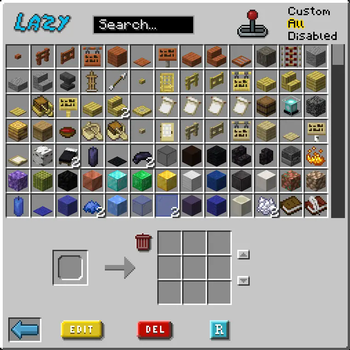
- Edit Recipes: Edit existing recipes both vanilla or custom
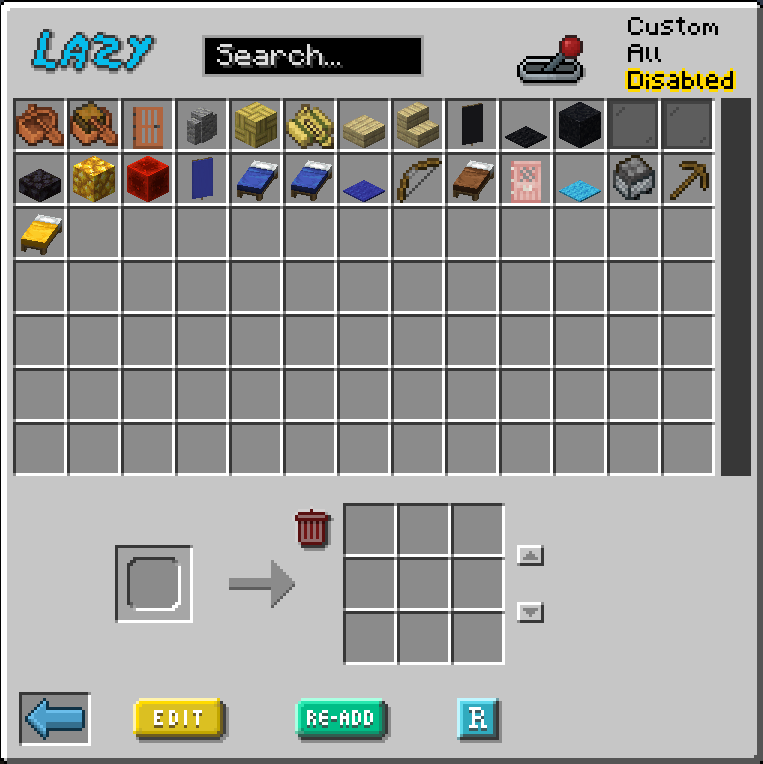
- Delete Recipes: Delete custom recipes or disable vanilla ones
- Readd Recipes: Readd deleted recipes
- Easy Reload: Reload datapacks pressing a button to see your changes applied (requires OP)
- Success Notifications: Visual feedback when action are actually applied
How to Use
- Press
Kin-game to open the recipe editor - Search for items or scroll through the list
- Drag items to the crafting grid
- Set output item and quantity (mouse wheel)
- Click the reload button to apply changes
Let Tooltips guide you through the interface
Please Note:
- Reloading is necessary for changes to take effect. Despite not necessary, it's reccomended to reload frequently. If you find yourself having issues, most of the time the solution is to press the reload button and reopen the GUI.
- Custom resource packs that heavily change GUIs could create minor graphic issues.
- Recipes are saved in the Datapack folder under
datapack/lazyrecipeseditor/ - Custom recipe saved will have
lazysuffix in their filename, to be handled properly
Quick facts
- Edition: Minecraft Java
- File type: .jar
- Minecraft version listed: 1.20.1
- How to install: Install the matching mod loader (Forge, Fabric or NeoForge) for your Minecraft version. → Download the .jar. → Put it in the .minecraft/mods folder and launch that loader profile.
- Where to get it: Opens on Modrinth — not every file is mirrored on our own servers.
Install steps are the general flow for this file type — How to install Minecraft Java mods & modpacks walks through it step by step.
Verified by MCModsHub
- Ships as lazyrecipeseditor-1.0.2.jar — drop this file into the mods folder
- Download size: 94 KB
- Download link checked 20 Sept 2026 — working
These come from our own check of the pack file, not from the source page.