
Biome notifier
Java mod listed for Minecraft 1.21. Downloads from the MC Java Mods app on Android.
⬇ Download on Modrinth
Biome Notifier
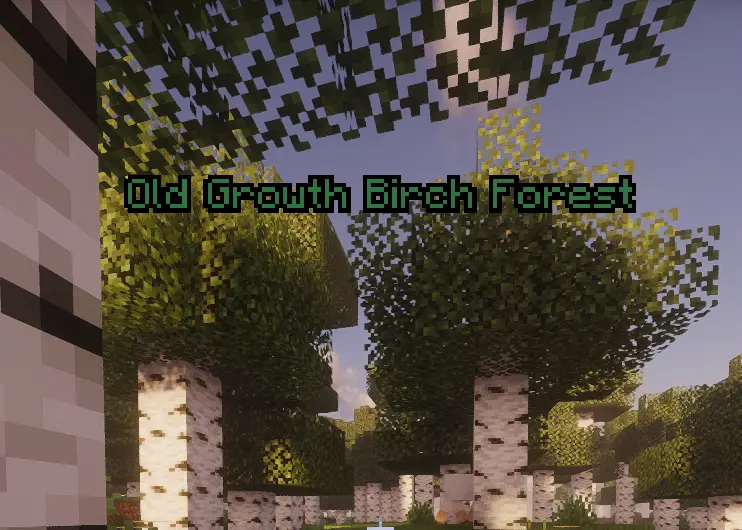
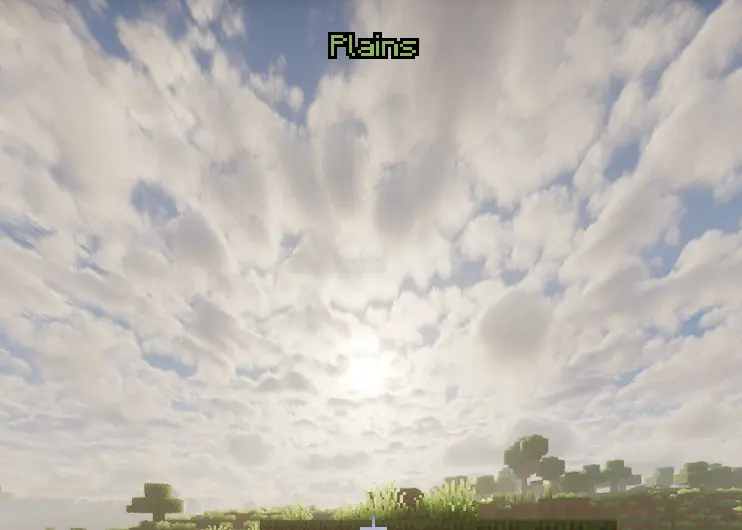
Biome Notifier informs you of new biomes, without having to keep the F3 debug screen up. For the first time you encounter a biome, there will be a larger notification with its own sound effect. Thereafter, you will see a smaller notification in the corner of your choosing.
Discovery notification
Regular notification
How it works
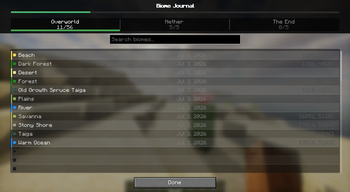
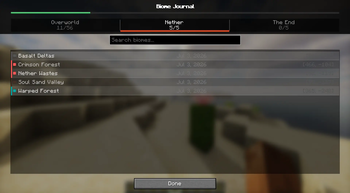
Entering a biome which you have not yet explored in that world will cause a big discovery message to appear at the top of the screen accompanied by a specific sound. Entering the same biome again at a later time will cause you to receive a smaller, quieter discovery message which can appear anywhere that you choose to configure it in the settings menu (top left, center, or top right). There is an internal journal screen to record all discovered biomes with search capability.
Features
- Configurable via the built-in configuration screen
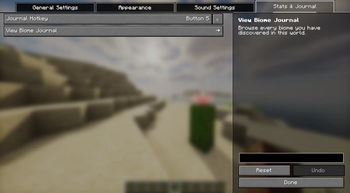
- Set a keybind to open your Biome Journal instantly
- Keeps track of all the biomes you have discovered in each world individually, including a searchable list and % discovered
- Automatically compatible with modded biomes (for example, Terralith)
- Client side - will work on any server, even vanilla ones, no need for admin permission
- Edition: Minecraft Java
- File type: .jar
- Minecraft version listed: 1.21.1
- How to install: Install the matching mod loader (Forge, Fabric or NeoForge) for your Minecraft version. → Download the .jar. → Put it in the .minecraft/mods folder and launch that loader profile.
- Where to get it: Opens on Modrinth — not every file is mirrored on our own servers.
Install steps are the general flow for this file type — How to install Minecraft Java mods & modpacks walks through it step by step.
- Ships as biomnotifier-neoforge-1.21.1-3.5.jar — drop this file into the mods folder
- Download size: 560 KB
- Download link checked 11 Oct 2026 — working
These come from our own check of the pack file, not from the source page.