AI Improvements Mod (26.2, 1.20.1) – Performance & Logic Upgrades for Mod AIs
Java mod listed for Minecraft 1.20. Downloads from the MC Java Mods app on Android.
⬇ Download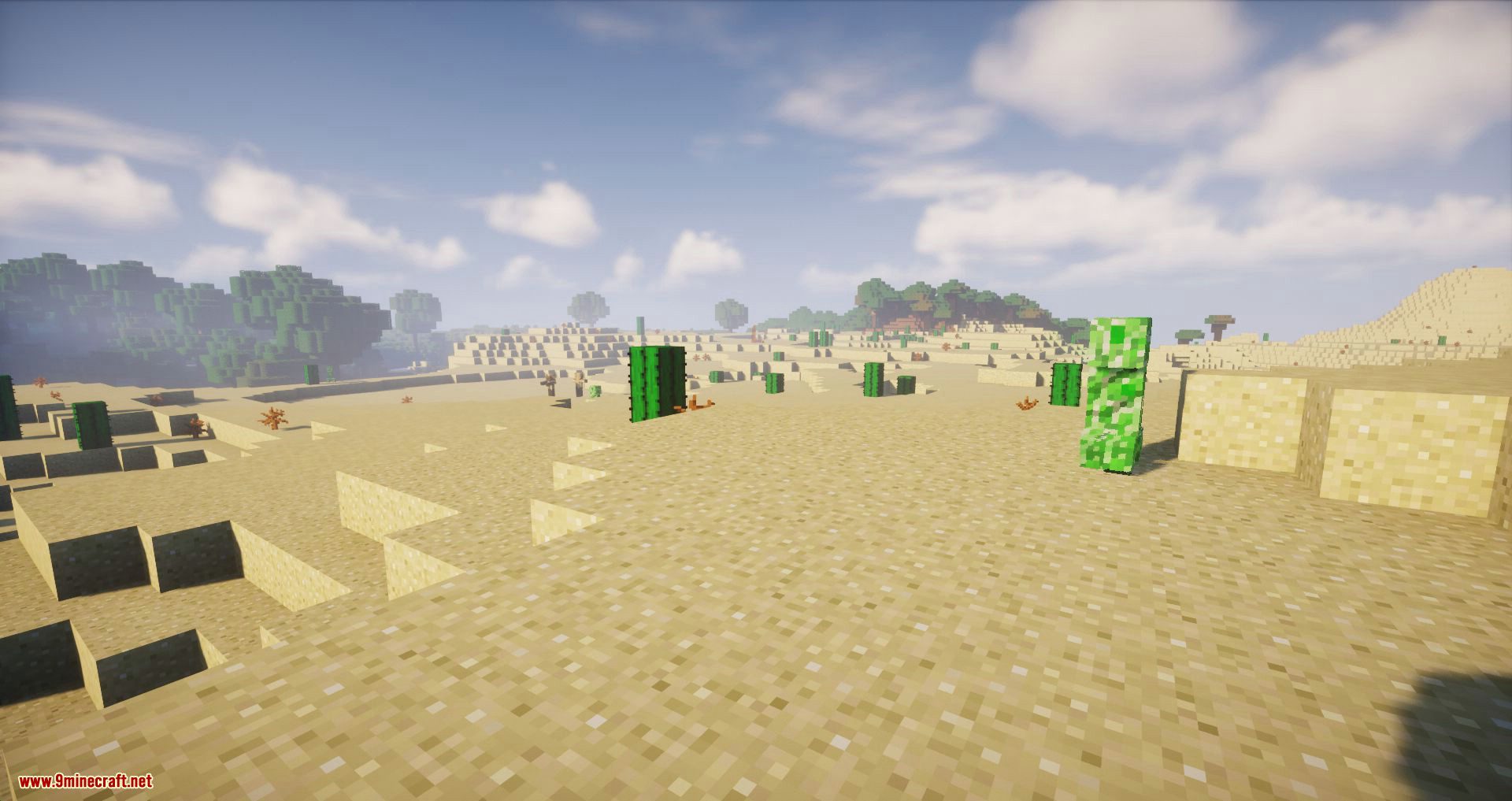
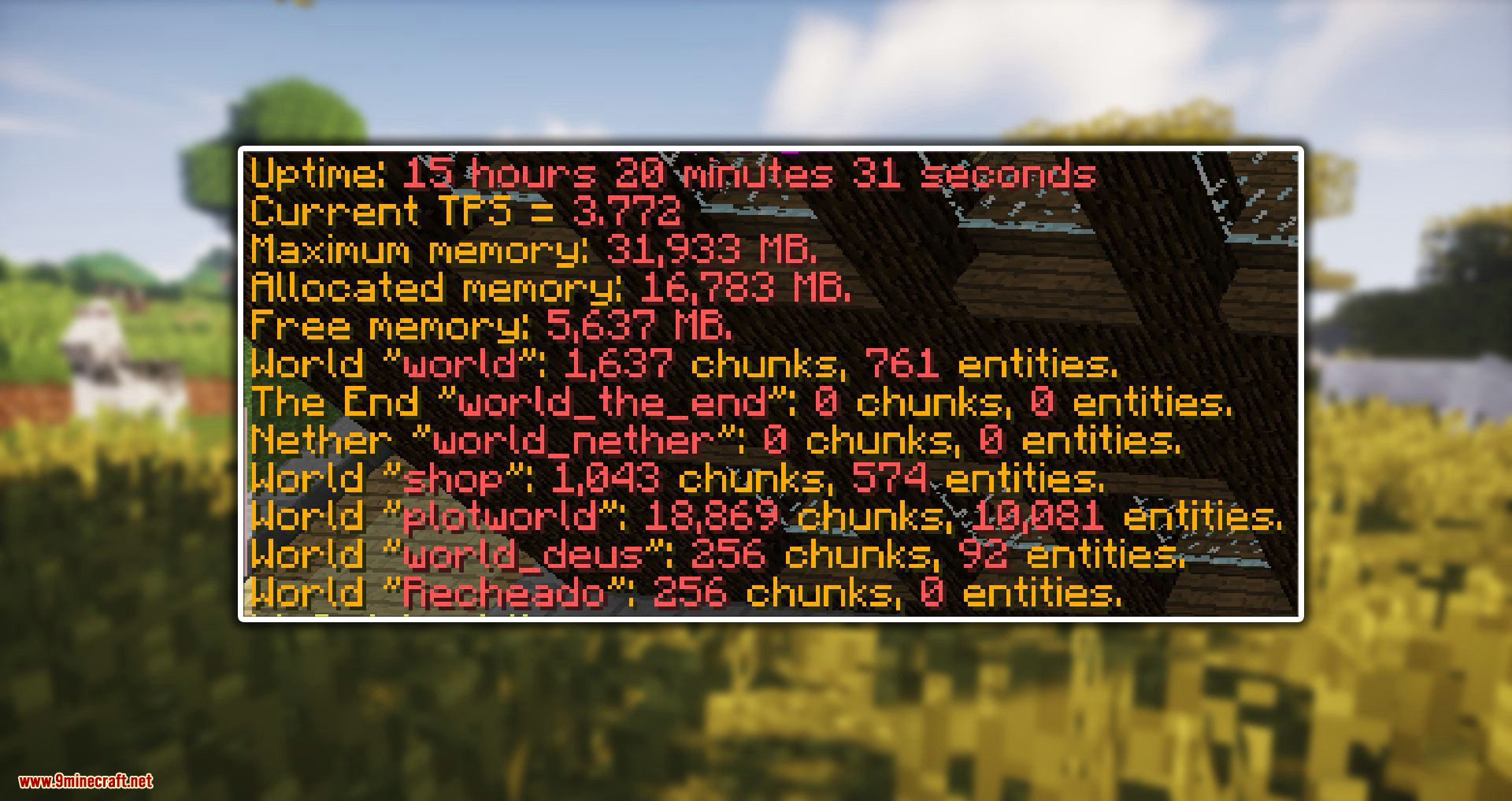
AI Improvements Mod is a simplified AI modification mod focused on performance and low-level modifications to AIs in the game. Picking up the slack for the base game and improving it for a modded ecosystem. Handling common problems such as too many animals, performance hits from swarms of zombies, and simply remove tasks skipped by larger AI improvement mods.
Features:
Config to disable AI Watch Closest Entity:
- By default, the config is set to false and will not do anything. When changed to true it will remove an AI segment called EntityAIWatchClosest. This AI segment handles the coded AIs use to rotate their head towards a nearby entity. Visually this will cause a few odd issues. However, for the CPU this frees up a lot of usages caused by entities.
Config to disable AI look random, config is not enabled by default:
- By default, the config is set to false and will not do anything. Setting the config to true will cause entities to no longer use the ‘look idle’ AI code. This can improve performance for servers will large populations. As almost every entity on the map will use this when not doing anything important. Visually this can cause the entities head to not rotate sometimes but mostly goes unnoticed.
Config to replace EntityLookHelper with a more efficient version, config is enabled by default:
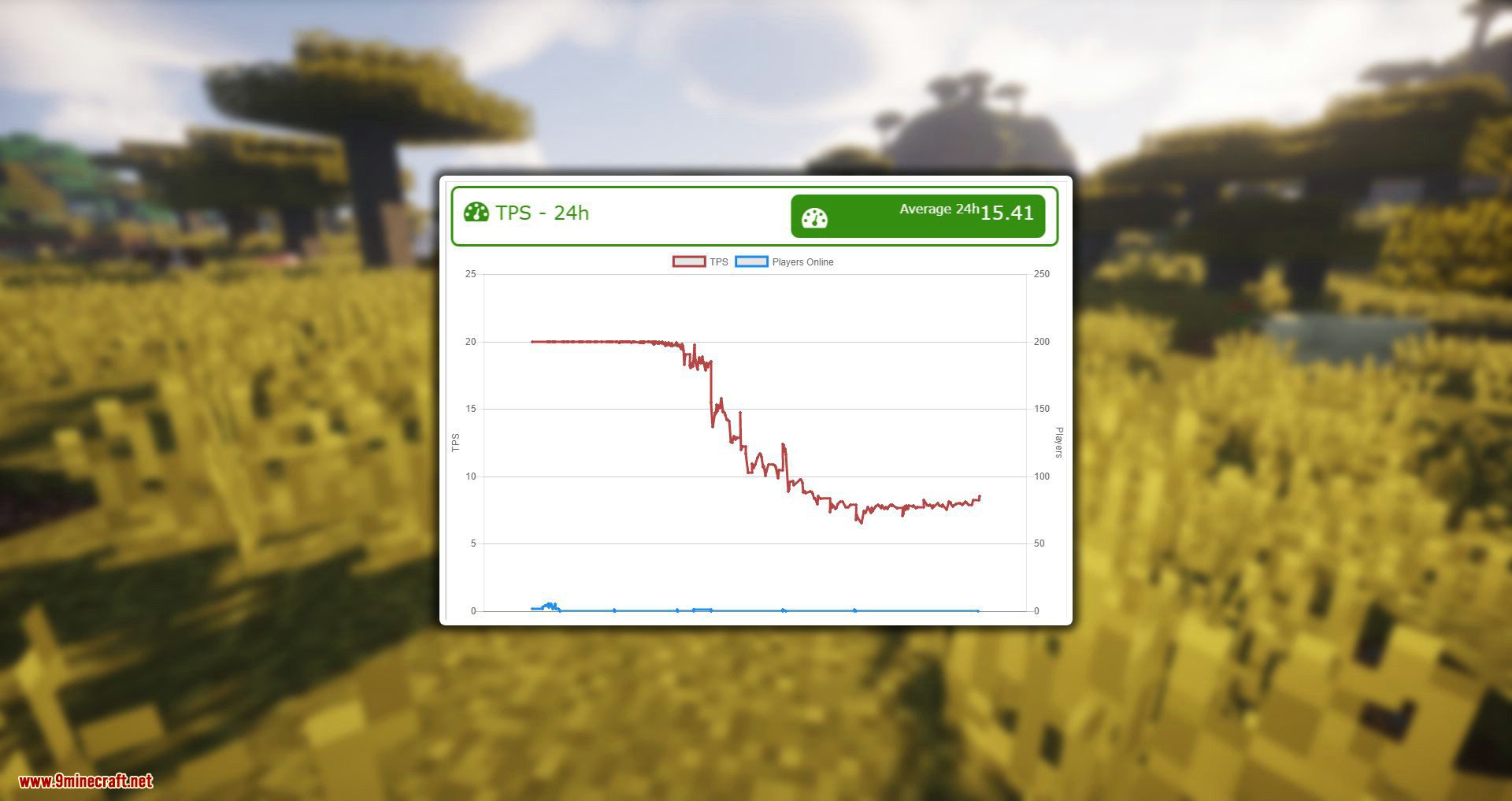
- This is the main feature of the mod and can greatly improve CPU performance at a small cost to RAM. How this works is MC’s look helper code is replaced with a custom version. The custom version stores some data that makes it faster to get the angle for a location. Threw some testing with VisualVM result have shown a 50% to 80% decrease in CPU usage by the AI code. For a server with 25 people on constantly this resulted in again from 5 to 7 tsp.
Screenshots:
AI Improvements Mod Download Links
- Edition: Minecraft Java
- File type: .jar
- Minecraft version listed: 1.20.1
- How to install: Install the matching mod loader (Forge, Fabric or NeoForge) for your Minecraft version. → Download the .jar. → Put it in the .minecraft/mods folder and launch that loader profile.
- Where to get it: In MC Java Mods, or directly above on this page.
Install steps are the general flow for this file type — How to install Minecraft Java mods & modpacks walks through it step by step.
- Downloads as 26199.mcaddon
- Download size: 28 KB
- Download link checked 23 Sept 2026 — working
- Mirrored on our own servers — the download does not depend on the original host
These come from our own check of the pack file, not from the source page.