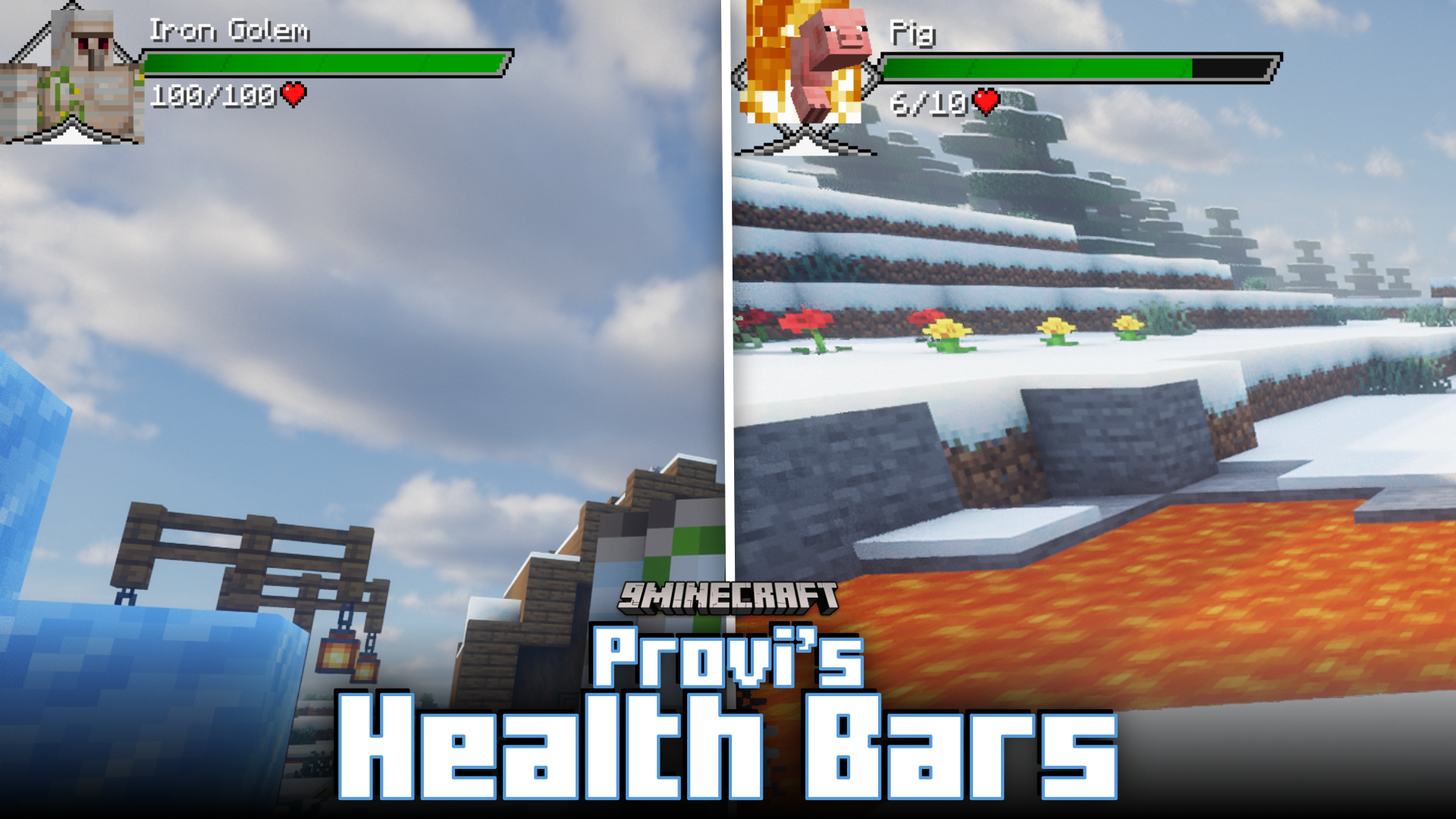
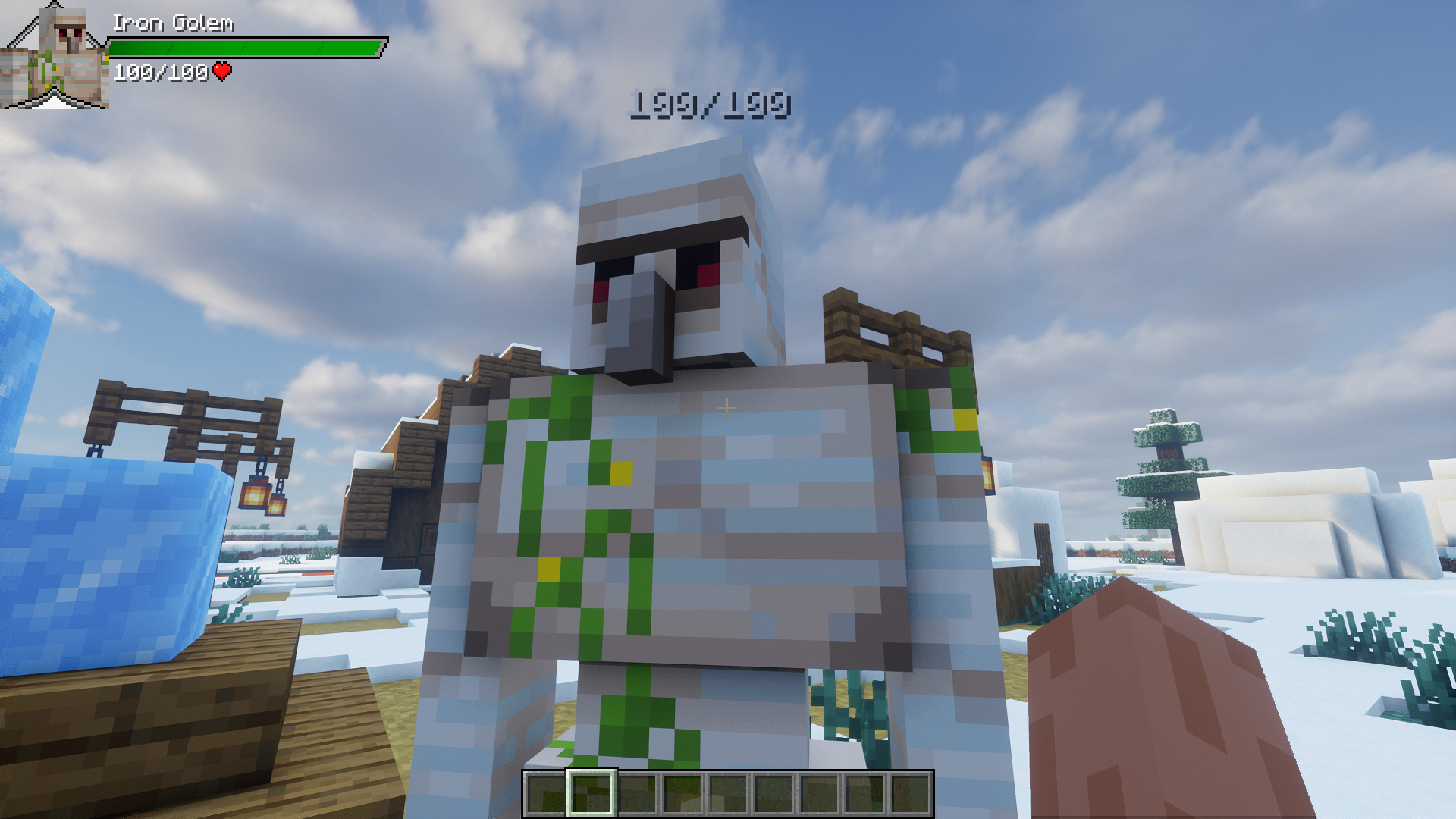
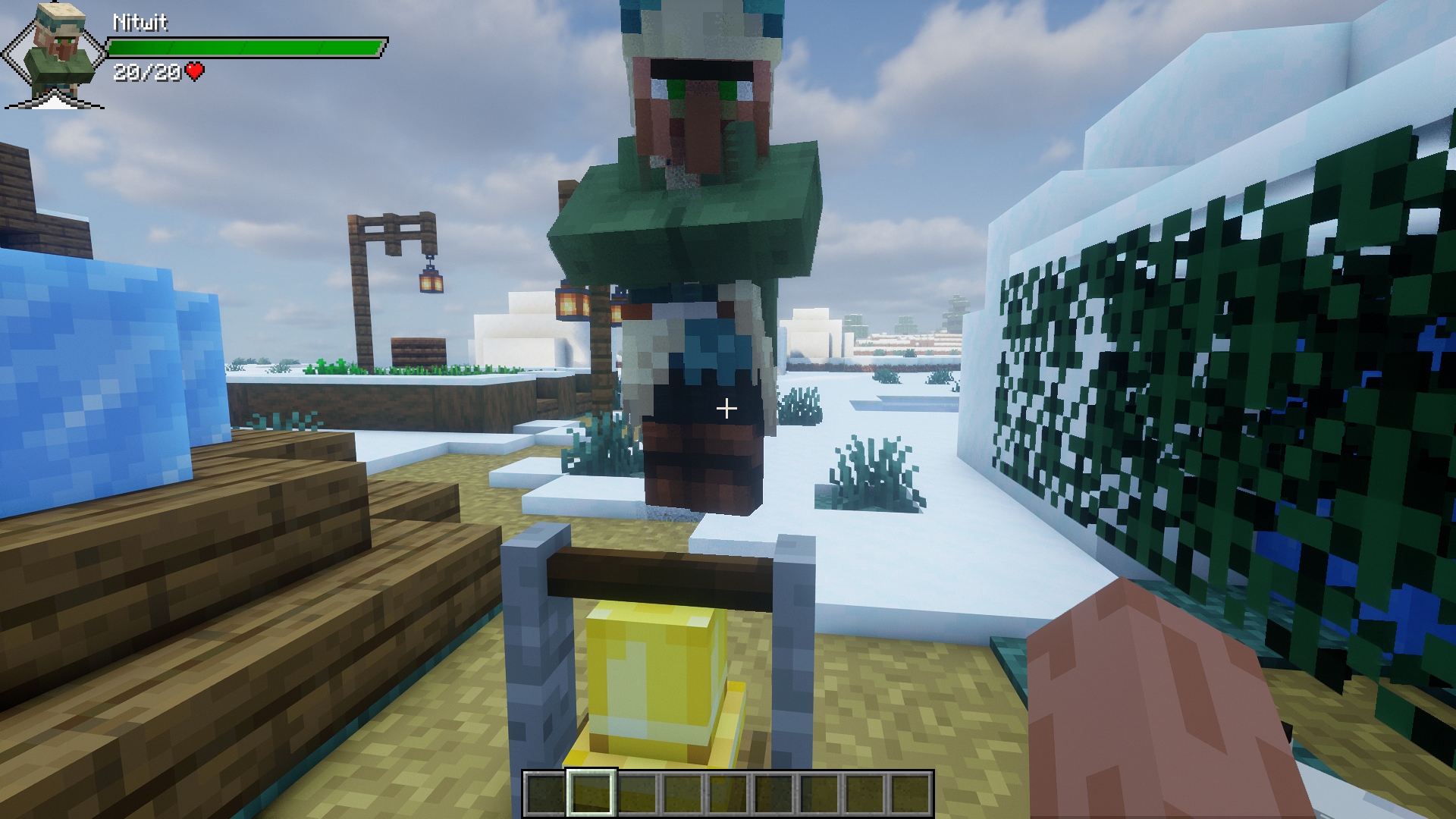
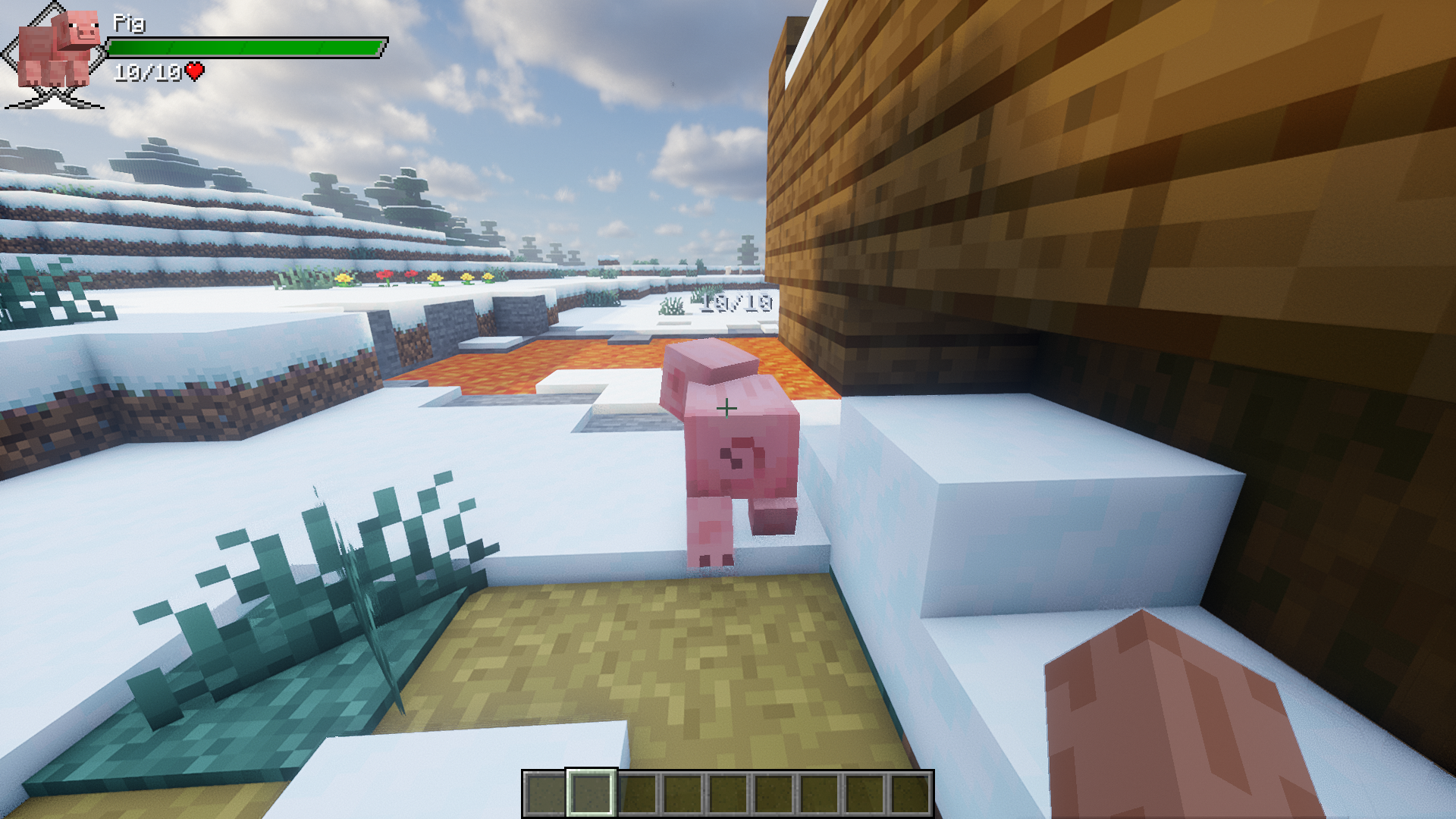
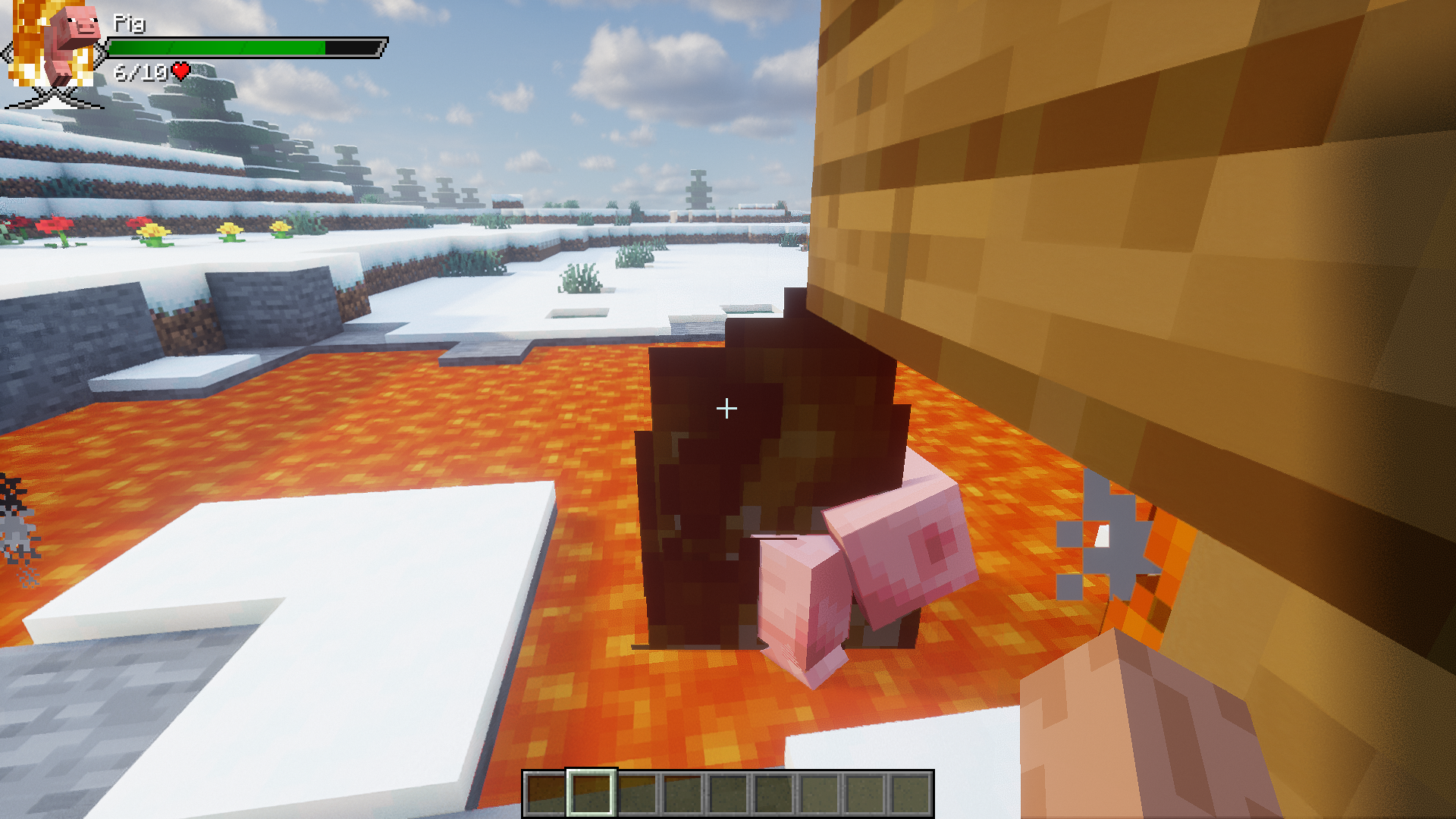
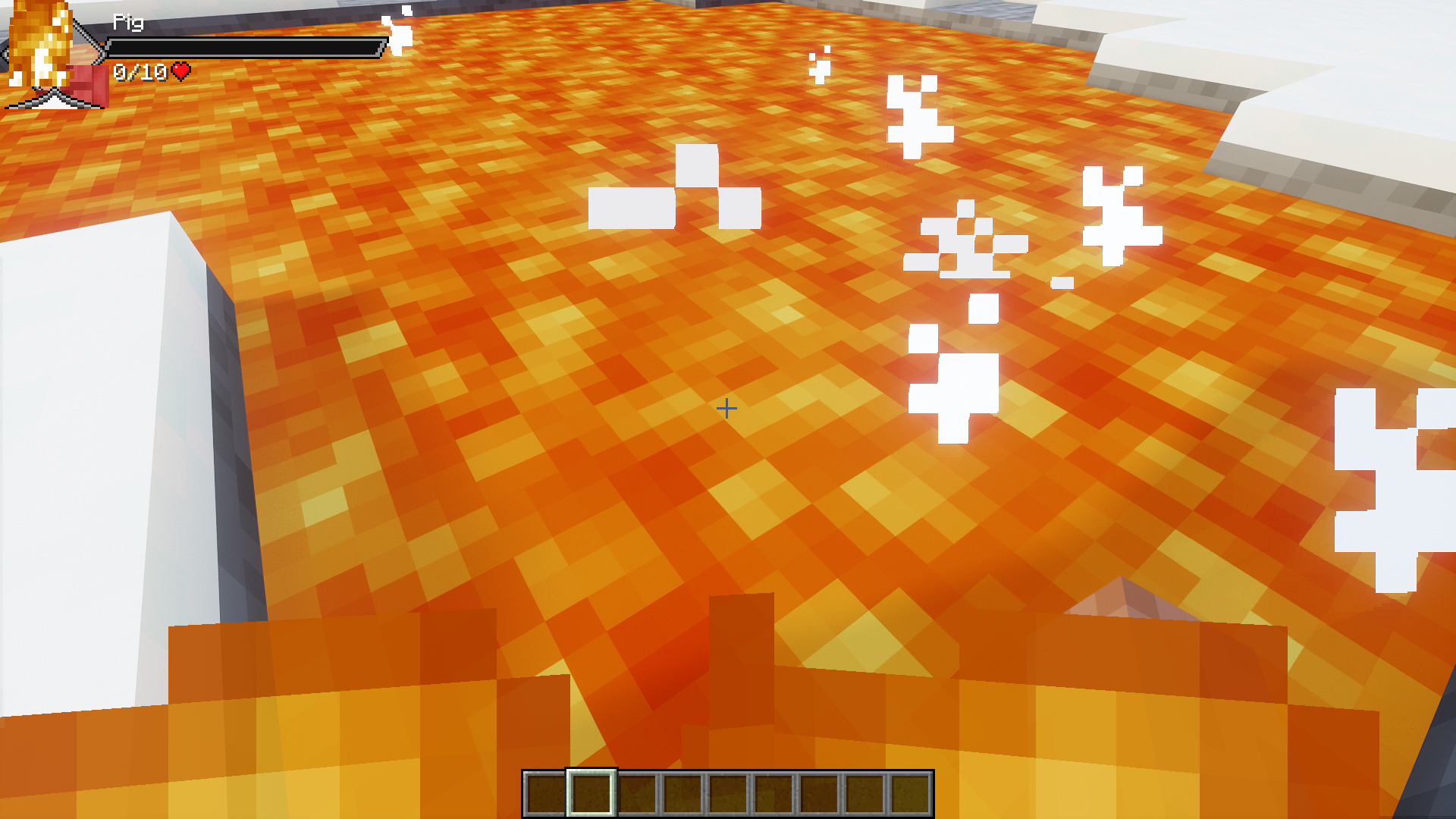
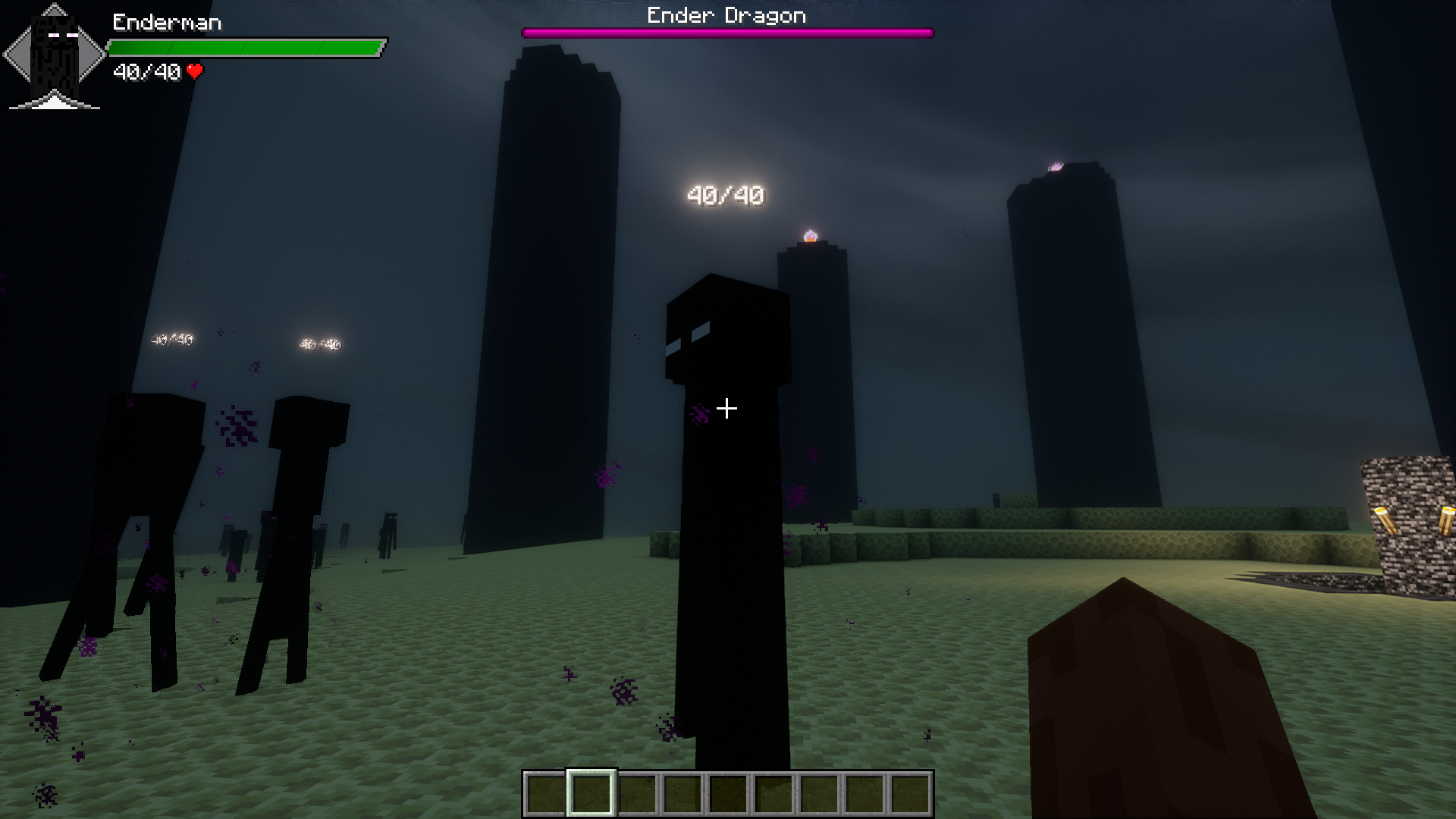
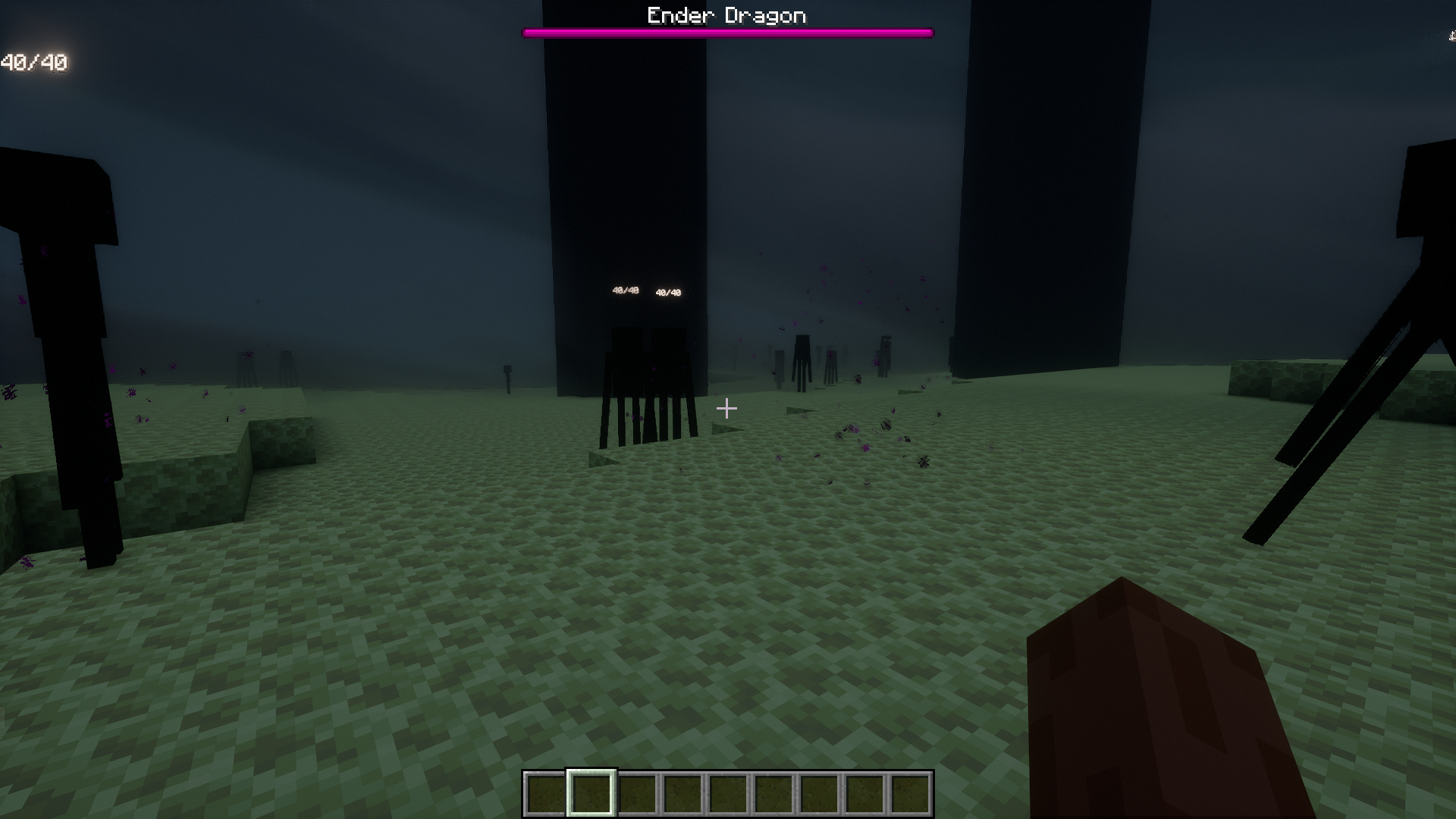
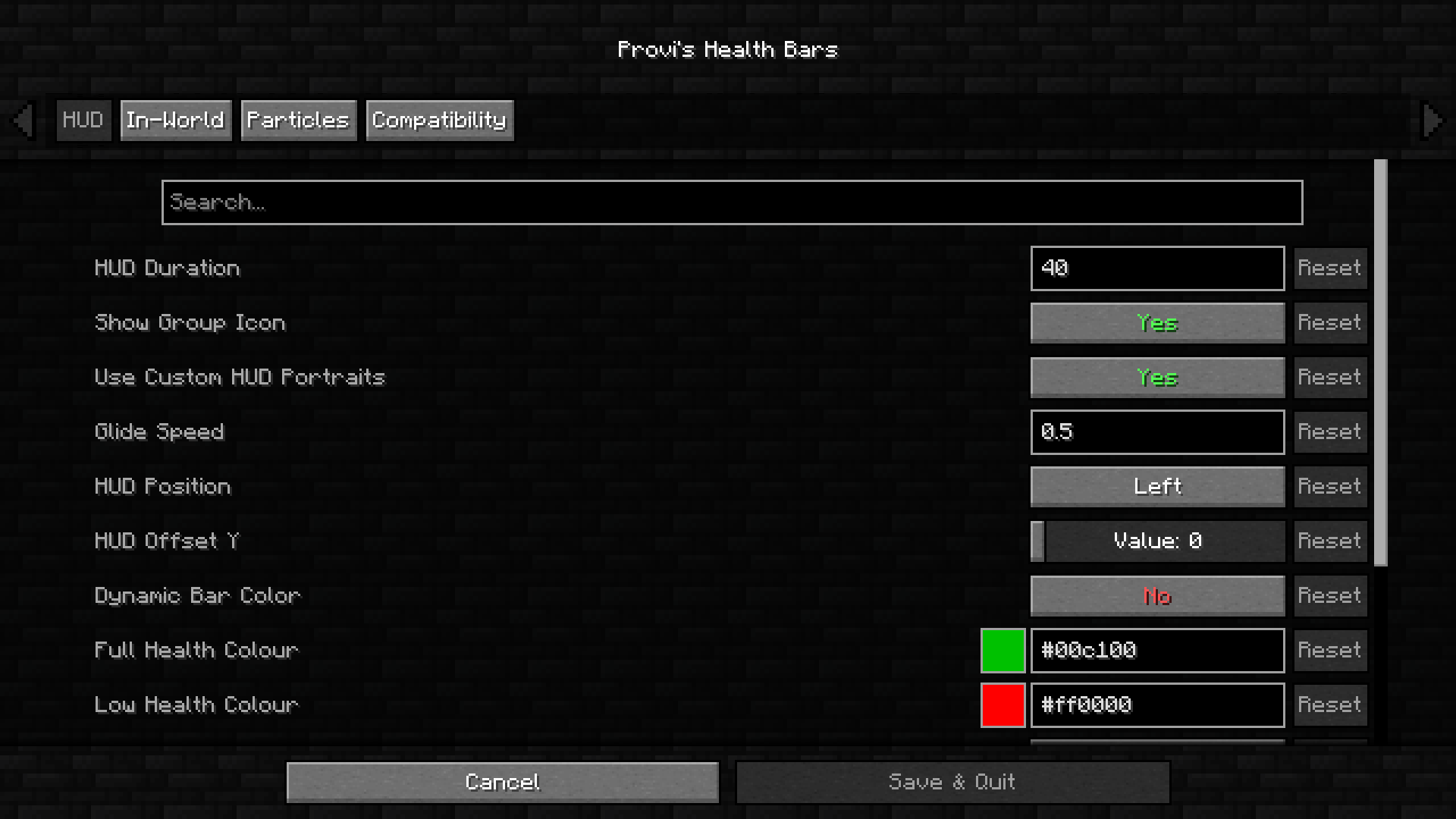
Amongst the large collection of mods that introduce health bars into the game, Provi’s Health Bars Mod stands unique due to the sleek and expansive health bars/damage indicators added. This mod introduces health bars for almost all mobs in the game. The health bars appear at the top-left corner of the screen when you point at a mob. There is a health bar as well as a numerical indicator for the remaining health of the mob. There is also an animated icon simulating the mob in real-time. For example, the health bar of a pig caught on fire will have an icon showing the animated pig caught on fire and it will also show its health reducing in real time. The mod also offers high configuration options.
Features:
- Animated overlay that appears on the top-left corner of the screen.
- Overhead health level indicators.
- Double health bars for a mob mounted on another one.
- Damage and healing particles.
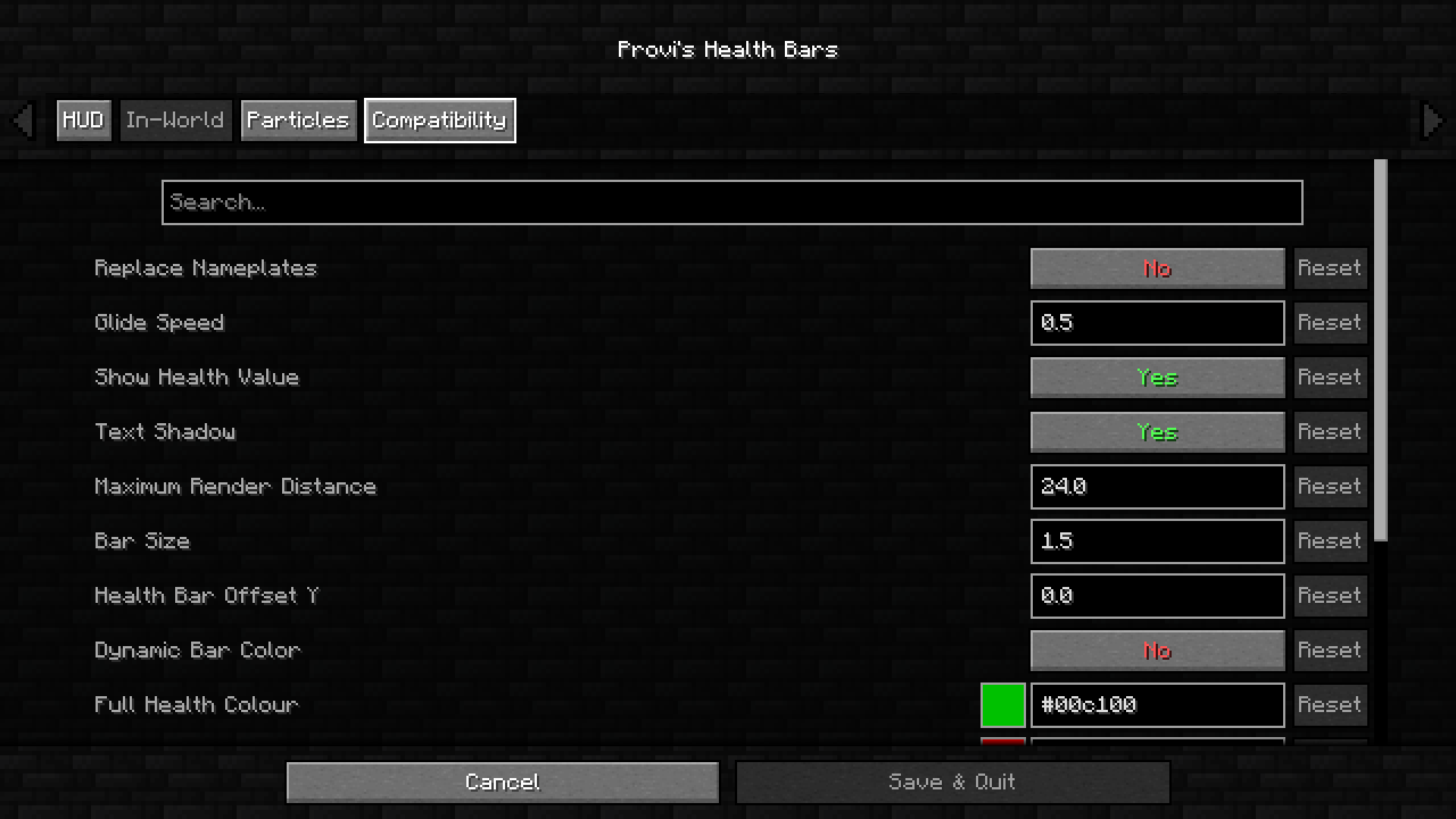
- High configuration options.
Screenshots:
Provi’s Health Bars Mod Download Links
- Edition: Minecraft Java
- File type: .jar
- Minecraft version listed: 1.20.1
- How to install: Install the matching mod loader (Forge, Fabric or NeoForge) for your Minecraft version. → Download the .jar. → Put it in the .minecraft/mods folder and launch that loader profile.
- Where to get it: Opens on the file's original source — not every file is mirrored on our own servers.
Install steps are the general flow for this file type — How to install Minecraft Java mods & modpacks walks through it step by step.
Provi's Health Bars Mod (26.2, 1.20.1) – Health Bars & Damage Indicators is a free Minecraft Java mod. Compatible with Minecraft 1.20.1. Download it and open it directly in the game.