
HitColor X
Java mod listed for Minecraft 26.x. Downloads from the MC Java Mods app on Android.
[26.2 SUPPORT IS HERE!] Fully Custom Hit Color - Toggle Armor, Body & Trim Tint - Custom Opacity - Hex Support - Presets, lightweight client-side Fabric…
⬇ Download on Modrinth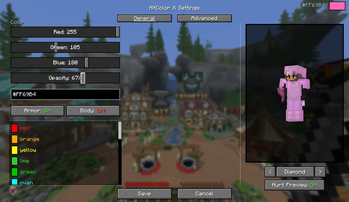

◼️ HitColor X ◼️ 
Fully customize the hurt flash color on entities INCLUDING their ARMOR.
Built for PvP players who want clear, personalized visual feedback during combat.
Features
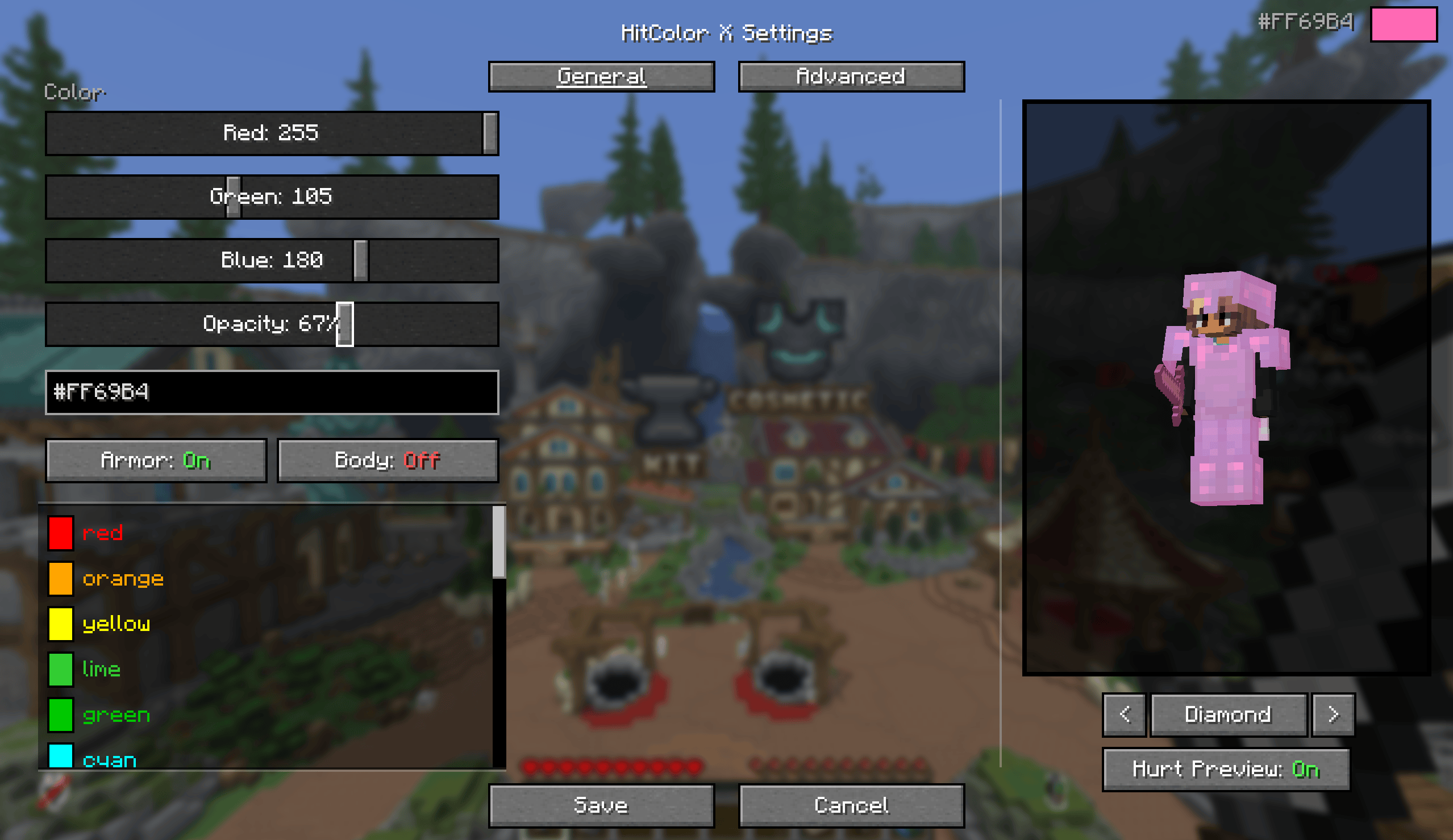
Color picker: RGB sliders, a hex input, or one of 27 built-in presets.
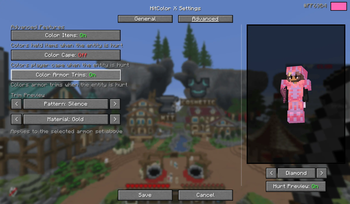
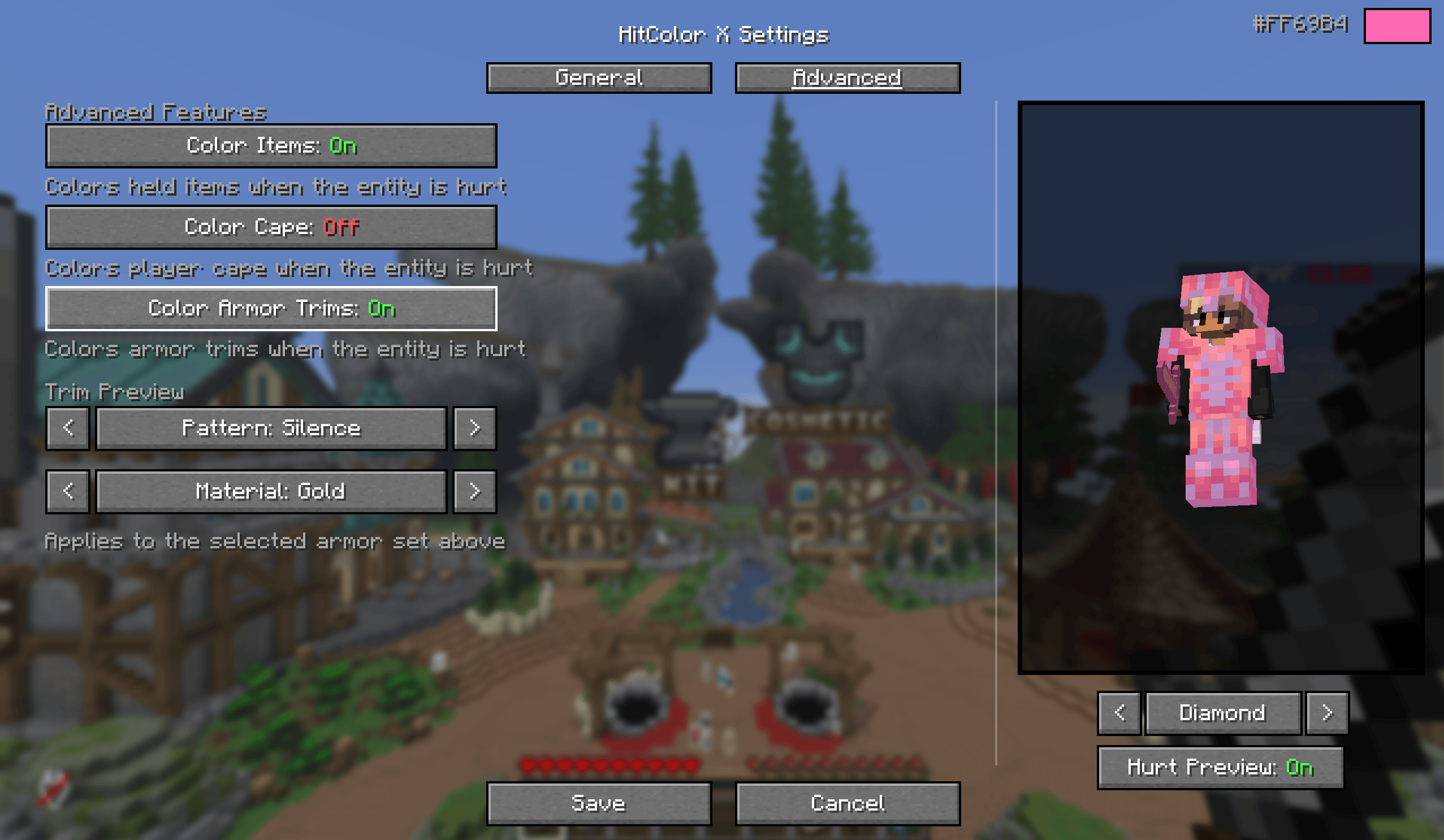
Per-part toggles: body, armor, armor trims, held items, and capes each flash independently. Turn off body and only tint armor, or any other combination.
Opacity slider: 0 to 100%, from no tint at all to fully solid.
Settings screen (needs Mod Menu): live preview using your actual skin while in a world, armor set switcher (Leather through Netherite, with glint) to preview trims and colors, and a hurt-preview toggle so you can compare with the effect on and off. Changes apply instantly.

◼️ In-Game Commands
No ModMenu? No problem. Configure everything via chat commands:
| Command | Description |
|---|---|
/hitcolorx rgb <r> <g> <b> |
Set color by RGB values |
/hitcolorx hex <#RRGGBB> |
Set color by hex code |
/hitcolorx color <preset> |
Use a preset color |
/hitcolorx opacity <0-100> |
Adjust opacity |
/hitcolorx armor <on/off> |
Toggle armor recoloring |
/hitcolorx trims <on/off> |
Toggle armor trim recoloring |
/hitcolorx body <on/off> |
Toggle body recoloring |
/hitcolorx items <on/off> |
Toggle held item recoloring |
/hitcolorx cape <on/off> |
Toggle cape recoloring |
/hitcolorx reset |
Reset to vanilla defaults |
/hitcolorx status |
Show current settings |
◼️ Available Preset Colors
| Color | Name | Color | Name | Color | Name |
|---|---|---|---|---|---|
| 🔴 | red |
🟠 | orange |
🟡 | yellow |
| 🟢 | lime |
🟩 | green |
🩵 | cyan |
| 🔵 | lightblue |
💙 | blue |
🌑 | navy |
| 🟣 | purple |
🫐 | darkpurple |
💗 | hotpink |
| 🌸 | pink |
💜 | magenta |
🪻 | lavender |
| ❤️ | crimson |
🩸 | darkred |
🪸 | coral |
| 🏅 | gold |
🩴 | teal |
🩵 | turquoise |
| 🌿 | lightgreen |
🌲 | darkgreen |
🔷 | darkblue |
| 🩶 | silver |
⬜ | white |
⬛ | black |
◼️ Dependencies
- Required: Fabric API
- Optional: Mod Menu (for the config screen)
- Edition: Minecraft Java
- File type: .jar
- Minecraft version listed: 26.2
- How to install: Install the matching mod loader (Forge, Fabric or NeoForge) for your Minecraft version. → Download the .jar. → Put it in the .minecraft/mods folder and launch that loader profile.
- Where to get it: Opens on Modrinth — not every file is mirrored on our own servers.
Install steps are the general flow for this file type — How to install Minecraft Java mods & modpacks walks through it step by step.
- Ships as HitColorX-1.1.0.jar — drop this file into the mods folder
- Download size: 289 KB
- Download link checked 11 Oct 2026 — working
These come from our own check of the pack file, not from the source page.