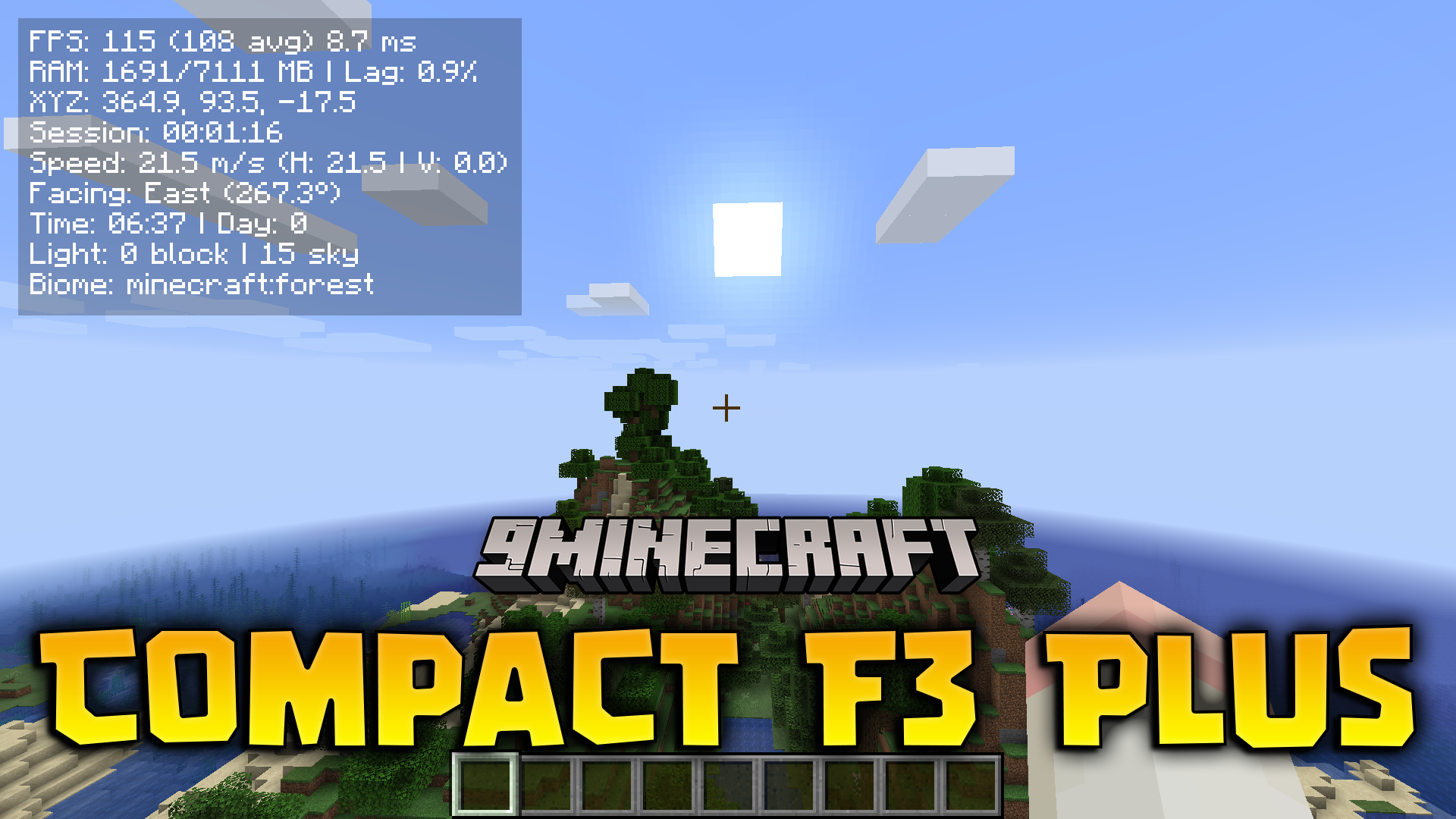
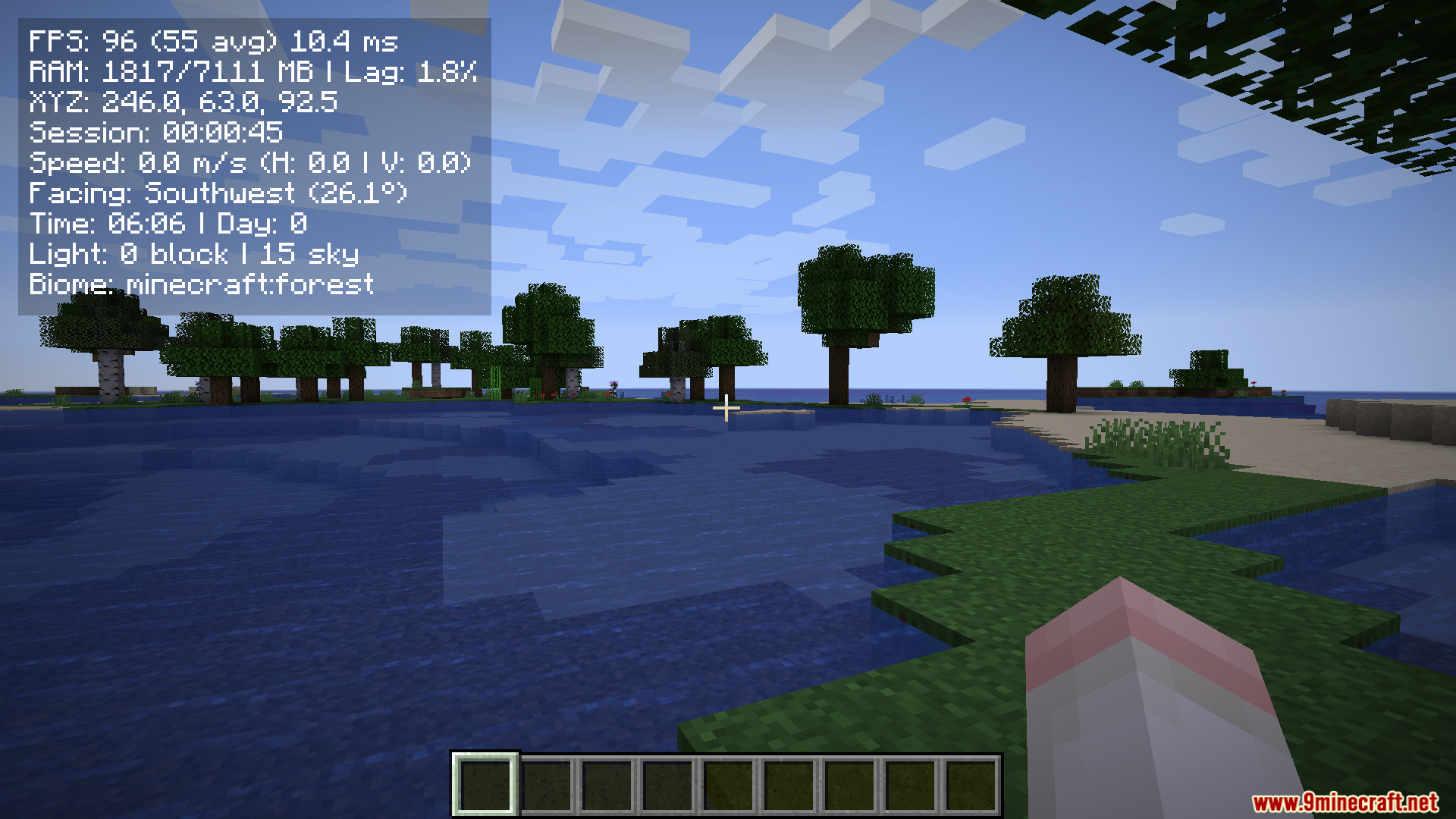
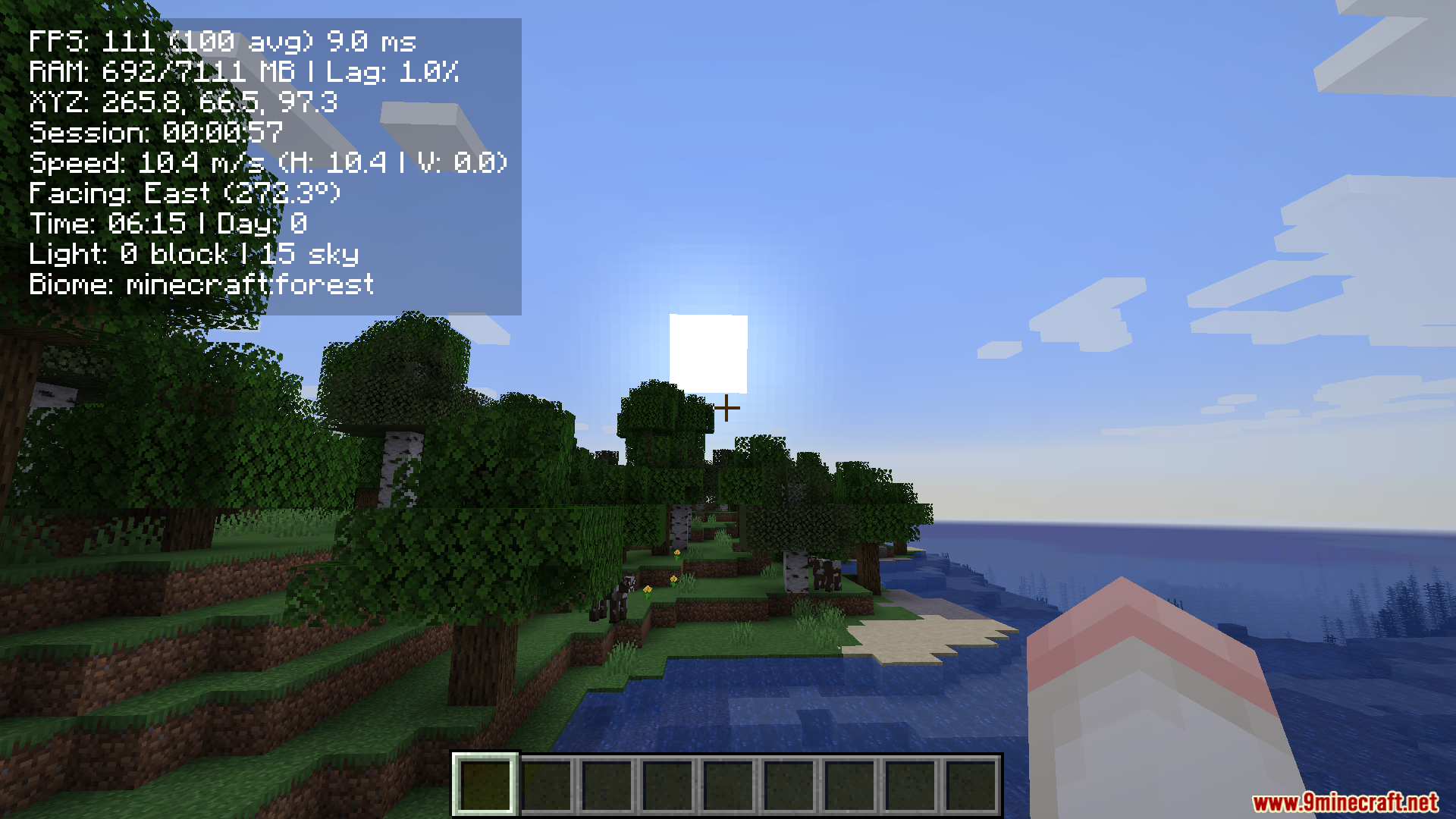
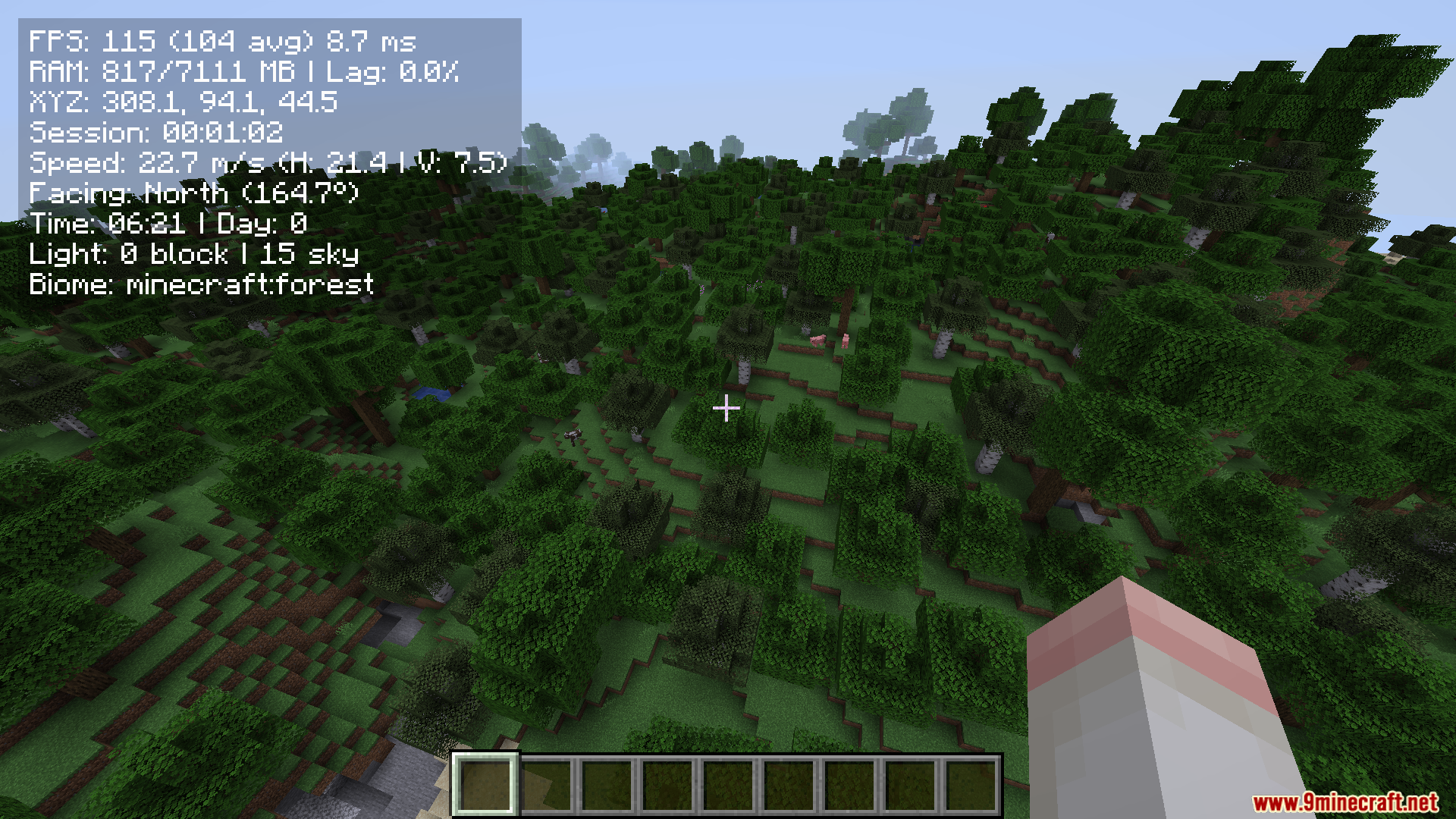
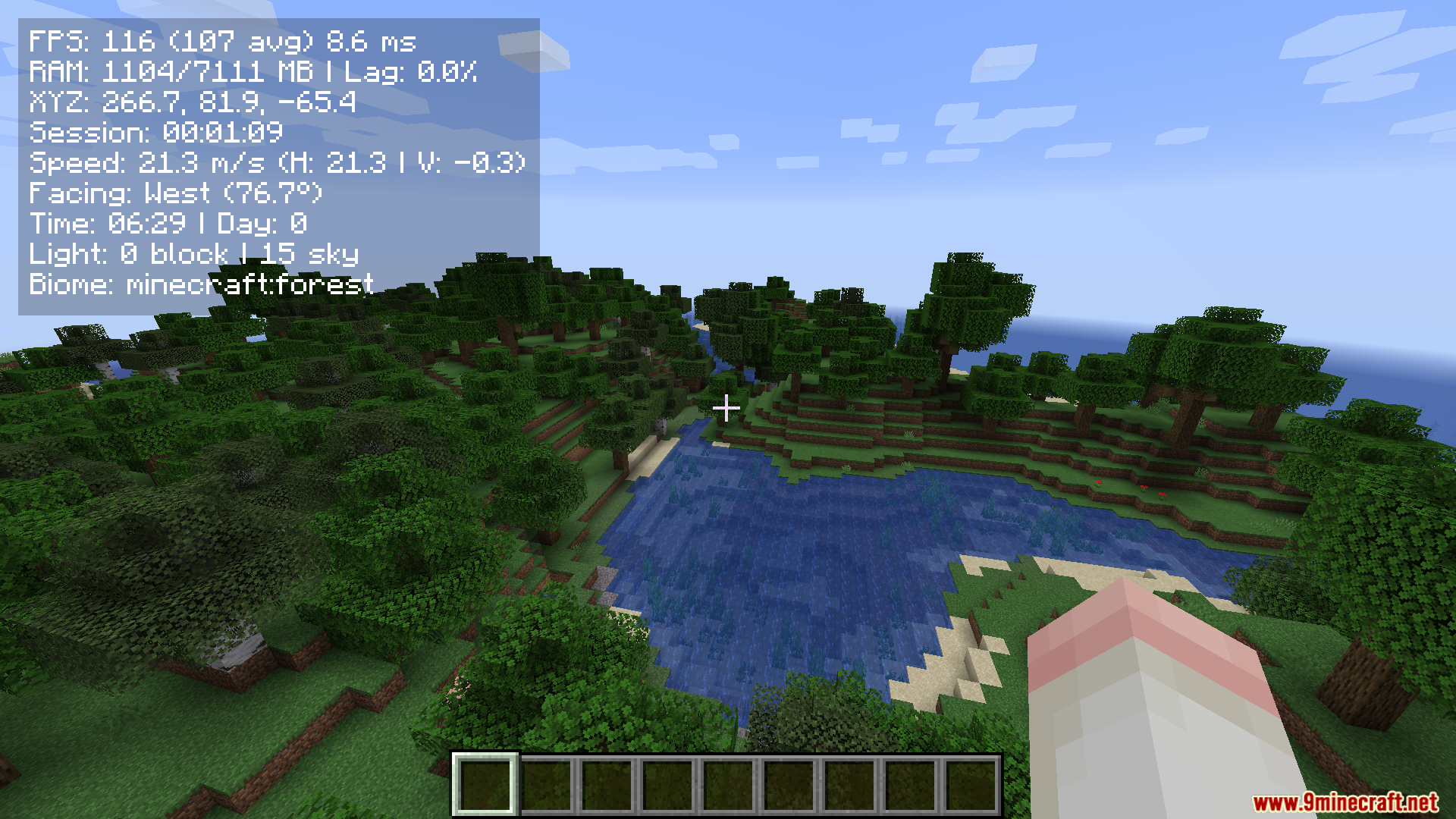
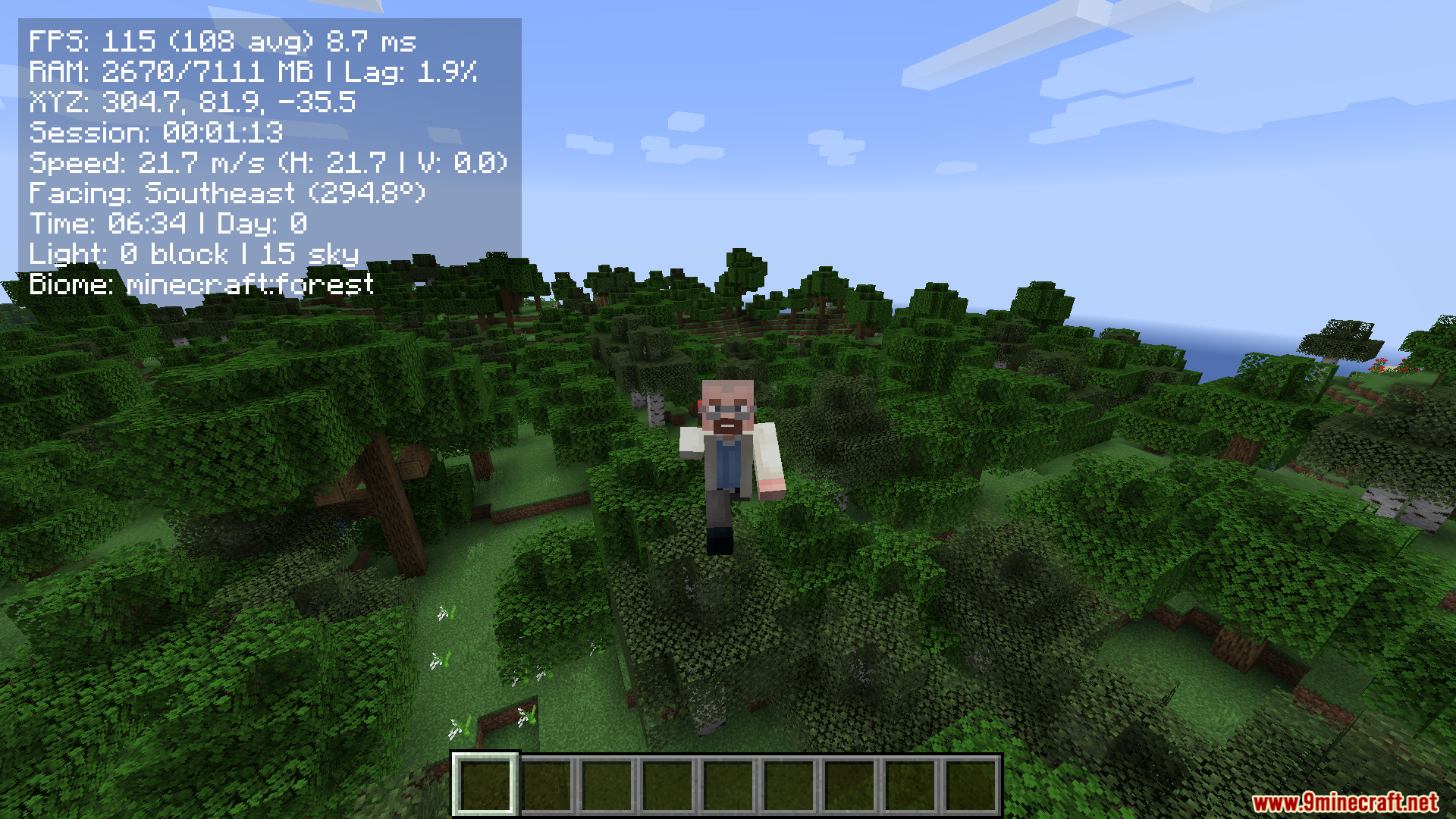
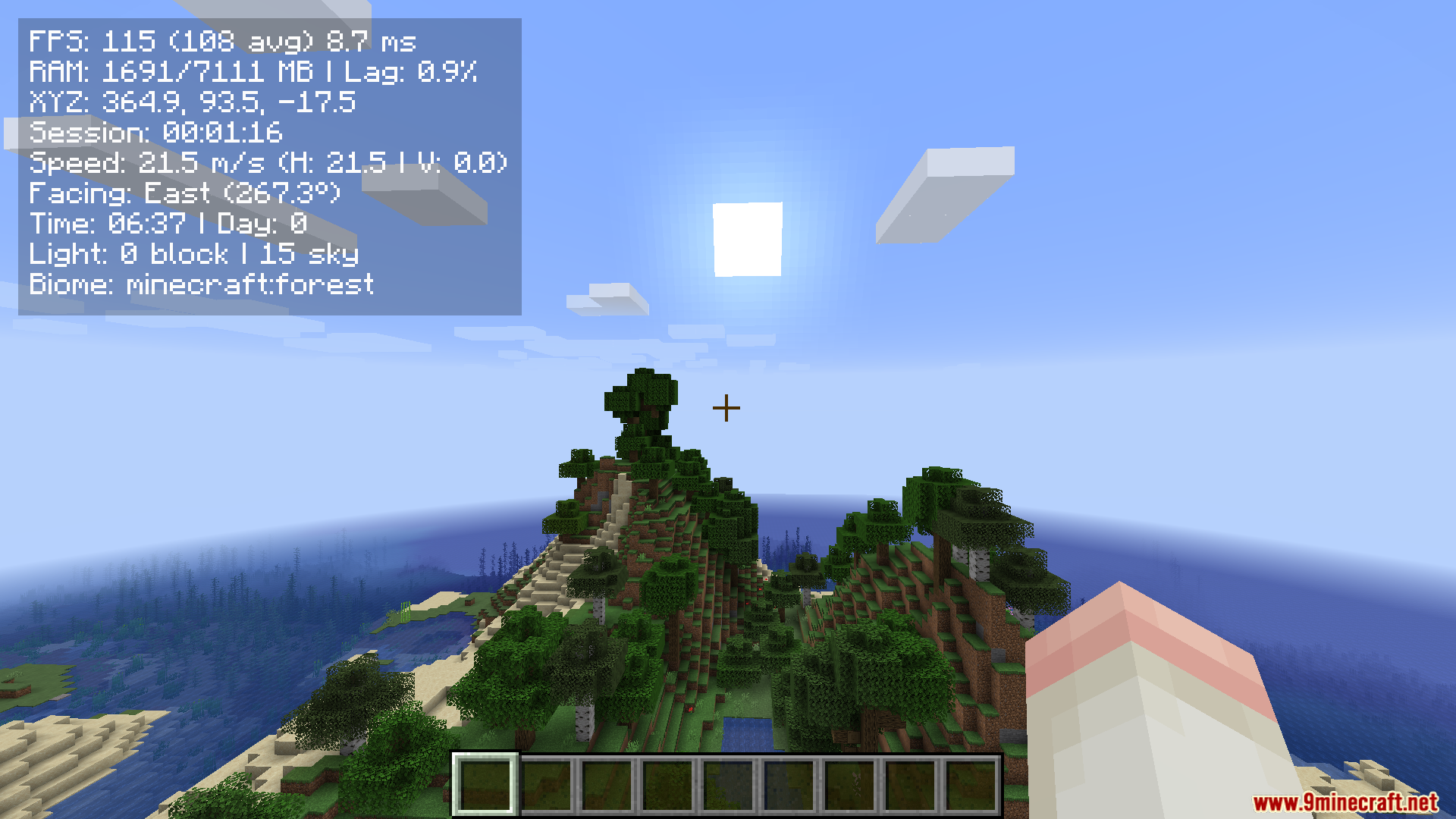
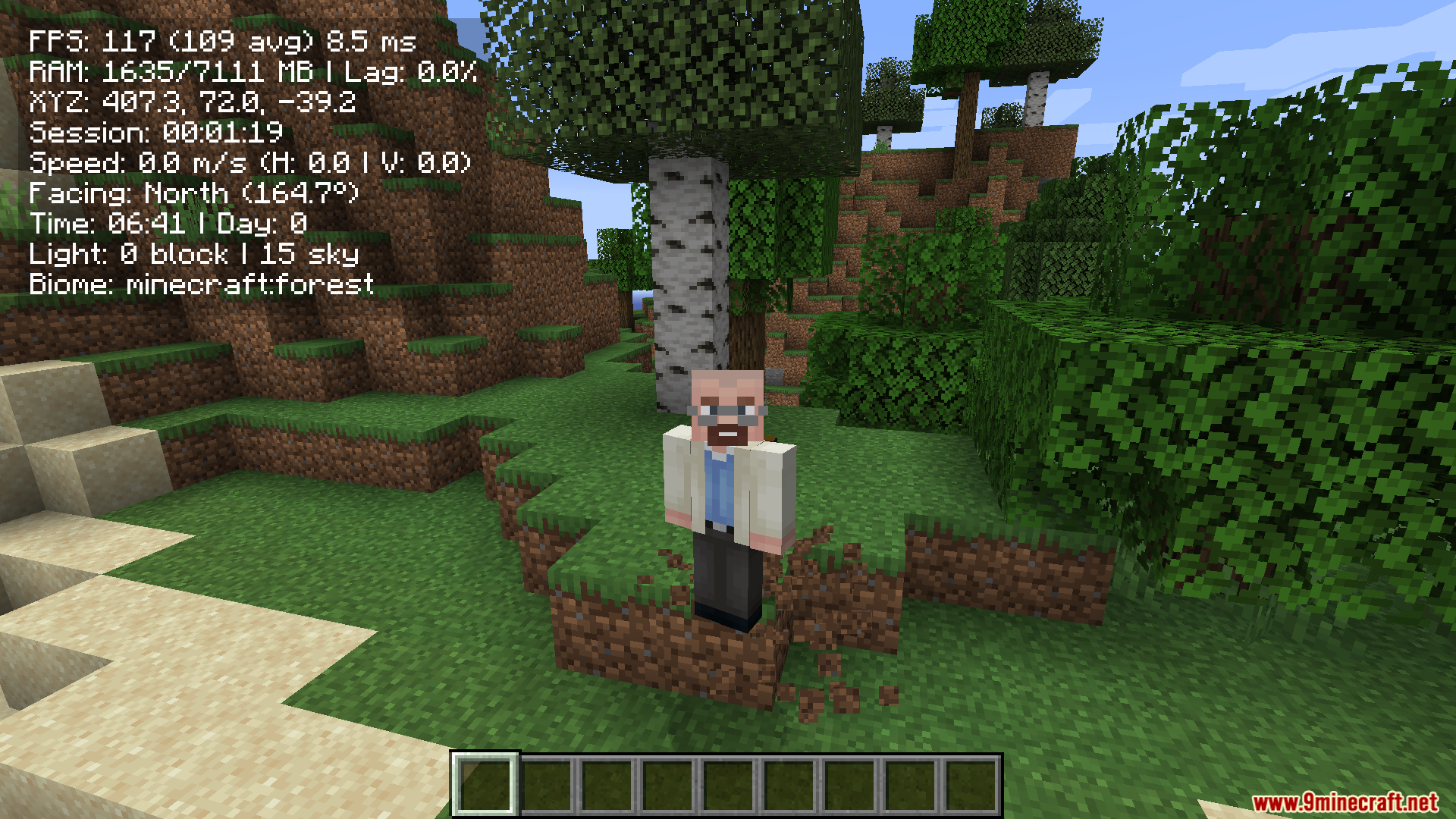
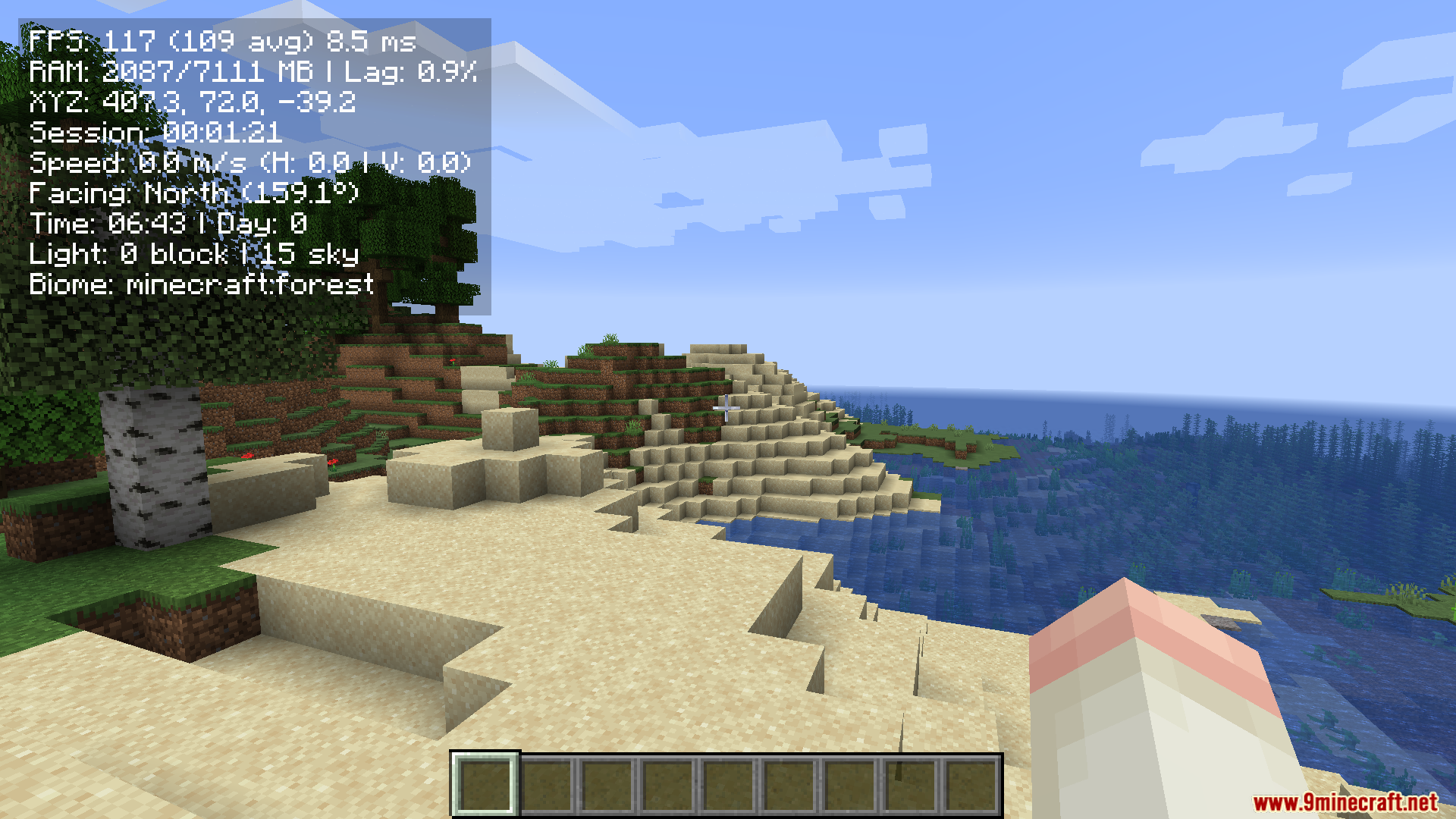
Compact F3 Plus Mod cleans up the messy default debug screen and gives you a simple overlay. When you press the debug key in the regular game, the screen fills with too much text. This mod removes all that extra text so you can actually see the world around you. It only shows the most important details you need while playing. The new display sits neatly on your screen and works alongside other menu changes. You only need to put this on your own game, as it runs without adding anything to the server.
Features:
- Clean Interface: Removes the giant wall of text from the standard debug screen and gives you a small, neat box instead.
- FPS Counter: Shows your current frames per second and your average frames so you know how fast your game runs.
- Color Indicators: Changes the color of your stats to help you quickly read your game performance.
- Client-Side Only: Runs on multiplayer servers because it only changes what you see on your own screen.
- Menu Friendly: Fits well with other mods that change your game menus or screen layout.
How to Use:
- Press
F3to open the new clean overlay instead of the normal debug screen. - Open the in-game settings menu to change what details show up on your screen.
- Turn off the F3 replacement in the settings if you still want the normal screen.
- Press
F8to open the clean overlay as a separate menu when you turn off the F3 replacement.
Screenshots:
Compact F3 Plus Mod Download Links
Quick facts
- Edition: Minecraft Java
- File type: .jar
- Minecraft version listed: 1.20.1
- How to install: Install the matching mod loader (Forge, Fabric or NeoForge) for your Minecraft version. → Download the .jar. → Put it in the .minecraft/mods folder and launch that loader profile.
- Where to get it: In MC Java Mods, or directly above on this page.
Install steps are the general flow for this file type — How to install Minecraft Java mods & modpacks walks through it step by step.
Verified by MCModsHub
- Downloads as 2621.mcaddon
- Download size: 45 KB
- Download link checked 25 Sept 2026 — working
- Mirrored on our own servers — the download does not depend on the original host
These come from our own check of the pack file, not from the source page.