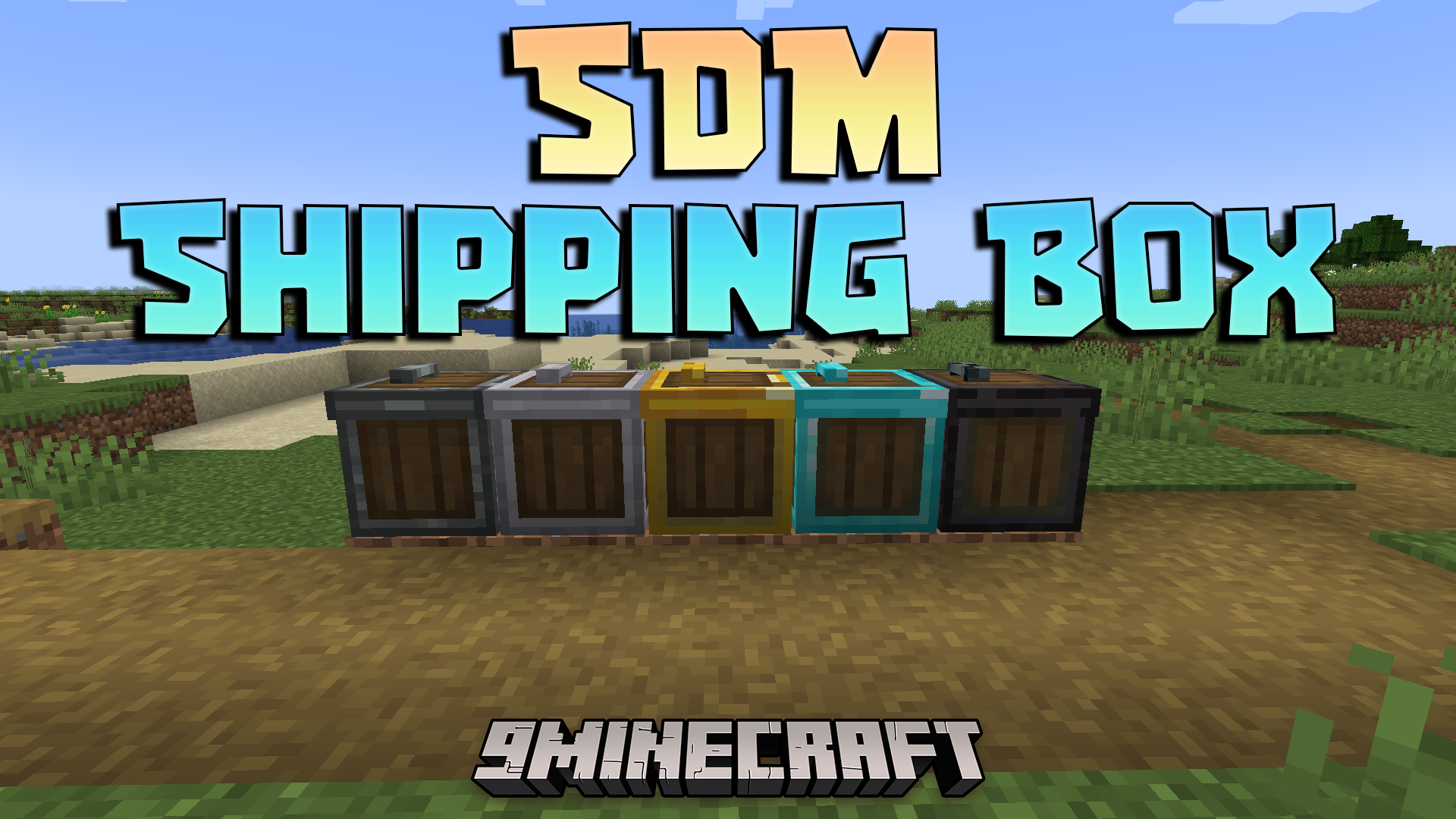
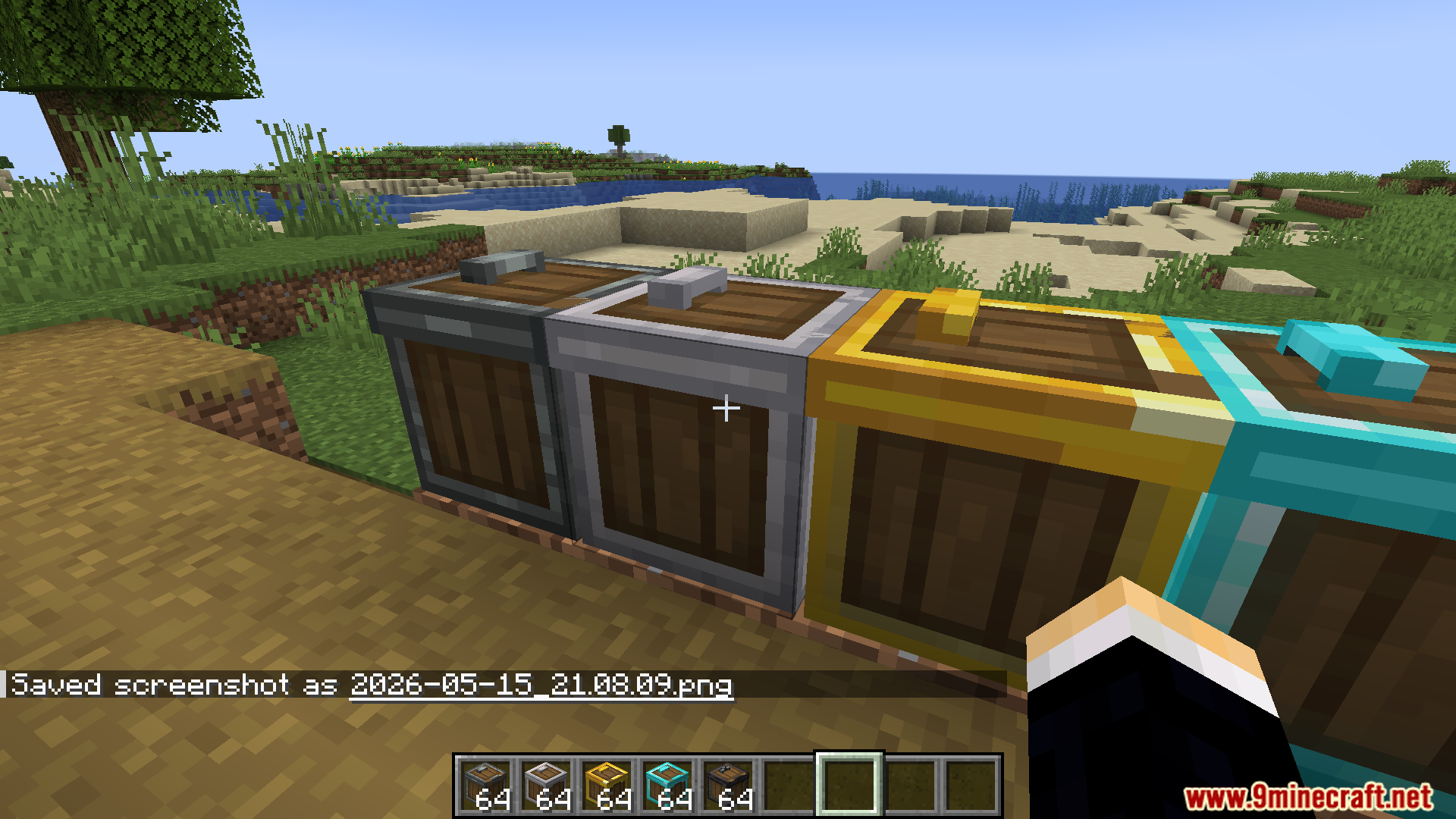
SDM Shipping Box Mod adds special crates that sell your items automatically. You place blocks or materials inside, and it turns them into property points over time. This system saves you from doing manual trades and runs by itself while you play.
Features:
- Smart Pricing: Prices change based on supply and demand, so selling too much of the same item lowers its value.
- Item Tooltips: Shows you an estimate of how many points you will earn before you even sell the item.
- Calculates random price changes, batch bonuses, and small handling fees automatically behind the scenes.
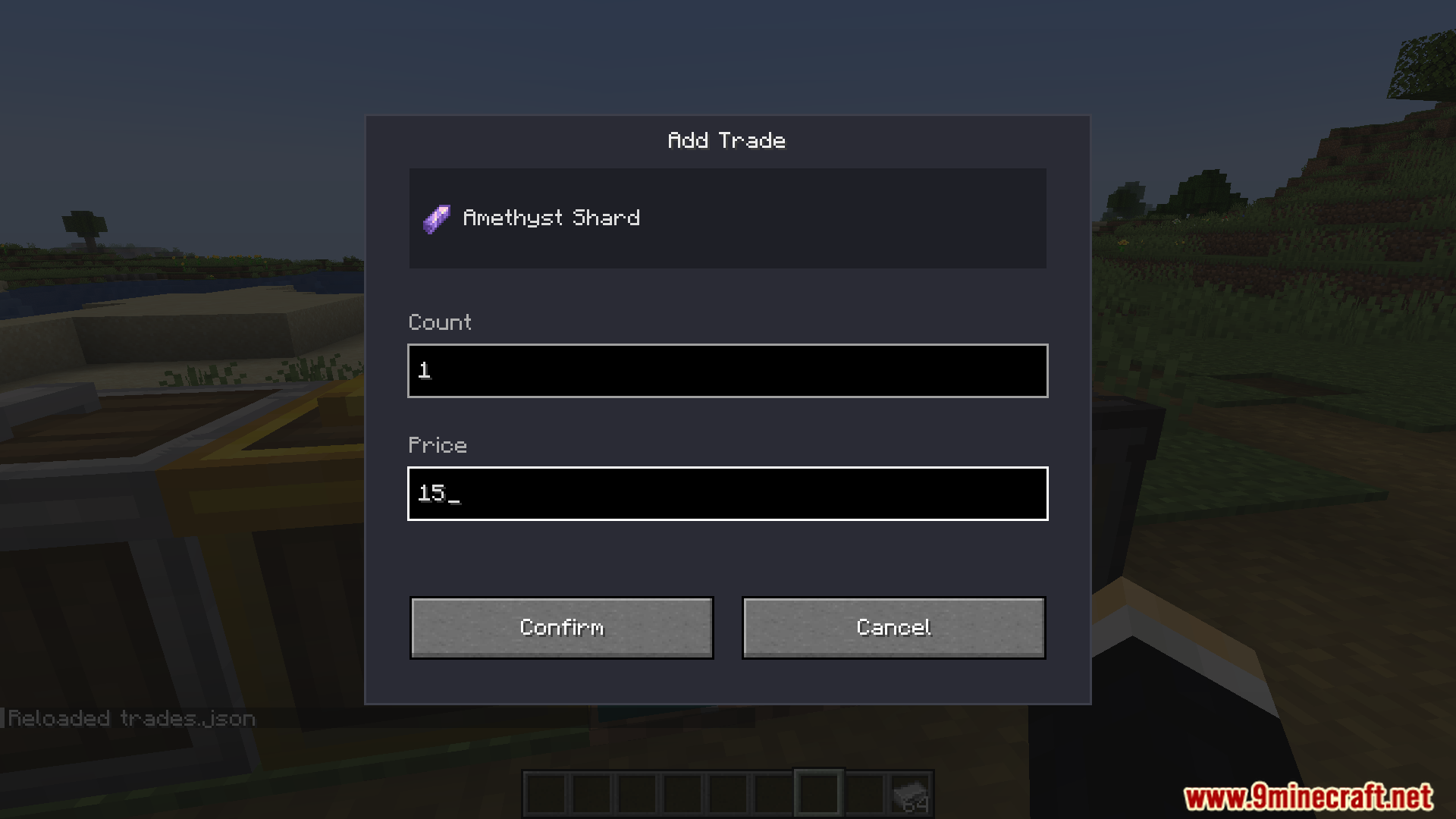
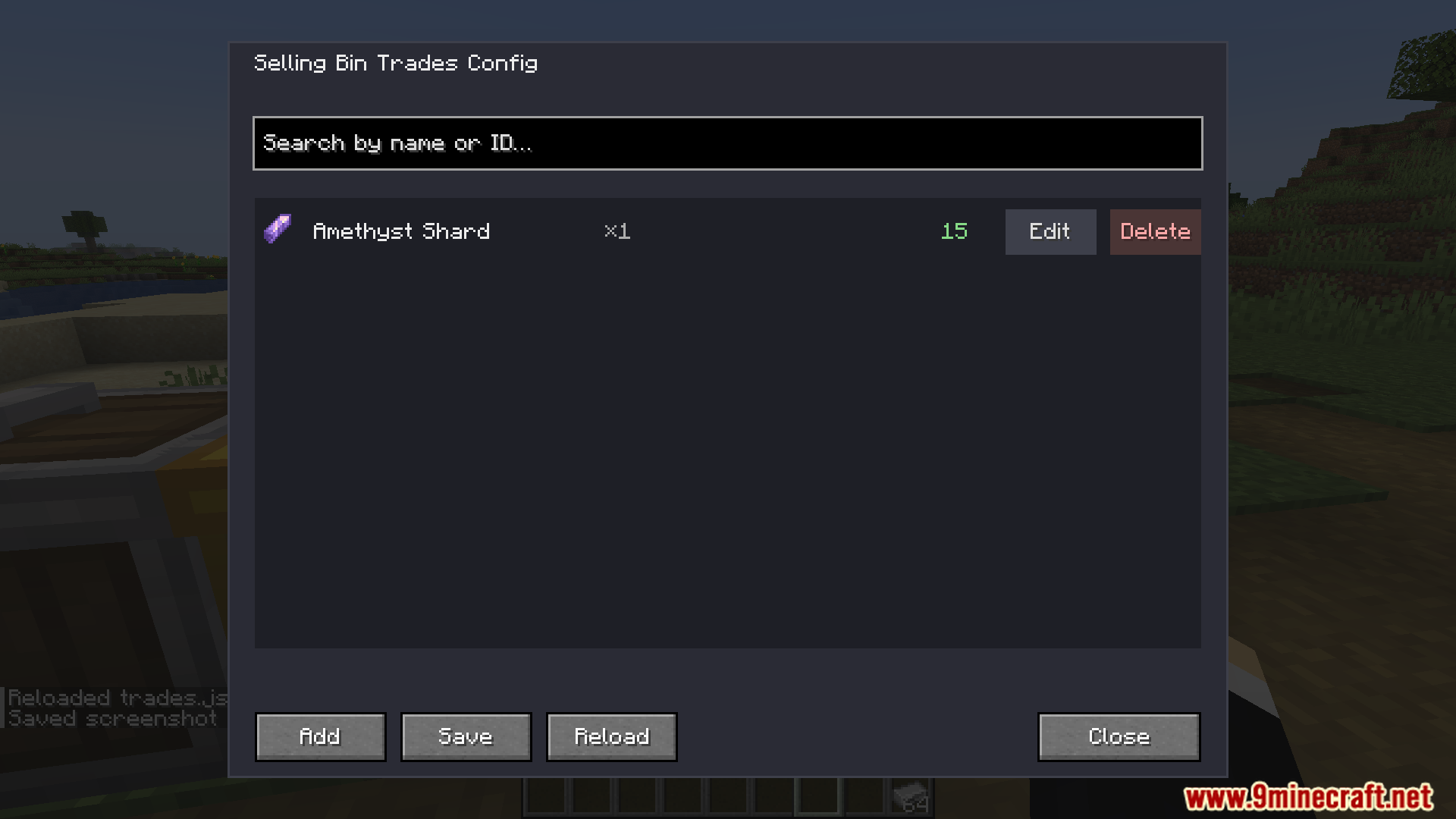
- Lets server admins set up exactly which items players can sell and for how much.
Box Tiers:
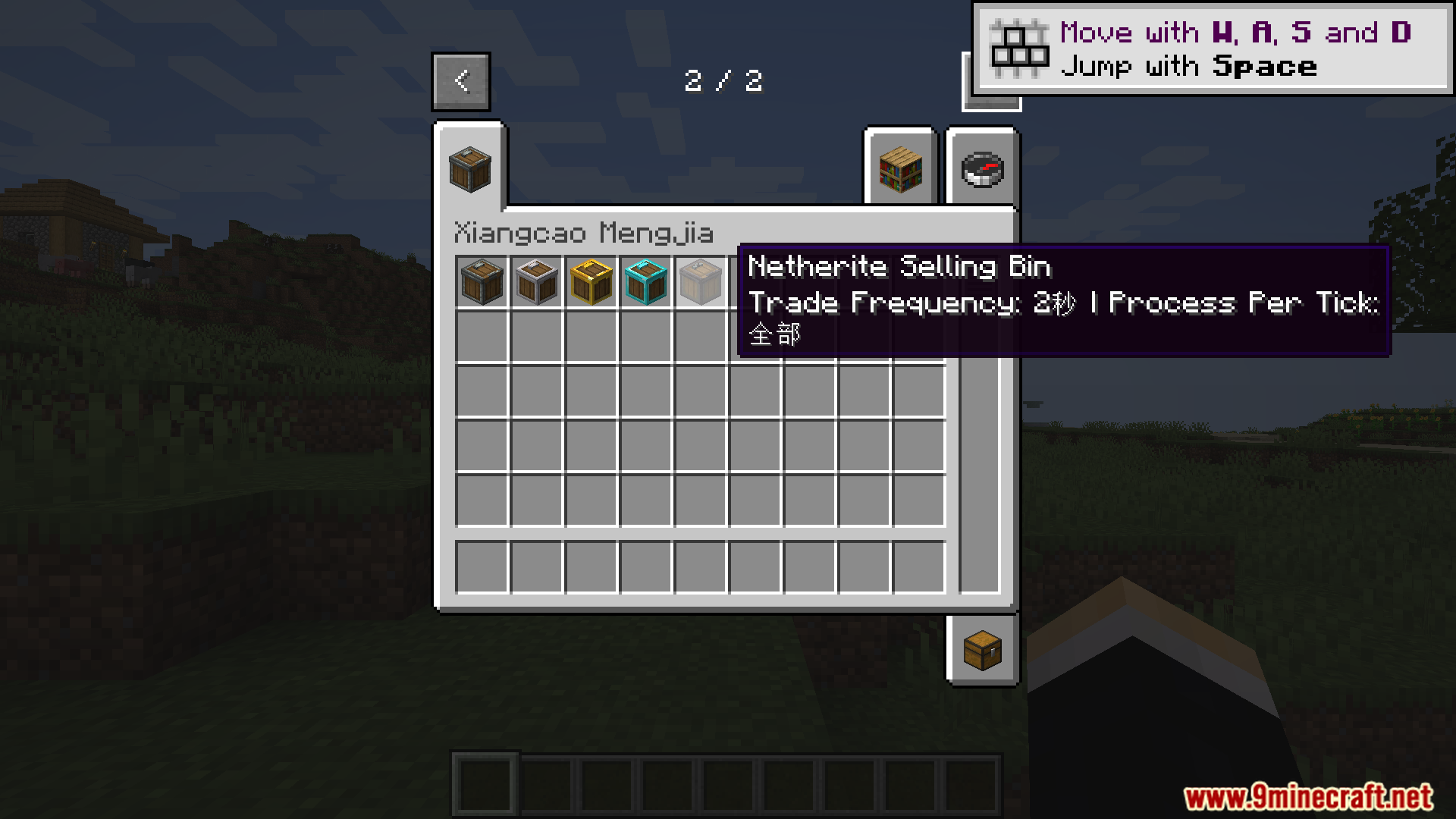
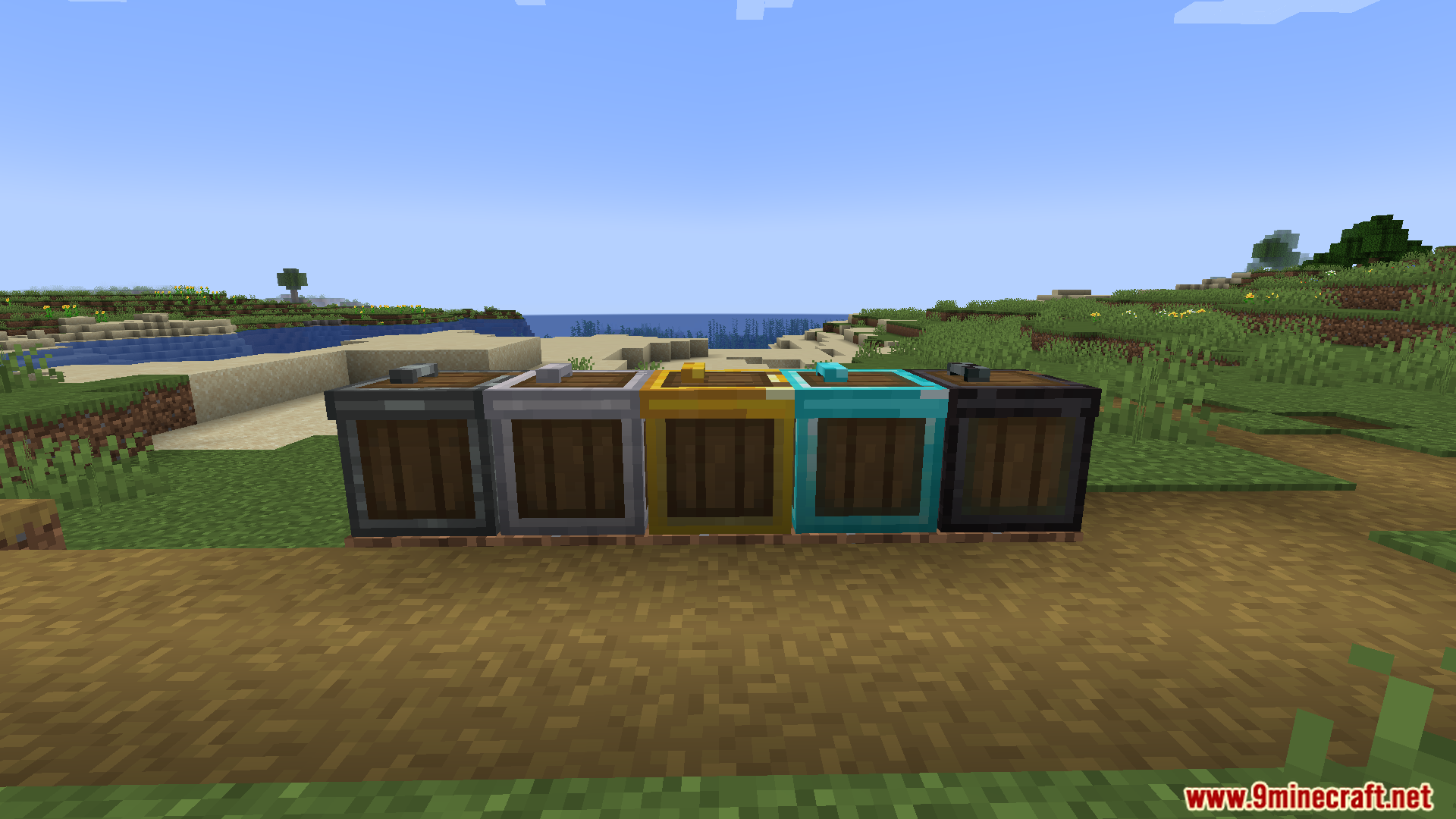
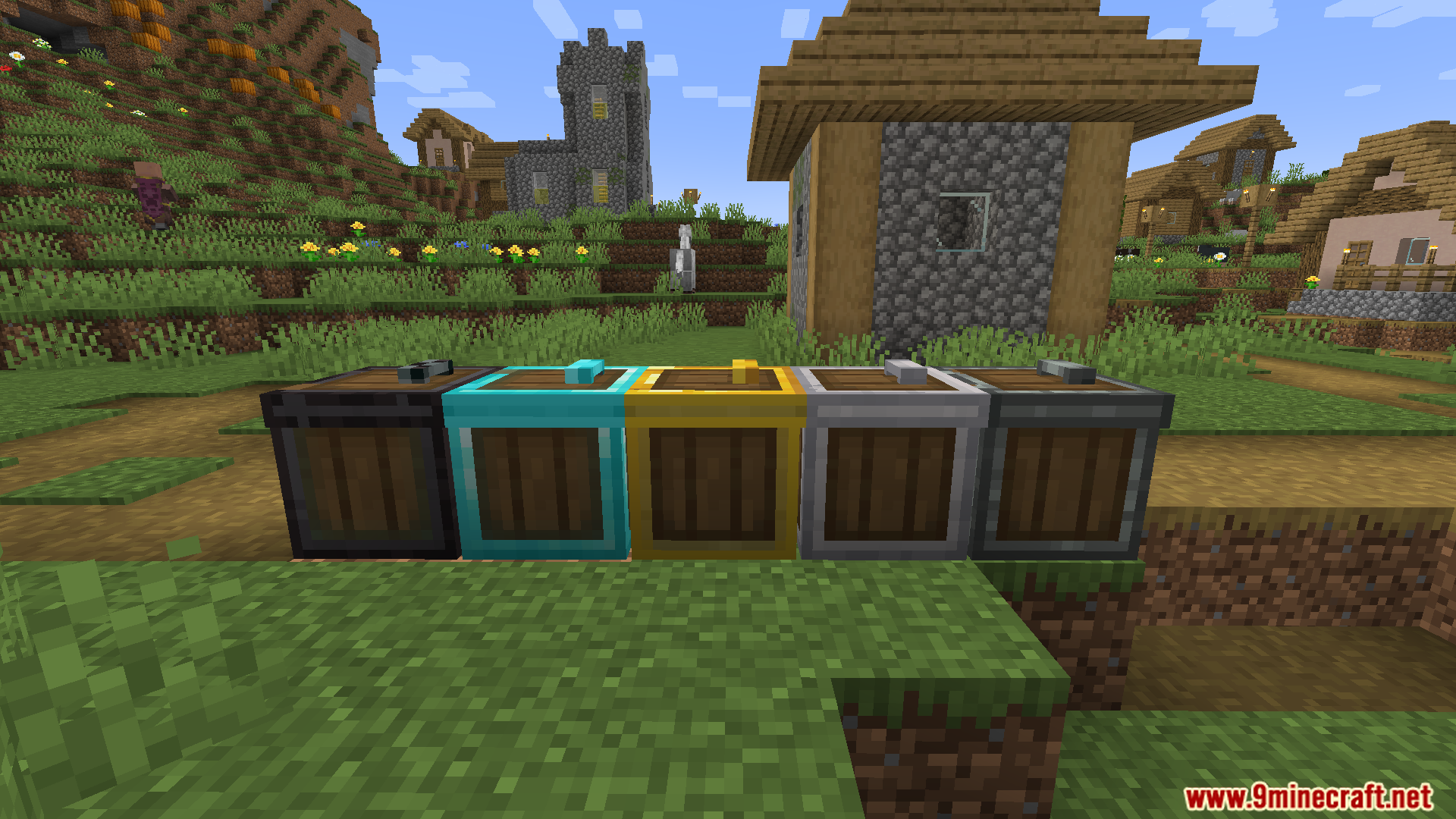
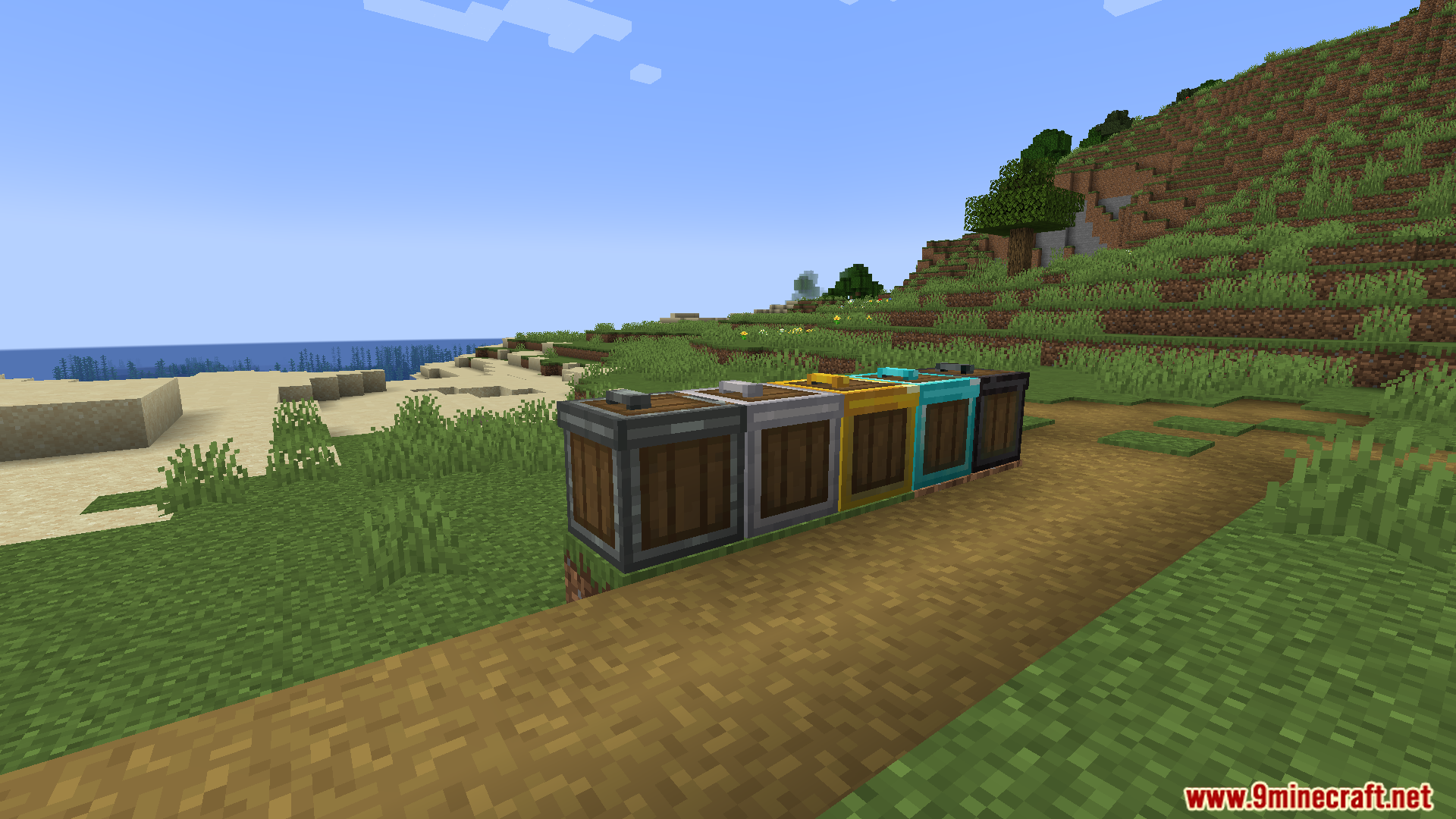
- Wooden tier: basic speed and limits, perfect for when you just start a new world.
- Iron tier: offers a nice balance between selling speed and how many items fit inside.
- Golden tier: sells items faster and holds a larger batch at once.
- Diamond tier: works at a very fast speed and processes huge stacks of items.
- Netherite tier: sells items at the fastest possible speed with no limit on the batch size.
Commands:
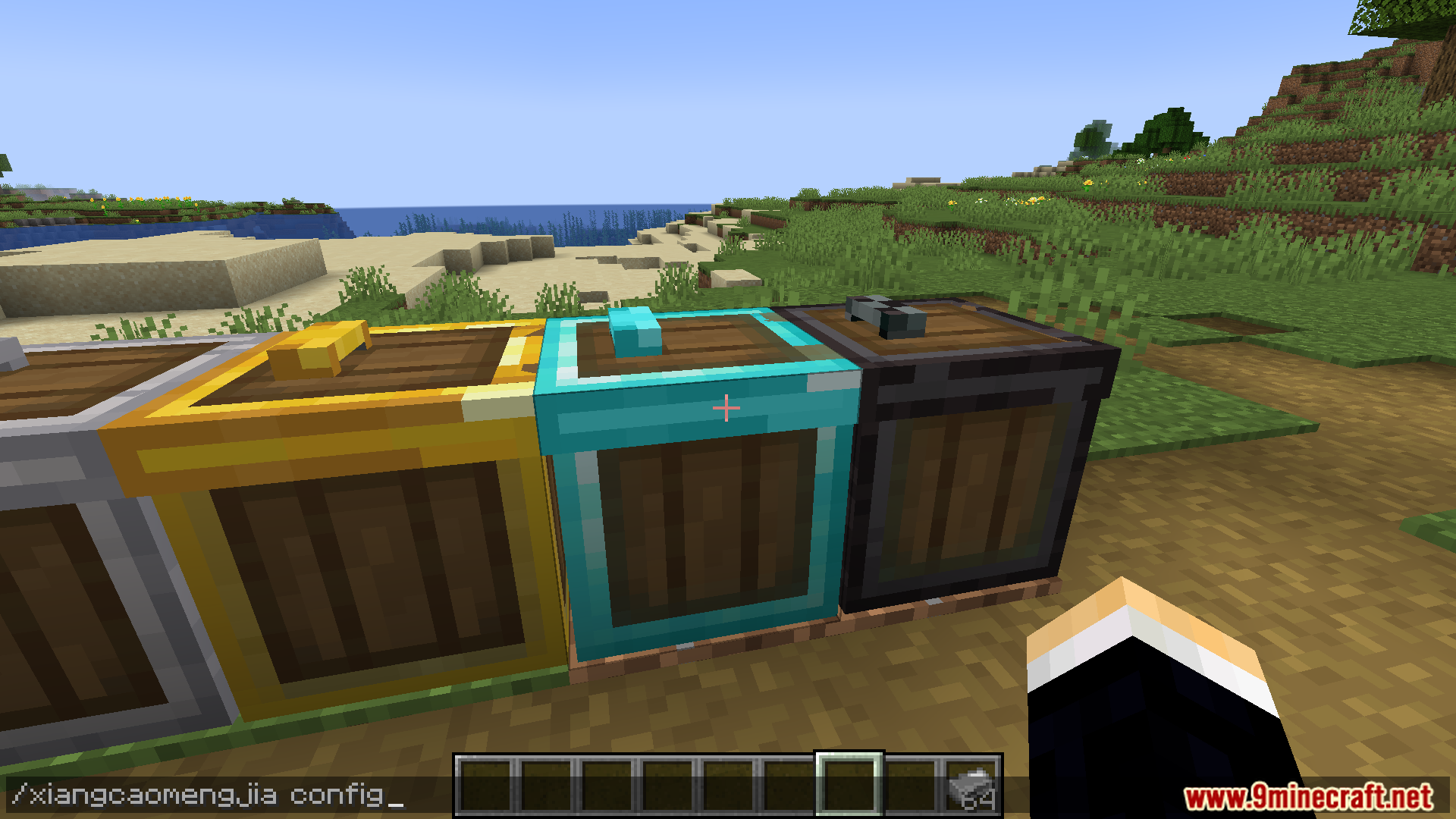
/xiangcaomengjia configopens the trade setup menu (requires OP permissions)./xiangcaomengjia reloadupdates the trade list without restarting the game./xiangcaomengjia refreshPriceupdates the current world price multipliers manually.
How to Use:
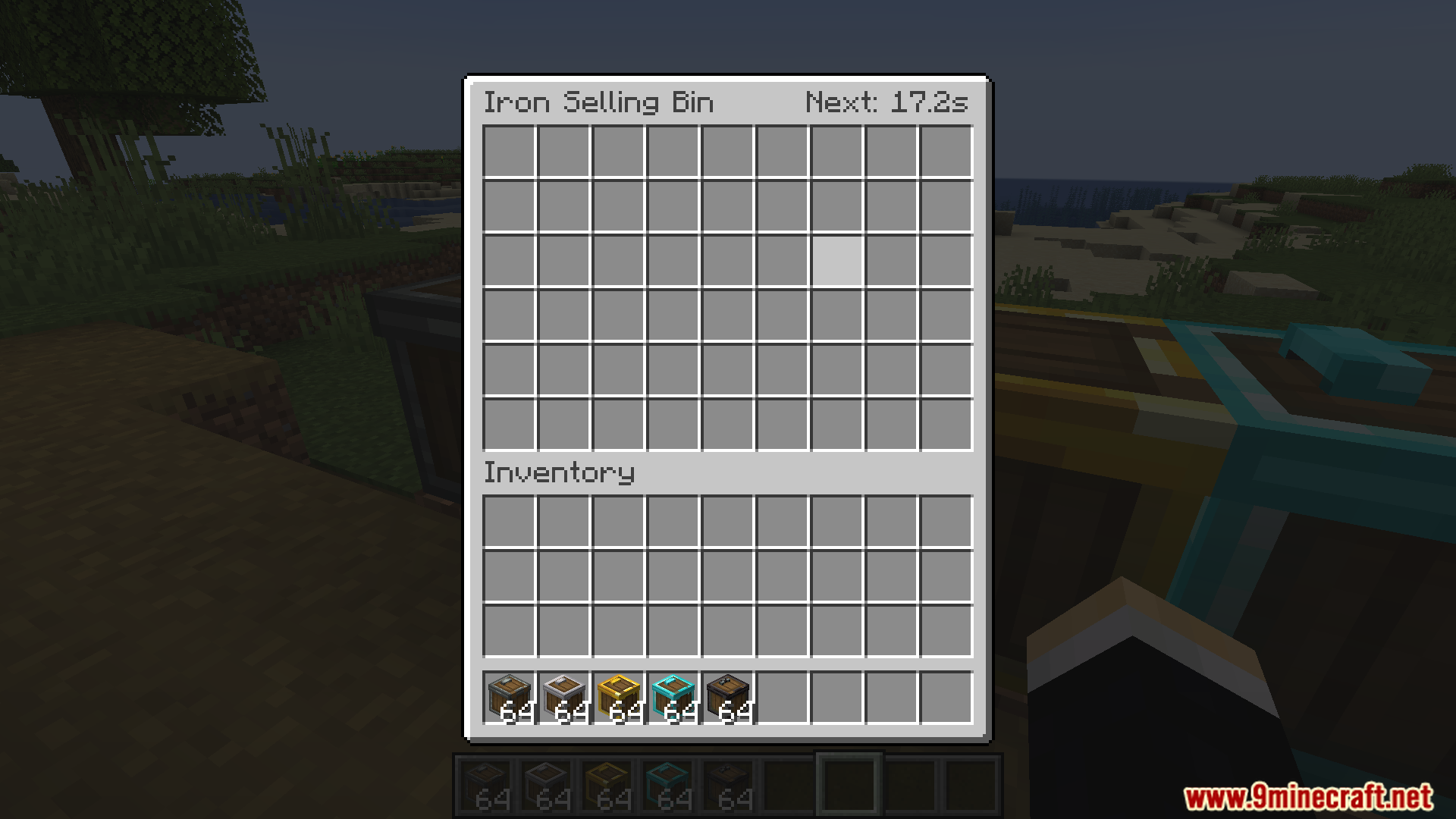
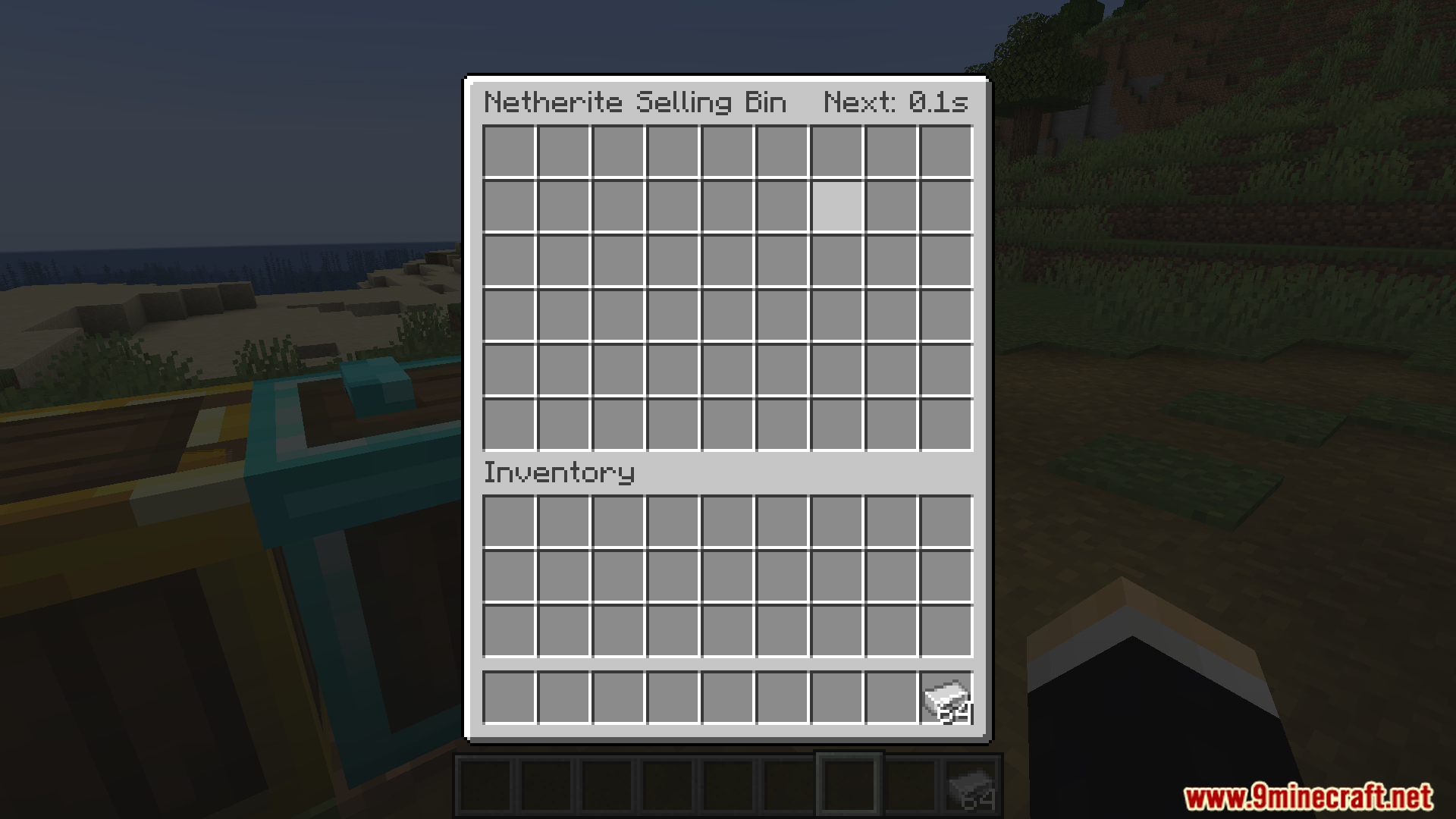
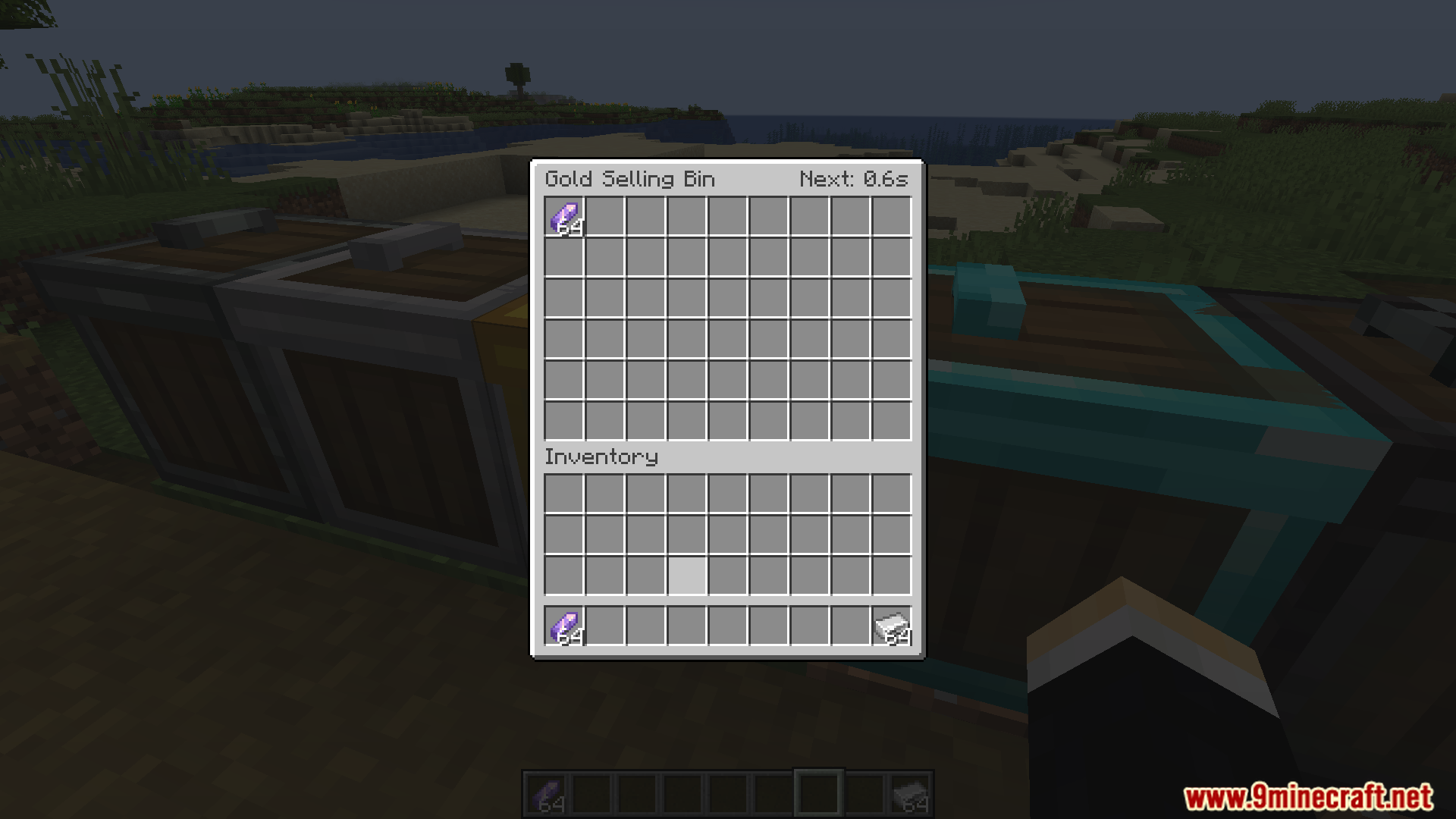
- Place a shipping box on the ground and right-click to open its menu.
- Put the items you want to sell into the slots on the left side.
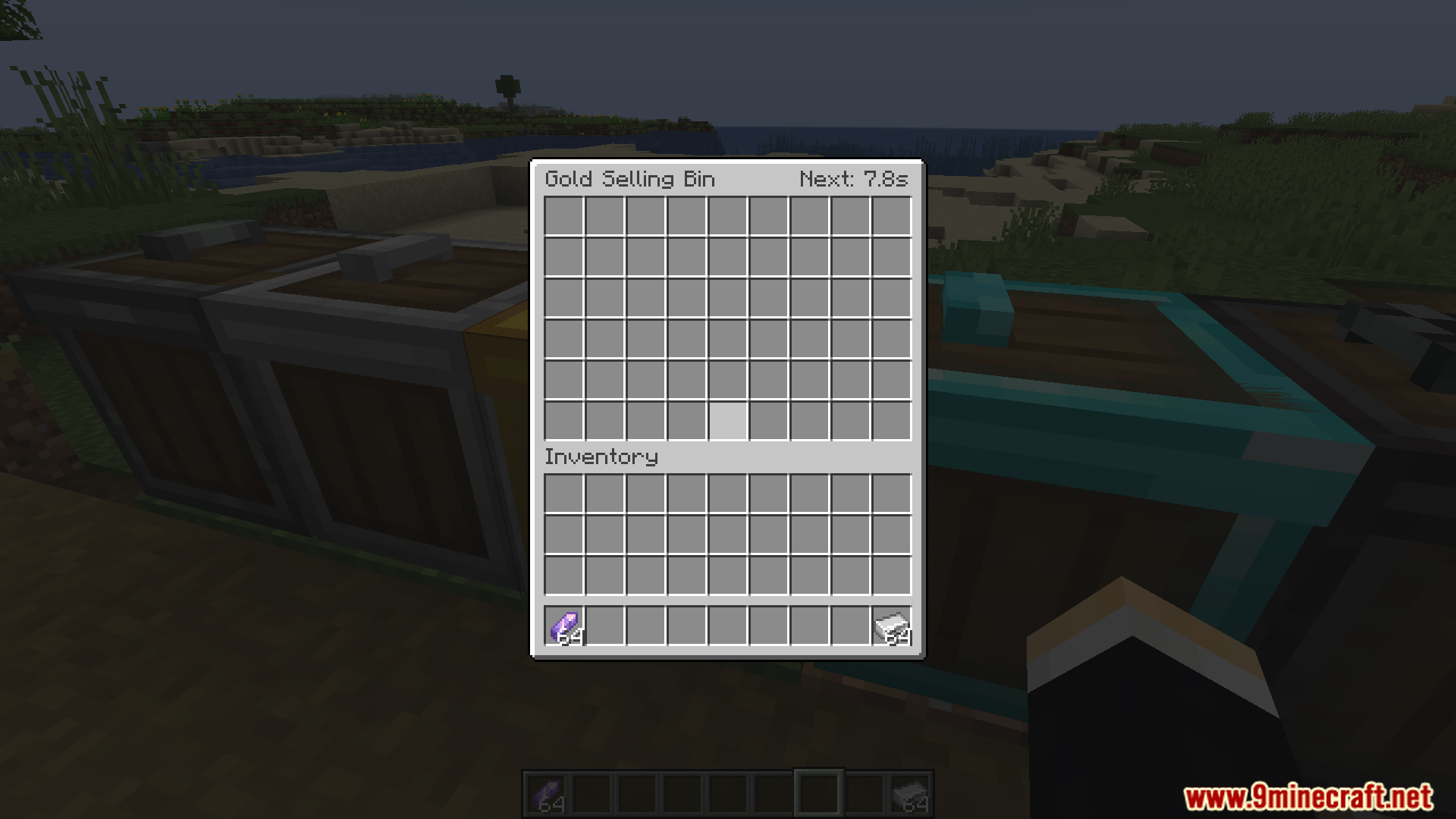
- Look at the right side of the menu to see when the next sale happens.
- Leave the box alone; it converts the items into points automatically when the timer finishes.
Screenshots:

SDM Shipping Box Mod Download Links
Quick facts
- Edition: Minecraft Java
- File type: .jar
- Minecraft version listed: 1.20.1
- How to install: Install the matching mod loader (Forge, Fabric or NeoForge) for your Minecraft version. → Download the .jar. → Put it in the .minecraft/mods folder and launch that loader profile.
- Where to get it: In MC Java Mods, or directly above on this page.
Install steps are the general flow for this file type — How to install Minecraft Java mods & modpacks walks through it step by step.
Verified by MCModsHub
- Downloads as 26212.mcaddon
- Download size: 490 KB
- Download link checked 22 Sept 2026 — working
- Mirrored on our own servers — the download does not depend on the original host
These come from our own check of the pack file, not from the source page.