HomeJavaModsItem Editor - Component & NBT
Item Editor - Component & NBT
ModsJava

Item Editor - Component & NBT

by noramibu · on Modrinth

Client-side item, component and NBT editor for Fabric. Customize held items, edit NBT data, and modify item components via an extensible GUI.

⬇ Download on Modrinth
Item Editor - Component & NBT — screenshot 1Item Editor - Component & NBT — screenshot 2Item Editor - Component & NBT — screenshot 3Item Editor - Component & NBT — screenshot 4Item Editor - Component & NBT — screenshot 5Item Editor - Component & NBT — screenshot 6Item Editor - Component & NBT — screenshot 7Item Editor - Component & NBT — screenshot 8

Item Editor Logo

thanks to MarioKartWii for icon

Item Editor

A powerful client-side in-game component and NBT editor for Minecraft: Java using the Fabric mod-loader.

Modrinth Downloads GitHub Source Discord Join


26.2

owo-lib isn't updated to 26.2 yet, so I'm redistributing an unofficially updated version of it as a supplementary file. Please use the below supplementary file while installing 26.2 version of Item Editor. In older versions you can use official releases.

https://cdn.modrinth.com/data/FFDotM4D/versions/5Zq8F2jr/owo-lib-0.13.0%2B26.2.jar?mr_download_reason=standalone

Overview

Item Editor opens a comprehensive GUI for the currently held item, allowing you to safely modify item data on a draft before applying changes. Designed as a modern alternative to traditional raw NBT data editors, this mod utilizes Minecraft's modern data component system instead of relying solely on outdated raw-NBT workflows.

It features dynamic custom UI editors for modifying item properties, metadata, and components, including menus for special item types such as books, banners, custom fireworks, containers, signs, potions, and more.


Key Features


Installation

Requirements

Steps

  1. Install Fabric Loader
  2. Download the following files:
  3. Place all .jar files into your mods folder
  4. Launch the game
  5. Open the editor via Controls → Item Editor (default key: I)

Core Workflow

Item Editor uses a draft-first editing system to ensure safe, predictable modifications:

Feature Description
Draft Editing All edits are made on a temporary copy of the held item
Live Feedback Preview updates while editing, with validation shown inline
Safe Apply Save / Apply shows a diff/verification flow before committing
Discard Safety Close/Reset asks for confirmation when needed

Editor Categories

General

Components

Always Available

Item Specific

Display

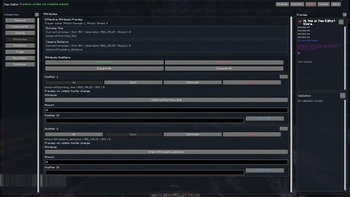
Attributes

Enchantments

Flags

Raw Editor

Special Data

Dynamic category. Sections appear only for compatible items.

Storage

Save items into a built-in storage menu:


Screenshots

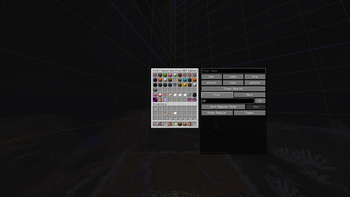
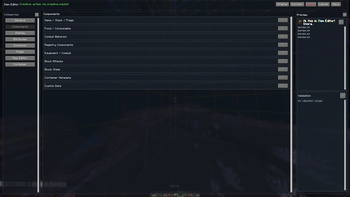
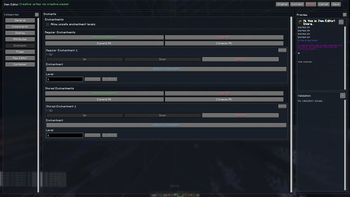
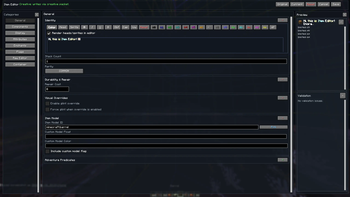
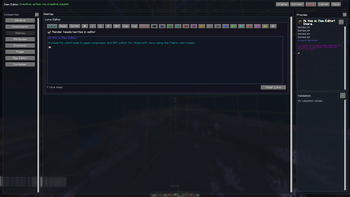
General Editor Lore Editor
Banner Editor Book Editor
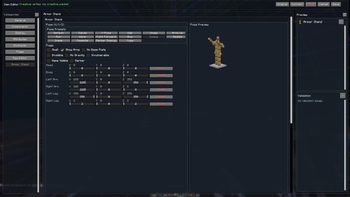
Enchants Armor Stand Editor
Raw Editor Sign Editor
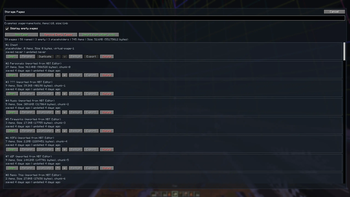
Storage Storage Pages

Supported Languages

Language Native name Code
English English en_us
Japanese 日本語 ja_jp
Spanish Español es_es
Russian Русский ru_ru
Simplified Chinese 简体中文 zh_cn
Traditional Chinese 繁體中文 zh_tw
Hindi हिन्दी hi_in

Contributing

Contributions are welcome! Please feel free to:


NBT Library

If you are interested in item making, NBT etc, also check out NBT Library. The NBT Library is focused on a "quality over quantity" approach, providing meticulously curated hotbars full of items, kits, books, and more for your creative servers and single-player worlds.


Also thanks a lot to Kaddicus for his countless helps while developing this mod, without him this mod would be a simple Lore Editor.


License

This project is licensed under the terms of the license specified in the LICENSE file.


ModrinthGitHubDiscord

Verified by MCModsHub

These come from our own check of the pack file, not from the source page.

Explore more