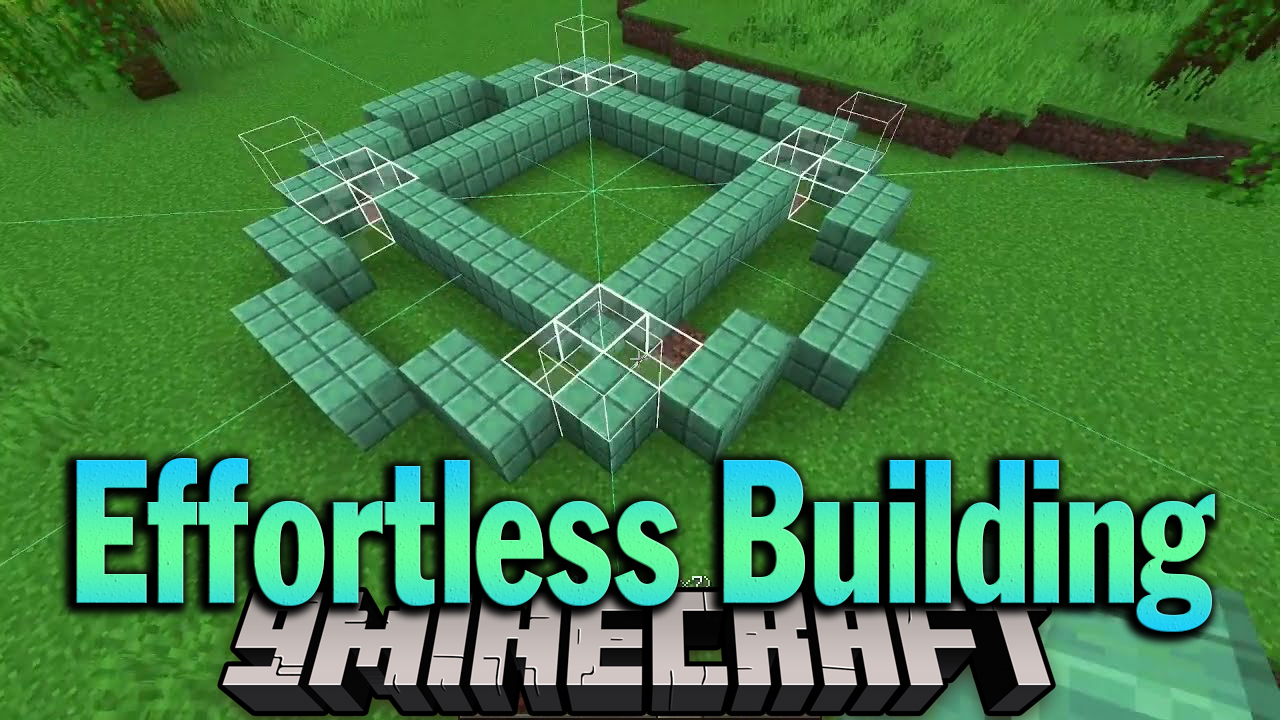
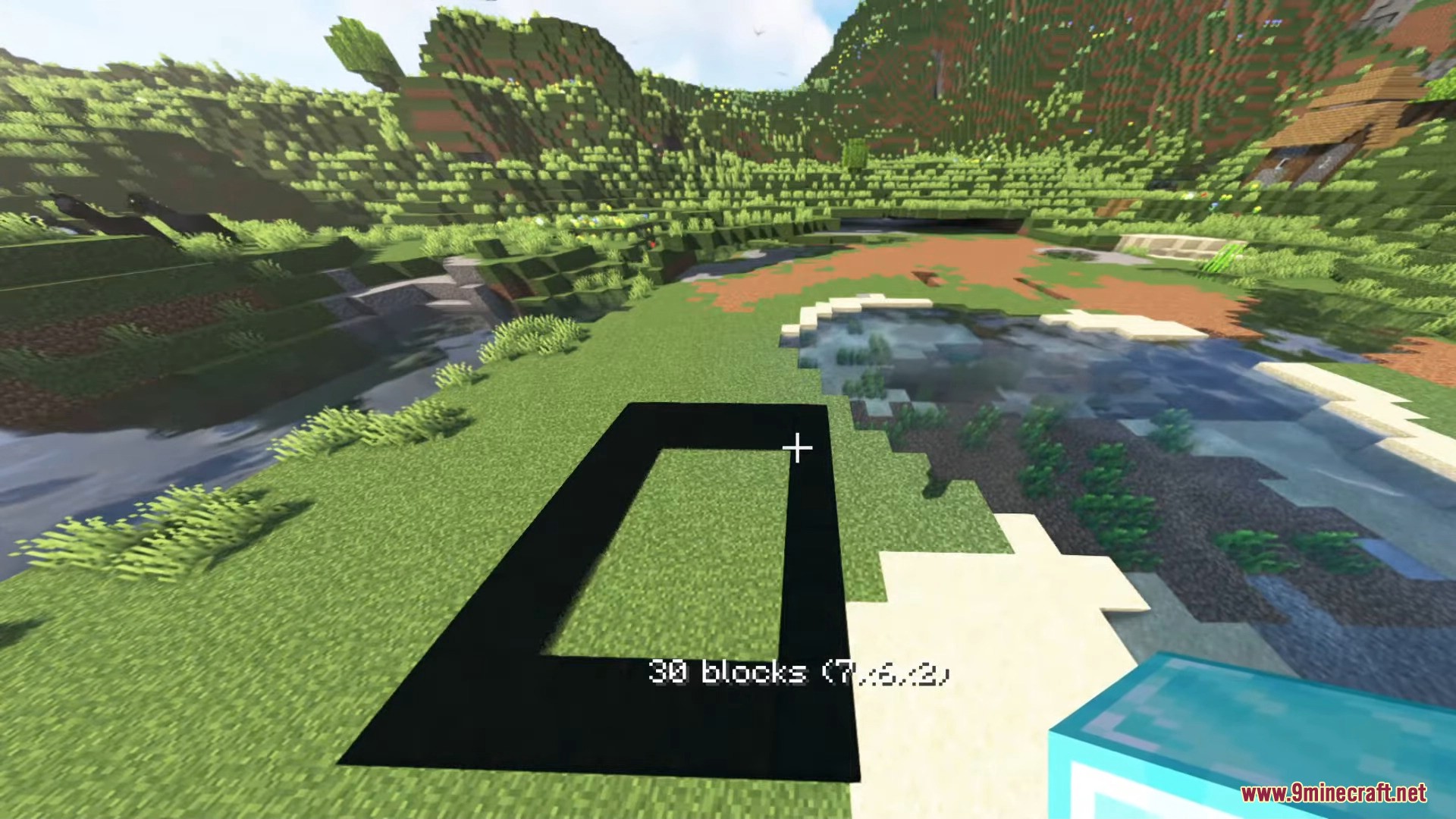
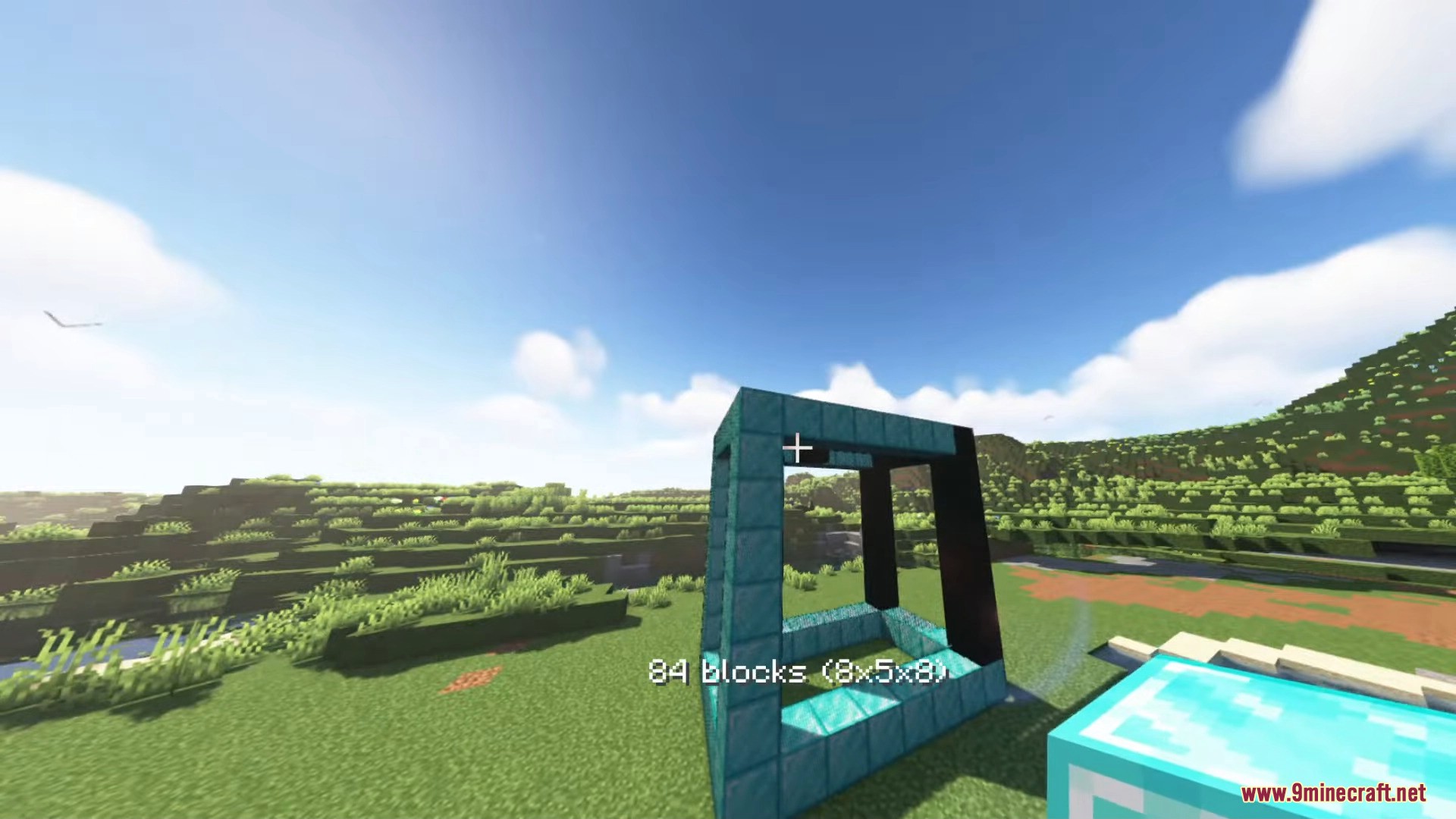
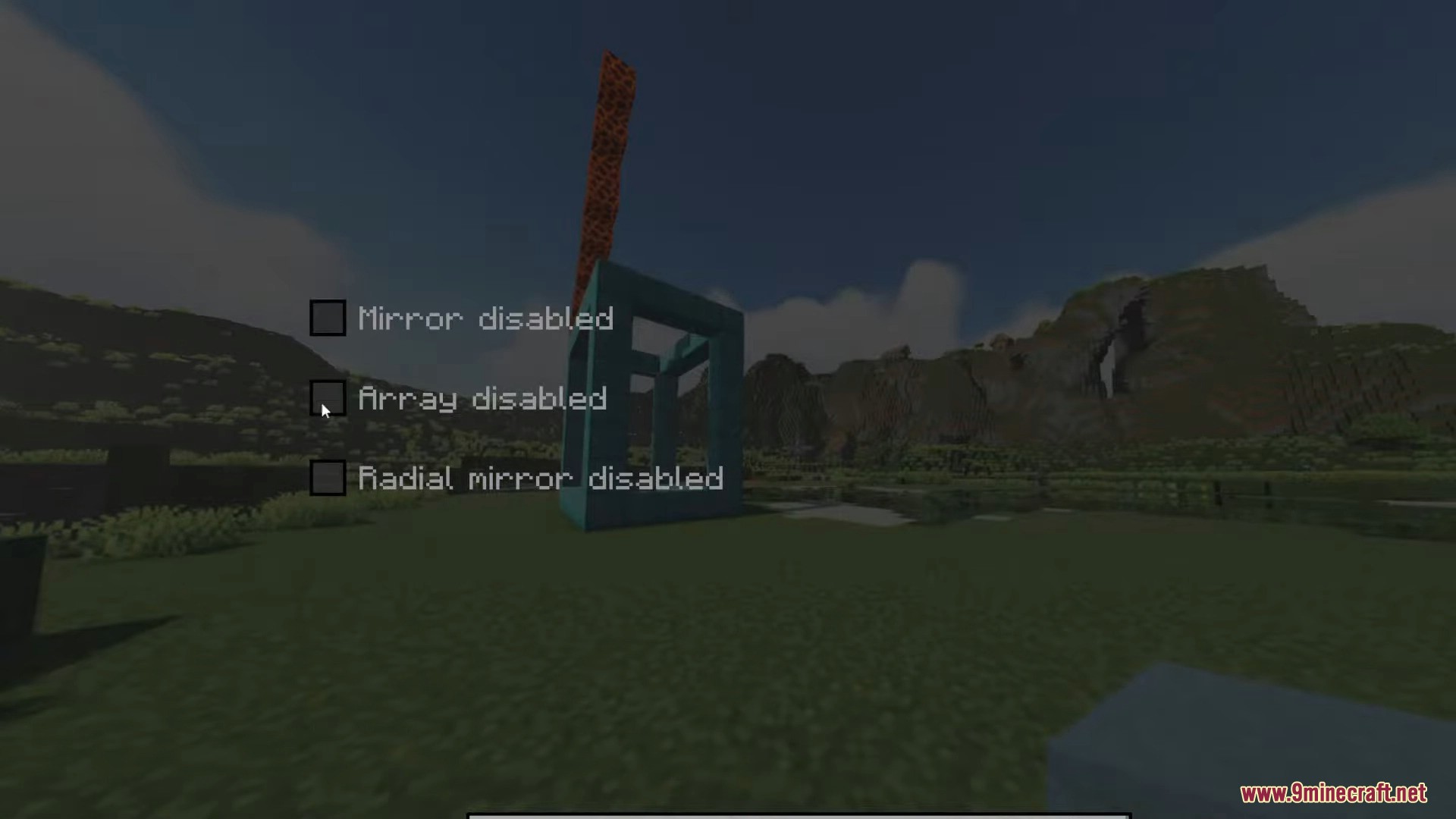
Effortless Building Mod is a mod that focuses on providing players with various tools and functionalities aimed at improving our efficiency when creating large constructions. These tools and functions are designed to make building easier for us. There are several elements you can use. For example, you can build in mirror mode, reflecting our construction symmetrically. You can use matrices to replicate our constructions or building patterns, as well as use various building modes. Another notable feature of this mod is the block randomizer bag, which will give us random blocks during construction. All these tools and functionalities can be used in both survival mode and creative mode.
Features:
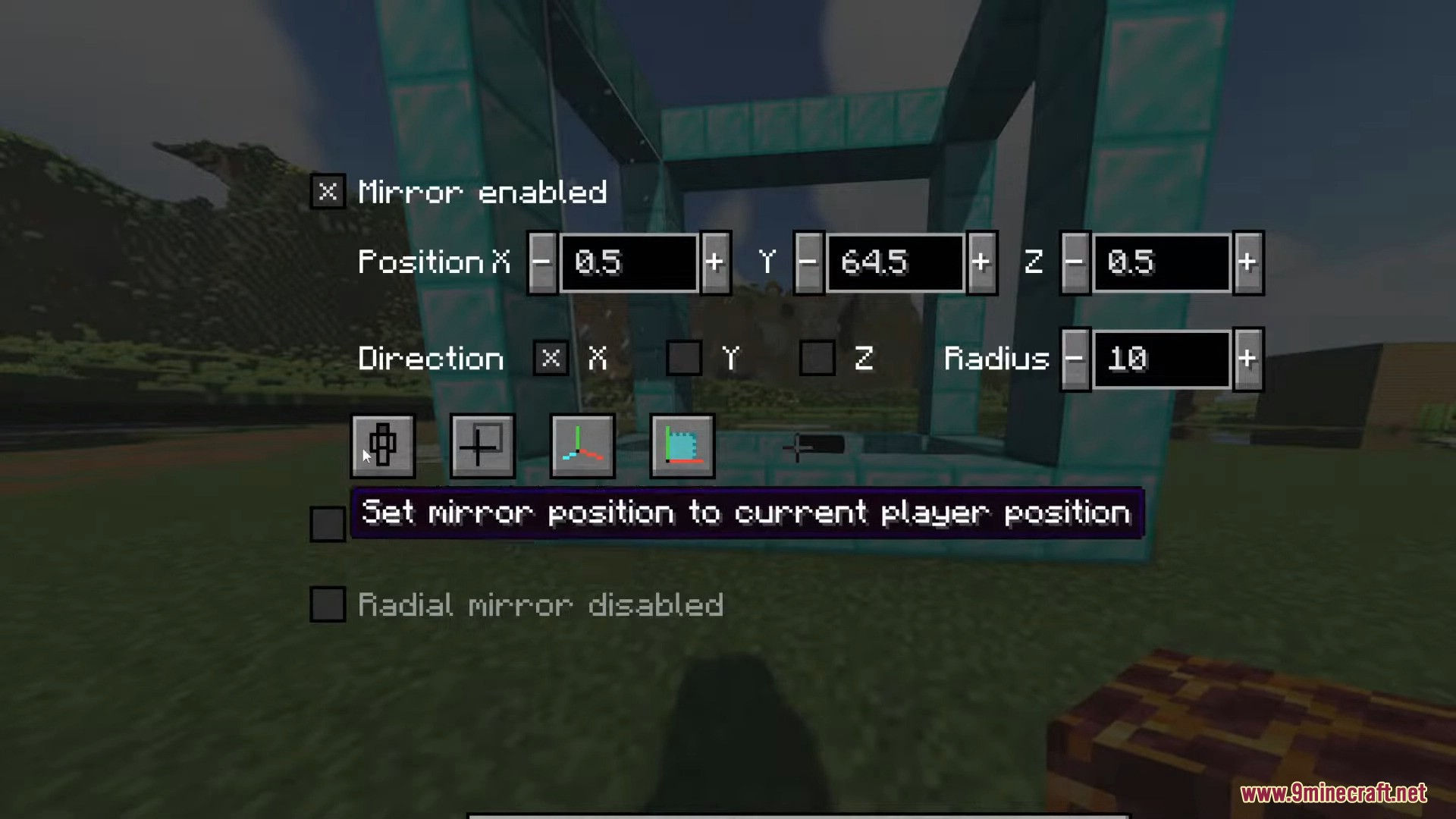
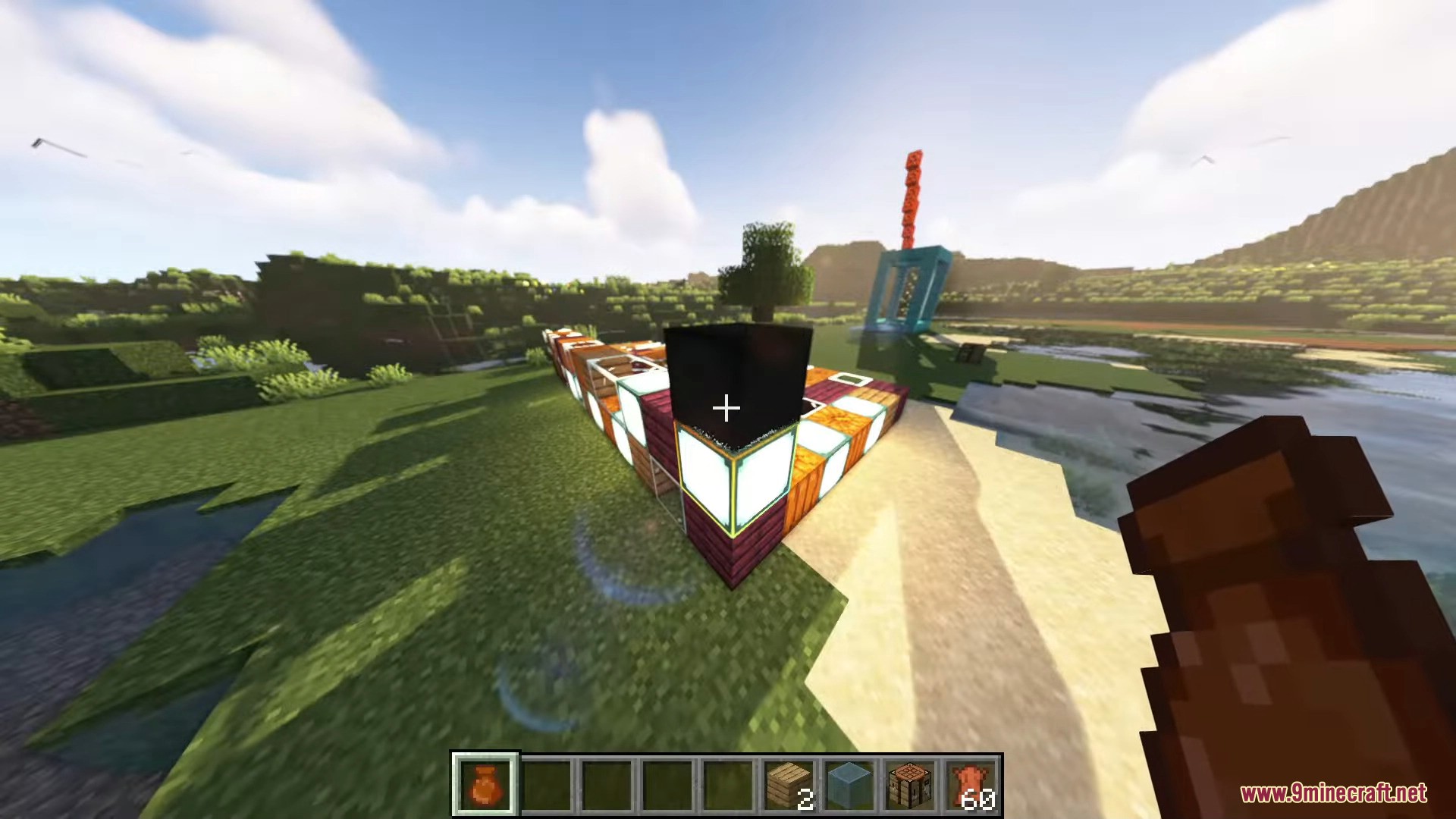
- Allows you to mirror blocks in real-time as you place them, making symmetrical constructions easier.
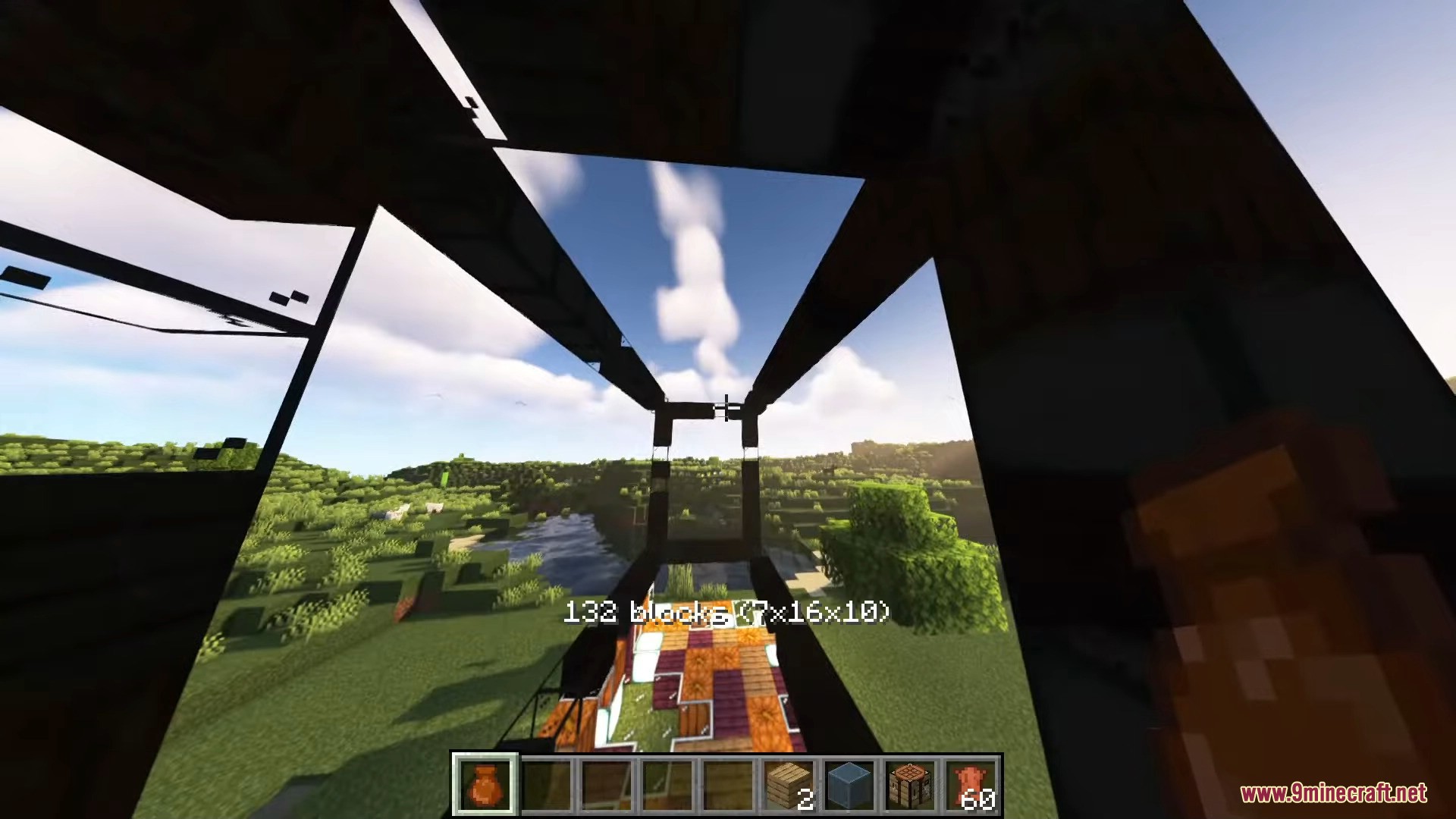
- Enables you to quickly replicate sections of your construction using arrays, saving time and effort.
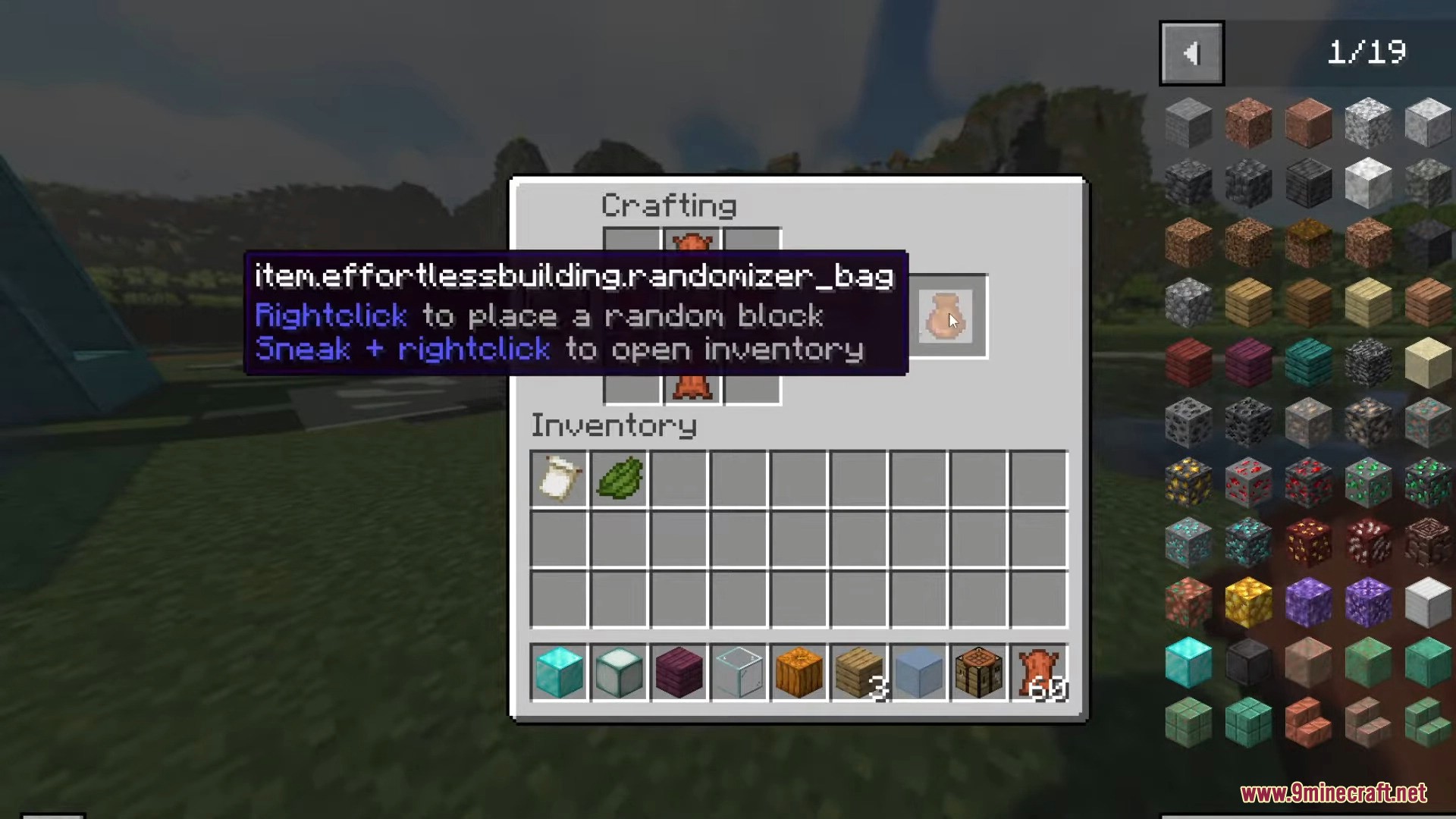
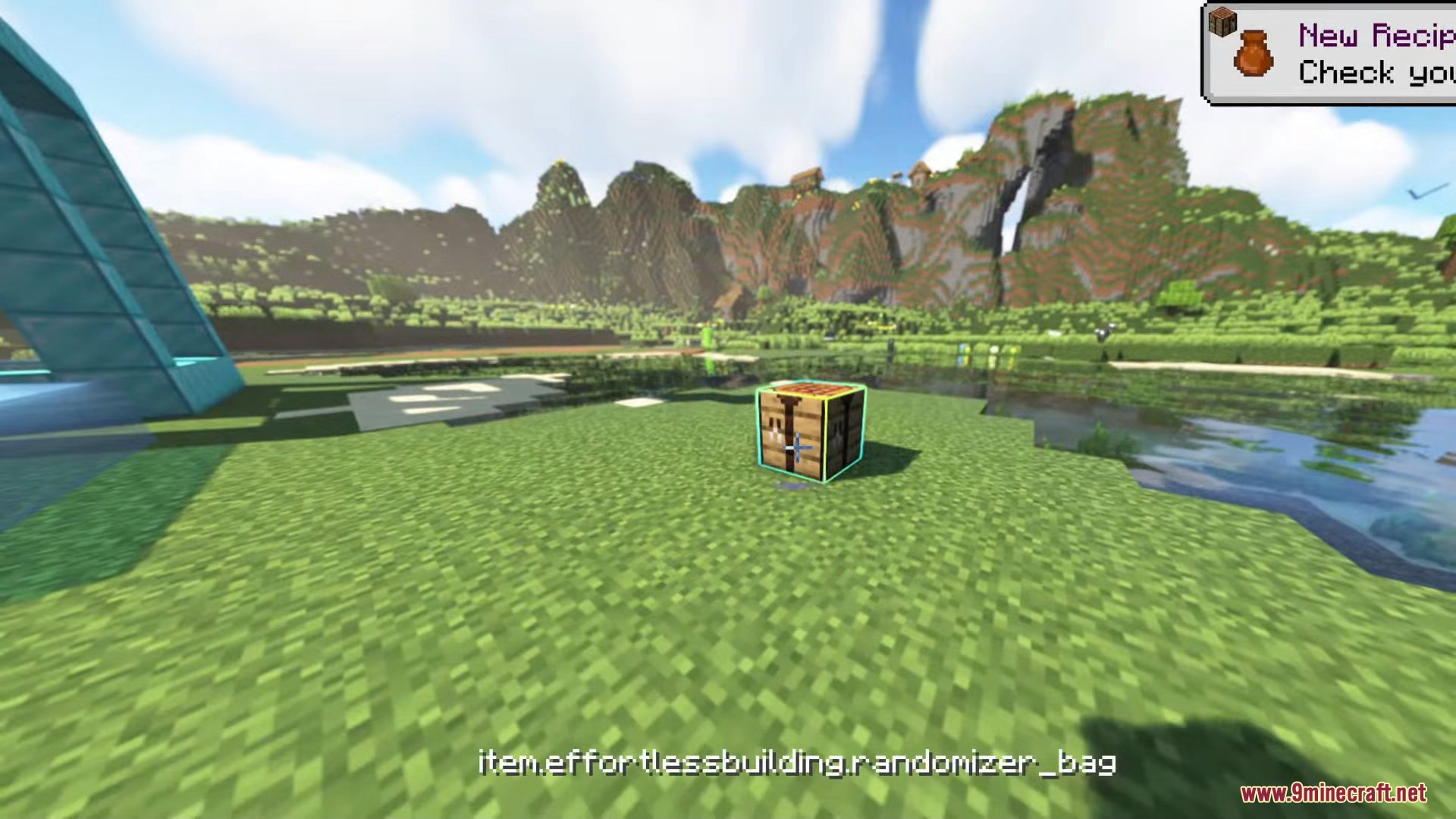
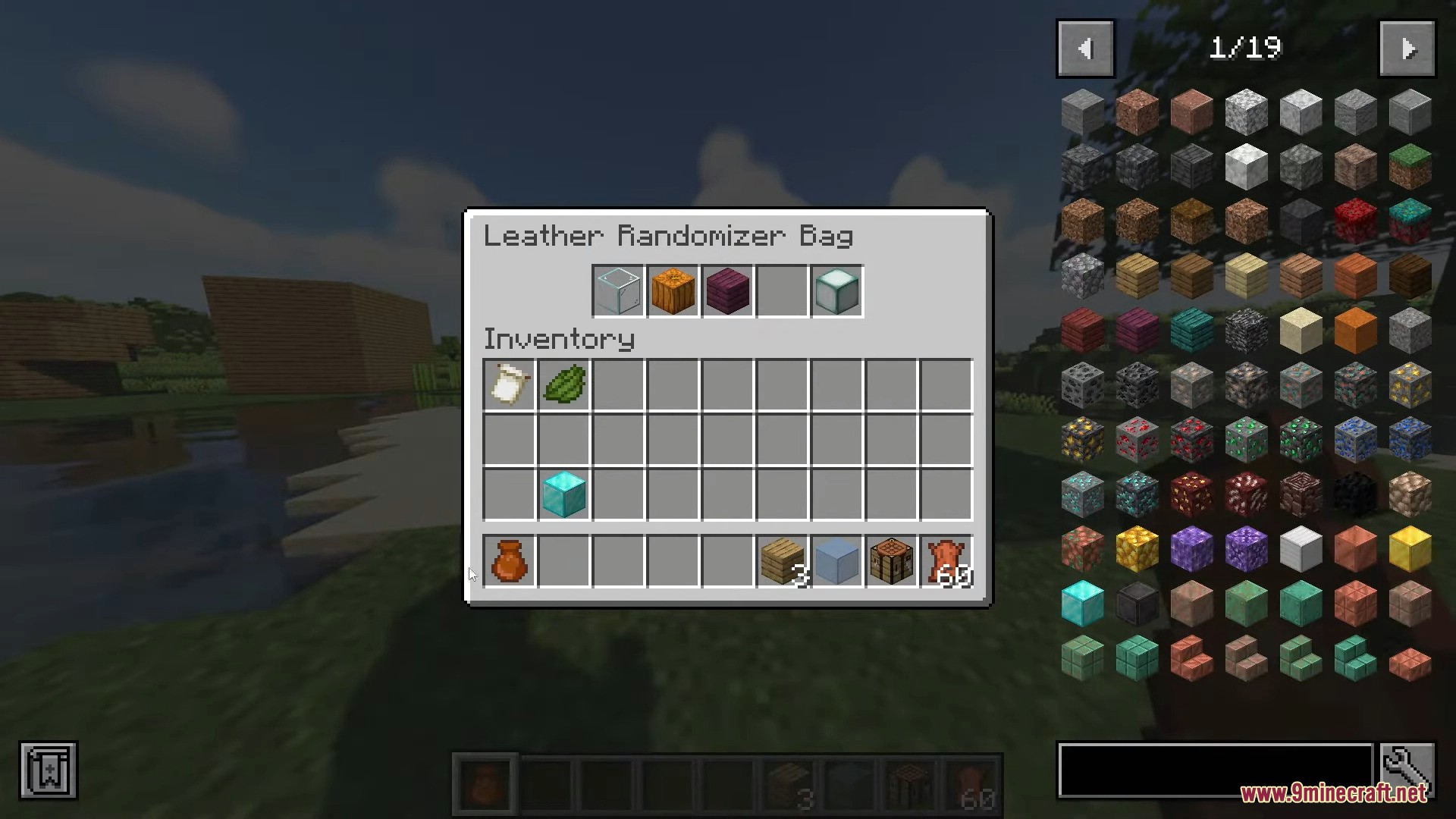
- Provides random blocks during construction, adding variety and creativity to your builds.
- Lets you quickly replace existing blocks with a simple key press.
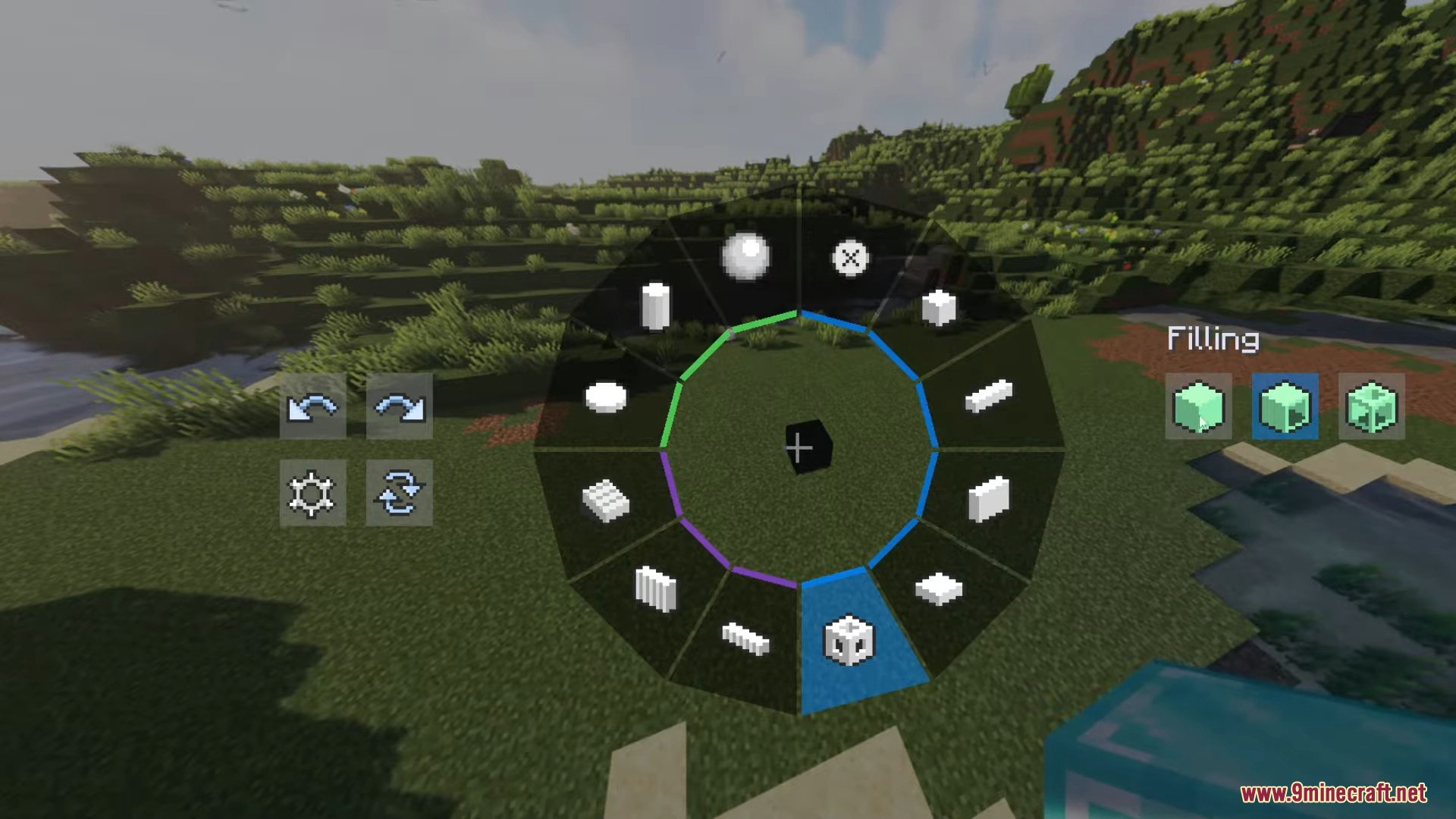
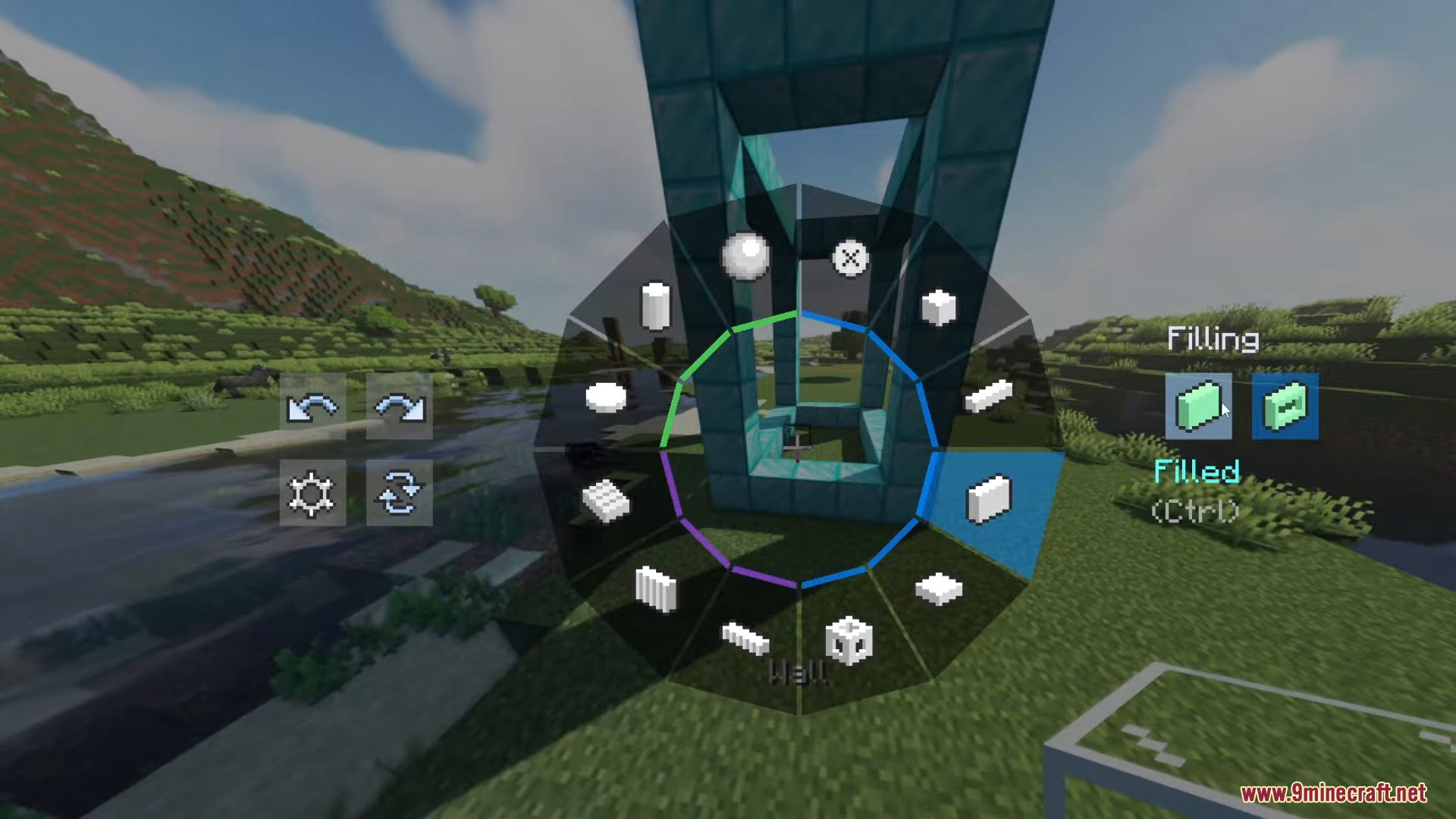
- Offers various build modes such as Normal, Normal+, Line, Wall, Floor, Diagonal Line, Diagonal Wall, Slope Floor, Cube, Circle, Cylinder, and Sphere, each with unique functionalities to suit different building needs.
- Includes features like radial mirror, mirror settings, and build modifiers to enhance your building experience.
- Works in both survival and creative modes.
Screenshots:
How to use:
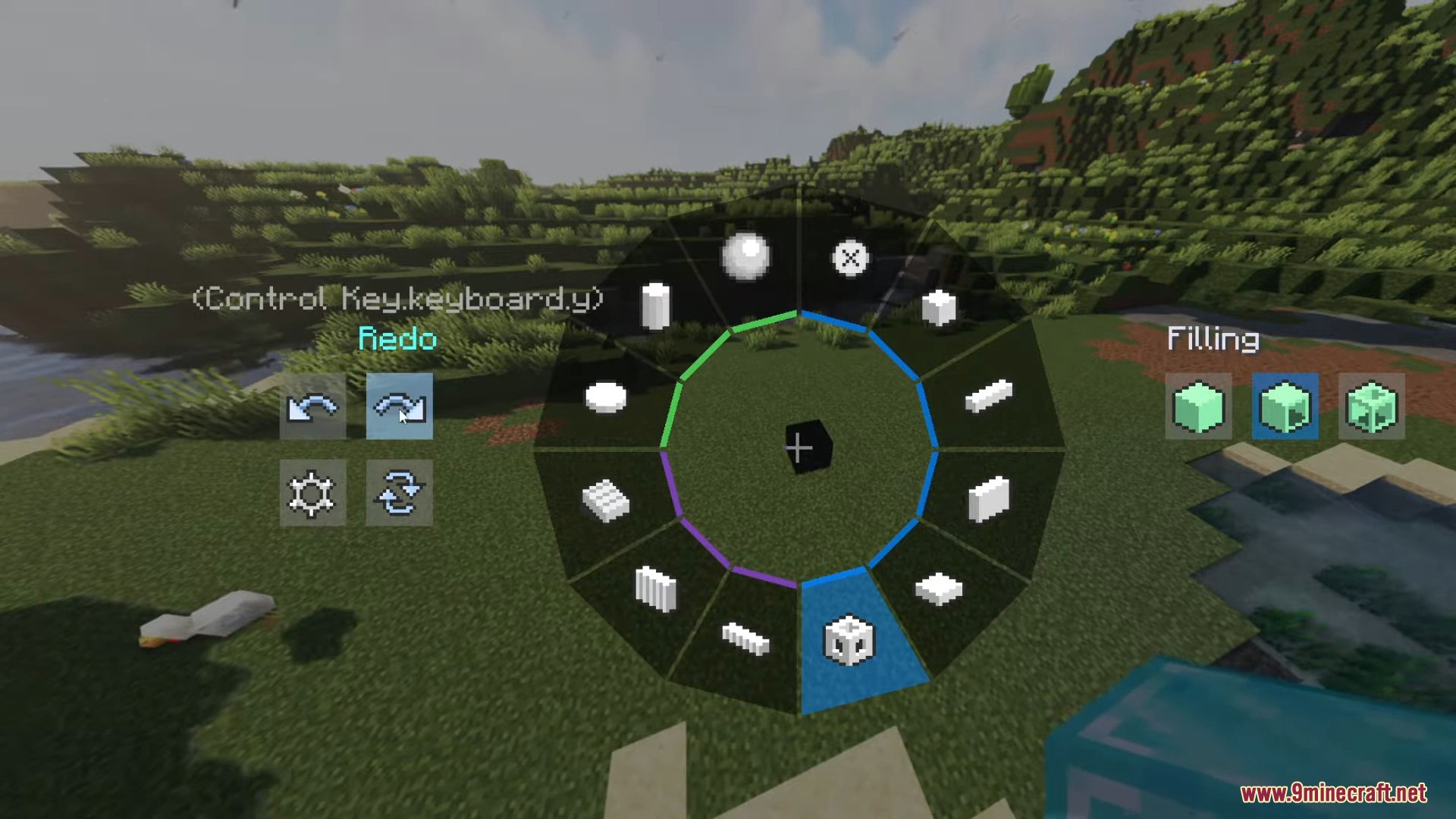
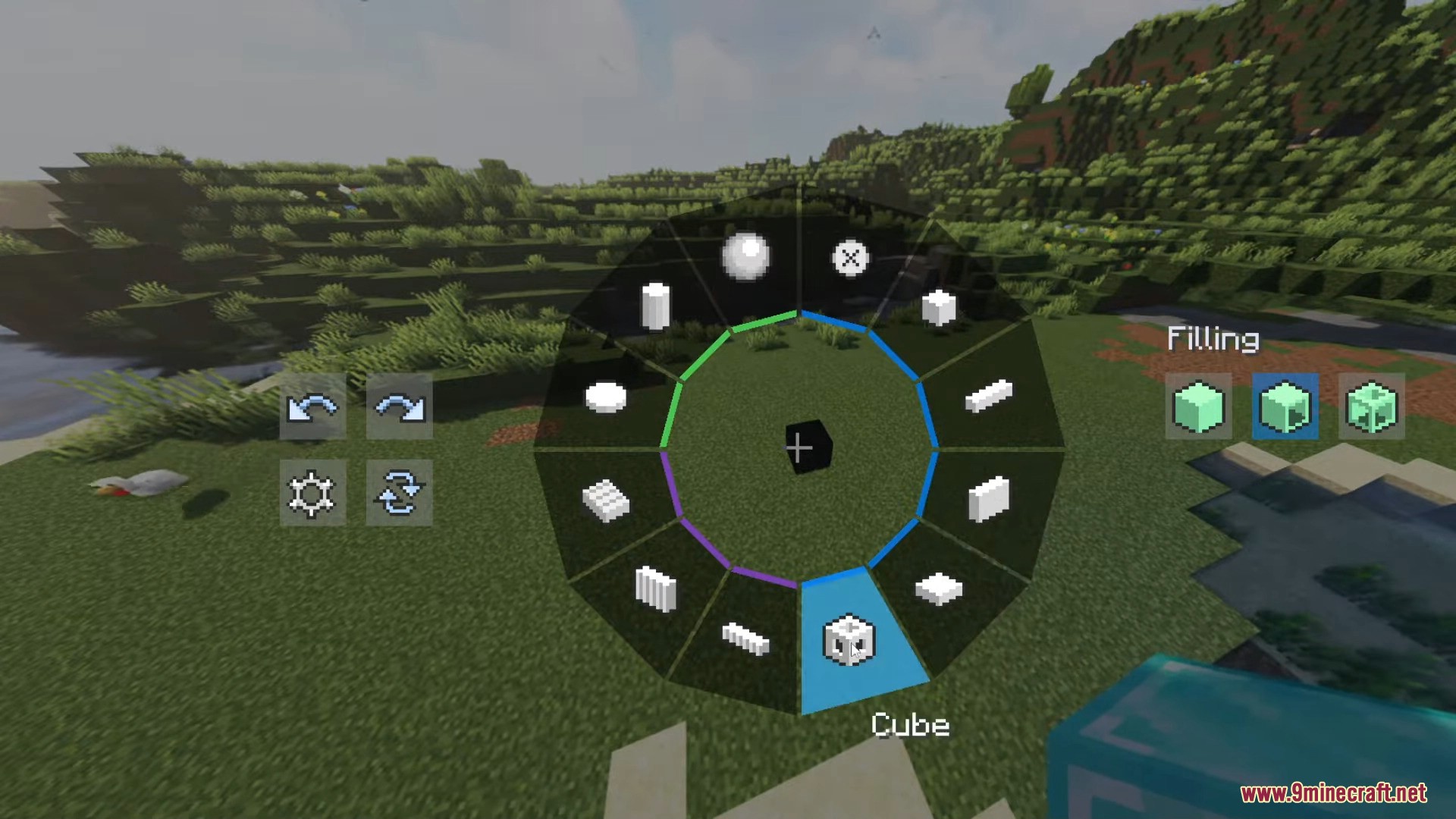
- Hold the ALT key to open the Effortless Building mod menu. You can switch between different build modes and access various tools and functionalities.
- Use the different build modes (Normal, Normal+, Line, Wall, Floor, Diagonal Line, Diagonal Wall, Slope Floor, Cube, Circle, Cylinder, Sphere) by selecting them from the menu. Each mode allows you to place blocks in specific patterns and shapes.
- Use tools like Mirror, Array, and Randomizer Bag to enhance your building process. For example, the Mirror tool lets you mirror blocks in real-time, and the Randomizer Bag gives you random blocks during construction.
Effortless Building Mod Download Links
- Edition: Minecraft Java
- File type: .jar
- Minecraft version listed: 1.20.1
- How to install: Install the matching mod loader (Forge, Fabric or NeoForge) for your Minecraft version. → Download the .jar. → Put it in the .minecraft/mods folder and launch that loader profile.
- Where to get it: In MC Java Mods, or directly above on this page.
Install steps are the general flow for this file type — How to install Minecraft Java mods & modpacks walks through it step by step.
- Downloads as 26216.mcaddon
- Download size: 644 KB
- Download link checked 23 Sept 2026 — working
- Mirrored on our own servers — the download does not depend on the original host
These come from our own check of the pack file, not from the source page.