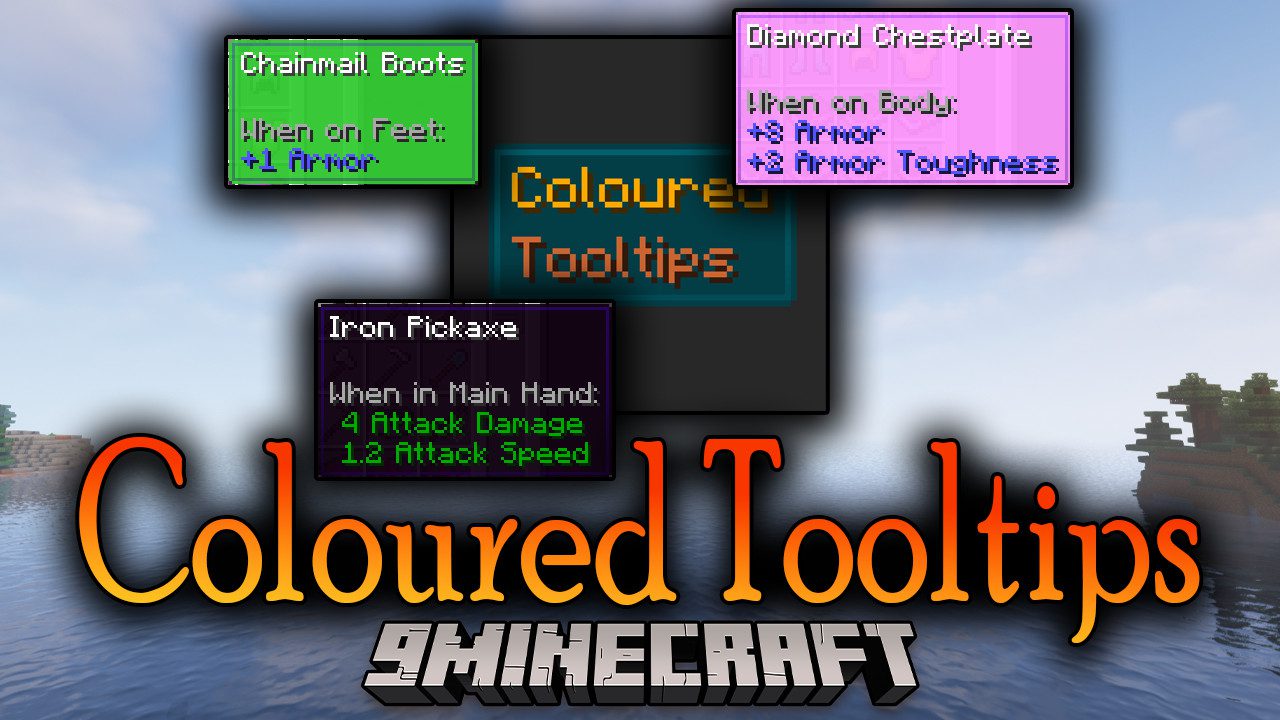
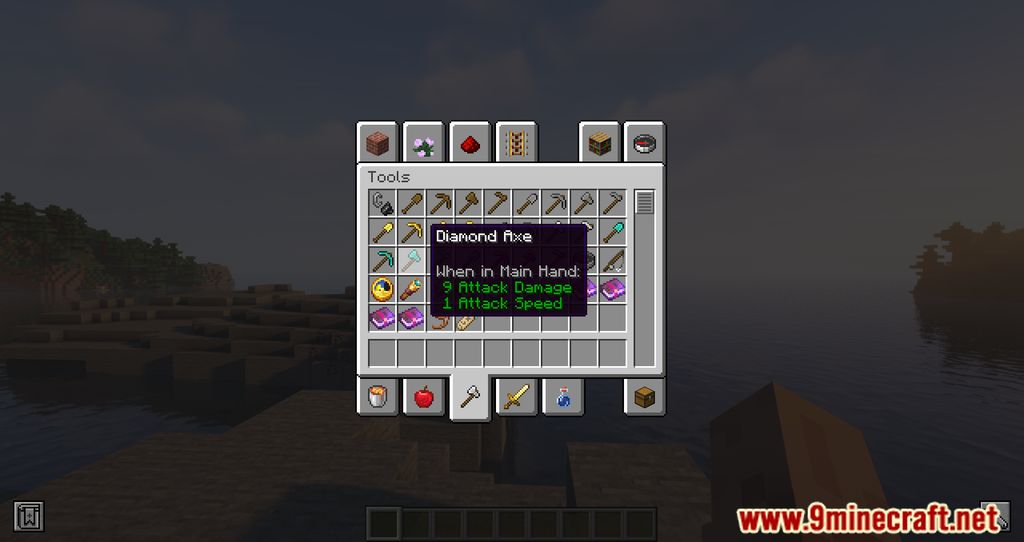
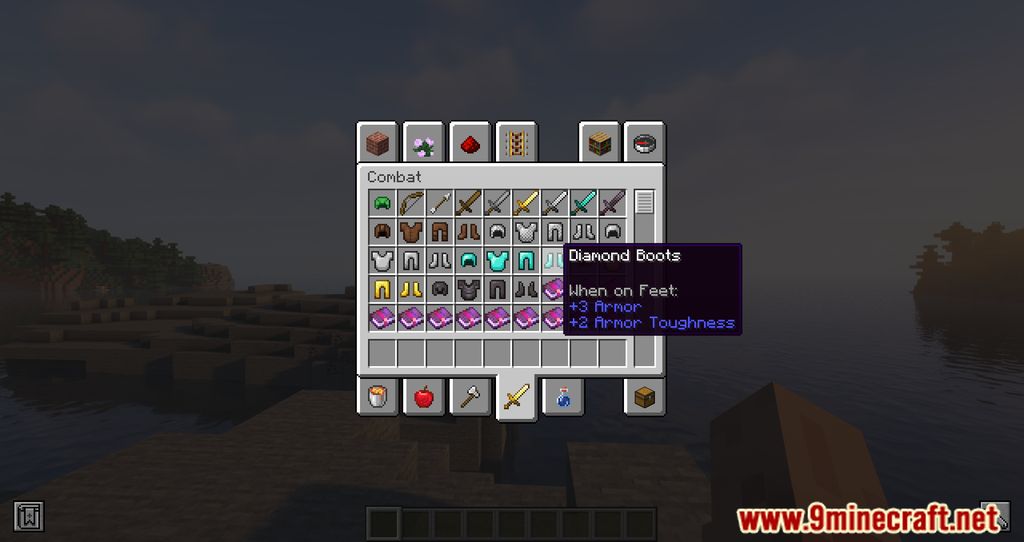
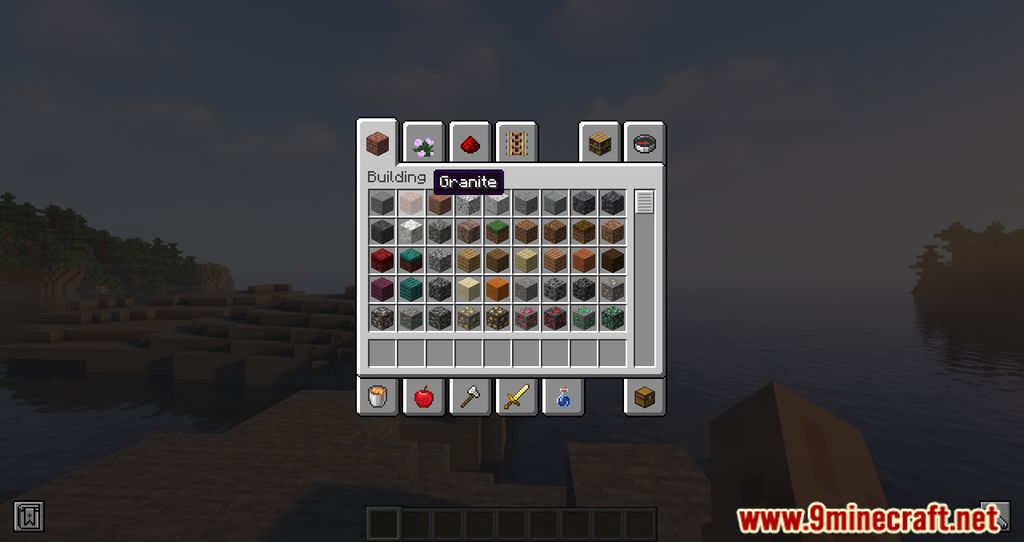
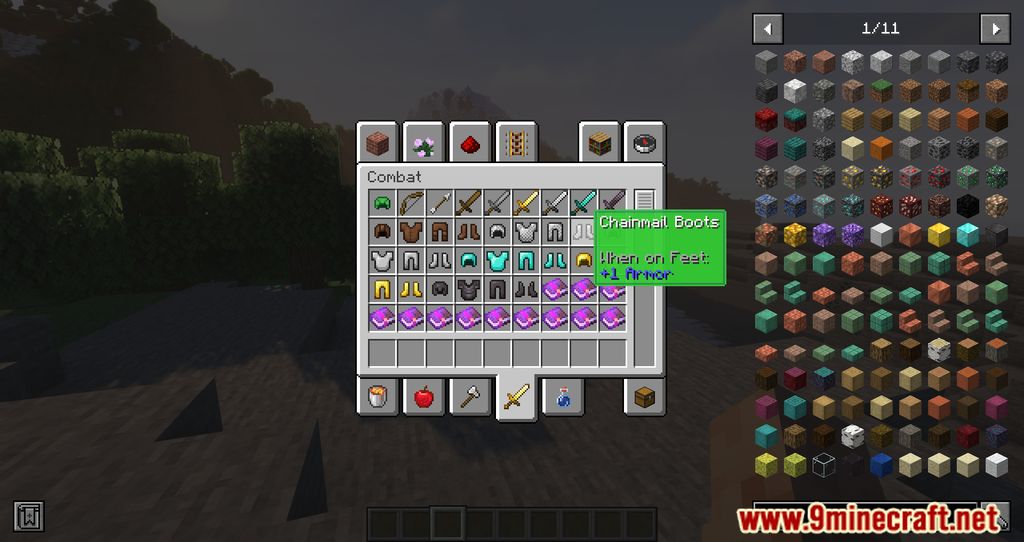
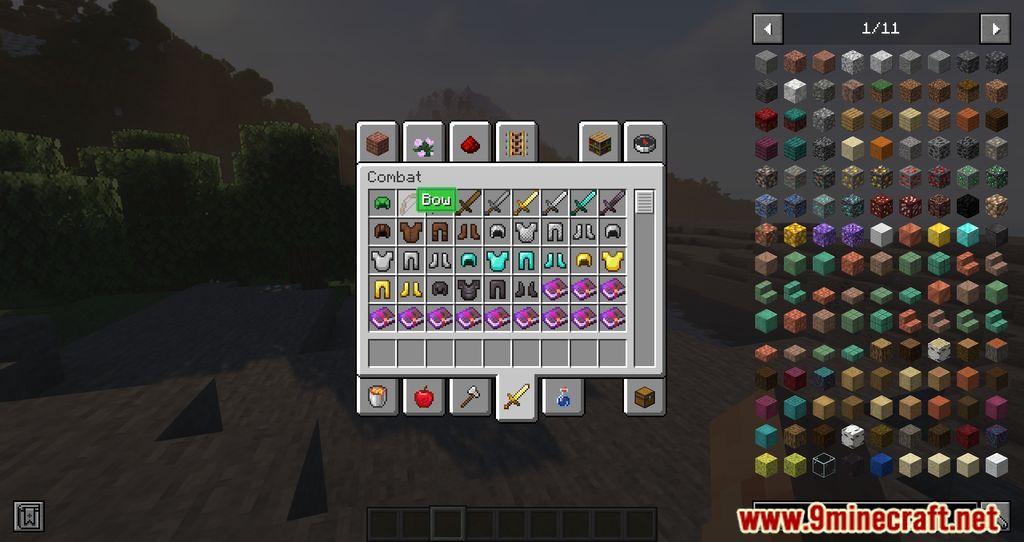
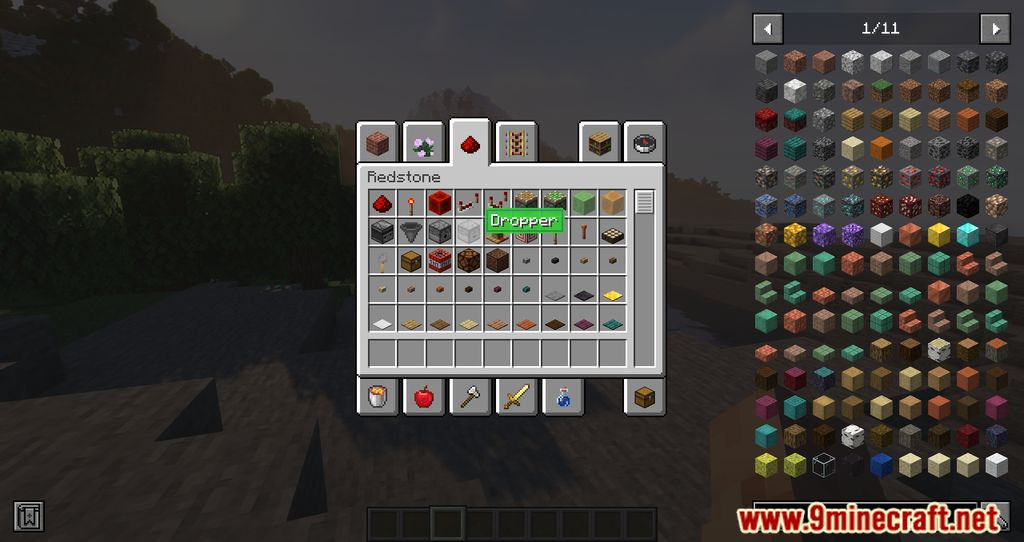
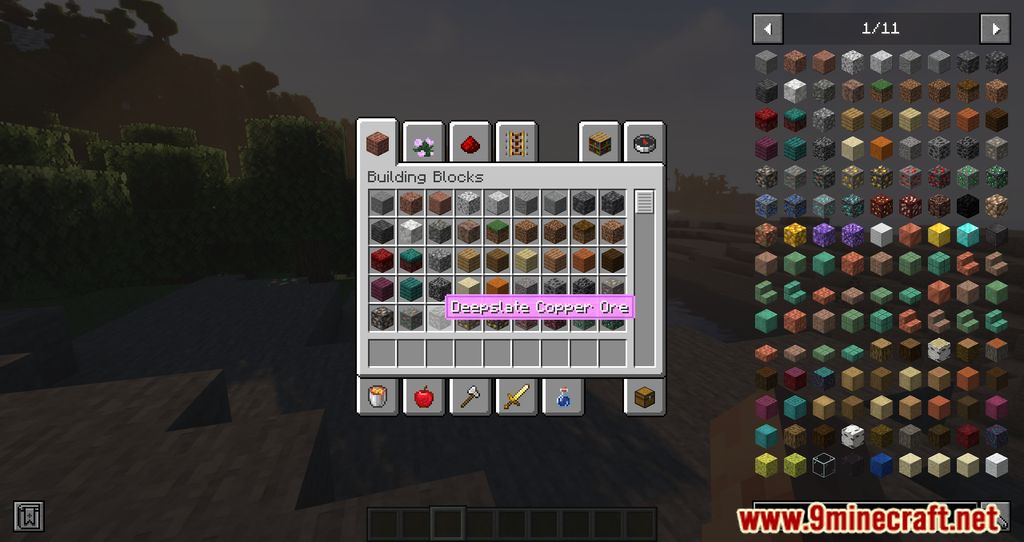
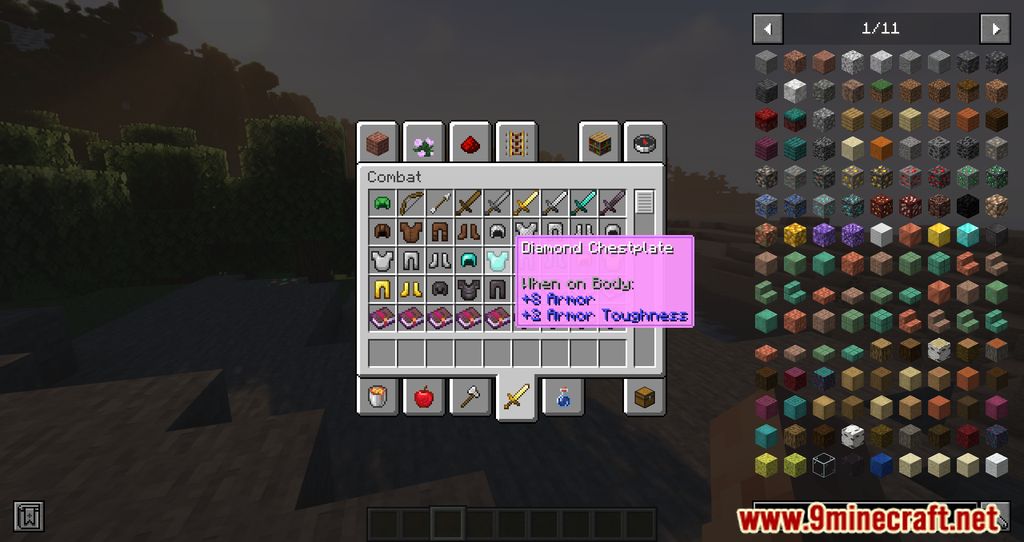
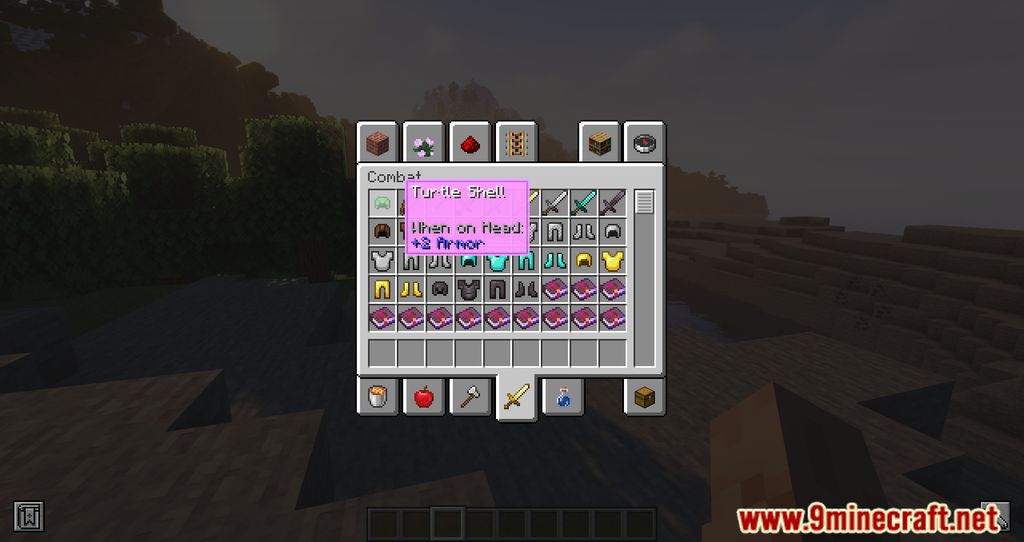
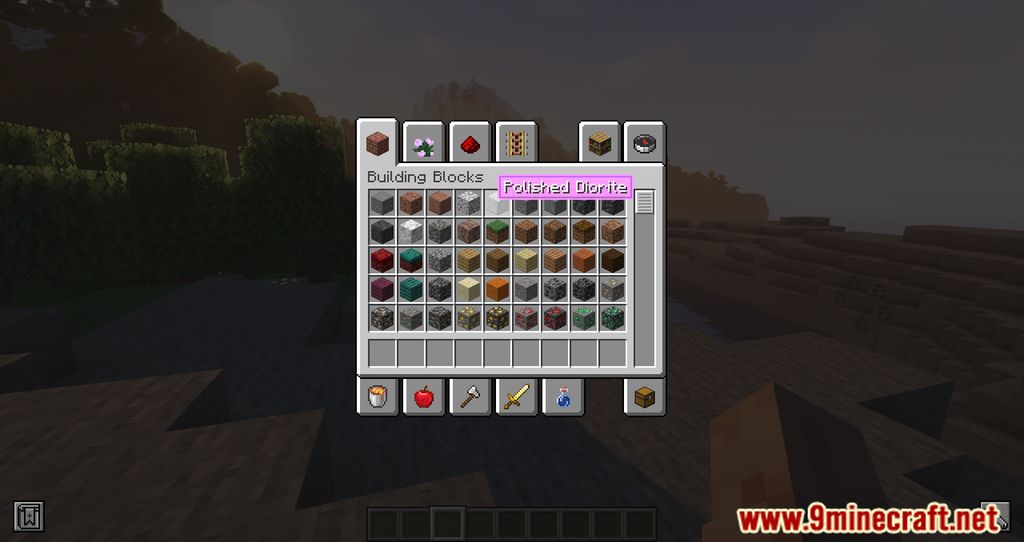
Colored Tooltips Mod allows you to customize the color display of Tooltips. A new feature has been added to the game, and you will now be able to change the display color of Tooltips easily. After installing the mod, go to your mod settings area, find the Config folder and find config/coloredtooltips-client.toml, then open it and edit the color as you like. The color format used by this mod is an ARGB hex string. These are like normal RGB hex strings, but there are two extra characters at the beginning that control the transparency. This mod will change the color of all tooltips that use Forge’s tooltip rendering code. This includes item tooltips and certain GUI tooltips like the names of creative tabs.
Features:
- Allows you to change the default color of tool tips in the game.
- Freely customize the color.
Screenshots:
Coloured Tooltips Mod Download Links
- Edition: Minecraft Java
- File type: .jar
- Minecraft version listed: 1.19.2
- How to install: Install the matching mod loader (Forge, Fabric or NeoForge) for your Minecraft version. → Download the .jar. → Put it in the .minecraft/mods folder and launch that loader profile.
- Where to get it: In MC Java Mods, or directly above on this page.
Install steps are the general flow for this file type — How to install Minecraft Java mods & modpacks walks through it step by step.
- Downloads as 2622.mcaddon
- Download size: 18 KB
- Download link checked 24 Sept 2026 — working
- Mirrored on our own servers — the download does not depend on the original host
These come from our own check of the pack file, not from the source page.