
Cobblemon: Living Dex Sorter
Java mod listed for Minecraft 1.21. Downloads from the MC Java Mods app on Android.
Add commands to sort your PC. Adds option to include or exclude regional variants, prioritize shinies, and use duplicate Pokemon as placeholders for the…
⬇ Download on Modrinth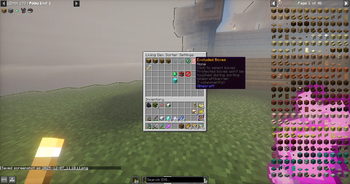

Read
This is a server-side mod. Download it and insert it into your mods folder on your server. This mod also works client-side. I don't know if it's me or modrinth messing up the meta-data, but it won't link to the modpage in the app. Please check here for future updates.
Features
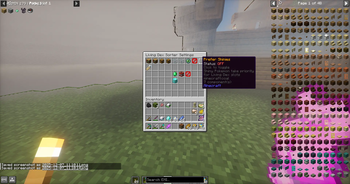
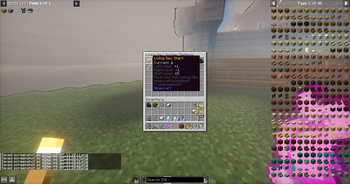
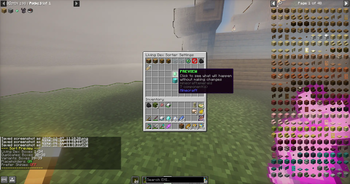
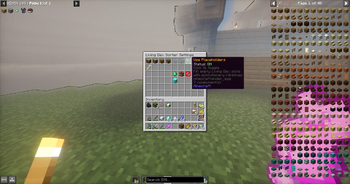
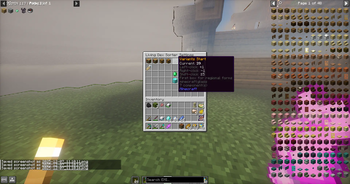
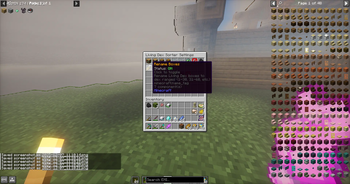
🎮 Easy-to-Use GUI
Open with /livingdex settings — no complicated commands to remember
Chest-based interface that works server-side (no client mod required!)
Click items to adjust settings, toggle options, and sort your PC
📦 Smart PC Organization
Living Dex Sorting — Automatically places Pokémon in dex number order (#1 in slot 1, #2 in slot 2, etc.)
Duplicate Handling — Extra Pokémon go to designated duplicate boxes
Regional Form Detection — Alolan, Galarian, Hisuian, and Paldean forms sorted separately to variant boxes
Customizable Box Ranges — Choose which boxes are used for Living Dex, duplicates, and variants
✨ Advanced Options
Placeholder Mode — Use duplicate Pokémon to fill empty evolution slots (e.g., extra Eevee fills Espeon's spot until you catch one)
Shiny Priority — Optionally prefer shiny Pokémon for your Living Dex slots
Box Exclusion — Protect specific boxes from being touched during sorting
Box Renaming — Automatically rename Living Dex boxes to dex ranges (1-30, 31-60, etc.) or keep your custom names (1)
👥 Per-Player Settings
Every player has their own settings that persist between sessions
Settings stored server-side — works on multiplayer servers
Reset to server defaults anytime with one click
OP level 2 required
Configuration
It is best to use boxes 1-35 for your living dex. This mod automatically renames the boxes for your living dex using an inclusive numbering system. Check the gallery to see it's features!
Known Bugs
None. For now.
Got a suggestion or want to report an issue?
Send me a message on discord @p.aradig.m
- Edition: Minecraft Java
- File type: .jar
- Minecraft version listed: 1.21.1
- How to install: Install the matching mod loader (Forge, Fabric or NeoForge) for your Minecraft version. → Download the .jar. → Put it in the .minecraft/mods folder and launch that loader profile.
- Where to get it: Opens on Modrinth — not every file is mirrored on our own servers.
Install steps are the general flow for this file type — How to install Minecraft Java mods & modpacks walks through it step by step.
- Ships as livingdex-sorter-1.2.0+cobblemon-1.7.1.jar — drop this file into the mods folder
- Download size: 33 KB
- Download link checked 11 Oct 2026 — working
These come from our own check of the pack file, not from the source page.