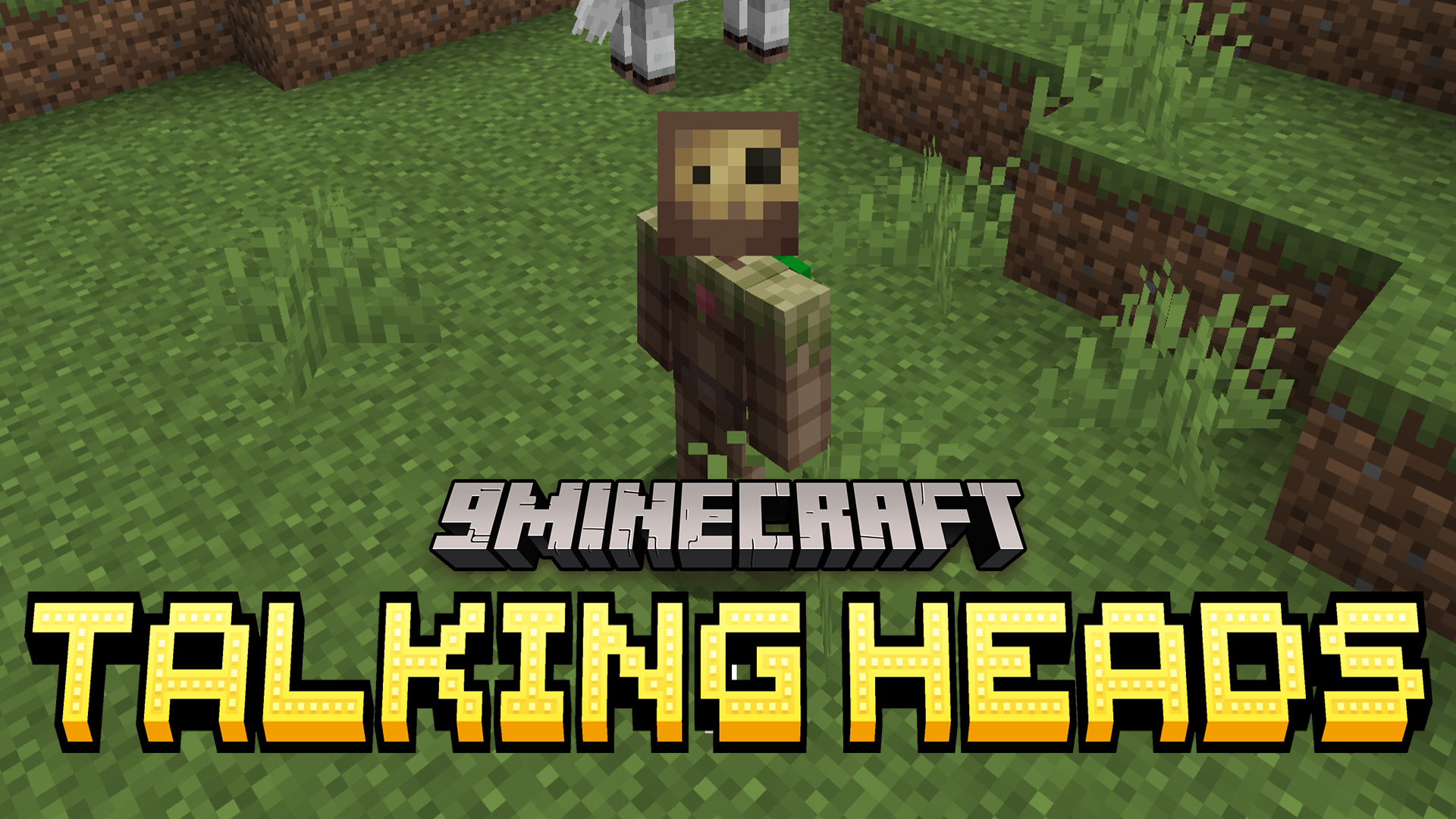

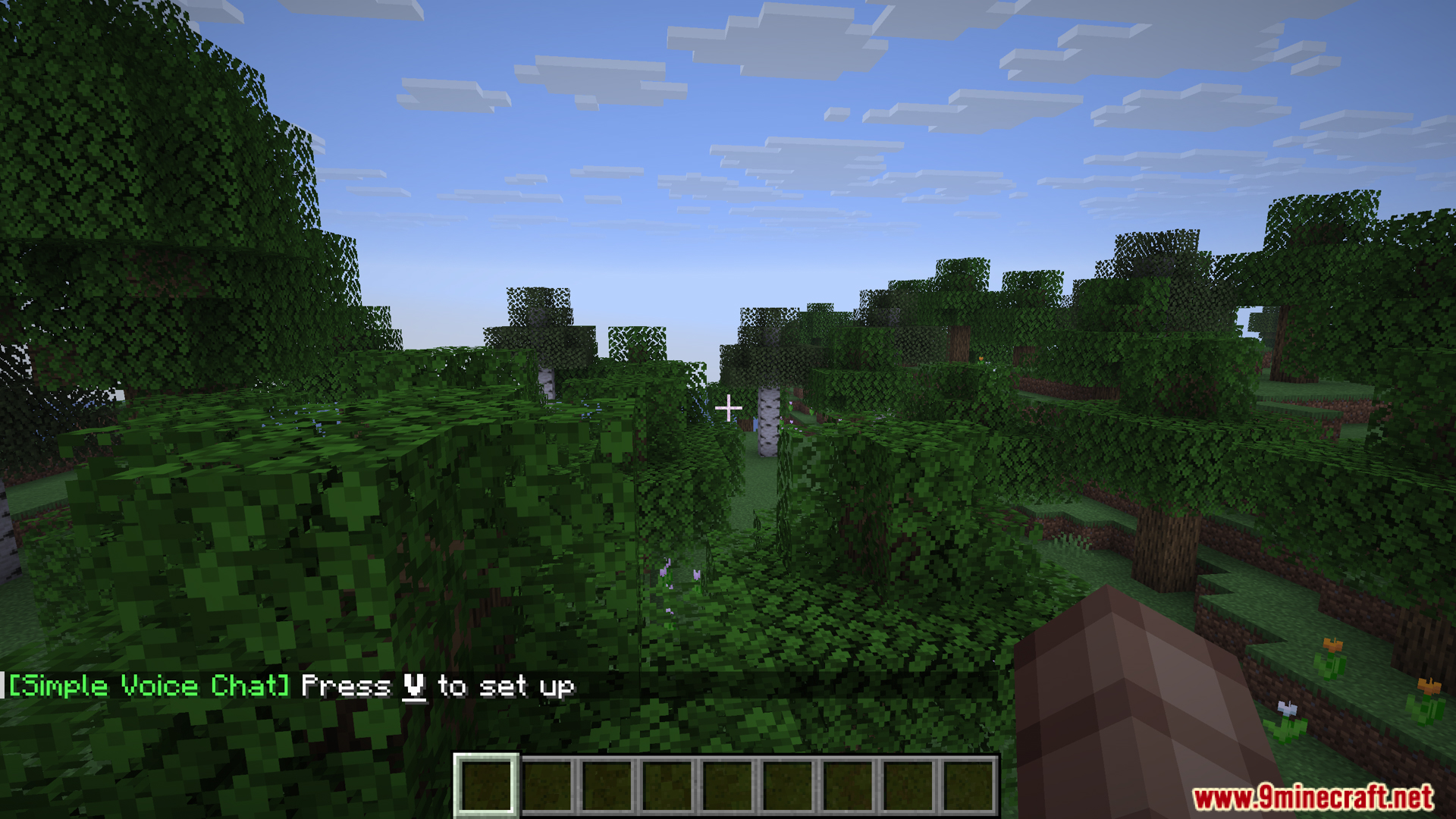
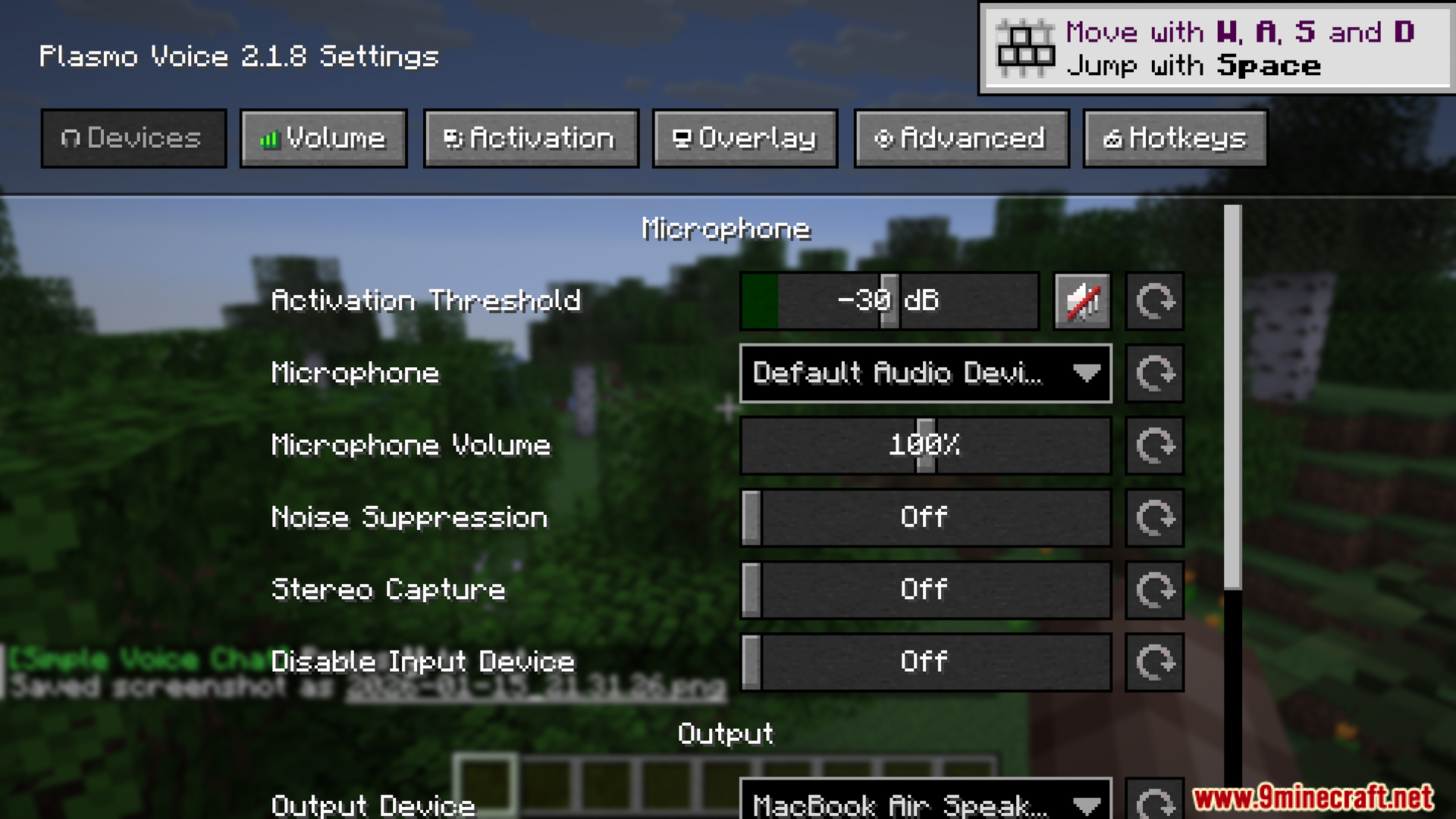
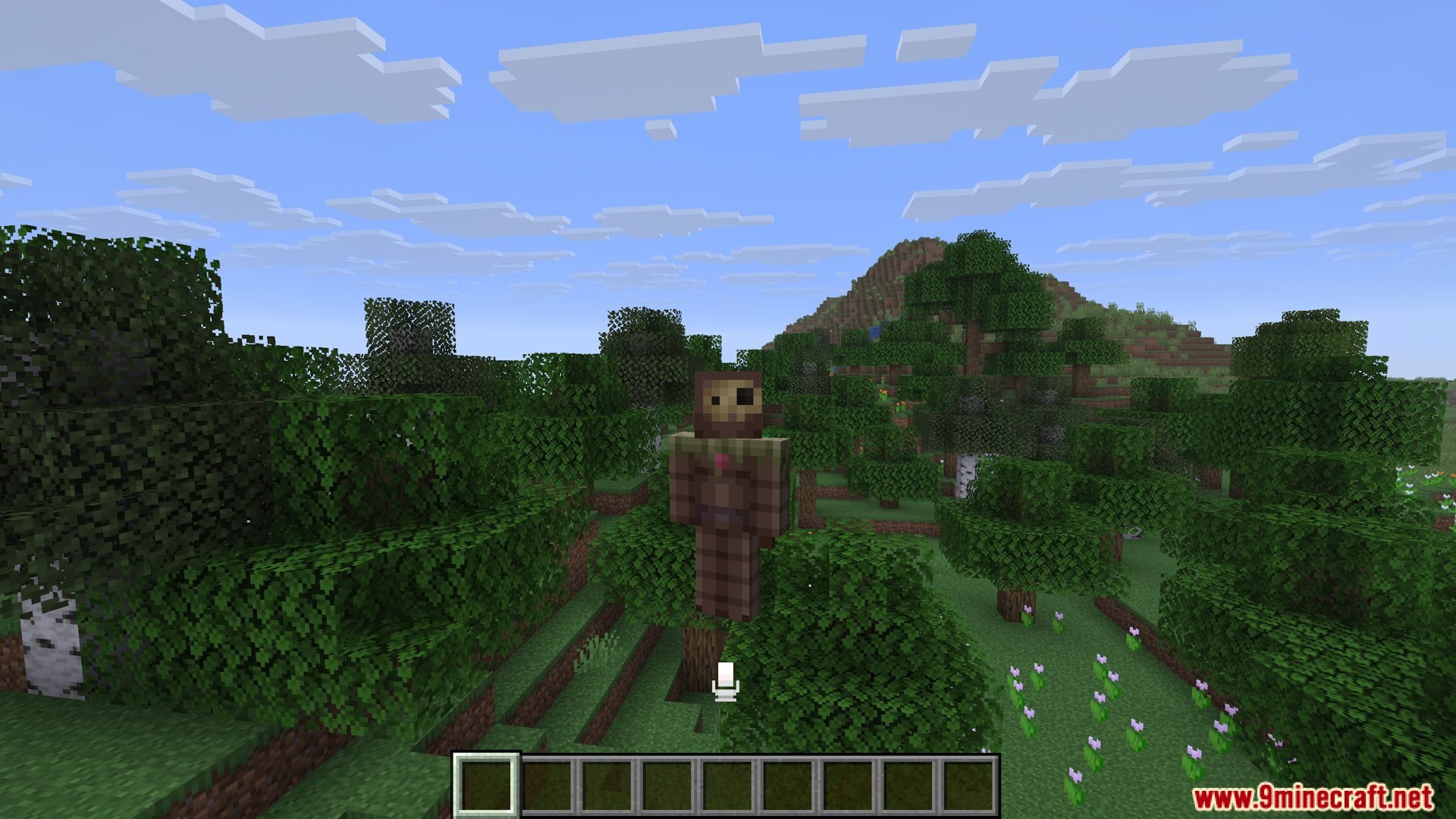
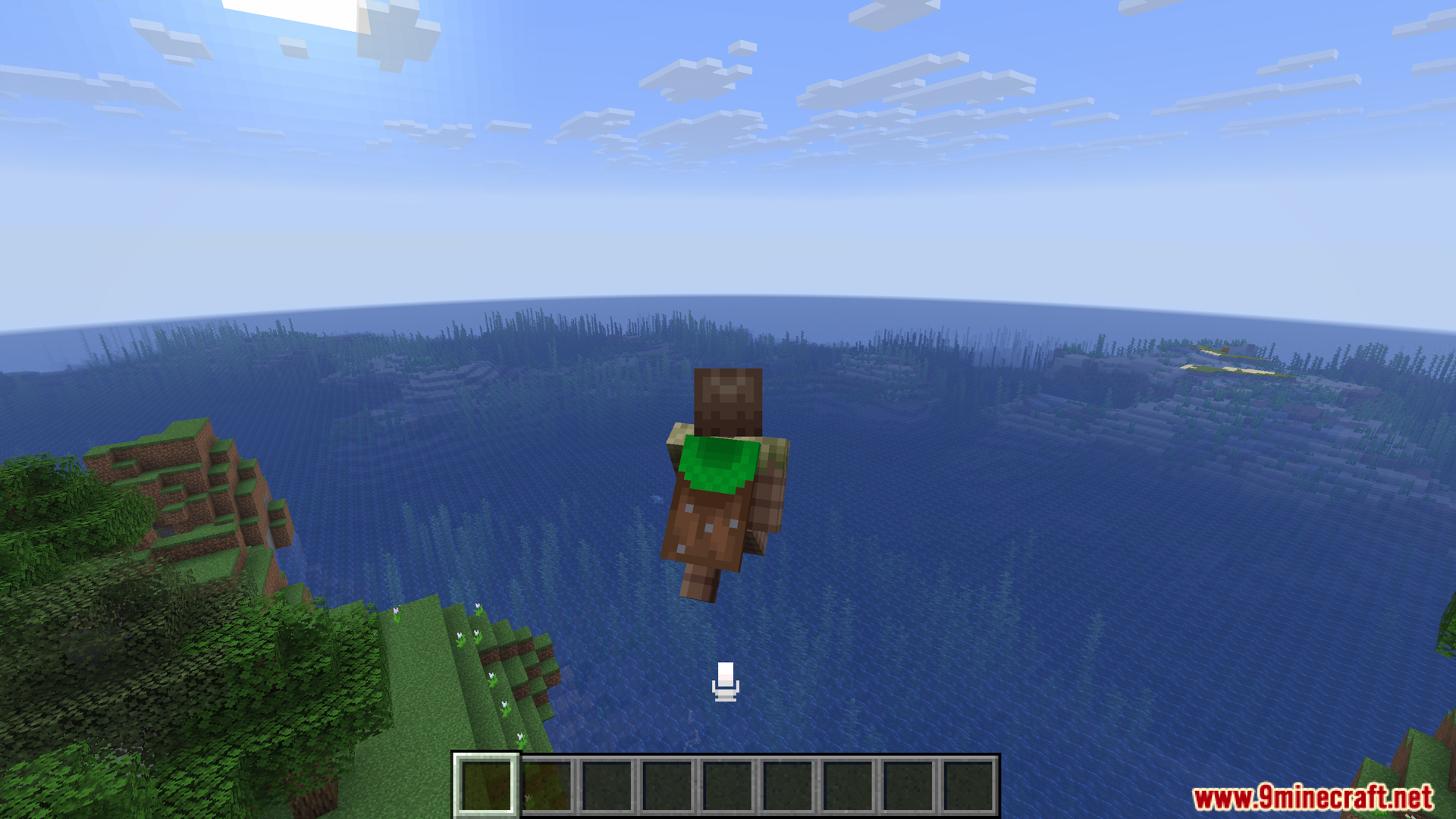
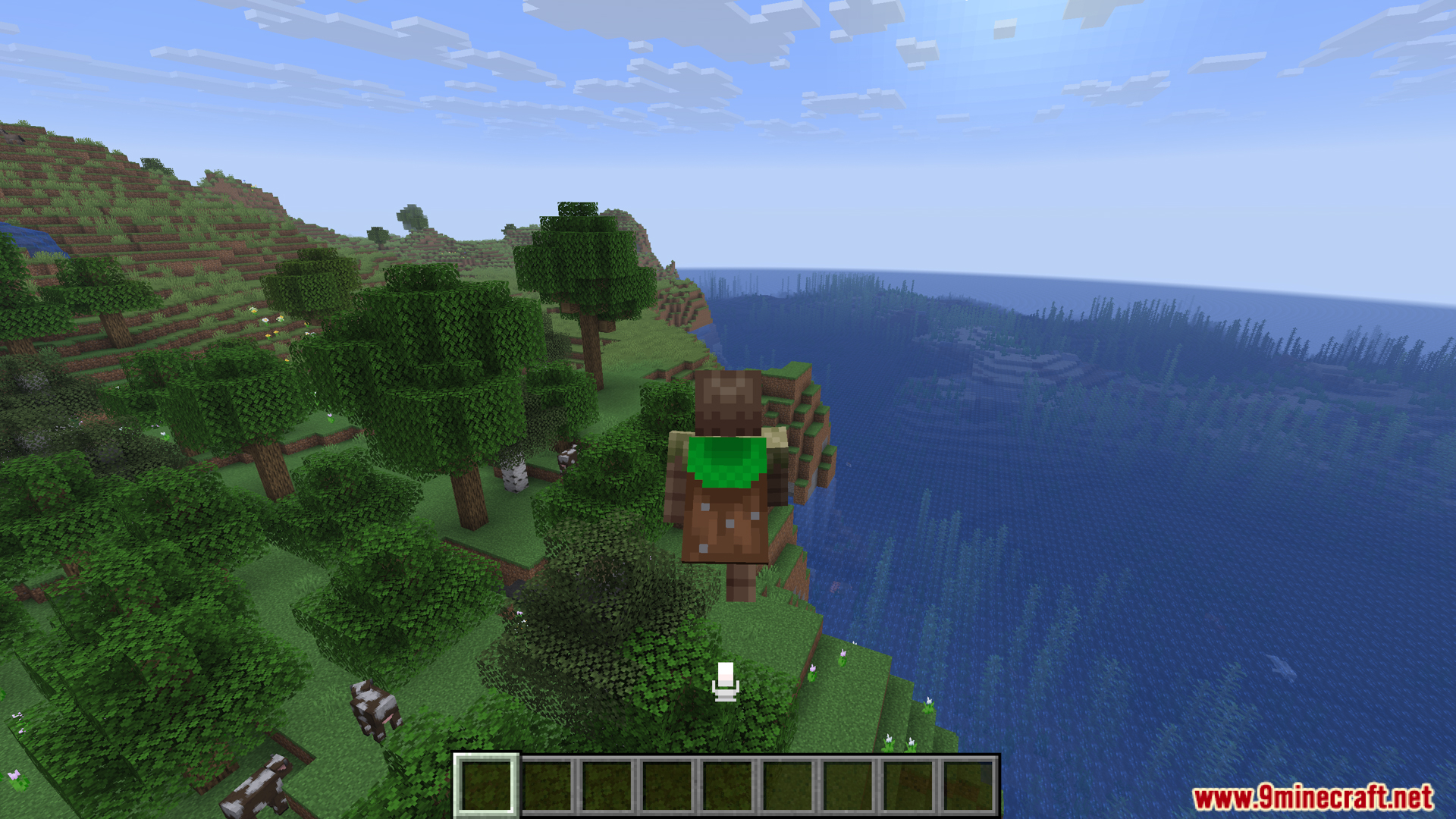
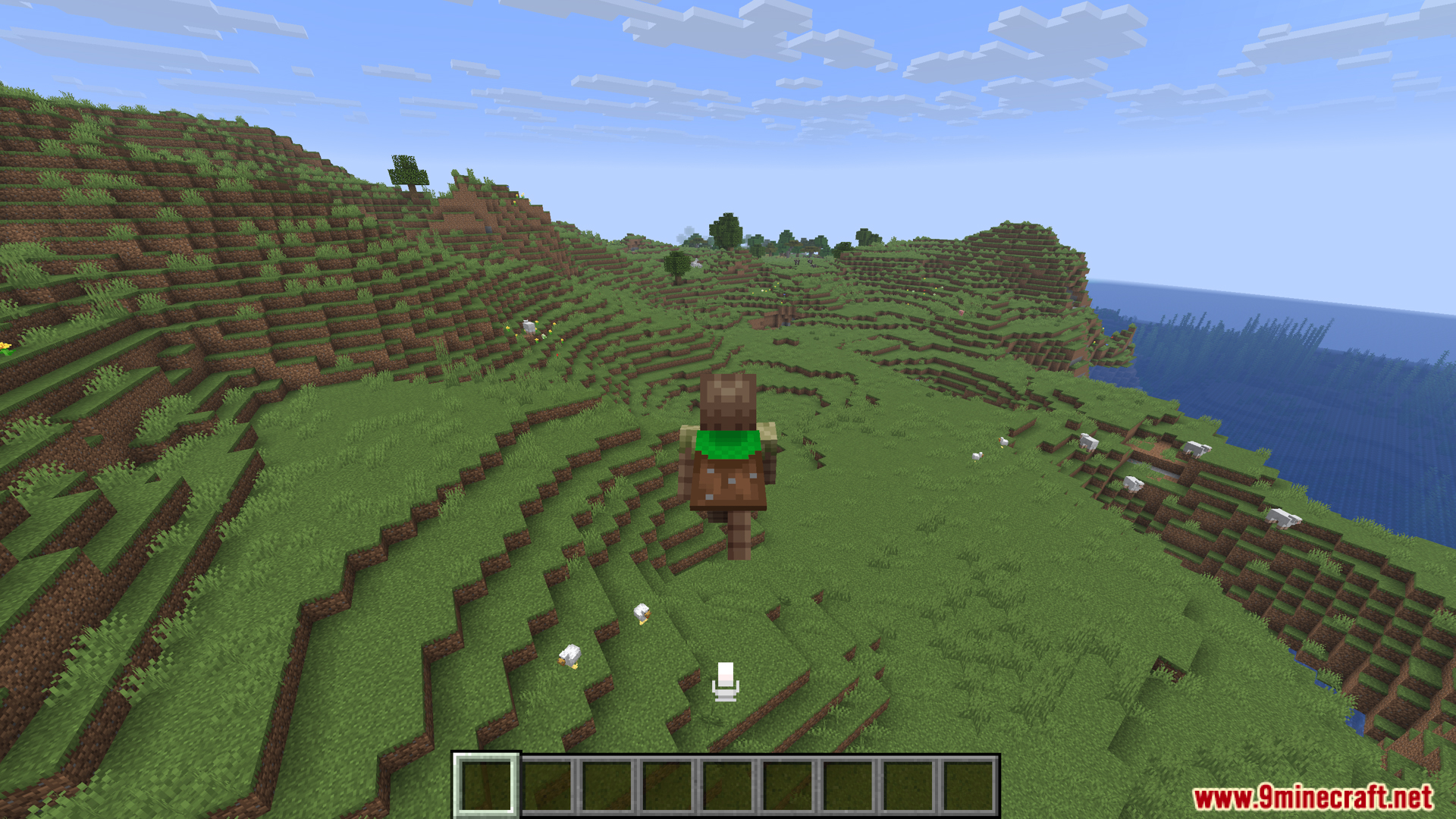
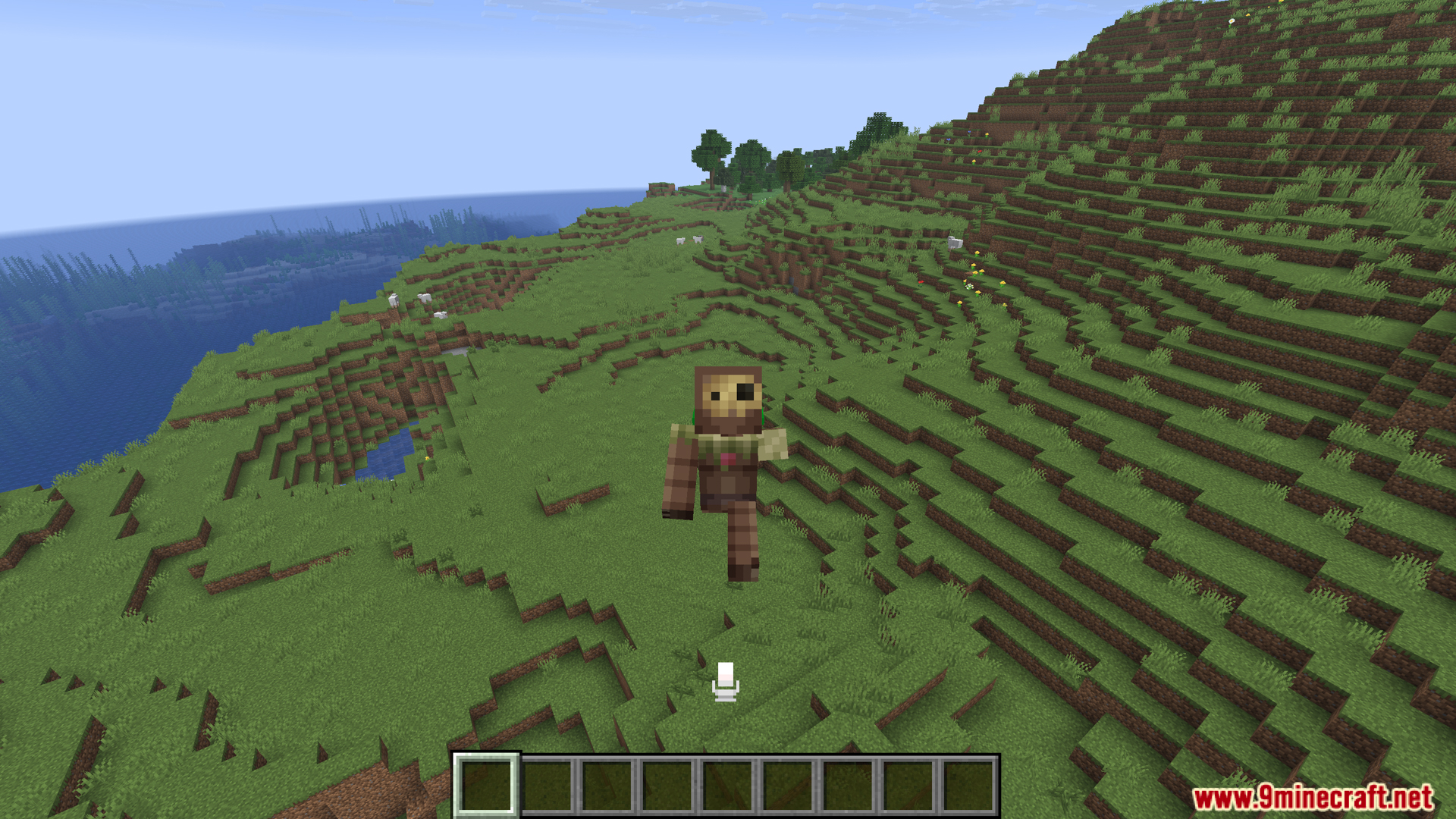
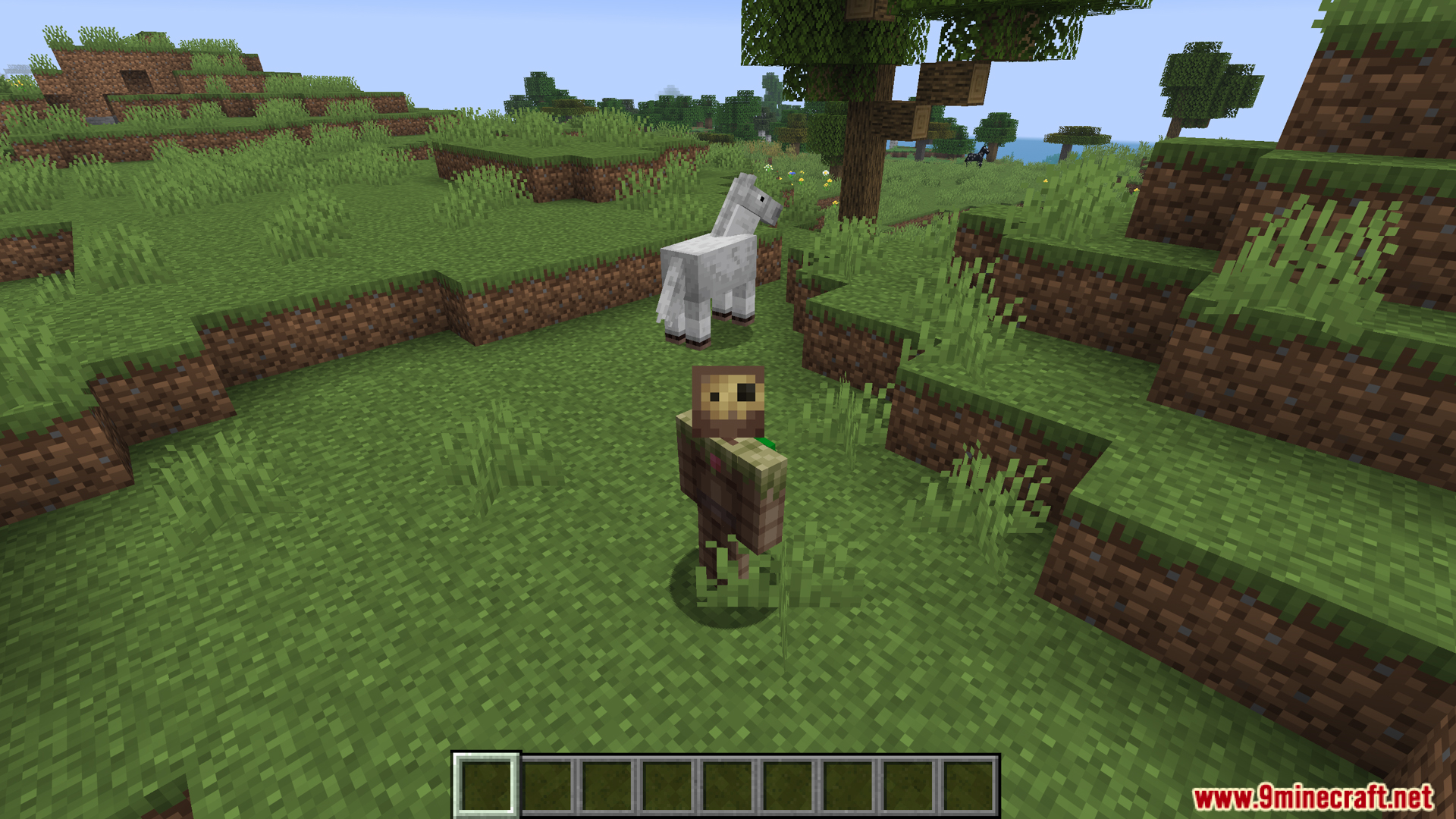
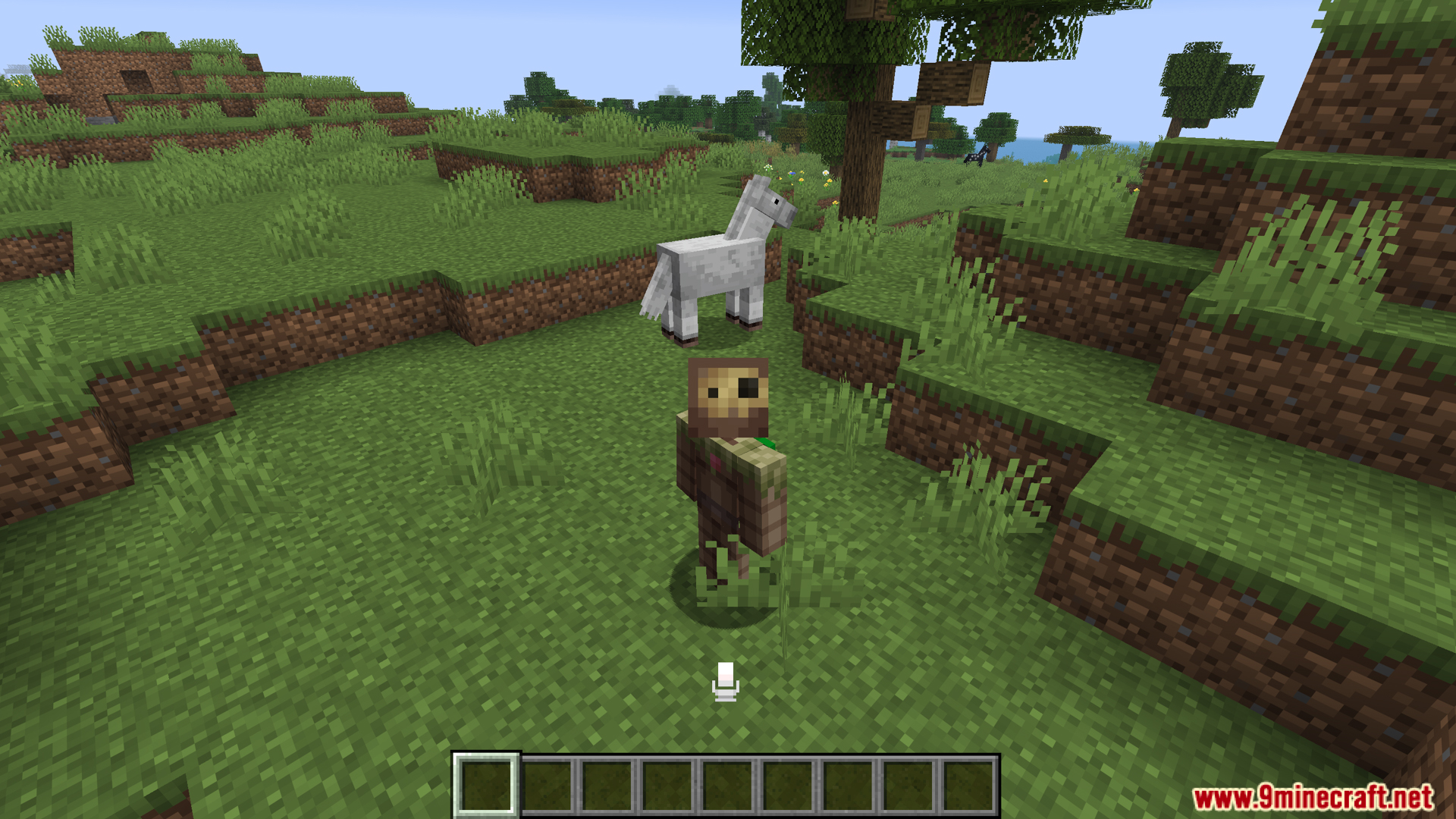
Talking Heads Mod adds a helpful visual trick for both Plasmo Voice and Simple Voice Chat. When someone speaks into their microphone, this mod makes their character’s head grow larger on your screen. It helps you easily see exactly who is talking, even in a crowded group of players. You can run it with just one of the voice chat mods or use both at the same time.
Features:
- Visual Voice Chat: The Talking Heads mod makes a player’s head grow larger when they speak into their microphone.
- Works well with popular voice addons like Plasmo Voice and Simple Voice Chat.
- Lets you run both of those voice chat tools at the exact same time without breaking the head-scaling effect.
- Helps you spot exactly who is talking in a group, whether your friends are standing next to a horse on a hill or flying high over an ocean.
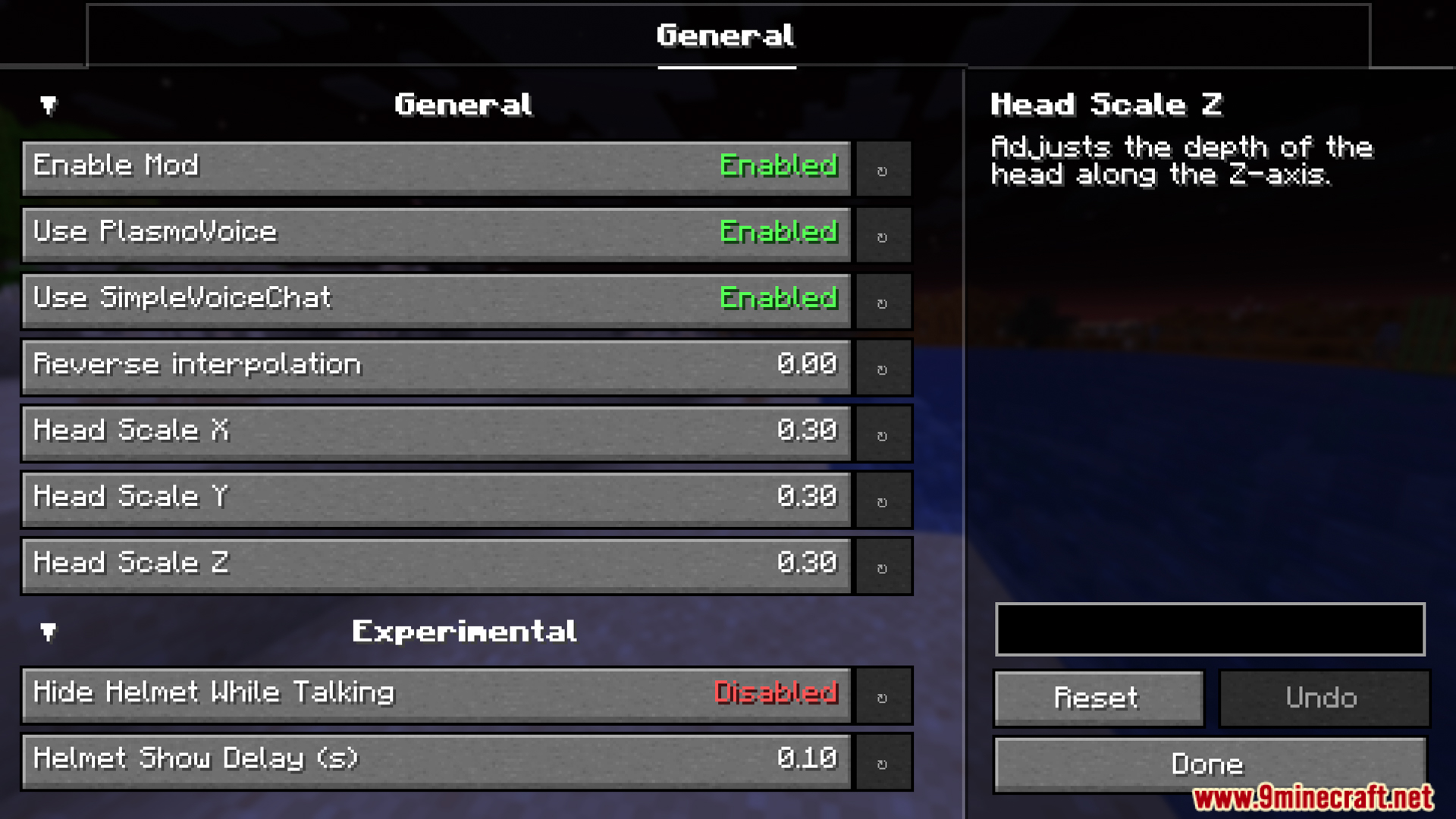
- Adds a simple settings screen right in your game menu so you can easily change how the scaling looks.
- Runs strictly on your own screen, meaning it only changes the visuals you see while playing.
Screenshots:
Talking Heads Mod Download Links
Quick facts
- Edition: Minecraft Java
- File type: .jar
- Minecraft version listed: 1.20.1
- How to install: Install the matching mod loader (Forge, Fabric or NeoForge) for your Minecraft version. → Download the .jar. → Put it in the .minecraft/mods folder and launch that loader profile.
- Where to get it: In MC Java Mods, or directly above on this page.
Install steps are the general flow for this file type — How to install Minecraft Java mods & modpacks walks through it step by step.
Verified by MCModsHub
- Downloads as 26226.mcaddon
- Download size: 282 KB
- Download link checked 25 Sept 2026 — working
- Mirrored on our own servers — the download does not depend on the original host
These come from our own check of the pack file, not from the source page.