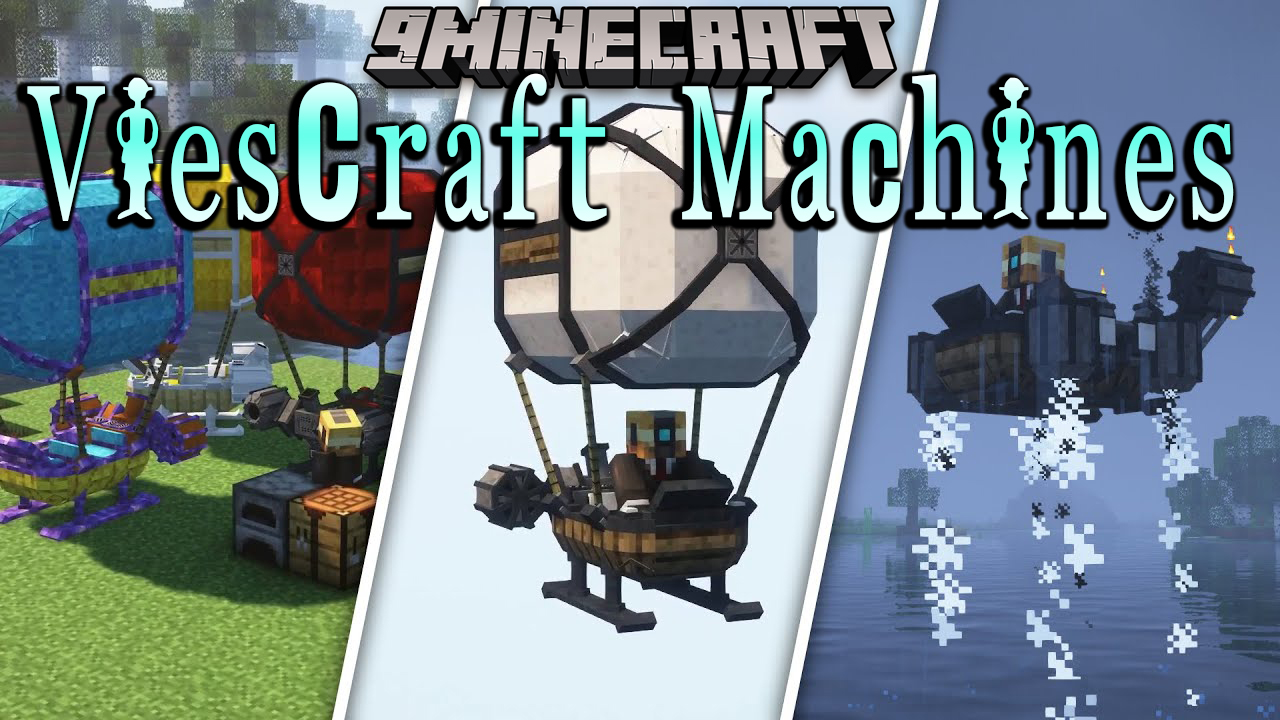
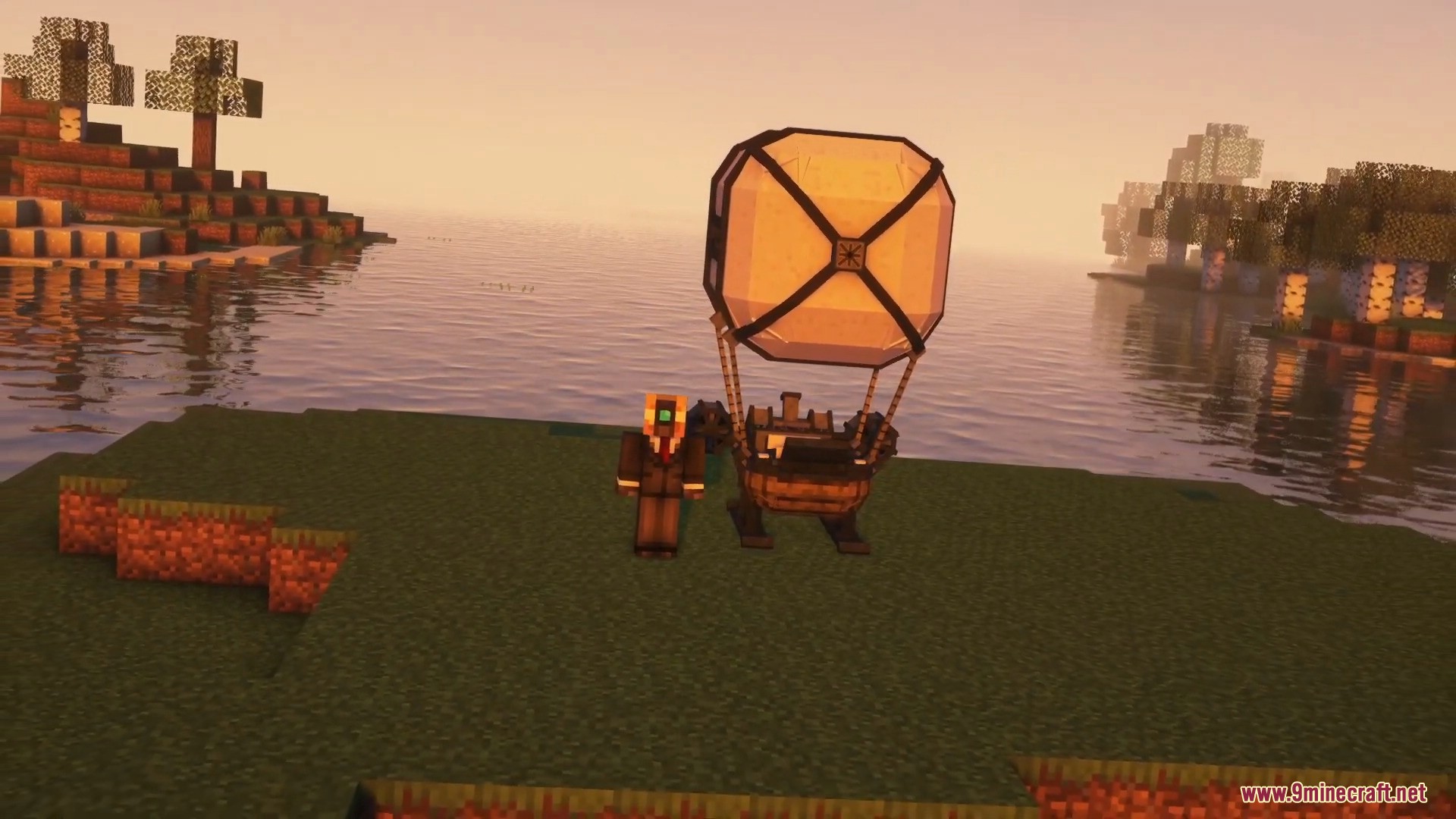
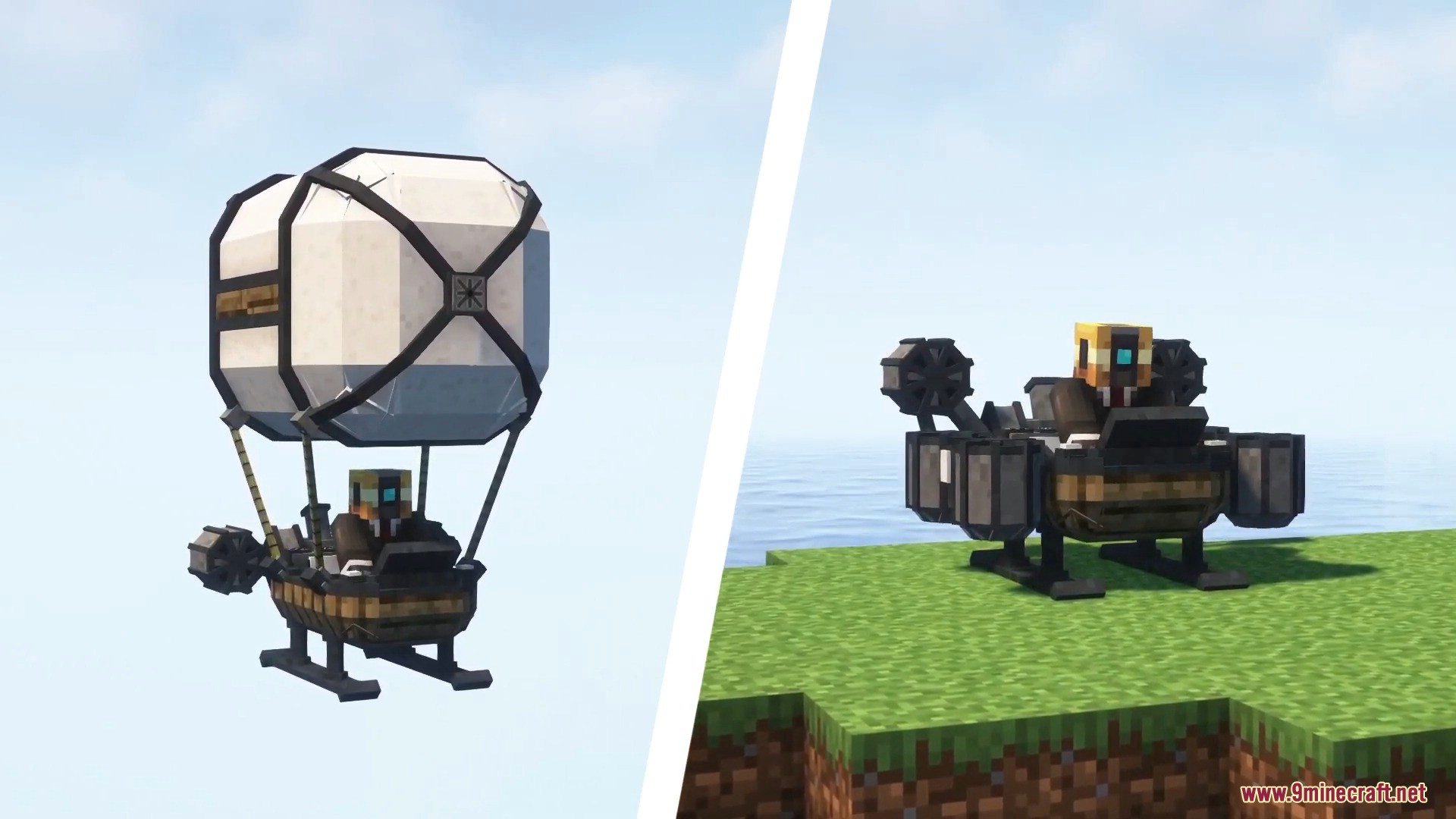
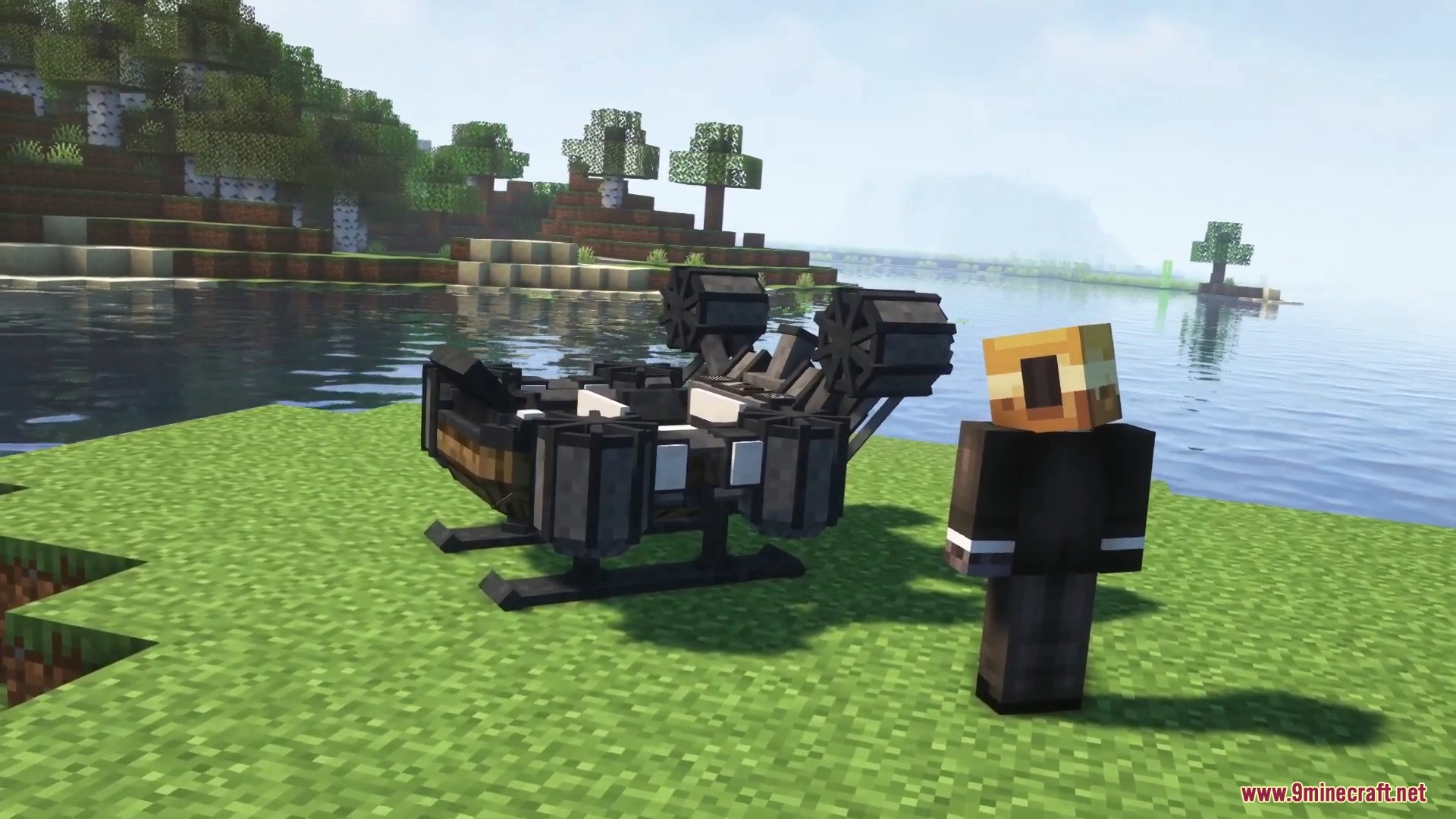
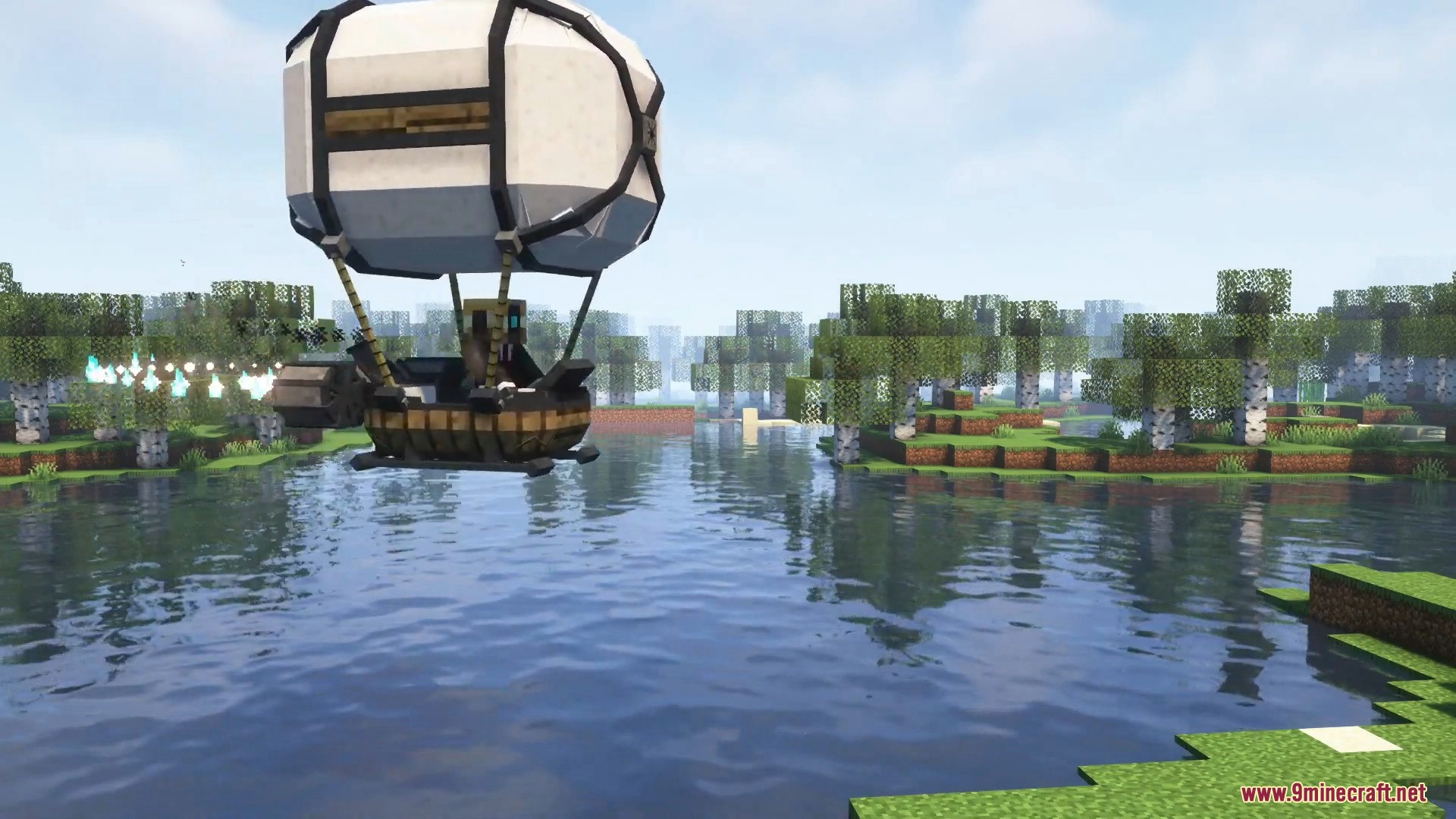
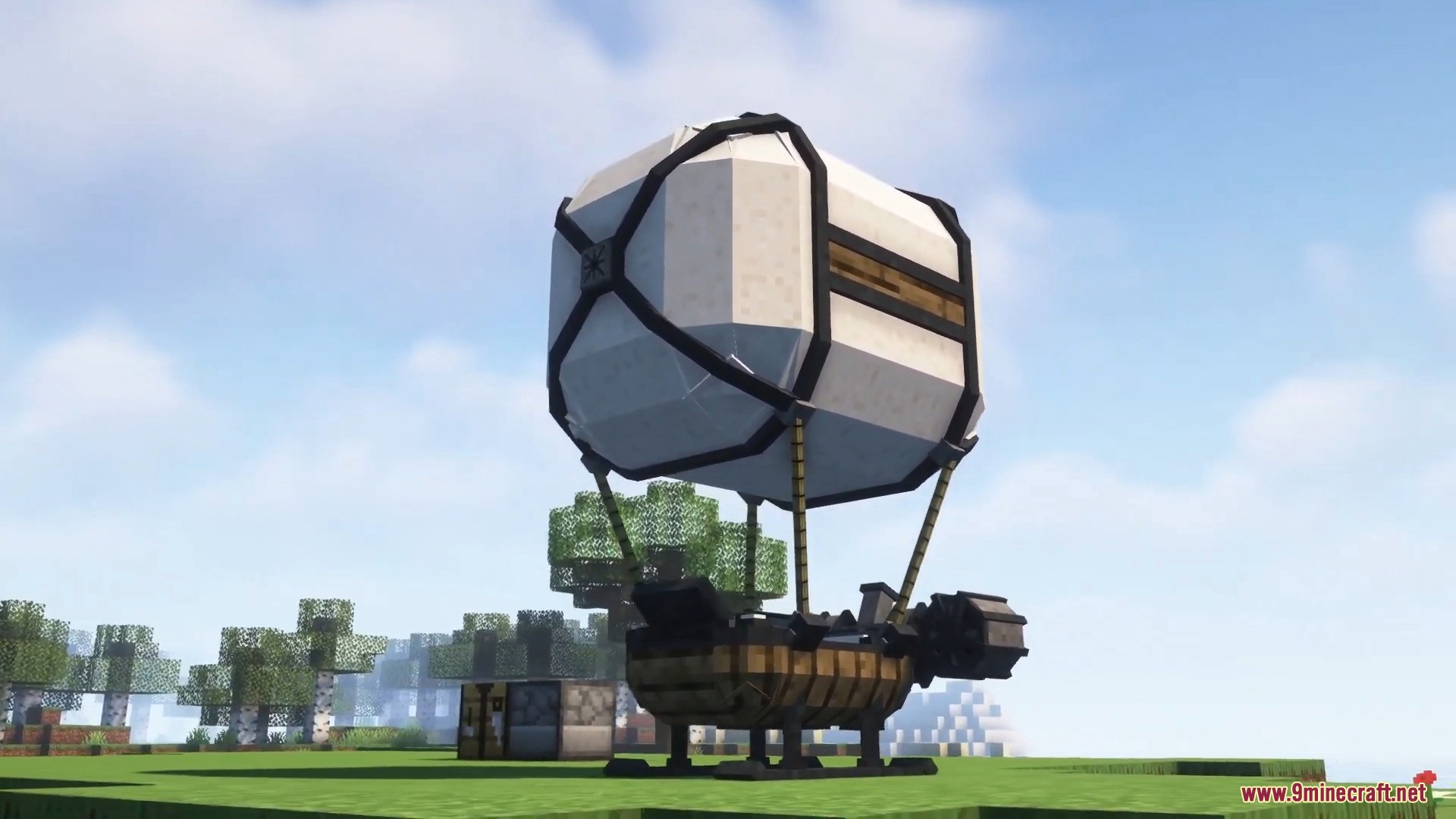
ViesCraft Machines Mod lets you build and drive your own custom vehicles in Minecraft. It adds flying airships, hovering ground cars, fast boats, and heavy haulers to help you travel. You can put together different parts to make the exact machine you need for your journey.
Features:
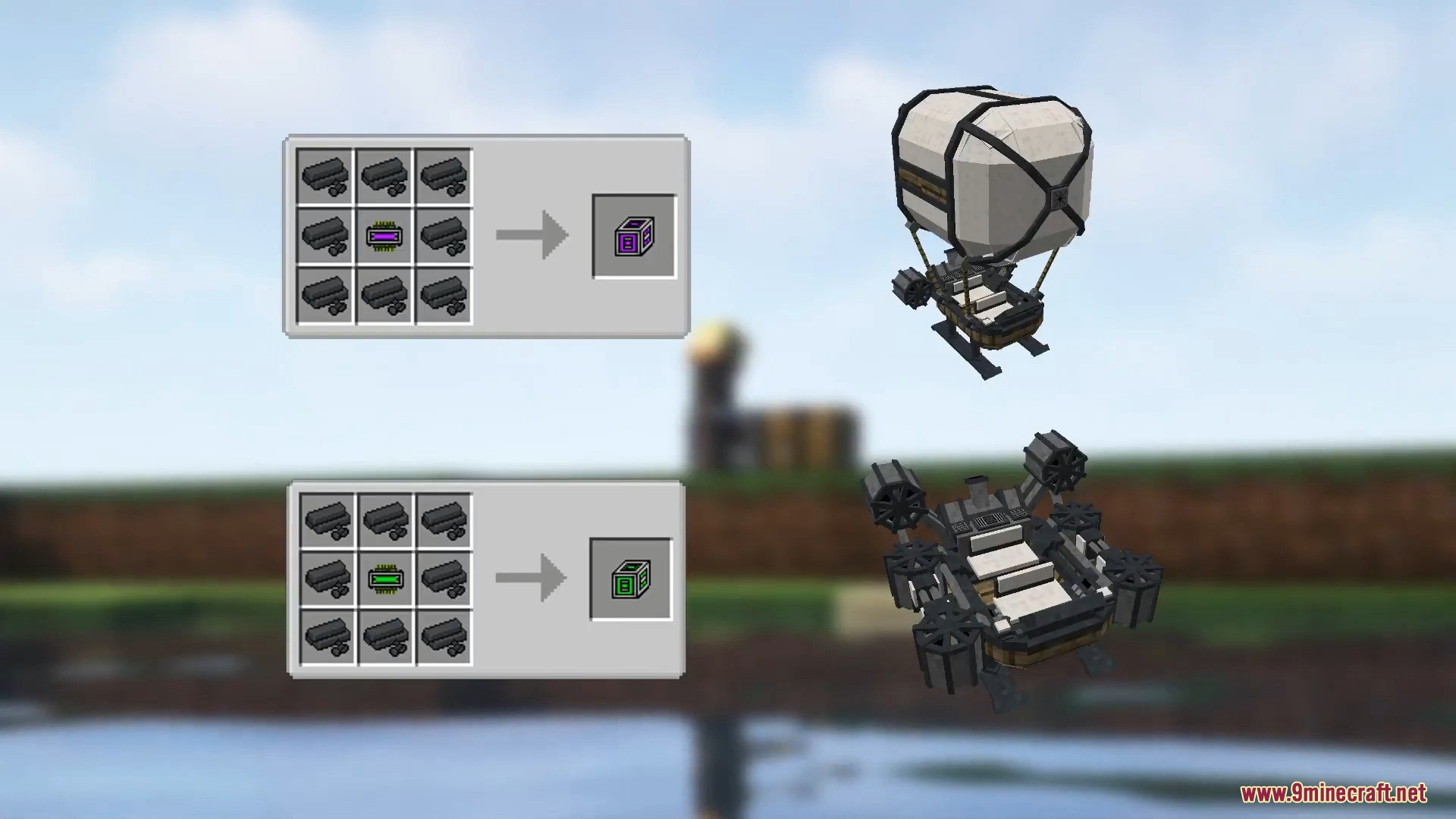
- Four Vehicle Types: Choose from flying machines, hovering ground machines, sea machines, or heavy haulers with extra storage.
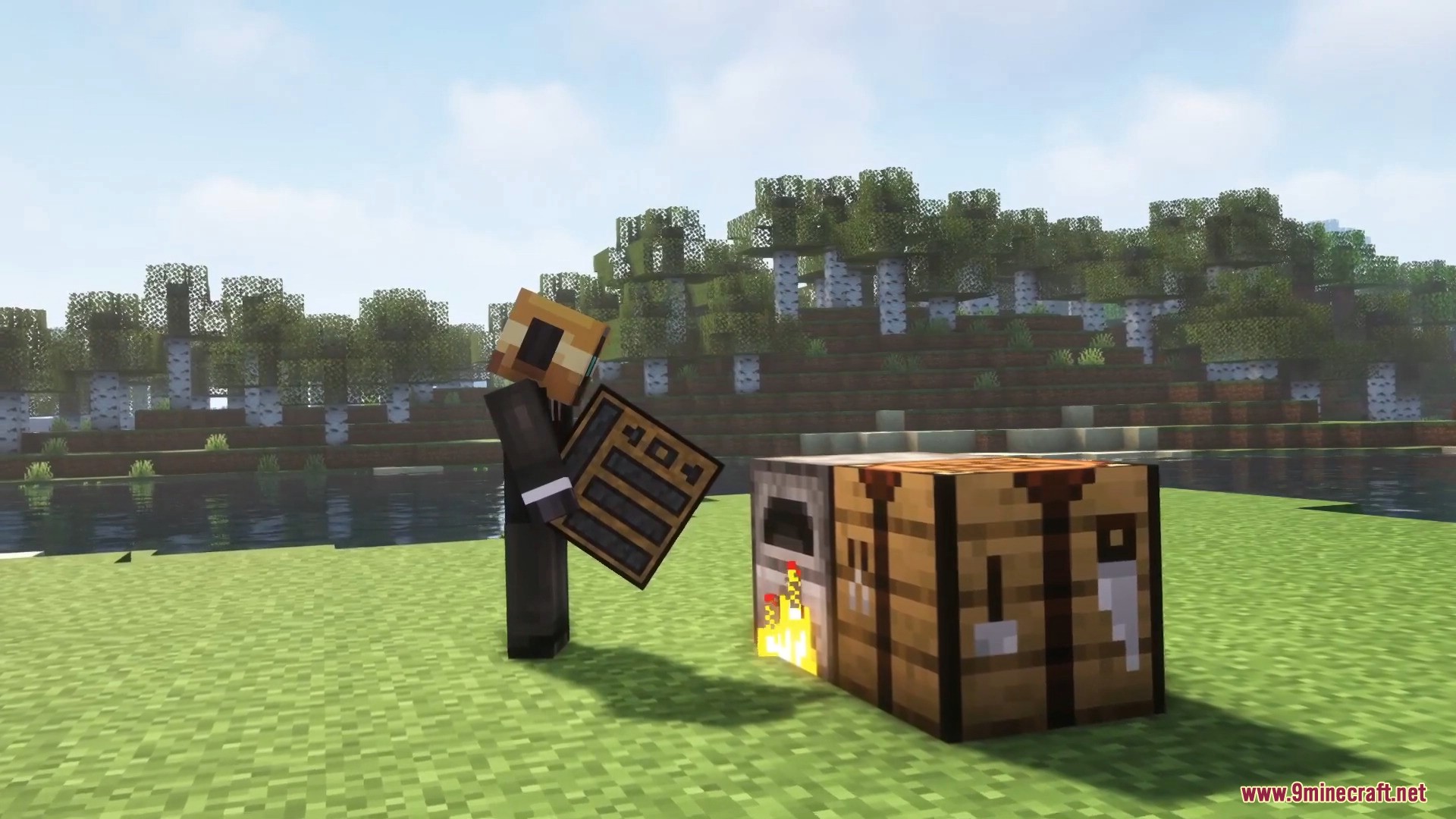
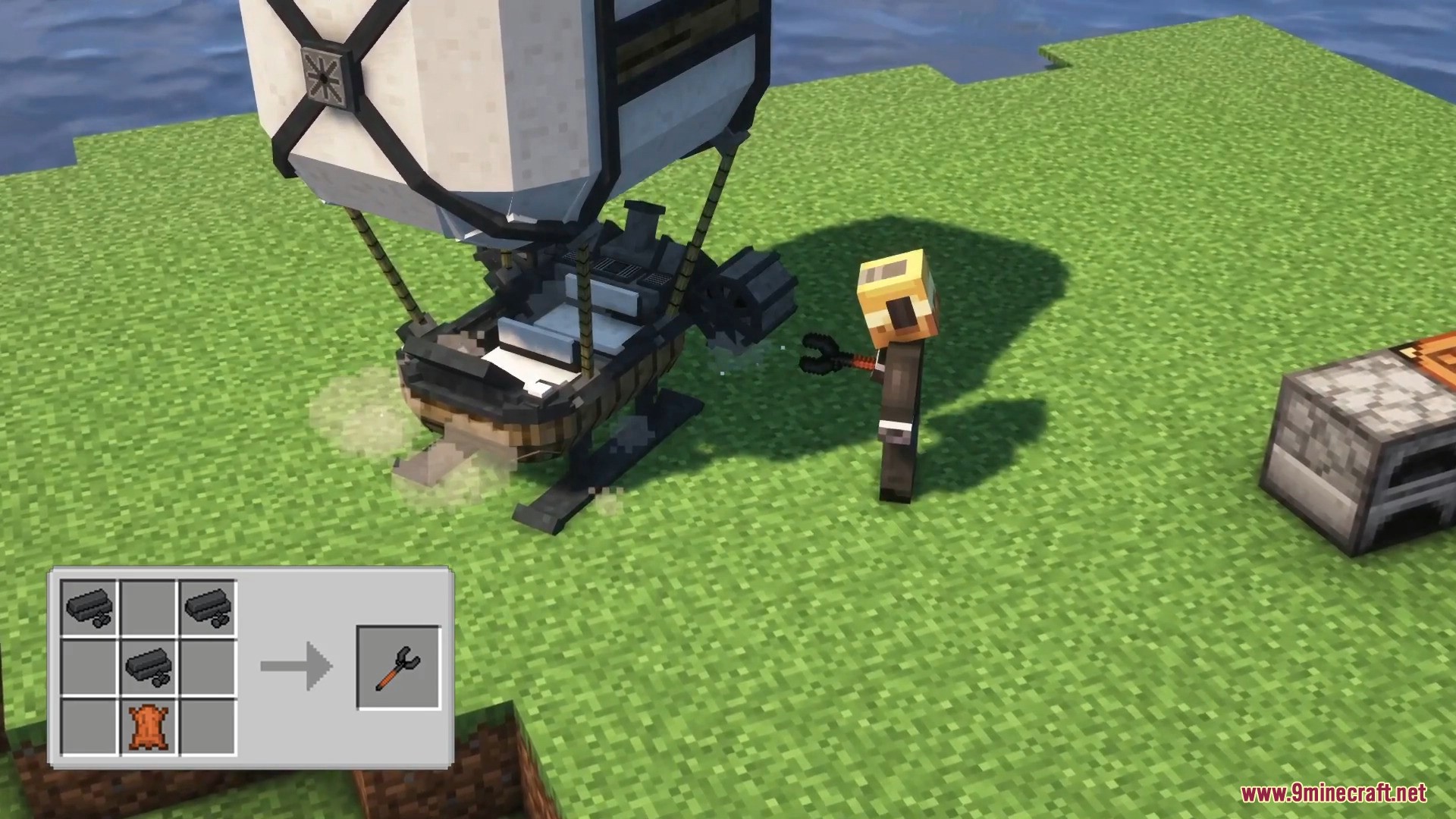
- Custom Building: Throw a machine chassis on the ground, add your parts, and use a wrench to finish building it.
- Machines stay exactly where you leave them if they run out of fuel or break down.
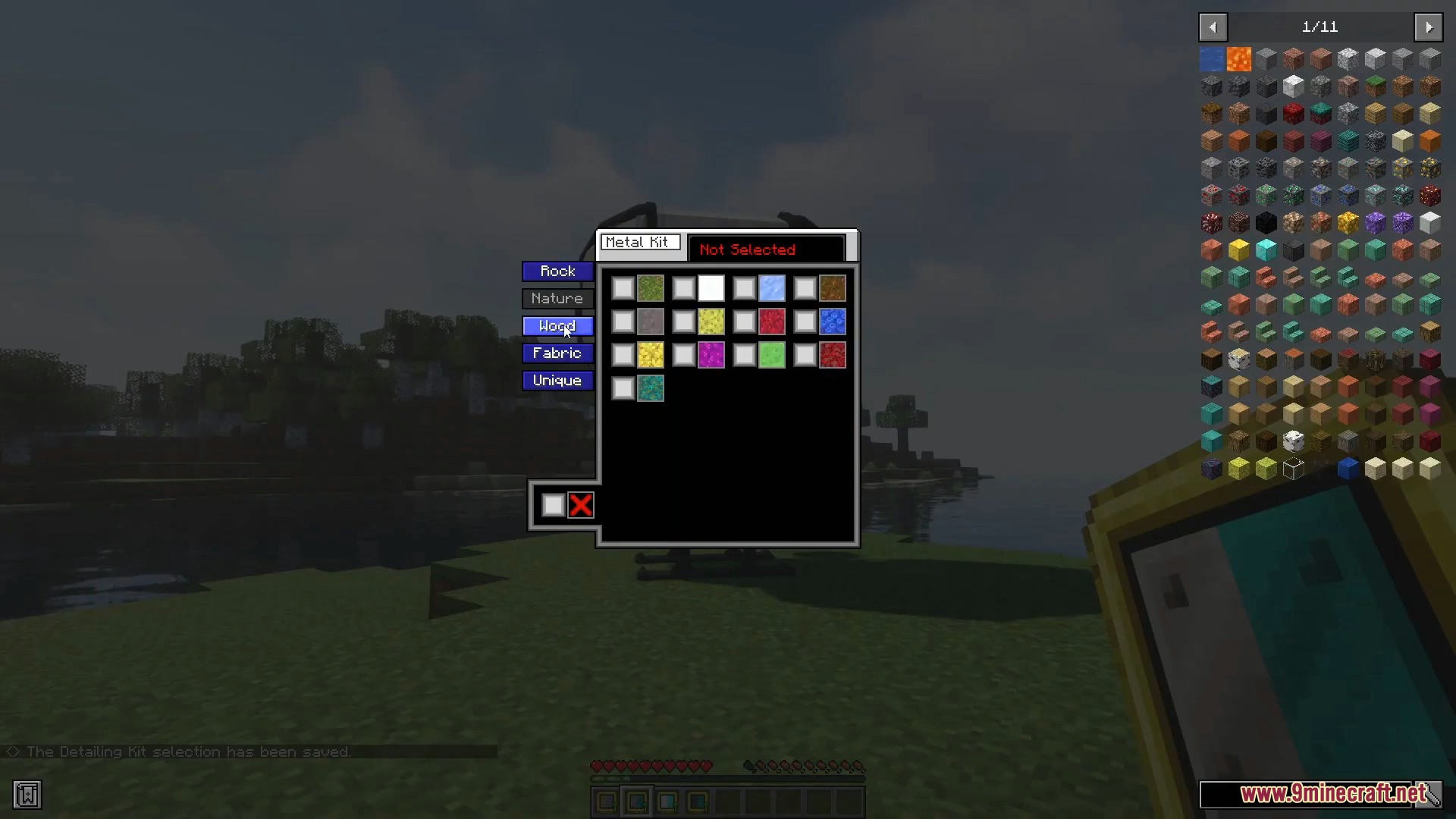
- You can change how your vehicle looks using detailing kits with over 100 different textures.
- Vehicles need fuel like coal or special pellets to run, and they have a power button to turn the engine on or off.
- Machines take damage over time and will start smoking or backfiring when their durability gets too low.
- The hauler machine acts like a moving chest, giving you lots of extra space to carry items.
How to Use:
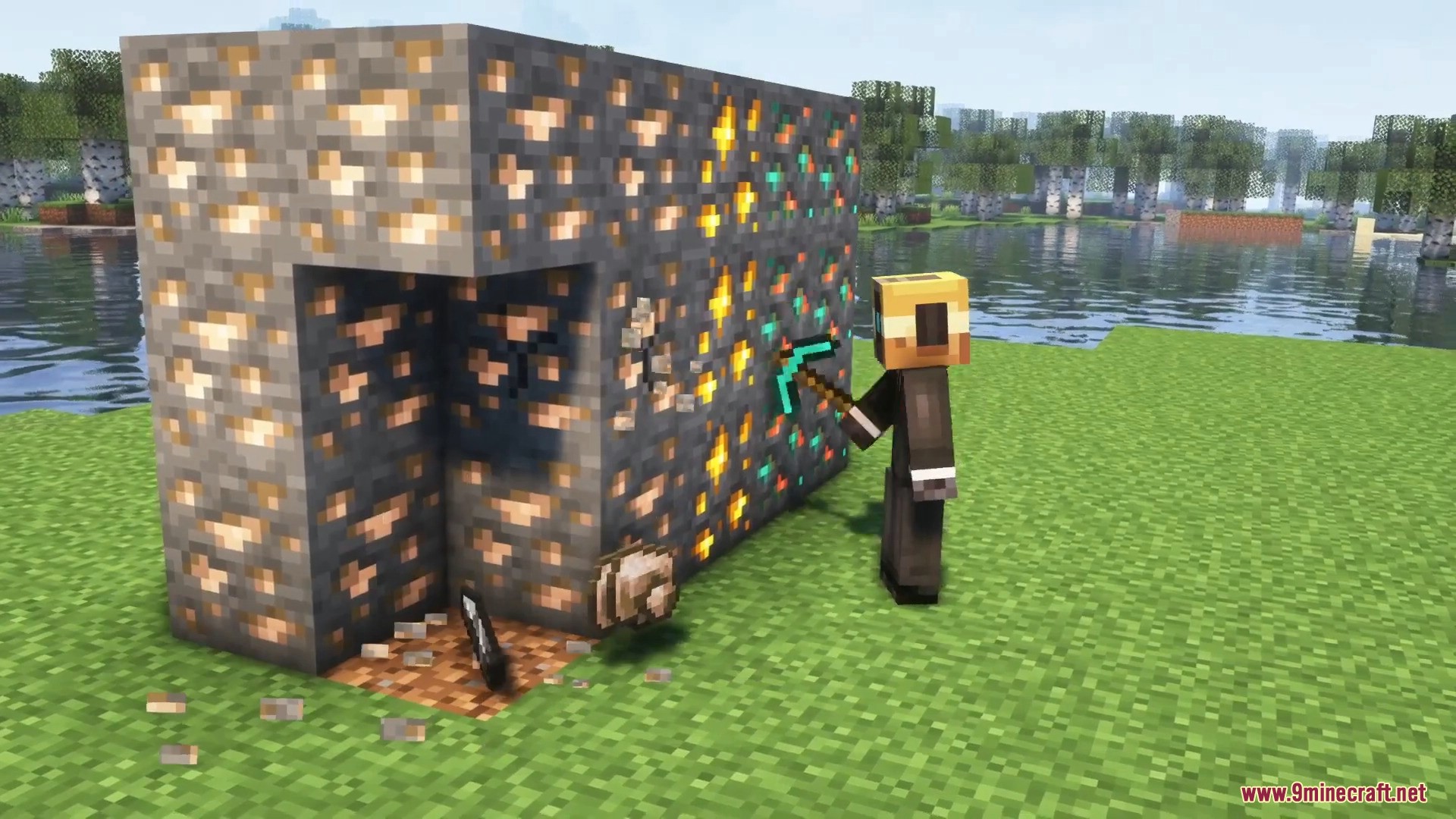
- Mine copper, iron, or gold ores to collect Xegonite Shards.
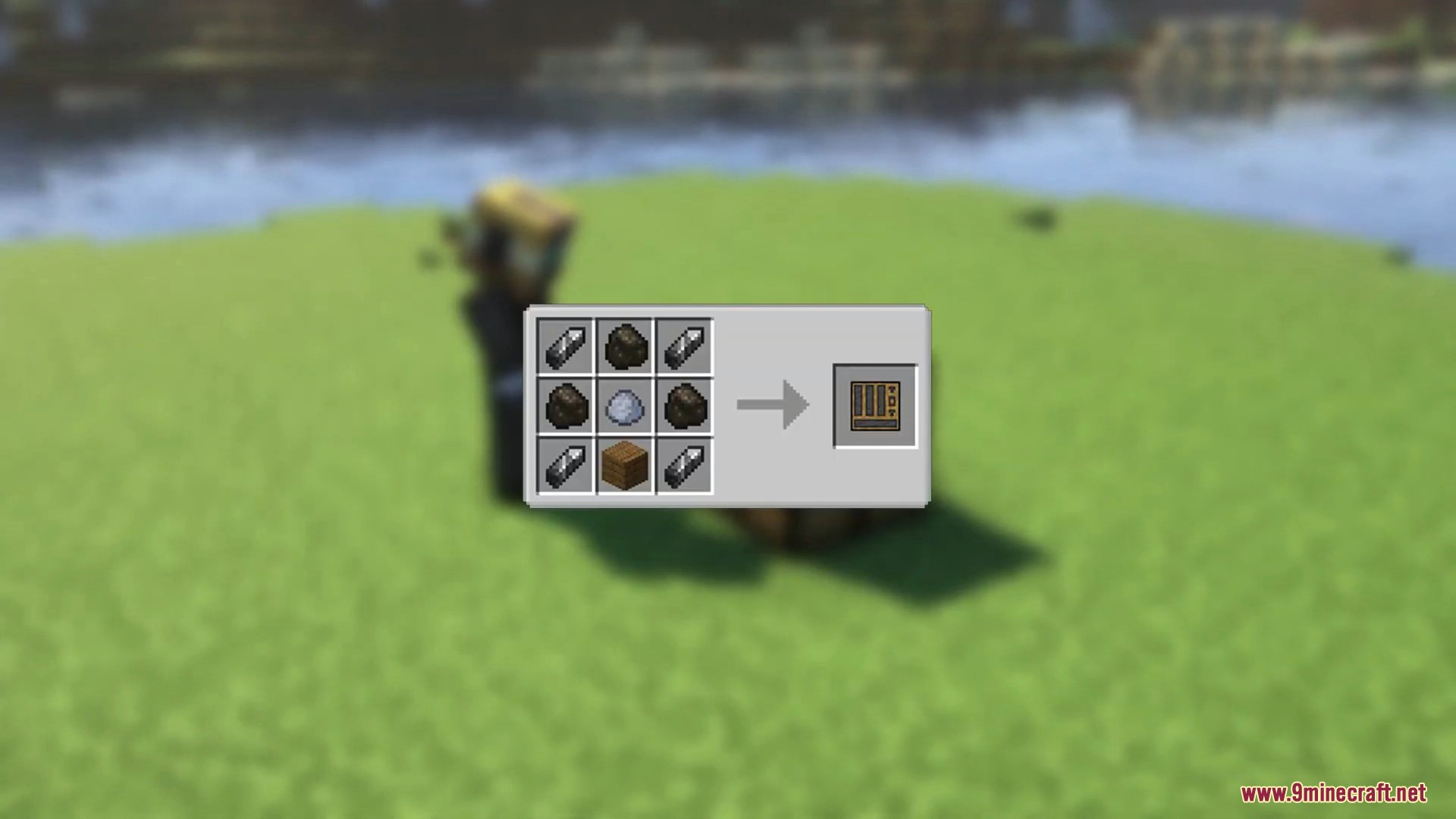
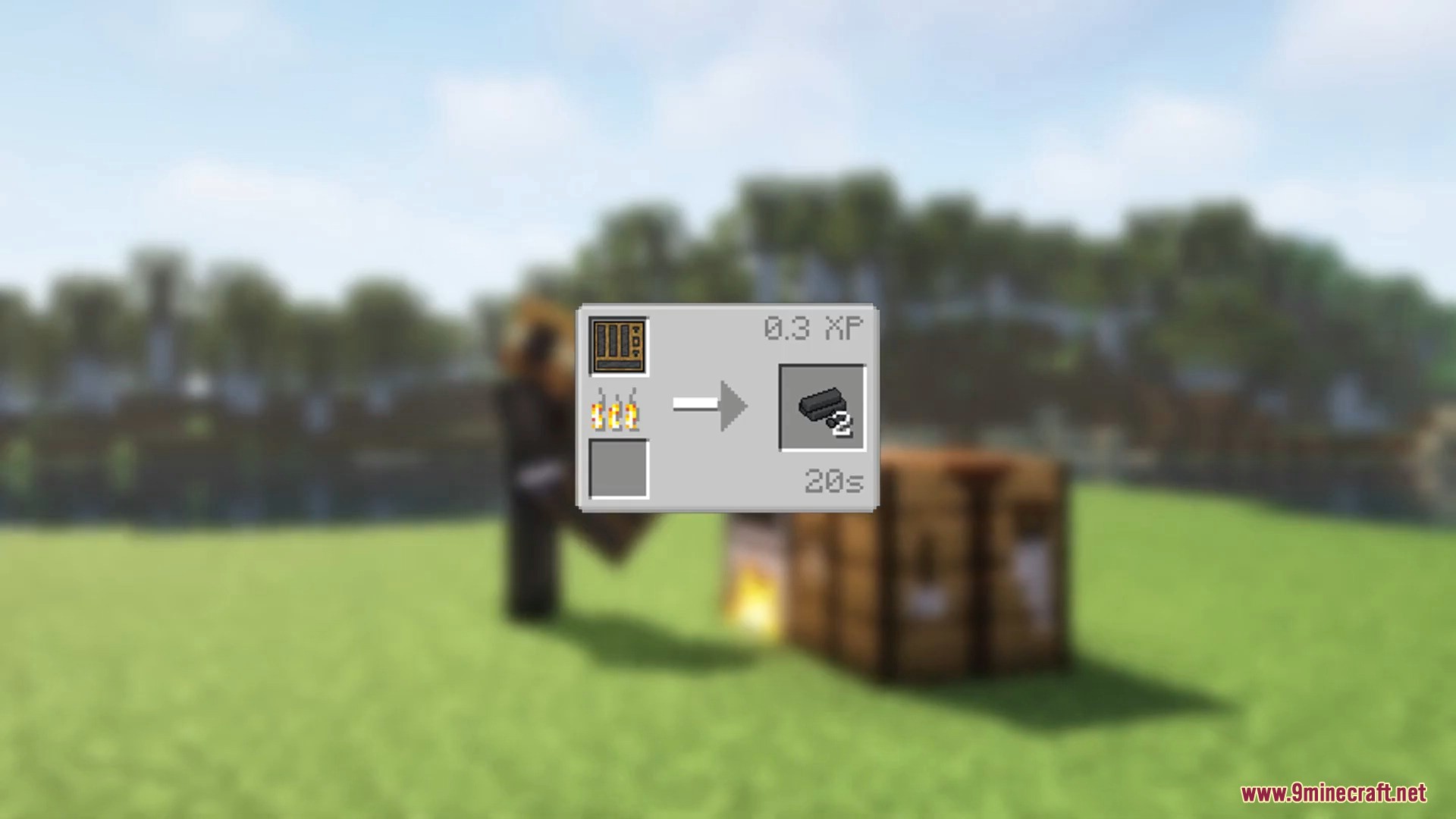
- Craft Machine Parts Mold Mix using clay, coal, and wooden planks.
- Smelt the mold mix to get Machine Parts.
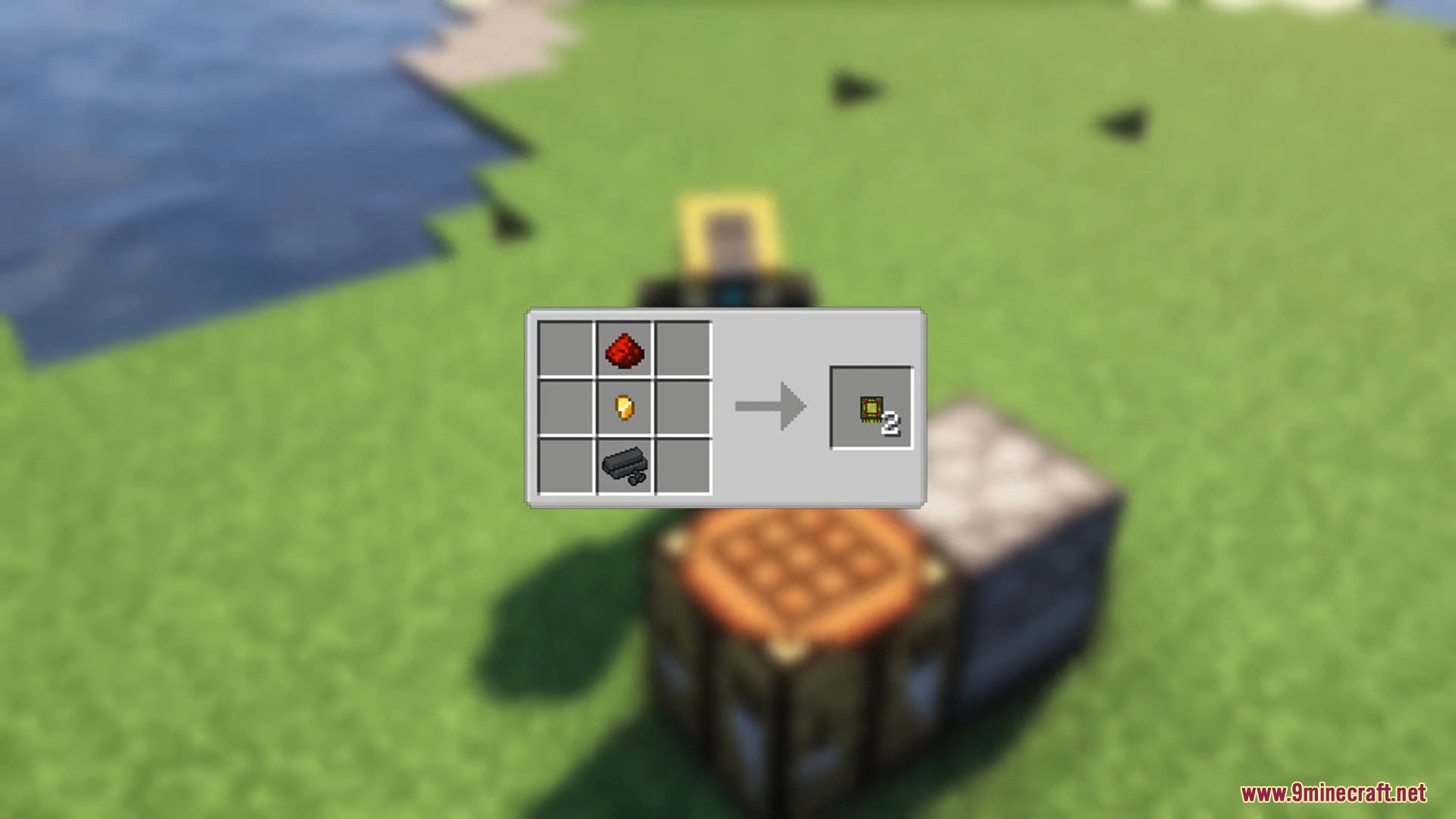
- Craft Logic Circuits with Machine Parts, gold nuggets, and redstone.
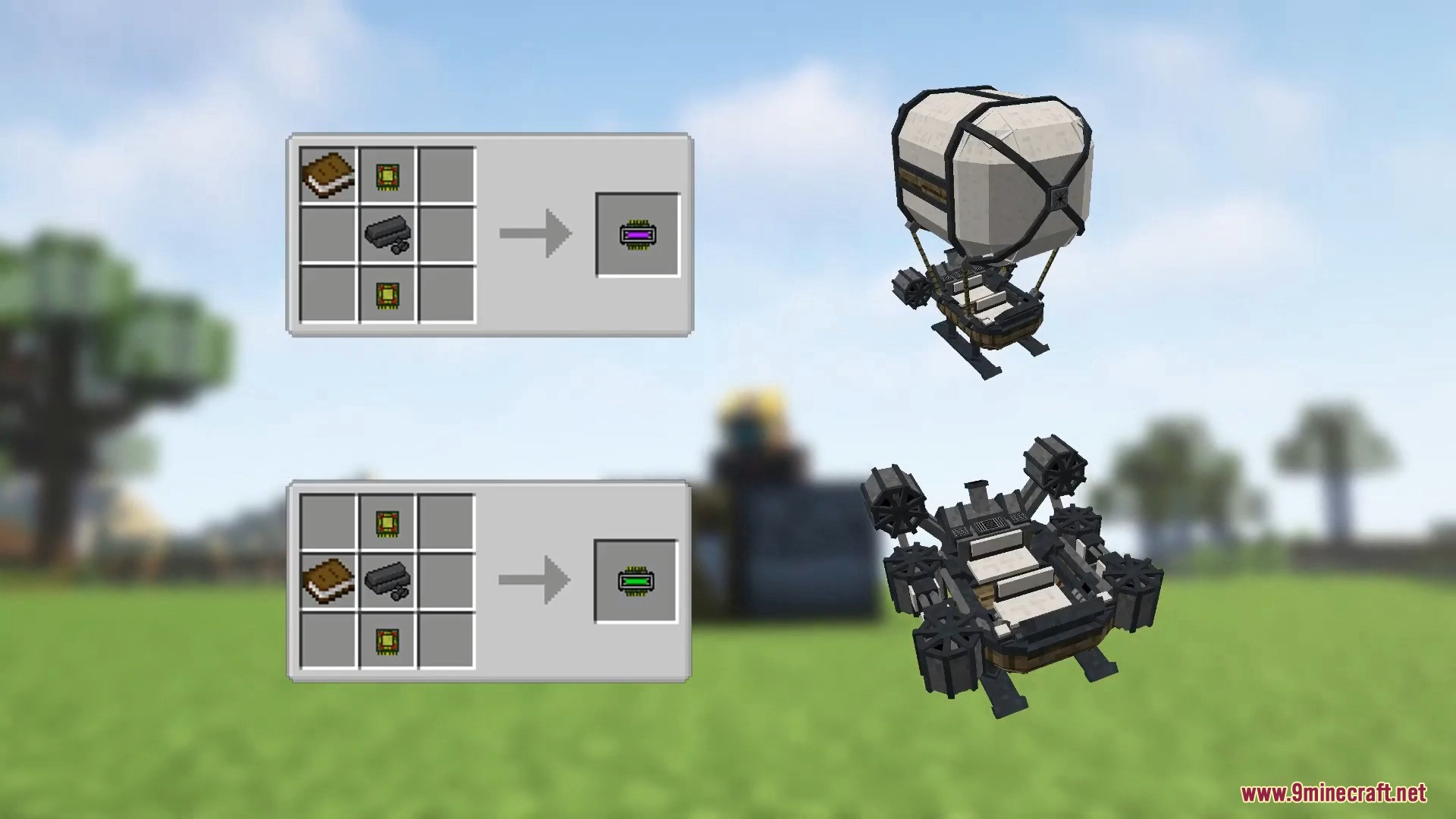
- Combine a Logic Circuit, Machine Parts, and a book to make an Instruction Circuit.
- Place the book in different spots in the crafting table to choose the machine type like Flying Machine or Ground Machine.
- Craft a Machine Chassis using the Instruction Circuit and Machine Parts.
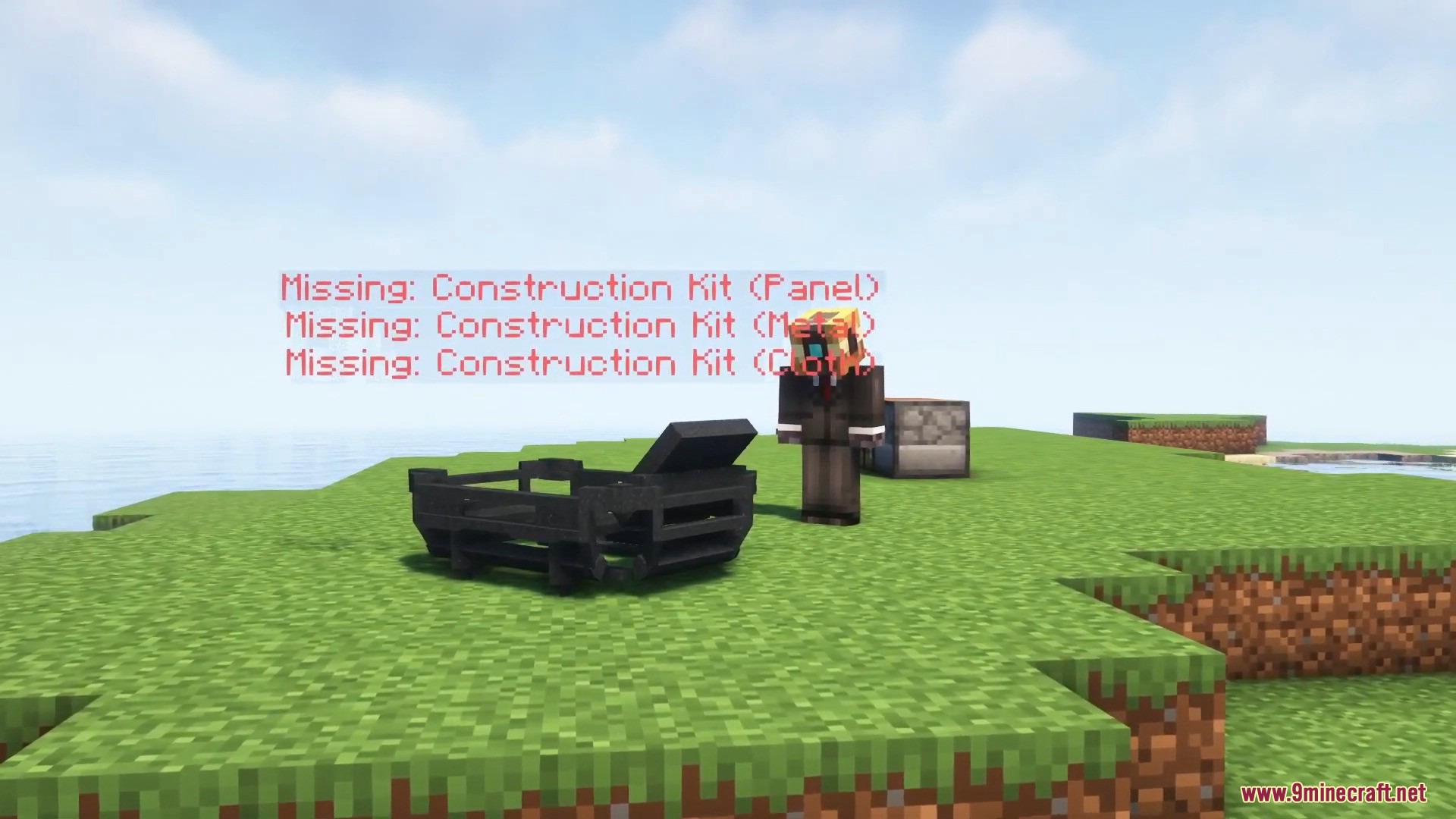
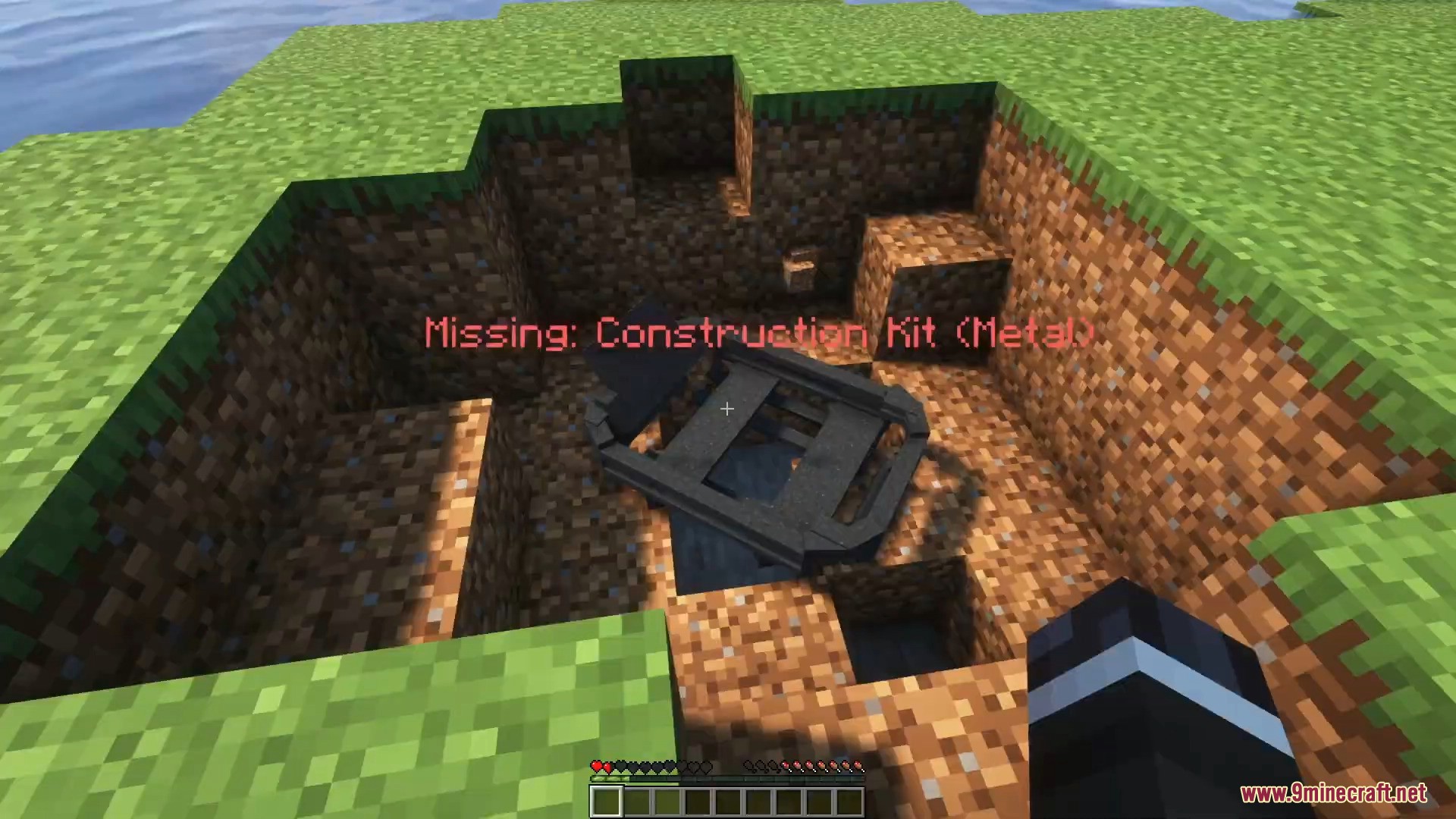
- Throw the Machine Chassis on the ground to unfold the machine frame.
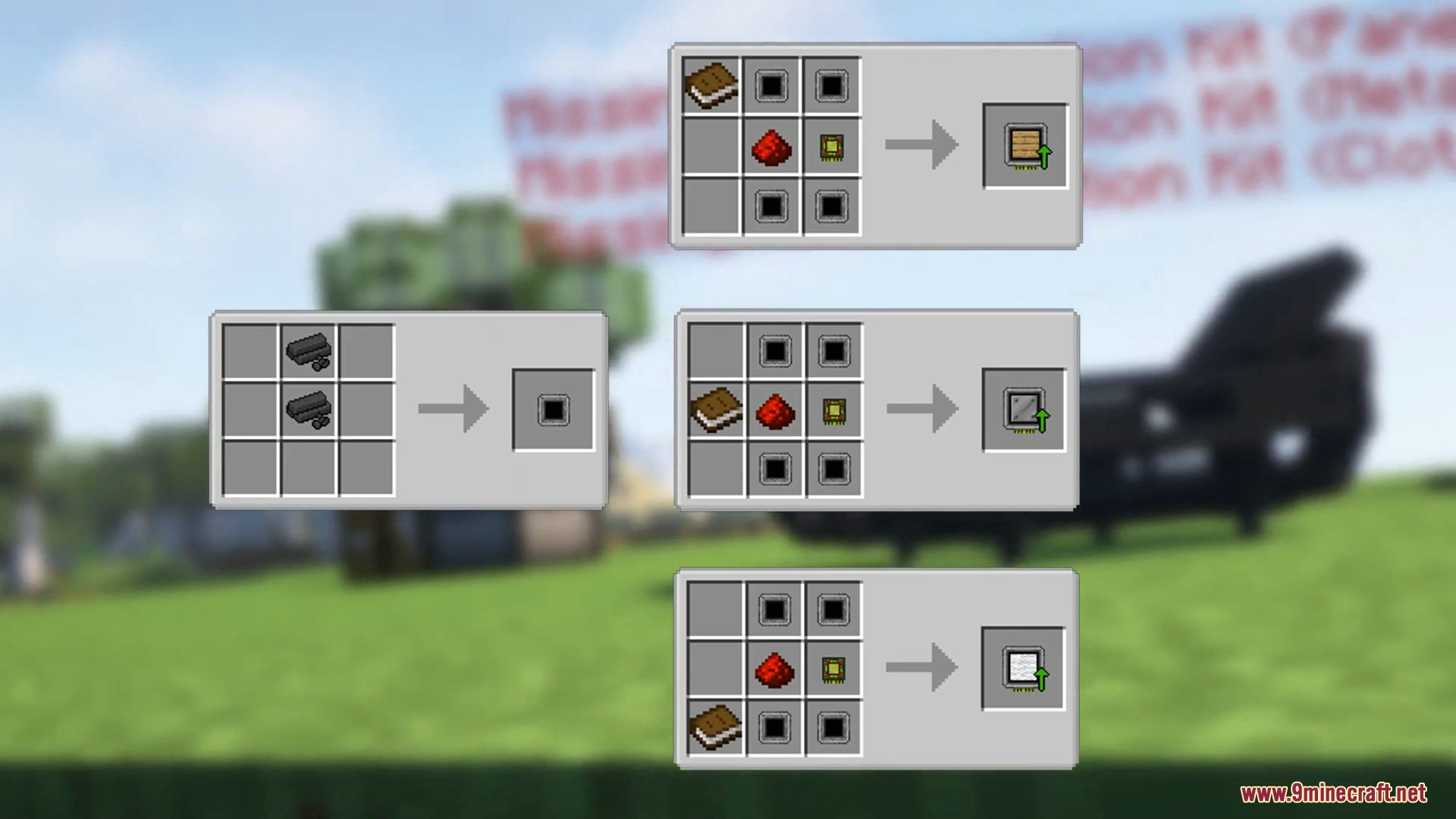
- Craft and apply the required Construction Kits to the chassis by sneak + right-clicking the frame.
- Add the panel, metal, and cloth parts to the chassis.
- Use the Machine Wrench and sneak + right-click the chassis to finish building the machine.
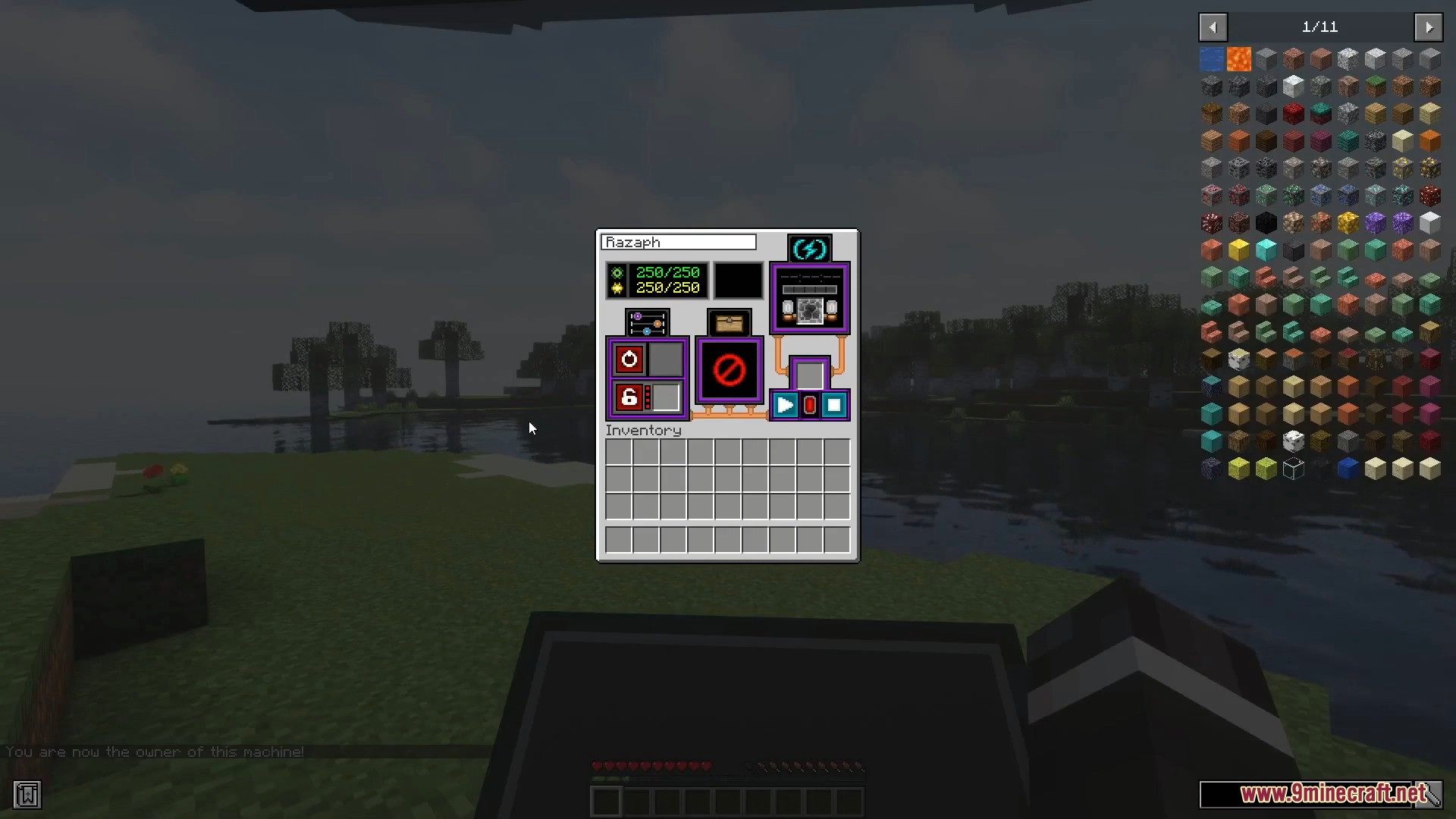
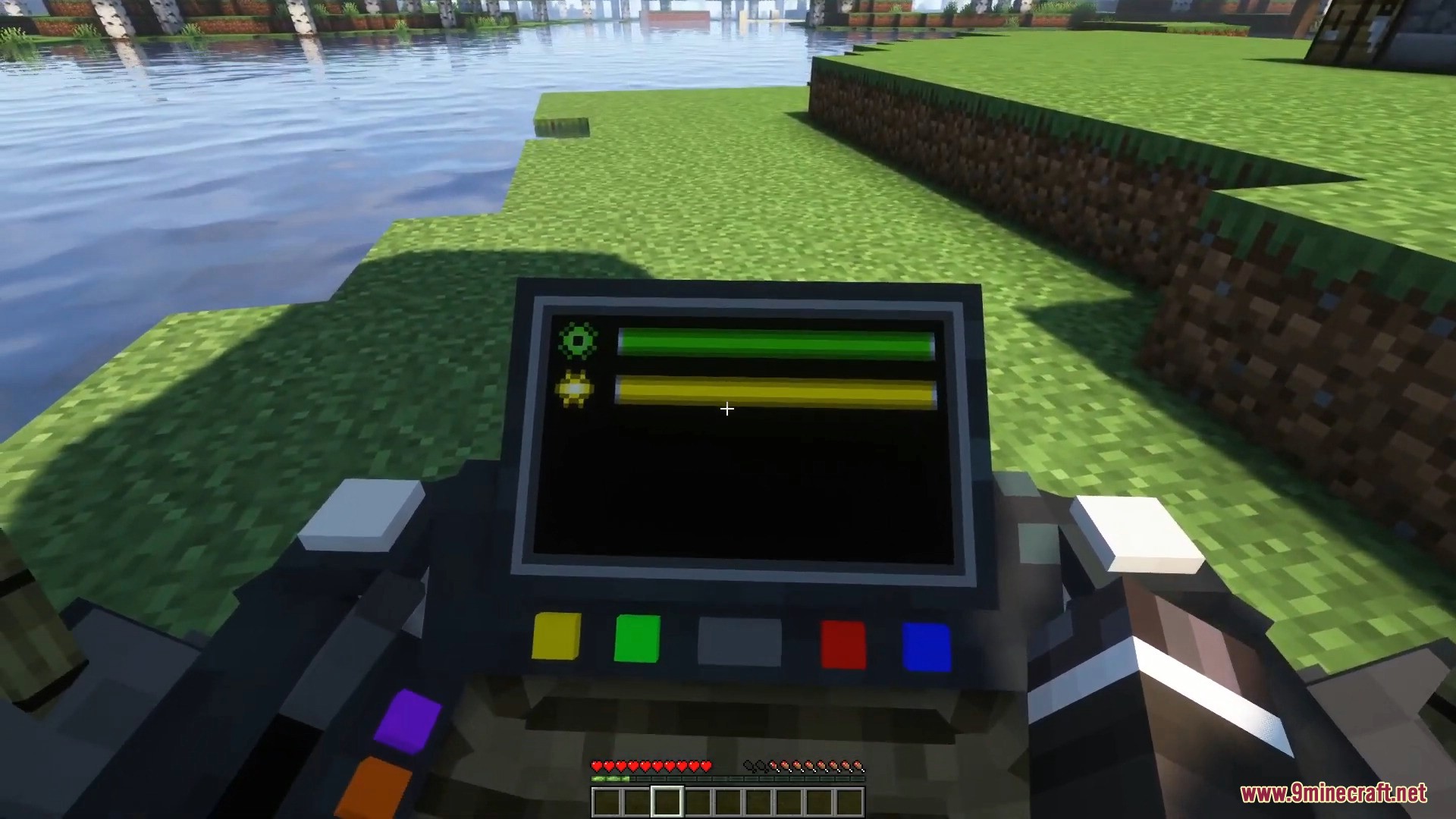
- Press R or sneak + right-click the machine to open the main menu.
- Place Machine Pellets, coal, or charcoal into the fuel slot.
- Press the power button to turn the machine on.
- Use these controls to drive the machine:
- W – Move forward
- S – Move backward
- A / D – Turn left or right
- Space – Move upward
- X – Move downward
- G – Activate Turbo Mode
- Turn the machine off when you stop using it to save fuel.
- Watch the durability bar in the machine menu. Low durability causes smoke and engine problems.
- If the machine breaks, use the Machine Wrench and sneak + right-click to patch it.
- Use a Durability Service Kit after patching to properly repair the machine and avoid explosions.
- Place a chest into the chest slot to unlock machine storage.
- Insert a music disc into the record slot and press play to listen to music while driving.
- Lock your machine from the menu to stop other players from using it.
- Program an Ignition Key by sneak + right-clicking with it, then place it into the key slot to allow other players to use locked machines.
- Install upgrade items in the upgrade tab to increase speed, durability, or energy capacity.
Screenshots:
ViesCraft Machines Mod Download Links
ViesCraft Machines Mod (1.19.2, 1.12.2) – Build Machines to Travel the World is a free Minecraft Java mod. Compatible with Minecraft 1.19.2. Download it and open it directly in the game.