
ModsJava
Animal Garden Crocodile Mod (26.2, 1.20.1) – Survive Deadly Swamp Crocodiles
Java mod listed for Minecraft 1.20. File opened and checked on 9 Oct 2026; downloads from the MC Java Mods app on Android.
⬇ Download
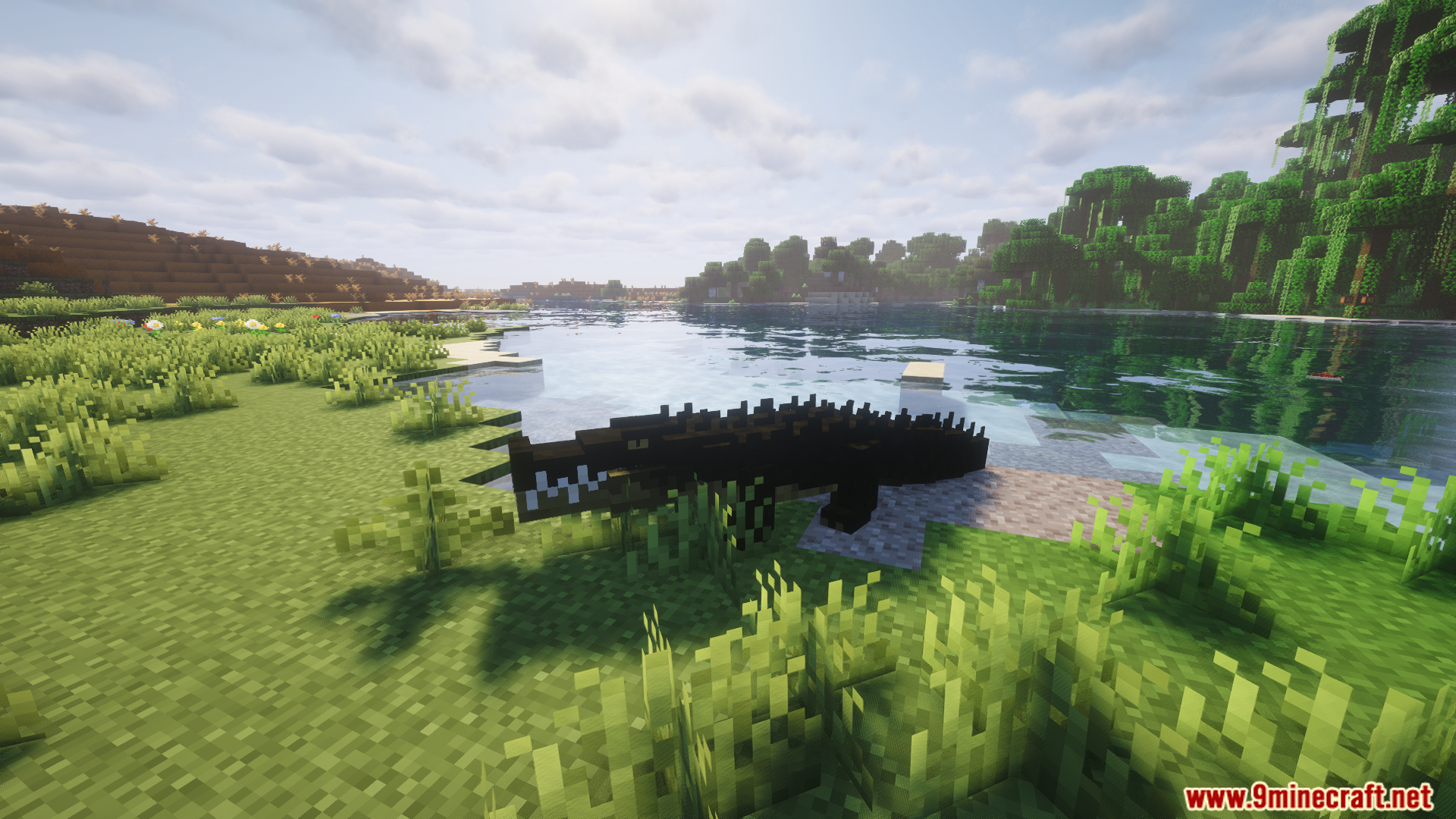
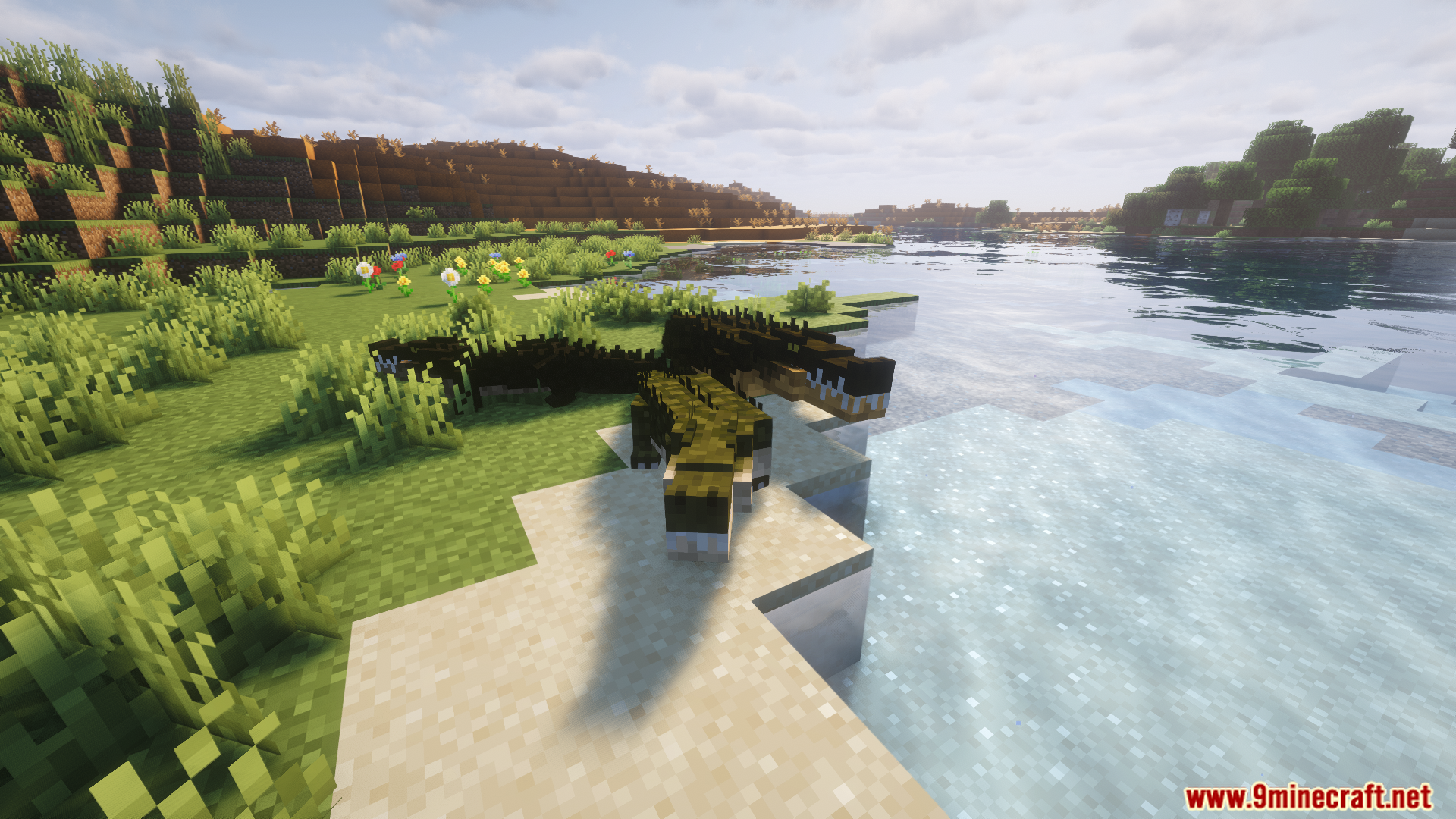
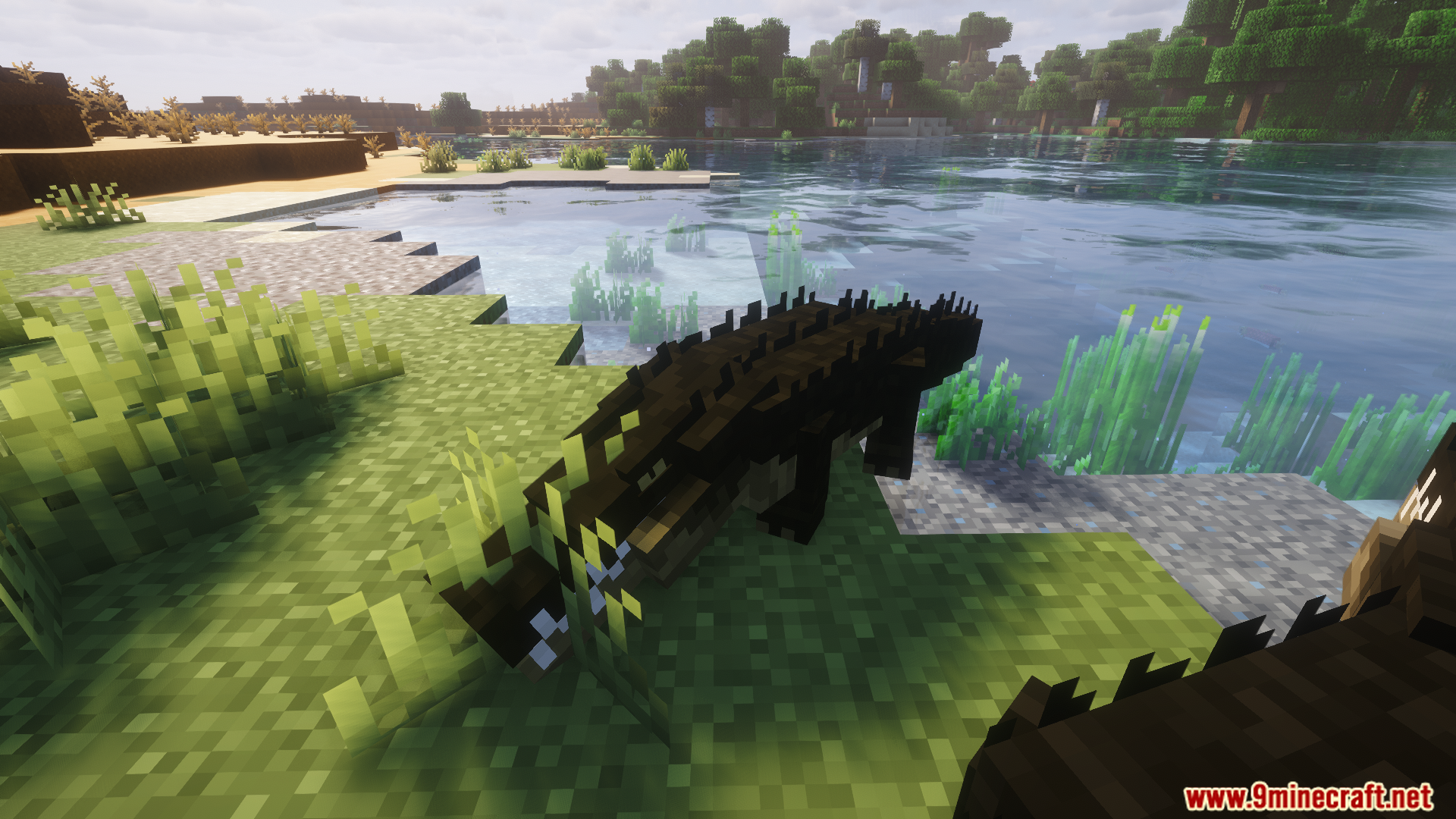
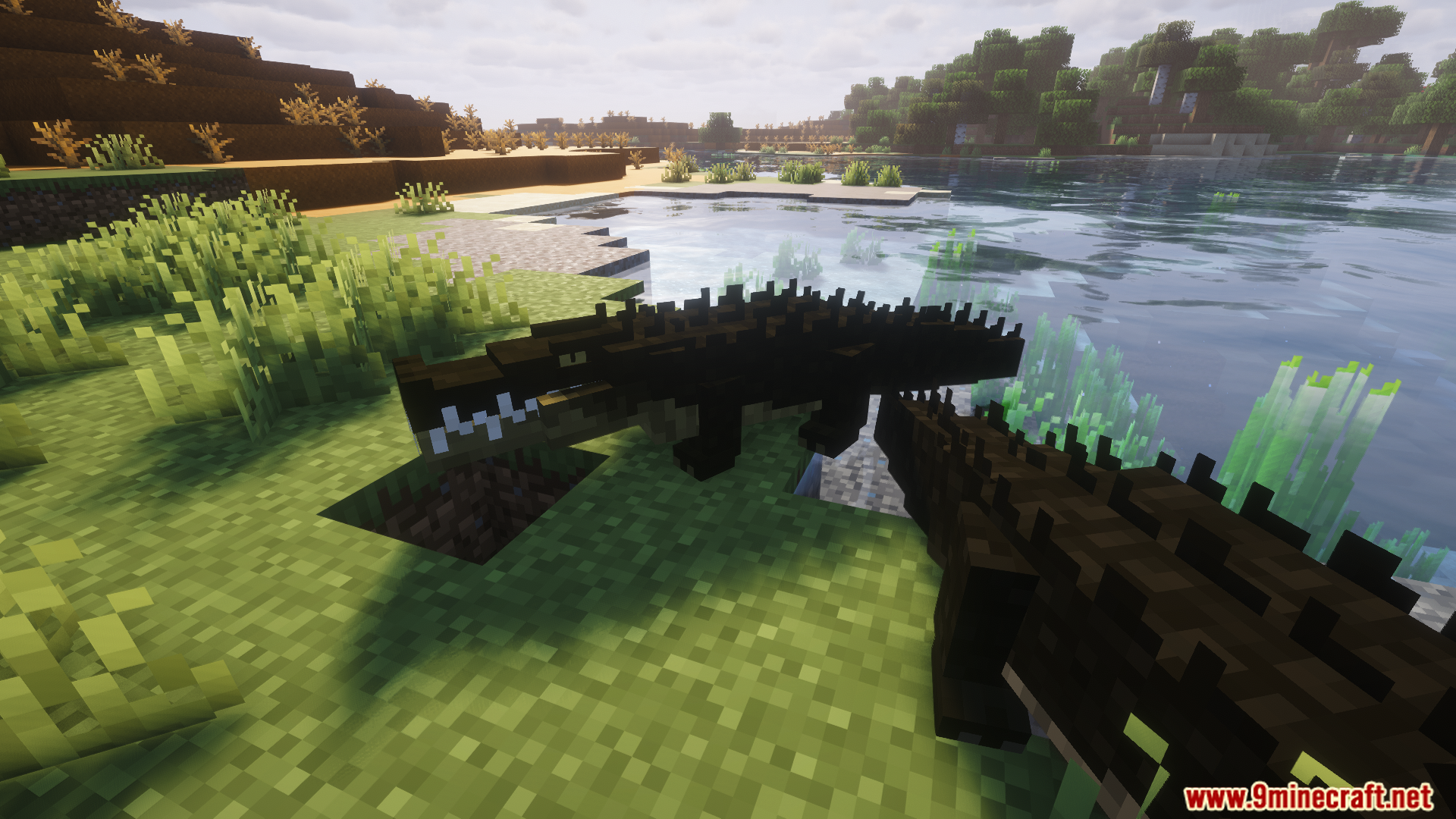


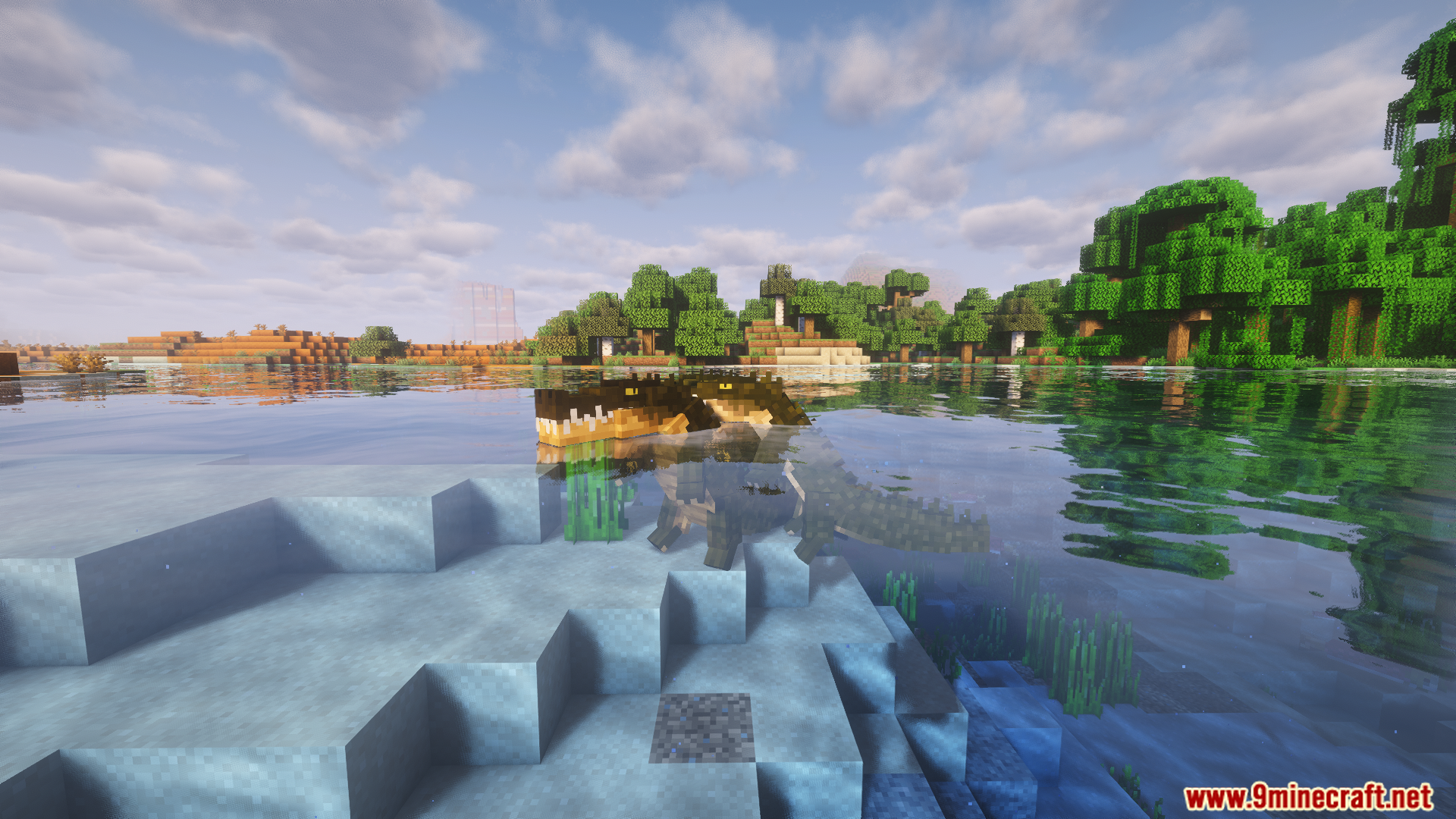
Animal Garden Crocodile Mod populates swamp biomes with wild crocodiles. This mod makes exploring wetlands much riskier. You can find these big reptiles swimming in the muddy water or resting on land. They act like real animals and react to players or mobs that get too close.
Features:
- Warning Signs: Crocodiles open their mouths to warn you before they decide to attack.
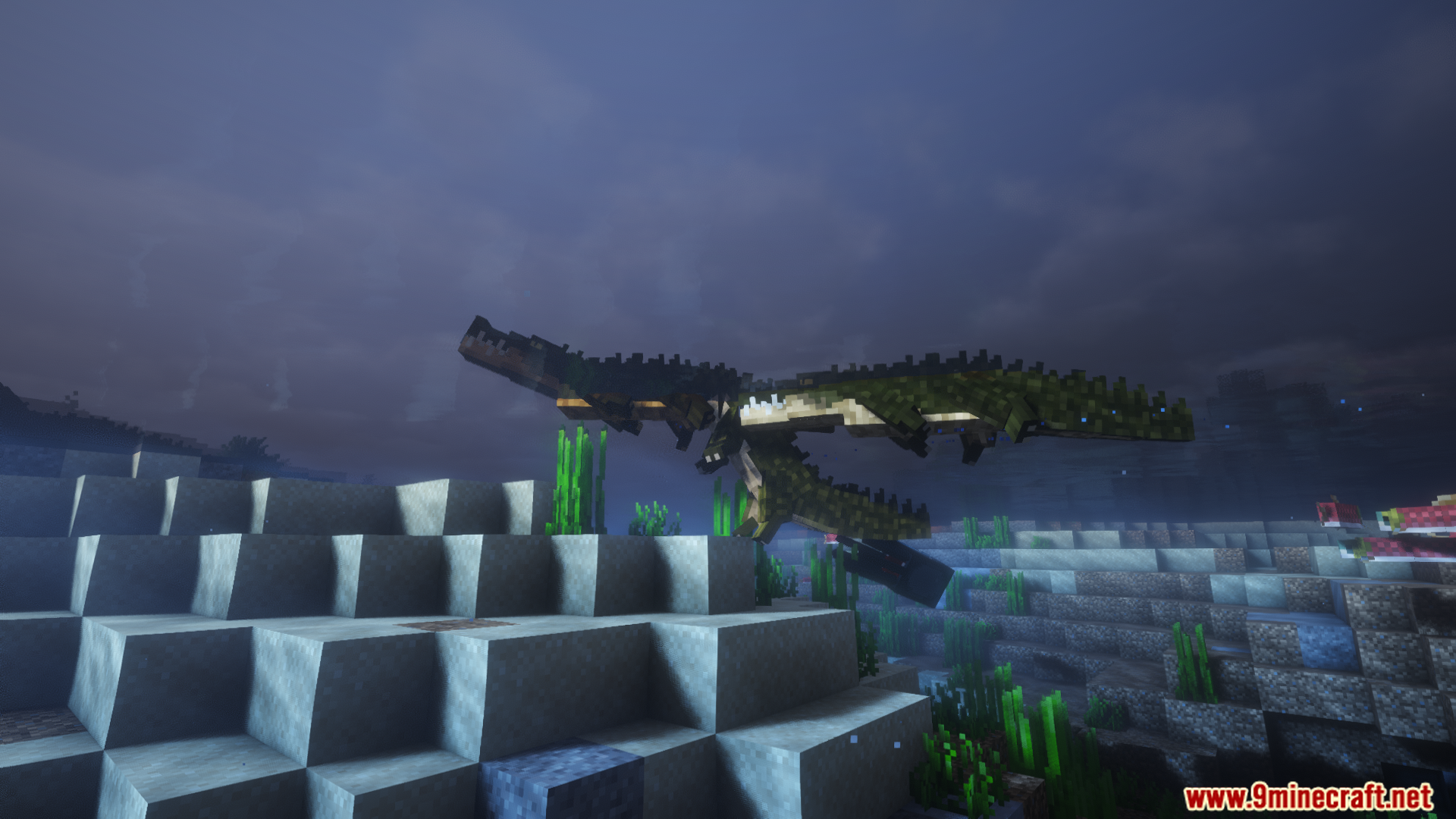
- Mossy Backs: Moss and algae grow on their backs if they stay in the water for more than ten minutes.
- Adds nine different color variants of crocodiles to the game.
- Players can breed them using meat and fish, but you cannot tame them as pets.
- These animals randomly decide to swim in the water or lay down to rest on the shore.
- Crocodiles heal themselves by eating dropped food items off the ground.
- Resting on land or staying in the water also slowly gives them their health back.
- You can scrub the moss off their backs with a brush or a sponge to get random items they collected.
- Sponges do not break when you use them to clean the animals.
How to Use:
- Find a crocodile that has been in the water for a long time.
- Look for green moss or algae growing on its back.
- Hold a sponge or a brush in your hand.
- Right-click the crocodile to scrub the moss off and collect a dropped item.
Screenshots:
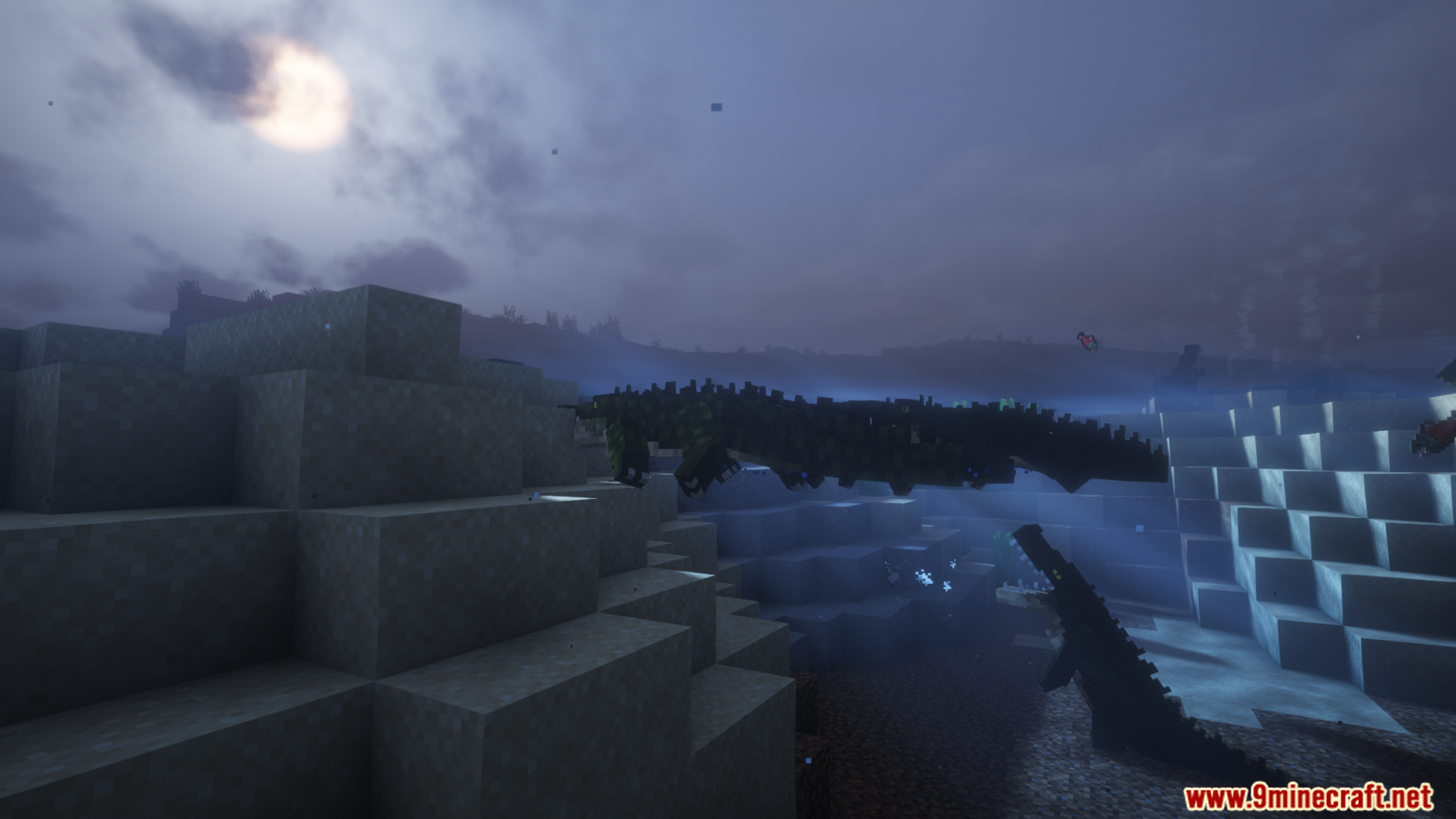
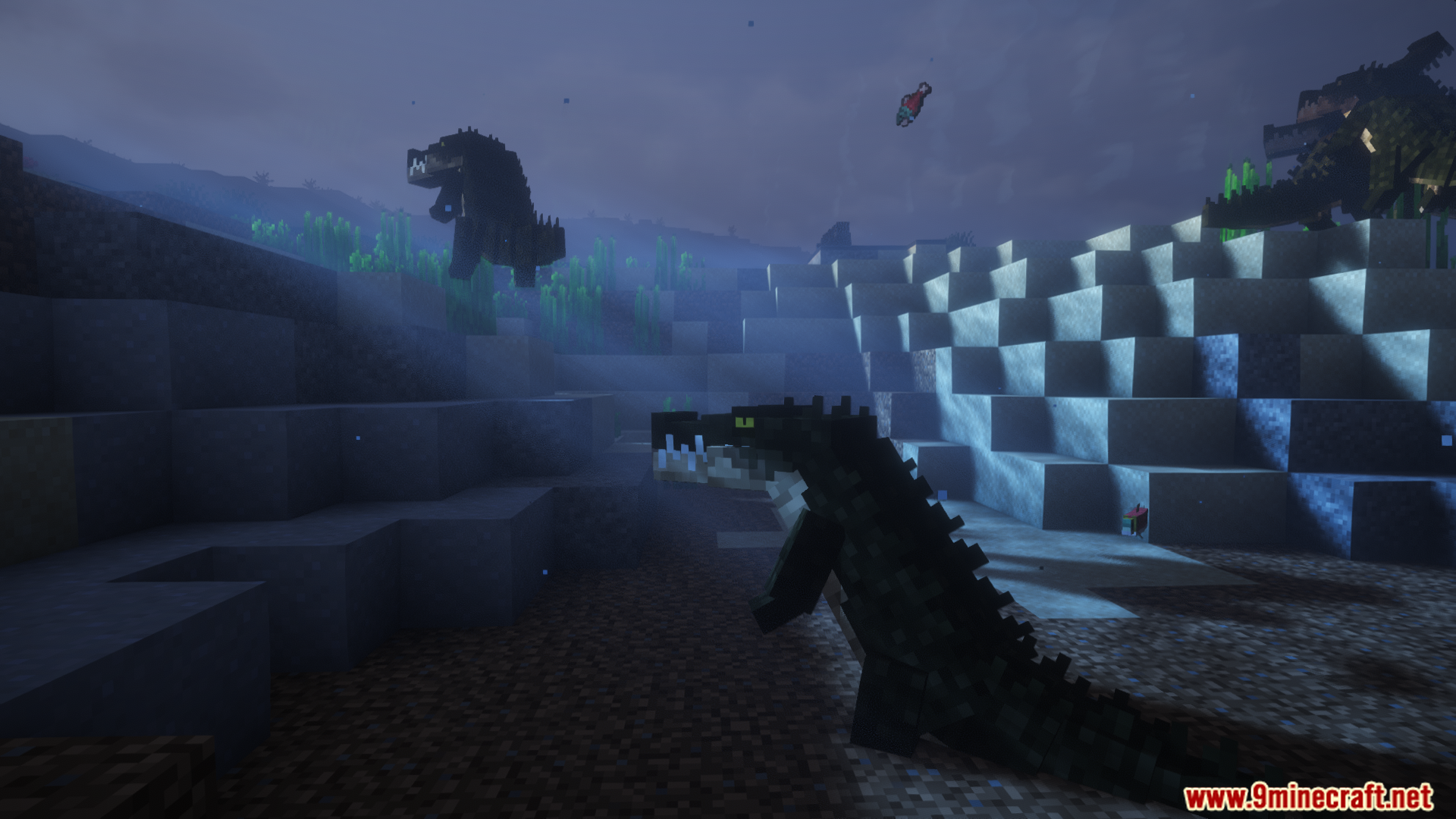
Animal Garden Crocodile Mod Download Links
Quick facts
- Edition: Minecraft Java
- File type: .jar
- Minecraft version listed: 1.20.1
- How to install: Install the matching mod loader (Forge, Fabric or NeoForge) for your Minecraft version. → Download the .jar. → Put it in the .minecraft/mods folder and launch that loader profile.
- Where to get it: In MC Java Mods, or directly above on this page.
Install steps are the general flow for this file type — How to install Minecraft Java mods & modpacks walks through it step by step.
File checked by MCModsHub
- Downloads as 26241.mcaddon
- Download size: 780 KB
- Download link checked 25 Sept 2026 — working
- Mirrored on our own servers — the download does not depend on the original host
These come from our own check of the pack file, not from the source page.