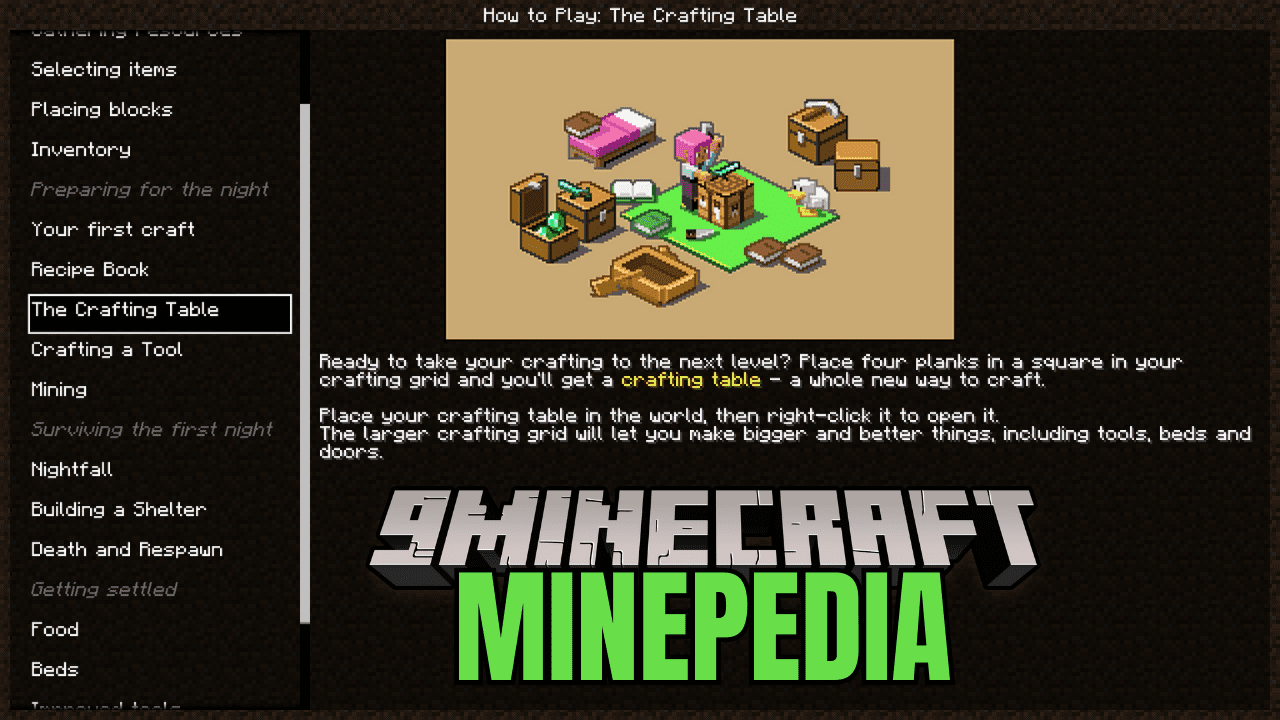
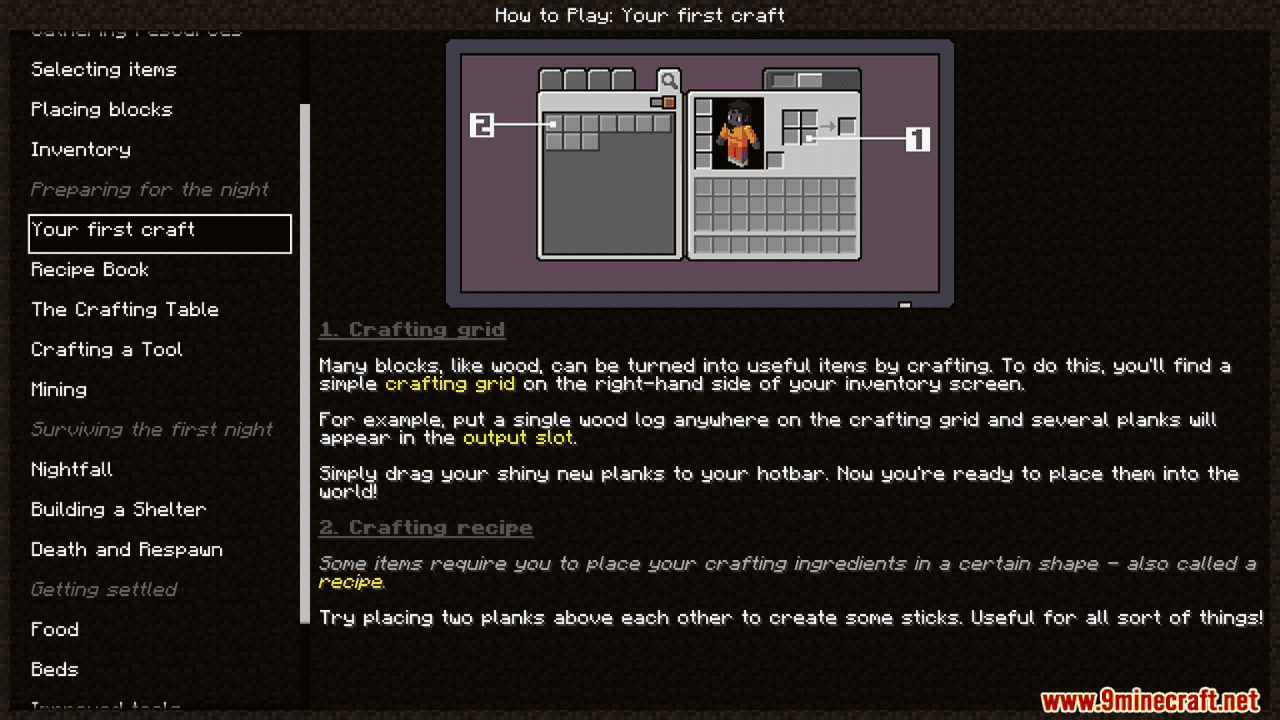
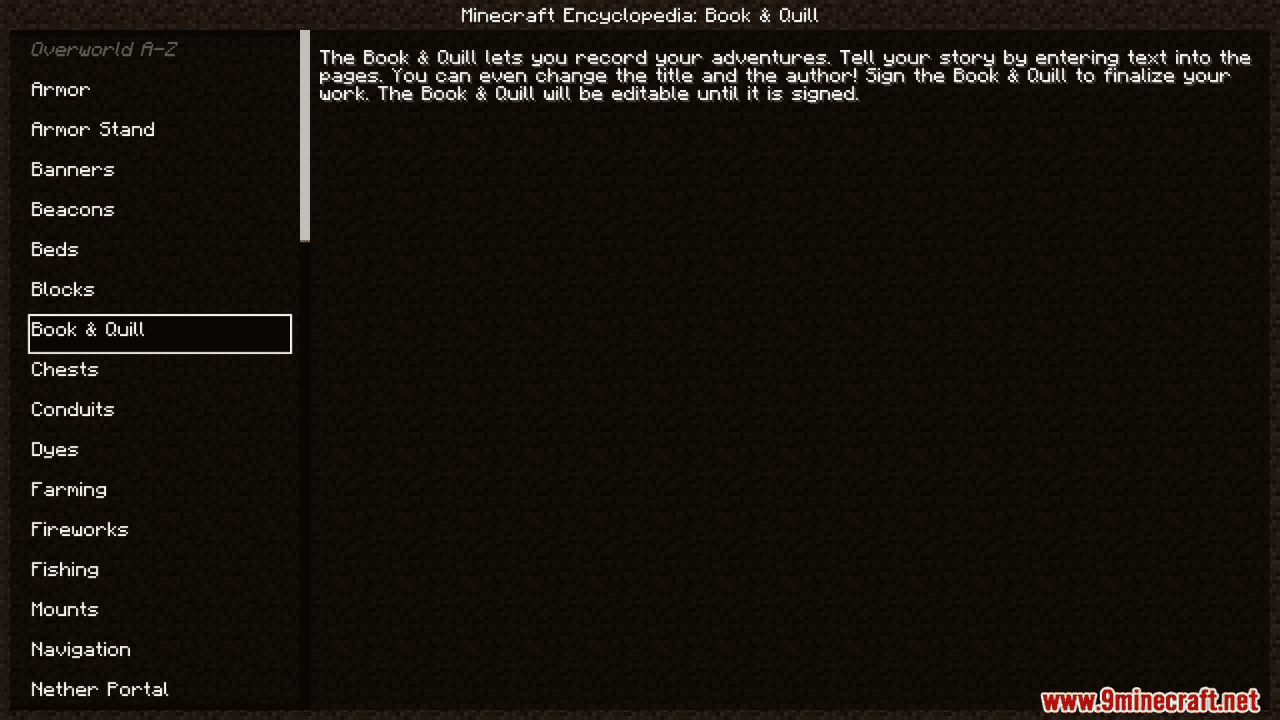
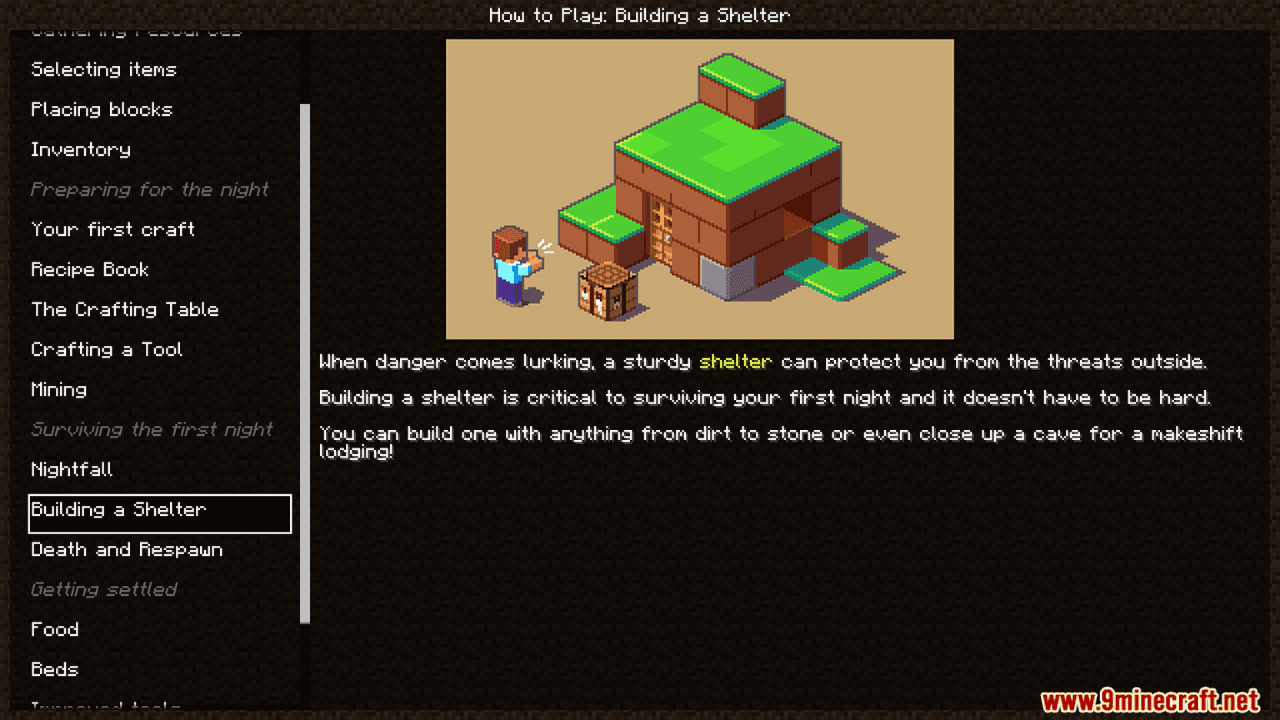
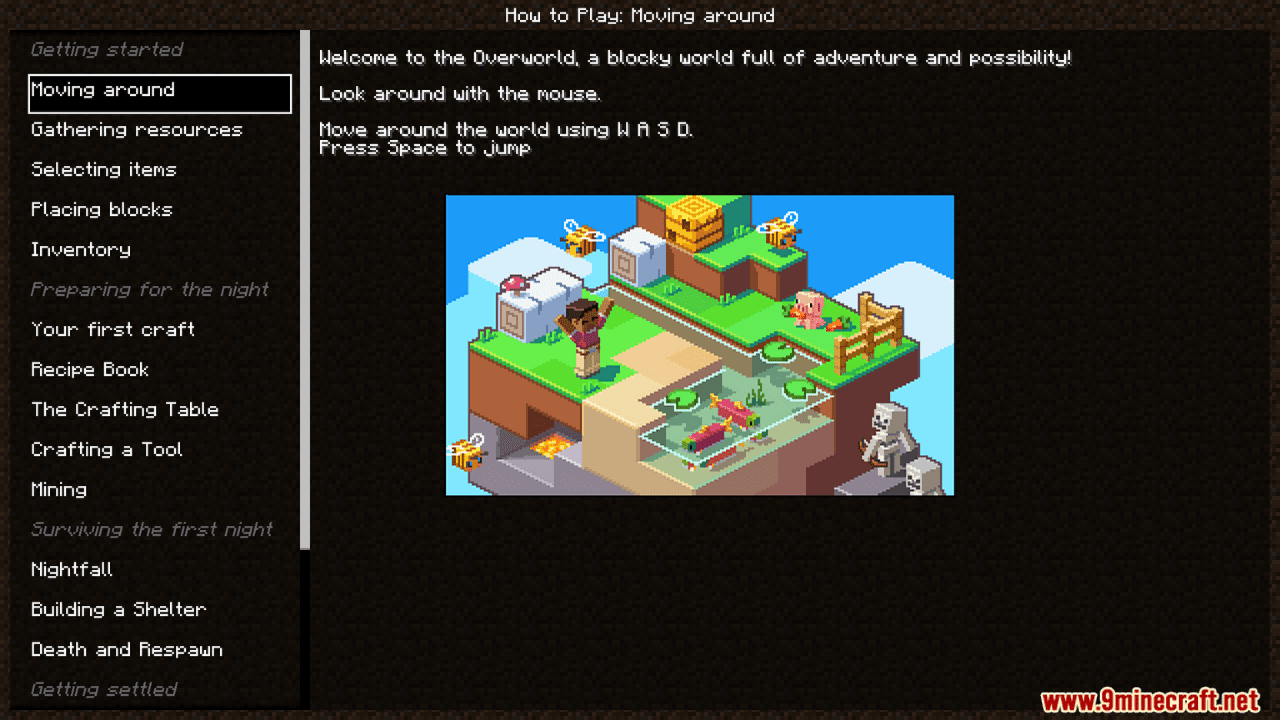
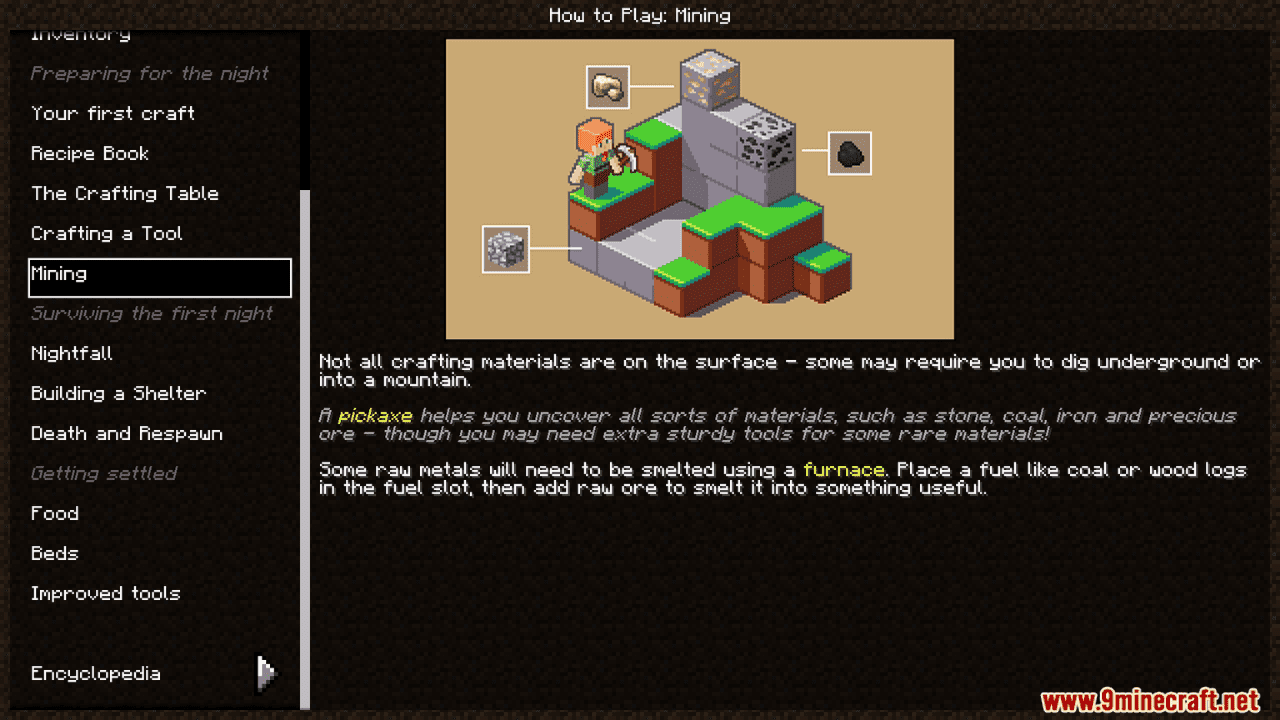
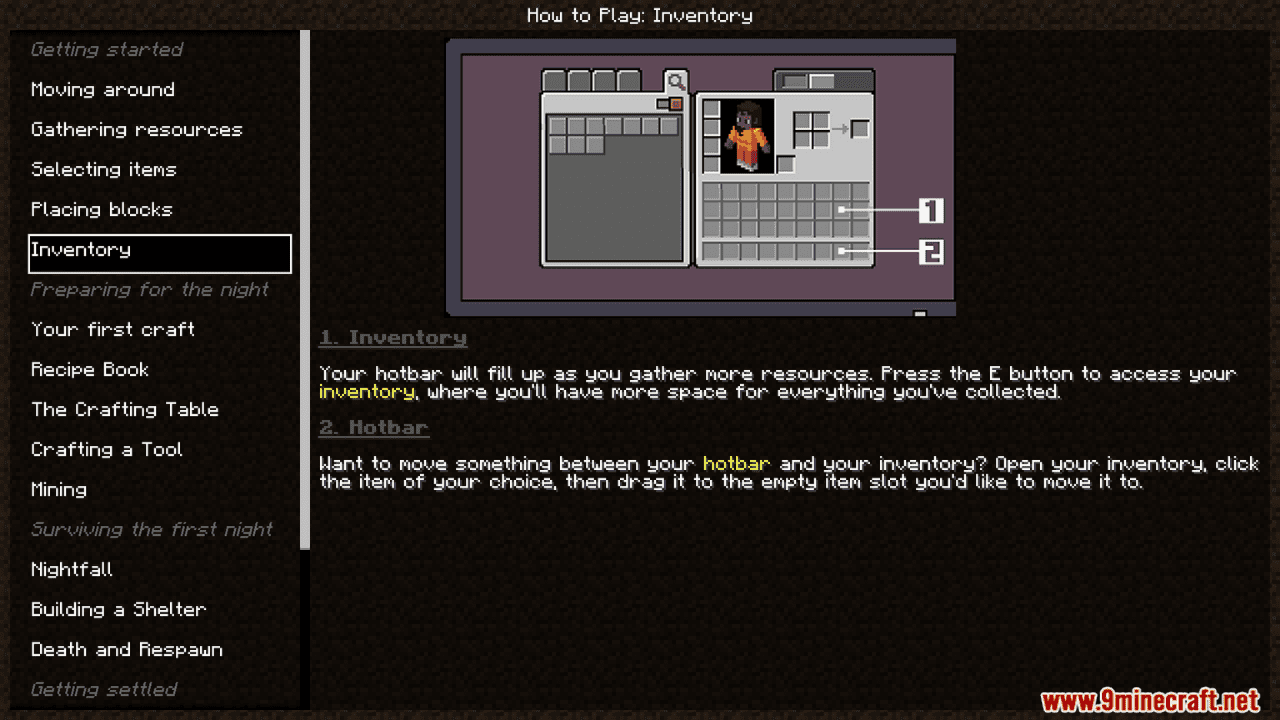
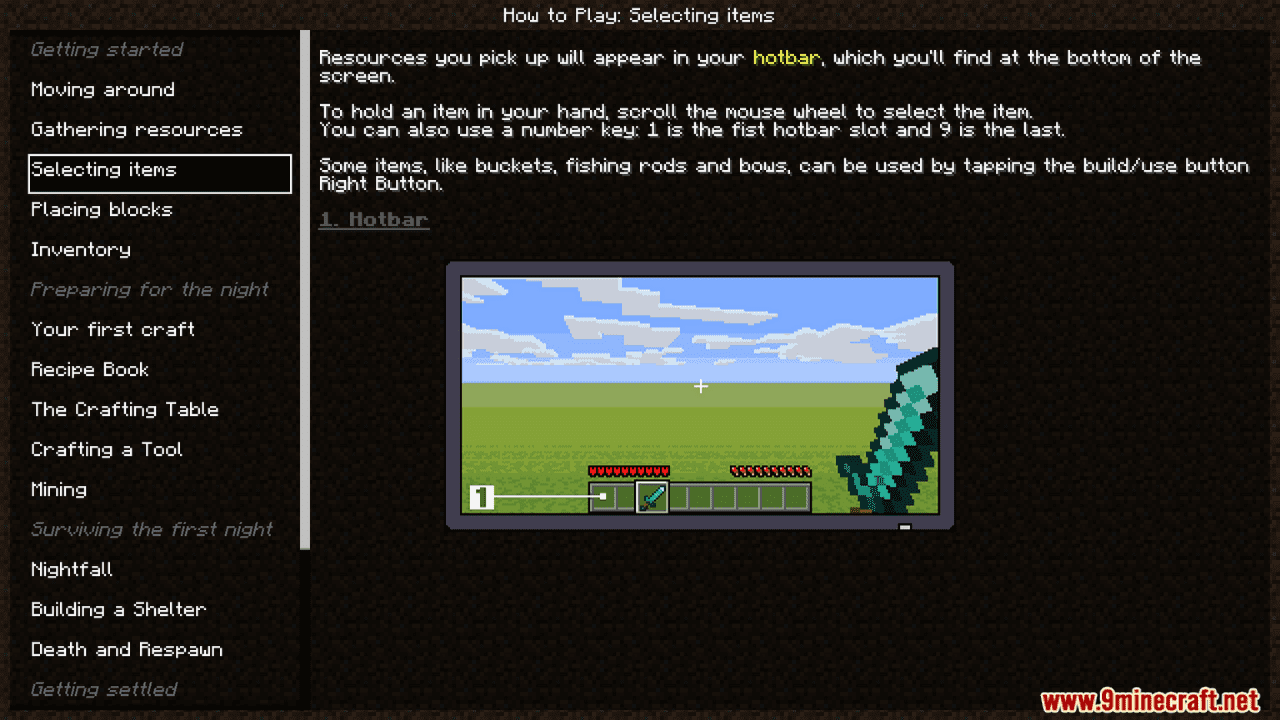
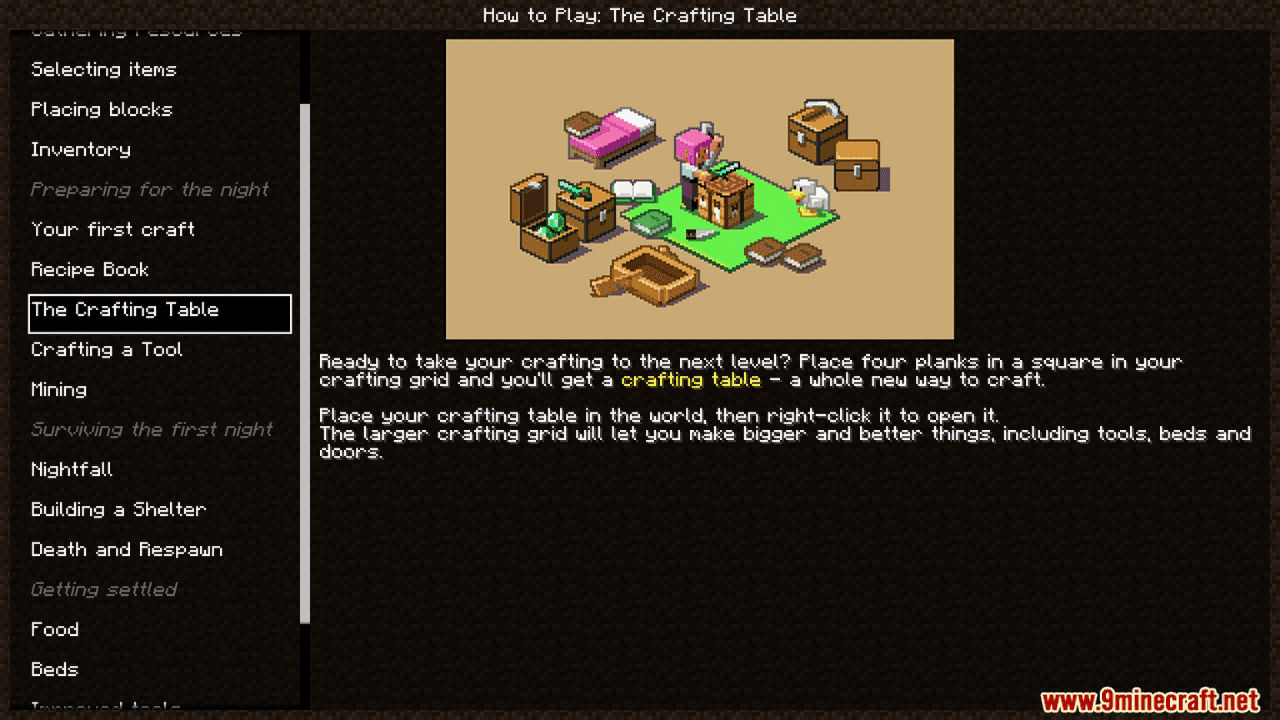
Minepedia Mod is a client-side mod that brings the Minecraft: Bedrock Edition “How to play” menu into Java Edition.
Features:
- This mod adds an in-game guidebook or menu to the game, allowing players to look up information about items, blocks, recipes, etc., without needing to open an external wiki.
- An in-game guidebook allows players to view information about items, blocks, mobs, crafting recipes, smelting, enchantments, etc. It includes an index and table of contents for easy navigation by topic.
- When you don’t know how to craft an item, you open Minepedia to check its recipe: This includes regular crafting recipes, smelting recipes, and sometimes brewing recipes.
- Description – for example, what a block does, characteristics of a mob, what it drops, or any special features.
- Stats – such as durability, enchantability, mob health, etc.
- There’s also an FAQ/general guide section on gameplay, resource gathering, avoiding mobs, efficient mining, and more.
- It functions similarly to Not Enough Items (NEI) or Just Enough Items (JEI) but has an “encyclopedia” style.
Screenshots:
Minepedia Mod Download Links
Quick facts
- Edition: Minecraft Java
- File type: .jar
- Minecraft version listed: 1.21.1
- How to install: Install the matching mod loader (Forge, Fabric or NeoForge) for your Minecraft version. → Download the .jar. → Put it in the .minecraft/mods folder and launch that loader profile.
- Where to get it: In MC Java Mods, or directly above on this page.
Install steps are the general flow for this file type — How to install Minecraft Java mods & modpacks walks through it step by step.
Verified by MCModsHub
- Downloads as 26246.mcaddon
- Download size: 831 KB
- Download link checked 22 Sept 2026 — working
- Mirrored on our own servers — the download does not depend on the original host
These come from our own check of the pack file, not from the source page.