
ModsJava
Display Case Mod (26.1.2, 1.20.1) – Beautiful Storage of One Item
Java mod listed for Minecraft 1.20. Downloads from the MC Java Mods app on Android.
⬇ Download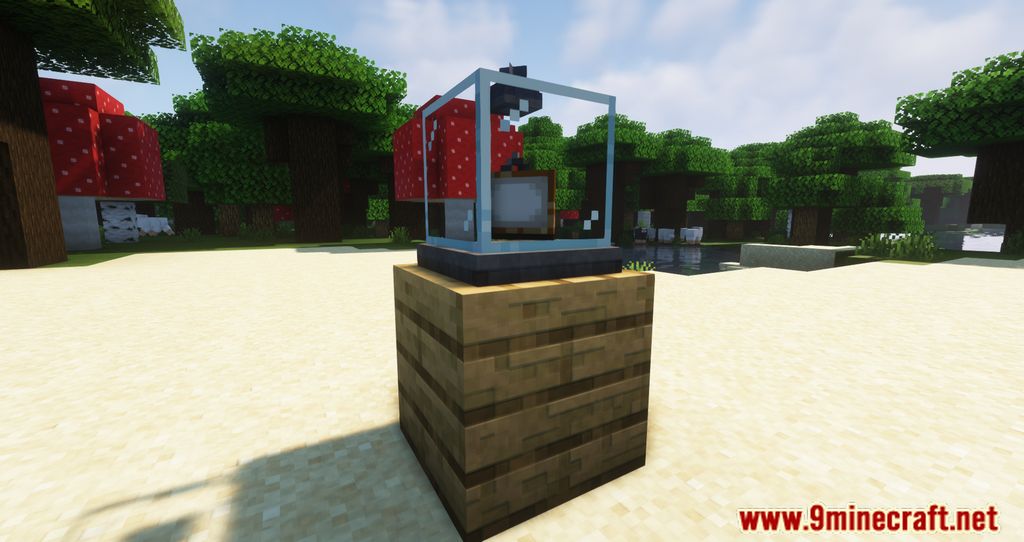
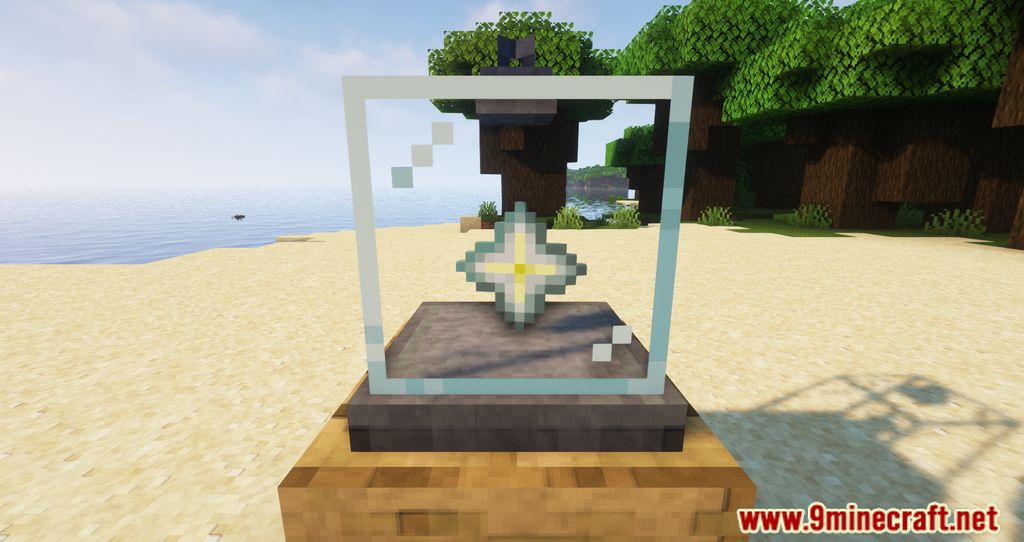
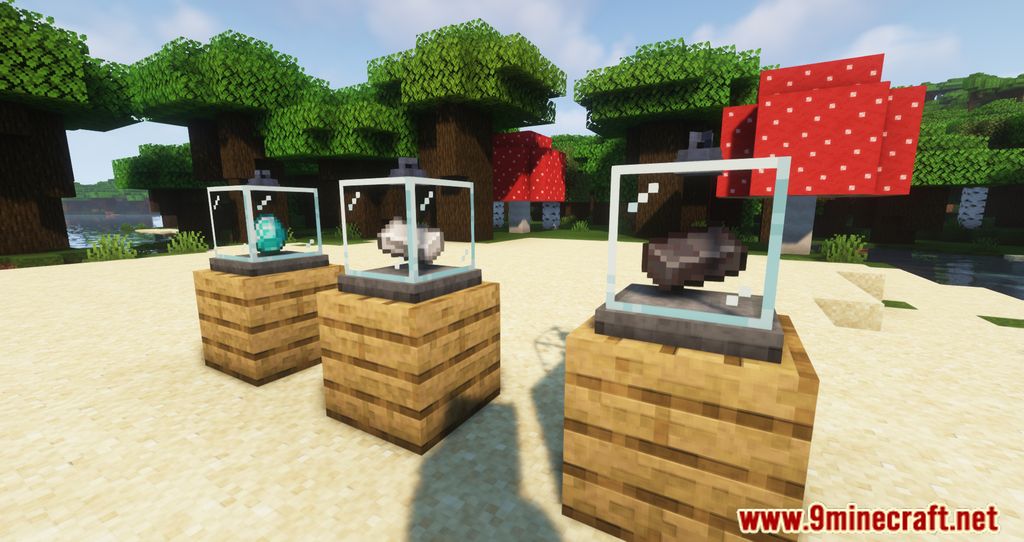
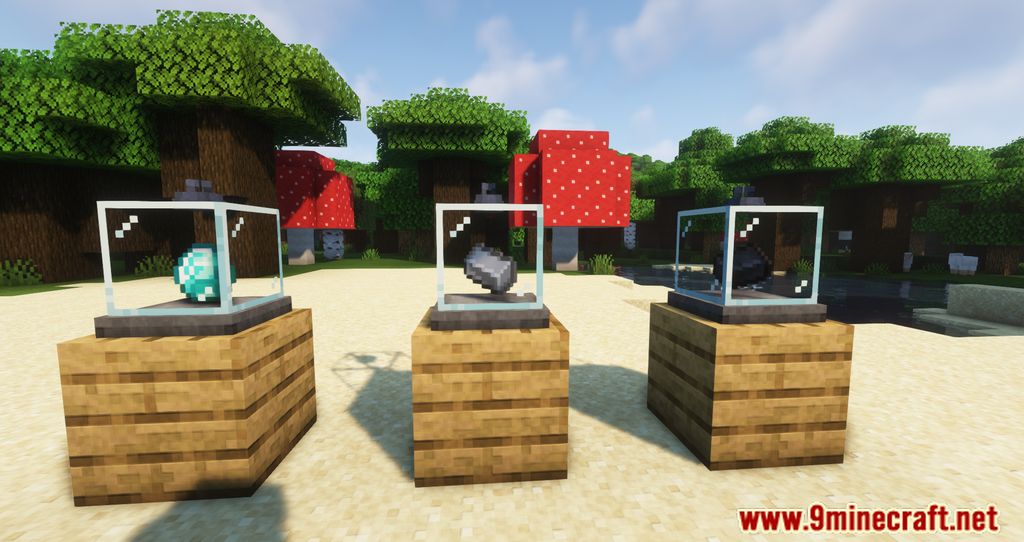
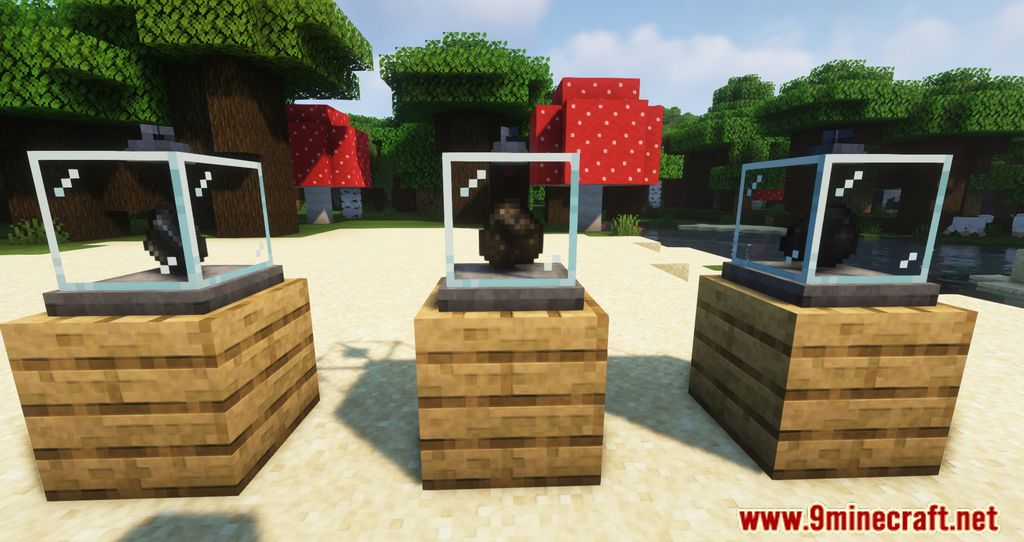
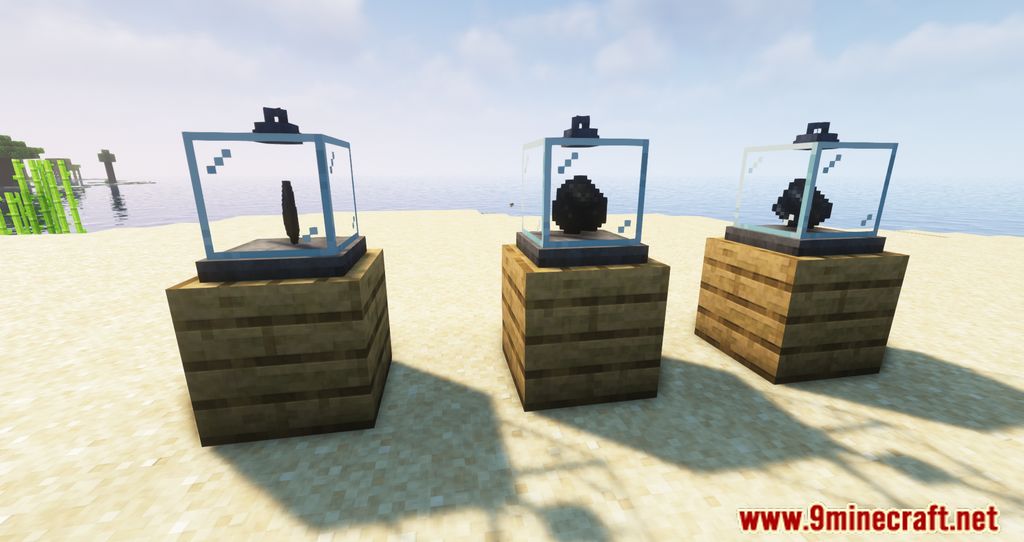
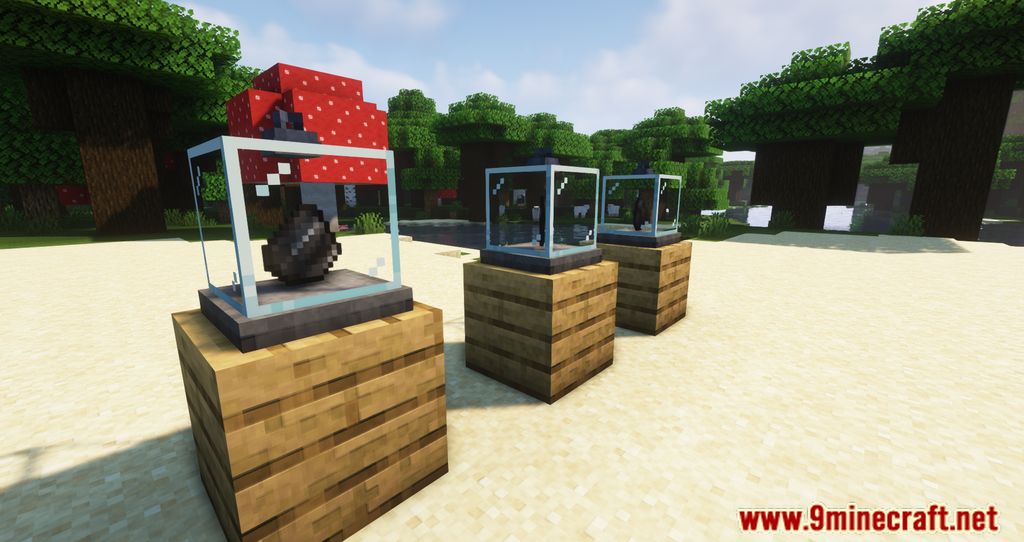
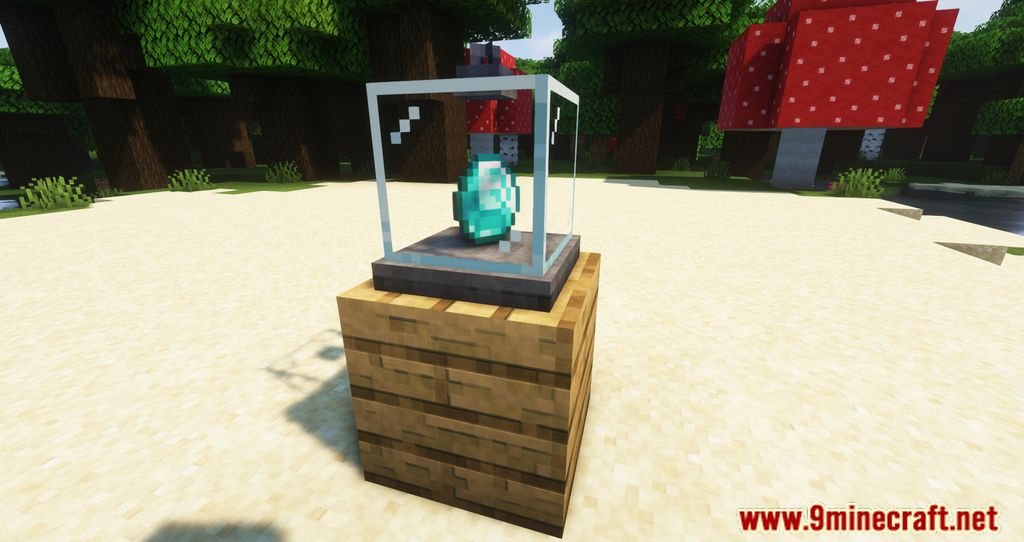
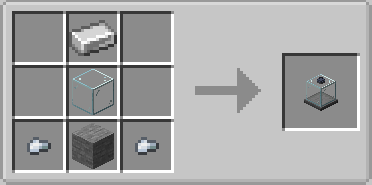
Display Case Mod is a mod that allows us to craft a new type of purely decorative block – the display case. It’s a glass block that acts as a showcase, where we can display any of Minecraft’s default blocks or items. Its use is very simple: craft the display case, place it on the ground, and right-click on it. This will open the block’s graphical interface, allowing us to place any block or item inside.
Features:
- A Display case is a block that can hold one item.
- Any item or block can be placed inside the box.
- You can stop spinning your display case, when u click on it with Honeycomb, and remove wax with any axe.
- Also you can color display case with any dye.
- The case also matches well with chains added in Minecraft 1.16.
- This mod can be used for decoration and just for fun.
Screenshots:
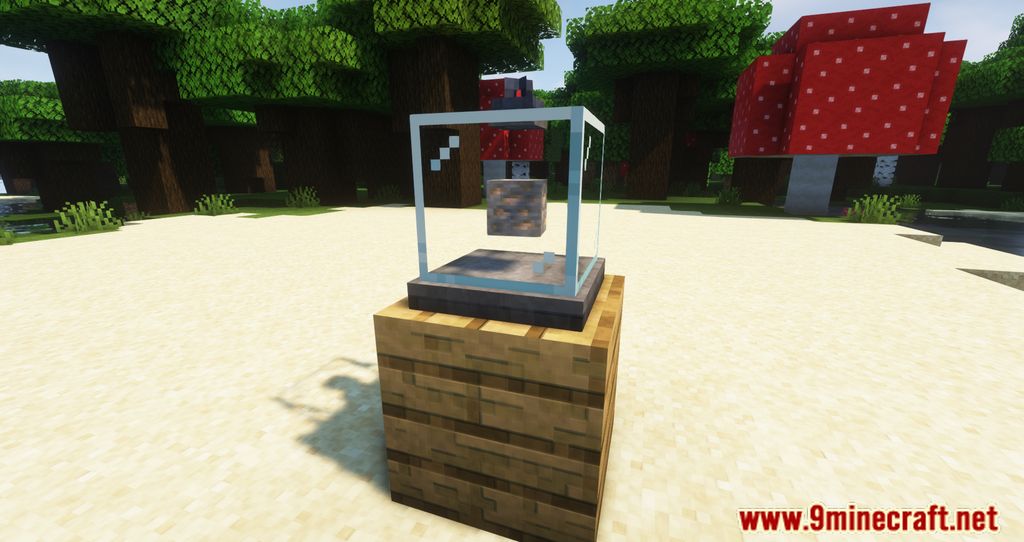
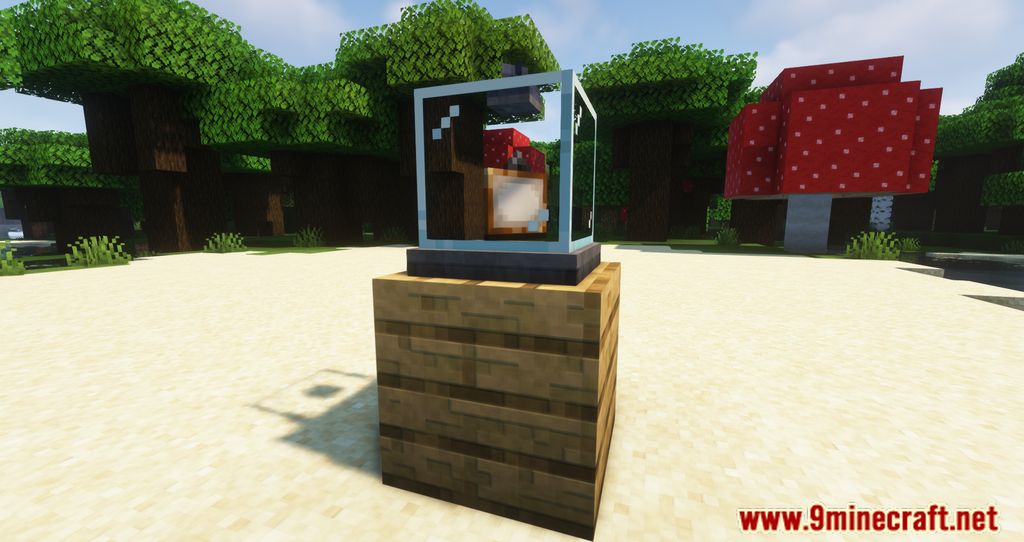
Crafting Recipes:
Display Case Mod Download Links
Quick facts
- Edition: Minecraft Java
- File type: .jar
- Minecraft version listed: 1.20.1
- How to install: Install the matching mod loader (Forge, Fabric or NeoForge) for your Minecraft version. → Download the .jar. → Put it in the .minecraft/mods folder and launch that loader profile.
- Where to get it: In MC Java Mods, or directly above on this page.
Install steps are the general flow for this file type — How to install Minecraft Java mods & modpacks walks through it step by step.
File checked by MCModsHub
- Downloads as 26247.mcaddon
- Download size: 65 KB
- Download link checked 25 Sept 2026 — working
- Mirrored on our own servers — the download does not depend on the original host
These come from our own check of the pack file, not from the source page.