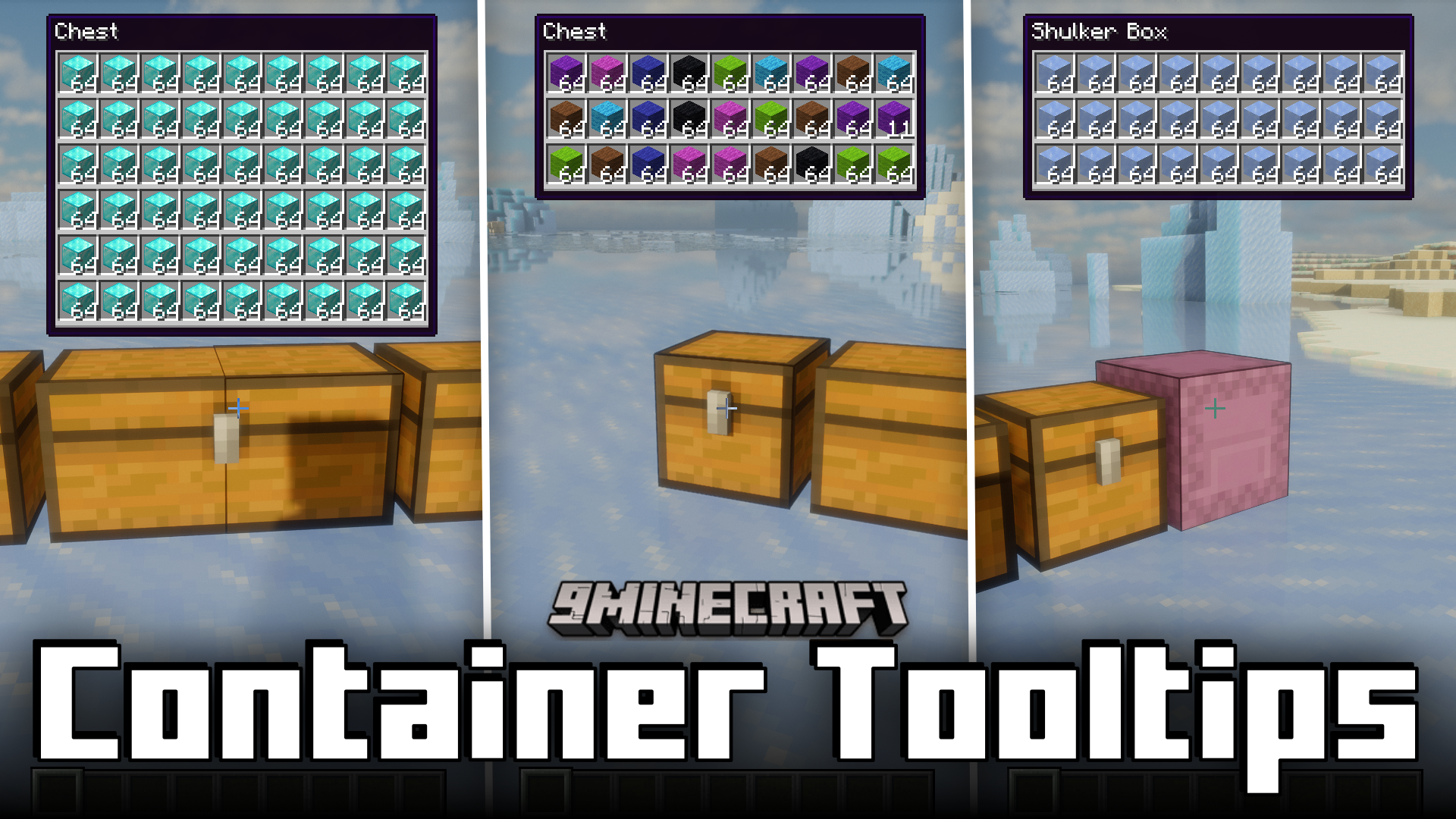
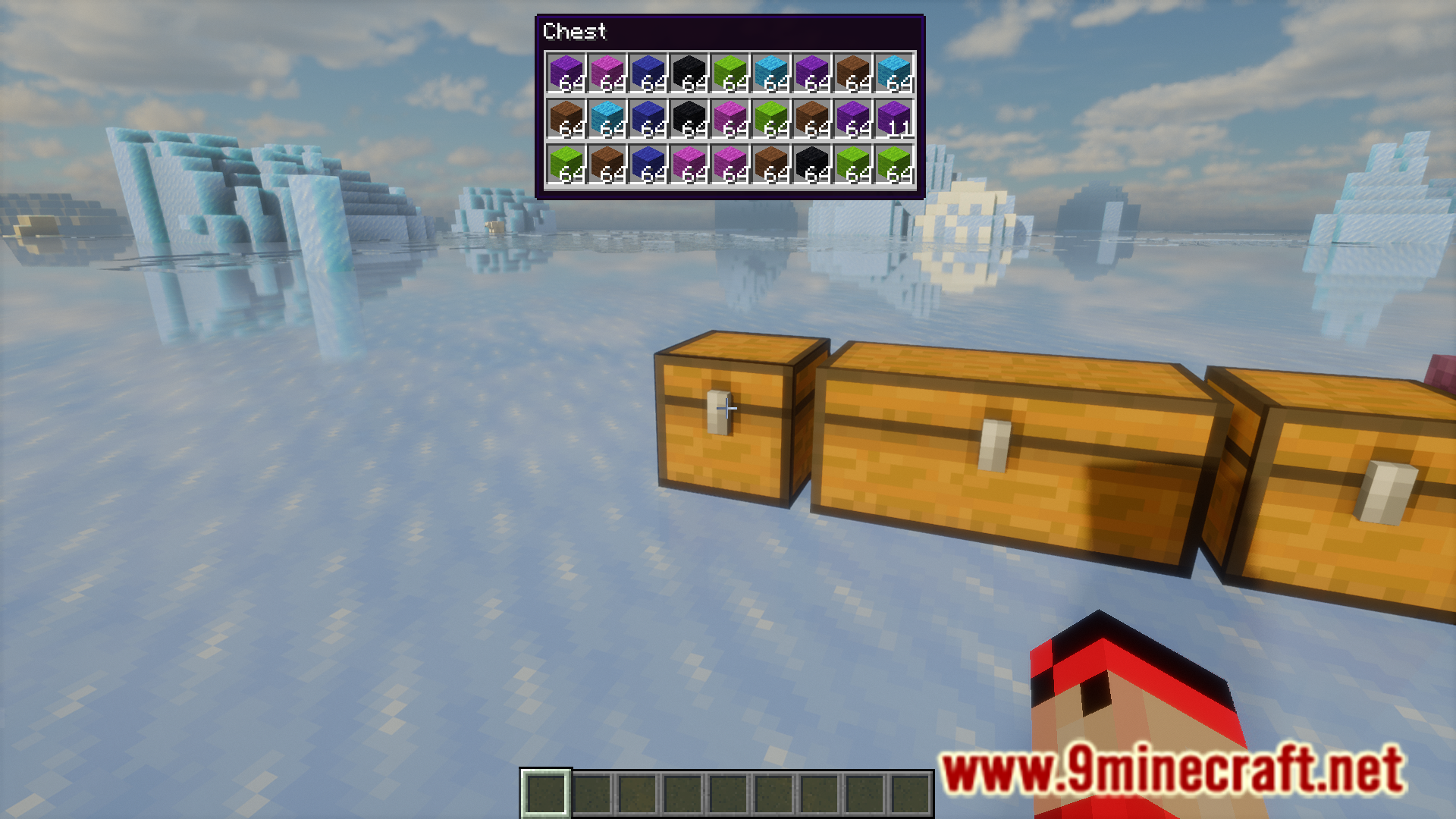
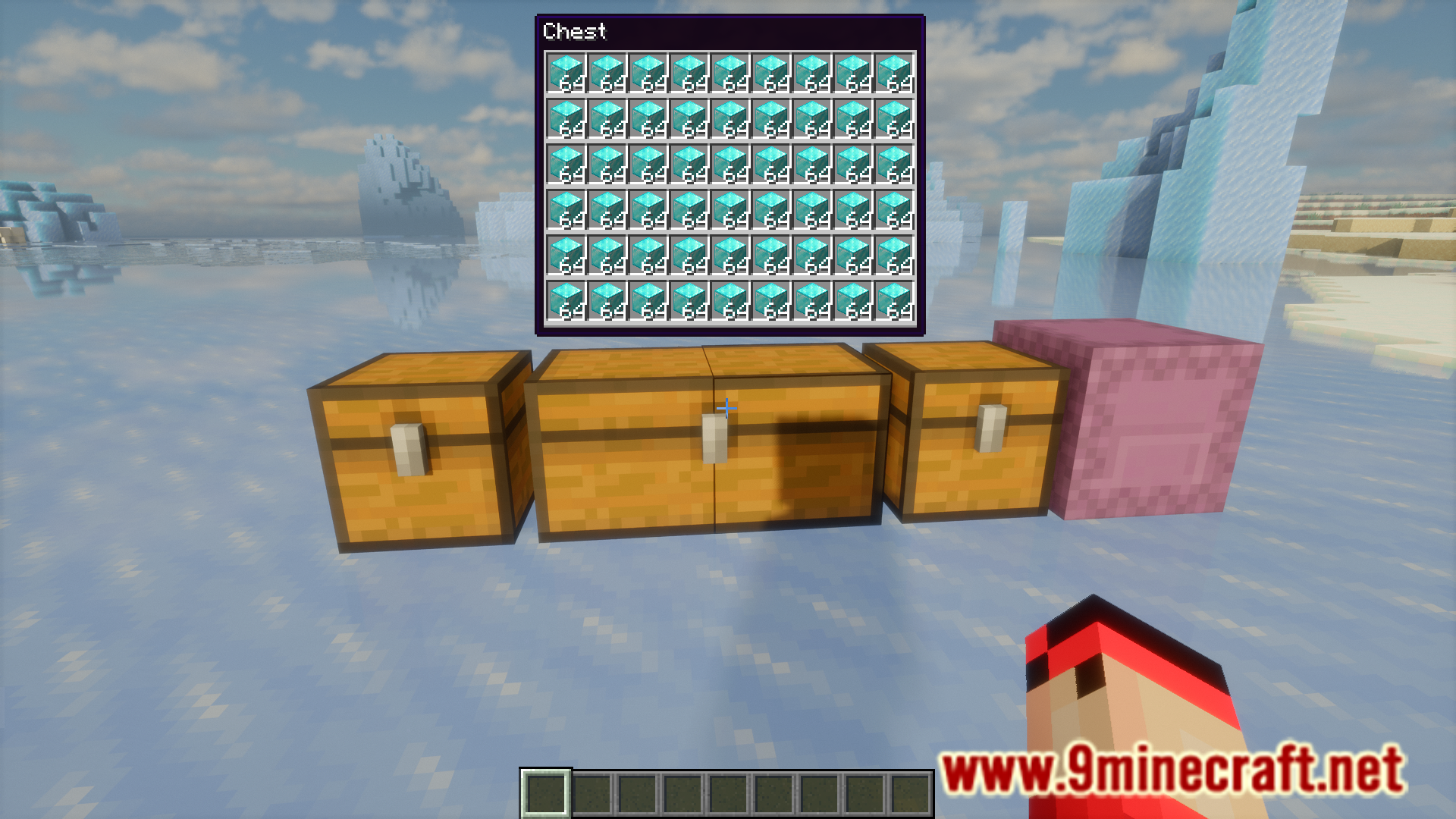
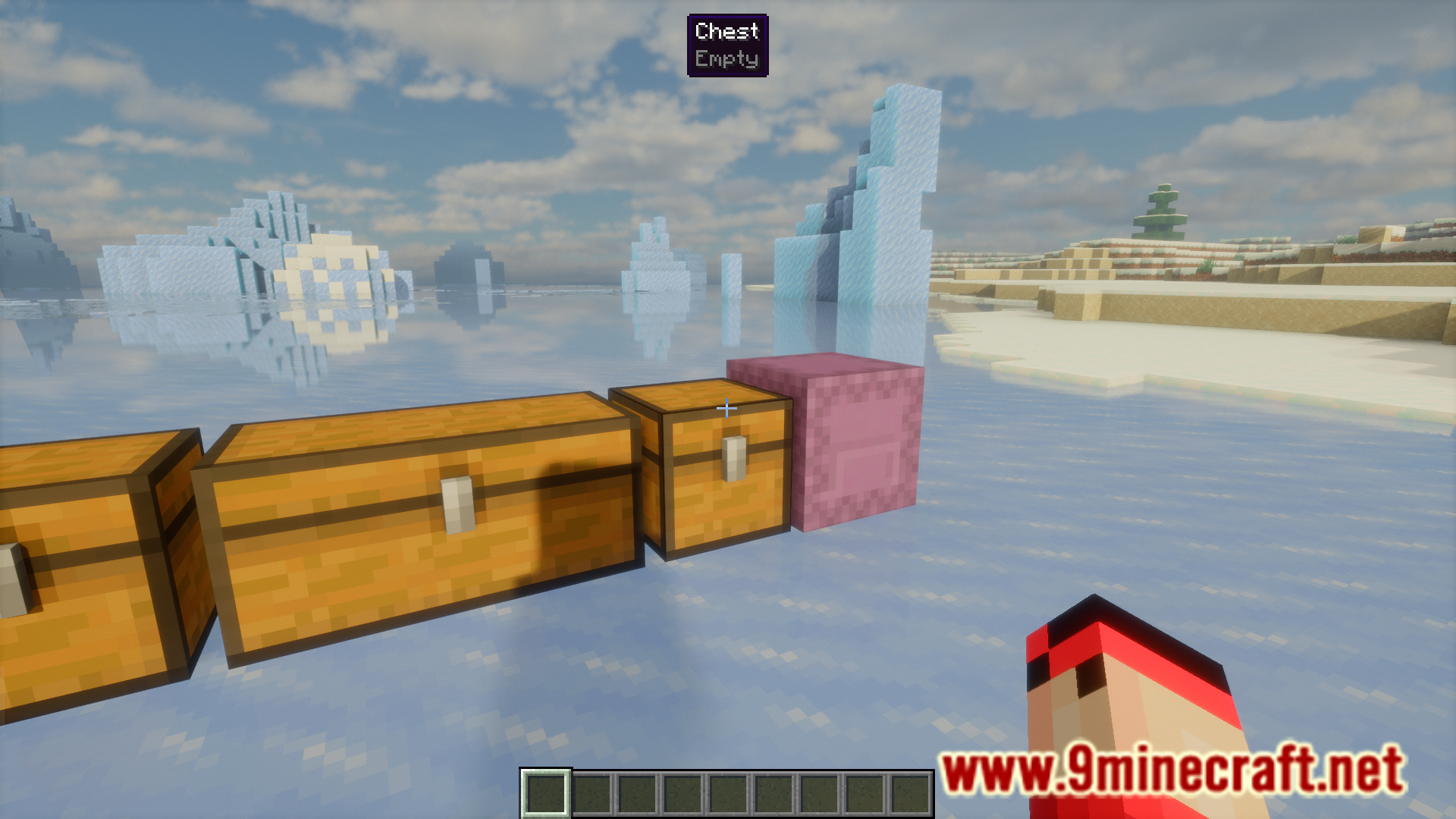
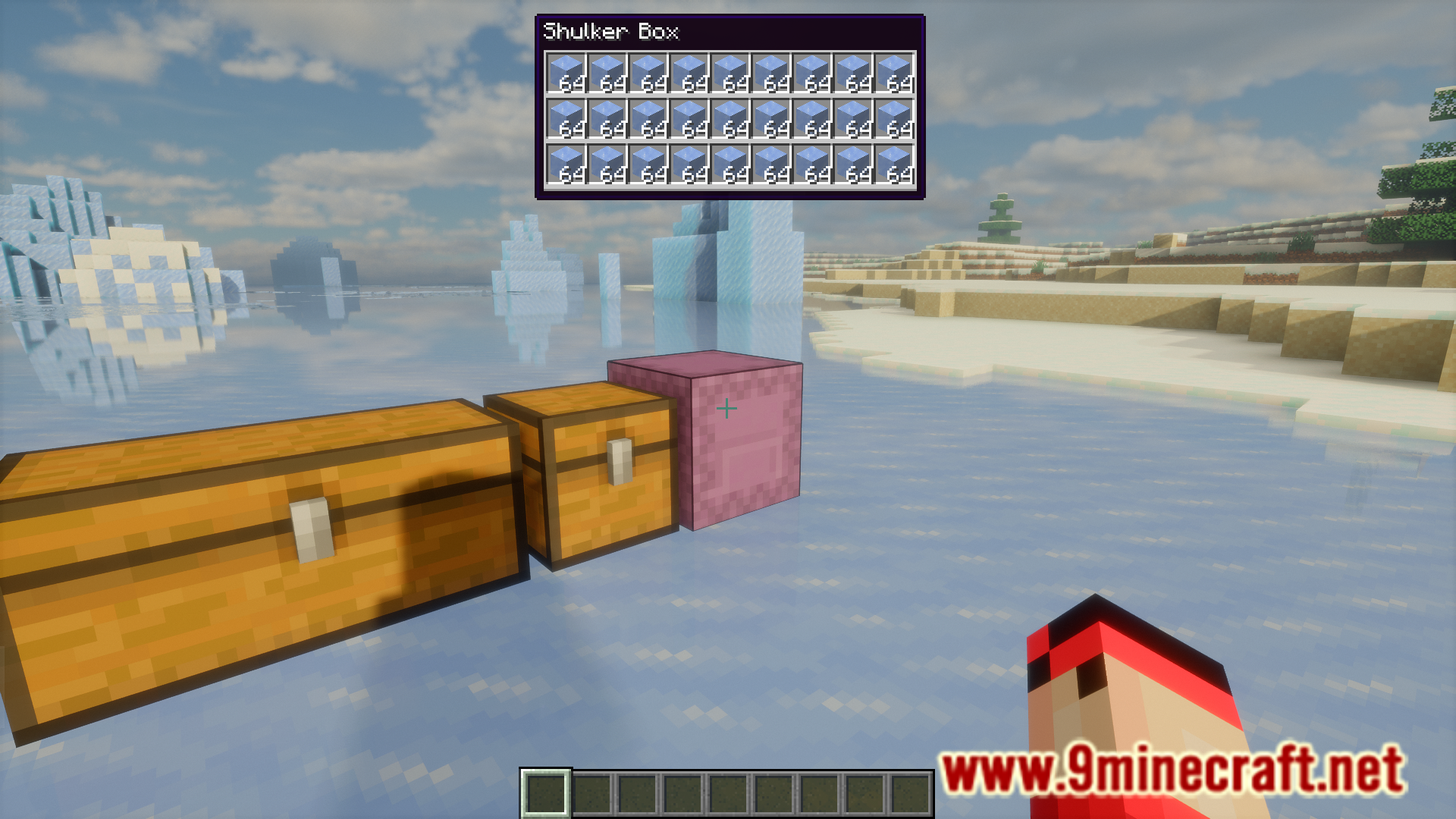
A storage space is an important part of a survival world. And the way most players build their storage space is by stacking dozens of chests adjacent to one another. This is a very space efficient way of storing a large number of items, but it also makes finding specific items from specific chests a lot harder. If you want to find a specific item, you will have to open/close multiple chests before you find the correct one. Container Tooltips Mod is here to save you a lot of trouble. As the name suggests, this mod adds tooltips to your containers. These tooltips appear when you point your crosshair at a storage block like a chest or a shulker box. You will no longer have to right click and open a chest to view its contents.
Features:
- Adds tooltips for storage blocks.
- Tooltips appear when you point your crosshair at storage blocks.
- You no longer have to right click and open a chest to view its contents.
Screenshots:
Container Tooltips Mod Download Links
- Edition: Minecraft Java
- File type: .jar
- Minecraft version listed: 1.20.1
- How to install: Install the matching mod loader (Forge, Fabric or NeoForge) for your Minecraft version. → Download the .jar. → Put it in the .minecraft/mods folder and launch that loader profile.
- Where to get it: In MC Java Mods, or directly above on this page.
Install steps are the general flow for this file type — How to install Minecraft Java mods & modpacks walks through it step by step.
- Downloads as 26248.mcaddon
- Download size: 2.1 MB
- Download link checked 26 Sept 2026 — working
- Mirrored on our own servers — the download does not depend on the original host
These come from our own check of the pack file, not from the source page.