
Intro :
Disable the new Create World Menu added in 1.19.4 !
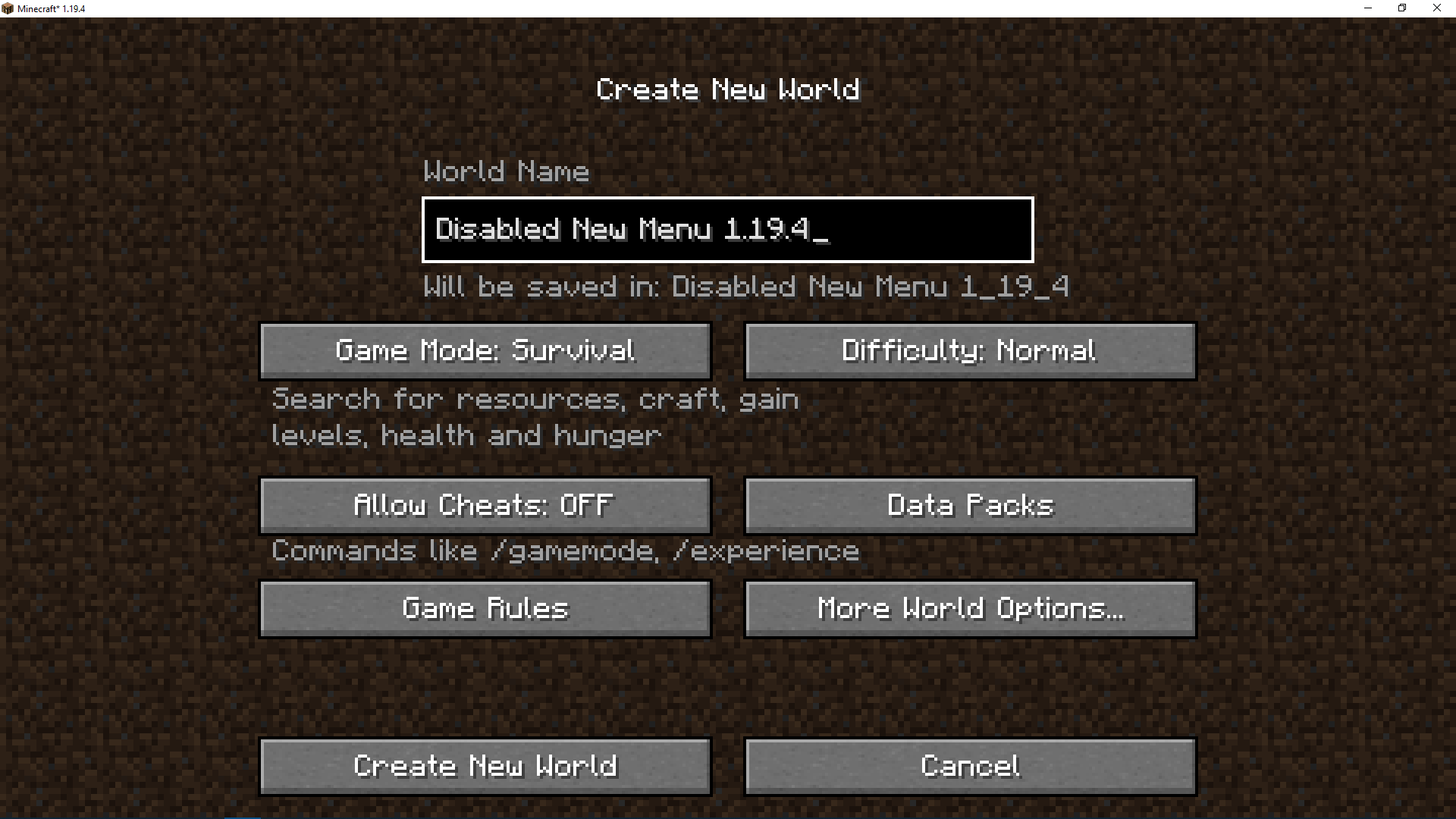
This mod adds the old menu for the world creation screen to version 1.19.4 and later. It is an exact copy of the old menu!
Feature:
- Add the old menu (see image).
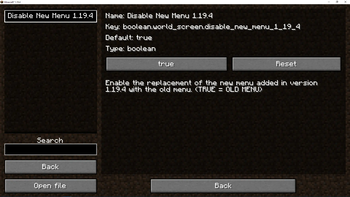
- Add configuration for enable/disable the new menu.
- Change (enable/disable feature) whenever you want directly in game without restart the game!
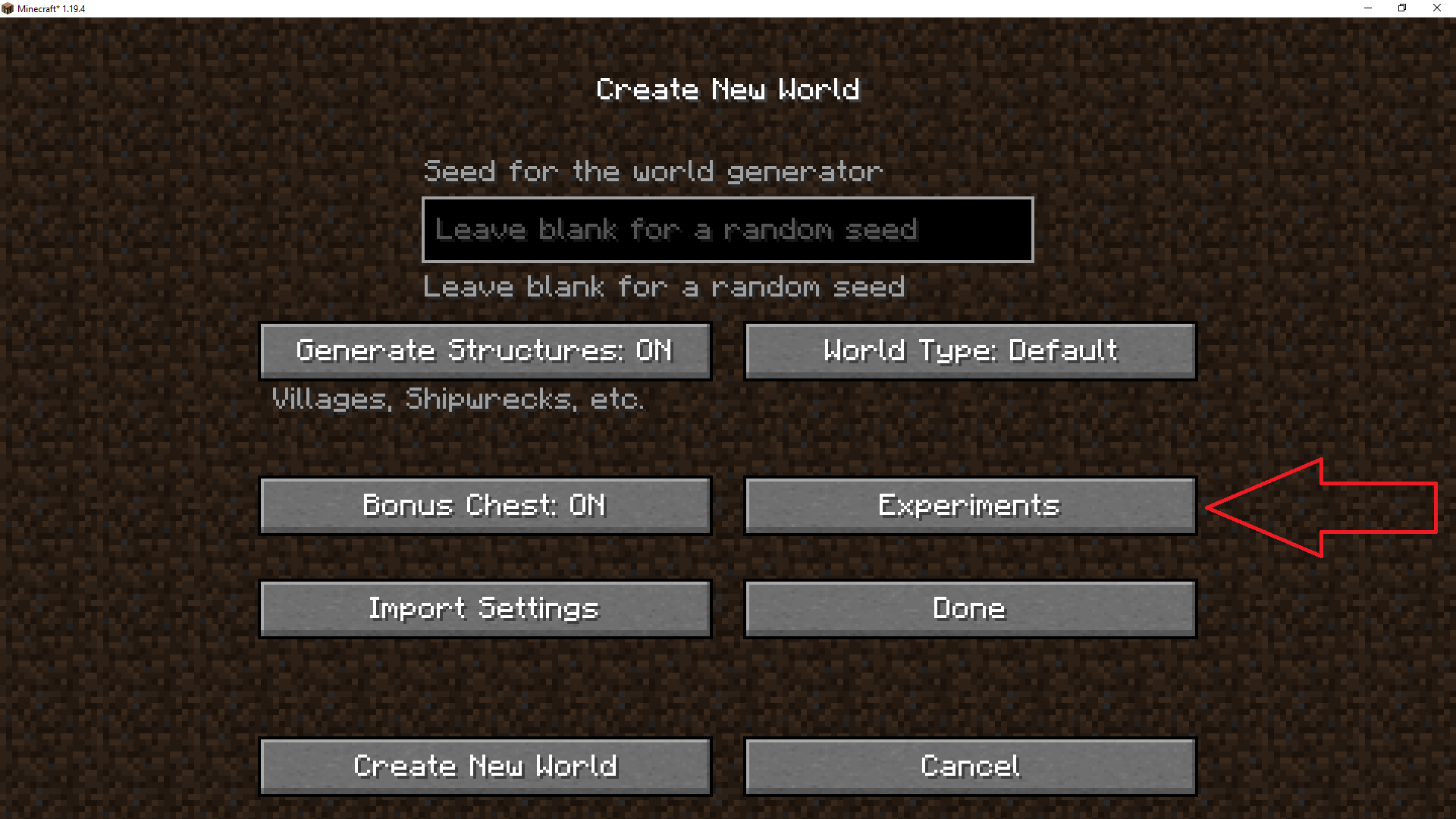
- Add "experimental" button to the old menu, you will find it in "more world option".
- Authentic, no extras, just the old menu (or the new menu if you change the config)
Discover More Amazing Mods!


Enjoy this mod? Don’t miss future updates! Click the Follow button on the project page to get notified when new content is released. 💚🚀
Partners :
This project is proudly supported by BisectHosting. Check out their services to easily host your projects with quality and reliability.

Call to Action :
Have questions? Need help? Join us on Discord or visit our GitHub to get involved with the community and contribute!
- Edition: Minecraft Java
- File type: .jar
- Minecraft version listed: 1.20.1
- How to install: Install the matching mod loader (Forge, Fabric or NeoForge) for your Minecraft version. → Download the .jar. → Put it in the .minecraft/mods folder and launch that loader profile.
- Where to get it: Opens on Modrinth — not every file is mirrored on our own servers.
Install steps are the general flow for this file type — How to install Minecraft Java mods & modpacks walks through it step by step.
- Ships as disable_new_world_screen-fabric-1.20.1-1.1.0.jar — drop this file into the mods folder
- Download size: 116 KB
- Download link checked 30 Aug 2026 — working
These come from our own check of the pack file, not from the source page.