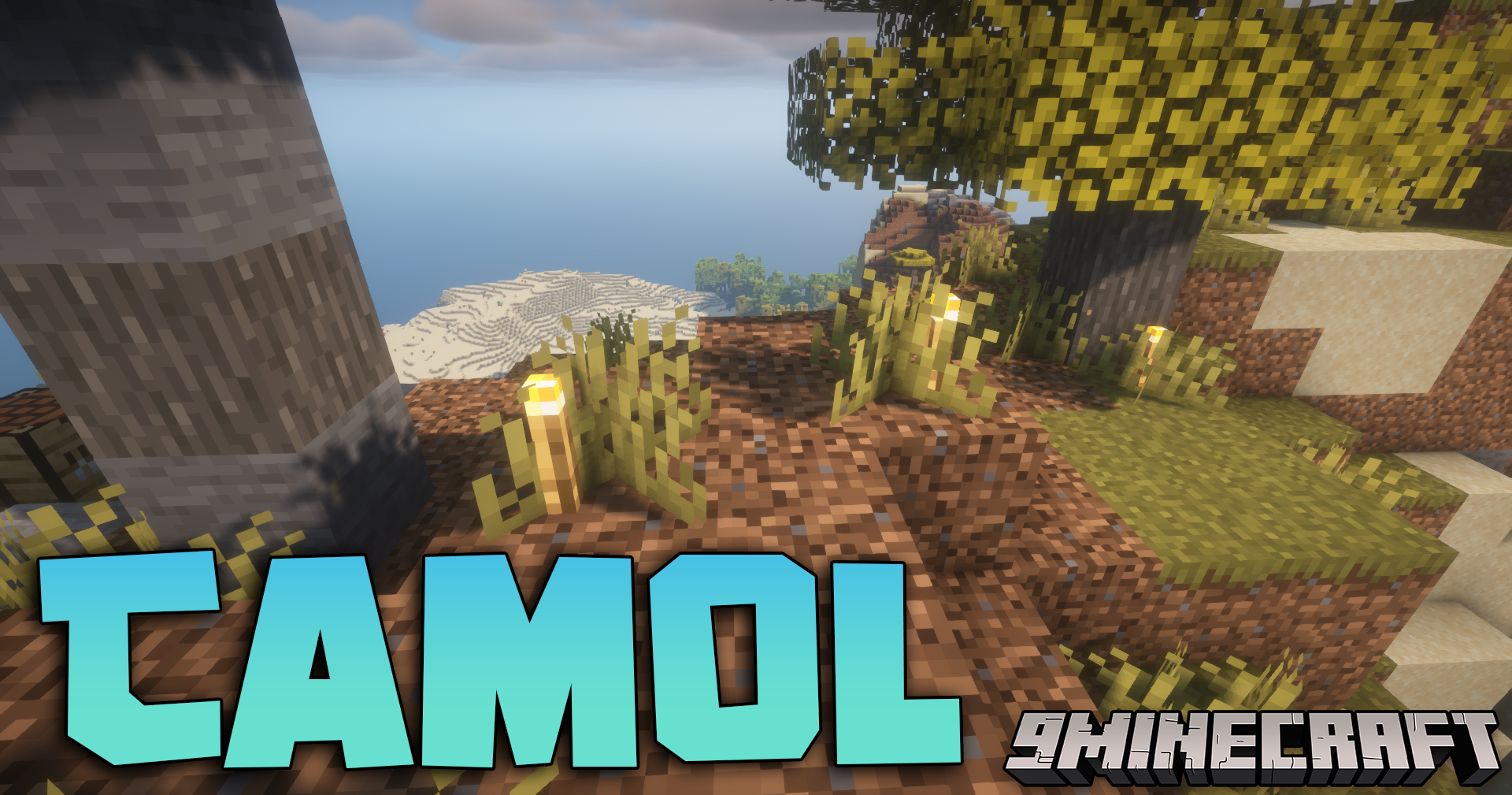
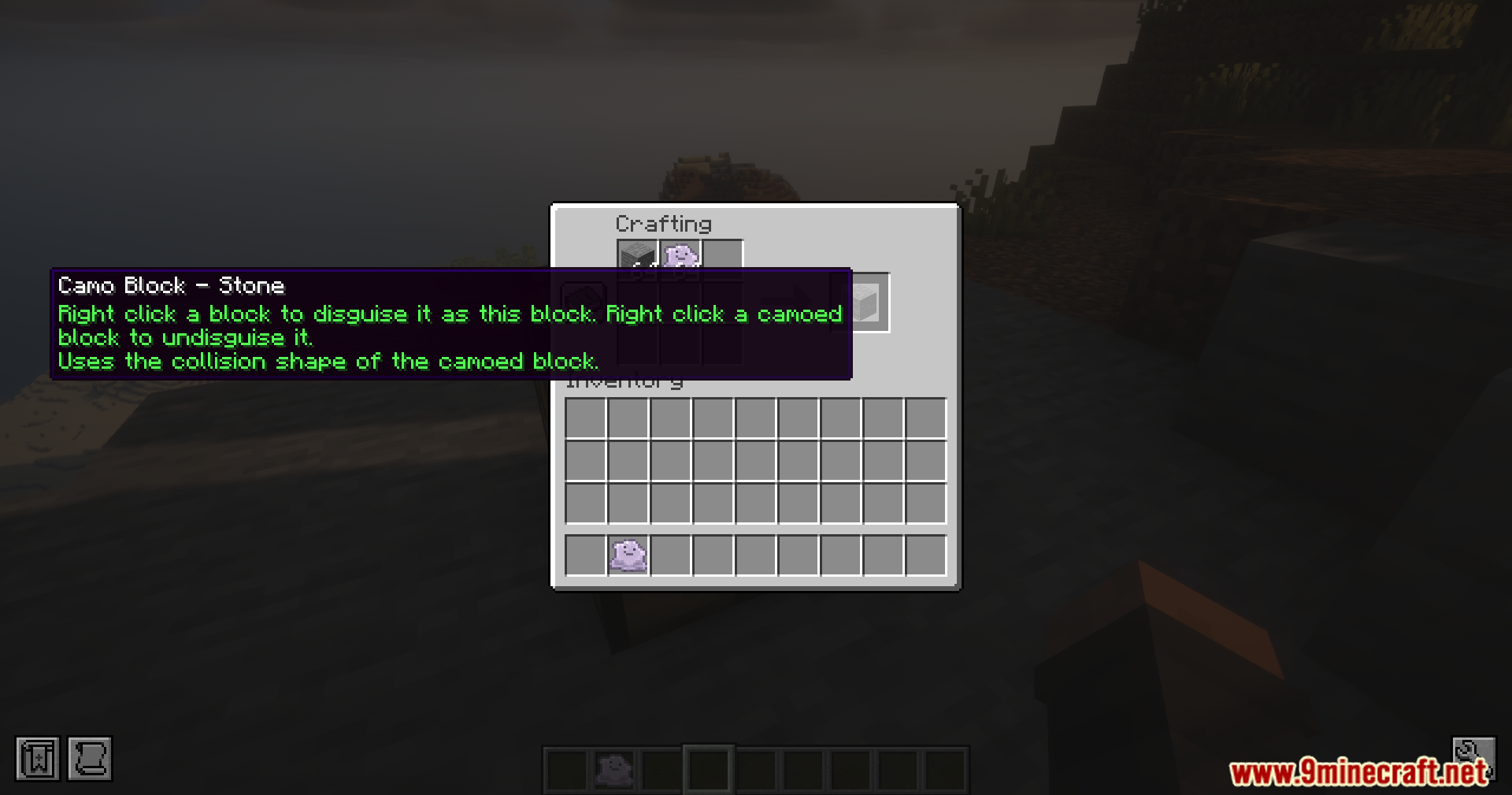
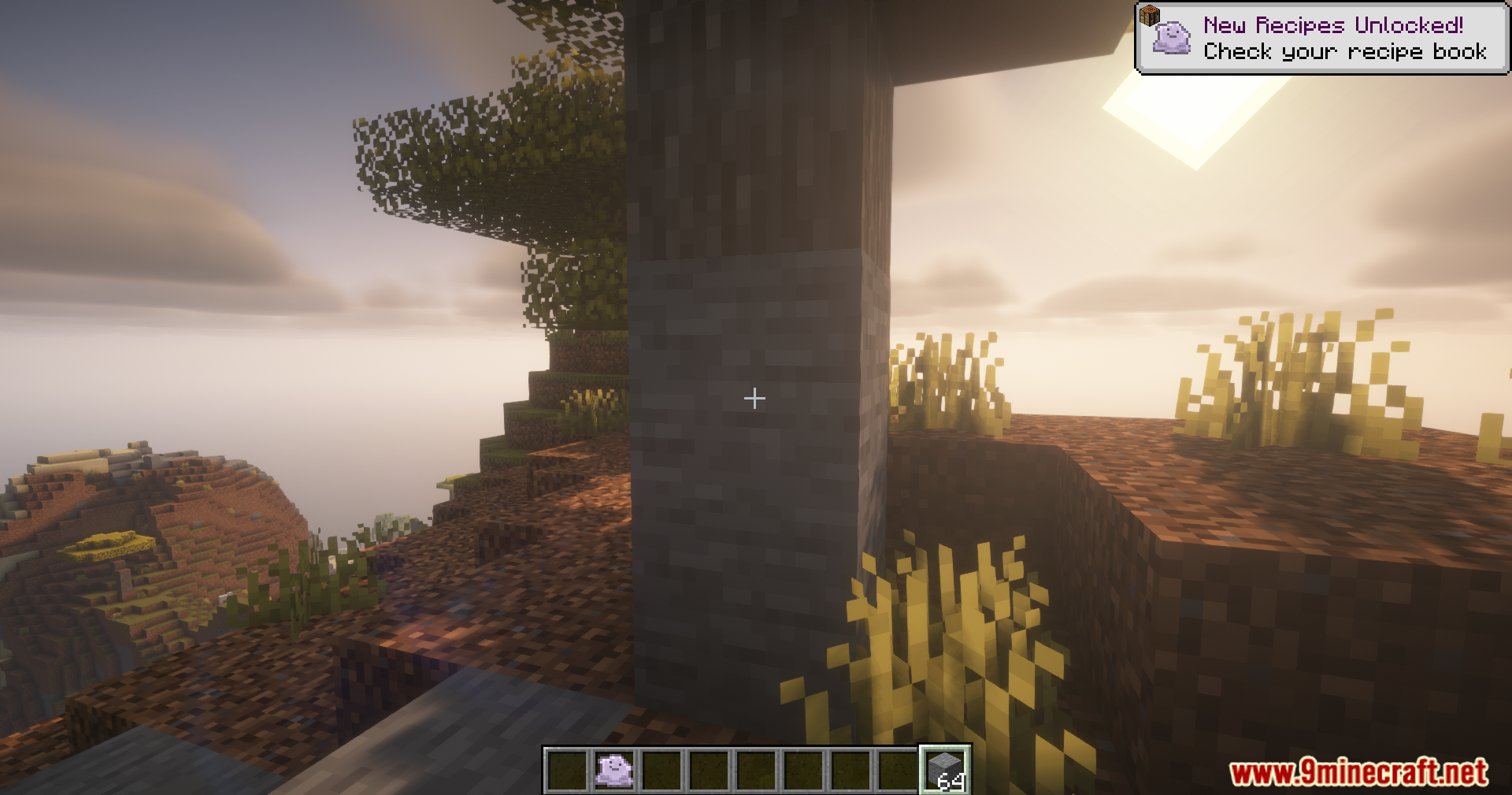
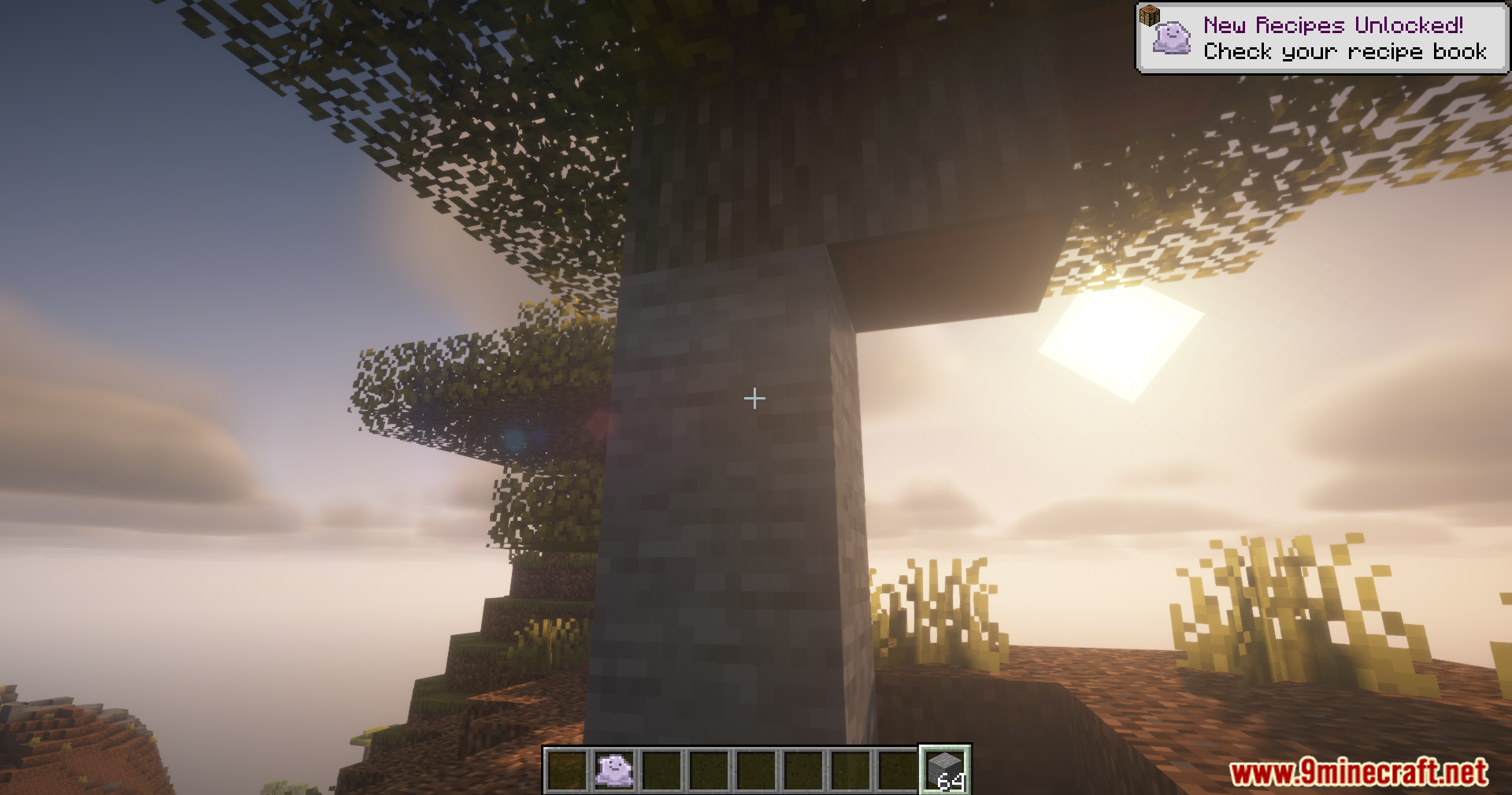
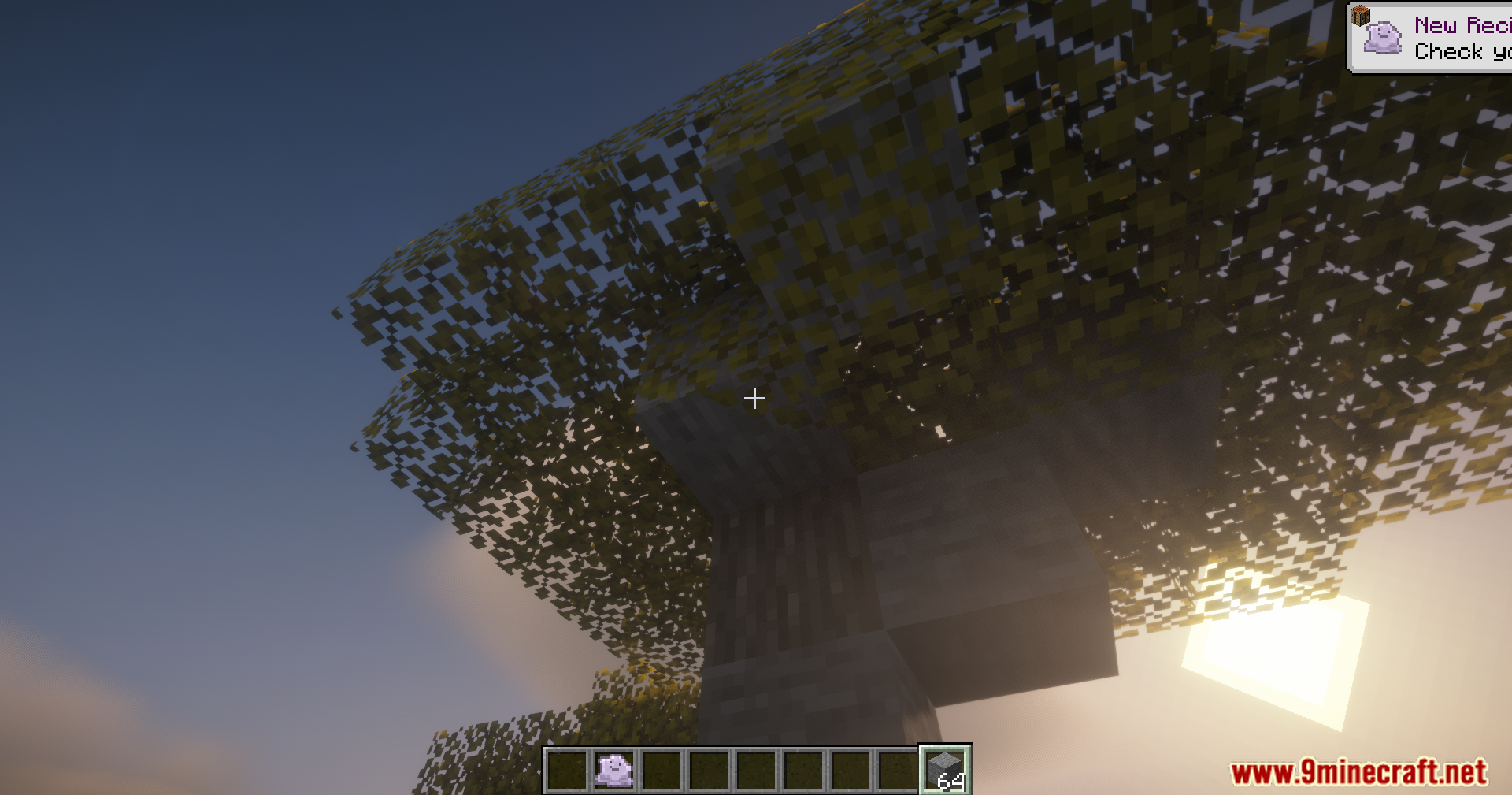
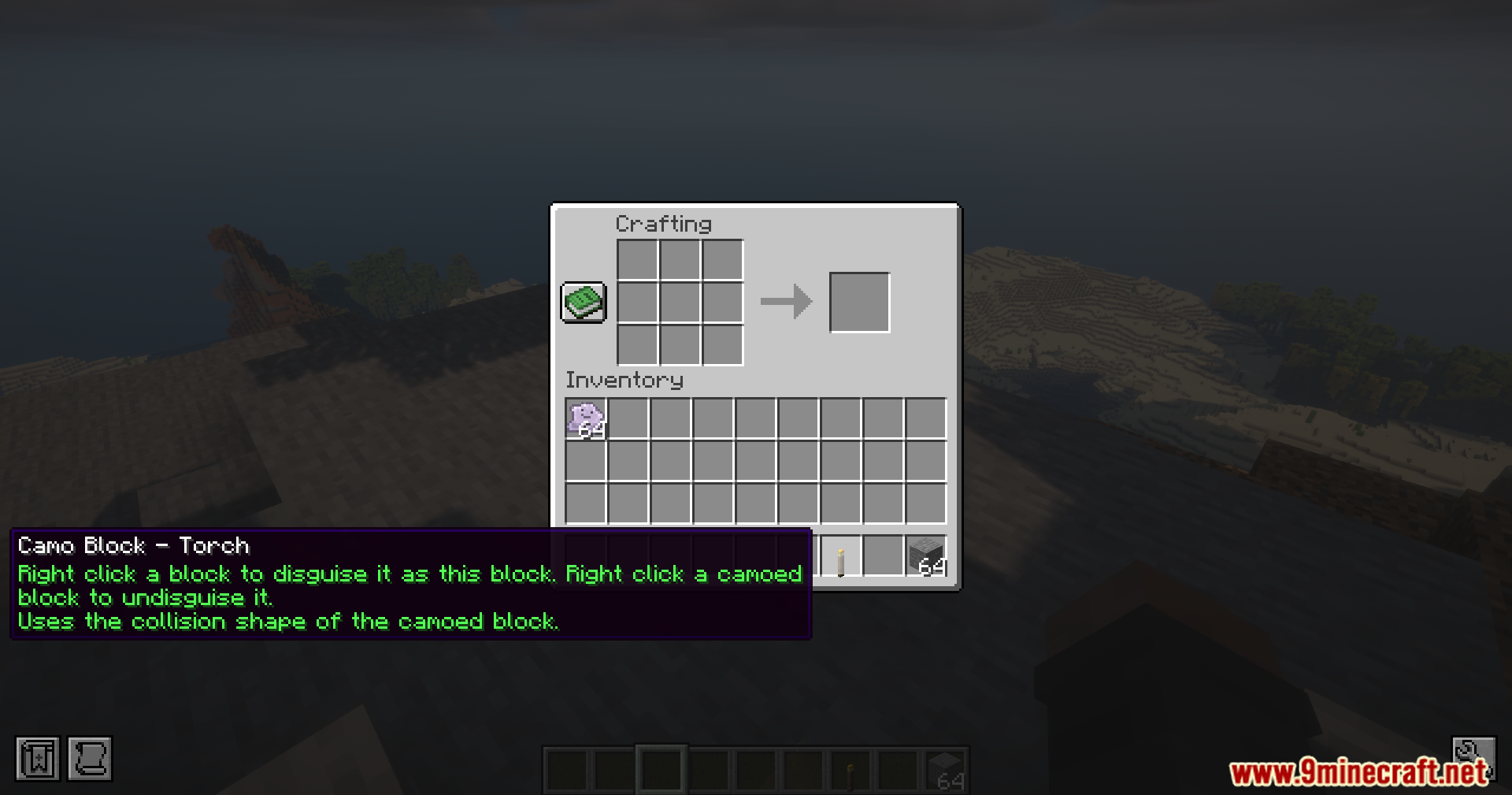
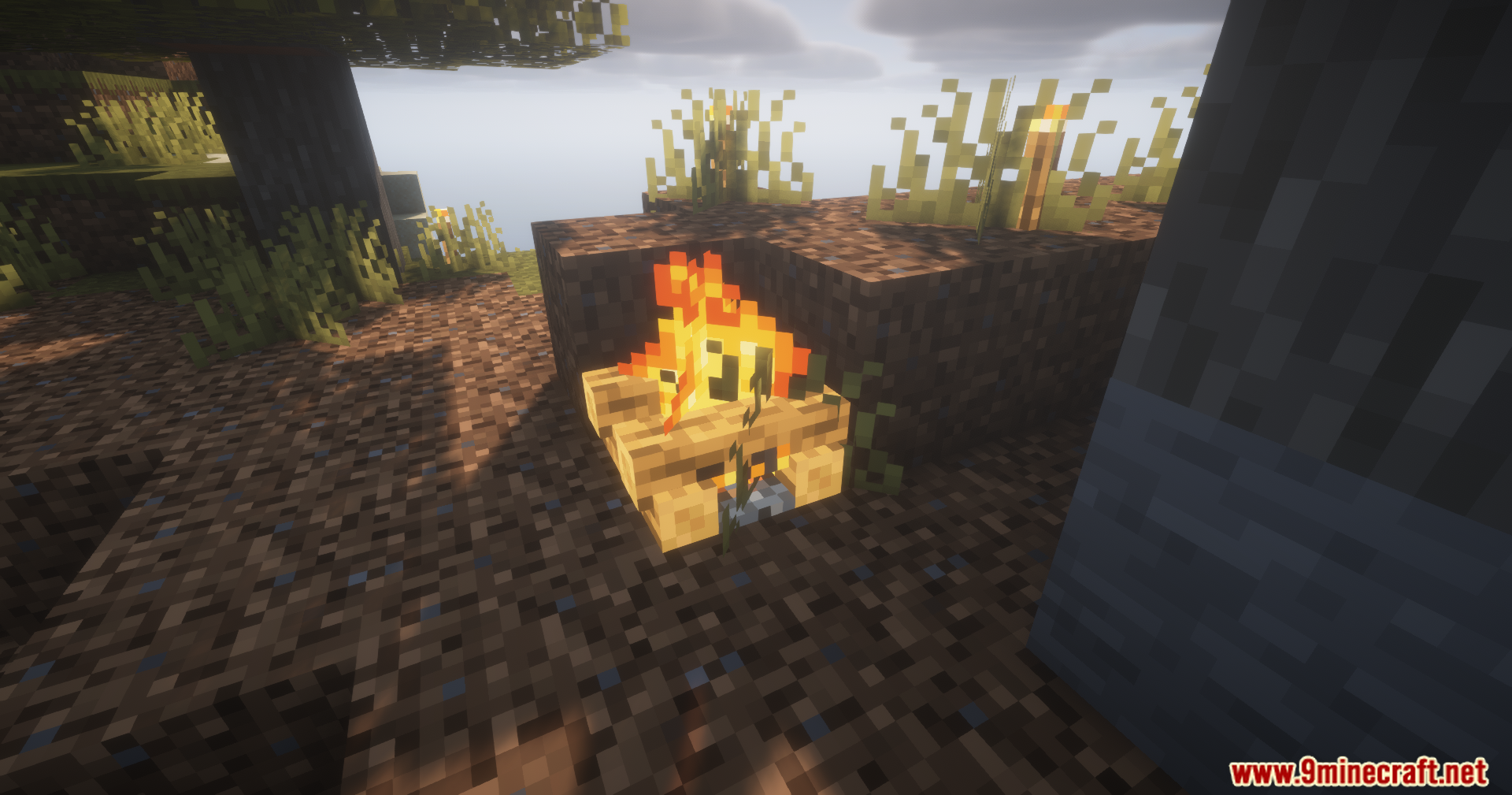
Camol Mod gives you a special item to disguise blocks in your world. It lets you make any block look like a completely different block. You can use this to build secret doors, cover up ugly redstone cables, or keep your chests safe from friends.
Features:
- Block Disguises: Changes the look of any block to match a different block you choose.
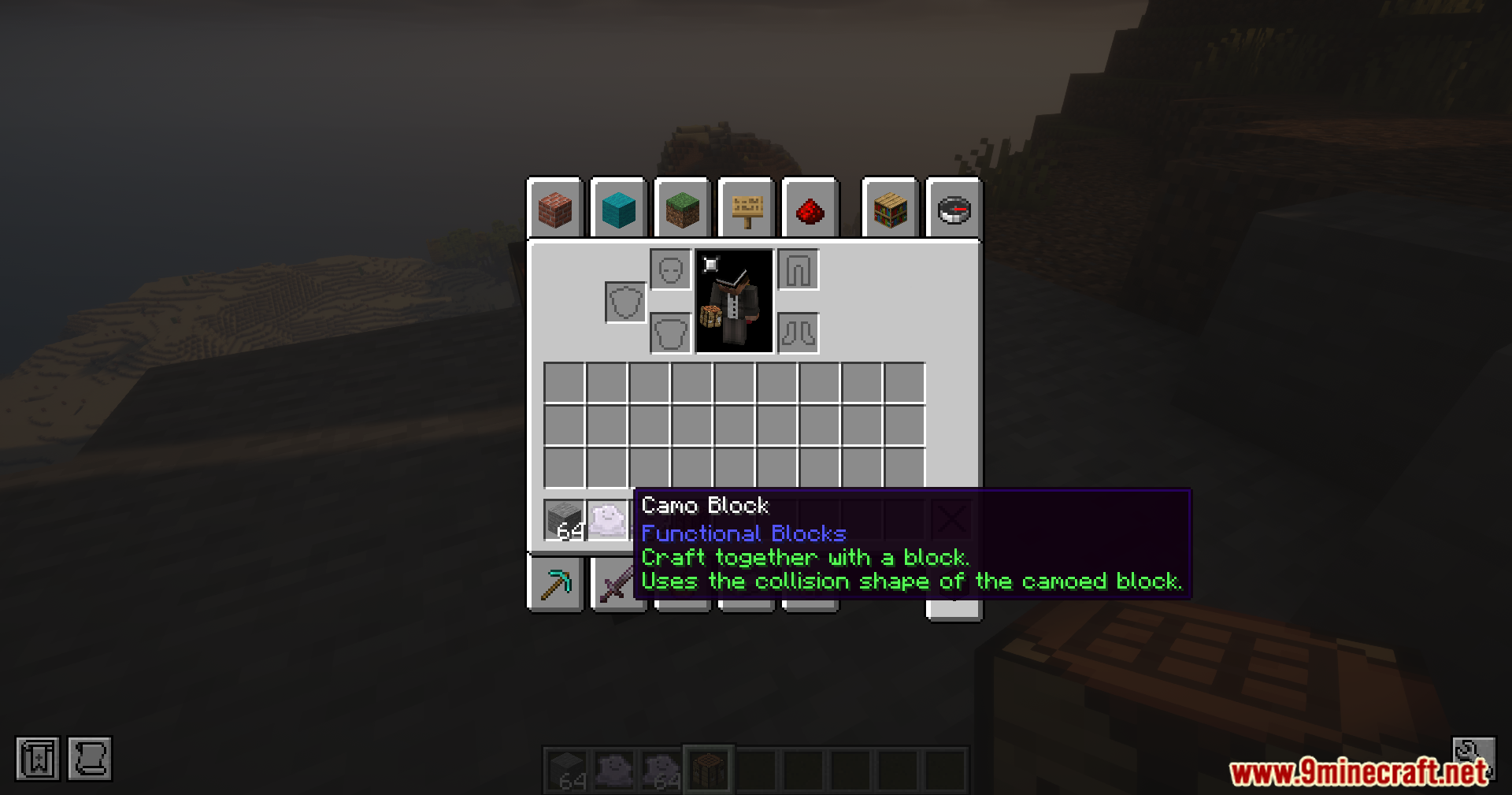
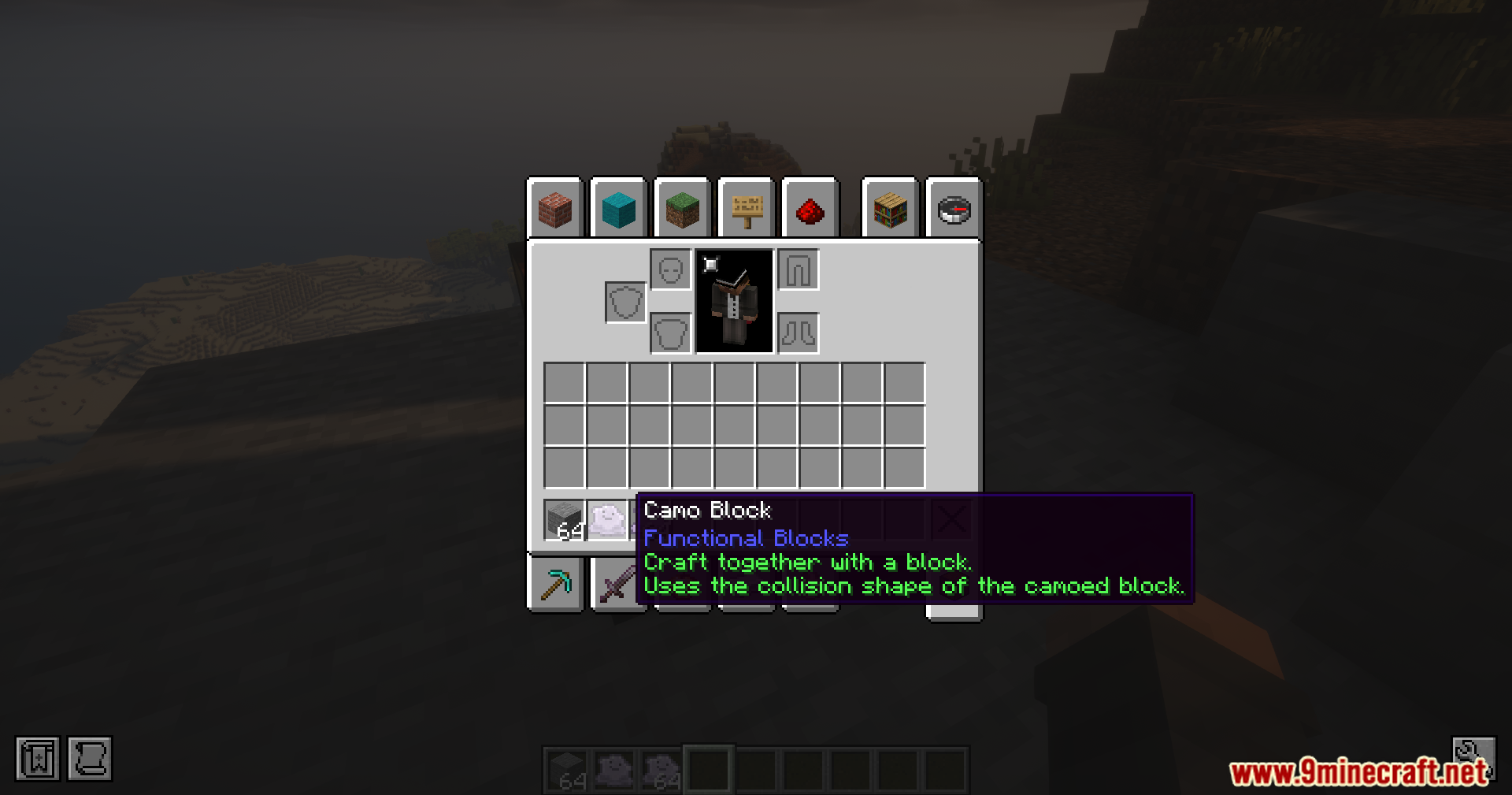
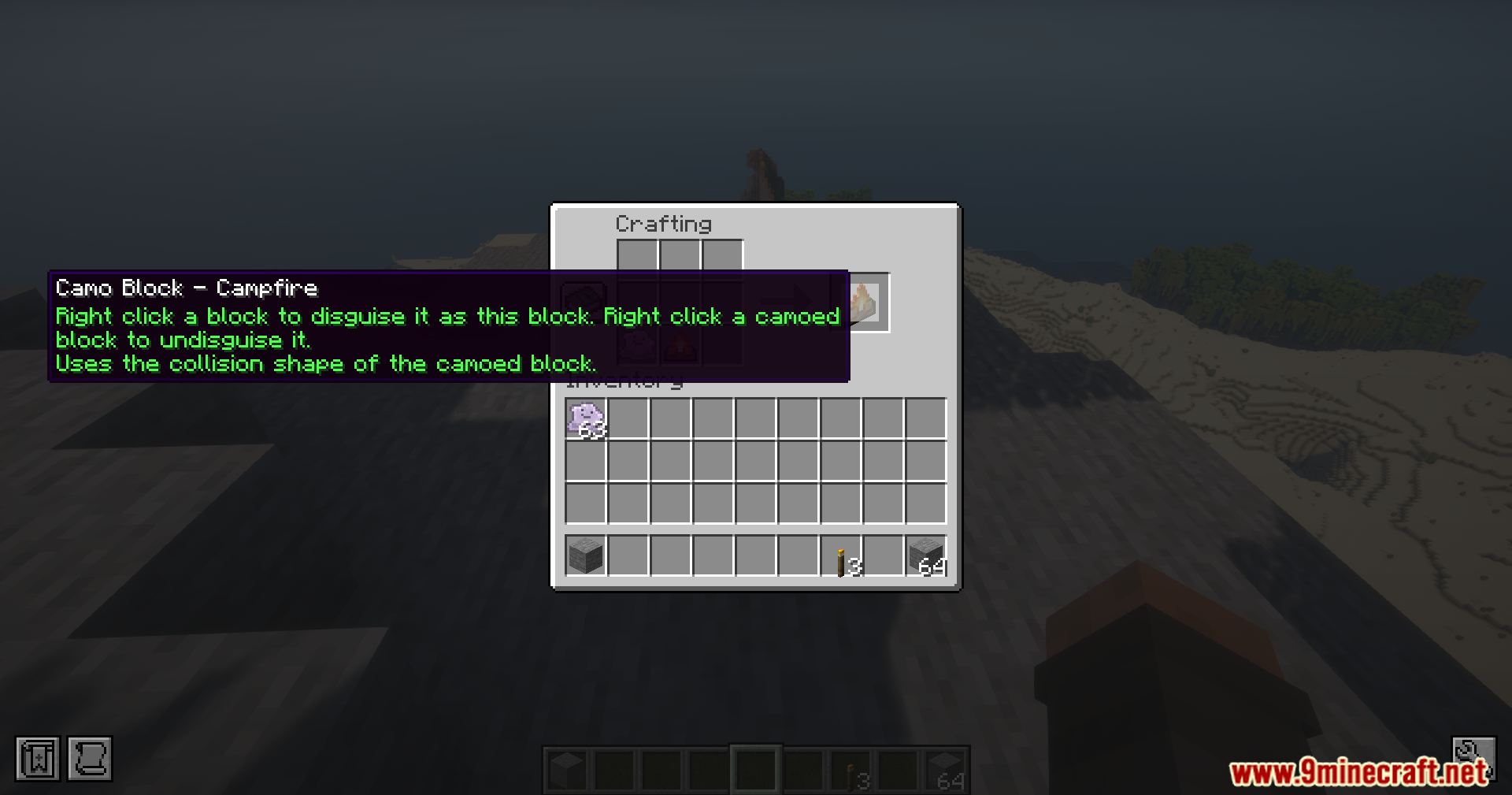
- Adds a new Camo Item that stores the texture of the block you want to copy.
- Players can hide messy wires, pipes, or traps behind fake stone or wood.
- Lets you build secret entrances to your hidden base that look like normal walls.
- You can quickly remove the fake cover by right-clicking the block with a Camo Item in your hand.
How to Use:
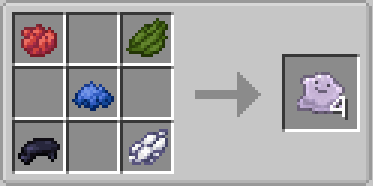
- Get the new Camo Item in your game.
- Put the Camo Item and the block you want to copy (like a Dirt block) together in your crafting grid.
- Hold the new copied Camo Item and click on the block you want to hide.
- To take the disguise off, just right-click the hidden block while holding a Camo Item.
Screenshots:
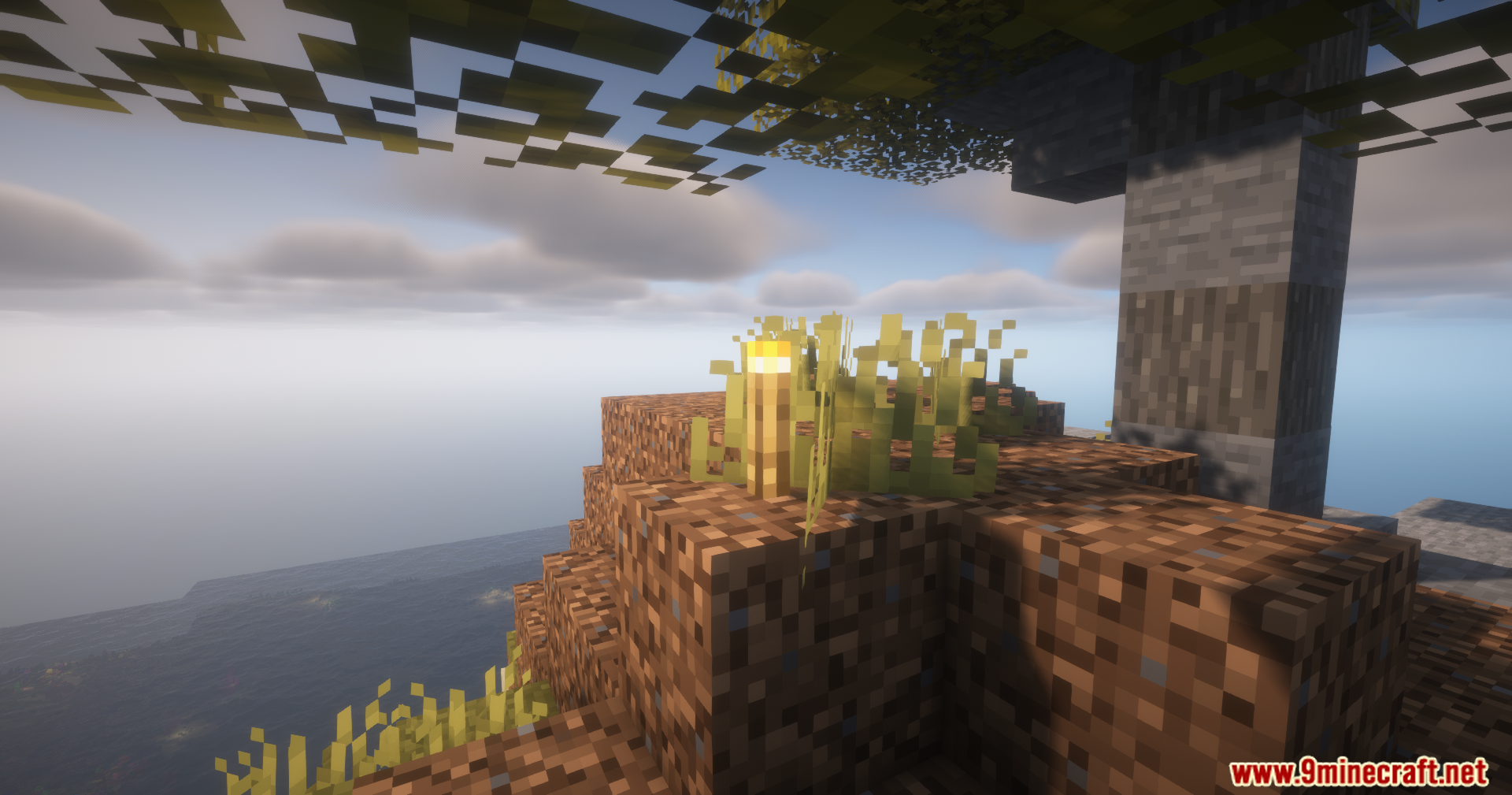
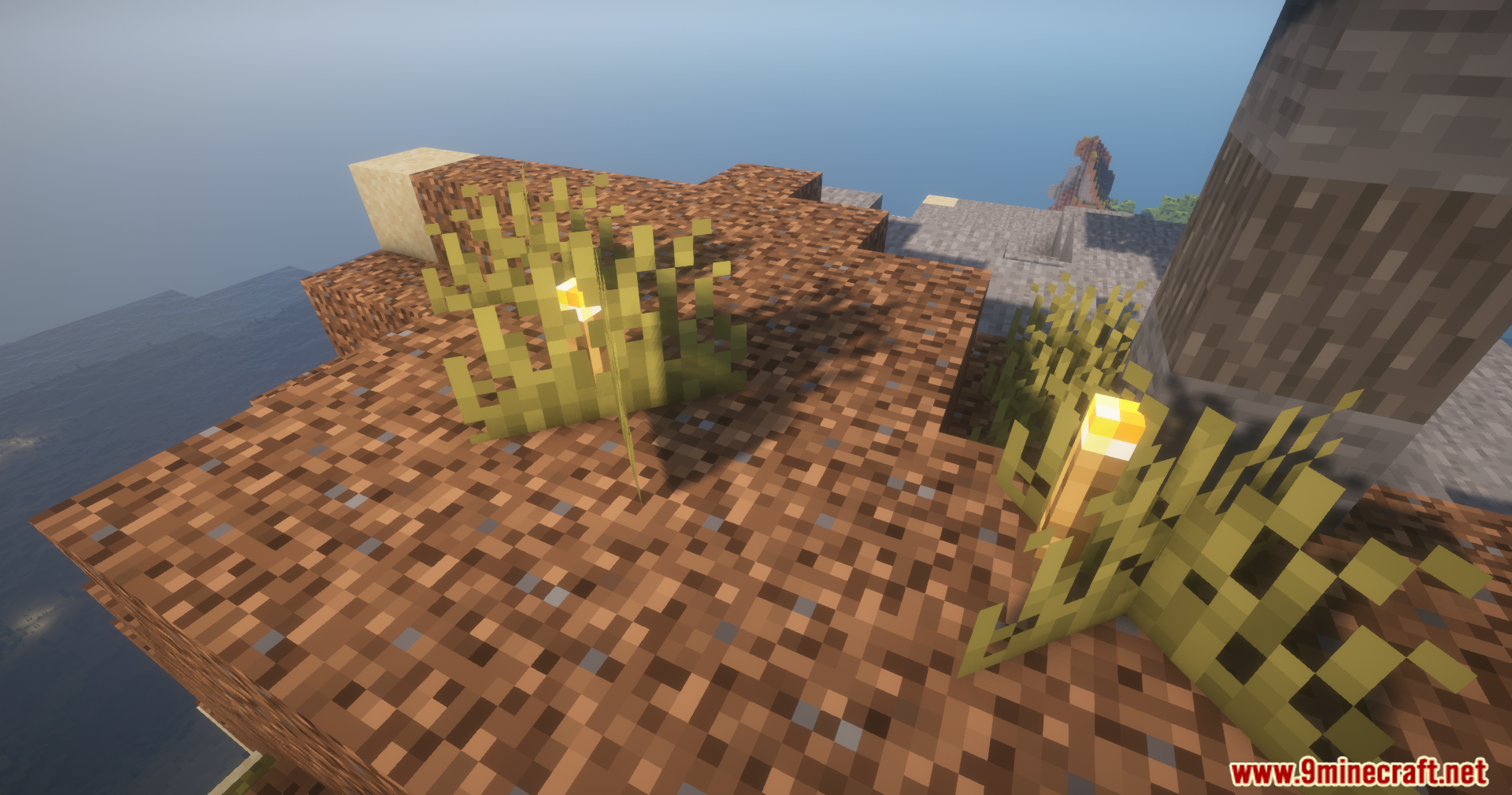
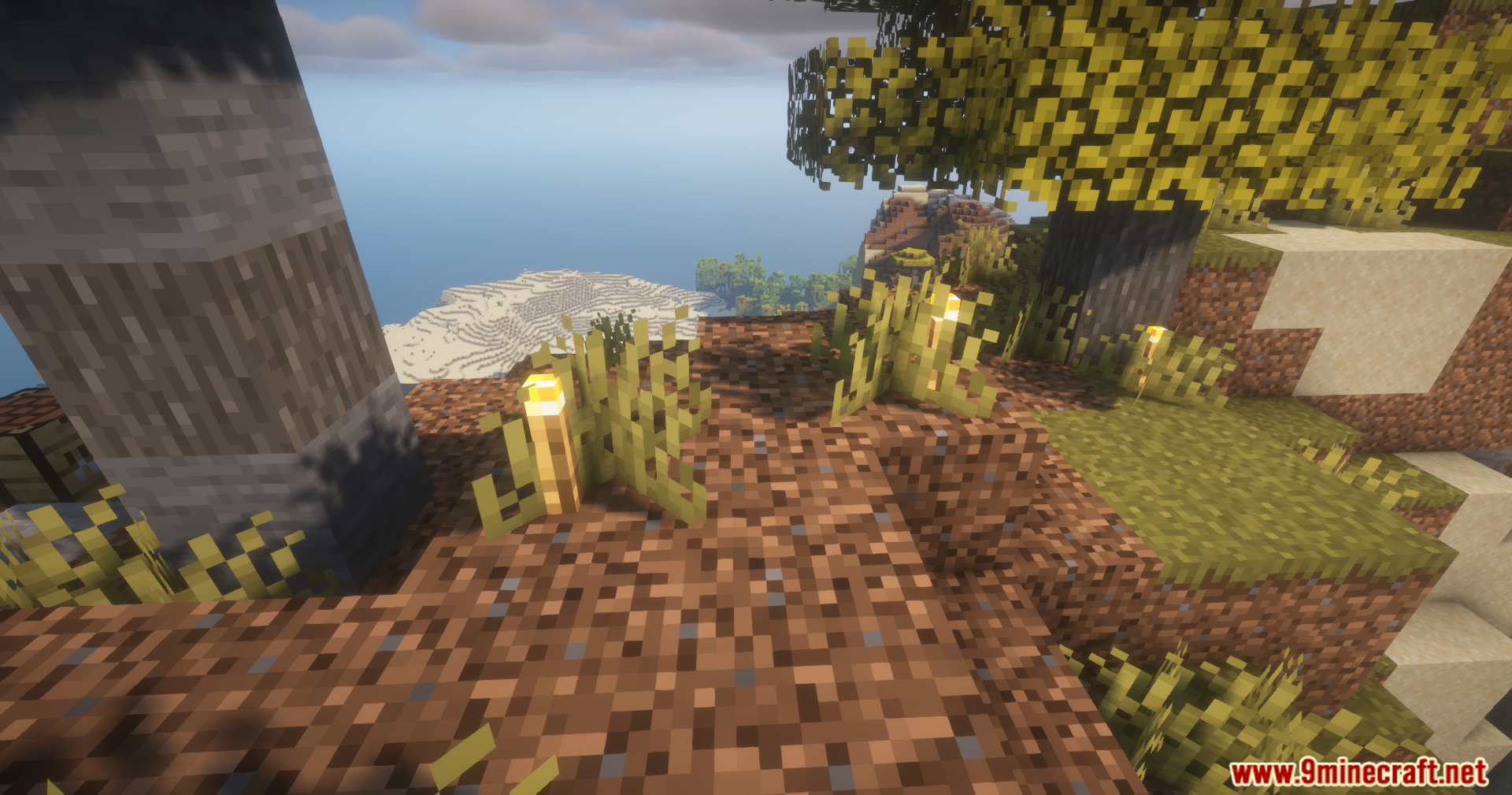


Camol Mod Download Links
Quick facts
- Edition: Minecraft Java
- File type: .jar
- Minecraft version listed: 1.21.1
- How to install: Install the matching mod loader (Forge, Fabric or NeoForge) for your Minecraft version. → Download the .jar. → Put it in the .minecraft/mods folder and launch that loader profile.
- Where to get it: In MC Java Mods, or directly above on this page.
Install steps are the general flow for this file type — How to install Minecraft Java mods & modpacks walks through it step by step.
Verified by MCModsHub
- Downloads as 2630.mcaddon
- Download size: 54 KB
- Download link checked 25 Sept 2026 — working
- Mirrored on our own servers — the download does not depend on the original host
These come from our own check of the pack file, not from the source page.