Retrocrash
Java mod listed for Minecraft 1.21. Downloads from the MC Java Mods app on Android.
I don't know my version or loader
Retrocrash
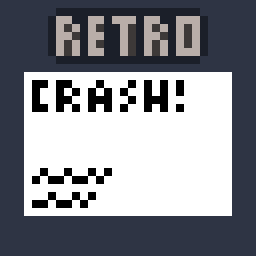
Remakes the old beta crash screen and makes it available for modern versions of the game.

Features
- Compatibility with resource packs that change the logo
- Changing the background/style is not yet supported, but is planned for the future
- Every version listed receives the same support (1.19.x will always be updated at the same time as 1.21.x)
- Forge <1.20 support is planned
Usage
If you'd like to test this out, Minecraft already comes with a shortcut to crash the game (hold F3 + C in-game for a few seconds)
Outside this, this mod intercepts Minecraft's crash screen handler to show this screen, wait until it's closed, and resume all crash handler functionality after. Crash logs are still made, crashes are still displayed in your launcher, and this mod shouldn't clash with any other.
Support
Please report any issues or ideas you have over on the GitHub Issues page, or request any features to be added over on the discussions page!
- Edition: Minecraft Java
- File type: .jar
- Minecraft versions listed: 1.21.9, 1.21.10
- How to install: Install the matching mod loader (Forge, Fabric or NeoForge) for your Minecraft version. → Download the .jar. → Put it in the .minecraft/mods folder and launch that loader profile.
- Where to get it: Opens on Modrinth — not every file is mirrored on our own servers.
Install steps are the general flow for this file type — How to install Minecraft Java mods & modpacks walks through it step by step.
- Ships as retrocrash-1.1.0.jar — drop this file into the mods folder
- Download size: 17 KB
- Download link checked 11 Oct 2026 — working
These come from our own check of the pack file, not from the source page.