Map4Image
I don't know my version or loader
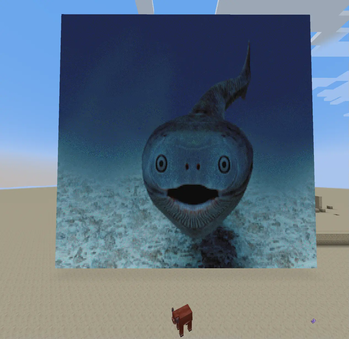
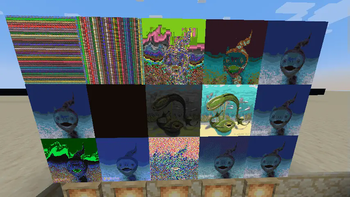
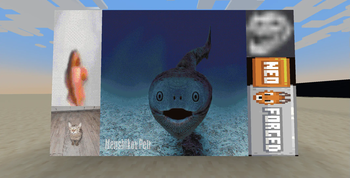
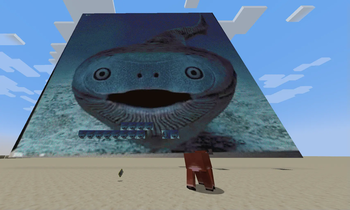
Map4Image is a NeoForge mod that allows you to convert images through links into minecraft map art. This mod was heavily inspired by Image2Map and serves as a NeoForge alternative to Image2Map. Currently the mod is in very early development and does not have the same level of features or polish Image2Map does. This mod is only required on server side and vanilla client players can use it.
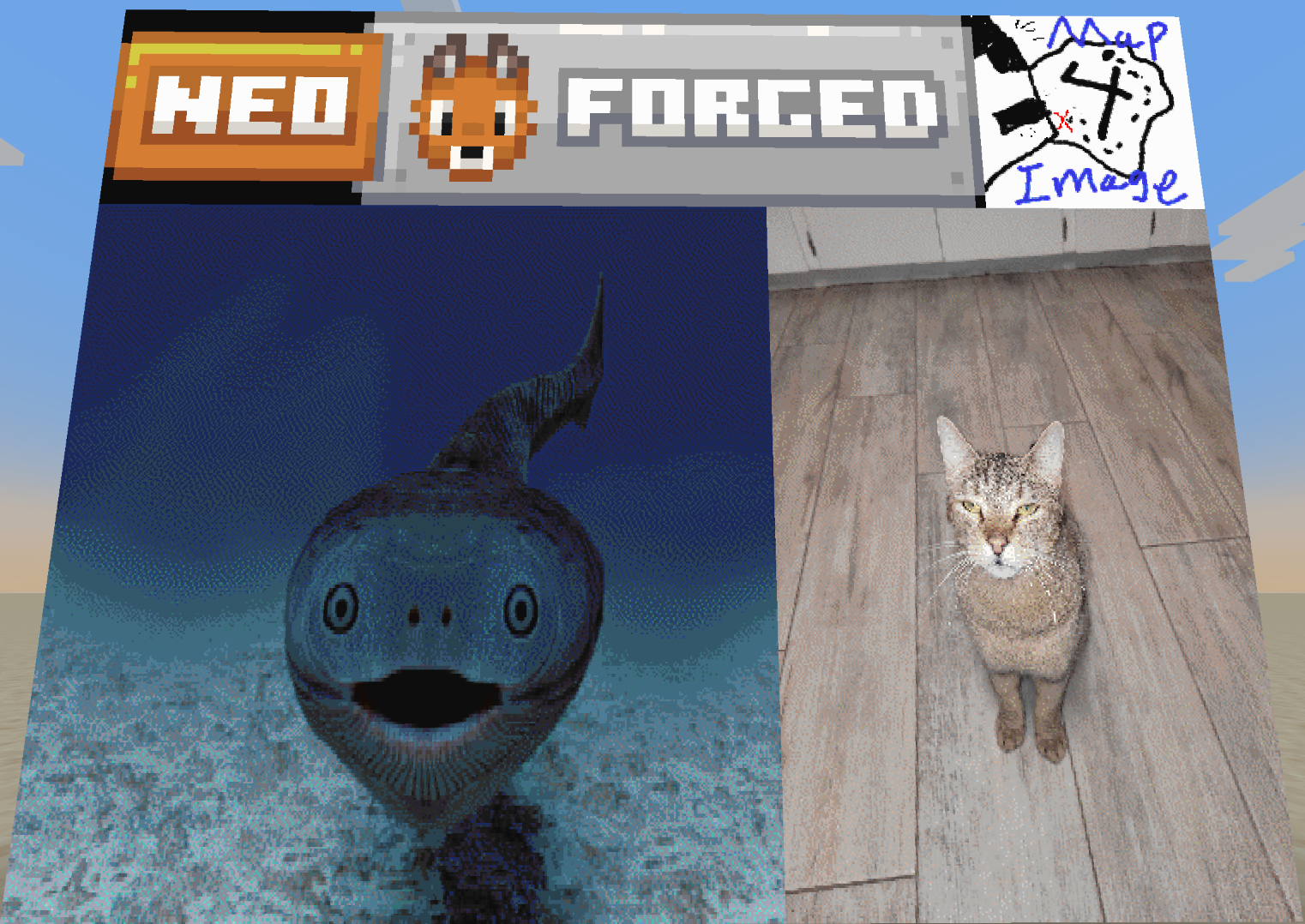
Map4Image has the following features:
- Ability to generate minecraft map art in game
- Place/break large map art automatically onto item frames
- When generating map art it is possible to specify source, dither type, and width/height.
How to use
Create Command
/map4image create <link> <dithertype> <width> <height>
The link must be a direct image link (as in a link ending with a image extension such as .png), keep in mind this link has to be surrounded with quotation marks aswell. For the dither type I would reccomend using floydsteinberg as it tends to have the most consistent results for quality, however if an image does not look good at first I would reccomend experimenting. Width and height are both in pixels, a minecraft map is only able to hold 128x128 pixels so going above these values will generate a "super map".
Super Map
A super map is map art generated by setting either width or height above 128 pixels. A super map will only display a 128x128 verison of the image generated but when placed in item frames it will place down all maps. To have a valid item frame setup you must place the "super map" in the top left of a grid of item frames with a tall enough height and wide enough width. Keep in mind that 128 pixels in either direction is one full map, so a 300x500 image would require 3 item frames by 4 item frames.
⚠️ Note for server admins ⚠️
Currently this mod has no way of rate limiting itself, while it does use a seperate thread for rendering it is still very easy to lag the server itself. At the current moment in time I would reccomend only using this mod with people you trust. I plan to add safer server support in the future.
- Edition: Minecraft Java
- File type: .jar
- Minecraft versions listed: 1.21.2, 1.21.3, 1.21.4
- How to install: Install the matching mod loader (Forge, Fabric or NeoForge) for your Minecraft version. → Download the .jar. → Put it in the .minecraft/mods folder and launch that loader profile.
- Where to get it: Opens on Modrinth — not every file is mirrored on our own servers.
Install steps are the general flow for this file type — How to install Minecraft Java mods & modpacks walks through it step by step.
- Ships as map4image-0.2.1+1.21.2-1.21.5.jar — drop this file into the mods folder
- Download size: 38 KB
- Download link checked 30 Aug 2026 — working
These come from our own check of the pack file, not from the source page.