

Xaero Custom Waypoint Colors


XCWC is a Fabric only mod that adds to xaero96's 'Xaero's Minimap' mod, specifically its waypoint feature.
It allows you to choose a custom color for a waypoint in the waypoint creation menu, giving you more customization of your waypoints, instead of being limited to the boring preset colors.
This mod is NOT a waypoint mod. To create waypoints you need Xaero's Minimap.
How To Use
To use the custom color, you first need to understand how to create a waypoint with Xaero's Minimap. This guide will not cover how to create a waypoint.
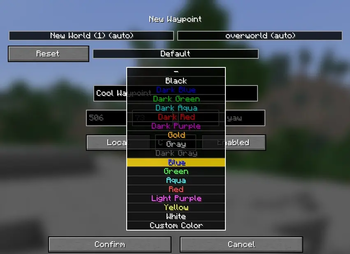
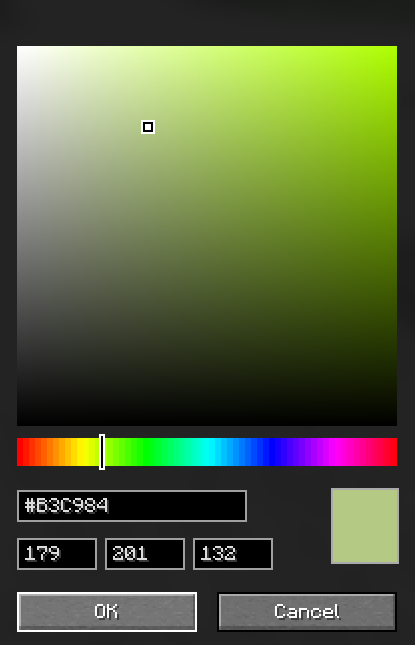
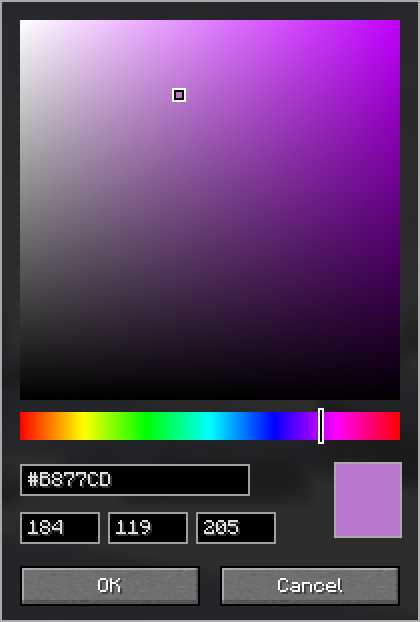
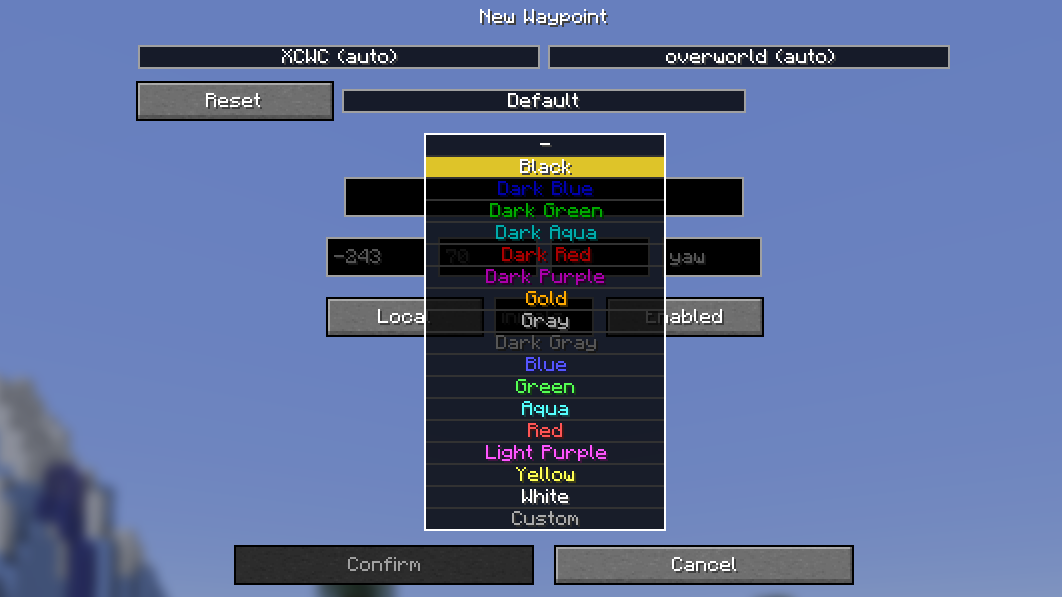
When in the waypoint creation menu, selecting a color in the dropdown box will now show a new 'Custom' option at the bottom. Clicking this option will bring you to a color picker GUI that allows you to select any RGB color.
Once you have found a color you like, simply click 'OK'. The color will be saved and you will be returned to the waypoint creation menu, allowing you to make any changes.
If you have a color already in mind, you can paste its hex code or type its RGB value in the respective box.
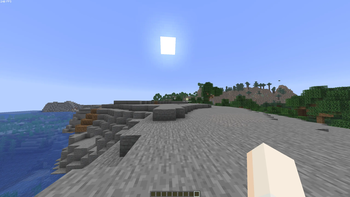
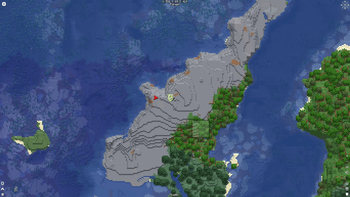
After you are happy with your changes, you can create the waypoint like you would normally. You will now be able to see your waypoint with its custom color, in-game and on Xaero's World Map (if installed).
Screenshots
Waypoint Sharing
Xaero's Minimap allows you to share waypoints in chat with other people who also have the mod.
In order to share a custom colored waypoint, the person adding the waypoint via the chat message must also have the mod installed, otherwise their waypoint will have one of the preset colors.
Help
If you experience any bugs or want to request a feature, you can do so via the Issue Tracker.
⚠️This mod is not affiliated with nor endorsed by xaero96
- Edition: Minecraft Java
- File type: .jar
- Minecraft version listed: 26.2
- How to install: Install the matching mod loader (Forge, Fabric or NeoForge) for your Minecraft version. → Download the .jar. → Put it in the .minecraft/mods folder and launch that loader profile.
- Where to get it: Opens on Modrinth — not every file is mirrored on our own servers.
Install steps are the general flow for this file type — How to install Minecraft Java mods & modpacks walks through it step by step.
- Ships as xaero-custom-waypoint-colors-1.0.6-26.2.jar — drop this file into the mods folder
- Download size: 37 KB
- Download link checked 30 Aug 2026 — working
These come from our own check of the pack file, not from the source page.