
HyperlightDrifta's Mod Menu
Java mod listed for Minecraft 26.x. Downloads from the MC Java Mods app on Android.
⬇ Download on ModrinthNote! : To remove a specific effect, select the effect again (selecting an effect you already have in the effect menu removes it)
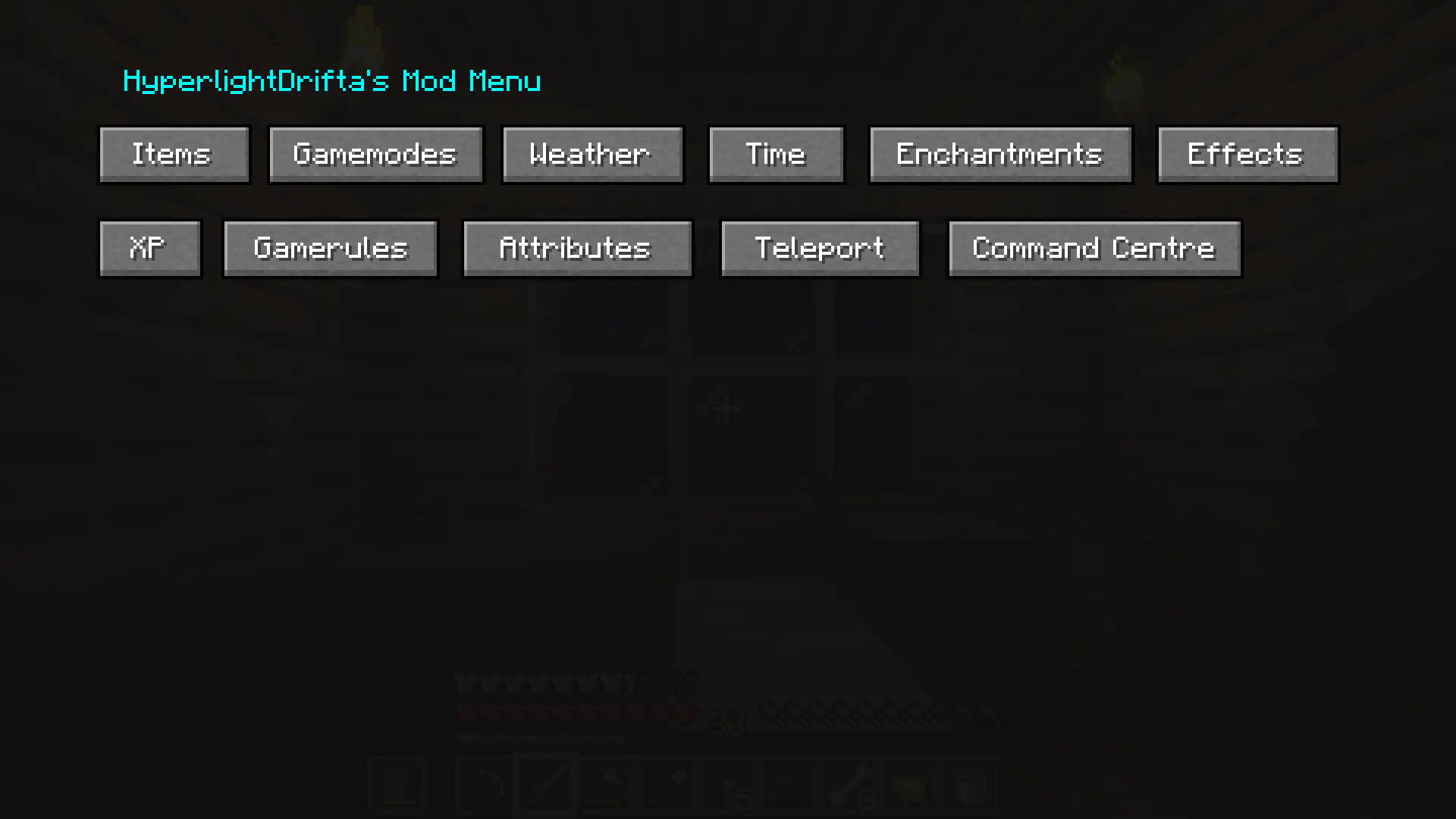
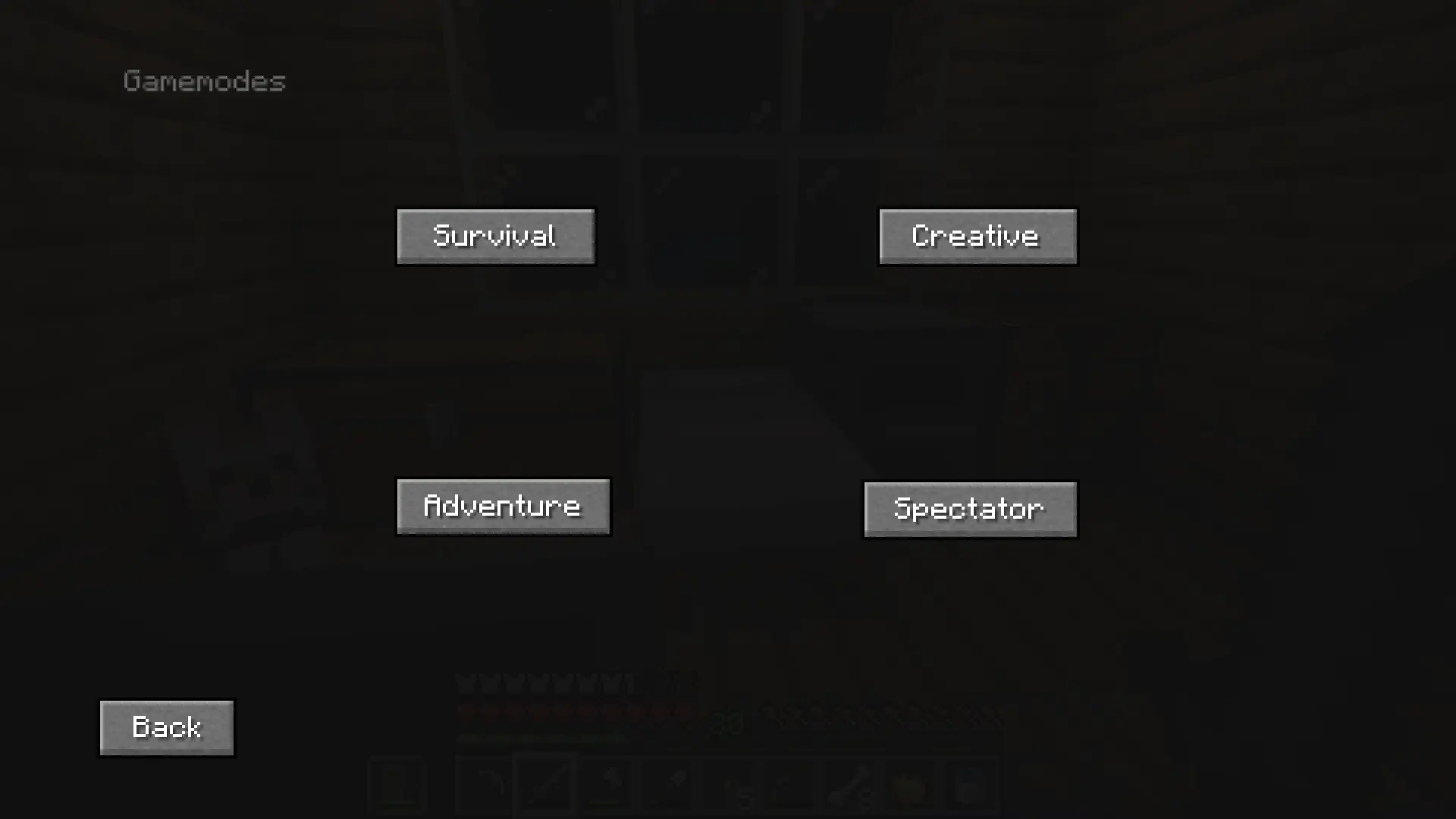
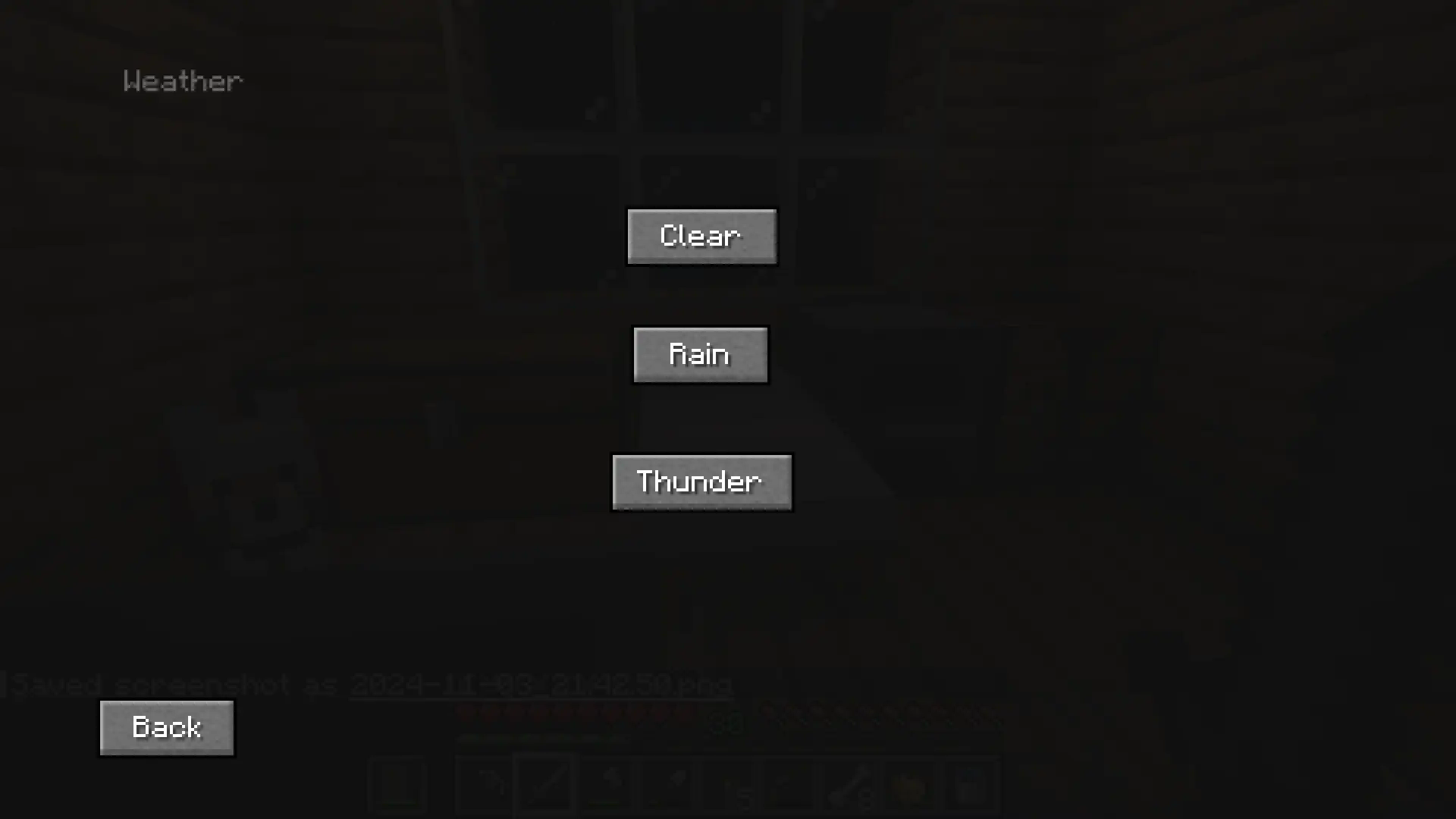
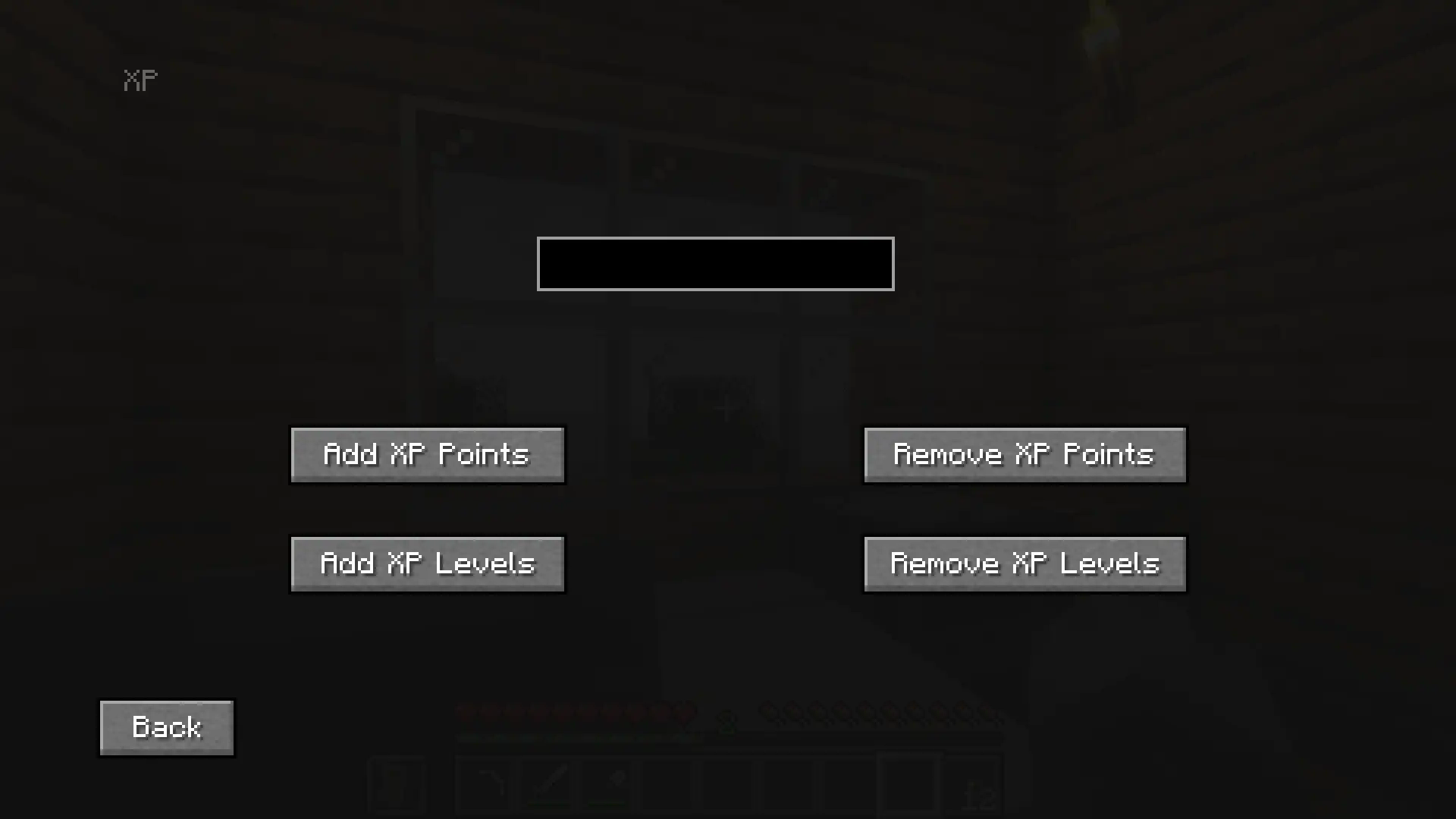
This is a mod menu that adds features like, gamemode changer, time changer, weather changer, adding items into your inventory, adding XP, and more, and it can all be used without cheats enabled! Yes, it will work in hardcore. No, it won't work on servers. (at least not on non-vanilla servers, but vanilla servers have also not been tested)
There also custom keybinds that you can assign for changing gamemode, weather and time, and more.
Main Menu :
Gamemodes :
Weather :
XP :
Enchantments :

- Edition: Minecraft Java
- File type: .jar
- Minecraft version listed: 26.1.2
- How to install: Install the matching mod loader (Forge, Fabric or NeoForge) for your Minecraft version. → Download the .jar. → Put it in the .minecraft/mods folder and launch that loader profile.
- Where to get it: Opens on Modrinth — not every file is mirrored on our own servers.
Install steps are the general flow for this file type — How to install Minecraft Java mods & modpacks walks through it step by step.
- Ships as hyperlightdriftas_mod_menu-2.12.4-neoforge-26.1.2.jar — drop this file into the mods folder
- Download size: 1.4 MB
- Download link checked 11 Oct 2026 — working
These come from our own check of the pack file, not from the source page.