
ModsJava
Trimmable Tools Mod (26.2, 1.20.1) – New Look for Tools and Weapons
Java mod listed for Minecraft 1.20. Downloads from the MC Java Mods app on Android.
⬇ Download





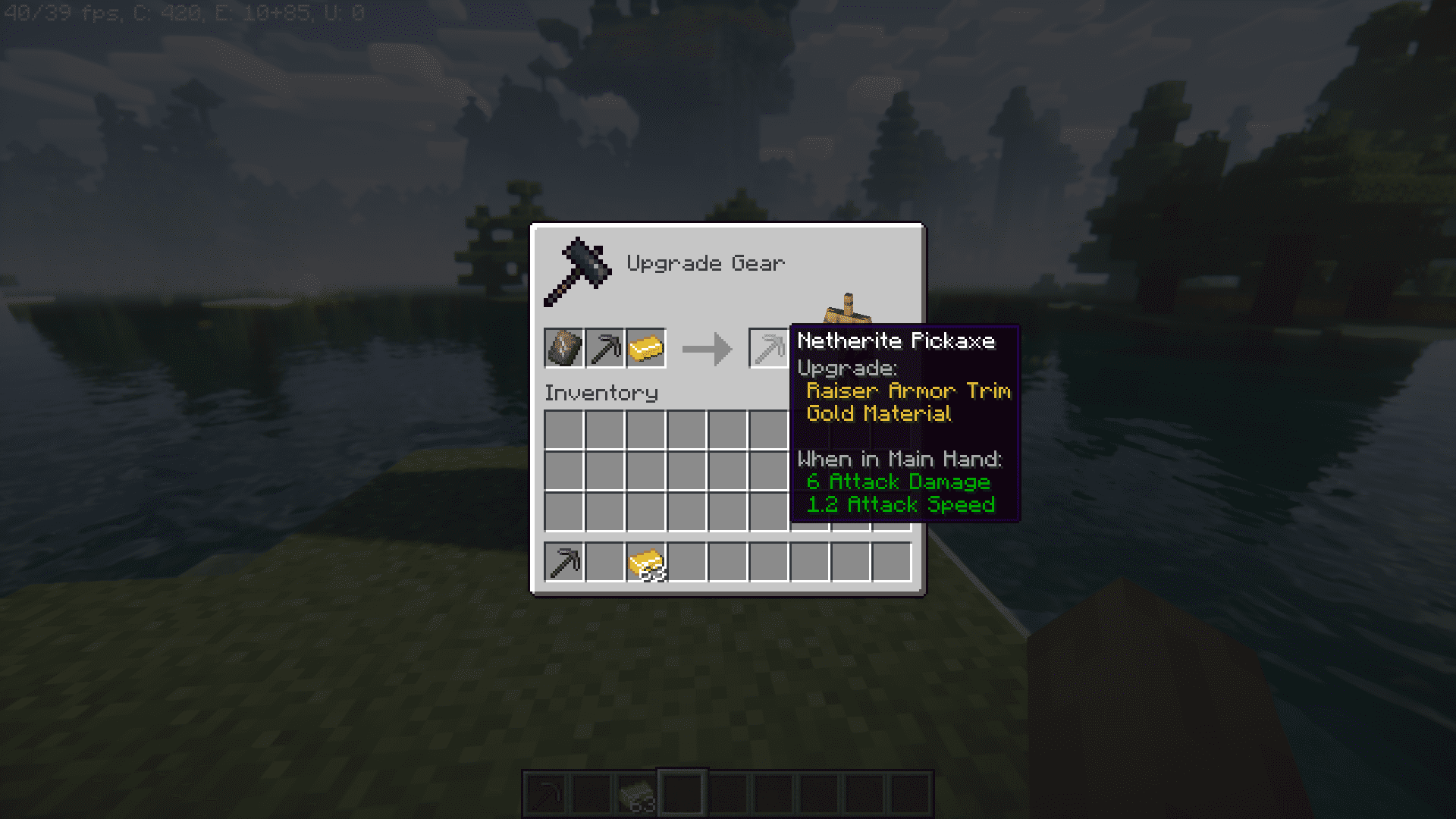
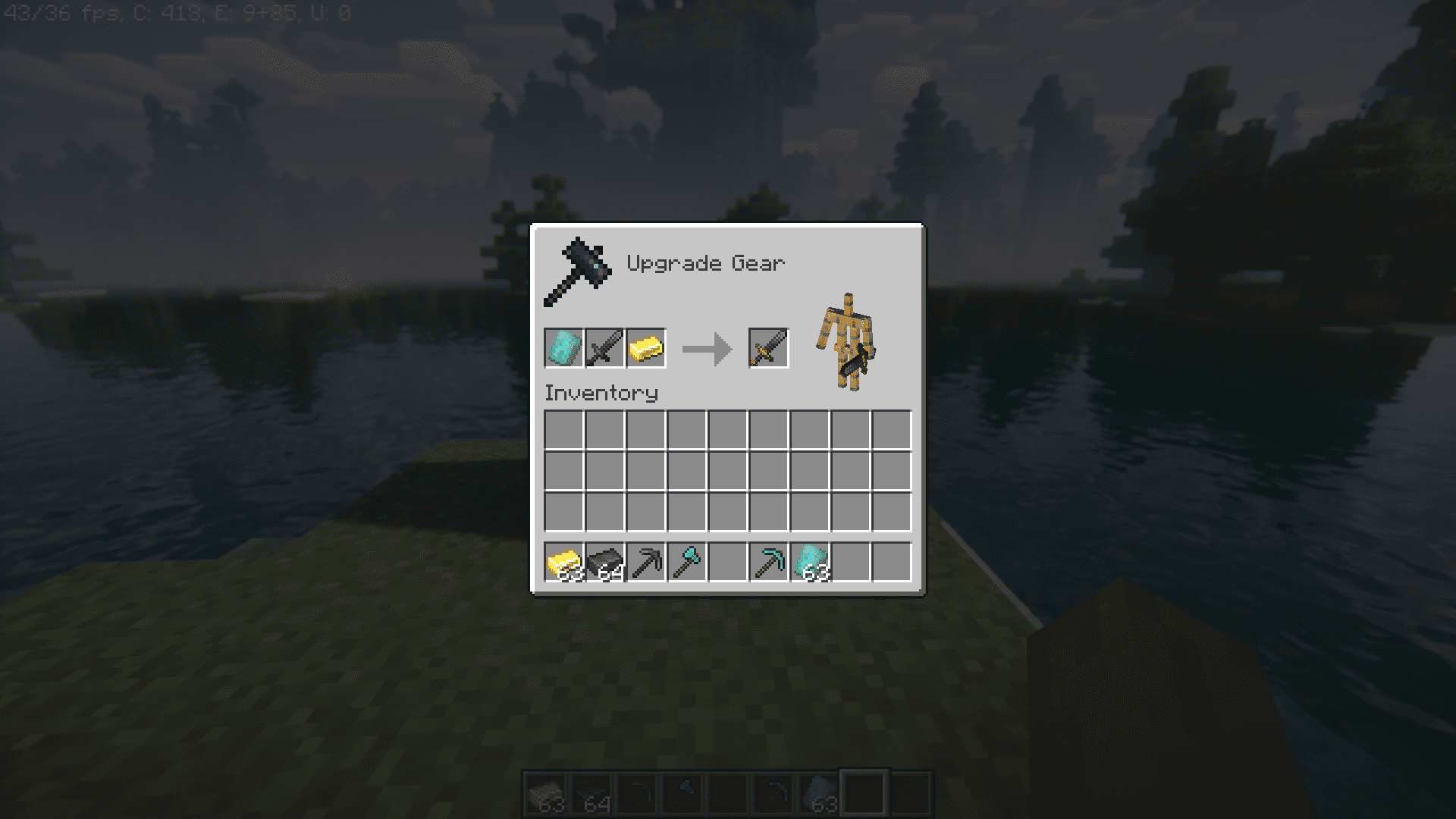
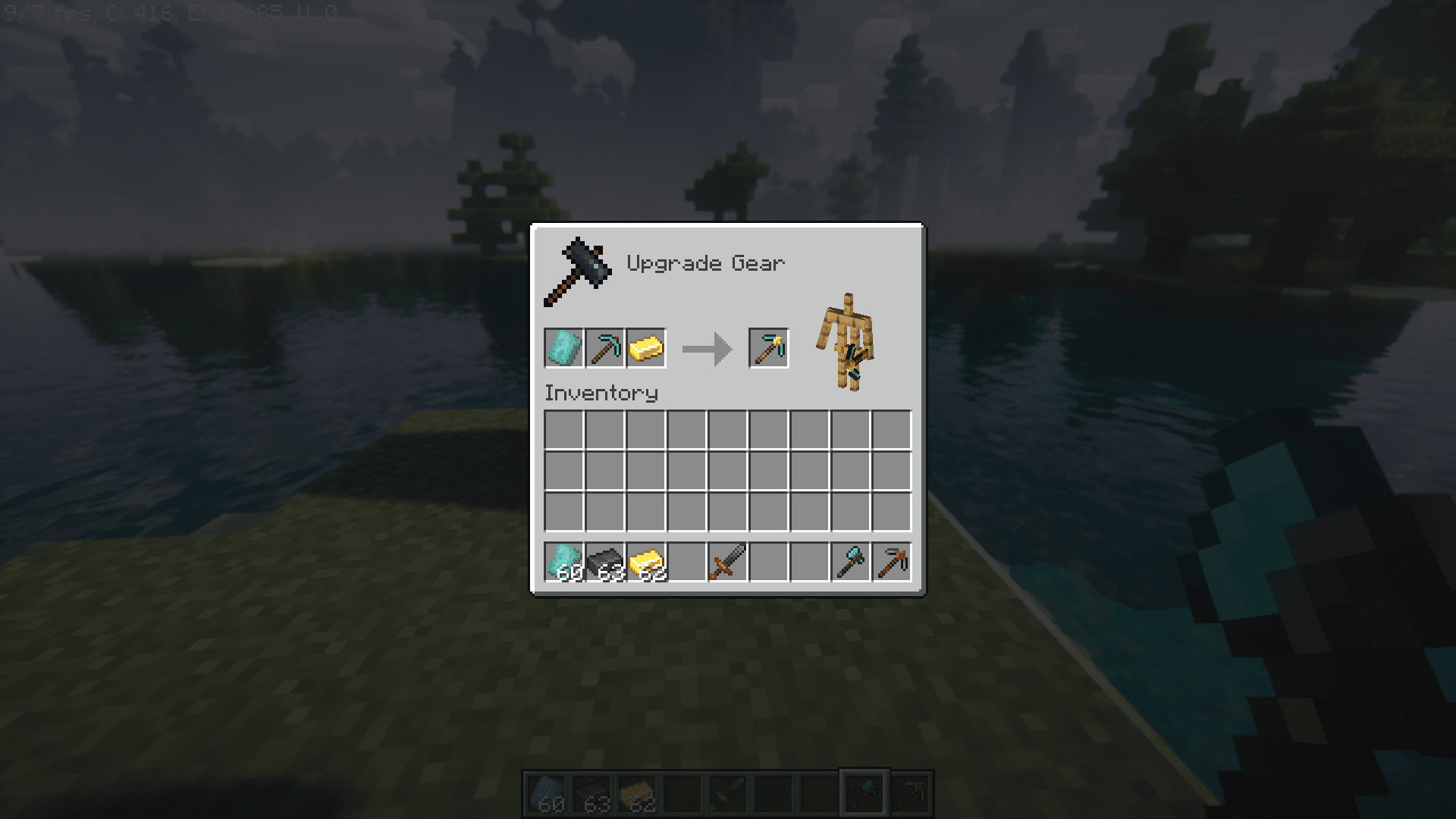
The Minecraft 1.20 update introduced a feature where armors could be “trimmed” in order to give them a much more detailed appearance. This allowed players to customize their armor with multiple designs like stripes of gold, etc. Trimmable Tools Mod expands this feature to weapons and tools, allowing for more customization options. With this mod installed, you will be able to use the smiting table to trim your tools and weapons.
Features:
- Tool Trimming: Trimmable Tools is a Minecraft mod that introduces the concept of trimming tools using the Smithing Table. This feature was initially introduced for armor in Minecraft 1.20, and this mod expands its functionality to tools.
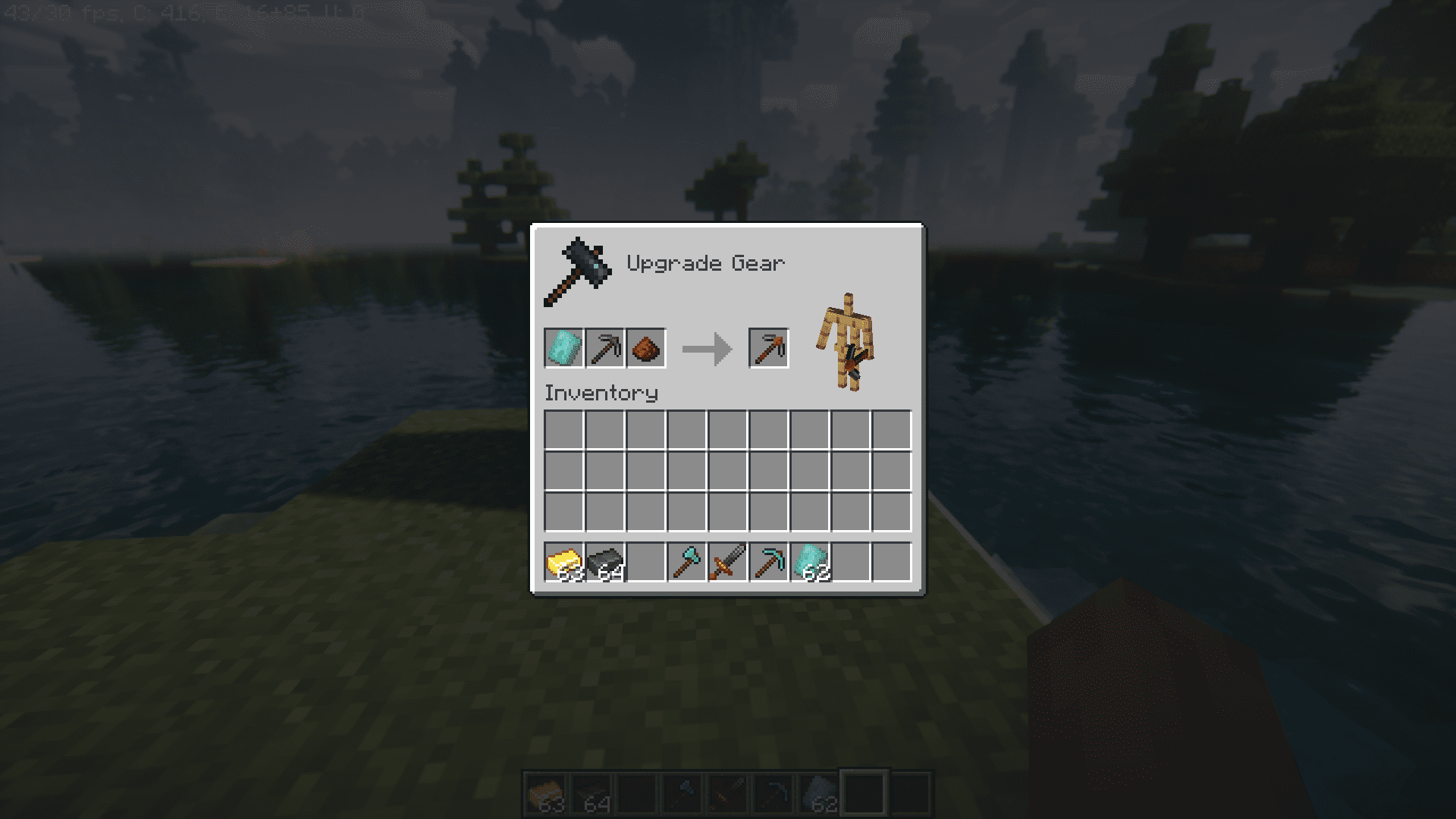
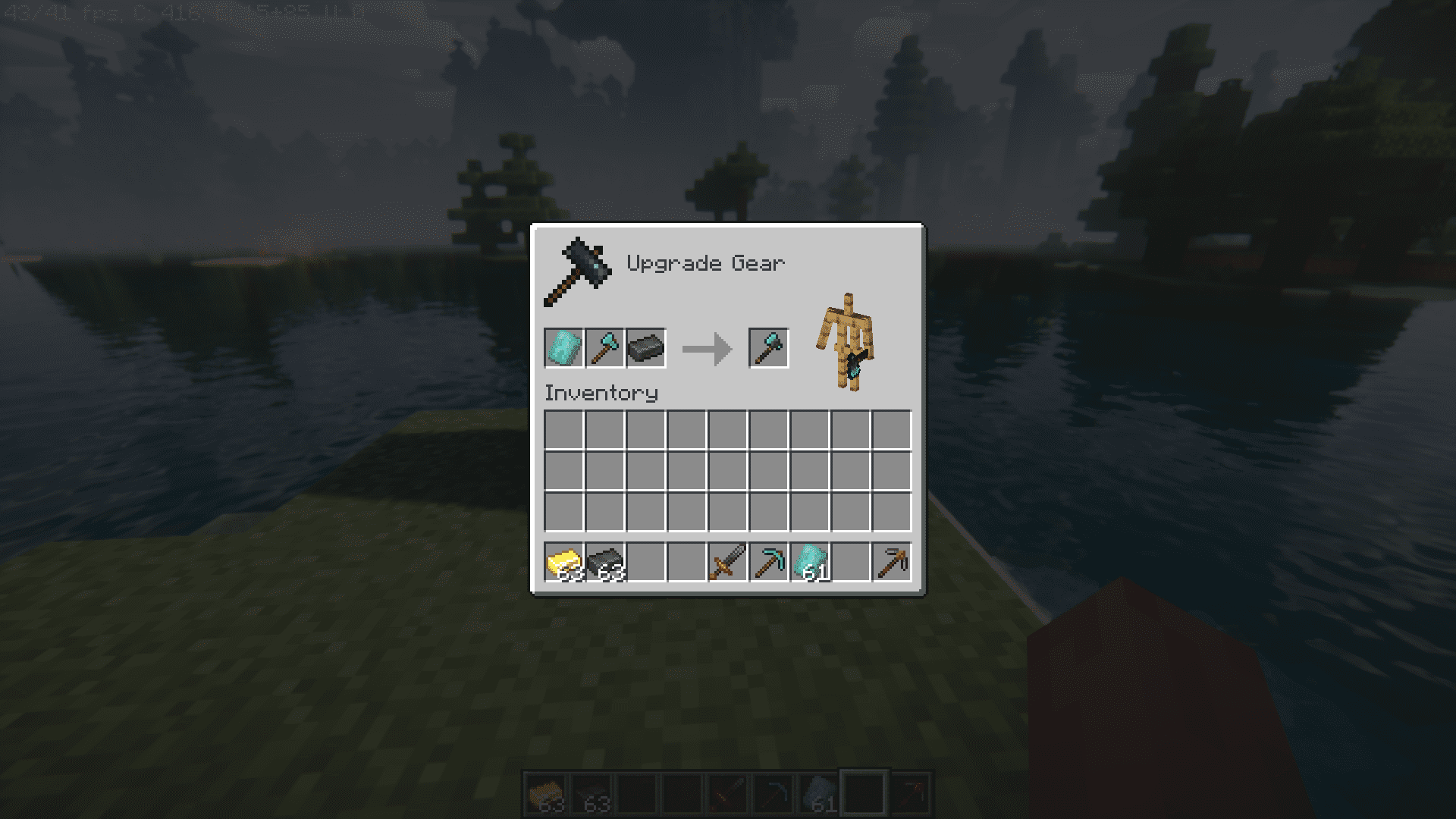
- Smithing Table Usage: To trim your tools, you’ll need to access a Smithing Table and provide three components: a smithing template, the tool you want to trim, and a trim material. The mod simplifies the process by ensuring that all smithing templates result in the same trim pattern for tools, irrespective of the tool type or tier.
- Client Compatibility: While the tool trimming aspect of the mod operates server-side, it’s important to note that clients must have either the accompanying resource pack of the mod itself installed to correctly view the textures and visuals associated with the trimmed tools.
Screenshots:
Trimmable Tools Mod Download Links
Quick facts
- Edition: Minecraft Java
- File type: .jar
- Minecraft versions listed: 1.20.1, 1.20
- How to install: Install the matching mod loader (Forge, Fabric or NeoForge) for your Minecraft version. → Download the .jar. → Put it in the .minecraft/mods folder and launch that loader profile.
- Where to get it: In MC Java Mods, or directly above on this page.
Install steps are the general flow for this file type — How to install Minecraft Java mods & modpacks walks through it step by step.
File checked by MCModsHub
- Downloads as 26374.mcaddon
- Download size: 266 KB
- Download link checked 23 Sept 2026 — working
- Mirrored on our own servers — the download does not depend on the original host
These come from our own check of the pack file, not from the source page.