
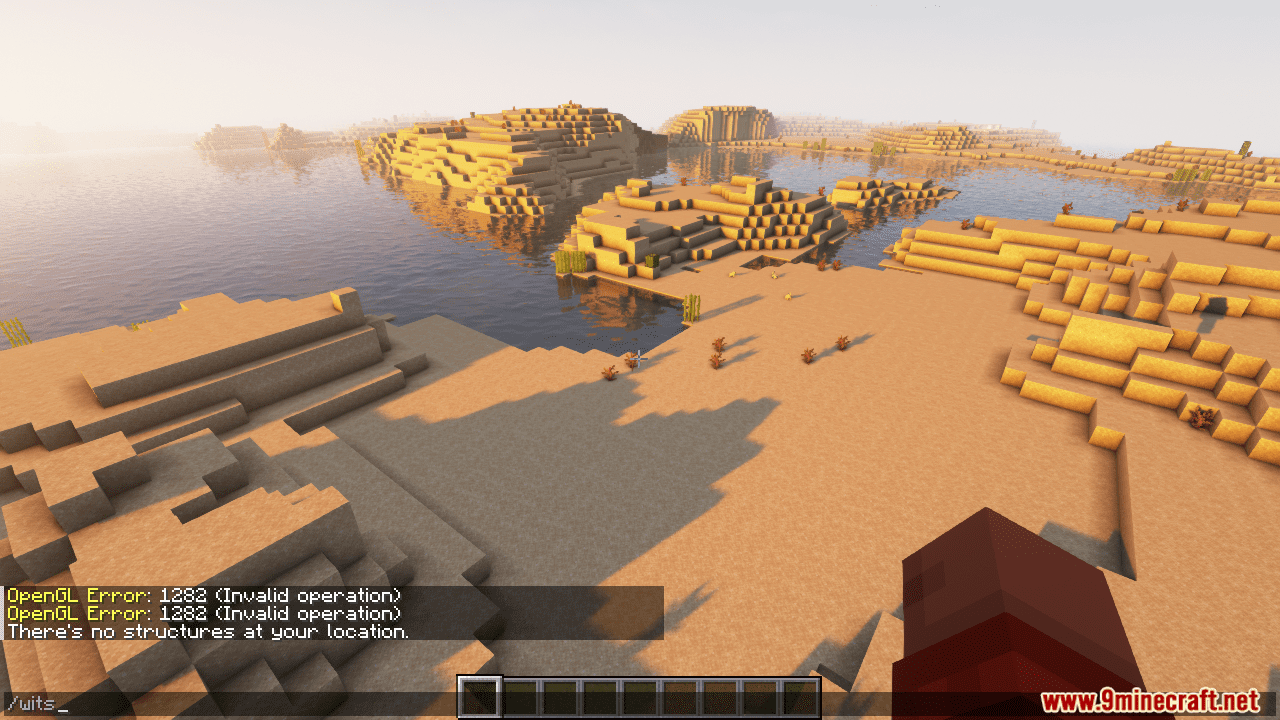
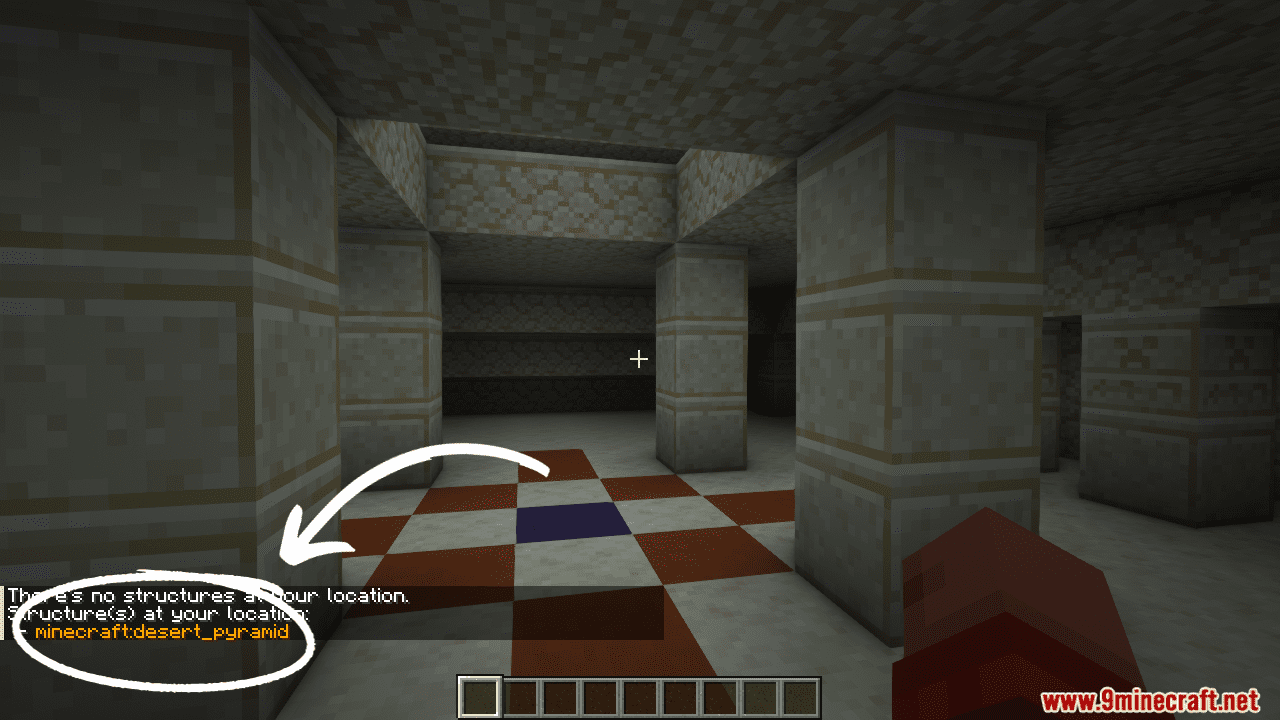
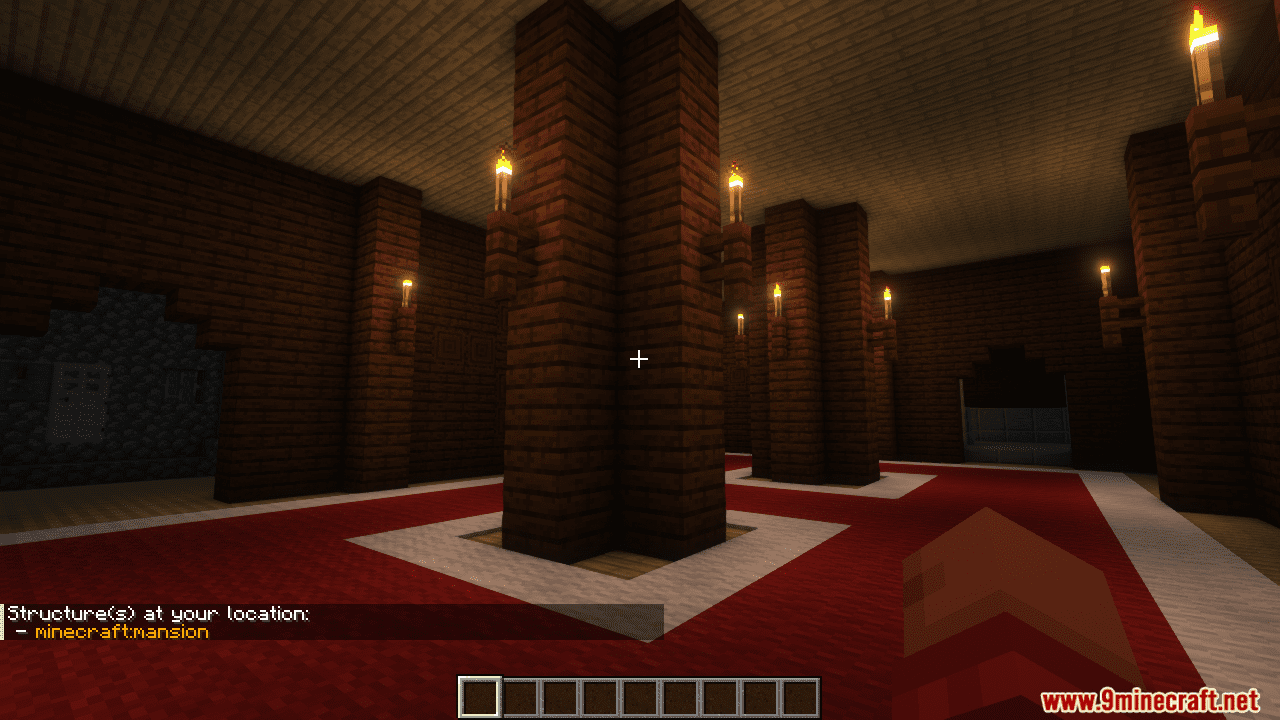
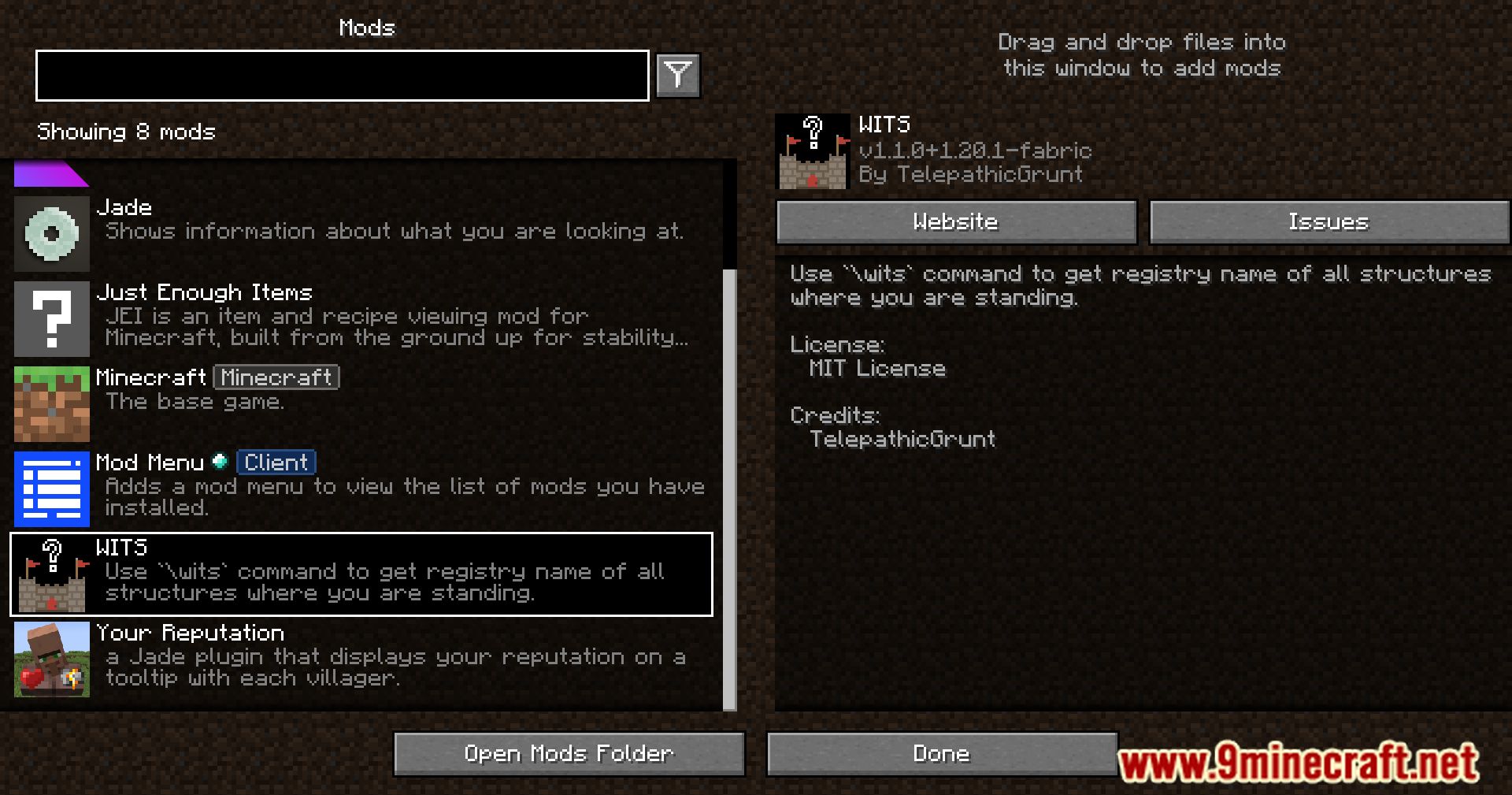

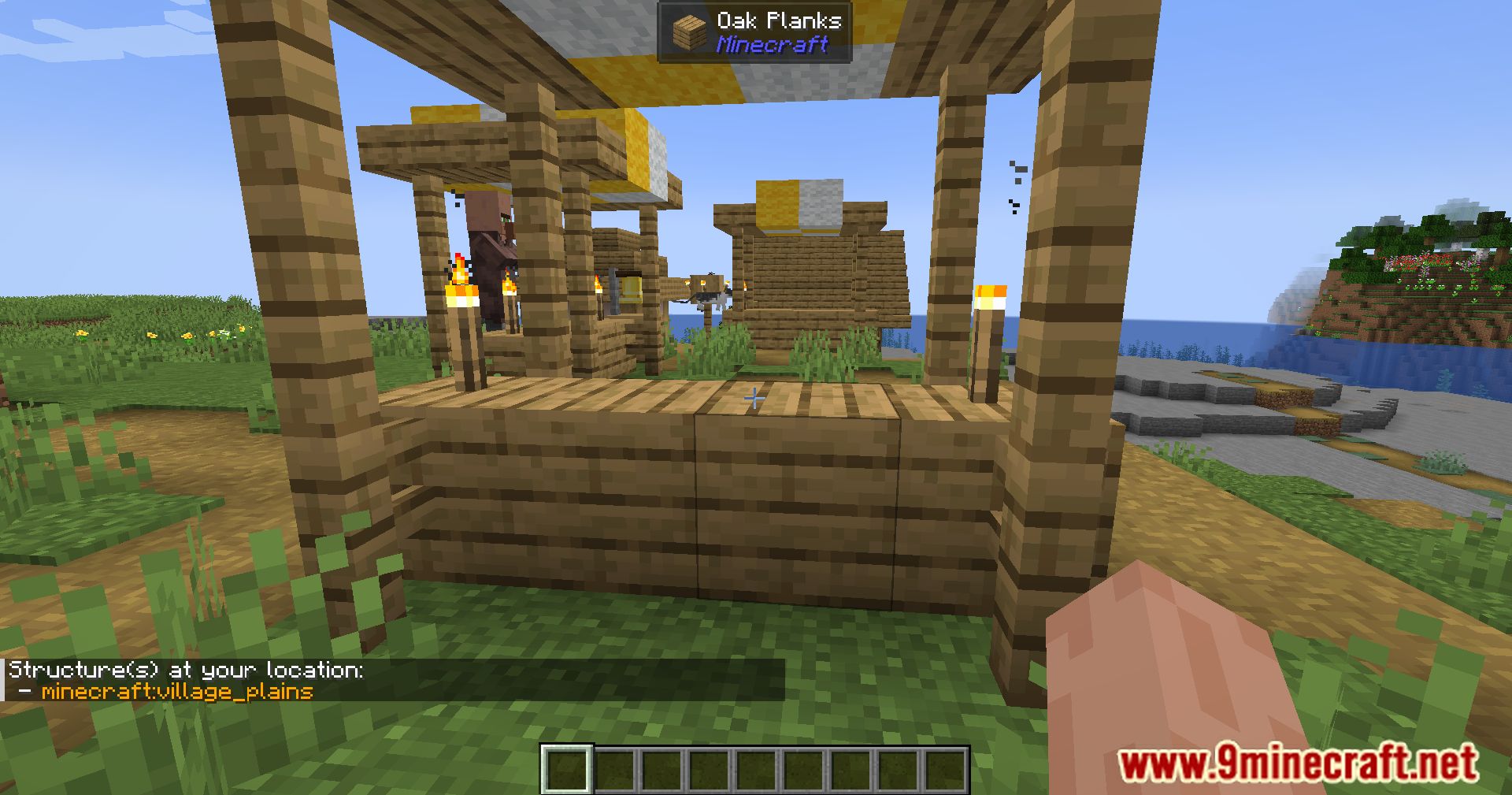
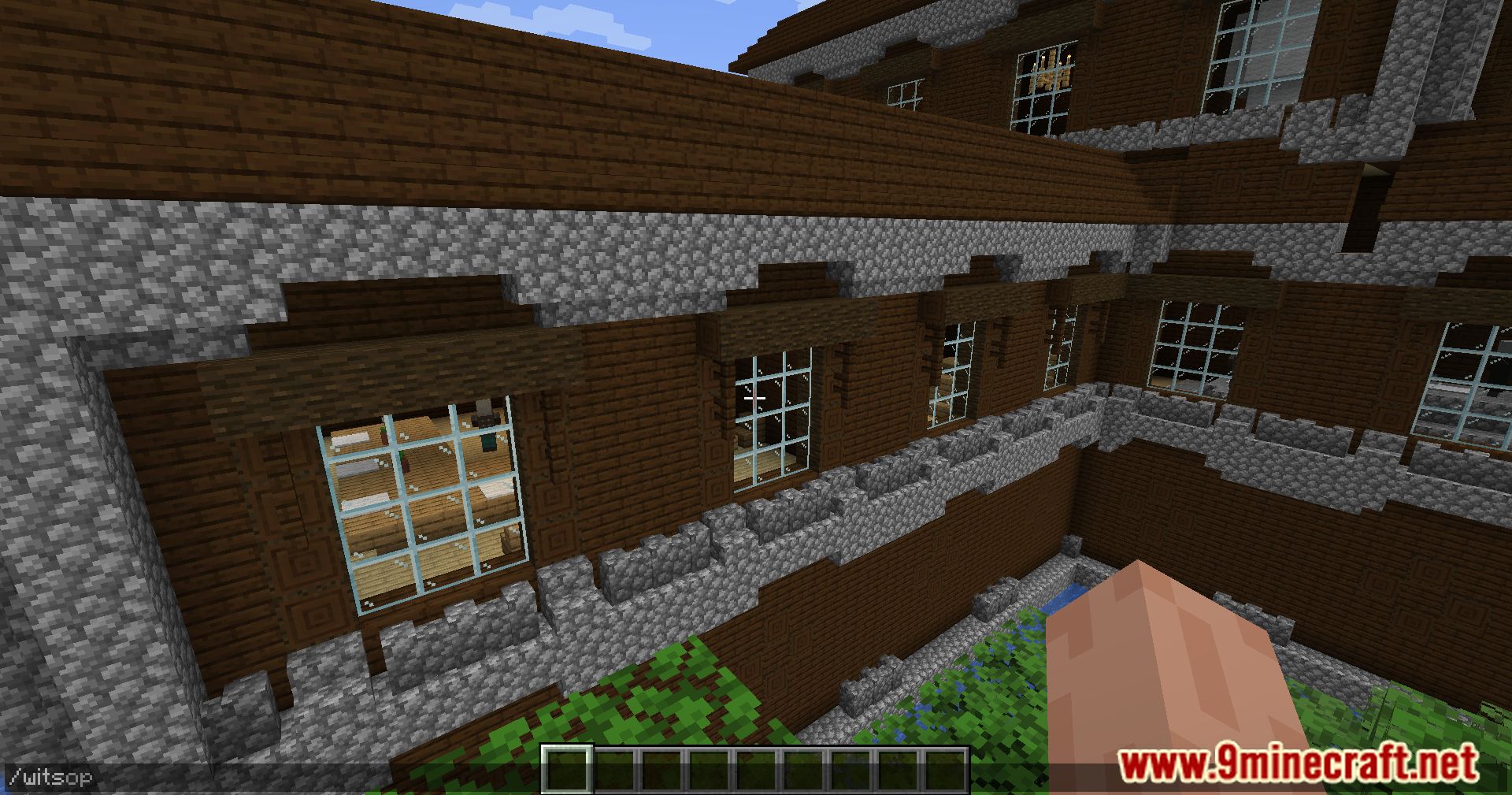
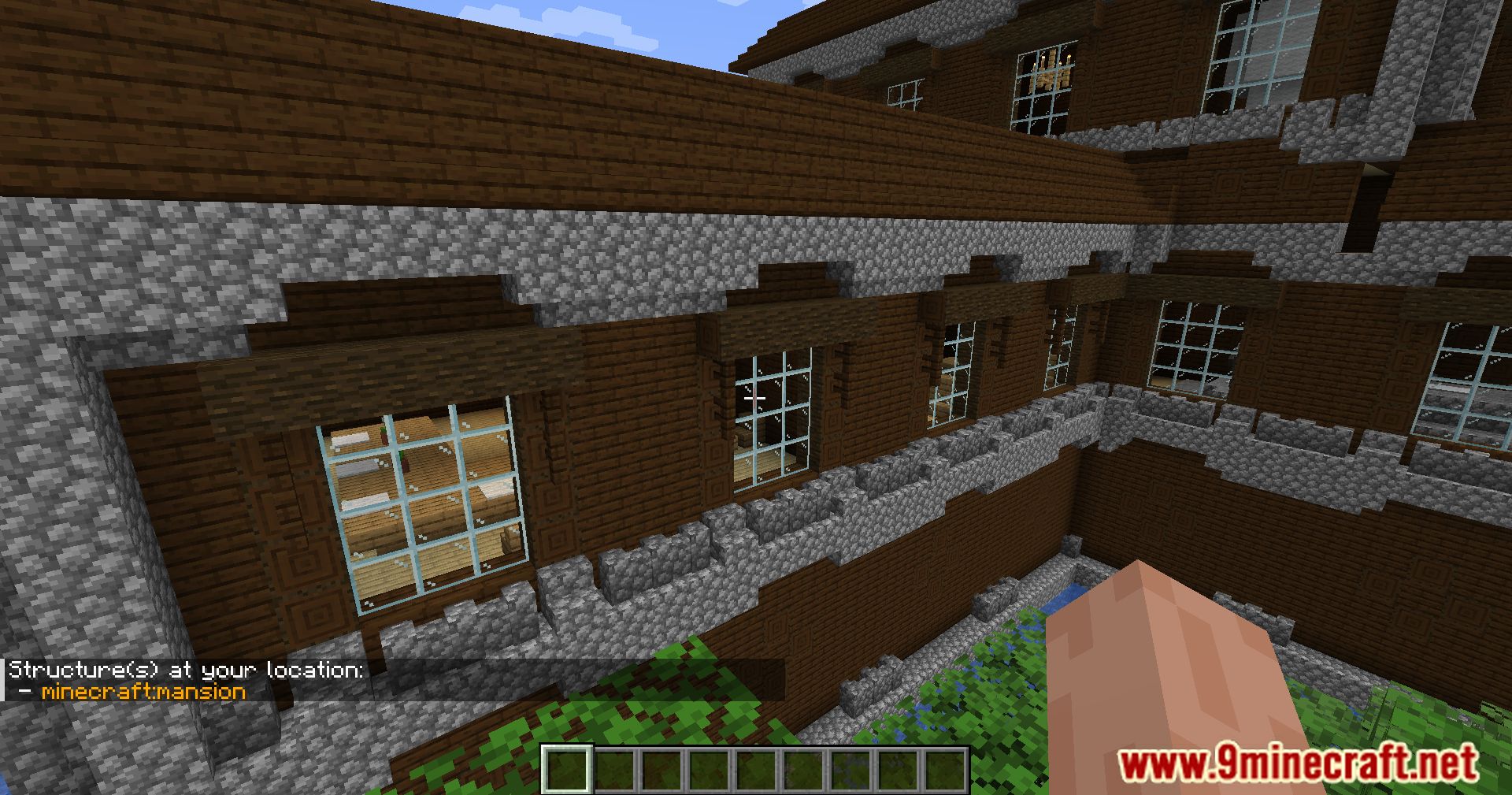
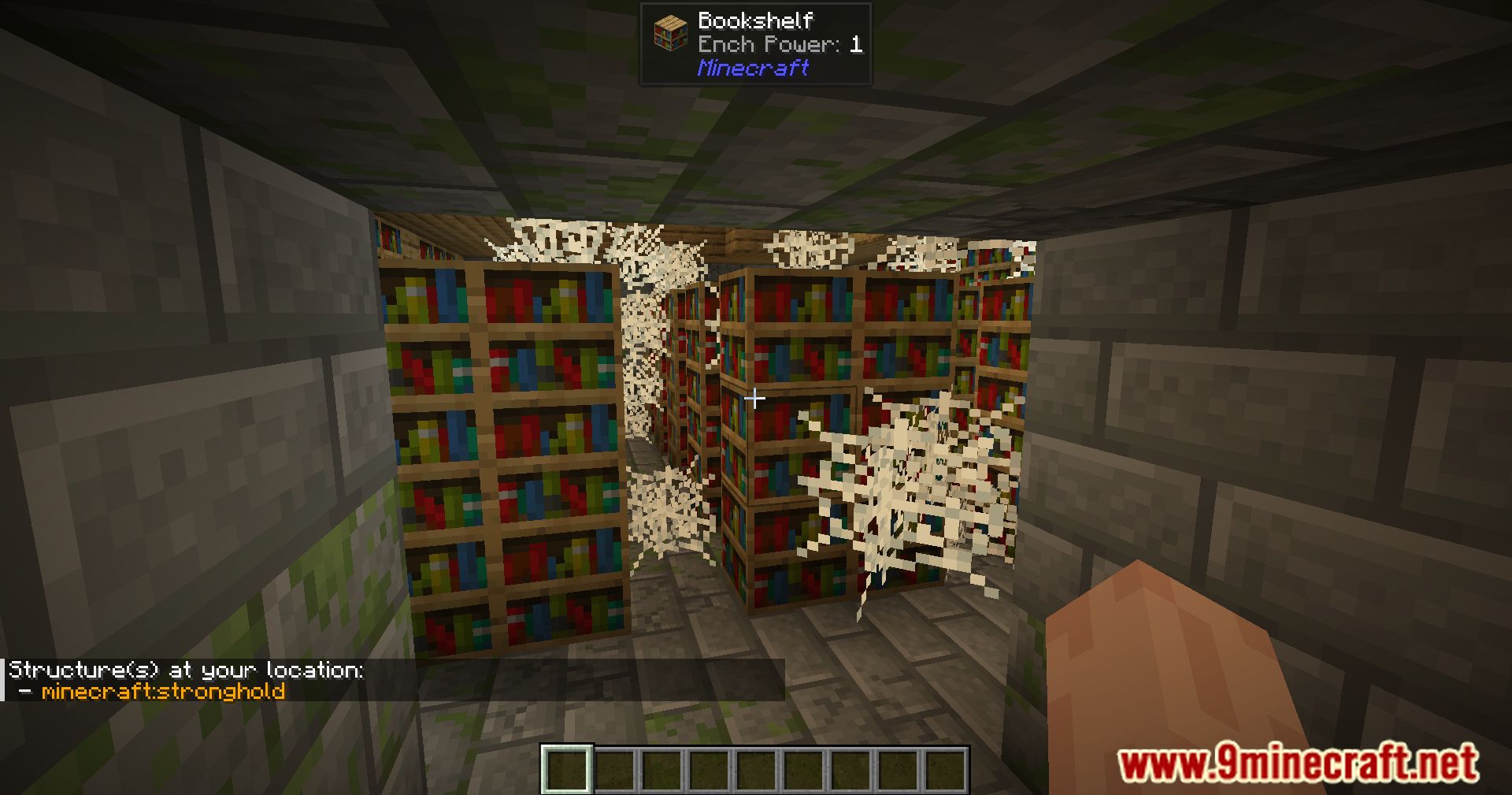
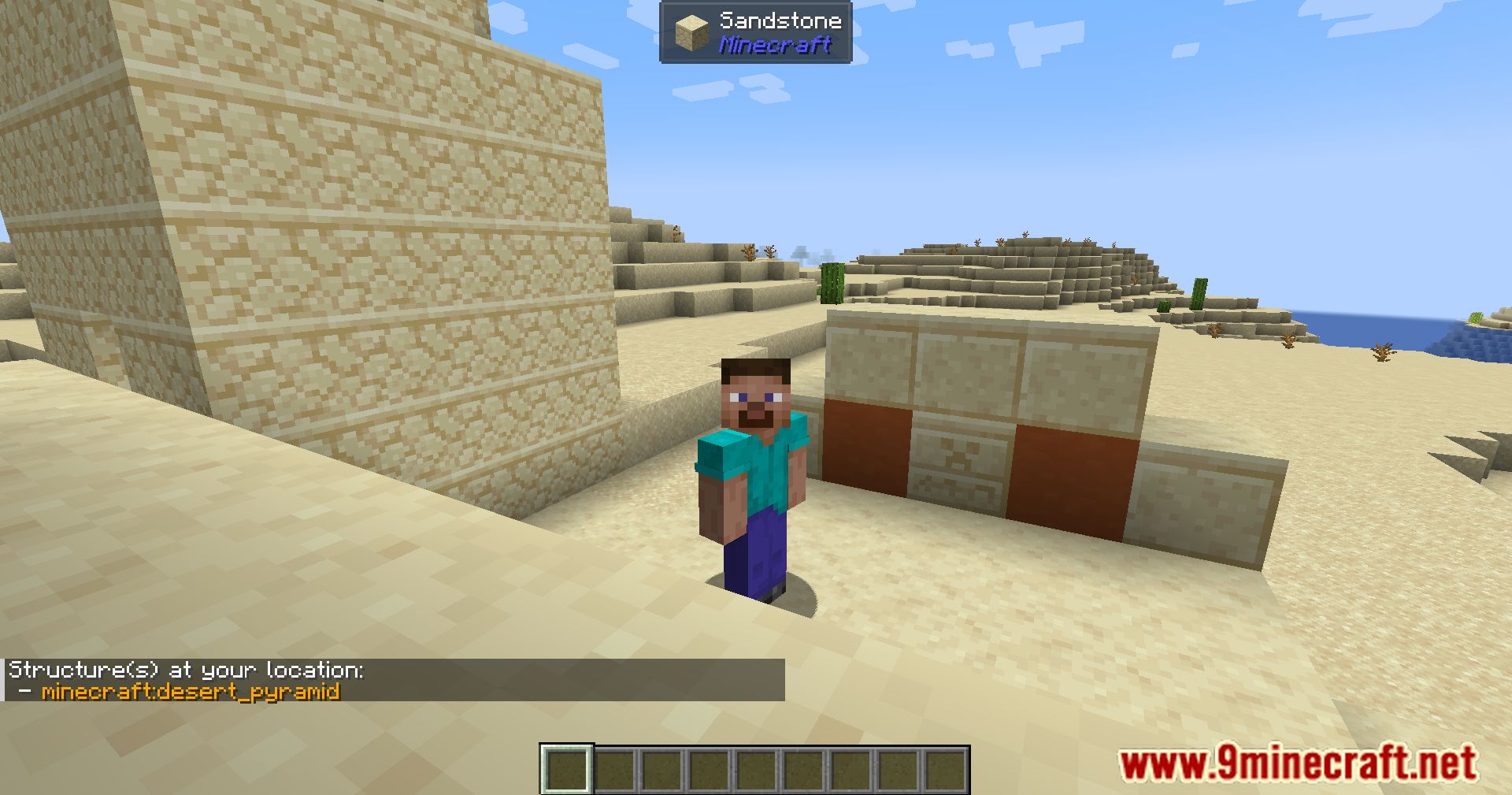
WITS Mod adds a simple command that tells you the name of any structure you are standing in. When you use the command, it shows the official registry names for structures at your location. This is very helpful for making modpacks, as it lets you easily see which mod adds a certain building. It works in single-player games and on multiplayer servers.
Features:
- Adds a command to identify the registry names of structures at your current location.
- Works for all players in both single-player and on servers.
- Server operators can use a special command to identify structures at any coordinate in any dimension.
- It can detect any structure that appears with the vanilla
/locatecommand. - Does not detect smaller features like vanilla dungeons or desert wells due to game limitations.
Commands:
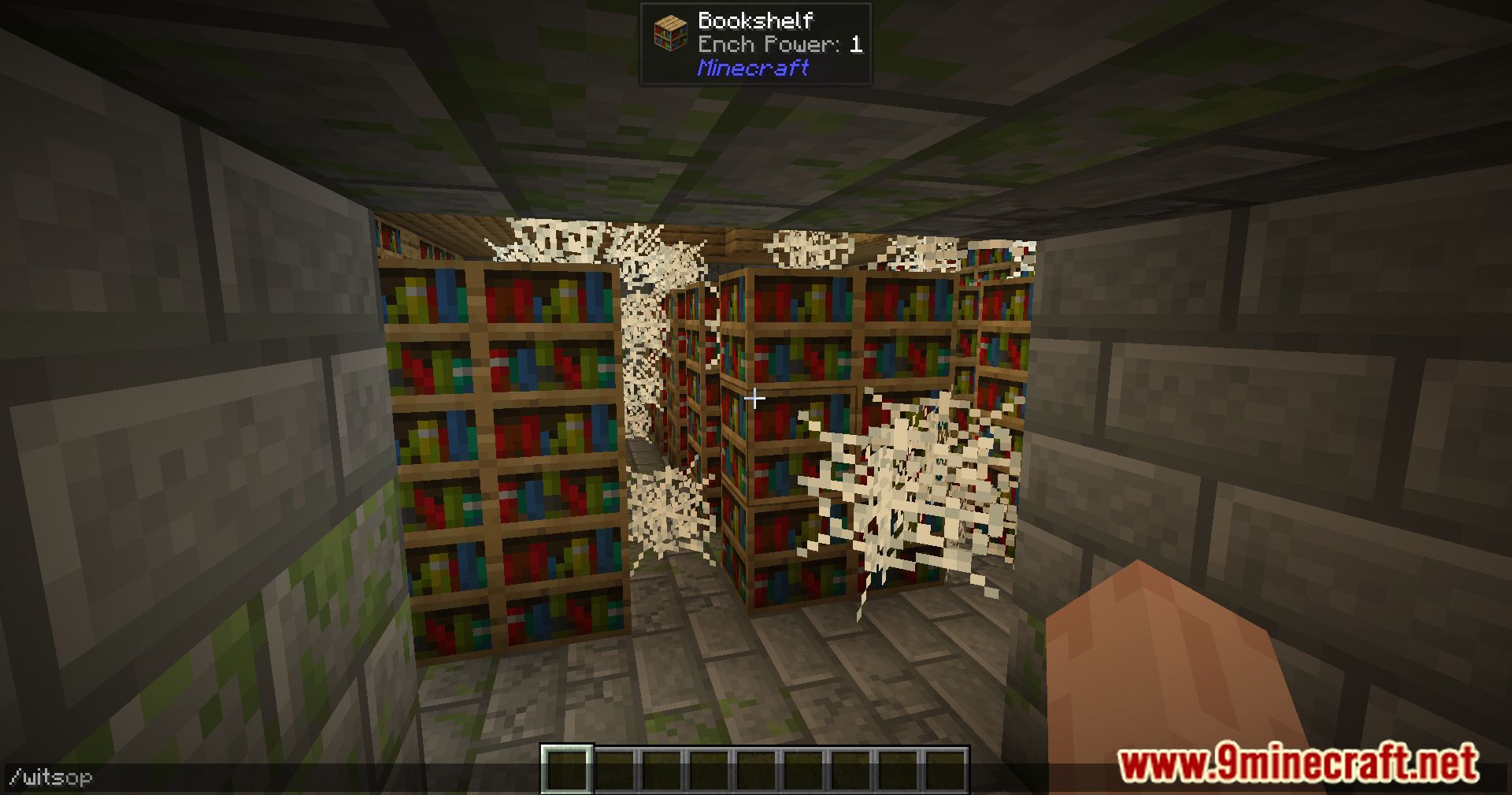
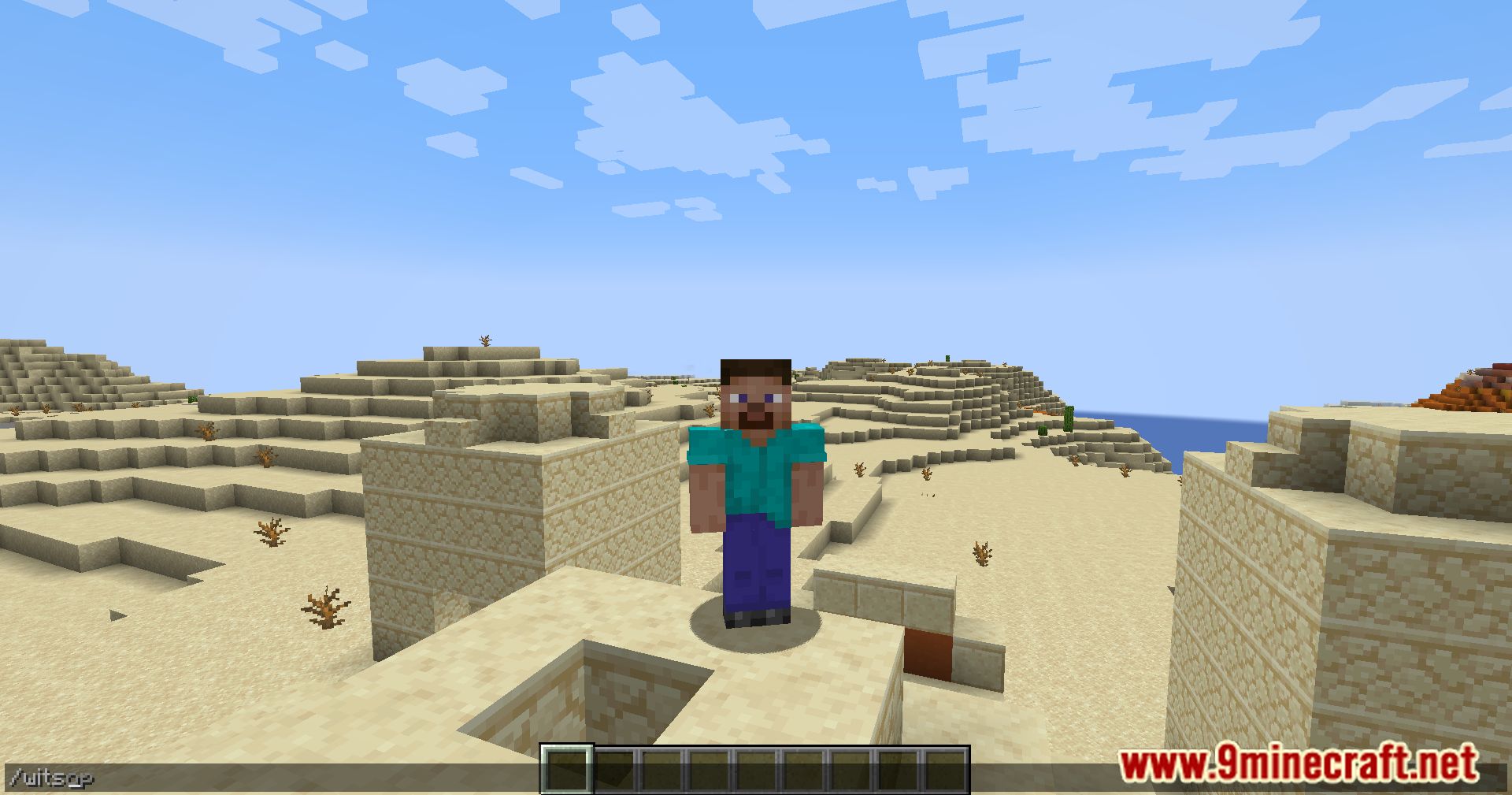
/wits: Shows the registry names of all structures at your current position./witsop [dimension] [coordinates]: Allows server operators to check for structures at any specific location.
How to Use:
- Go to the structure you want to identify.
- Open the chat box.
- Type
/witsand press Enter. - The names of any structures at your location will appear in the chat.
Screenshots:
WITS Mod Download Links
Quick facts
- Edition: Minecraft Java
- File type: .jar
- Minecraft version listed: 1.20.1
- How to install: Install the matching mod loader (Forge, Fabric or NeoForge) for your Minecraft version. → Download the .jar. → Put it in the .minecraft/mods folder and launch that loader profile.
- Where to get it: Opens on the file's original source — not every file is mirrored on our own servers.
Install steps are the general flow for this file type — How to install Minecraft Java mods & modpacks walks through it step by step.
WITS Mod (26.2, 1.20.1) – Instantly ID Any Structure is a free Minecraft Java mod. Compatible with Minecraft 1.20.1. Download it and open it directly in the game.