
DebugGUIScale
Java mod listed for Minecraft 26.x. Downloads from the MC Java Mods app on Android.
⬇ Download on Modrinth

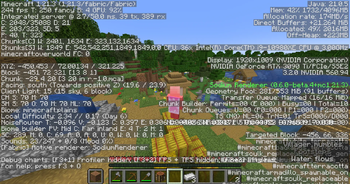
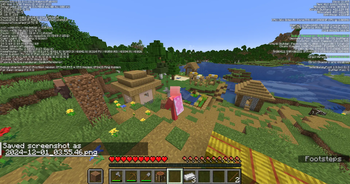
Debug GUI Scale: A Fabric mod that allows players to modify the Debug menu's scaling independently from the GUI Scale!
Debug GUI Scale is a Fabric mod that allows players to adjust the Debug menu's scale independently of the GUI Scale. Customize the Debug menu's size to your preference without affecting the rest of your game's interface!
This mod depends on the library mod Roselib!
Configuration:
Simmiliarly to RemoveAmbientFOV, The mod integrates directly into Minecraft’s Accessibility Options menu, exposing two sliders:
- Debug GUI Scale
- "Always" Overlay Scale"
Each option can be enabled or disabled independently and is saved to a simple JSON config file:
.minecraft/config/DebugGUIScale.json

ModMenu is no longer required to modify DebugGUIScale in favor of the Vanilla Options API Introduced in Rose Bush 1.3.1
Support for ModMenu might be dropped in a later release (game drop), DebugGUIScale 1.2 still supports ModMenu and does support the new values added.
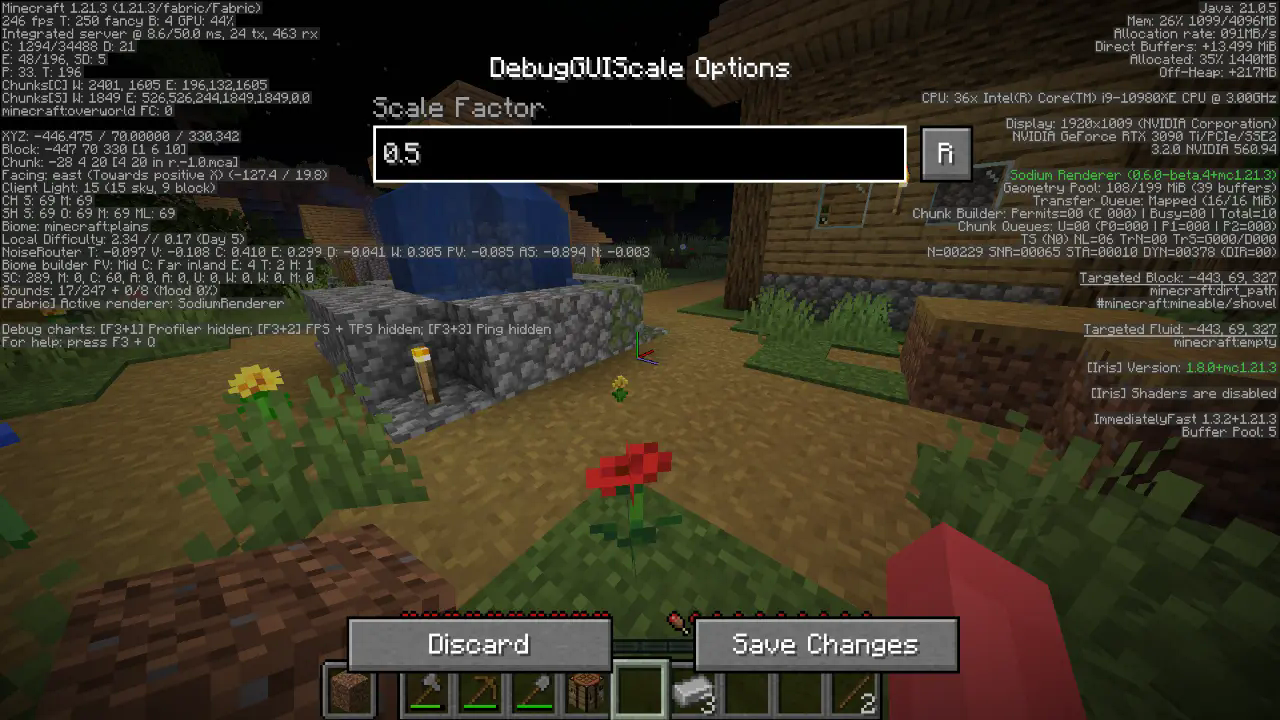
All options should be straightforward, so go nuts!
JSON Instructions (for legacy versions):
Quick Documentation JSON:
{
  "scale": 0.95 // this is the scale, yes it supports decimals up to 2 digits precision.
}
- Edition: Minecraft Java
- File type: .jar
- Minecraft version listed: 26.2
- How to install: Install the matching mod loader (Forge, Fabric or NeoForge) for your Minecraft version. → Download the .jar. → Put it in the .minecraft/mods folder and launch that loader profile.
- Where to get it: Opens on Modrinth — not every file is mirrored on our own servers.
Install steps are the general flow for this file type — How to install Minecraft Java mods & modpacks walks through it step by step.
- Ships as DebugGUIScale-1.3.1.jar — drop this file into the mods folder
- Download size: 132 KB
- Download link checked 11 Oct 2026 — working
These come from our own check of the pack file, not from the source page.