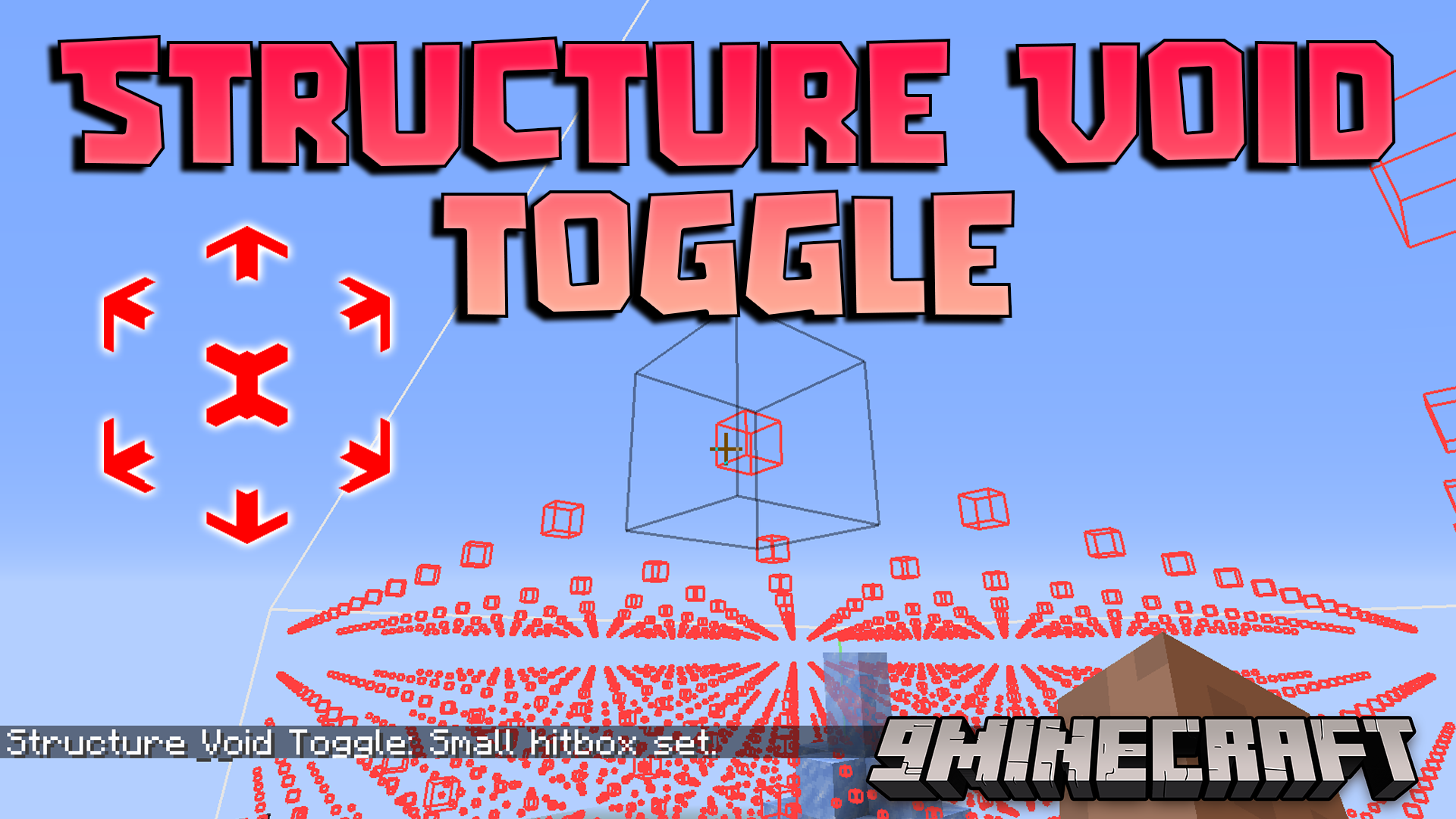
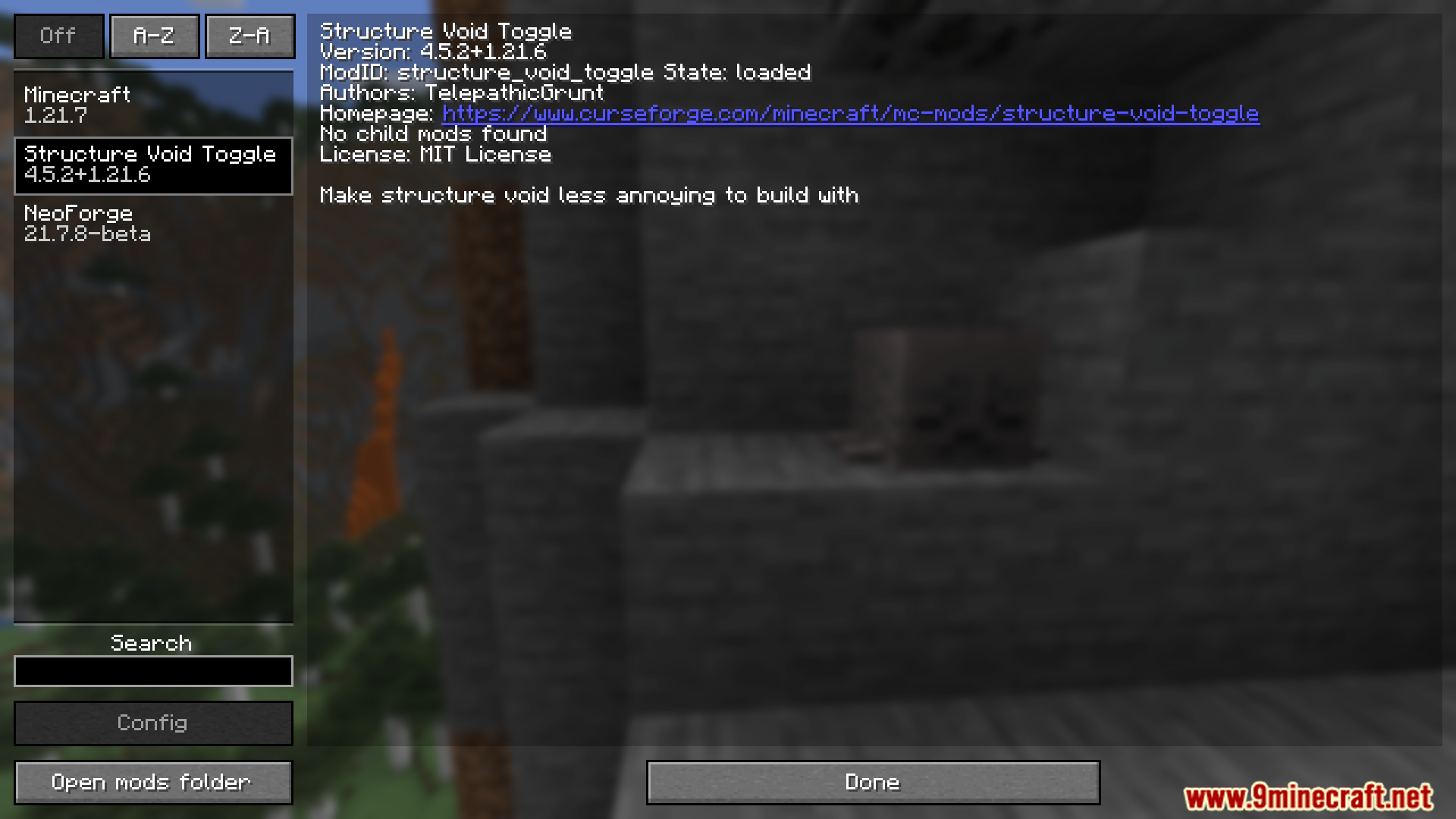
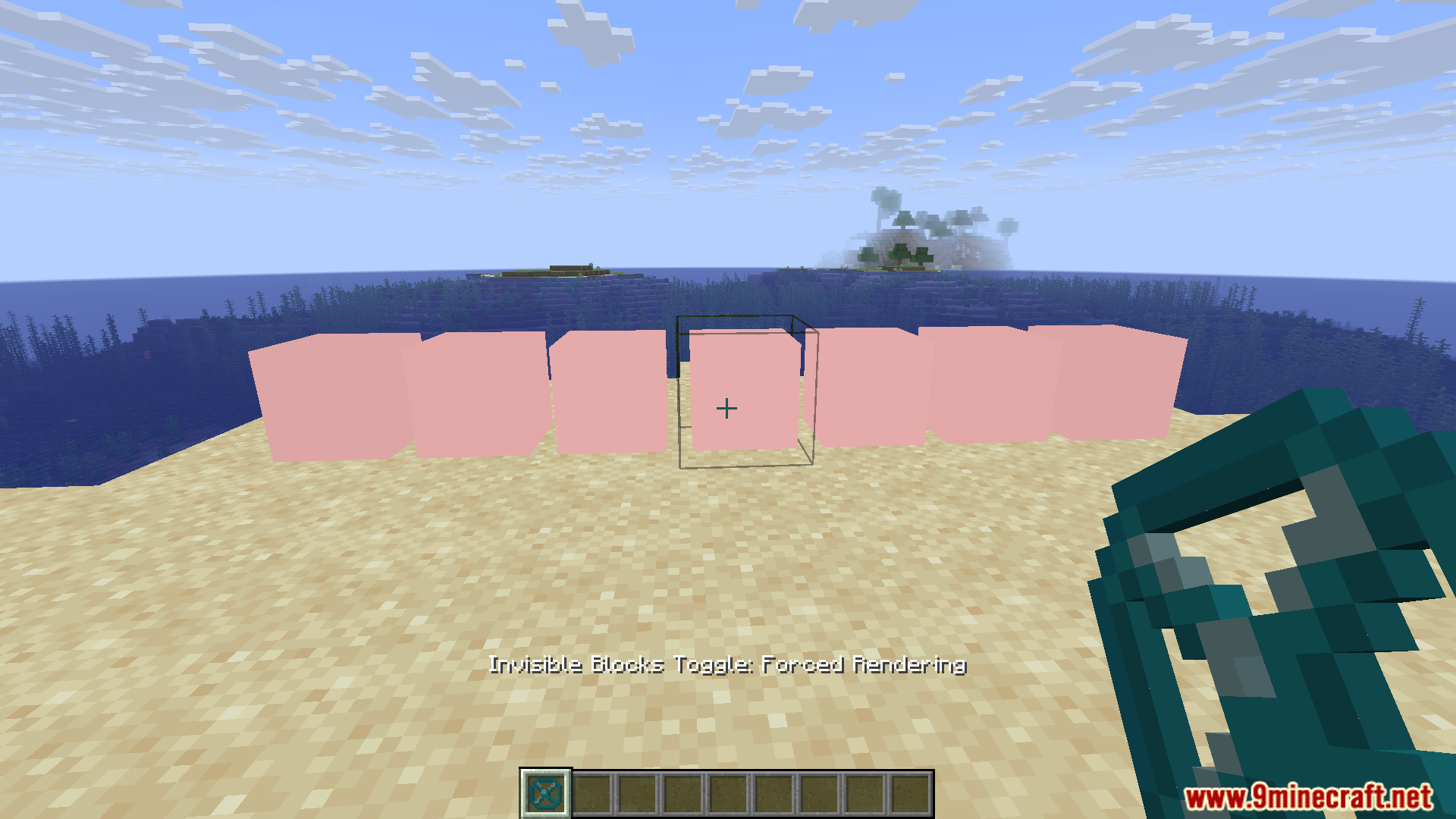
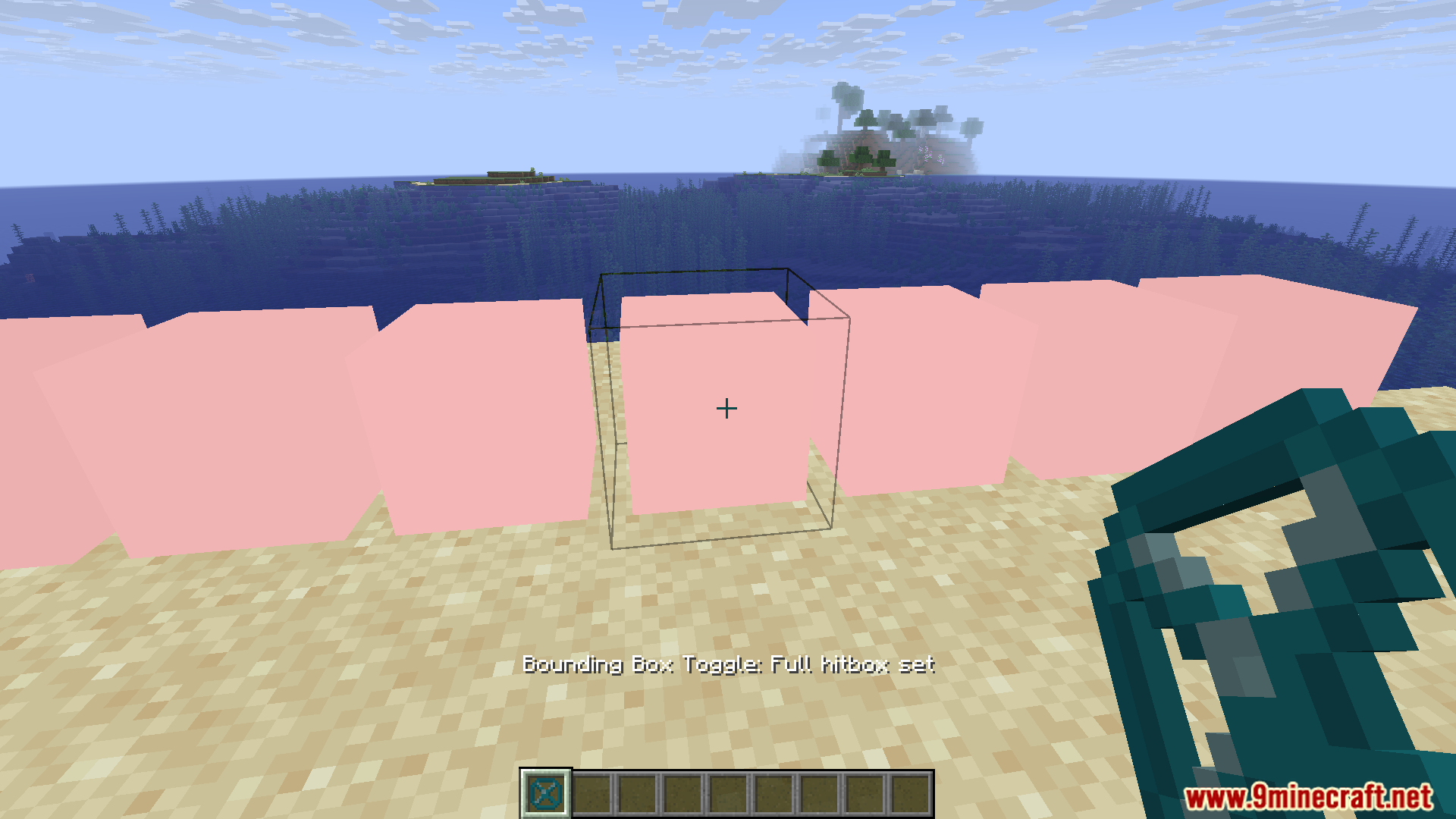
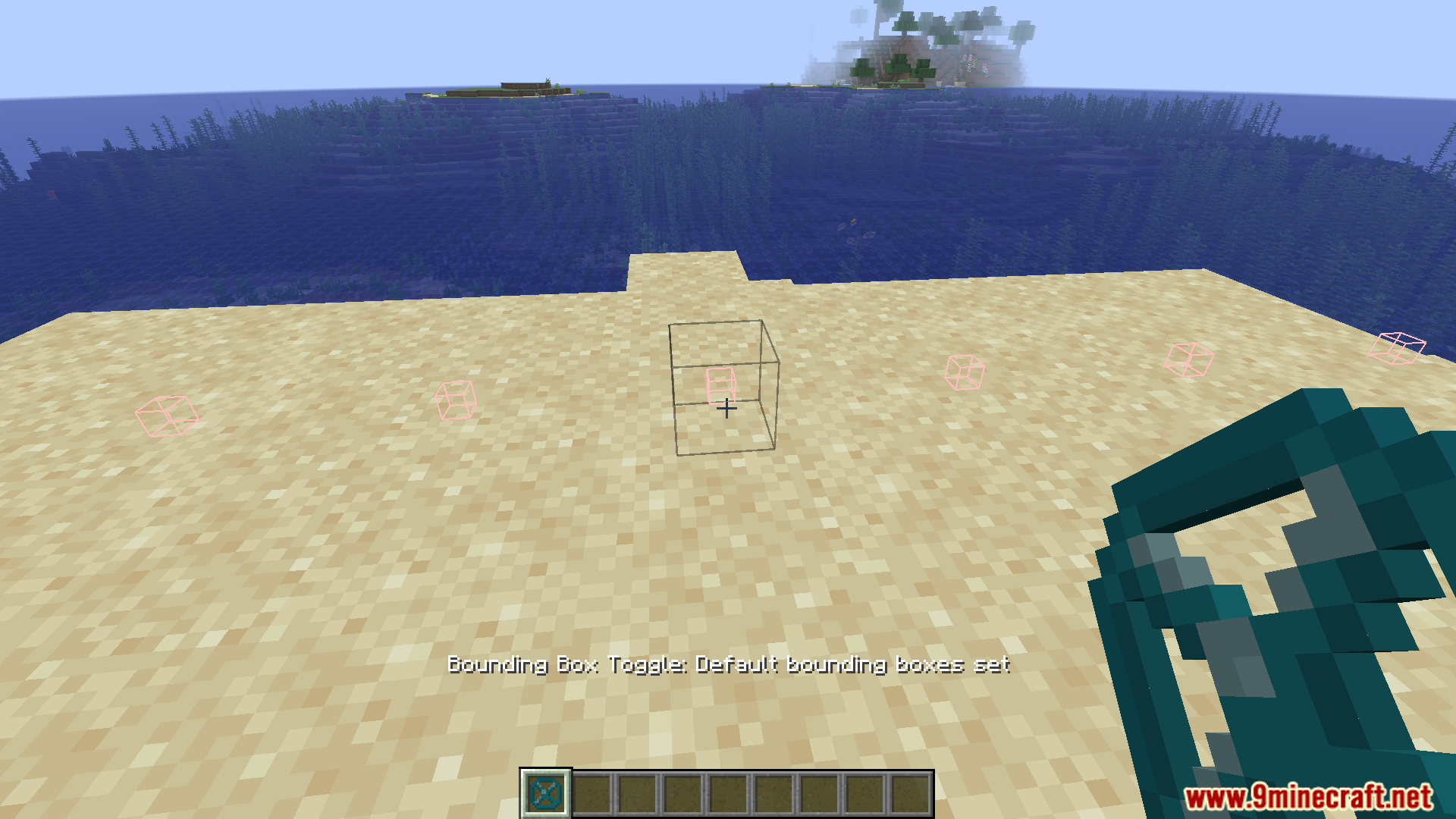
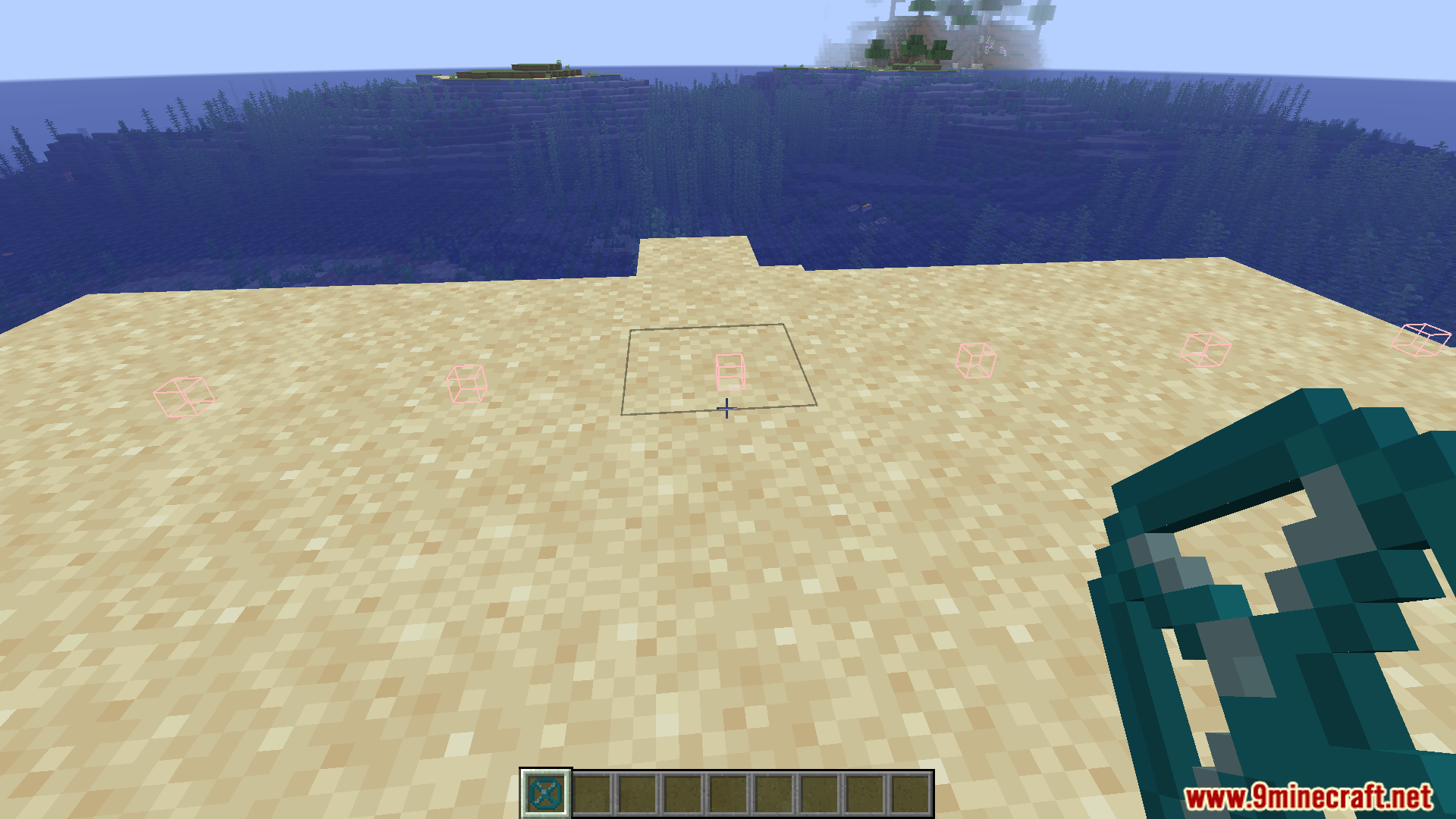
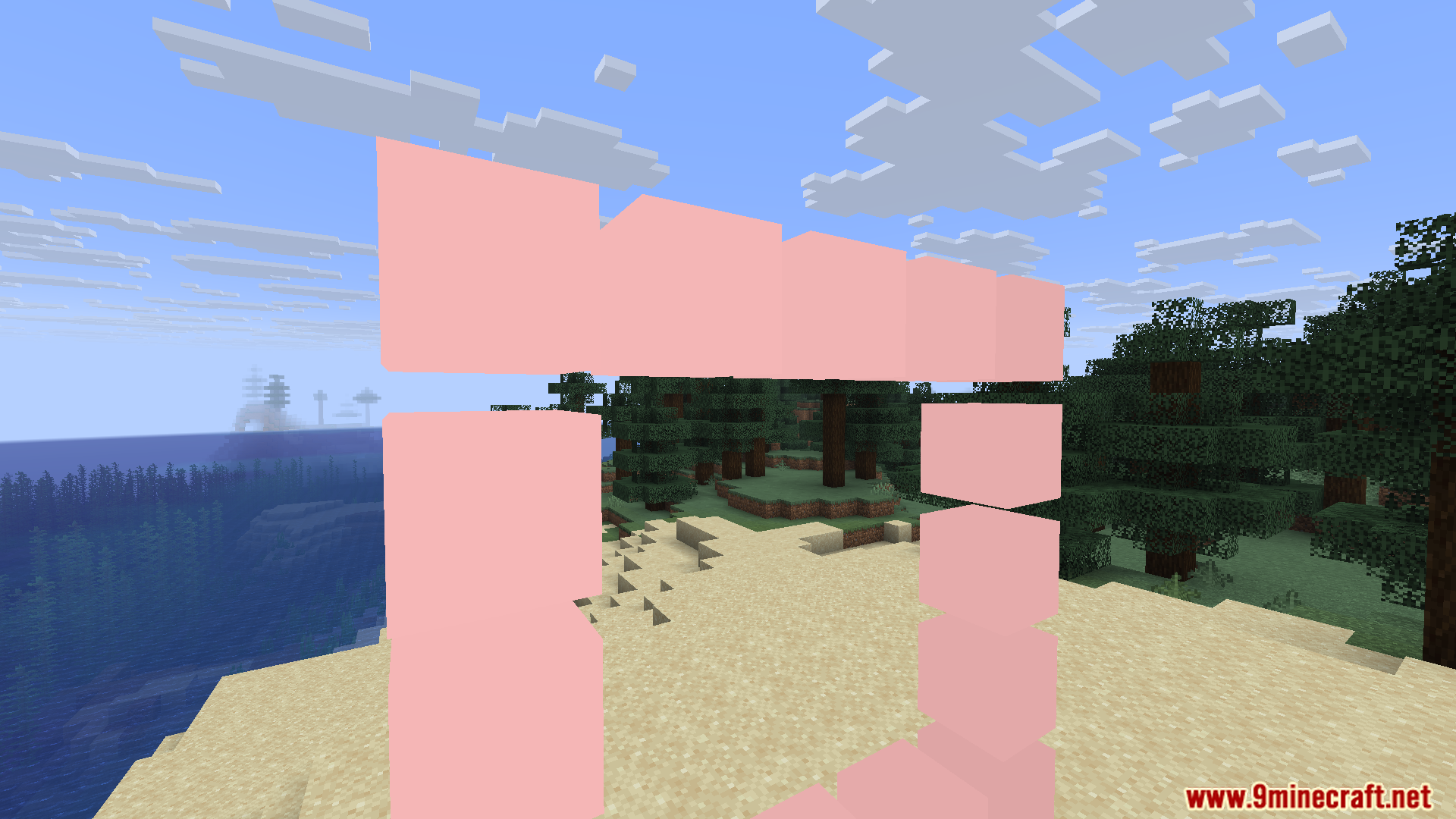
Structure Void Toggle Mod makes working with Structure Void, Light, and Barrier blocks way less frustrating by letting you toggle their hitboxes and visibility with simple keybinds. Perfect for structure builders and map makers who are tired of invisible blocks getting in the way.
Features:
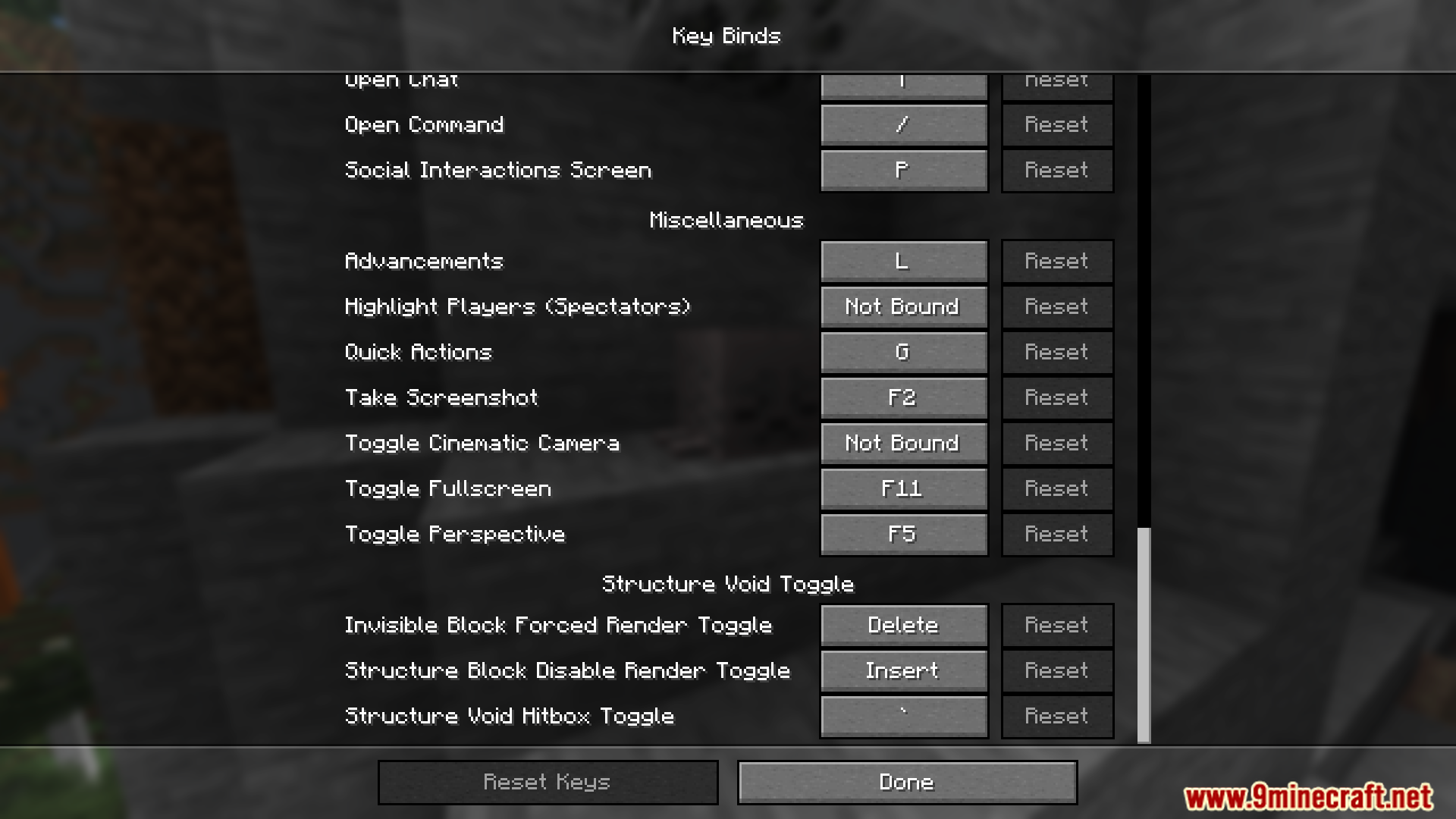
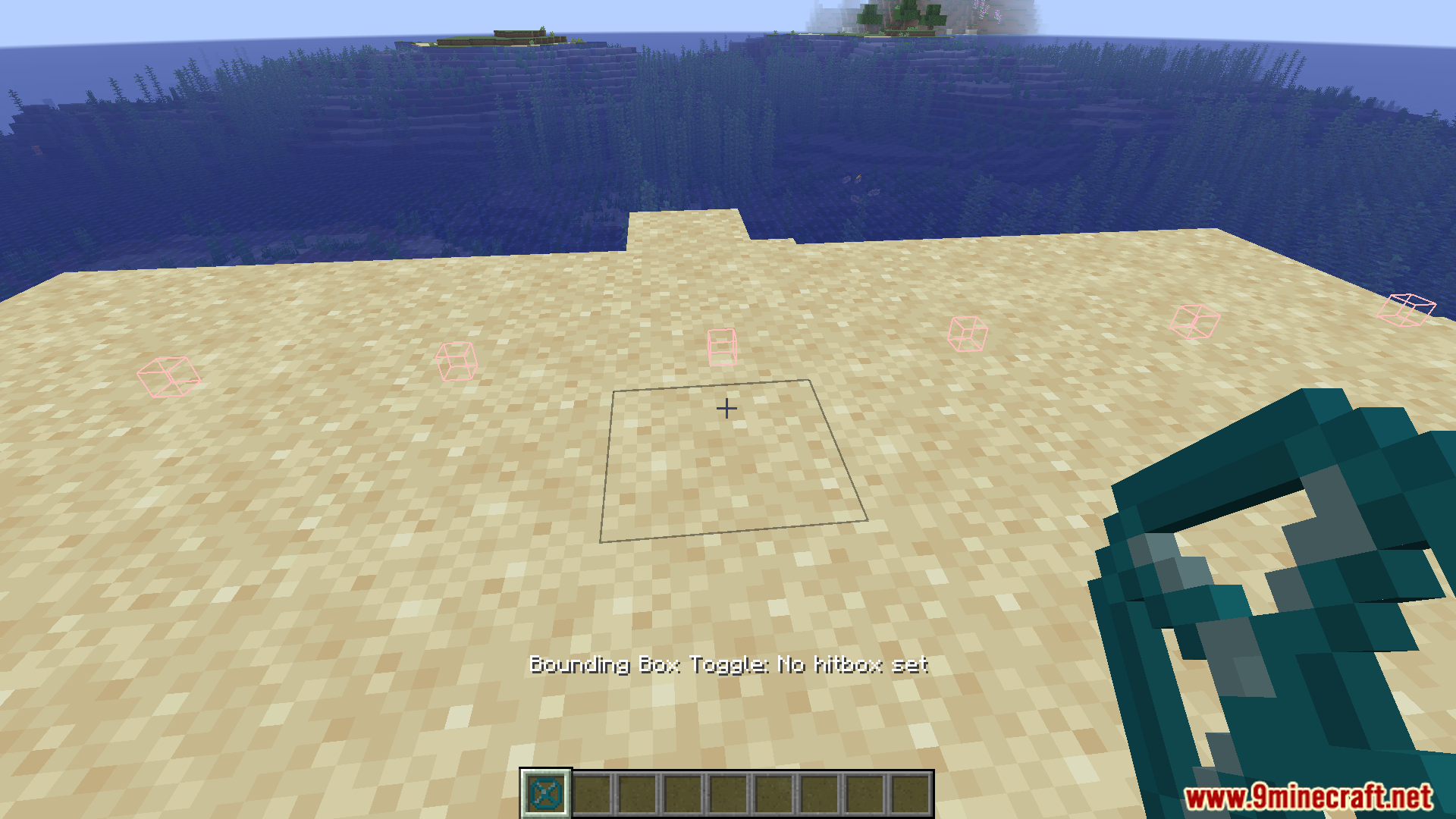
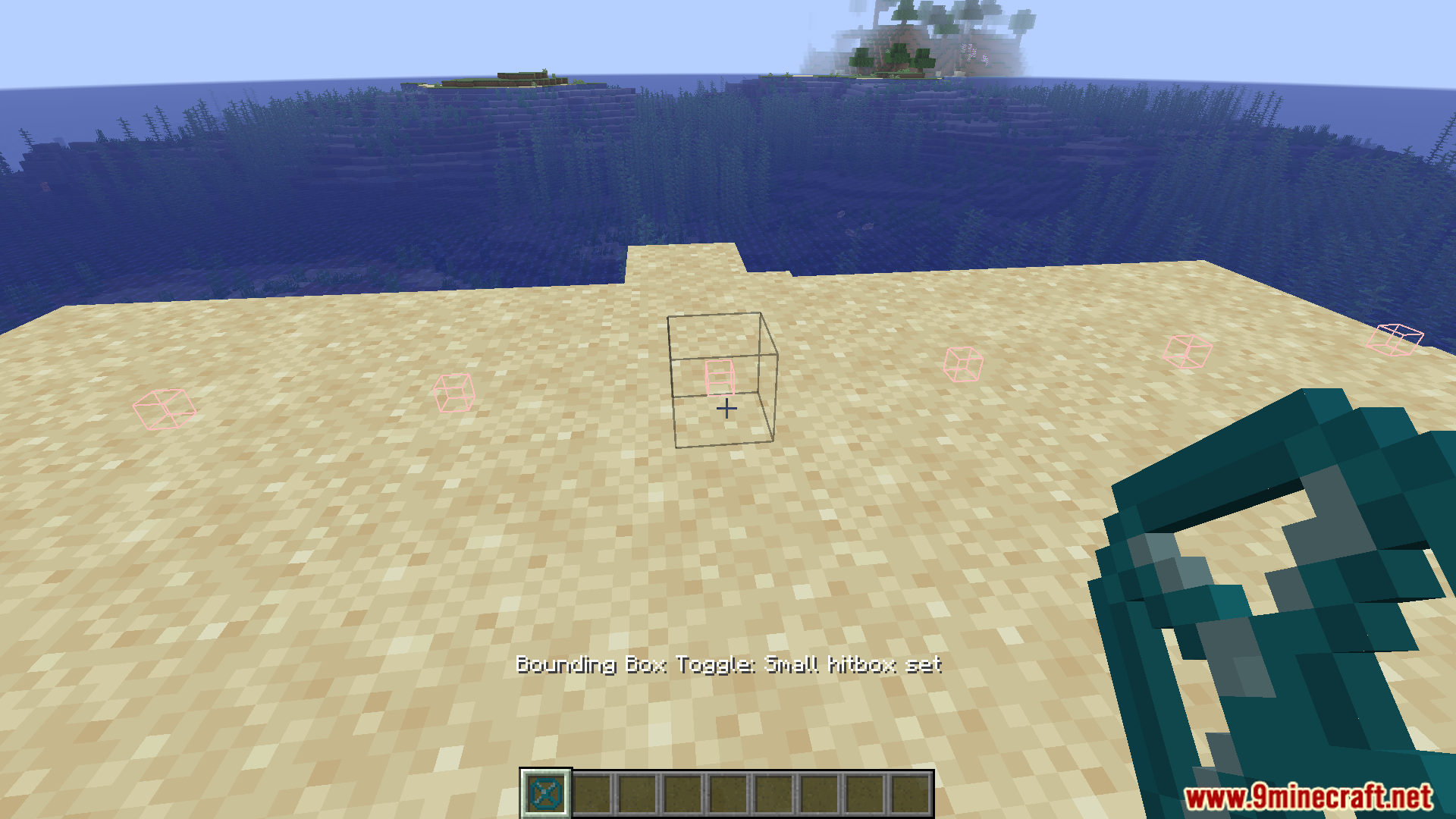
- Press ` (backtick) to cycle hitbox modes
- Press Insert to disable rendering of invisible blocks from Structure Blocks
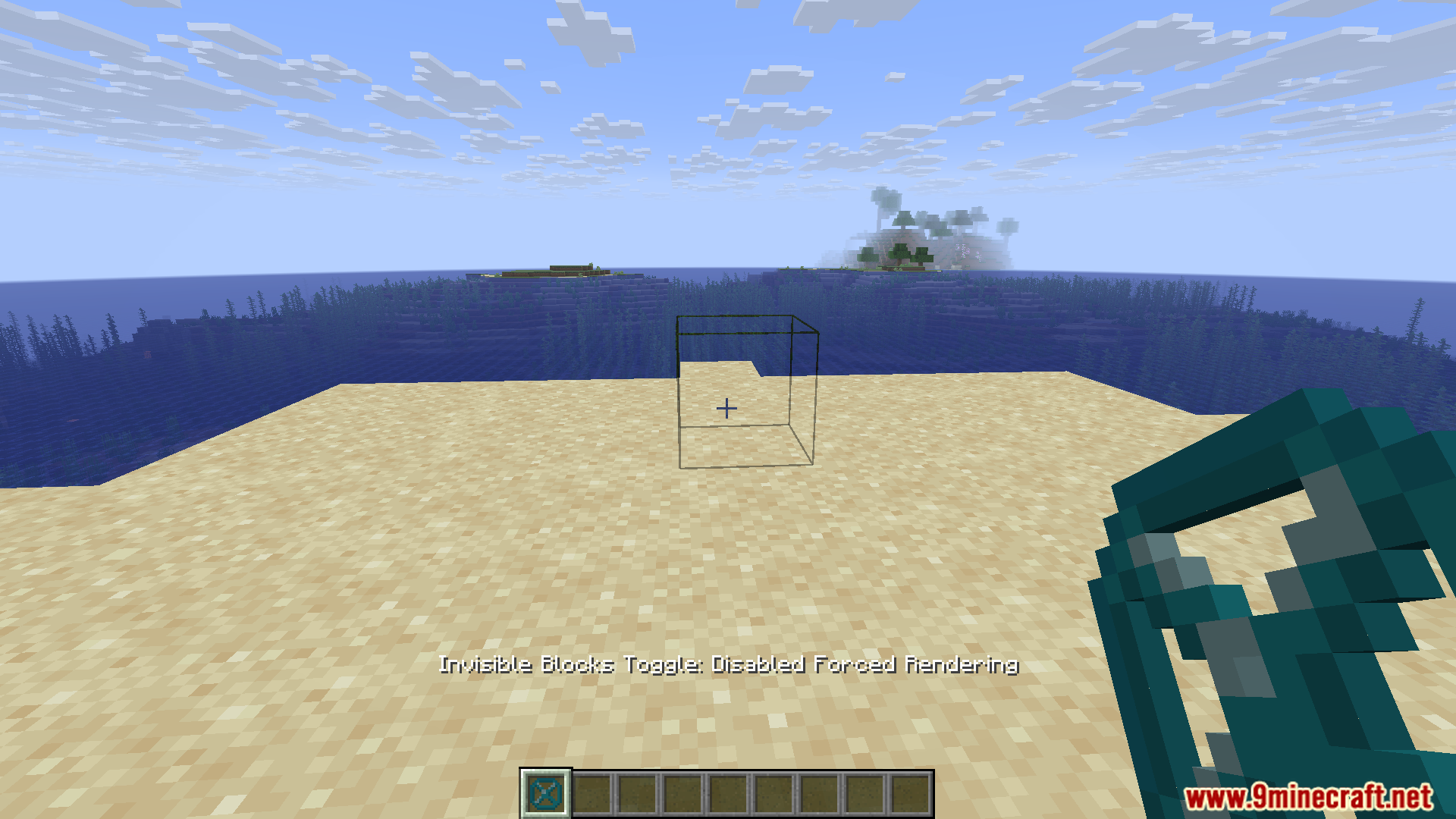
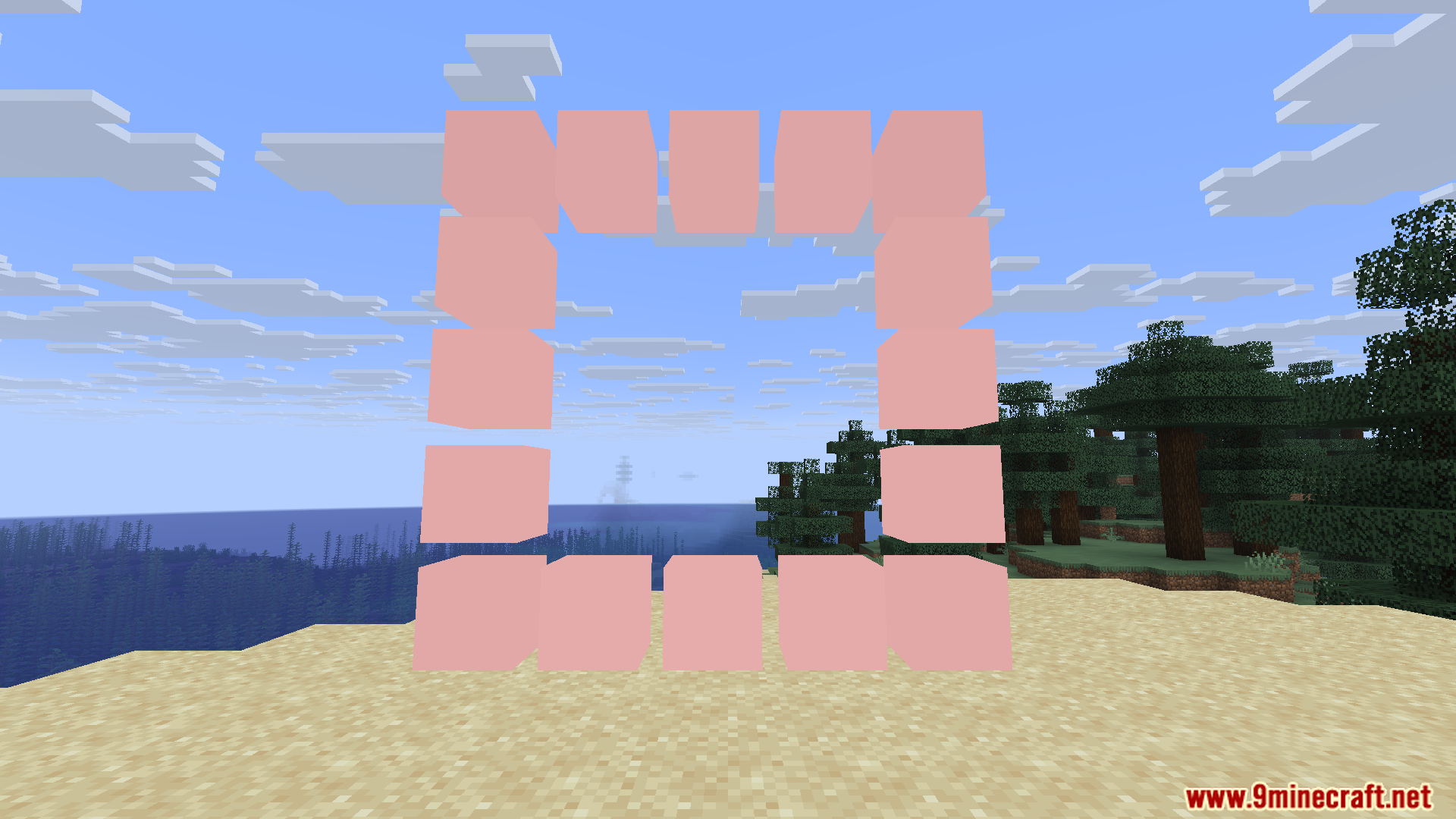
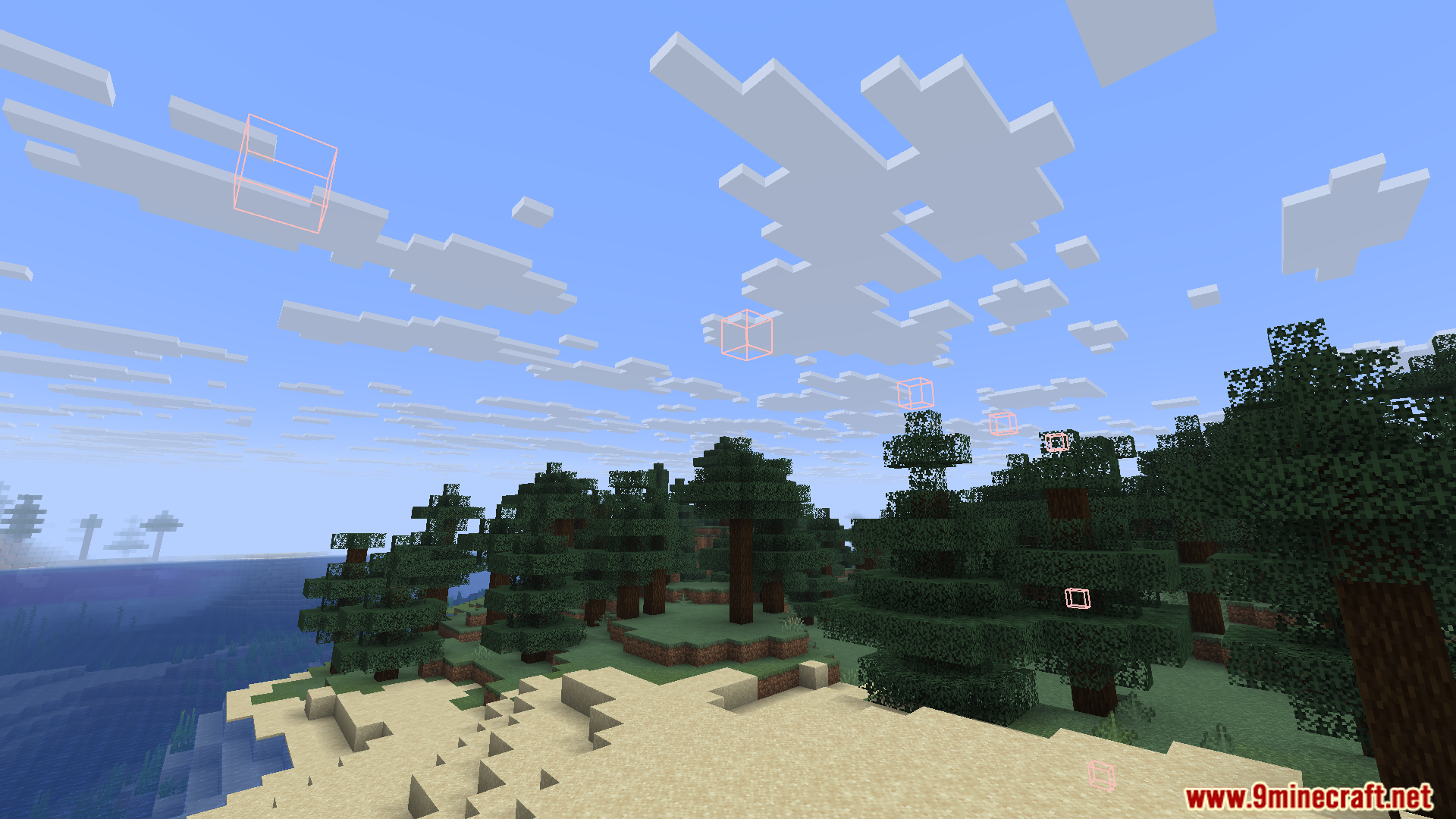
- Press Delete to enable Forced Rendering-makes all invisible blocks visible nearby
- Press Page Up to place blocks next to invisible blocks instead of replacing them
- All keybinds are customizable in the Controls menu
- Works with Structure Void, Light, and Barrier blocks
Screenshots:
Structure Void Toggle Mod Download Links
Quick facts
- Edition: Minecraft Java
- File type: .jar
- Minecraft version listed: 1.20.1
- How to install: Install the matching mod loader (Forge, Fabric or NeoForge) for your Minecraft version. → Download the .jar. → Put it in the .minecraft/mods folder and launch that loader profile.
- Where to get it: In MC Java Mods, or directly above on this page.
Install steps are the general flow for this file type — How to install Minecraft Java mods & modpacks walks through it step by step.
Verified by MCModsHub
- Downloads as 26385.mcaddon
- Download size: 23 KB
- Download link checked 25 Sept 2026 — working
- Mirrored on our own servers — the download does not depend on the original host
These come from our own check of the pack file, not from the source page.