Guide-API Village and Pillage Mod (26.1.2, 1.20.1) – Simple Mod Guide Creation
Java mod listed for Minecraft 1.20. Downloads from the MC Java Mods app on Android.
⬇ Download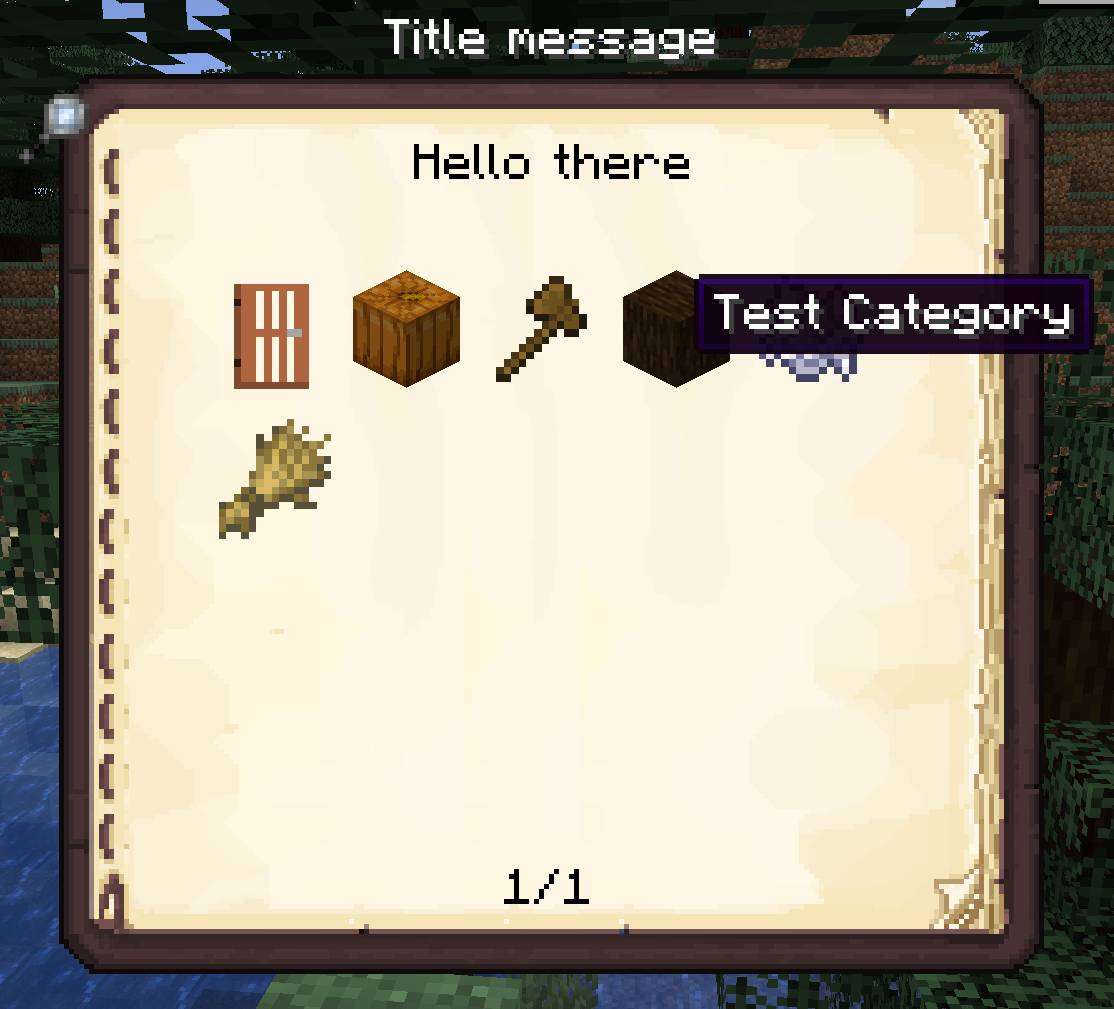
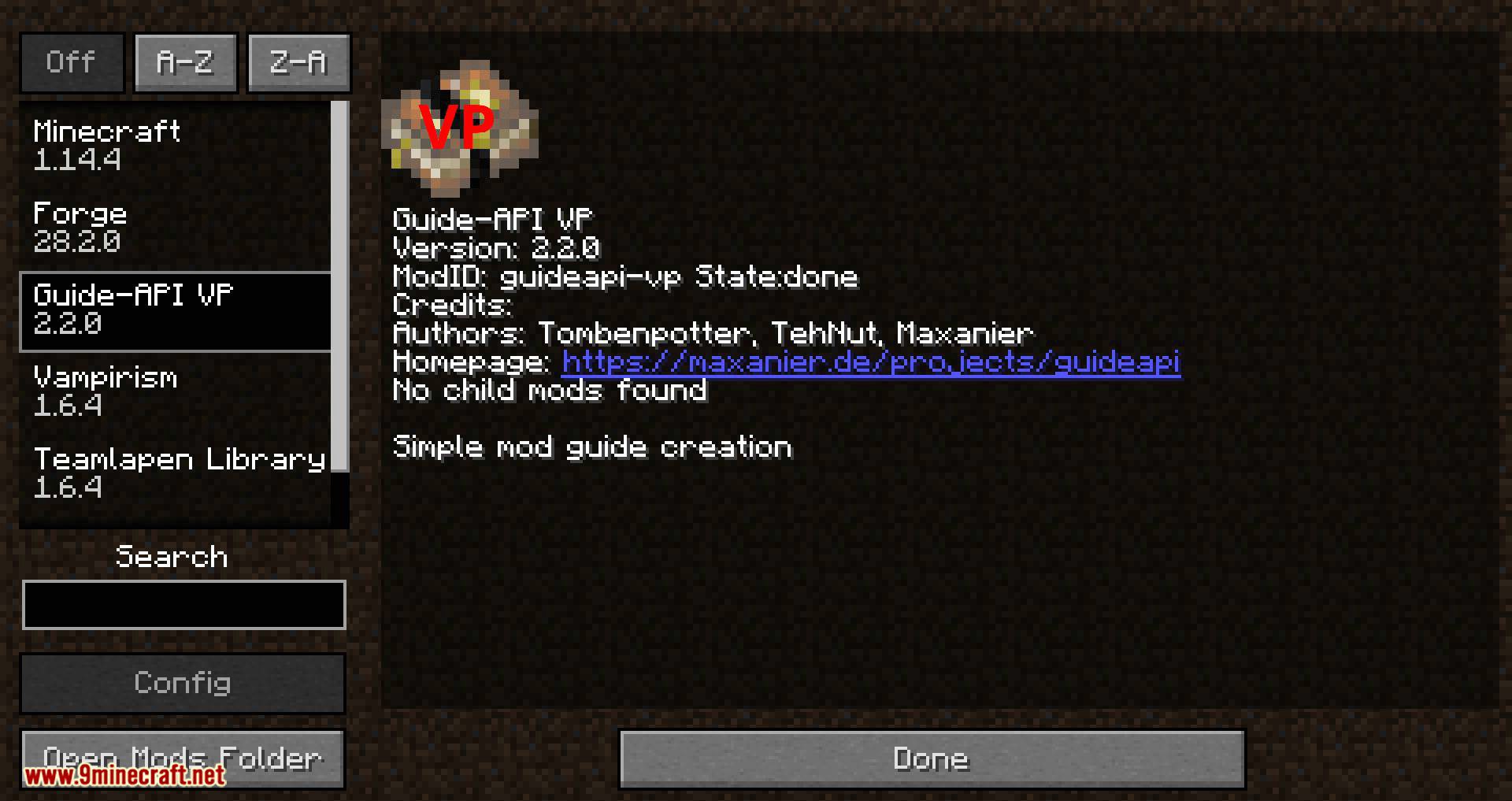
Guide-API Village and Pillage Mod is a fork of the original mod Guide-API by TehNut and Tombenpotter. It uses a different package and a different mod-id (guideapi-vp).
- Allows easy creation of a guide book for your mod.
- Books are mostly maintained by Guide-API (it registers them, it puts them in its own creative tab, etc).
Features:
The guide book is created mostly in code whereas e.g. Patchouli is mostly JSON based. This means:
- Add or change content based on the configuration of your mod.
- Wrap lines and pages based automatically, so localized strings don’t overflow.
- Refer to the set keybindings.
- Refer to internal constants, balancing values, etc so they are automatically changed in the book if you change them in the mod.
- Add custom page types, recipe types, etc.
- Use helper methods to generate parts of the book automatically.
Mods using this:
Screenshots:
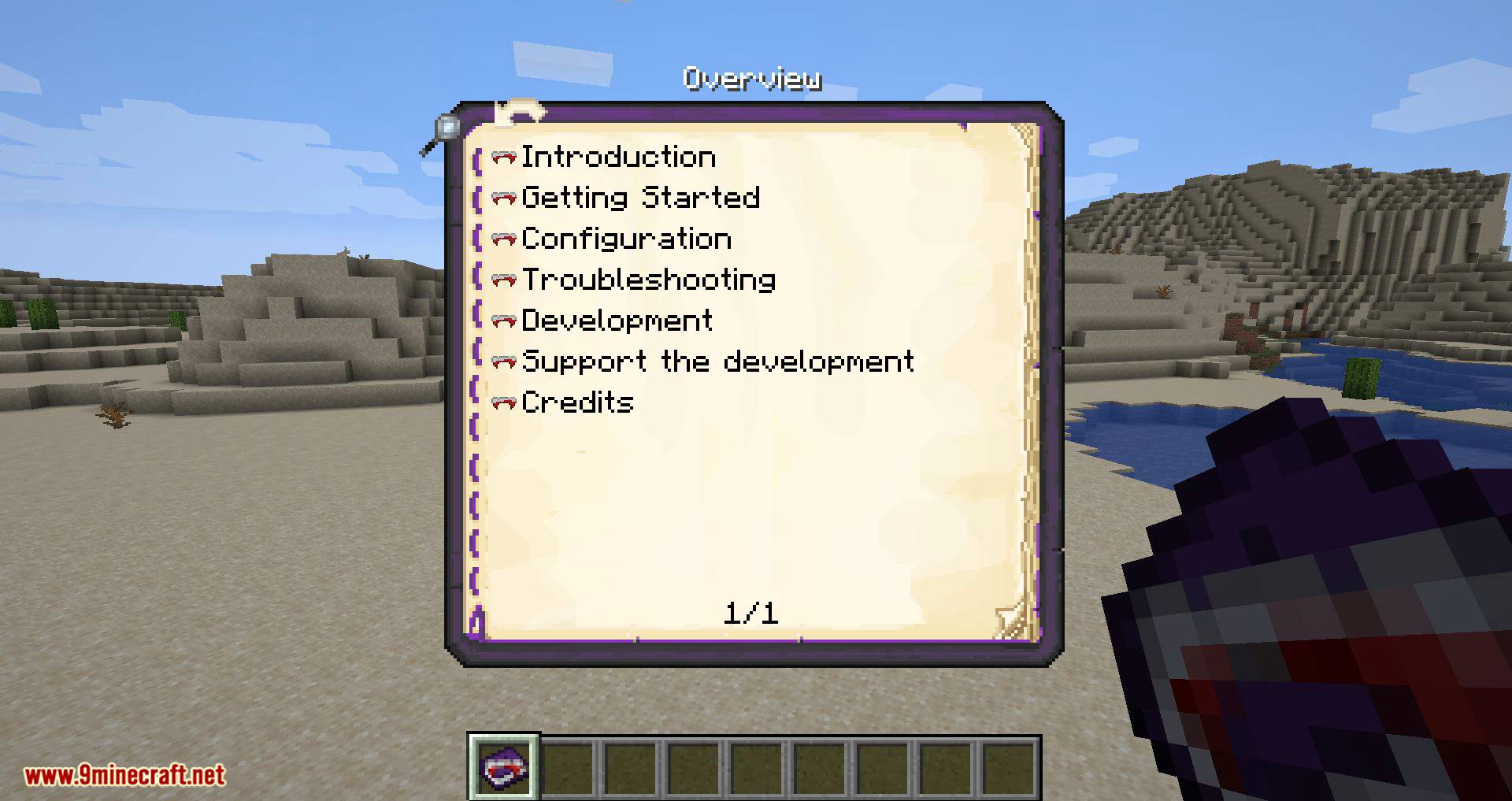
Example Home Screen: You can have different categories. The background image or color can be adjusted easily.
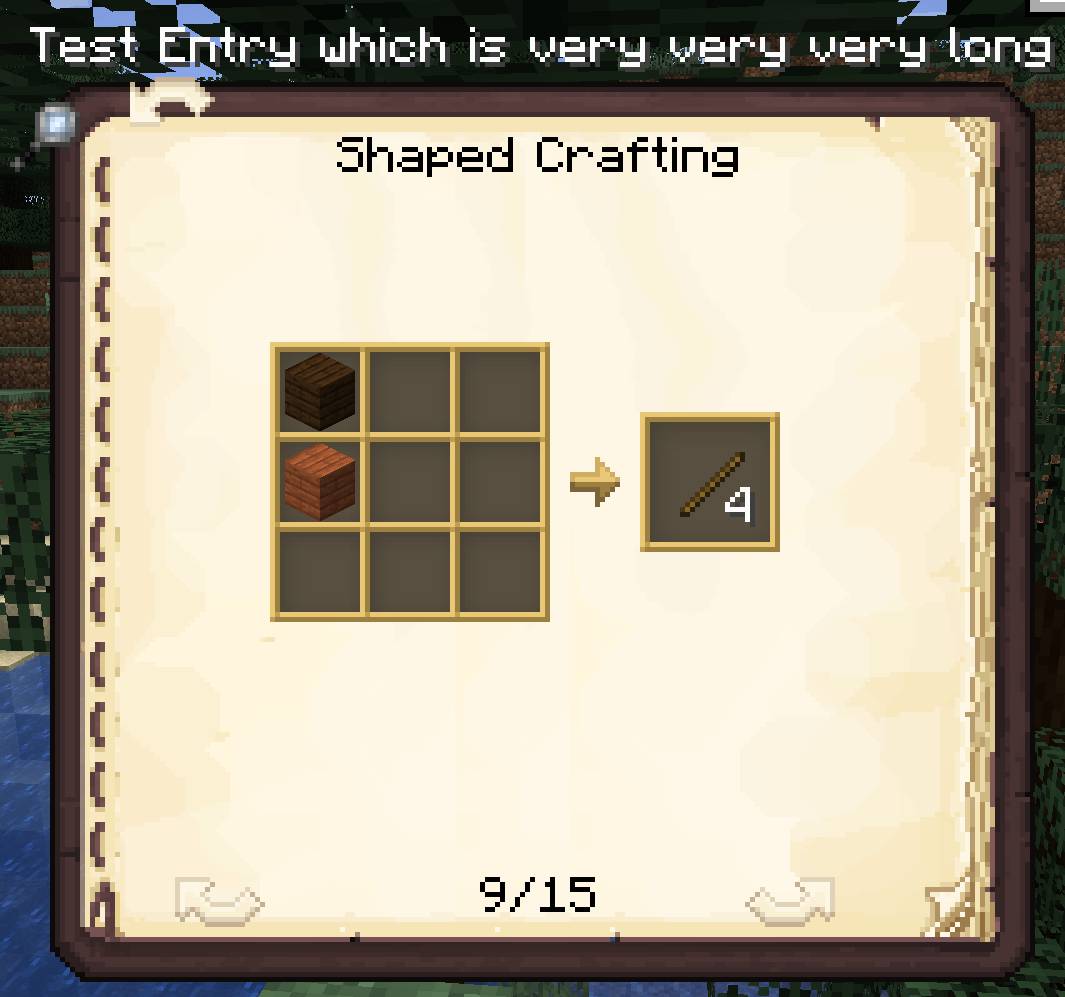
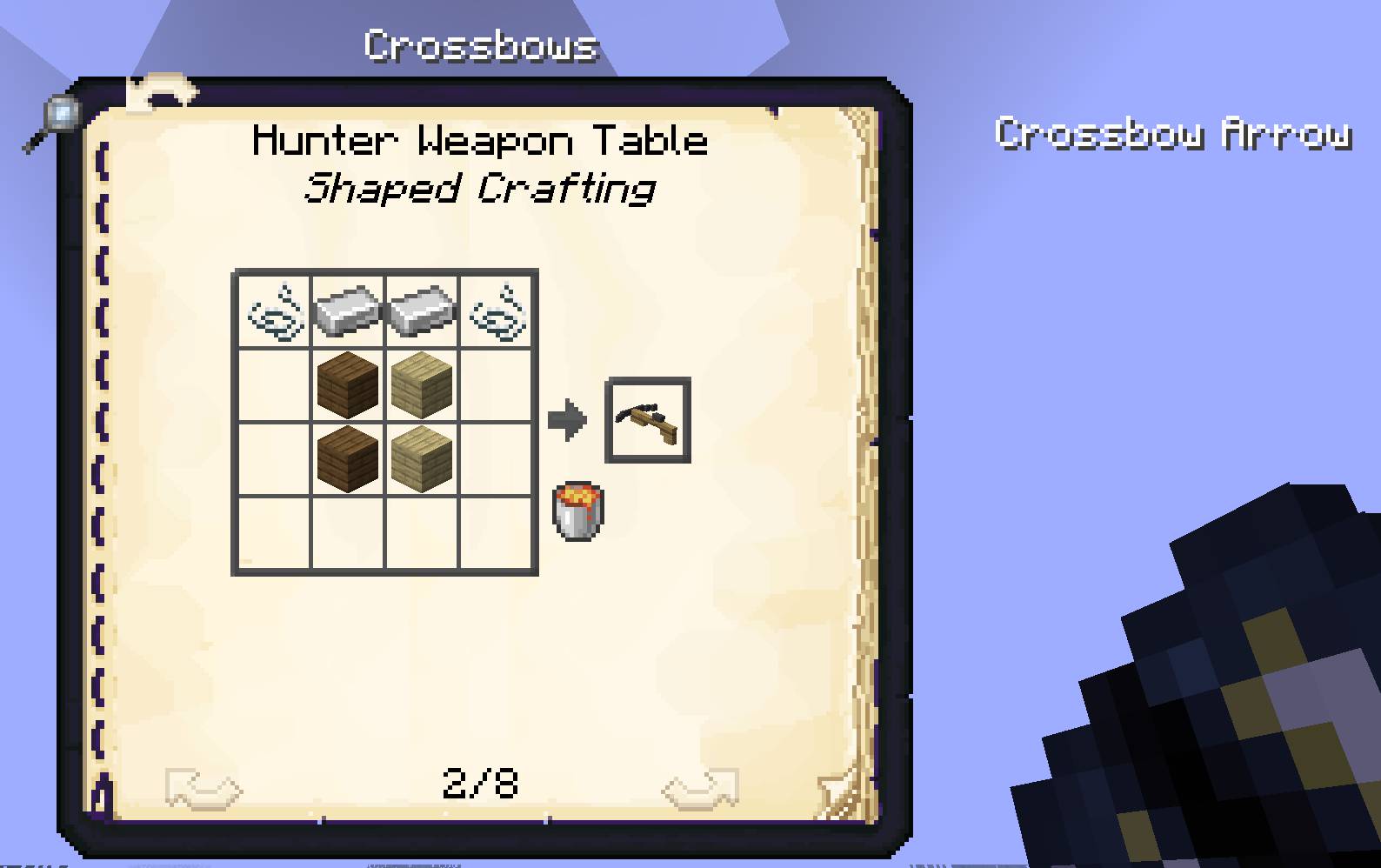
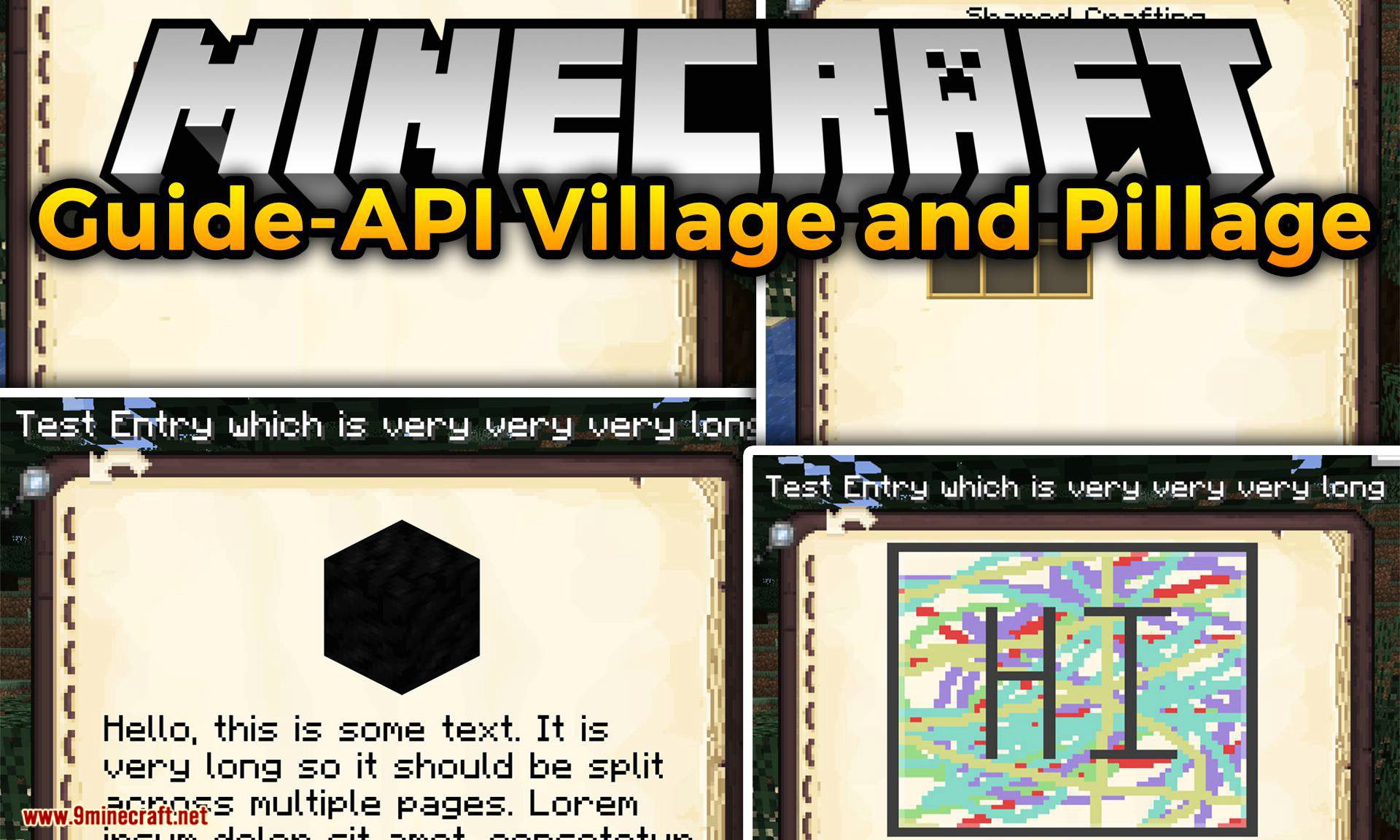
Example Crafting Recipes: Easily add crafting recipes by just specifying their recipe id.
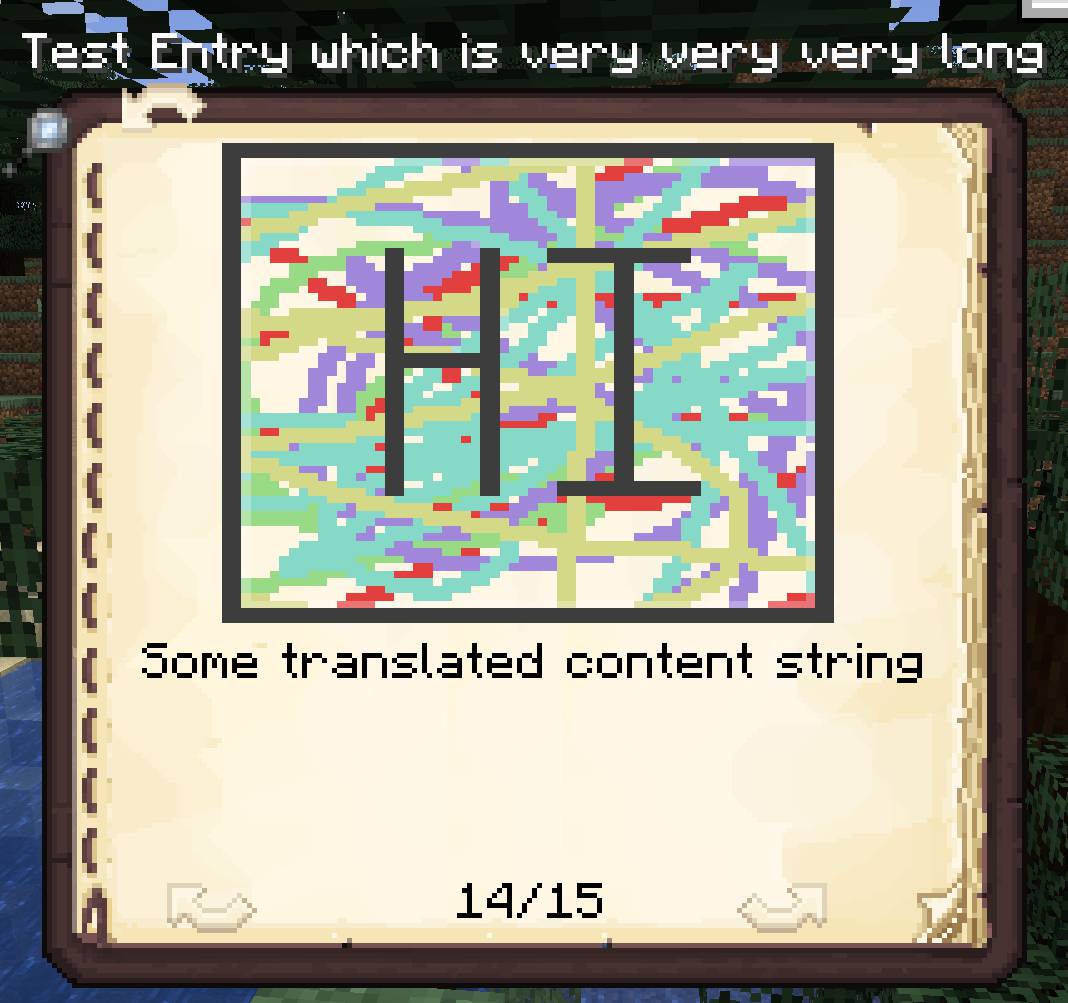
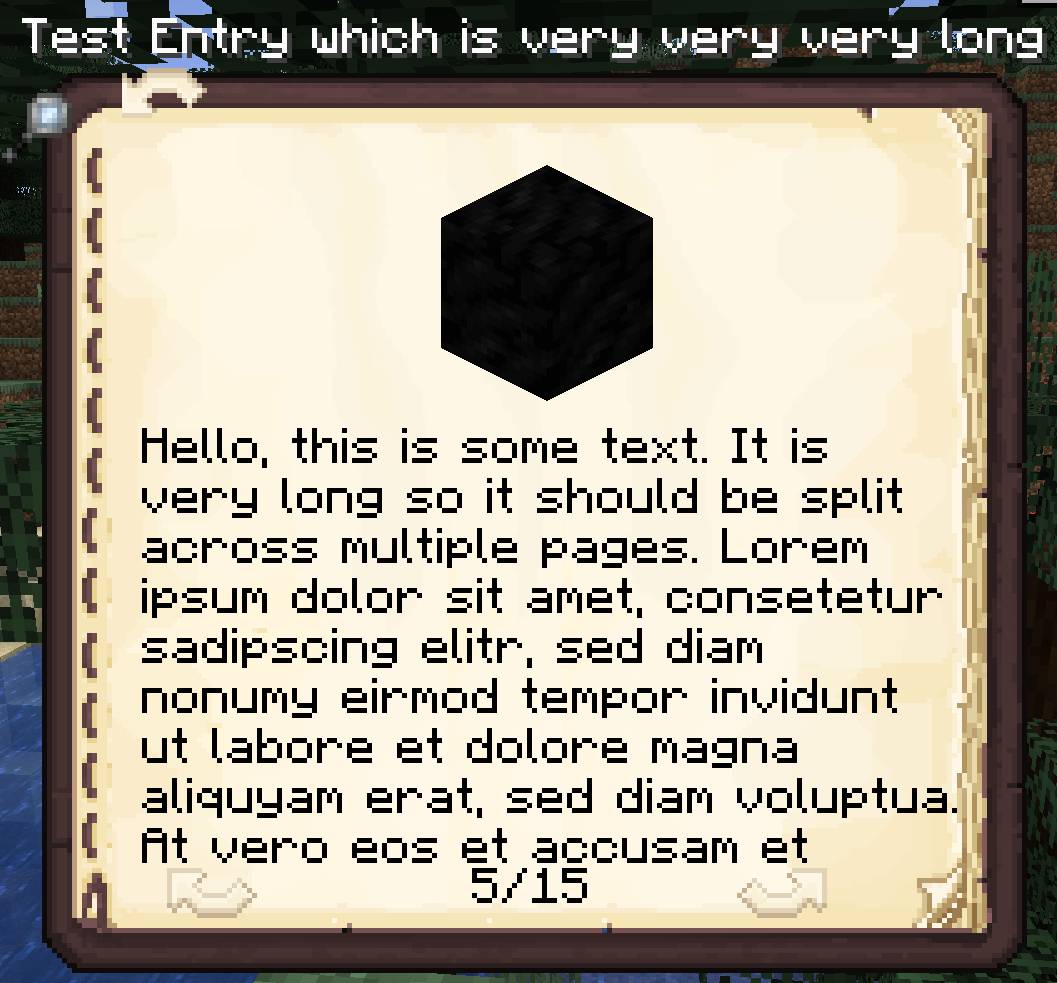
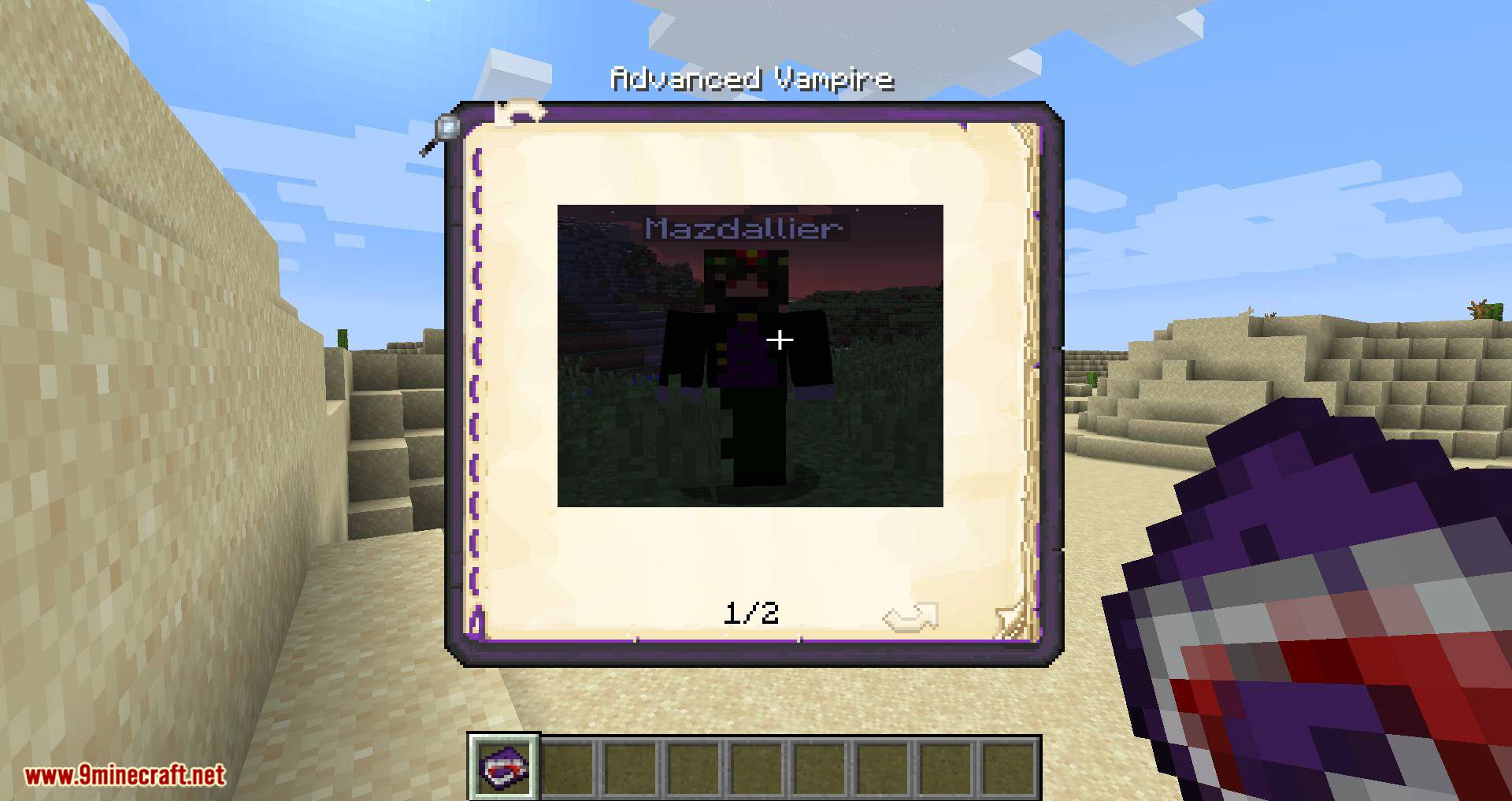
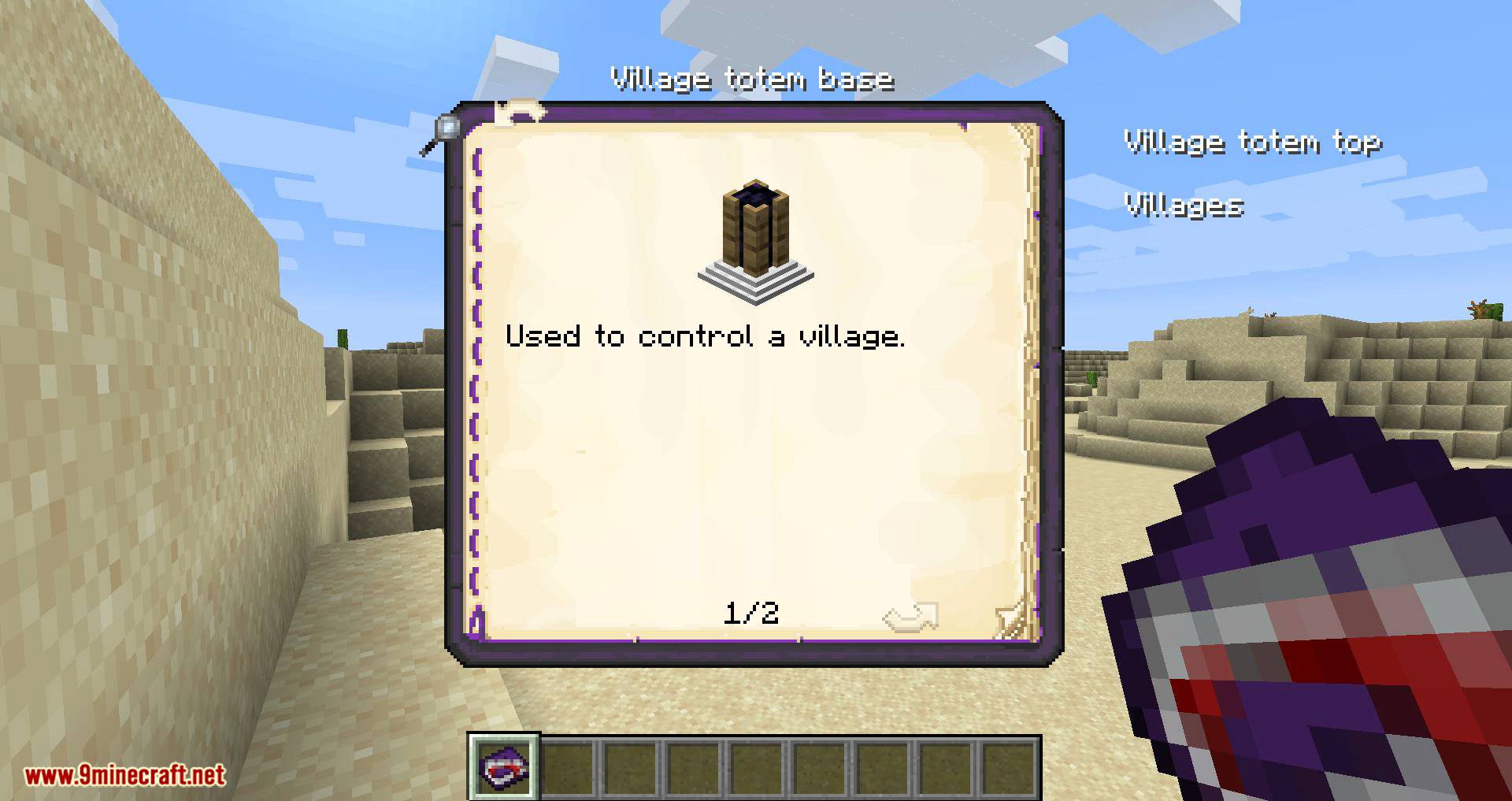
Example Image Page: You can combine images with text. Text can be localized if desired.
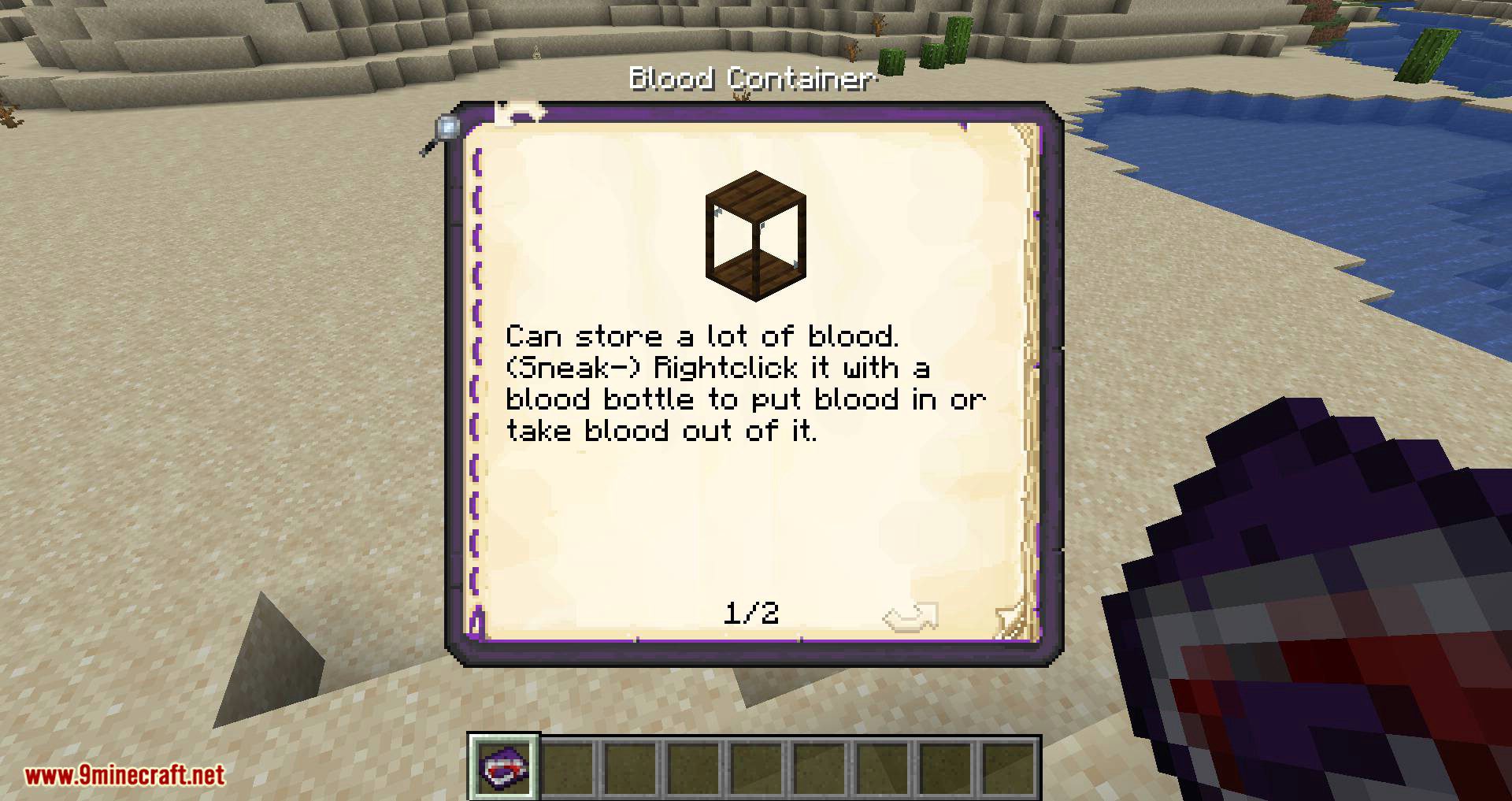
Example Item and Block Pages: Add pages to describe individual items or blocks. Also, you can choose to automatically generate as many pages as necessary to display localized strings. Strings are automatically wrapped and can be manually formatted using TextFormatting.
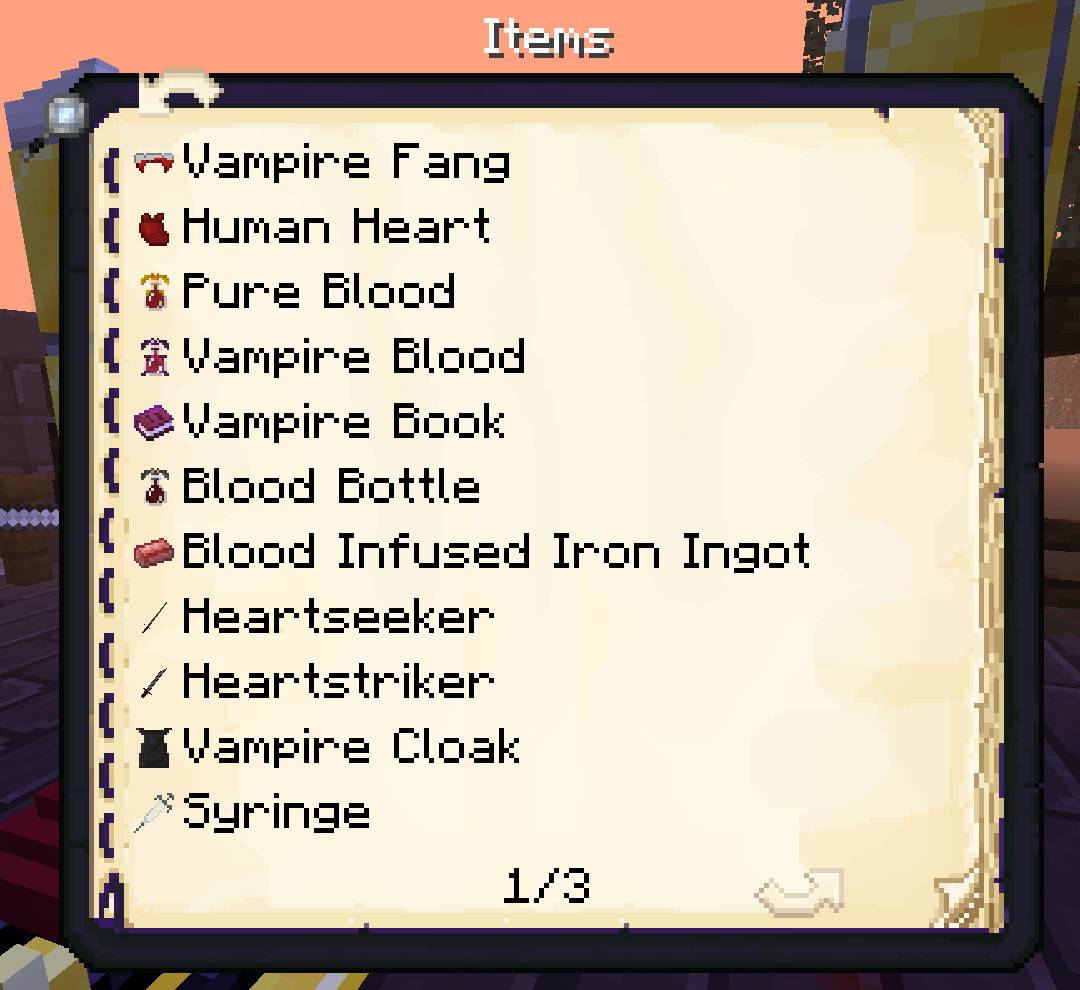
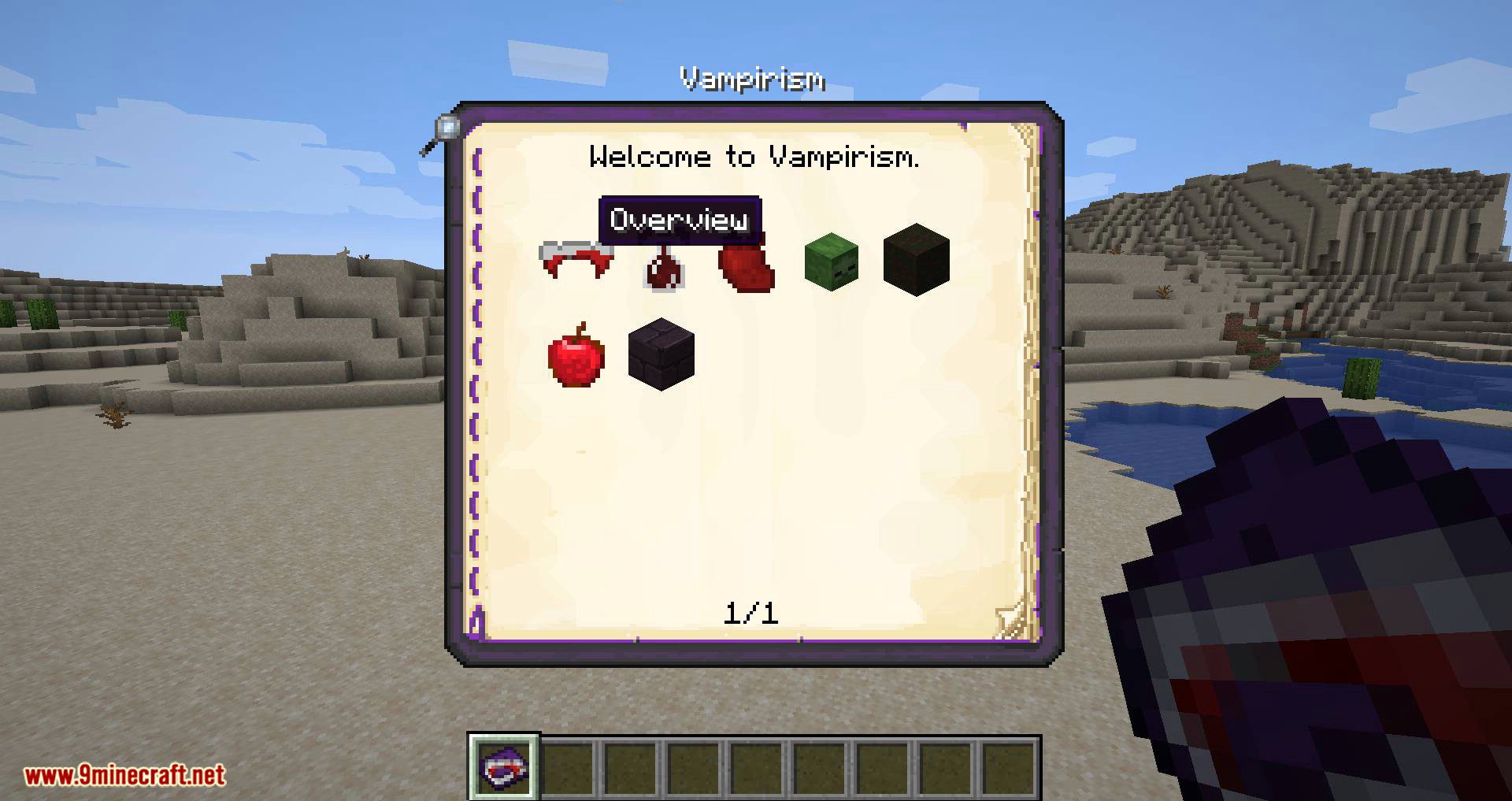
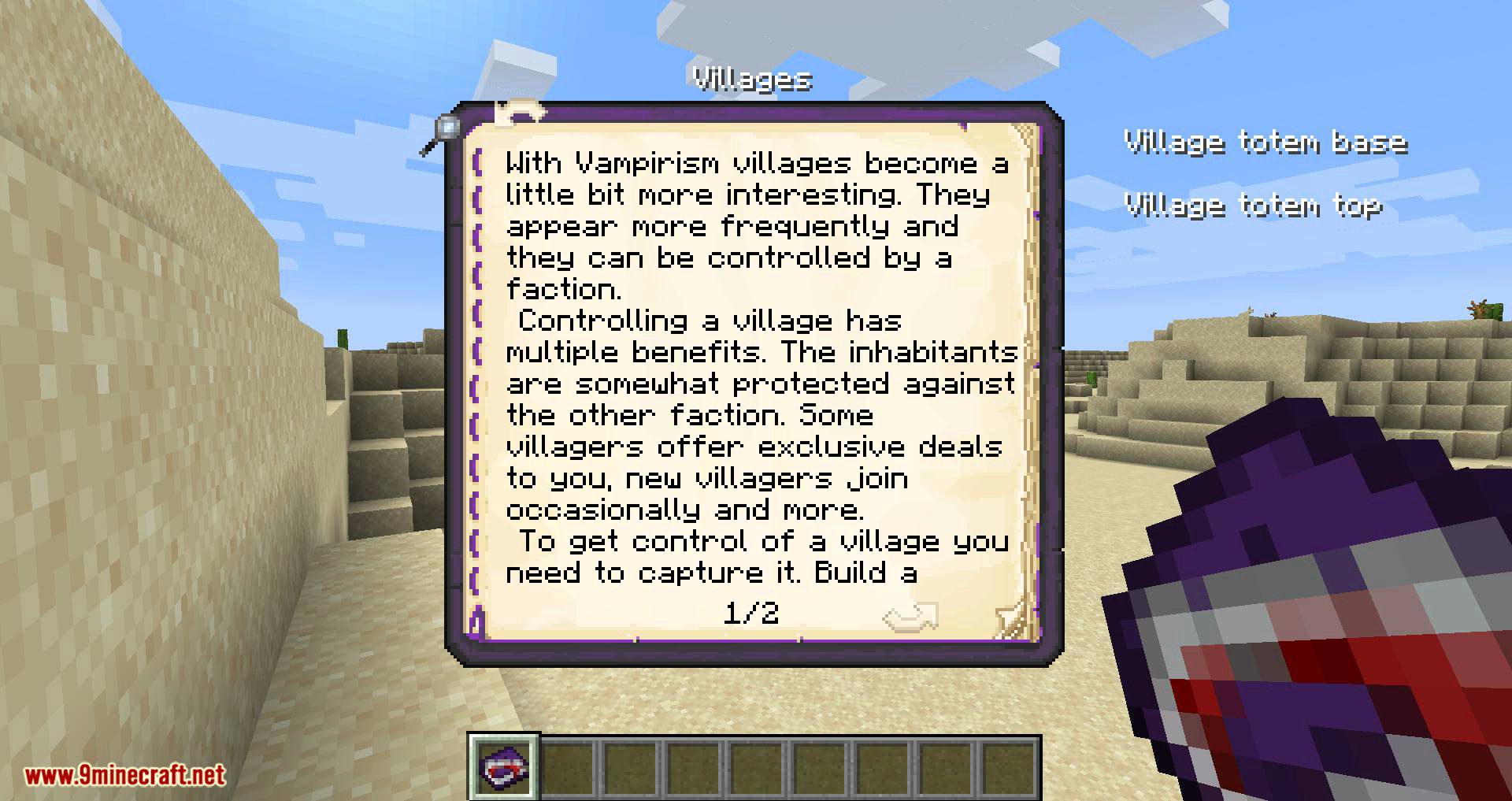
Example Vampirism I: Item overview.
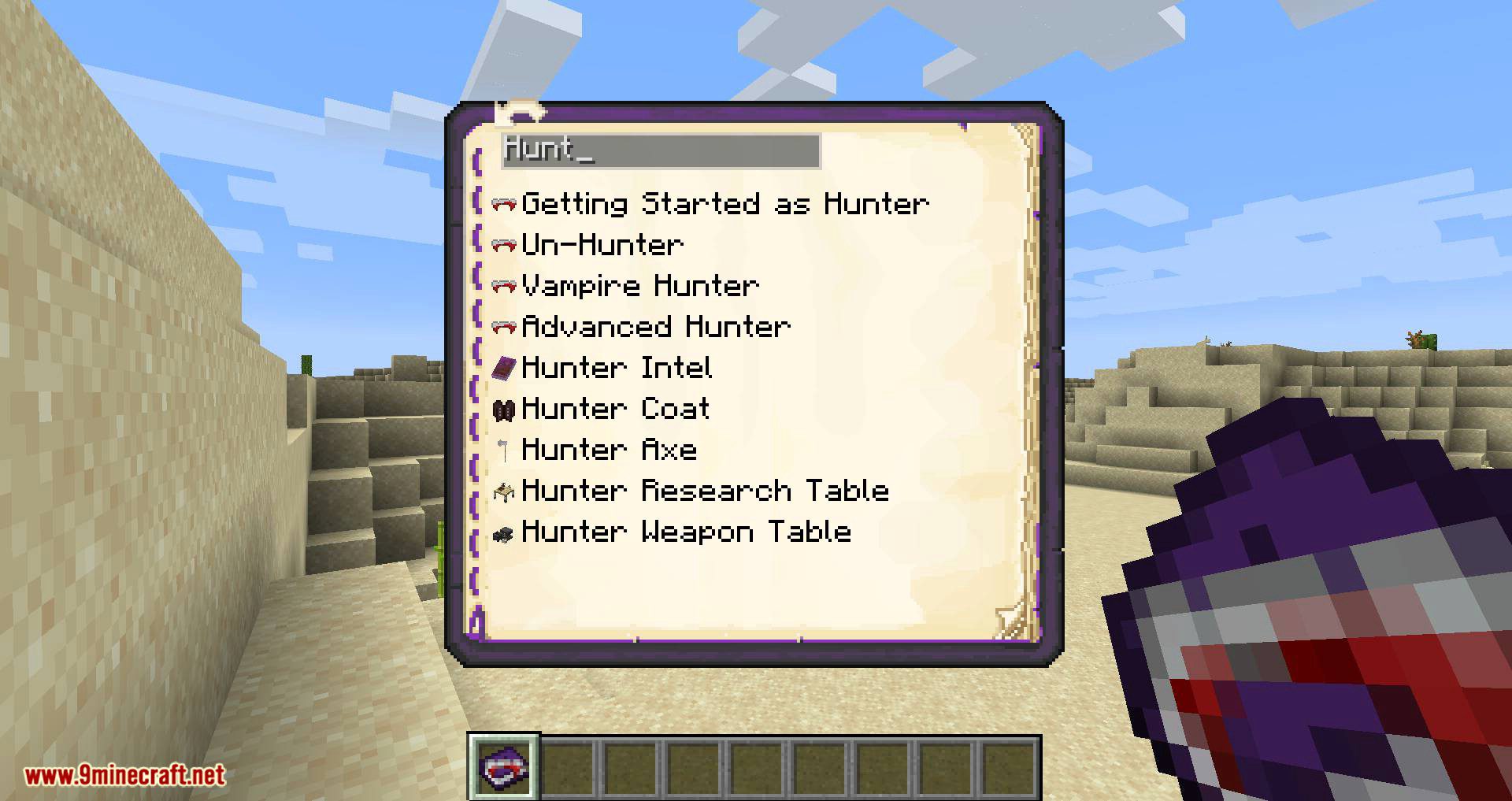
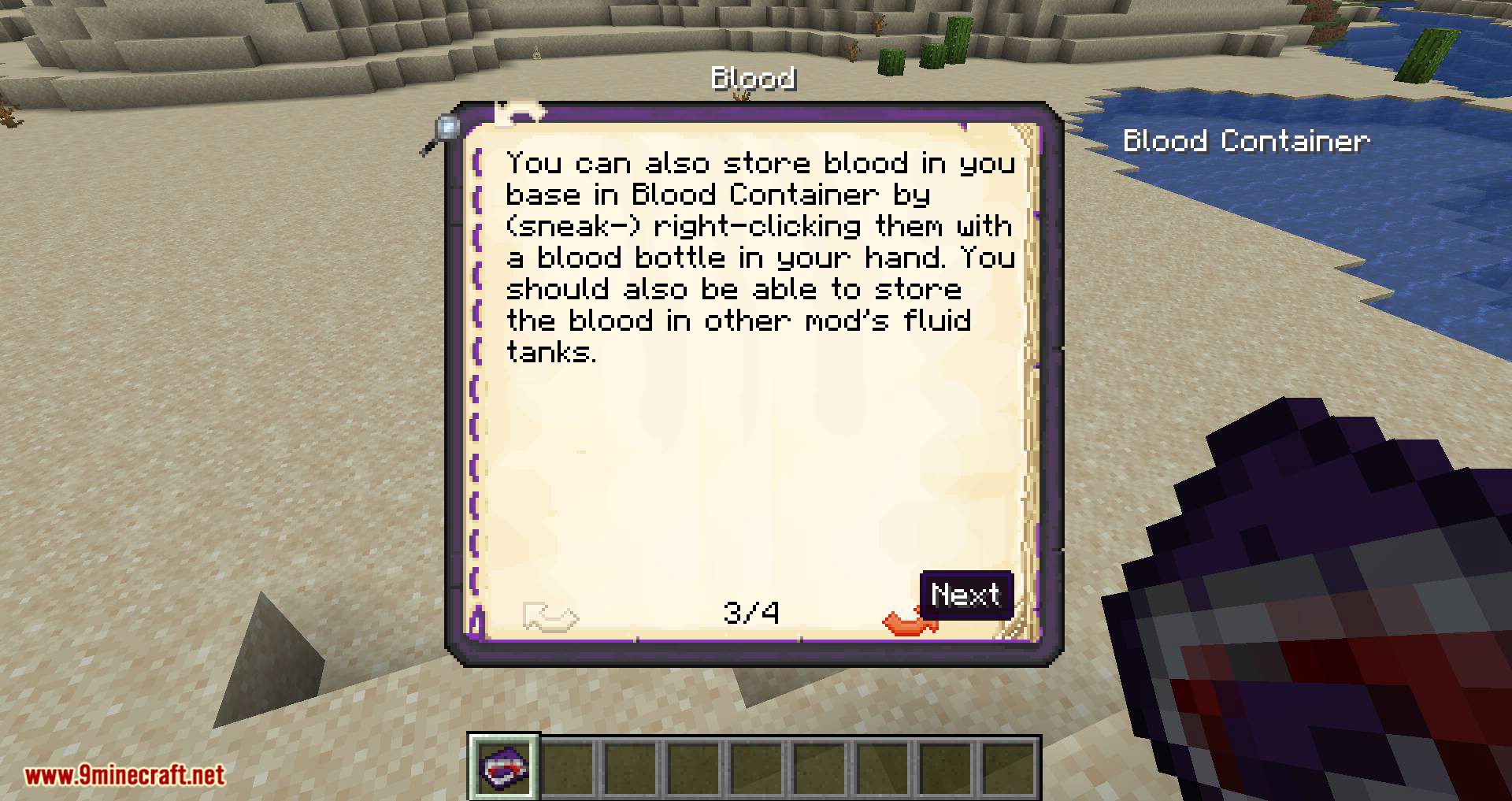
Example Vampirism II: Easily add custom recipe types or customize the book. Vampirism e.g. introduces page links.
Guide-API Village and Pillage Mod Download Links
- Edition: Minecraft Java
- File type: .jar
- Minecraft version listed: 1.20.1
- How to install: Install the matching mod loader (Forge, Fabric or NeoForge) for your Minecraft version. → Download the .jar. → Put it in the .minecraft/mods folder and launch that loader profile.
- Where to get it: In MC Java Mods, or directly above on this page.
Install steps are the general flow for this file type — How to install Minecraft Java mods & modpacks walks through it step by step.
- Downloads as 26386.mcaddon
- Download size: 223 KB
- Download link checked 26 Sept 2026 — working
- Mirrored on our own servers — the download does not depend on the original host
These come from our own check of the pack file, not from the source page.