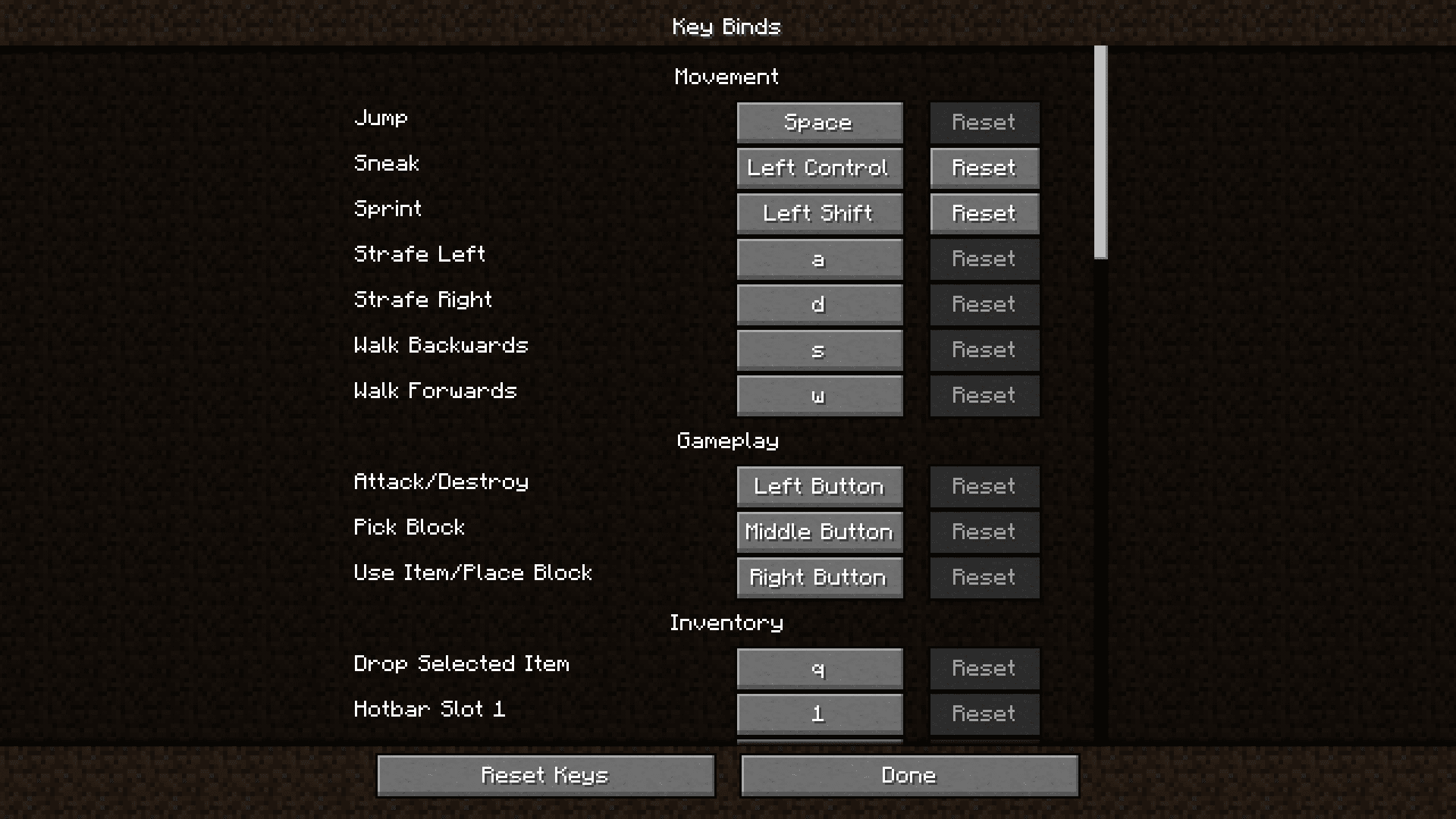
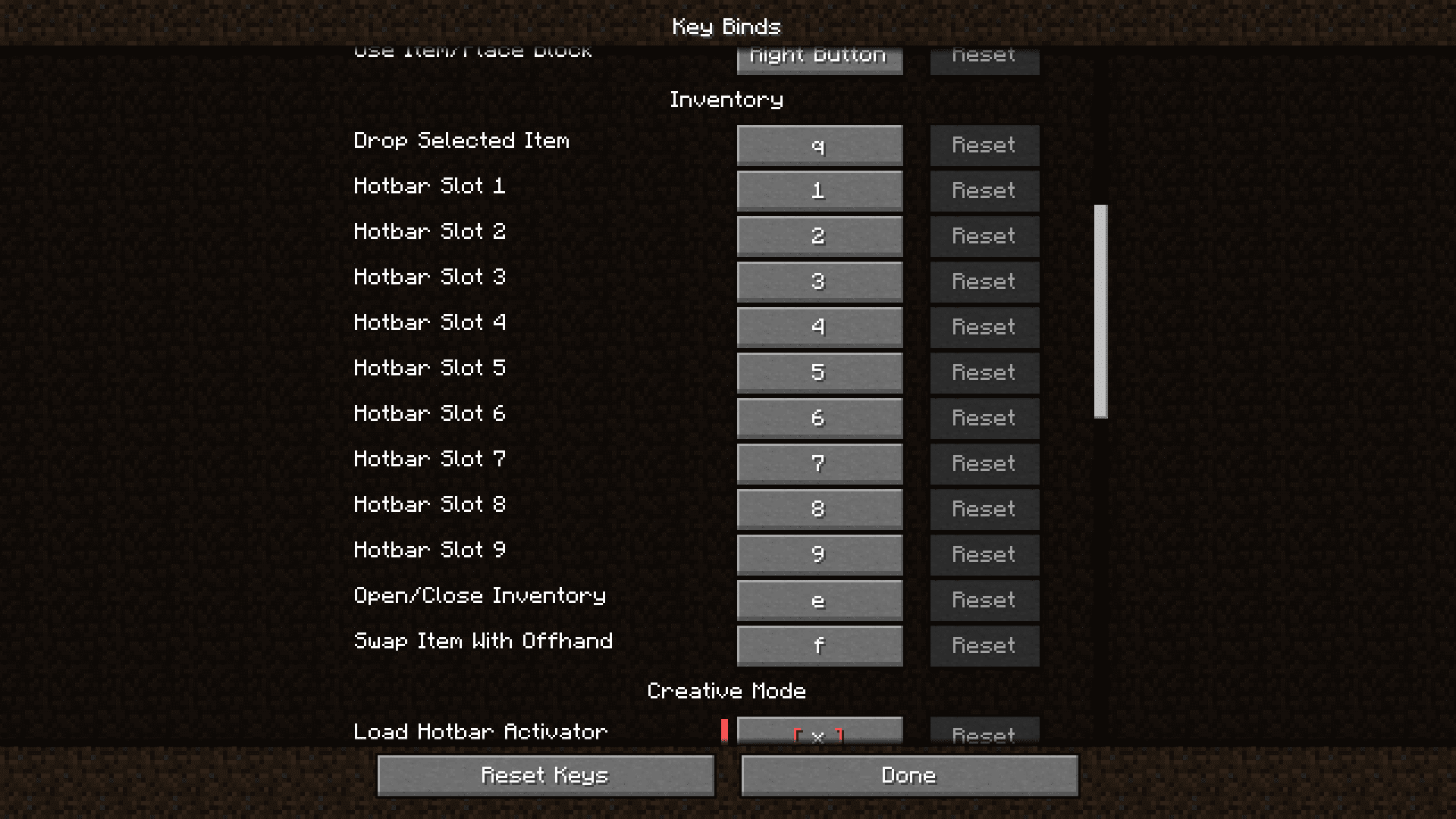
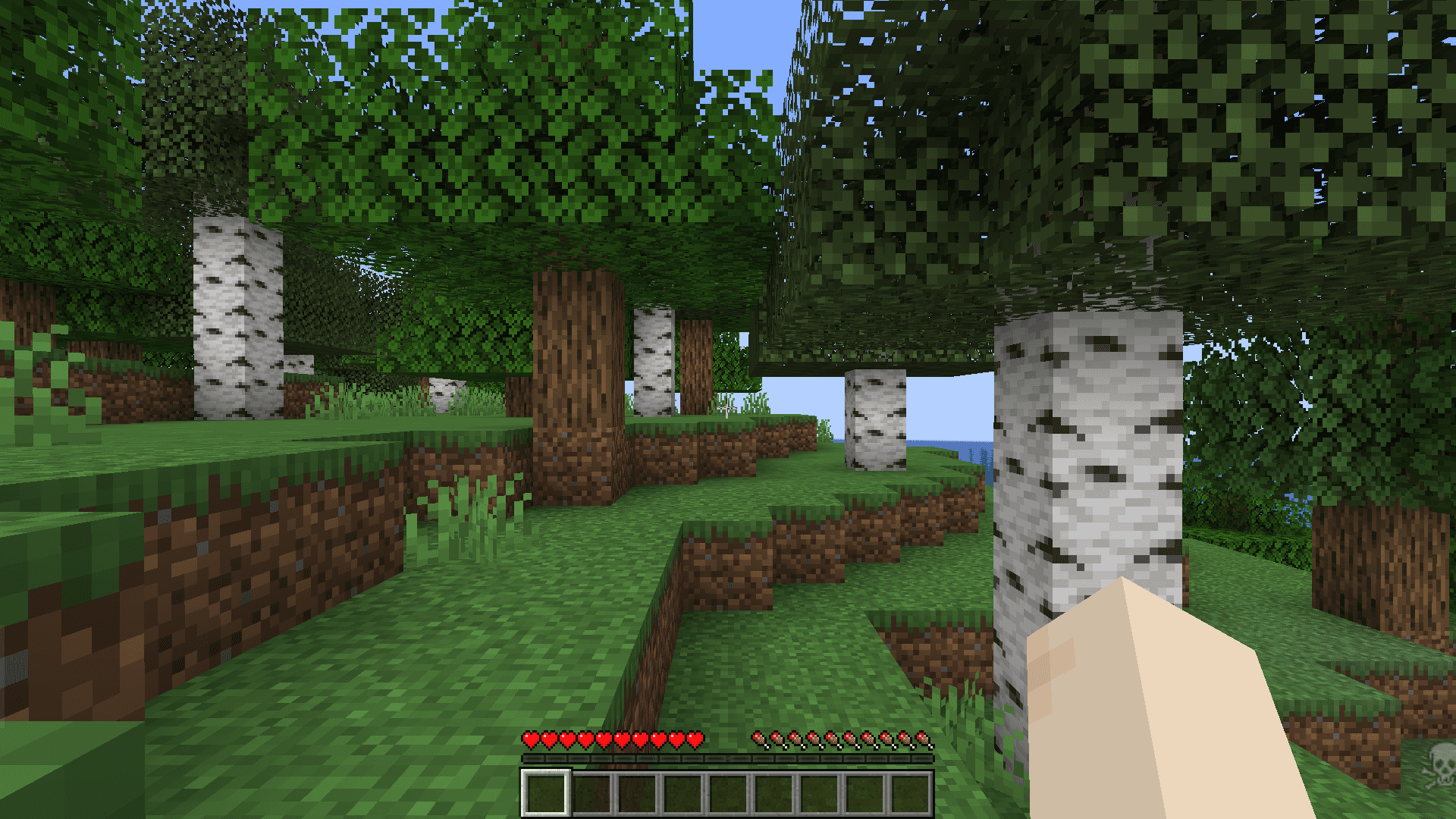
Players who play Minecraft on MacOS systems face an error where the game does not detect certain controls like ctrl+tab and ctrl+esc. MacOS Input Fixes Mod fixes this bug along with some other known bugs. Ctrl+Q is used to drop an entire stack of items, but on MacOS systems, this keybond drops just one item. Along with these, the mod also fixes some issues with mouse scrolling.
Features:
Precise Input Detection:
- Correctly detects left-click while the control key is pressed.
- Ensures that control-clicking functions as intended in the game.
Enhanced Trackpad Scrolling:
- Adjusts trackpad scrolling to prevent scrolling a ridiculous number of items at once.
- Fixes momentum scrolling, making scroll events consistent and controllable.
Smart Scrolling Handling:
- Considers scrolling input only when fingers are on the trackpad or supported mice with relevant APIs.
- Prevents scrolling issues when shift is held down on older mice.
Expanded Key Compatibility:
- Allows both control + key and command + key combinations for item dropping, accommodating user preferences.
Customizable Options (macOS Only):
- Trackpad scrolling sensitivity adjustment.
- Option to enable or disable momentum scrolling on the hotbar.
- Choice to disable the workaround for smooth scrolling in interfaces.
- Reverse scrolling options for the entire game or just the hotbar.
- Option to disable the fix for the ctrl + left-click becoming right-click bug.
Additionally:
- The mod remains inactive on platforms other than macOS, minimizing interference with other mods and ensuring compatibility in modpacks.
Screenshots:
MacOS Input Fixes Mod Download Links
Quick facts
- Edition: Minecraft Java
- File type: .jar
- Minecraft version listed: 1.20.1
- How to install: Install the matching mod loader (Forge, Fabric or NeoForge) for your Minecraft version. → Download the .jar. → Put it in the .minecraft/mods folder and launch that loader profile.
- Where to get it: In MC Java Mods, or directly above on this page.
Install steps are the general flow for this file type — How to install Minecraft Java mods & modpacks walks through it step by step.
Verified by MCModsHub
- Downloads as 26388.mcaddon
- Download size: 137 KB
- Download link checked 25 Sept 2026 — working
- Mirrored on our own servers — the download does not depend on the original host
These come from our own check of the pack file, not from the source page.