
MineTube
Adds music to your Minecraft world using YouTube. Set up location + range and choose whether you want proximity or stable volume based on the chosen setup…
⬇ Download on Modrinth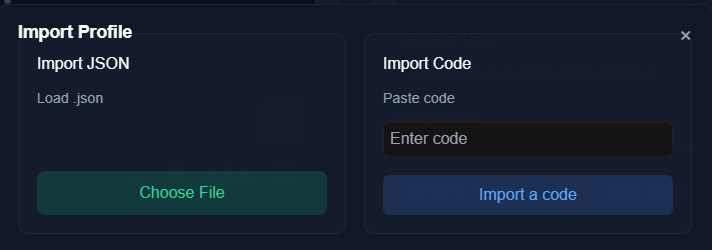



About
MineTube is a lightweight music integration mod that lets you create custom music zones inside your Minecraft world. Place invisible "zones" in any dimension or coordinates, and when you enter the area, music from YouTube will automatically start playing on the MineTube dashboard.
🎵 Features:
- Create unlimited music zones with a custom name, position, radius, and custom song.
- Support for all dimensions, including Nether, End, and modded dimensions.
- Adjustable volume with the ability to set either dynamic volume based on location or stable volume.
- Works with YouTube videos/playlists and livestreams/radio.
- Real-time player position tracking via an integrated web server with no extra setup or dependencies.
- Works on both singleplayer and multiplayer (client-side setup)
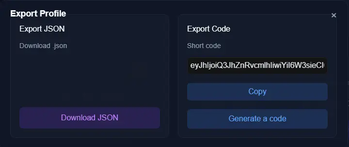
- Ability to export/import profiles using the code generation feature or exporting the profile.
- Works with almost all mods and has the ability to work in most vanilla servers using the fabric version.
- Adjustable theme for the MineTube web client to match the mood.
⚠️How to use
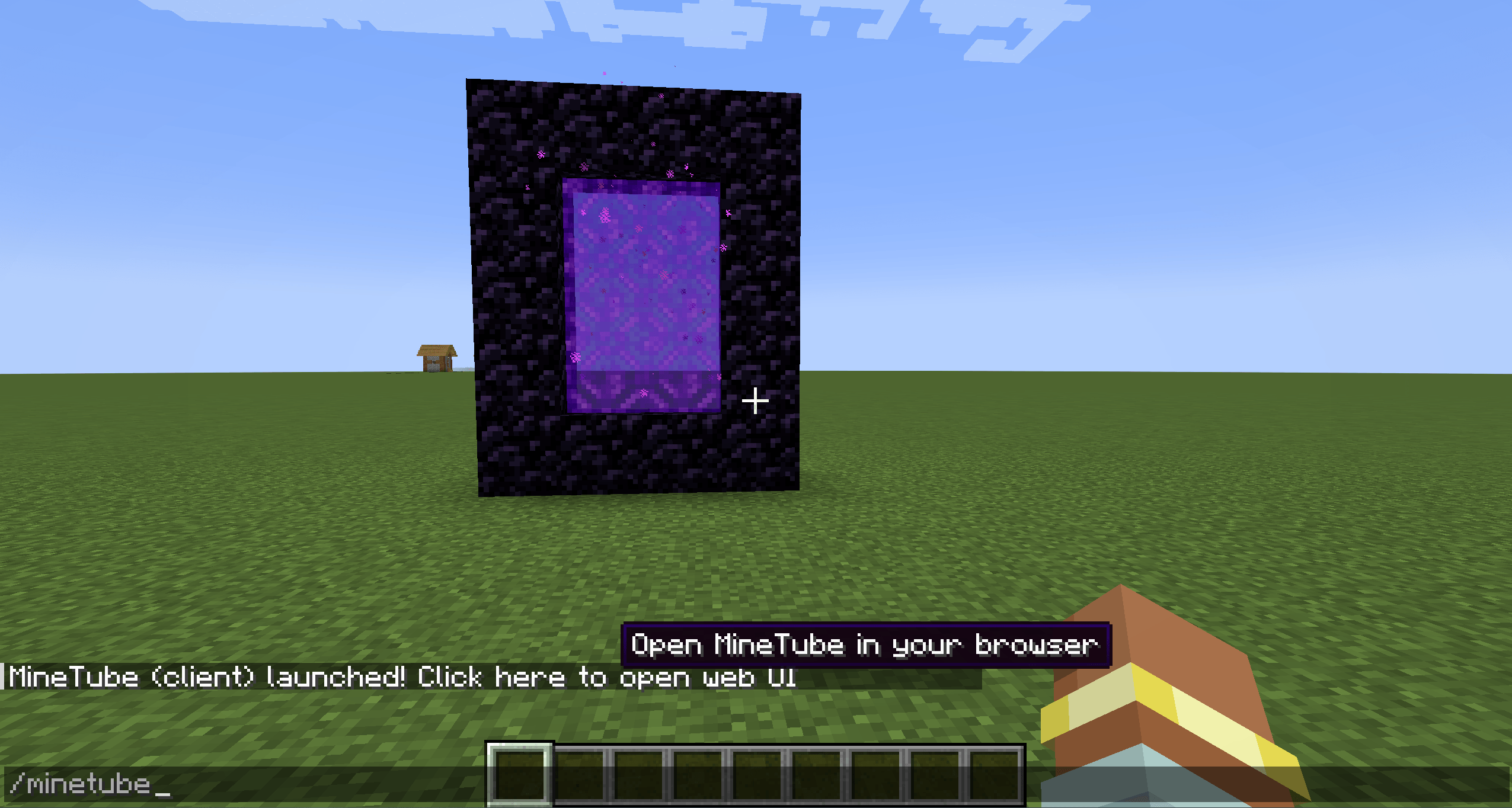
MineTube is completely standalone—no external dependencies required. Simply install the mod on a supported mod loader (currently Neoforge or Fabric), launch your game, and enter /minetube in chat. You’ll receive a clickable link that opens the MineTube web dashboard, where you can easily manage and customize all of the mod’s features.
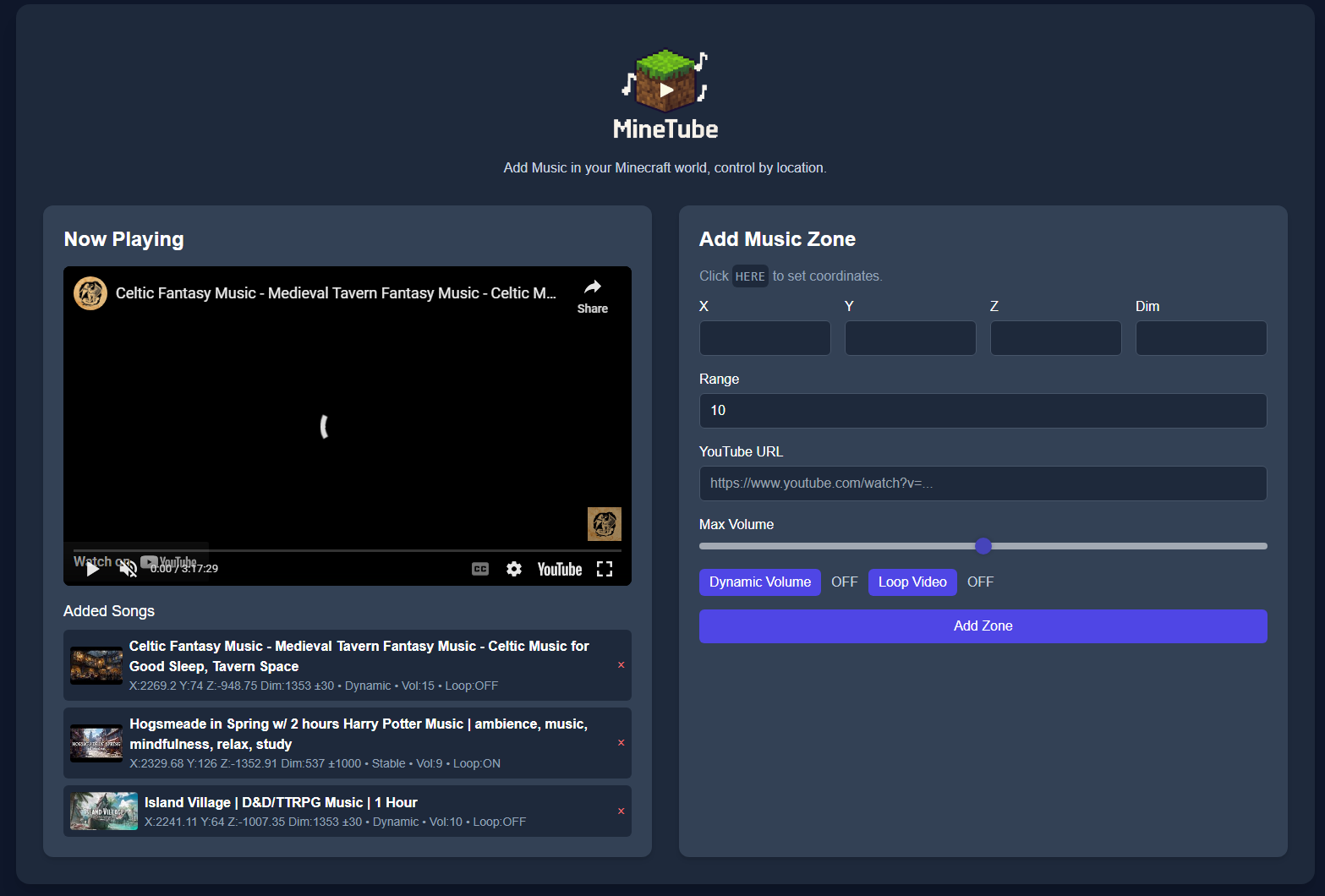
Video Guide:
🛑Permissions
You are welcome to include MineTube in modpacks, public or private, without needing to ask permission. MineTube is licensed as CC-BY-ND 4.0, with the above granted use for modpack inclusion. If you wish to redistribute the mod outside of modpacks, rehost it, or integrate it into another project, please contact me first.
Perfect for adventure maps, community servers, or just adding atmosphere to your own world. Imagine walking into a Nether fortress with custom battle music, or building a cozy base with your favorite song running in the background!
- Edition: Minecraft Java
- File type: .jar
- Minecraft version listed: 1.20.1
- How to install: Install the matching mod loader (Forge, Fabric or NeoForge) for your Minecraft version. → Download the .jar. → Put it in the .minecraft/mods folder and launch that loader profile.
- Where to get it: Opens on Modrinth — not every file is mirrored on our own servers.
Install steps are the general flow for this file type — How to install Minecraft Java mods & modpacks walks through it step by step.
- Ships as minetube-1.4.0_1.20.1_forge_neoforge.jar — drop this file into the mods folder
- Download size: 2.3 MB
- Download link checked 30 Aug 2026 — working
These come from our own check of the pack file, not from the source page.