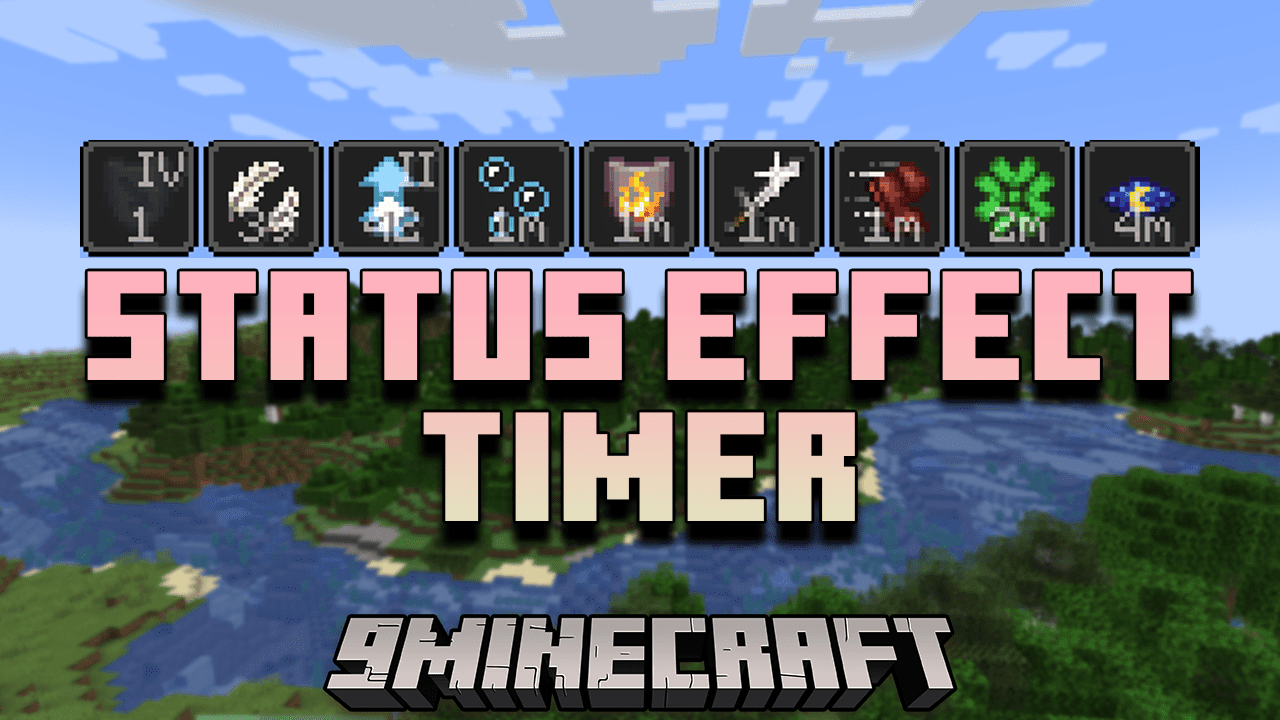
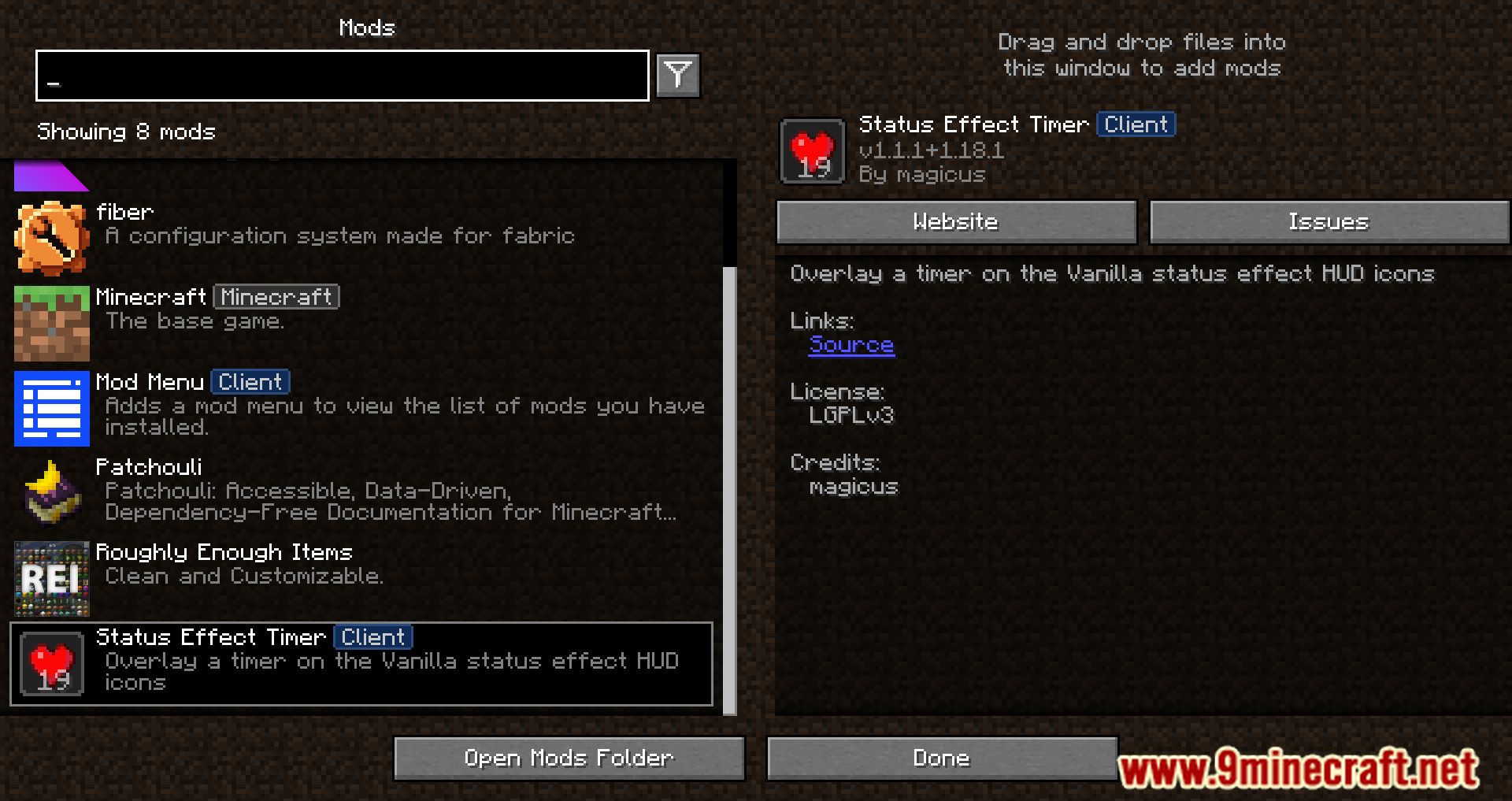
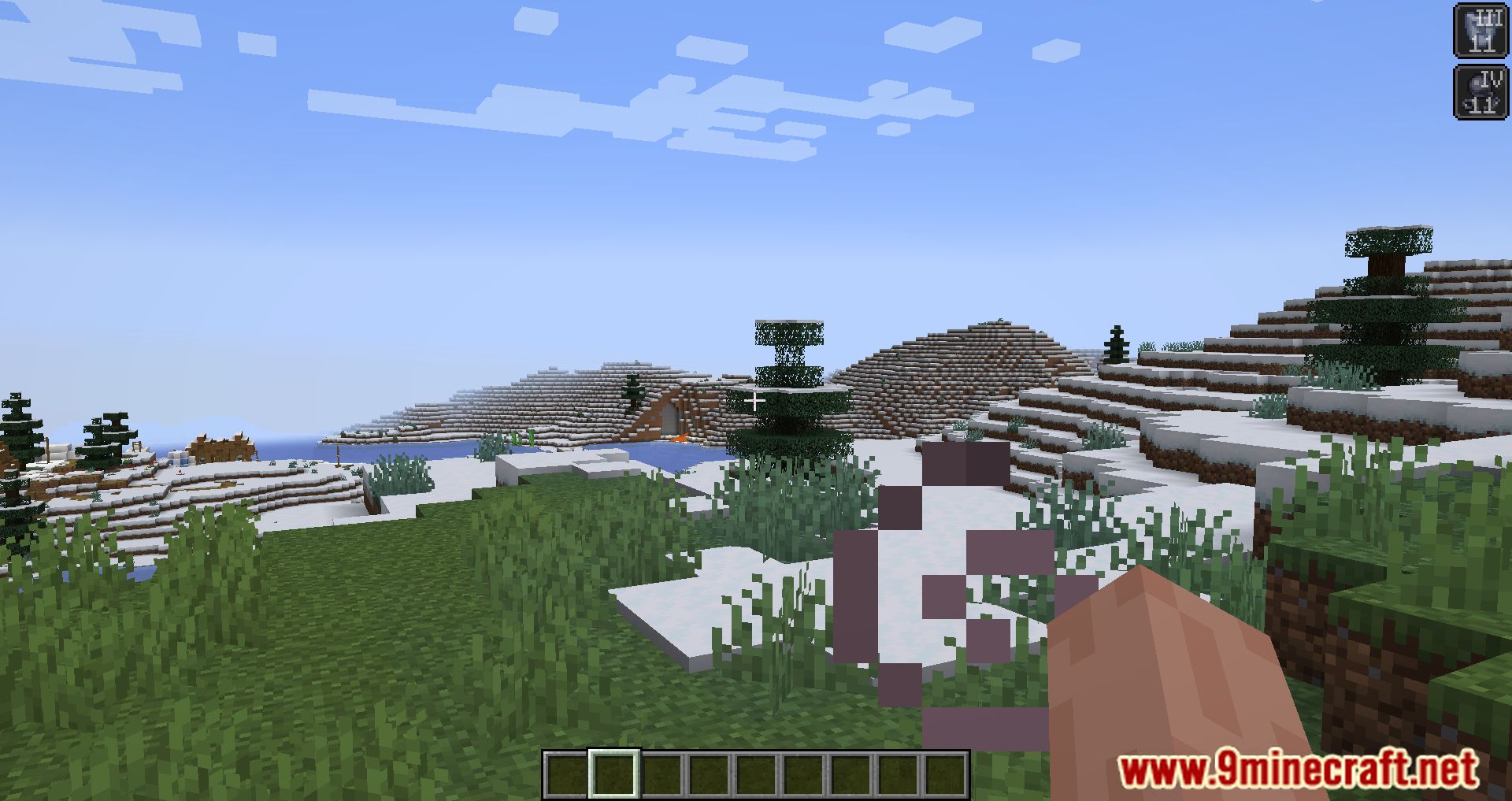
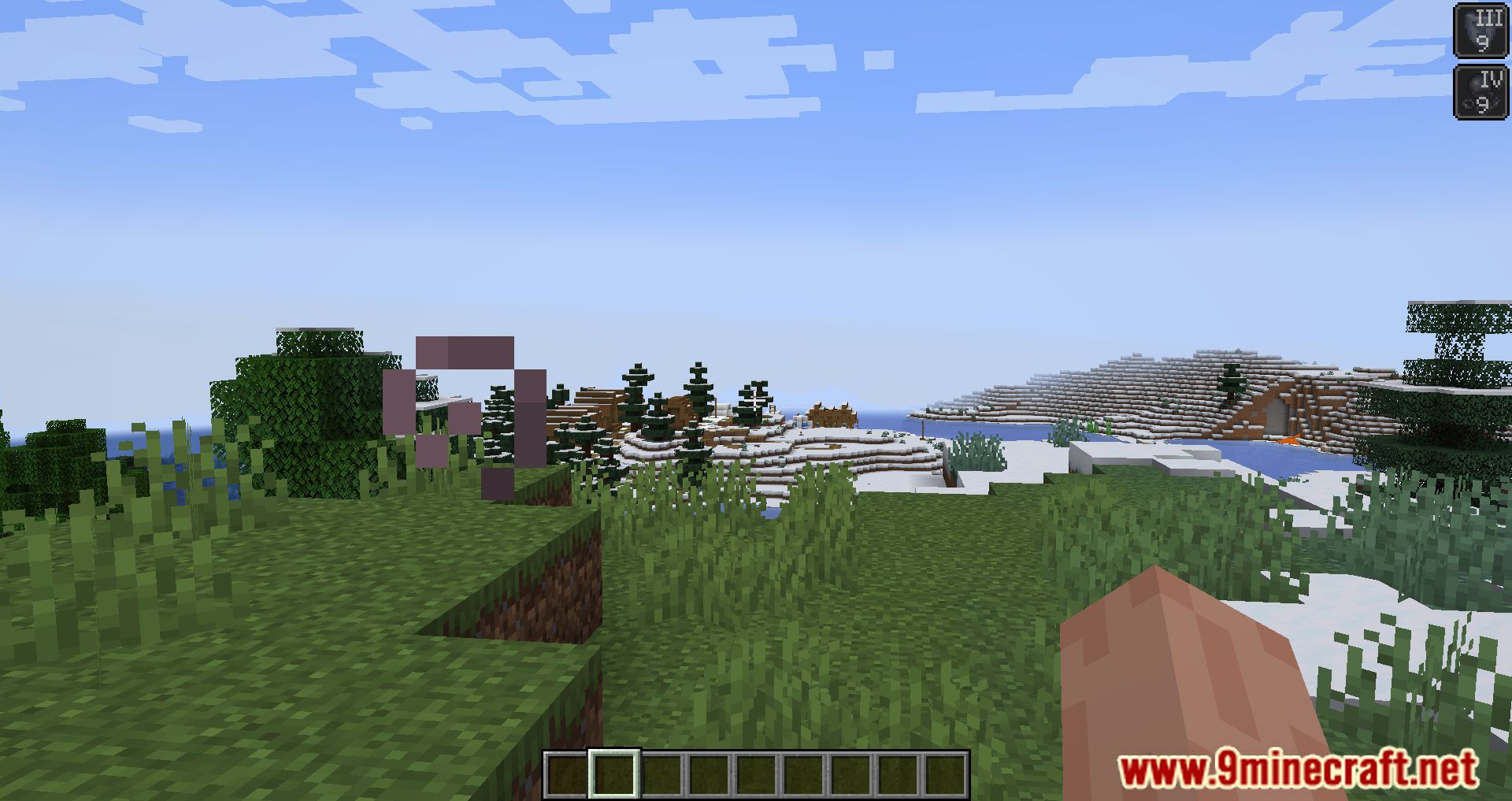
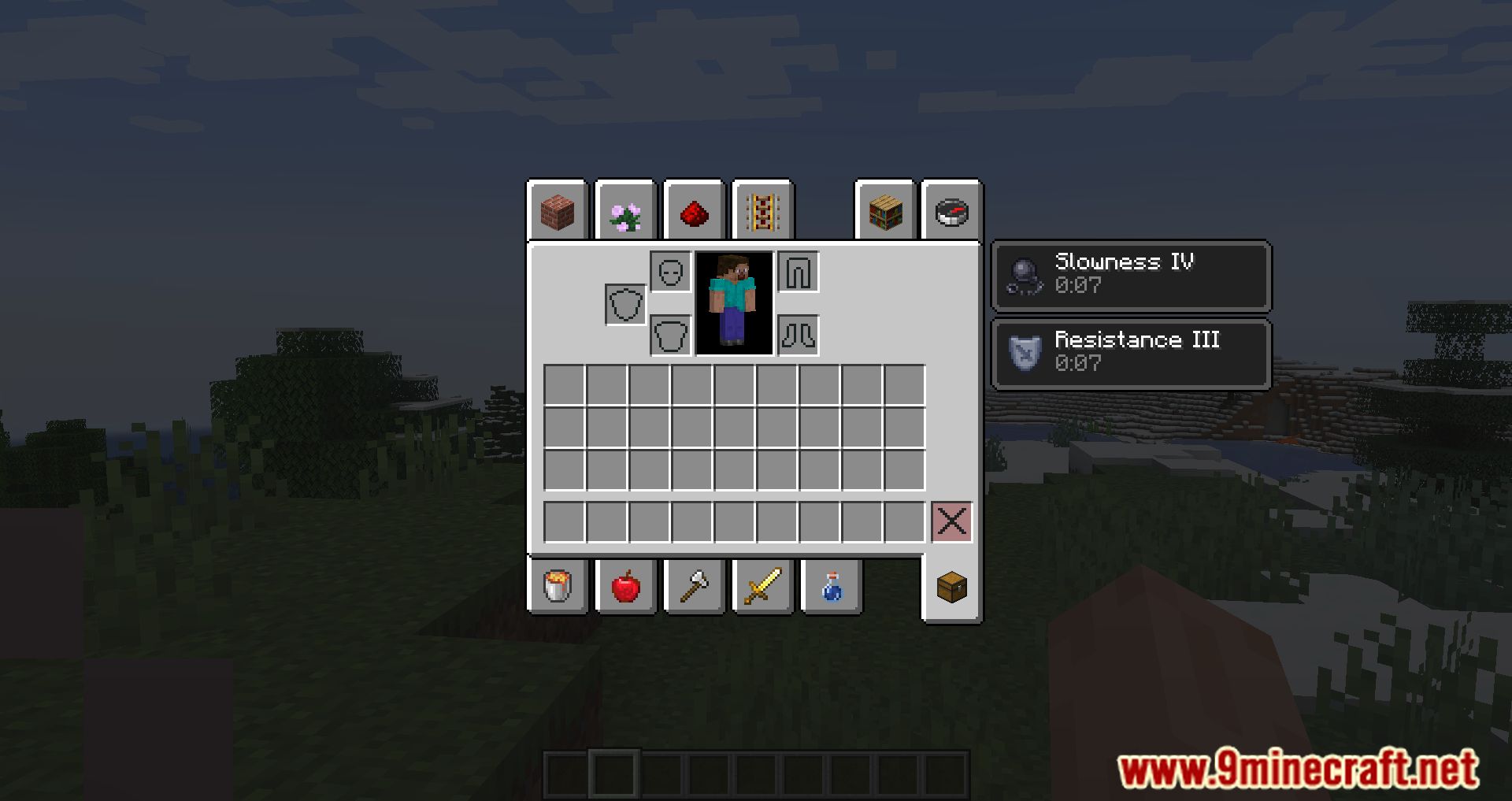
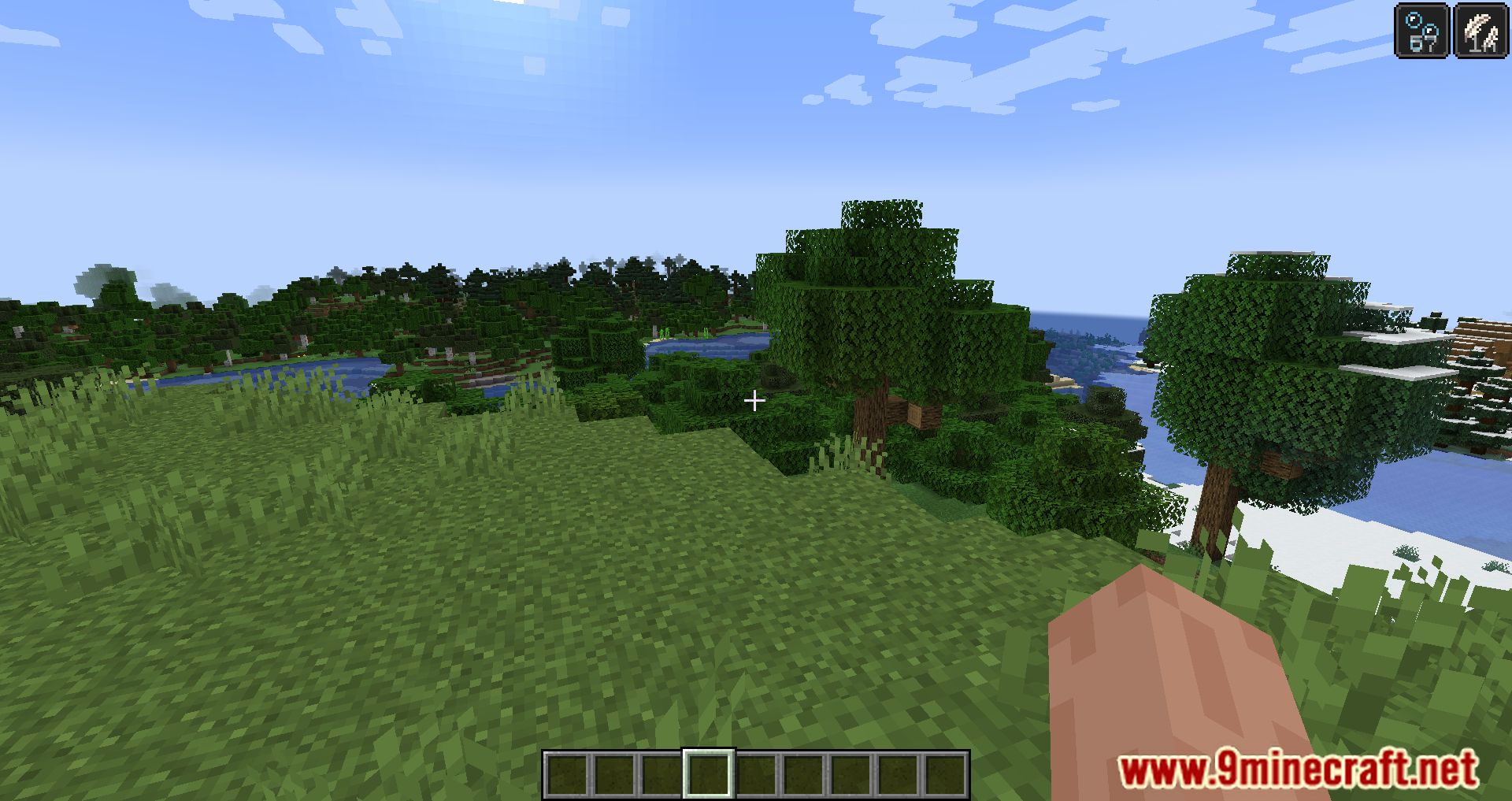
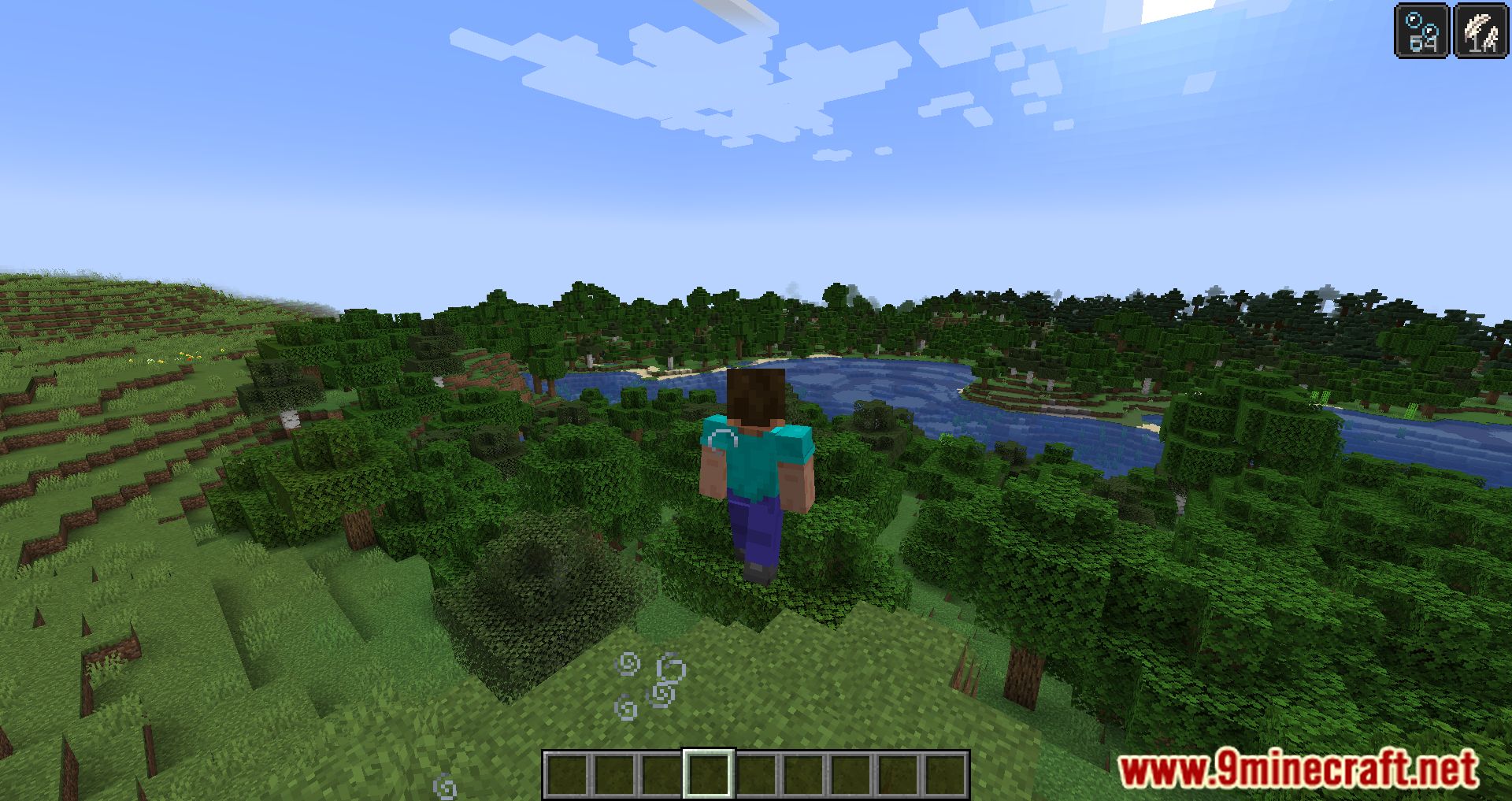
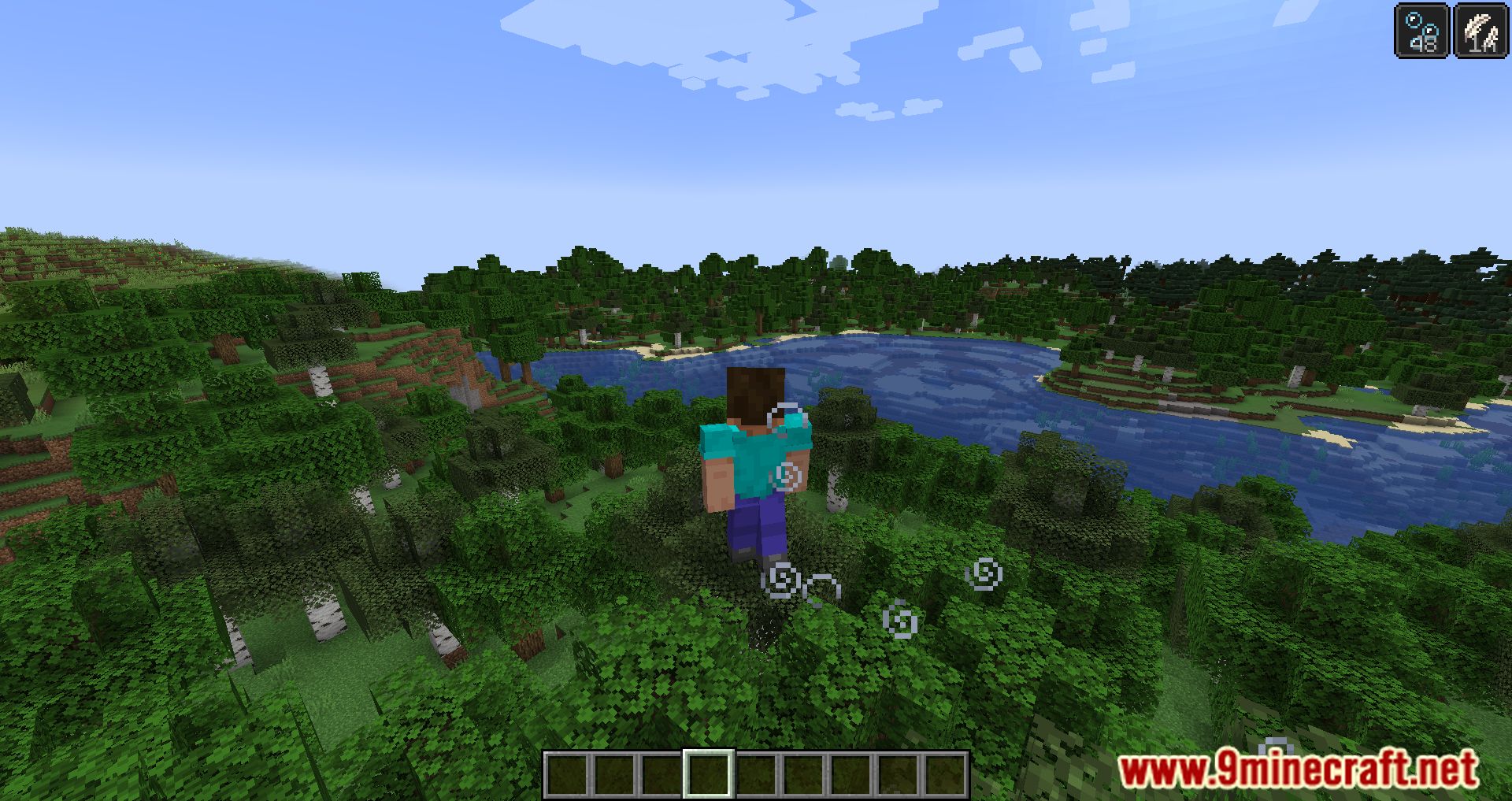
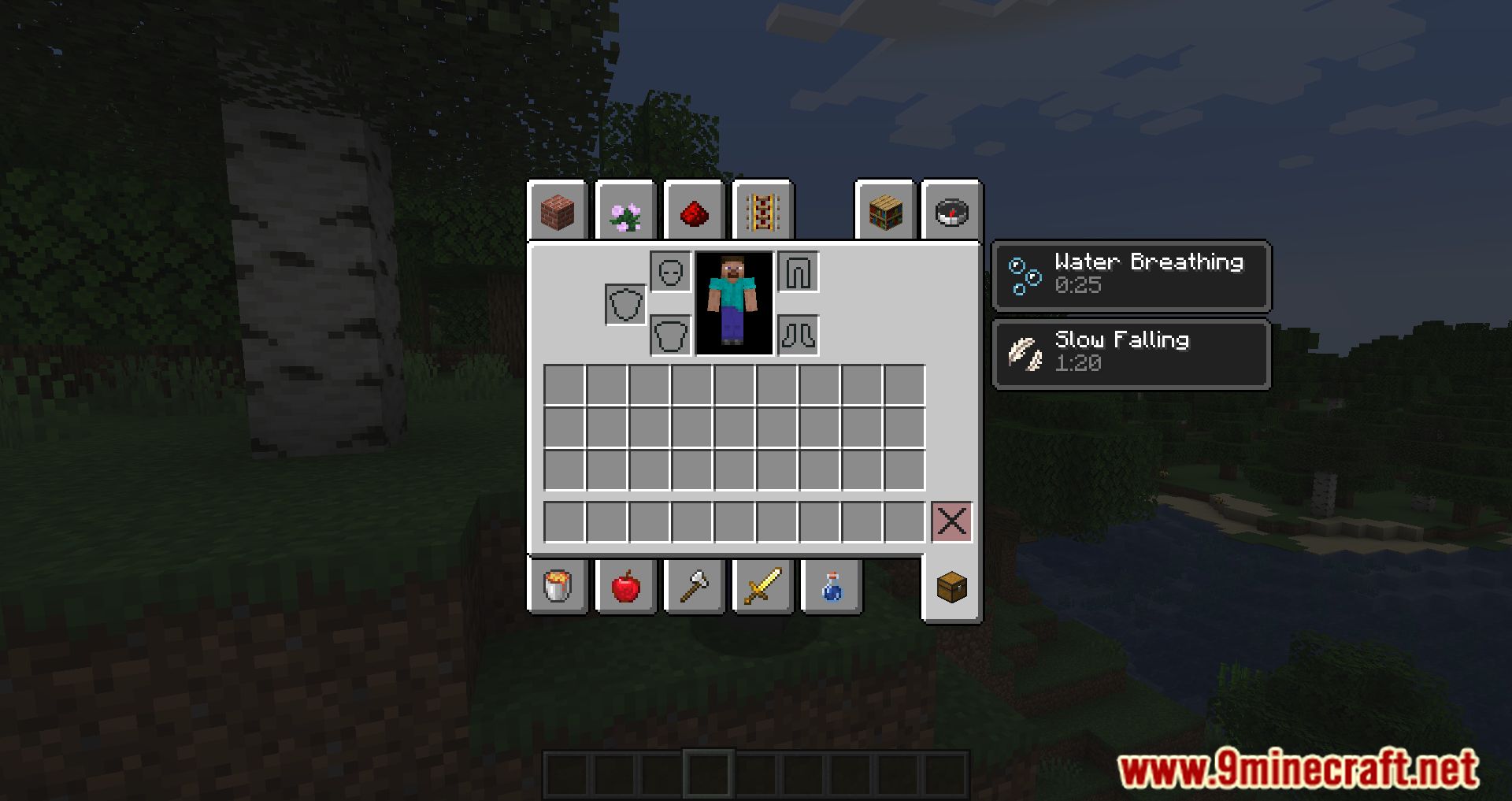
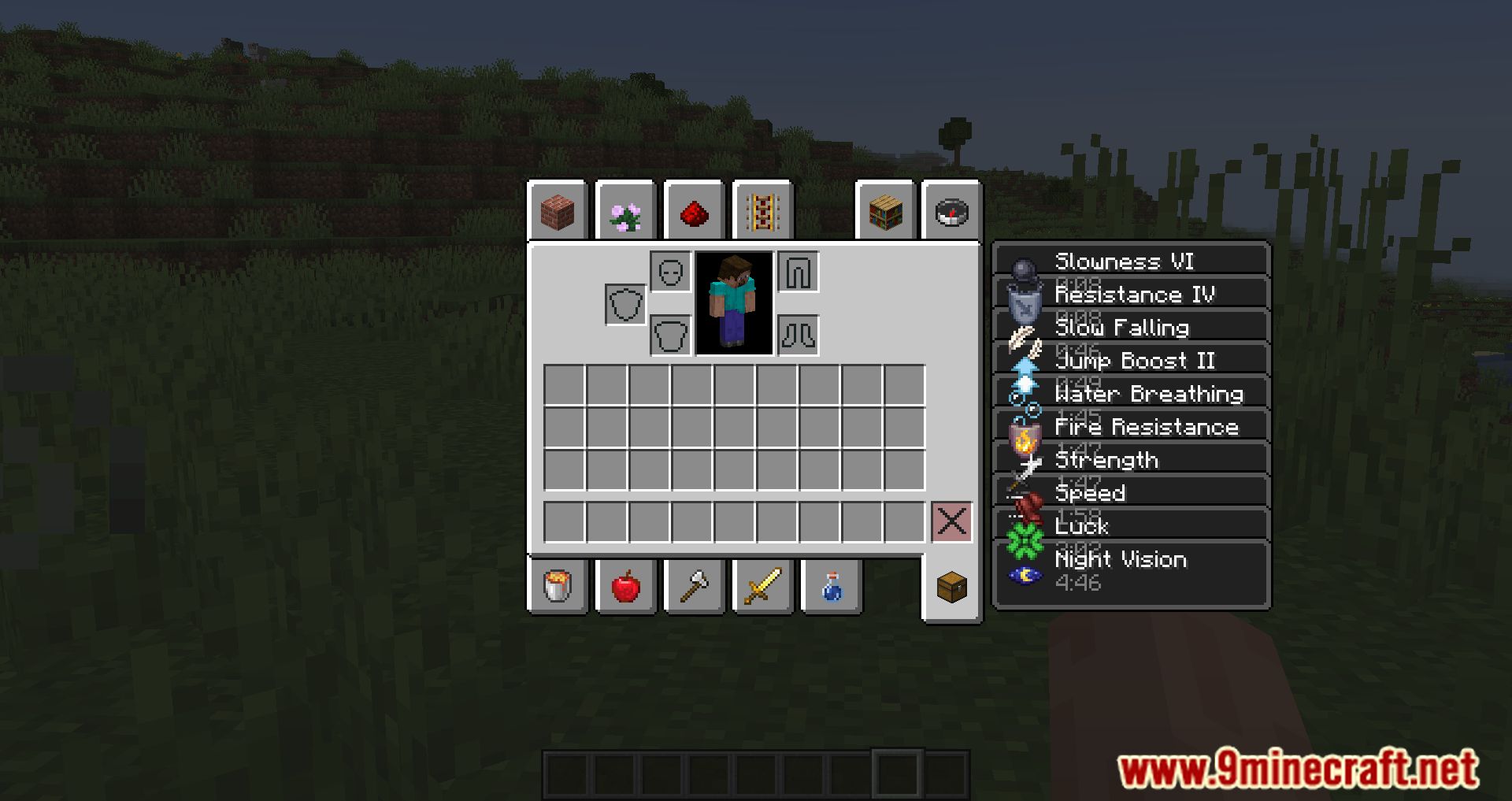
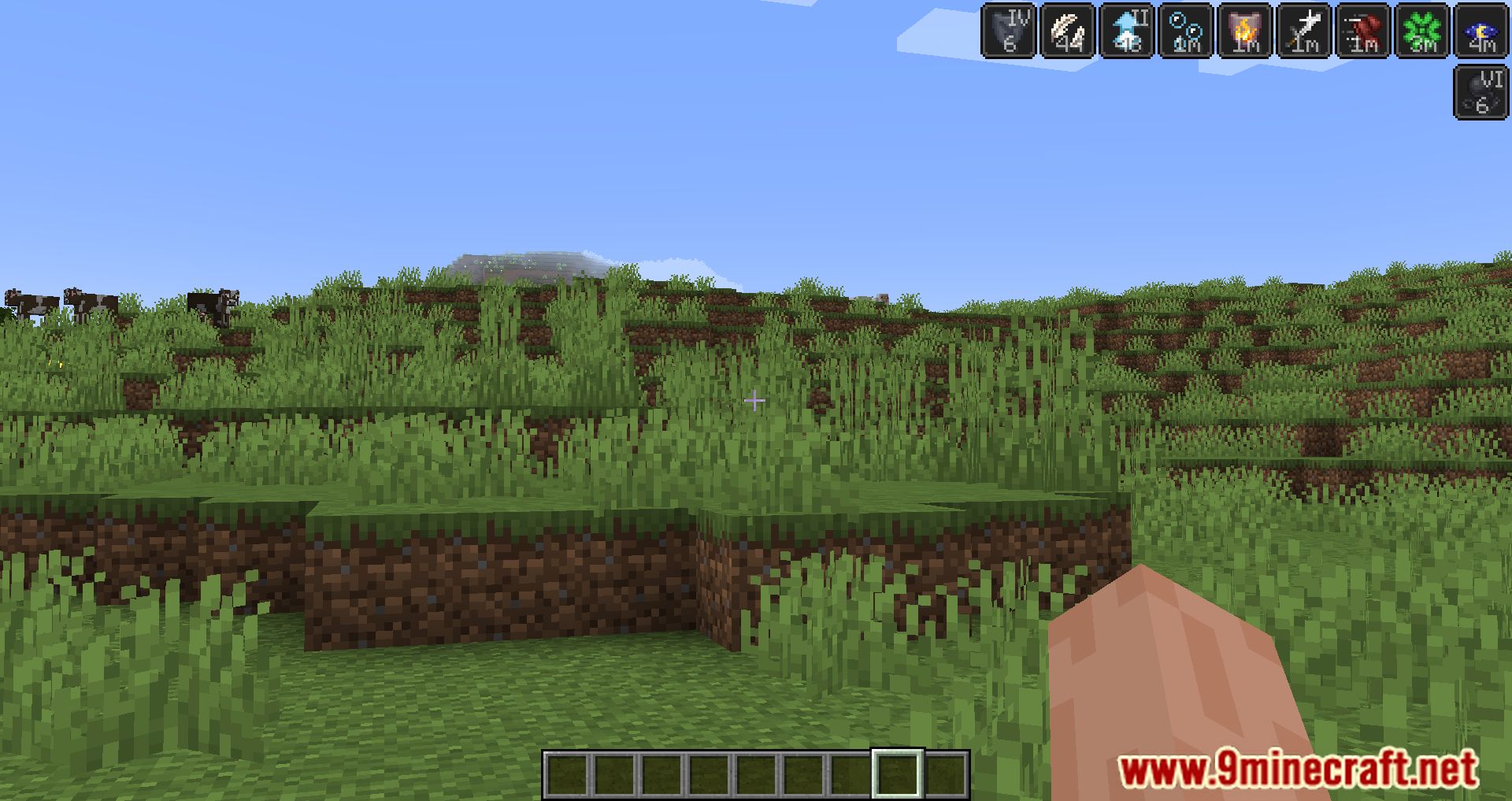
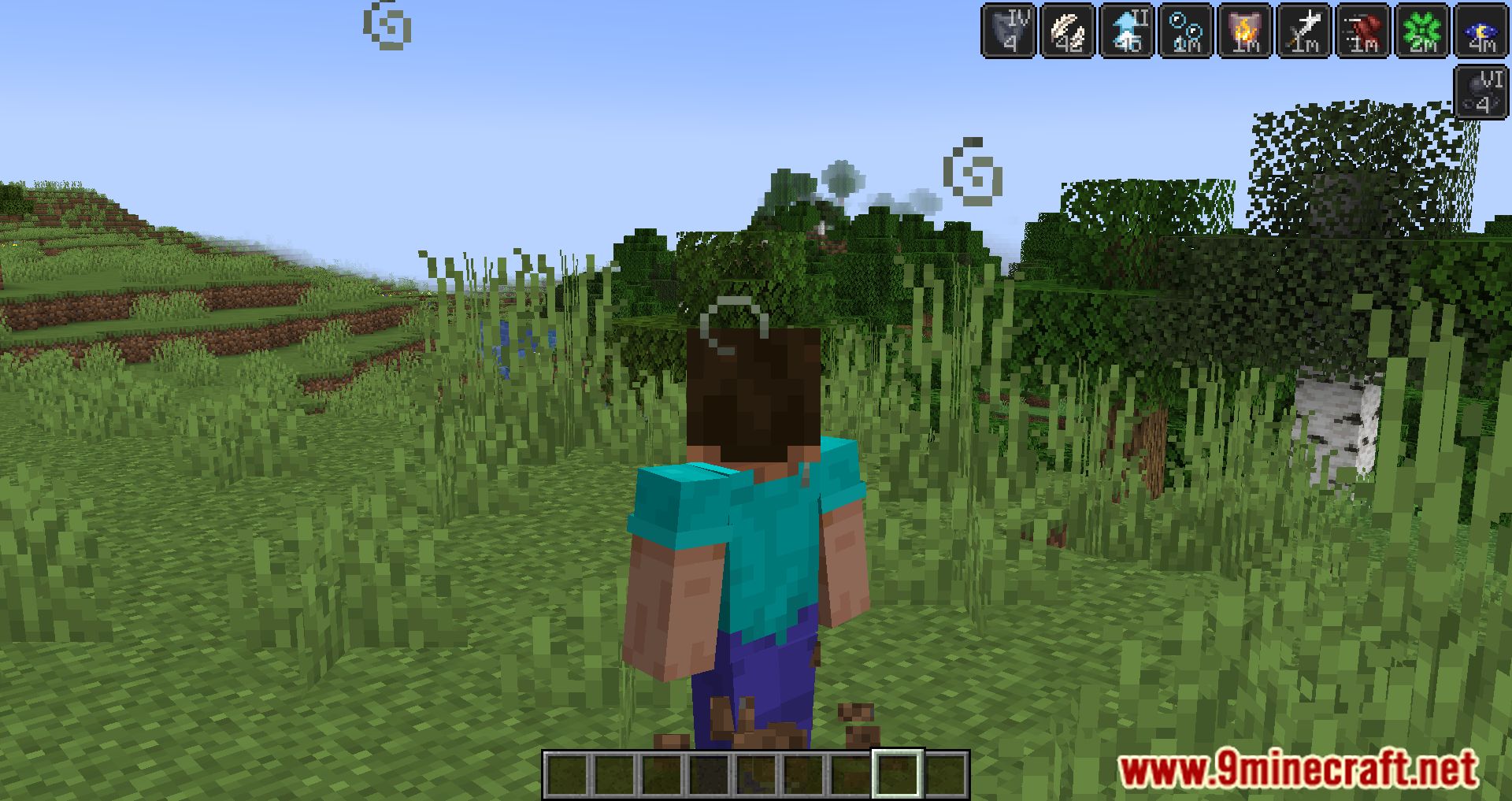
Status Effect Timer Mod adds a timer to Minecraft that will appear on the icons of status effects – it shows how much time is left before the effect wears off. It’s quite a useful thing – now you don’t have to open the menu to see when the effect will end.
Features:
- Displays remaining time directly on the status effect icon.
- Seconds for short effects
- Minutes (m) for effects over 60 seconds
- Hours (h) for effects over 60 minutes
- Shows effect level (e.g., “Haste II”) right on the icon.
- Effects with infinite duration are marked with ∞ (from version 1.19.4 onward).
- May conflict with mods like:
- Slight GUI Modifications (if
fluidStatusEffectsis enabled) - Giselbaer’s Durability Viewer (disable its timer overlay to avoid overlap)
- Slight GUI Modifications (if
Screenshots:

Status Effect Timer Mod Download Links
Quick facts
- Edition: Minecraft Java
- File type: .jar
- Minecraft version listed: 1.20.1
- How to install: Install the matching mod loader (Forge, Fabric or NeoForge) for your Minecraft version. → Download the .jar. → Put it in the .minecraft/mods folder and launch that loader profile.
- Where to get it: In MC Java Mods, or directly above on this page.
Install steps are the general flow for this file type — How to install Minecraft Java mods & modpacks walks through it step by step.
Verified by MCModsHub
- Downloads as 26396.mcaddon
- Download size: 15 KB
- Download link checked 24 Sept 2026 — working
- Mirrored on our own servers — the download does not depend on the original host
These come from our own check of the pack file, not from the source page.