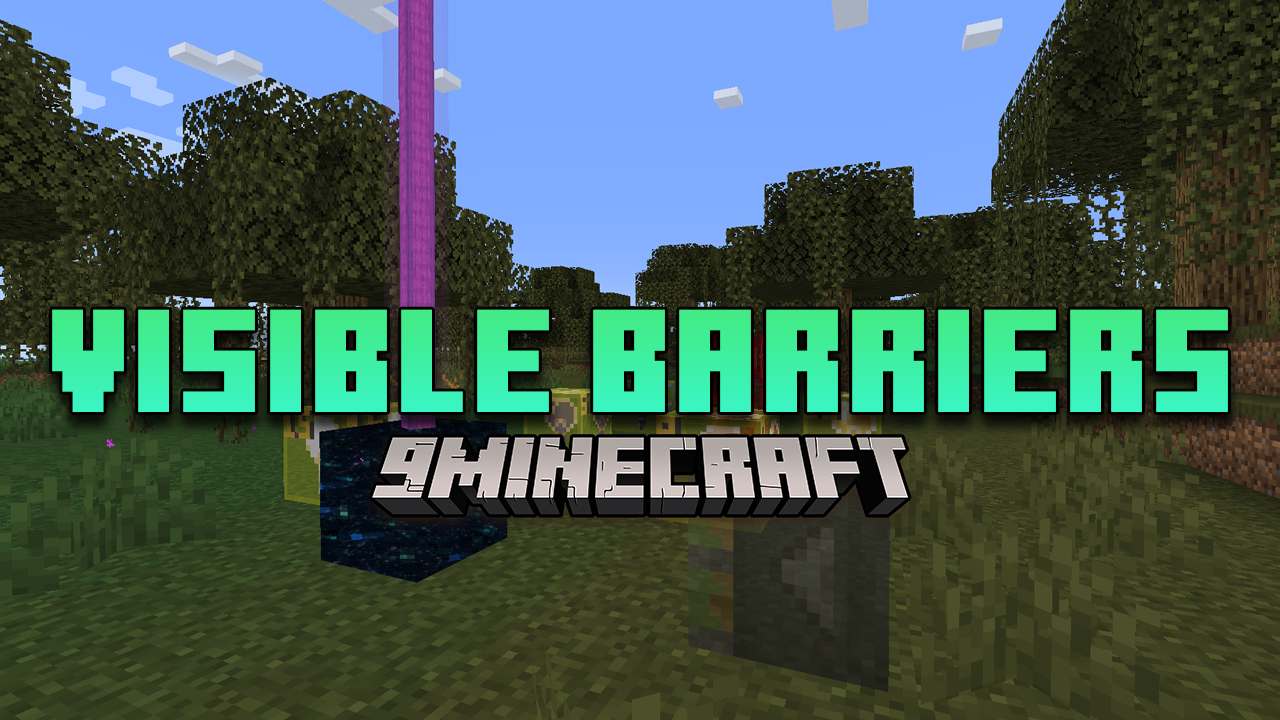
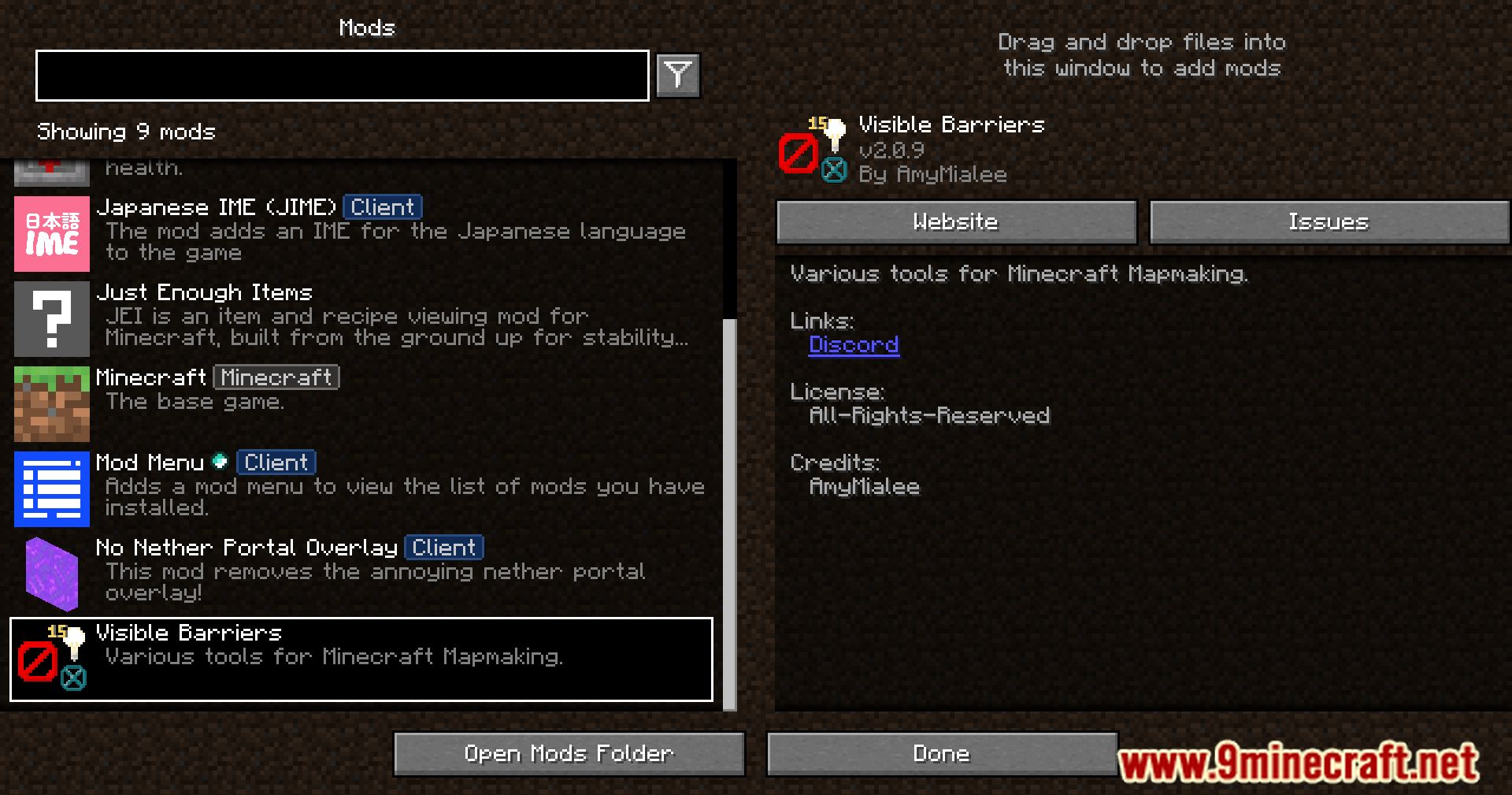
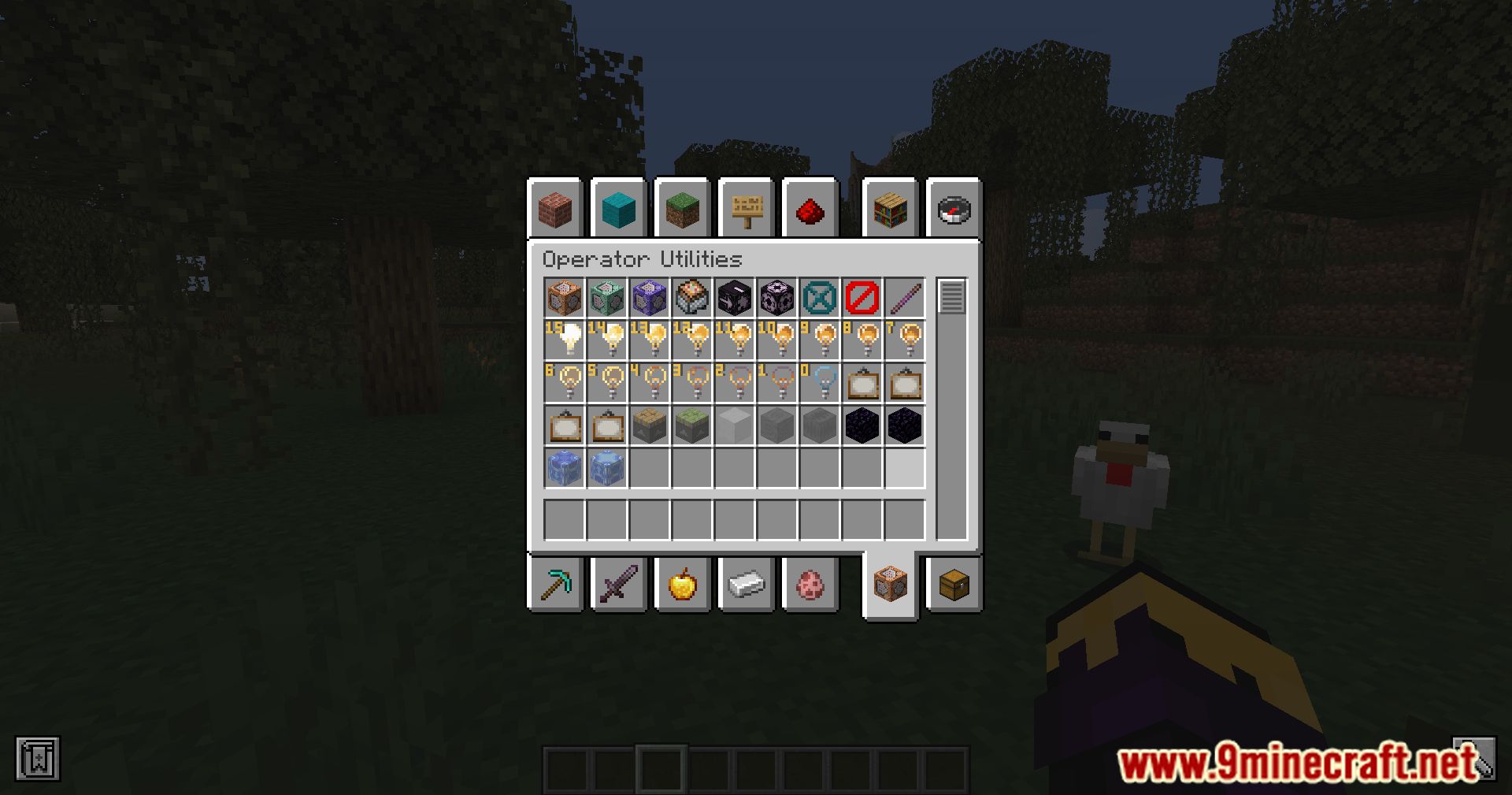
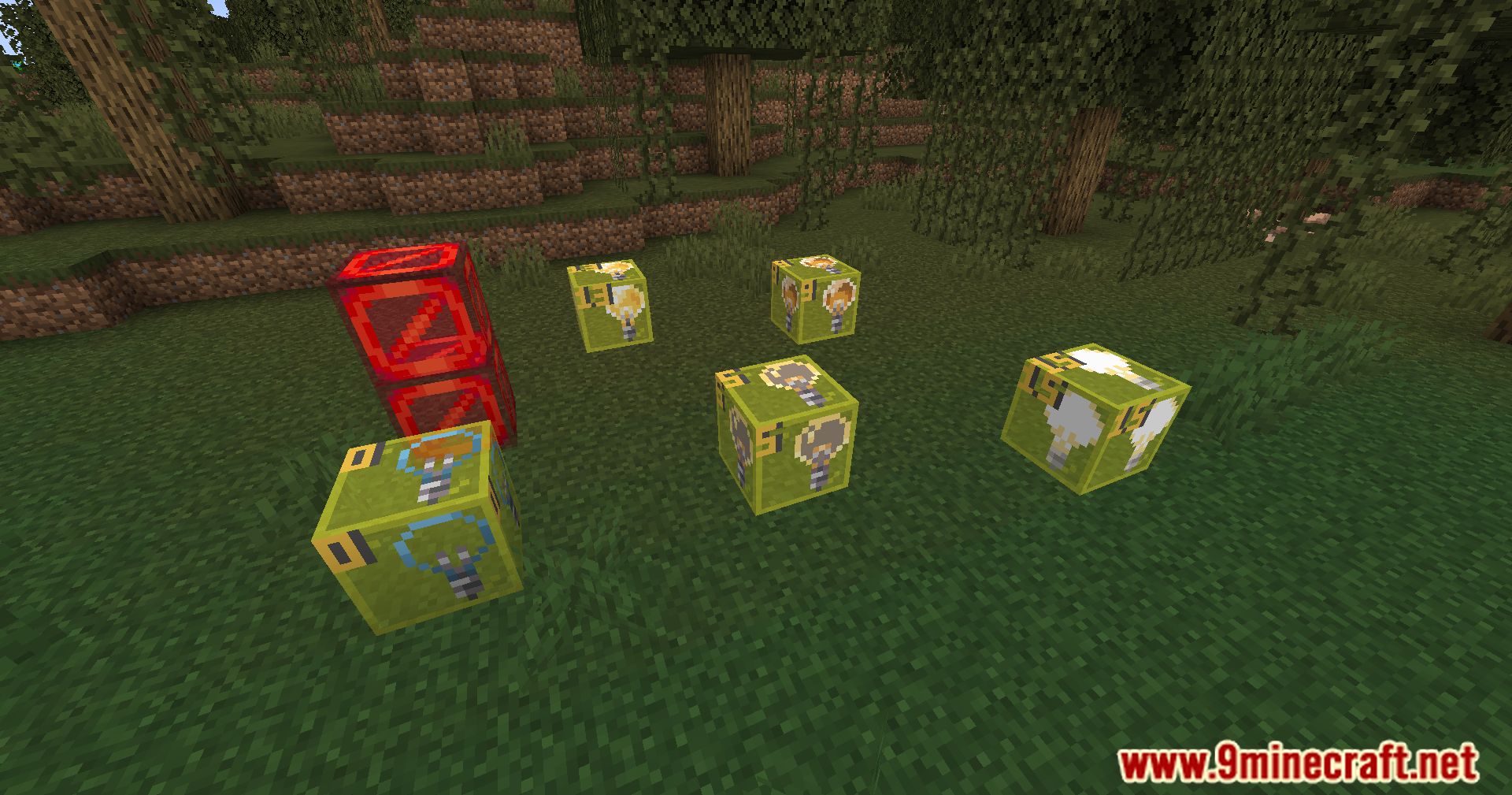
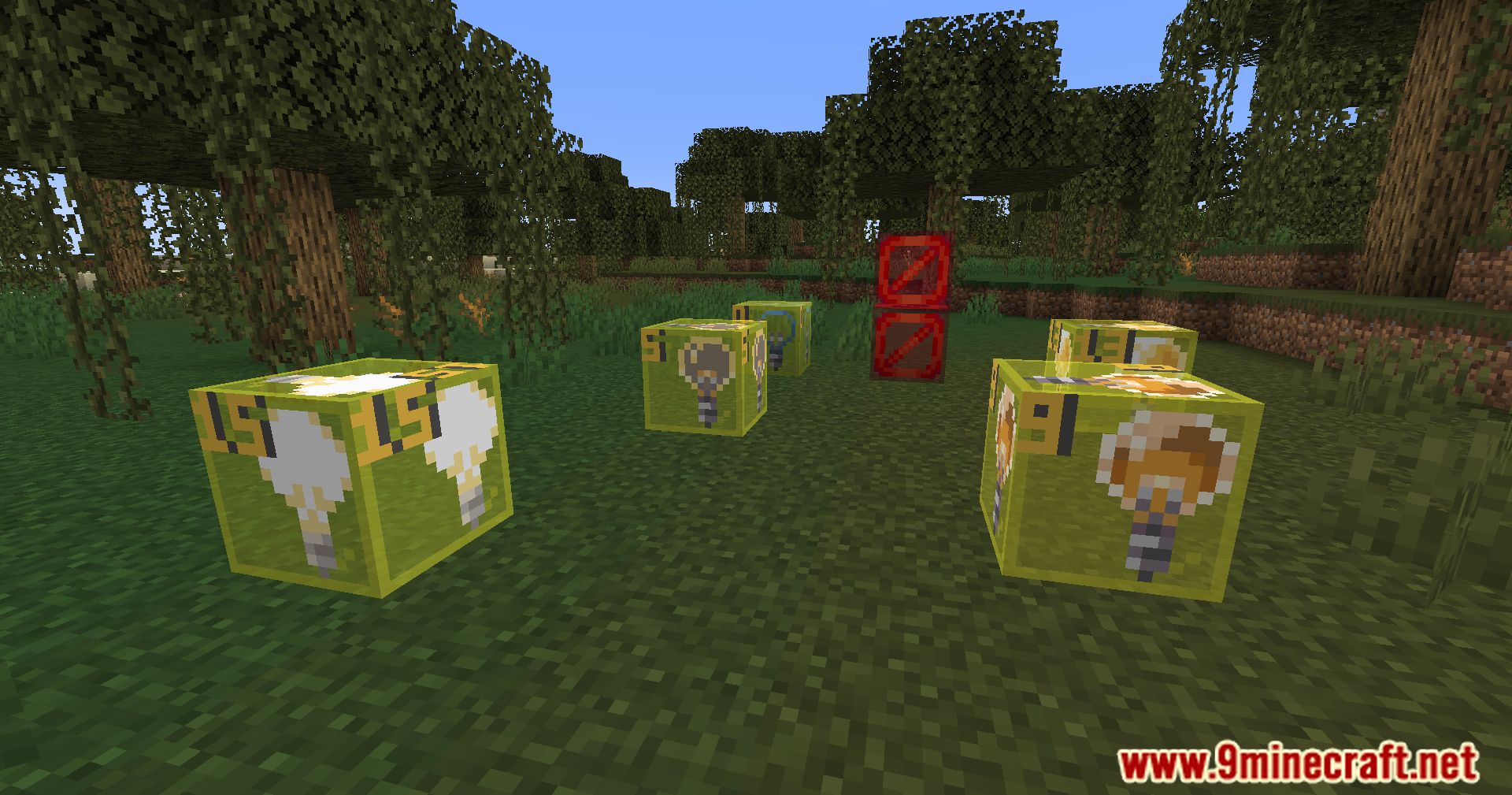
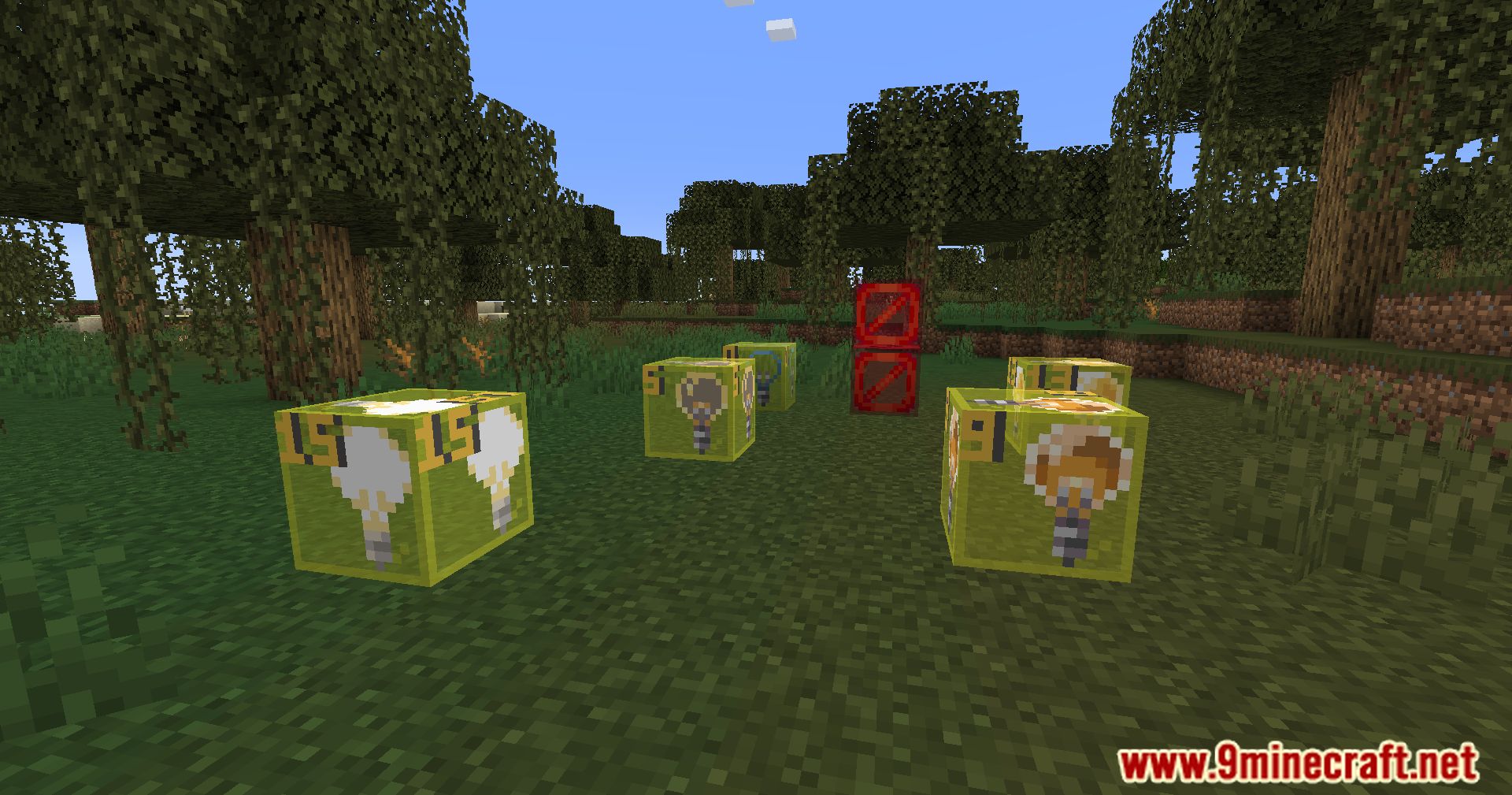
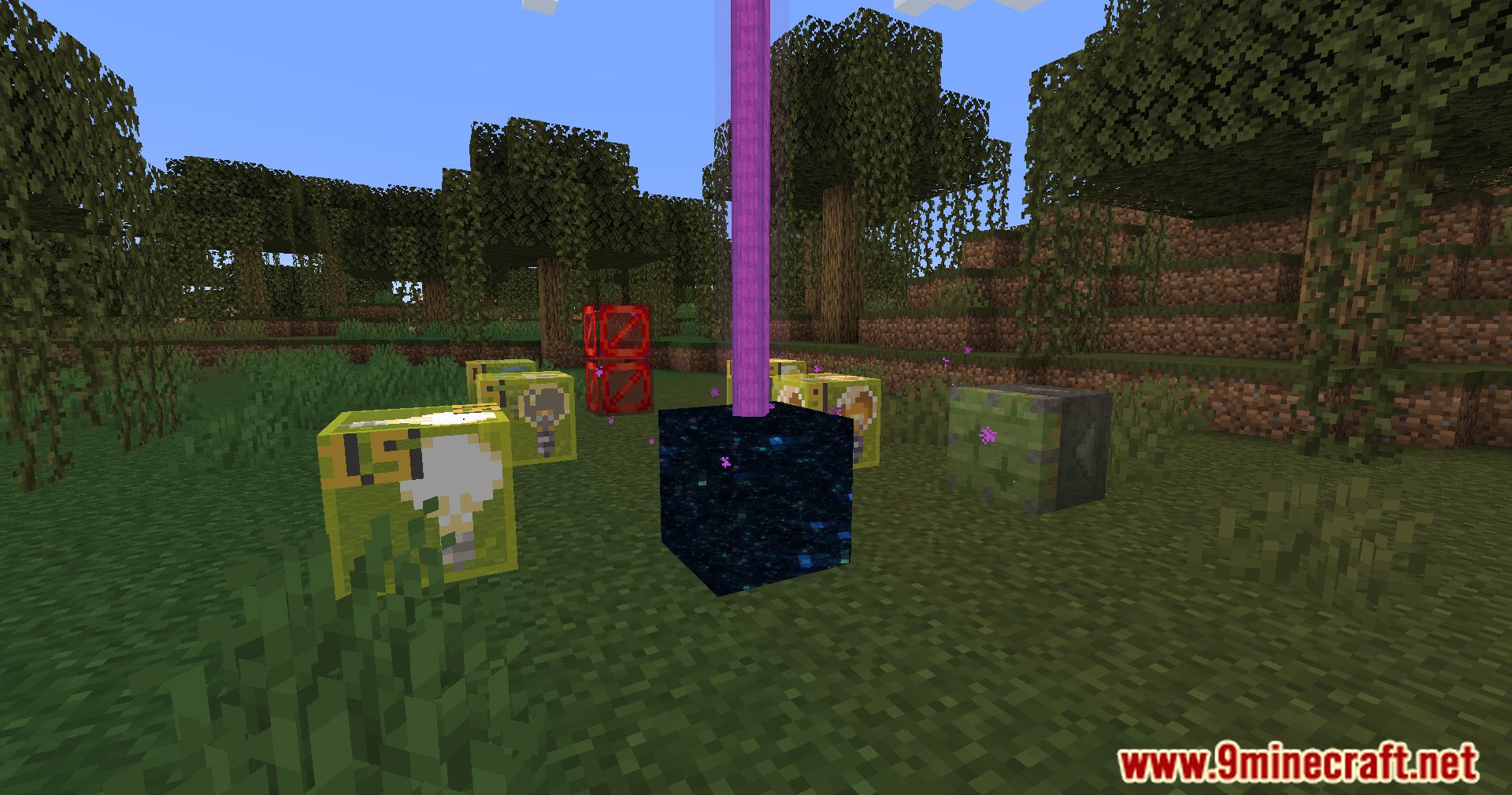
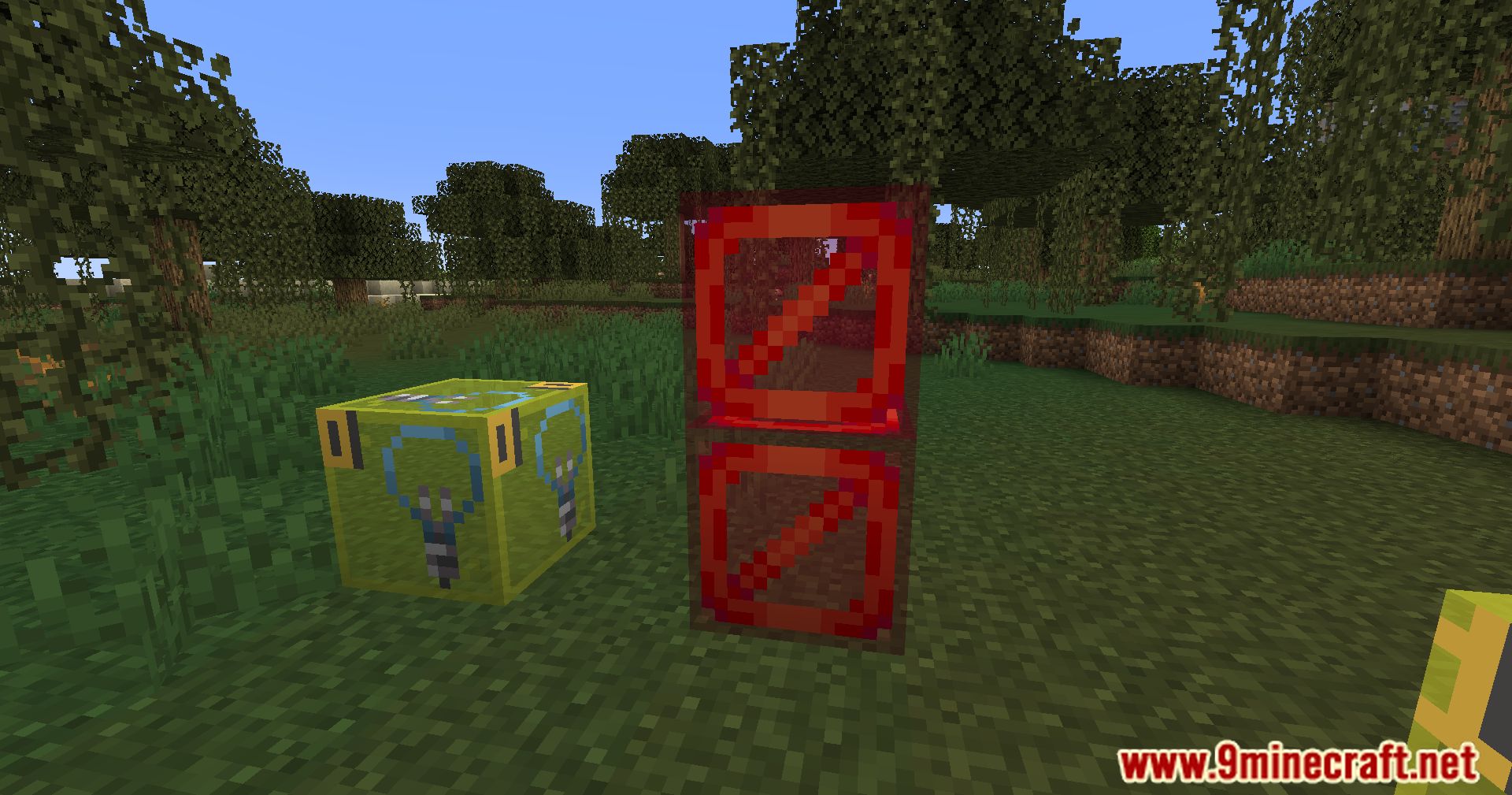
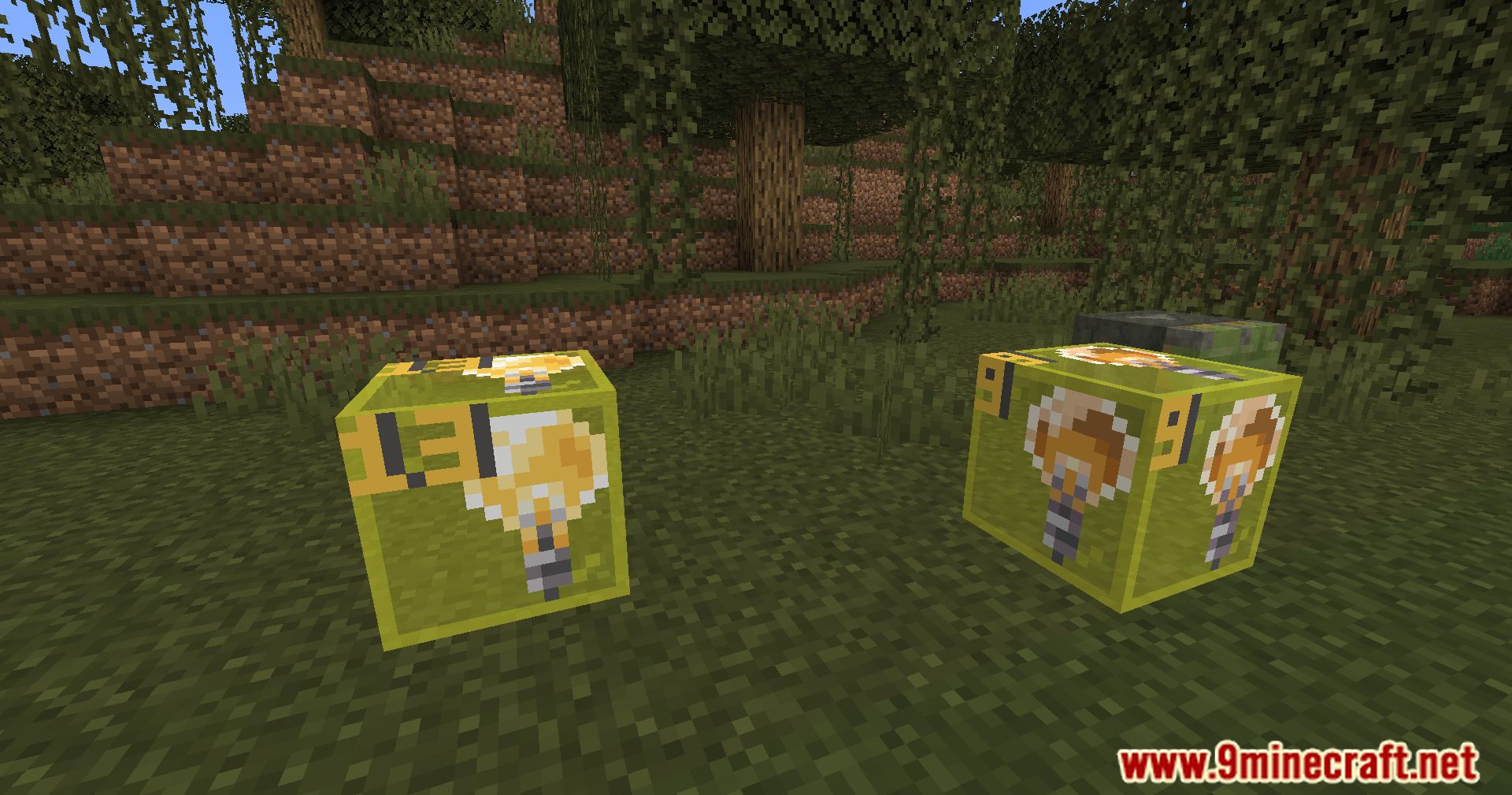
Visible Barriers Mod offers multiple utilities that make the process of creating and testing maps more efficient and intuitive. One of its key features is the ability to render barrier blocks as solid blocks using a keybind (default: b), which significantly enhances visibility and usability during map creation. In addition to the visible barrier blocks, the mod provides various other tools that are indispensable for mapmakers. It includes a creative tab with unlisted blocks, allowing easy access to blocks that are not normally available in the creative inventory.
Features:
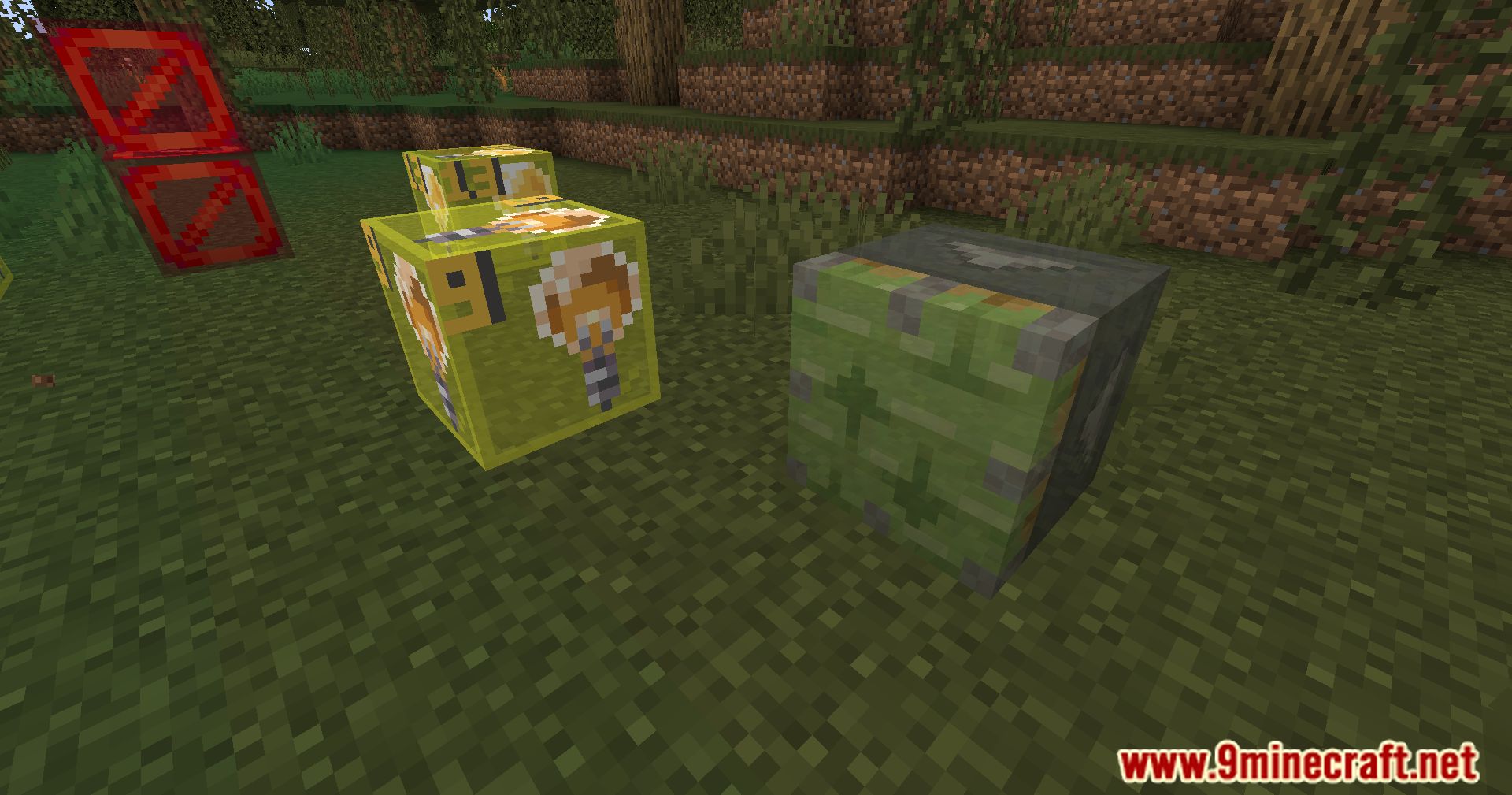
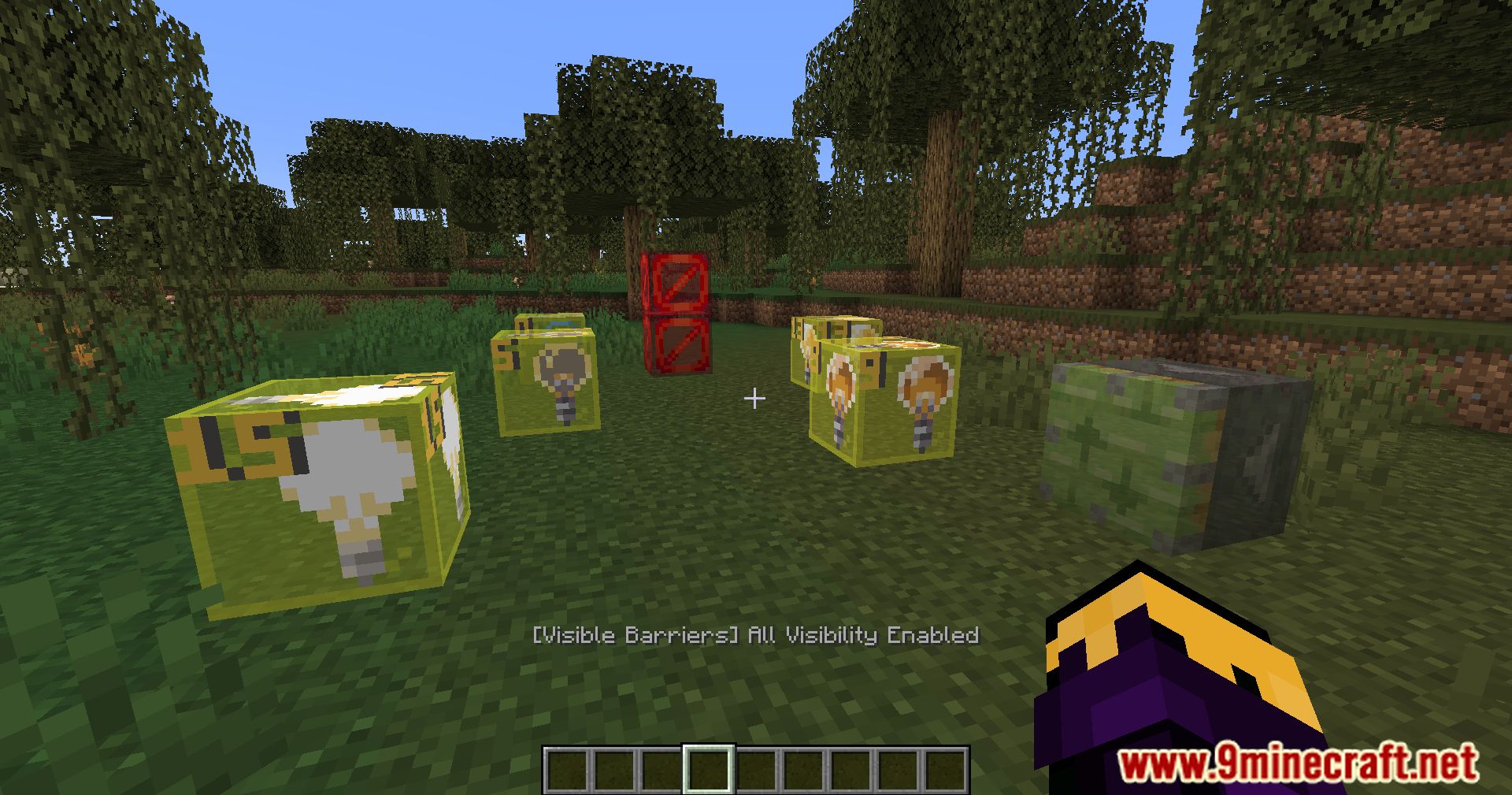
- Visible Barrier Blocks: Render barrier blocks as solid blocks with a keybind for better visibility.
- Creative Tab of Unlisted Blocks: Access blocks not typically available in the creative inventory.
- Mass Commands: Commands to mass infect and lock blocks, simplifying map setup.
- Marker Entity Visibility: See marker entities to assist in detailed map testing.
Screenshots:
Visible Barriers Mod Download Links
- Edition: Minecraft Java
- File type: .jar
- Minecraft version listed: 1.20.1
- How to install: Install the matching mod loader (Forge, Fabric or NeoForge) for your Minecraft version. → Download the .jar. → Put it in the .minecraft/mods folder and launch that loader profile.
- Where to get it: In MC Java Mods, or directly above on this page.
Install steps are the general flow for this file type — How to install Minecraft Java mods & modpacks walks through it step by step.
- Downloads as 26400.mcaddon
- Download size: 823 KB
- Download link checked 24 Sept 2026 — working
- Mirrored on our own servers — the download does not depend on the original host
These come from our own check of the pack file, not from the source page.