HomeJavaModsMineLights
MineLights
ModsJava

MineLights

by MegaBytesMe · on Modrinth

MineLights is a Minecraft mod that brings RGB lighting integrations to Minecraft Java Edition - OpenRGB, Corsair iCUE, Logitech G HUB, Razer Chroma, MSI…

Which build do you need?

This mod ships a separate file for every mod loader and every version of the game. Pick both, then download — the wrong build installs fine and then does nothing in the game.

Mod loader

Minecraft version

⬇ Download for 26.2 · Fabric⬇ Download for 26.1–26.1.2 · Fabric⬇ Download for 1.21.9–1.21.11 · Fabric⬇ Download for 1.21.8 · Fabric⬇ Download for 1.21.6–1.21.7 · Fabric⬇ Download for 1.21.2–1.21.5 · Fabric⬇ Download for 1.21–1.21.1 · Fabric⬇ Download for 1.20.6 · Fabric⬇ Download for 1.20.5 · Fabric⬇ Download for 1.20.3–1.20.4 · Fabric⬇ Download for 26.2 · NeoForge⬇ Download for 26.1–26.1.2 · NeoForge⬇ Download for 1.21.9–1.21.11 · NeoForge⬇ Download for 1.21.8 · NeoForge⬇ Download for 1.21.6–1.21.7 · NeoForge⬇ Download for 1.21.2–1.21.5 · NeoForge⬇ Download for 1.20.5–1.21.1 · NeoForge⬇ Download for 1.20.2–1.20.4 · NeoForge
I don't know my version or loader
Open the Minecraft launcher and look at the profile you play on — it names both, like fabric-loader-1.21.4. The version also shows in the bottom-right corner of the game's main menu.
No loader in the profile name? Then it's plain Minecraft, and these mods won't run — you need Fabric or NeoForge installed first.
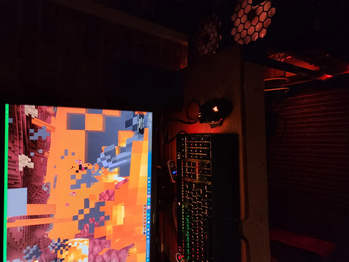
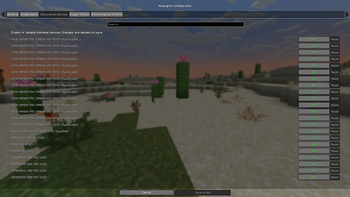
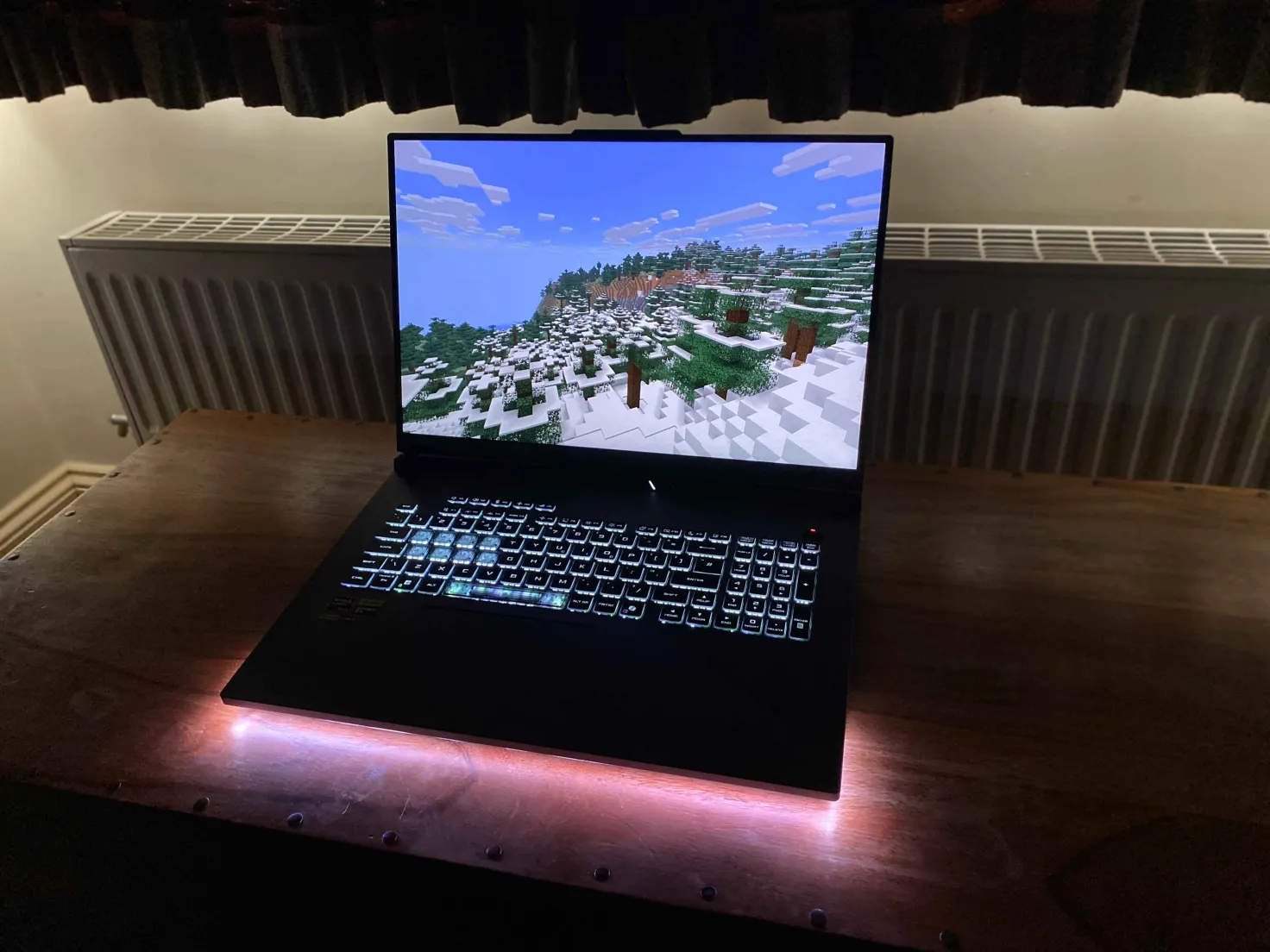
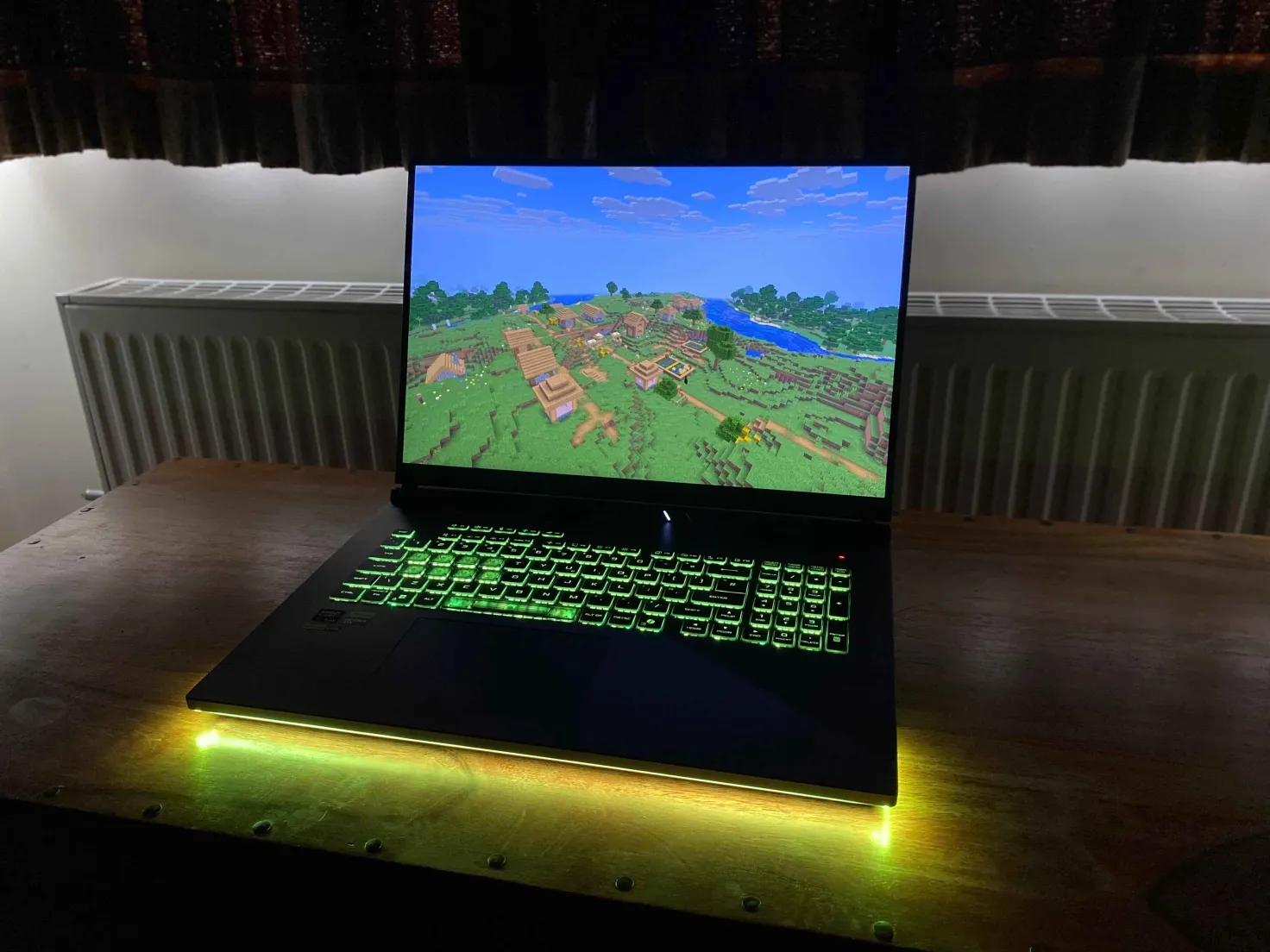
MineLights — screenshot 1MineLights — screenshot 2MineLights — screenshot 3MineLights — screenshot 4MineLights — screenshot 5MineLights — screenshot 6MineLights — screenshot 7MineLights — screenshot 8

MineLights

output

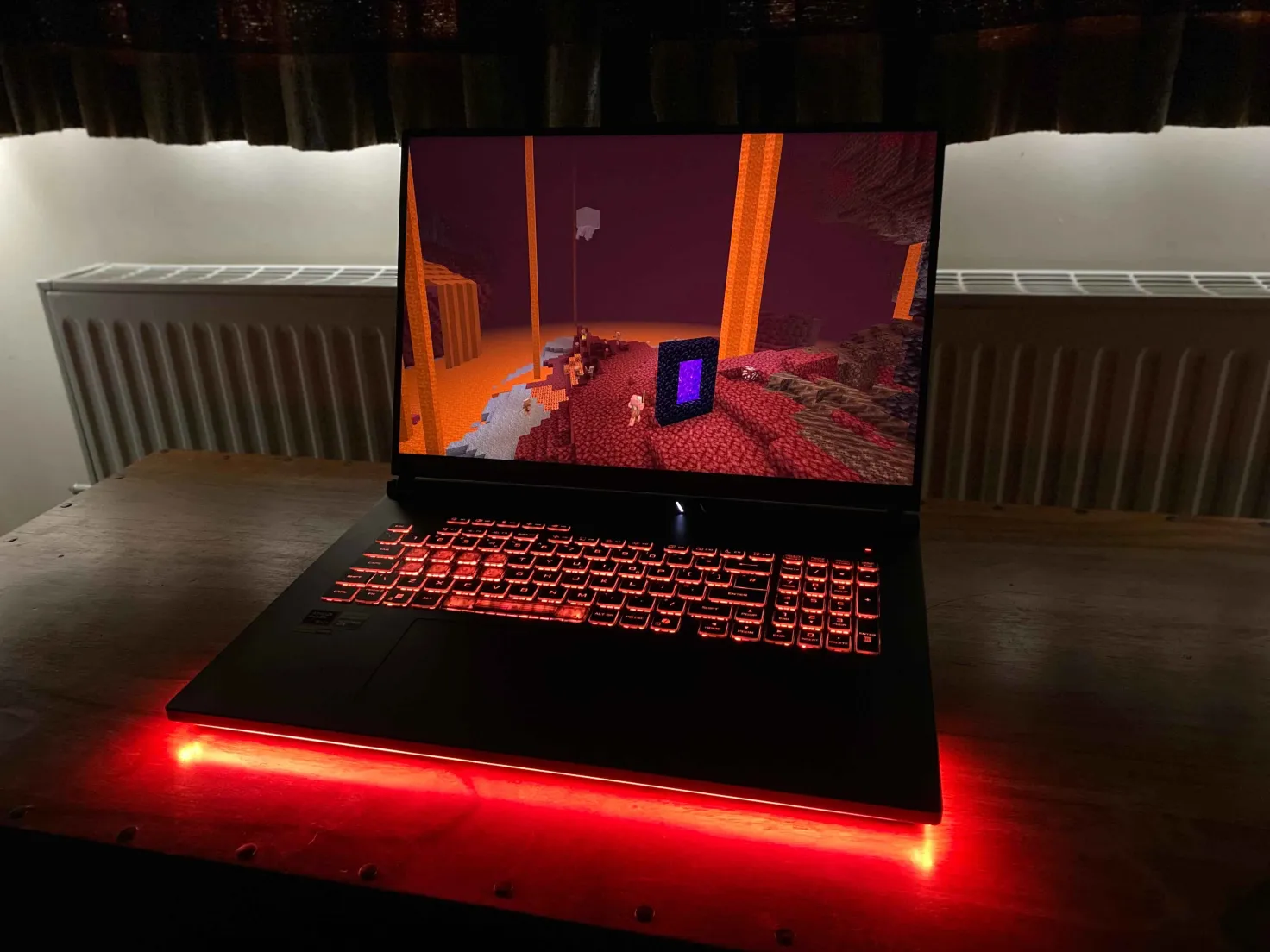
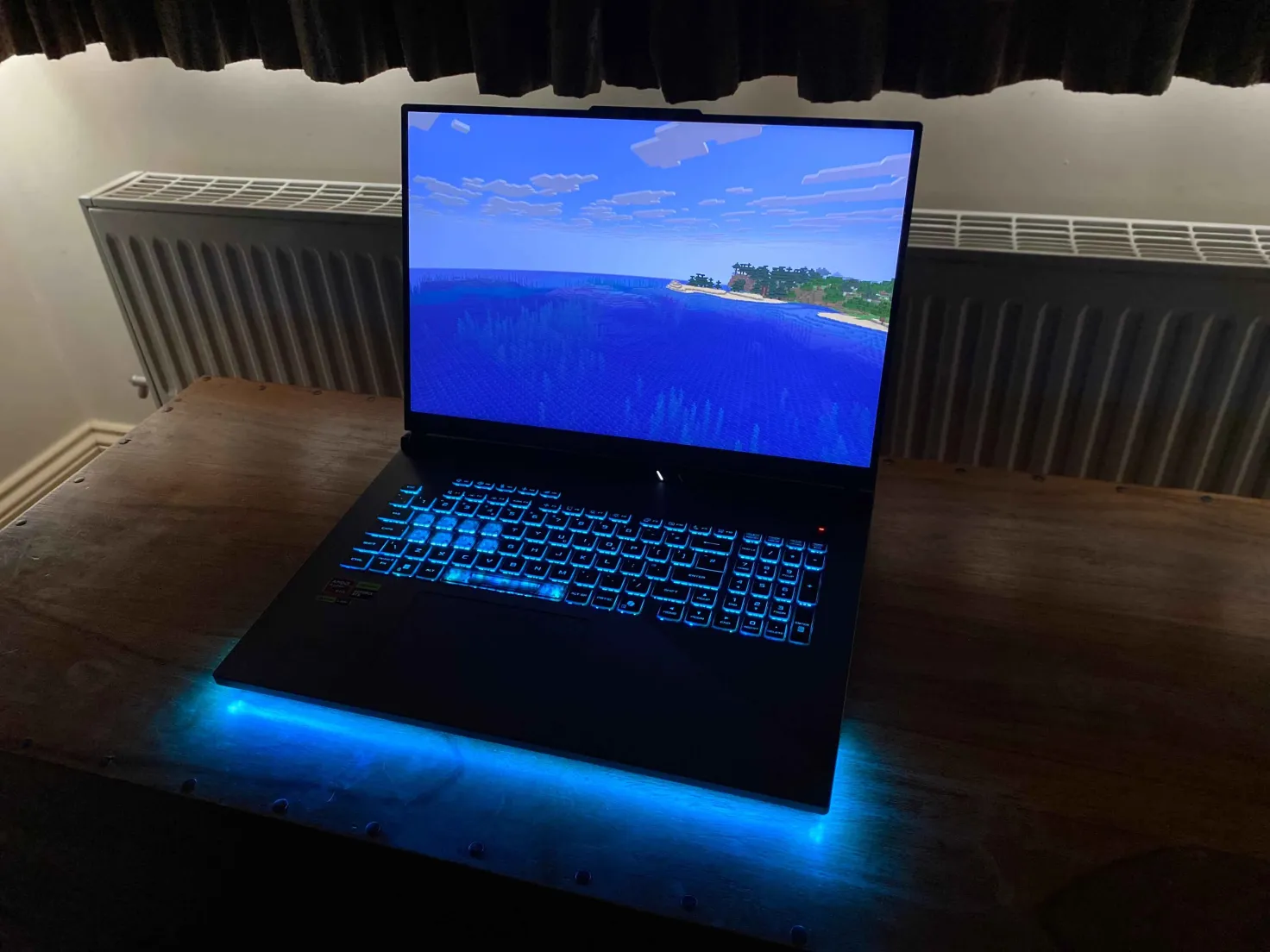
MineLights running on an Asus laptop. Video courtesy of Nukepatrol99.

MineLights is a Minecraft Fabric mod that brings your world to life with dynamic RGB lighting effects for your peripherals. It targets a range of Minecraft versions (1.14.3+) and uses a modular design to support a wide range of hardware.

Currently supported: Minecraft 1.14.3 - 26.2 (Fabric), Minecraft 1.20.2 - 26.2 (NeoForge)

Features

Supported RGB Software

This project uses the RGB.Net Nuget package.

🛠️ Installation

Prerequisites

Installation

Installing MineLights version 2.2: Simply place the mod in your mods folder, then start Minecraft. Follow the on-screen instructions.

Installing MineLights version 2.1 or below: Follow the guide in the release changelog.

Usage

  1. Launch Minecraft: Start the game with your Fabric profile.
  2. Configure:
    • In the main menu, go to Mods > MineLights > Config (the gear icon).
    • Enable the integrations you want to use (OpenRGB, Corsair iCUE, etc.).
    • Save the config.
    • Refresh devices to show newly added devices.
    • You can re-enter the config to disable specific devices if you wish.
    • ⚠️: MSI Mystic Light integration requires you to restart the MineLights server as administrator to work!
  3. Enjoy! Your lighting will now sync with your game.

Roadmap

Contributing

Contributions are welcome! Please fork the repository and submit a pull request.

Contact

For any questions, suggestions, or bug reports, please open an issue on the GitHub repository.

Quick facts

Install steps are the general flow for this file type — How to install Minecraft Java mods & modpacks walks through it step by step.

Verified by MCModsHub

These come from our own check of the pack file, not from the source page.

Explore more