
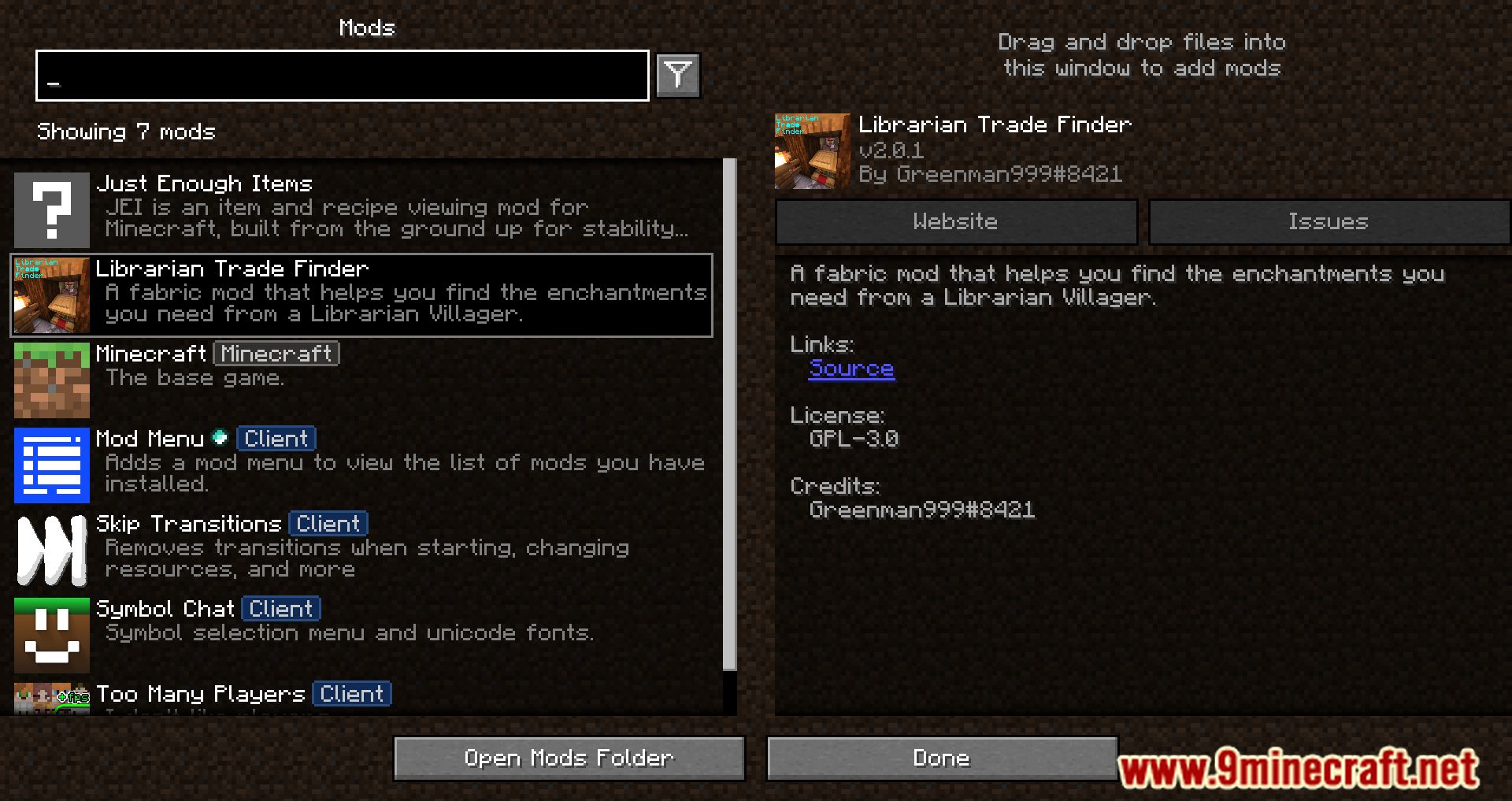
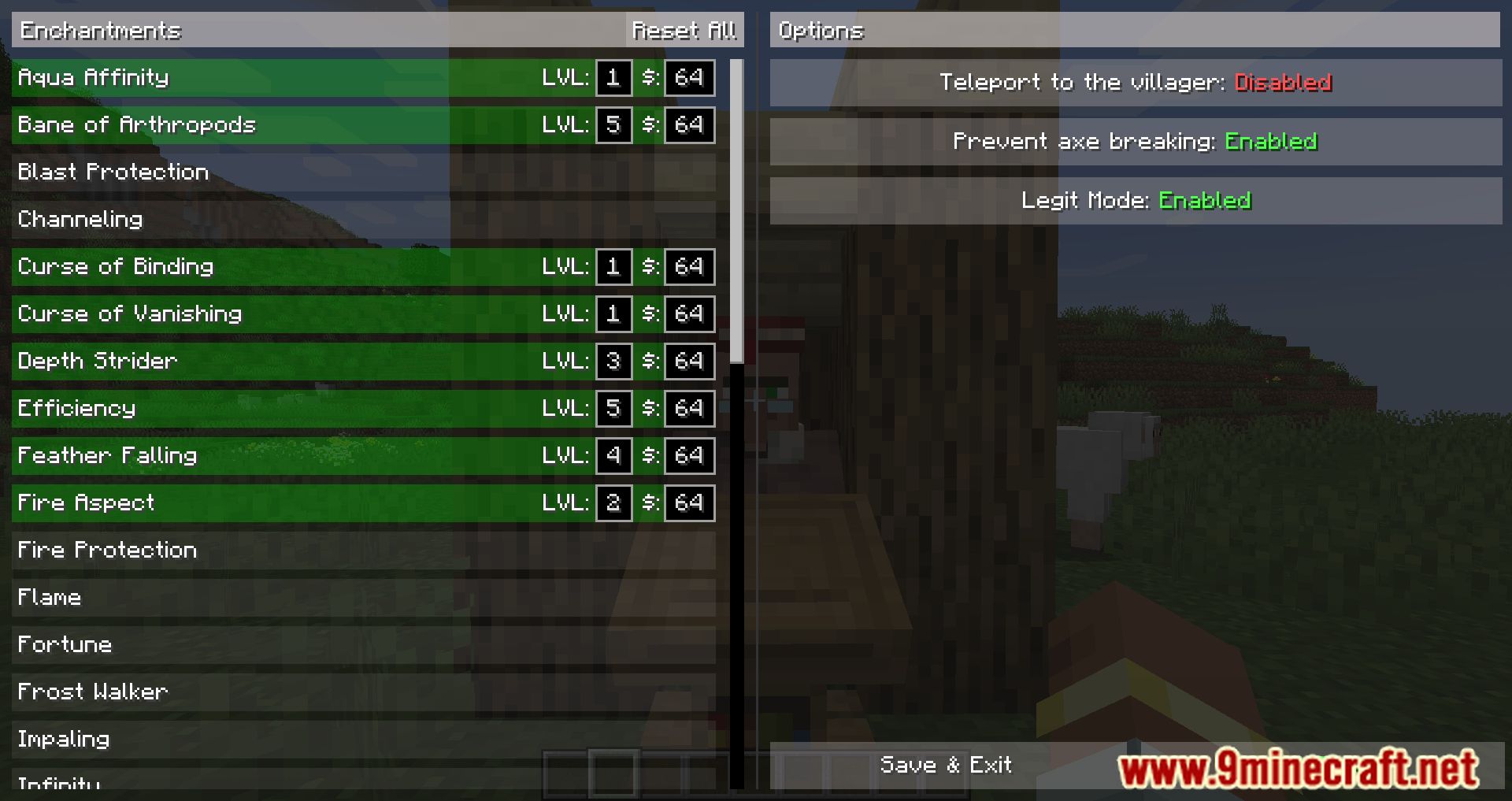
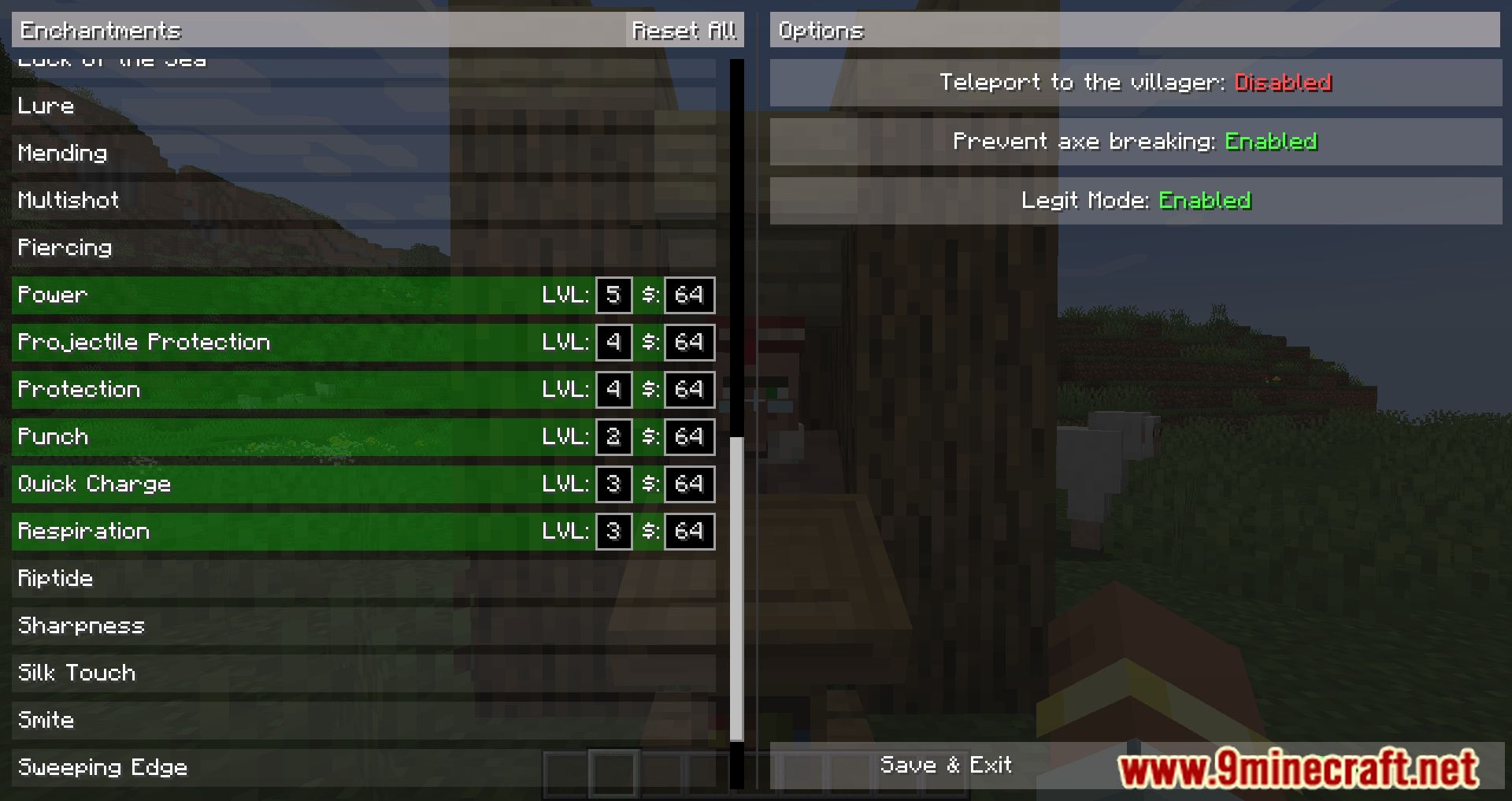
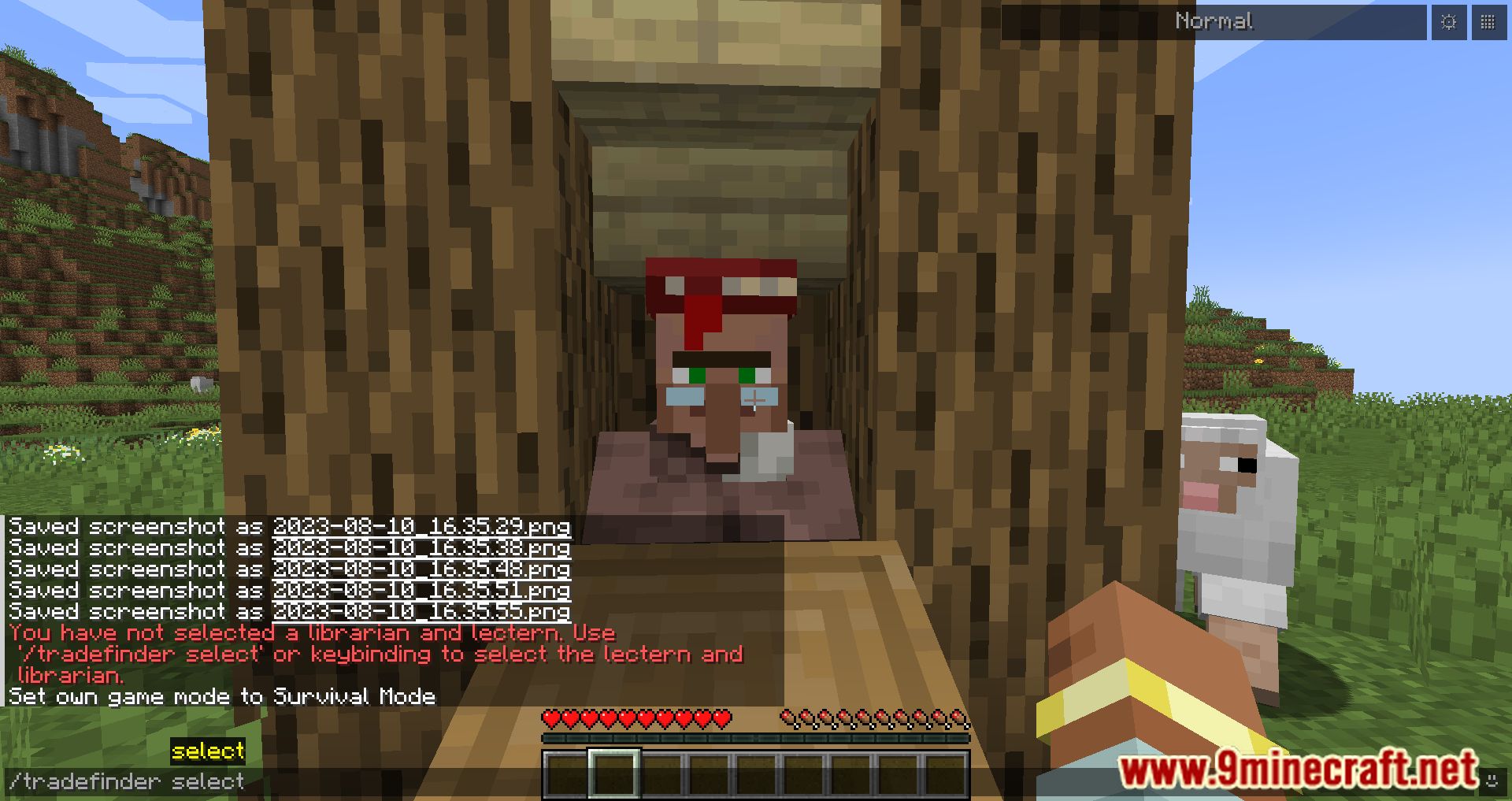
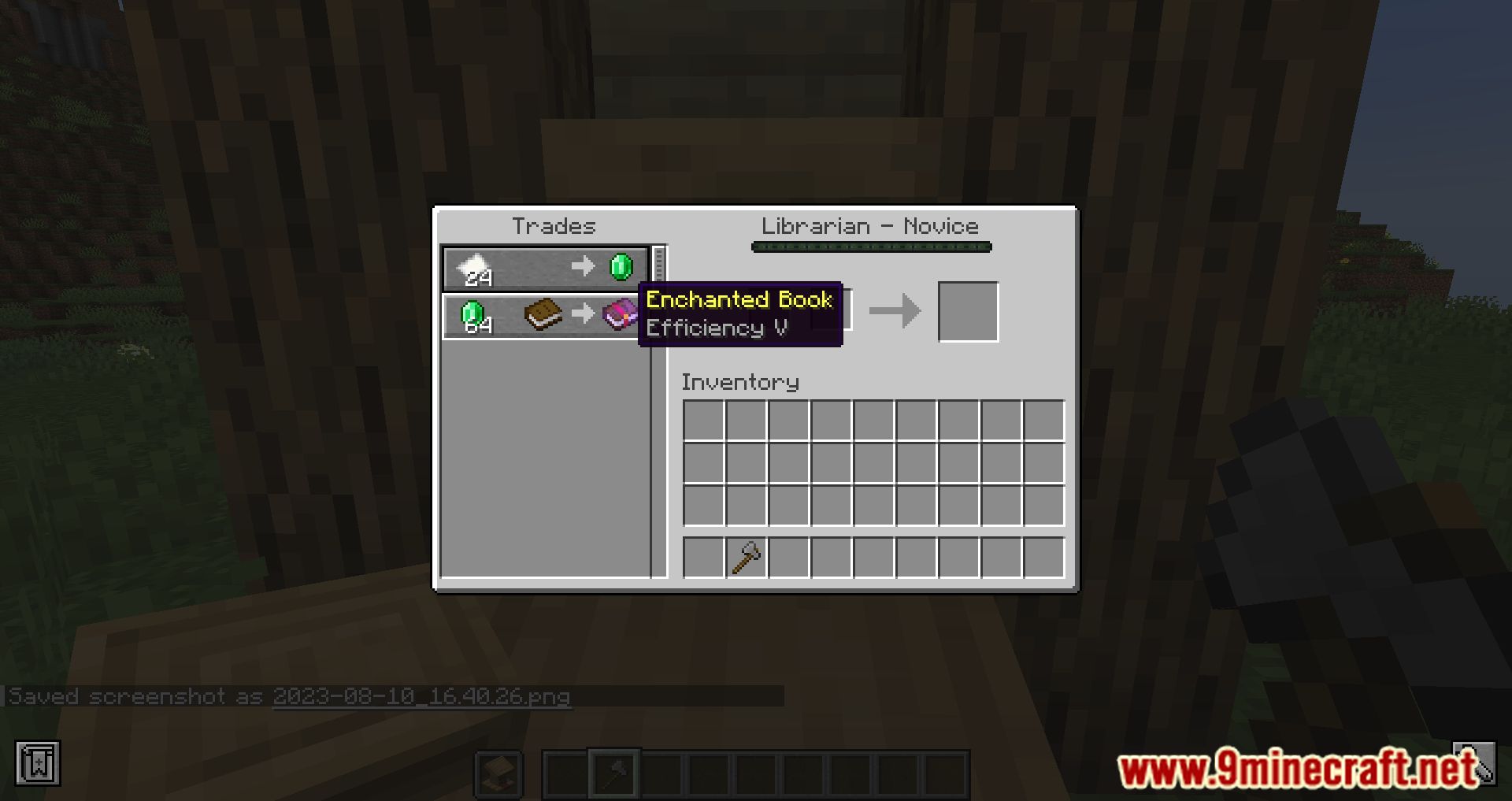
Librarian Trade Finder Mod helps you automatically reroll Librarian Villager trades to get the enchantments you want (Mending, Sharpness V, Fortune III, etc.). Instead of having to: Place a lectern → check the trade → break the lectern → place it again → repeat this hundreds of times… the mod will do all of that for you automatically.
Features:
Basic Usage
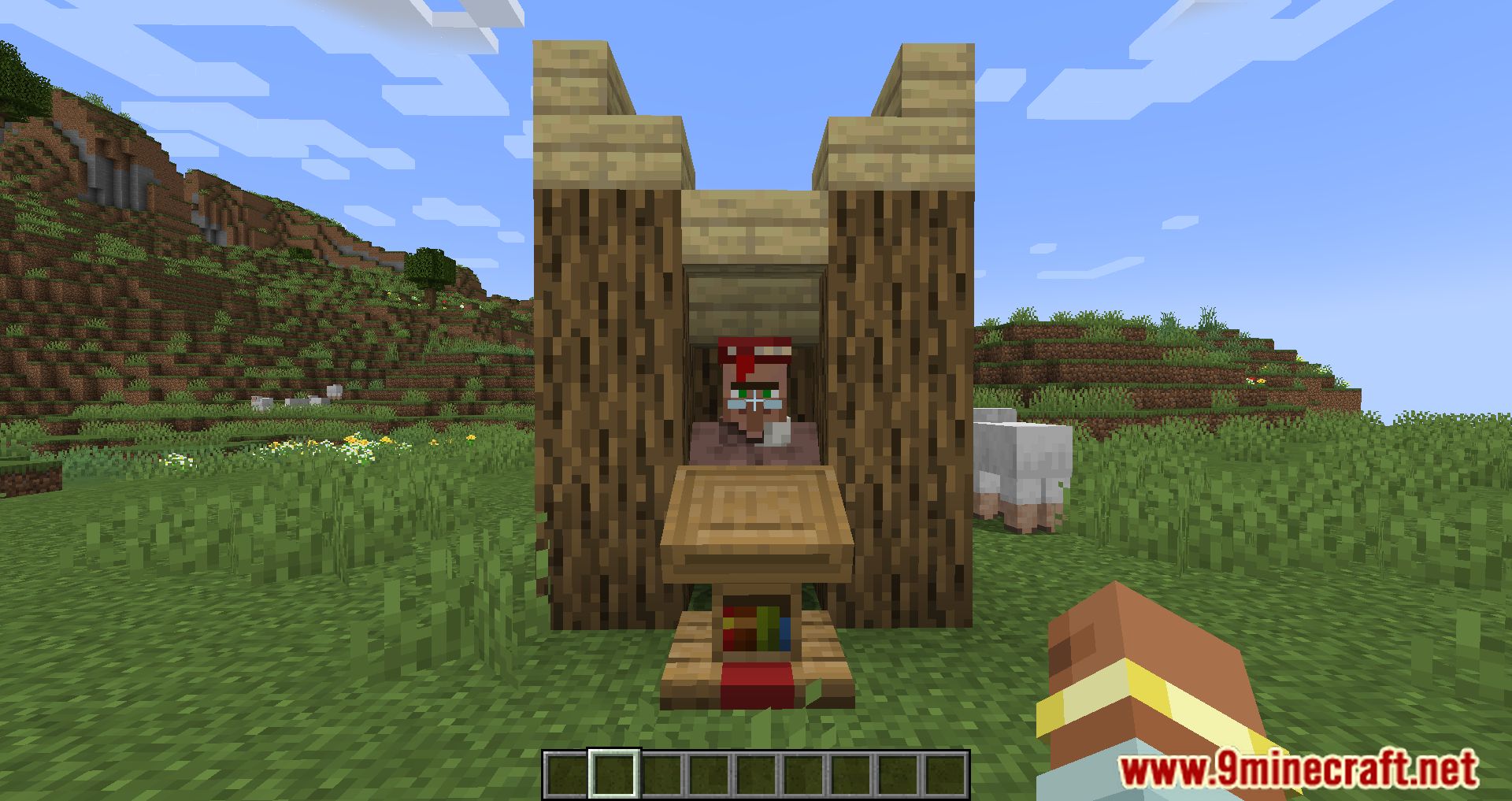
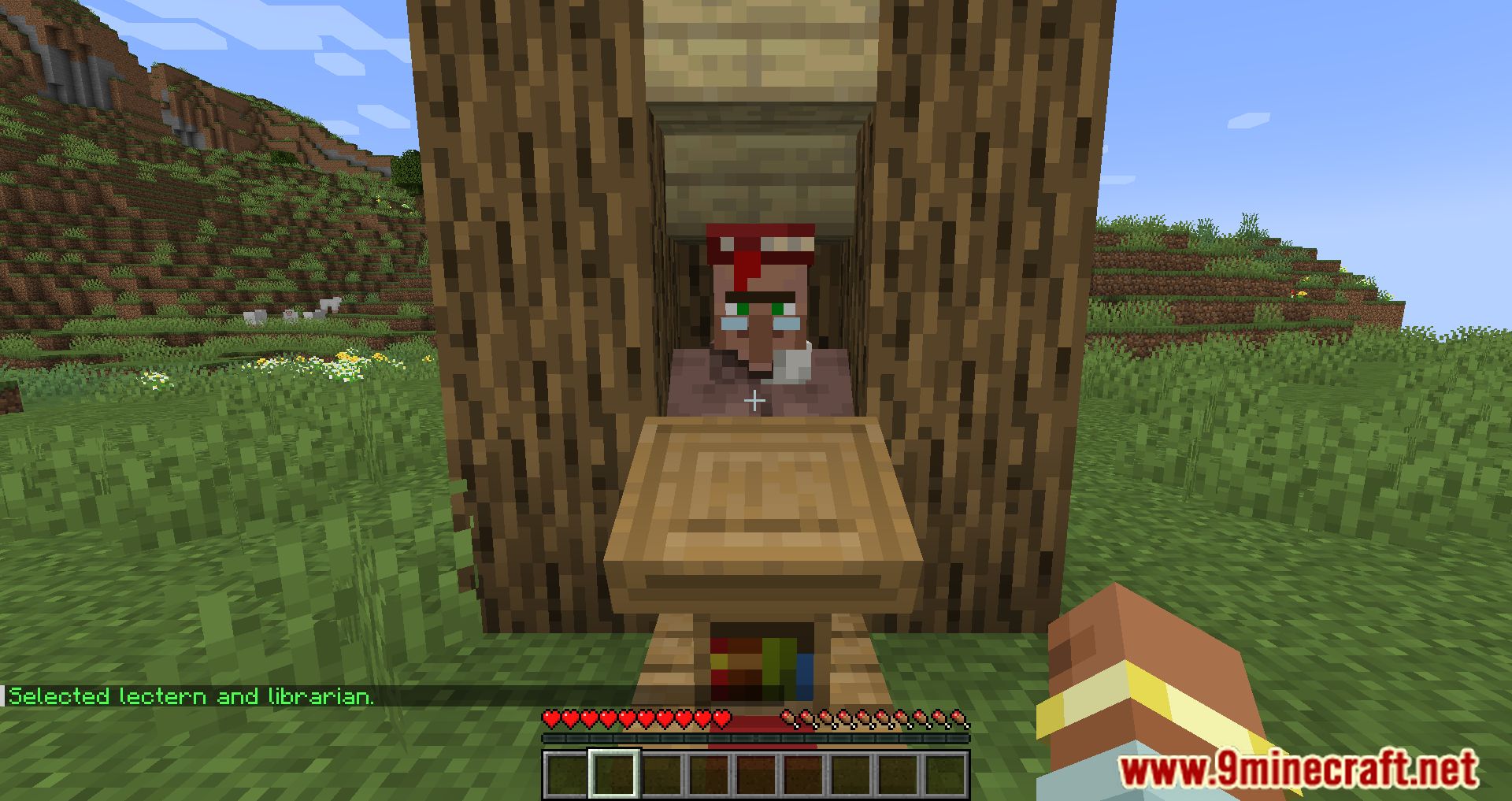
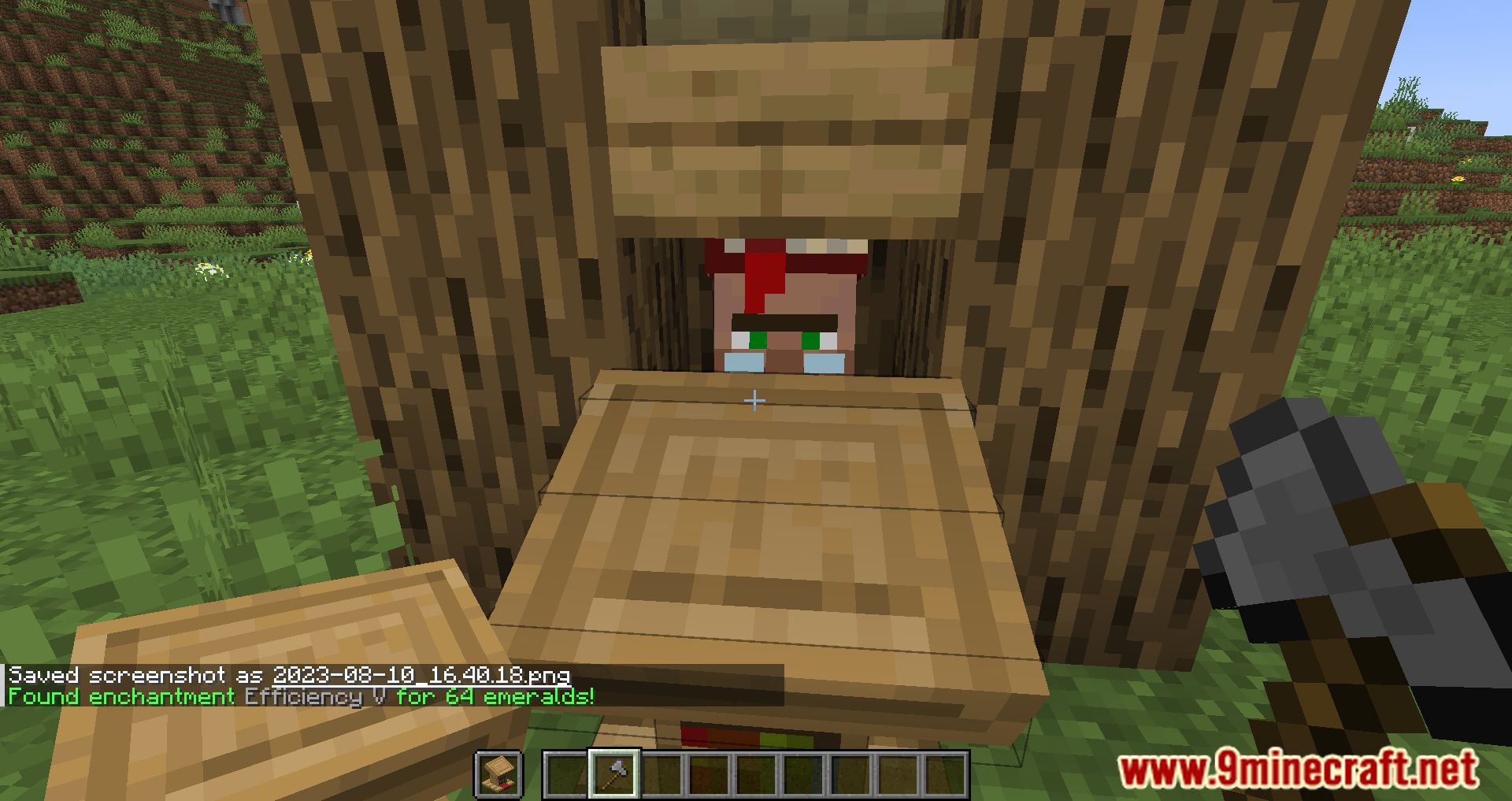
- Encase the Librarian Villager in a 1×1 area.
- Place a Lectern in front of the villager.
- Look at the lectern and select it by:
- Using the keybinding Select Lectern (default: I), or
- Executing the command: /tradefinder select.
- Hold lecterns in your off-hand and an axe in your main-hand. A faster axe increases the search speed.
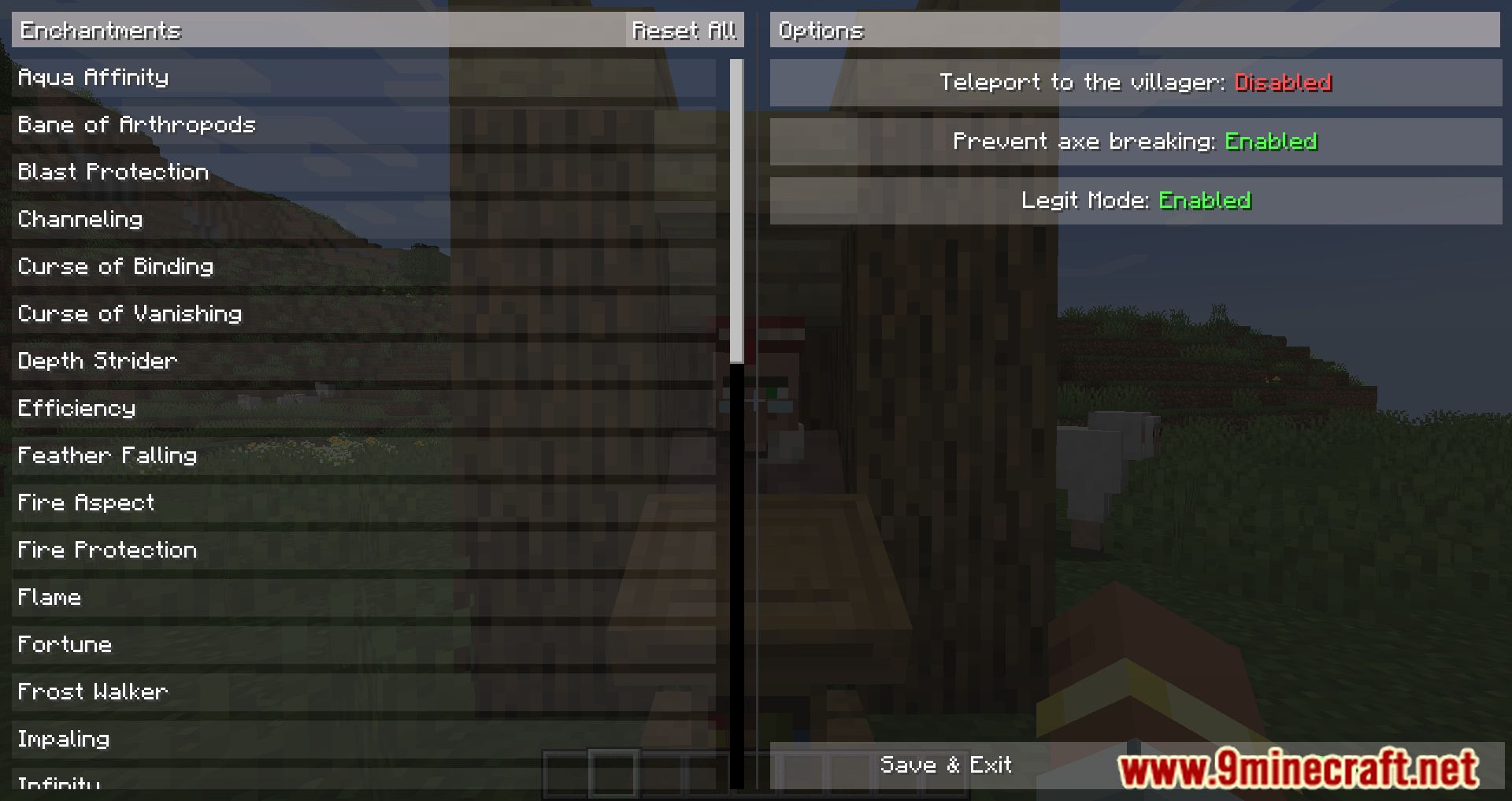
- Open the configuration:
- Press the keybinding Open Config Screen (default: C), or
- Execute the command: /tradefinder config.
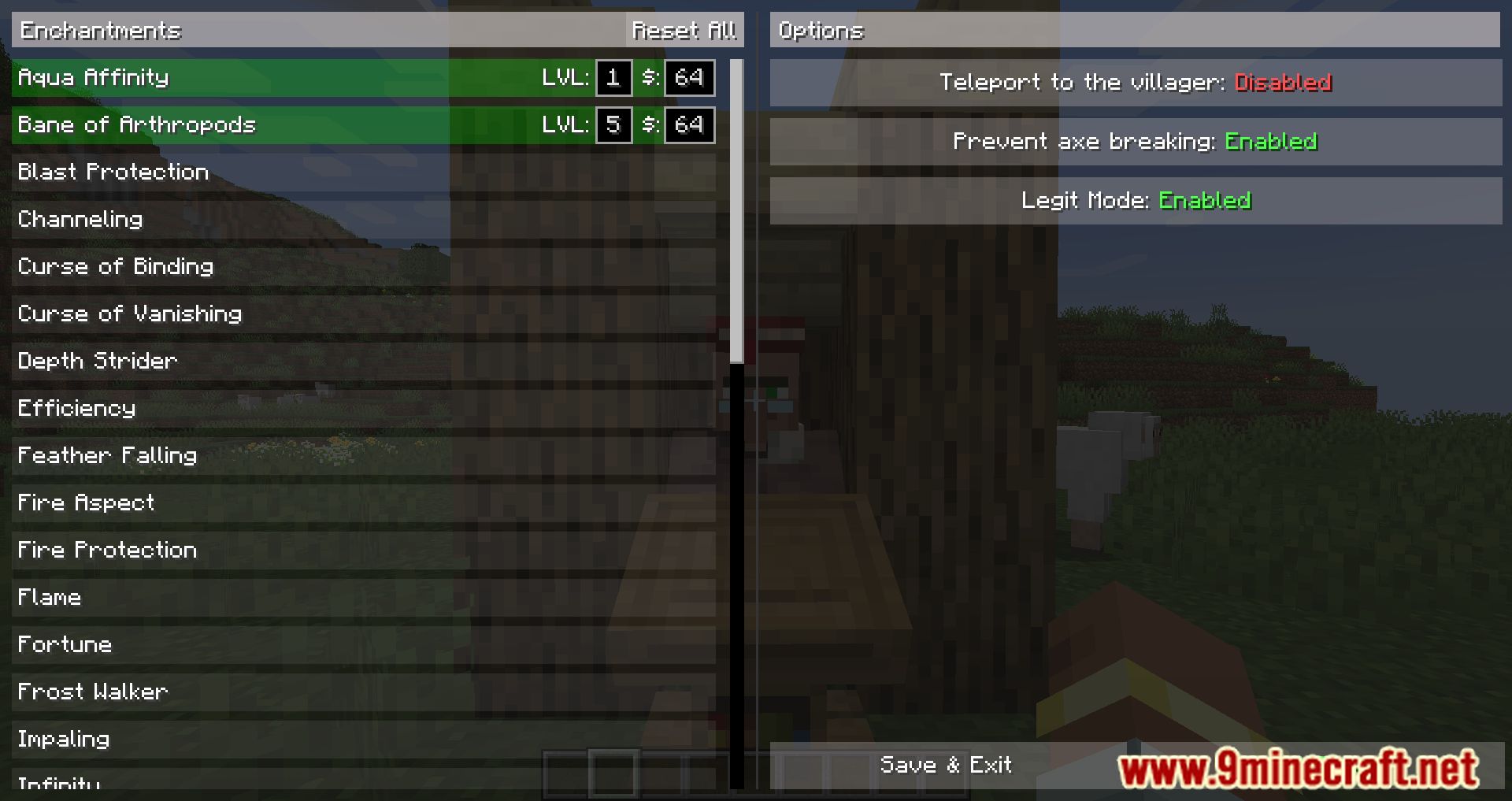
- In the configuration:
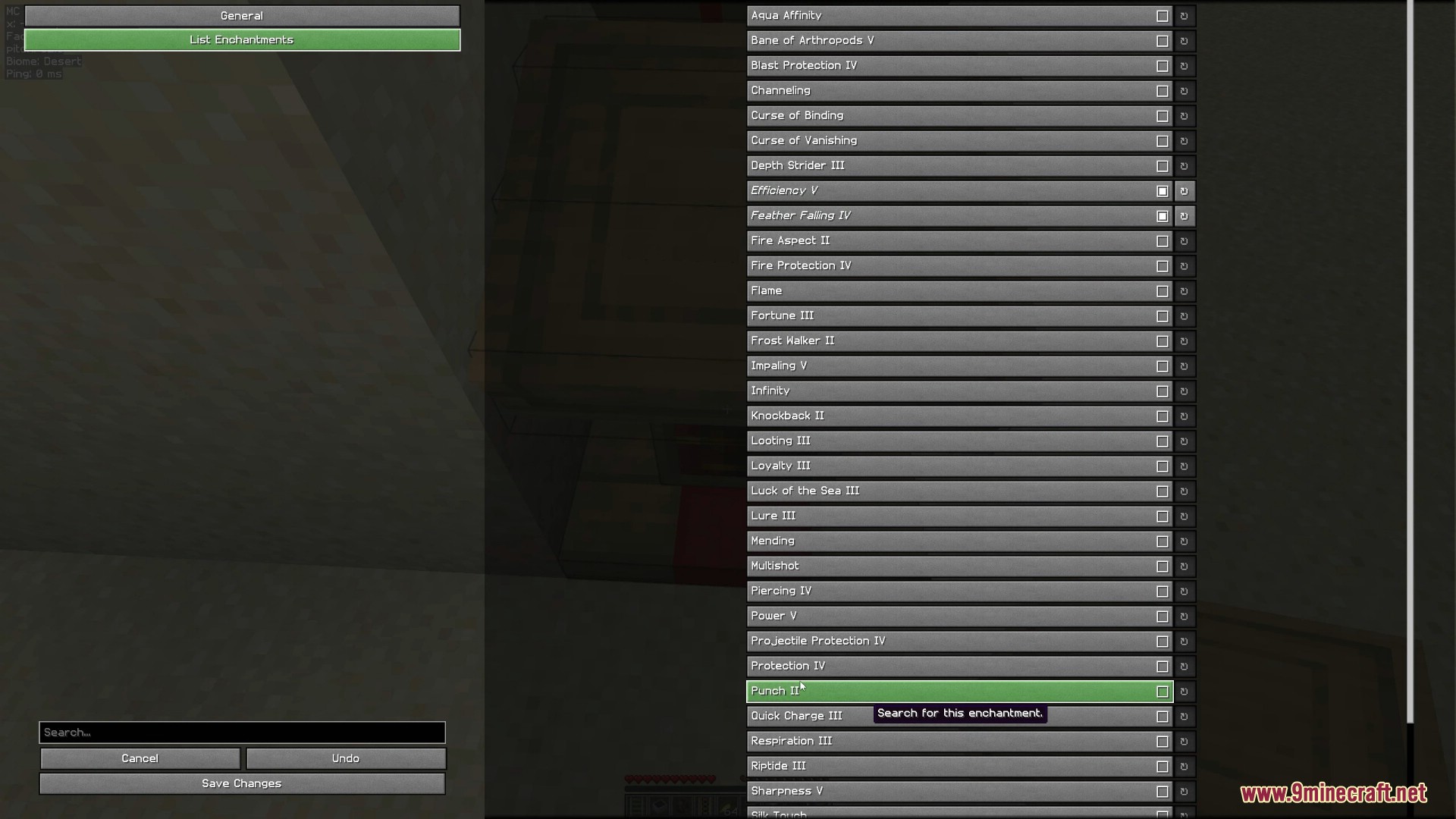
- Select the enchantments you want to search for.
- Set the desired maximum price and maximum level.
- Adjust any additional settings to your preference.
- Start the search by:
- Pressing the Start Search button in the config screen, or
- Pressing the keybinding Start/Stop Search (default: O), or
- Executing the command: /tradefinder start.
- To stop the search at any time, press the Start/Stop Search keybinding (default: O) or execute /tradefinder stop.
Command Usage
Common setup steps
- Encase the villager in a 1×1 area.
- Place a lectern in front of the villager.
- Look at the lectern and execute /tradefinder select.
- Hold lecterns in your off-hand and an axe in your main-hand.
Single Enchantment Search
- Execute: /tradefinder searchSingle <enchantment> <maxPrice>
- The mod will search until it finds the specified enchantment at or below the given price, then stop and notify you.
- To cancel before it finds the enchantment, execute /tradefinder stop.
List Enchantment Search
- Open the configuration with /tradefinder config or via the config GUI (for example, through Mod Menu).
- Switch to the List Enchantments tab and select all enchantments you want to search for.
- Execute: /tradefinder searchList
- The mod will search until it finds any of the selected enchantments, then stop and notify you.
- To cancel the search, execute /tradefinder stop.
Common Issues
- Error: “You are not looking at a lectern.”
Ensure your crosshair is pointing at the lectern, not the villager. - Lectern is not breaking
Some anti-cheat systems may block automatic breaking or interaction if you are not directly looking at the block. Try adjusting your position or server settings. - Lecterns disappear
Dropped lecterns may fall behind or around the lectern. Stop the search, break the lectern manually, collect all lecterns, then restart the search.
Screenshots:
Librarian Trade Finder Mod Download Links
Quick facts
- Edition: Minecraft Java
- File type: .jar
- Minecraft version listed: 1.20.1
- How to install: Install the matching mod loader (Forge, Fabric or NeoForge) for your Minecraft version. → Download the .jar. → Put it in the .minecraft/mods folder and launch that loader profile.
- Where to get it: In MC Java Mods, or directly above on this page.
Install steps are the general flow for this file type — How to install Minecraft Java mods & modpacks walks through it step by step.
Verified by MCModsHub
- Downloads as 26406.mcaddon
- Download size: 105 KB
- Download link checked 23 Sept 2026 — working
- Mirrored on our own servers — the download does not depend on the original host
These come from our own check of the pack file, not from the source page.