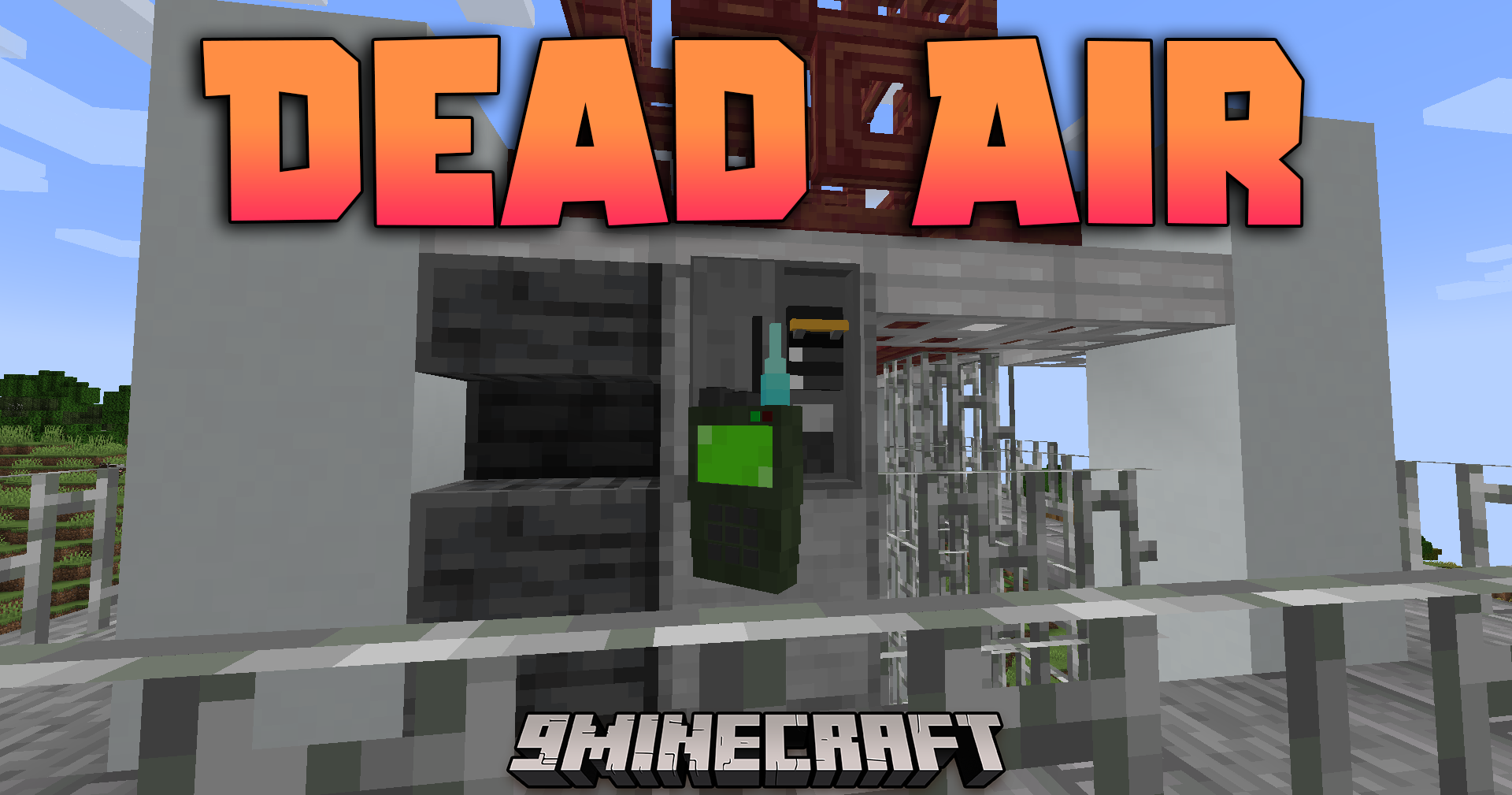
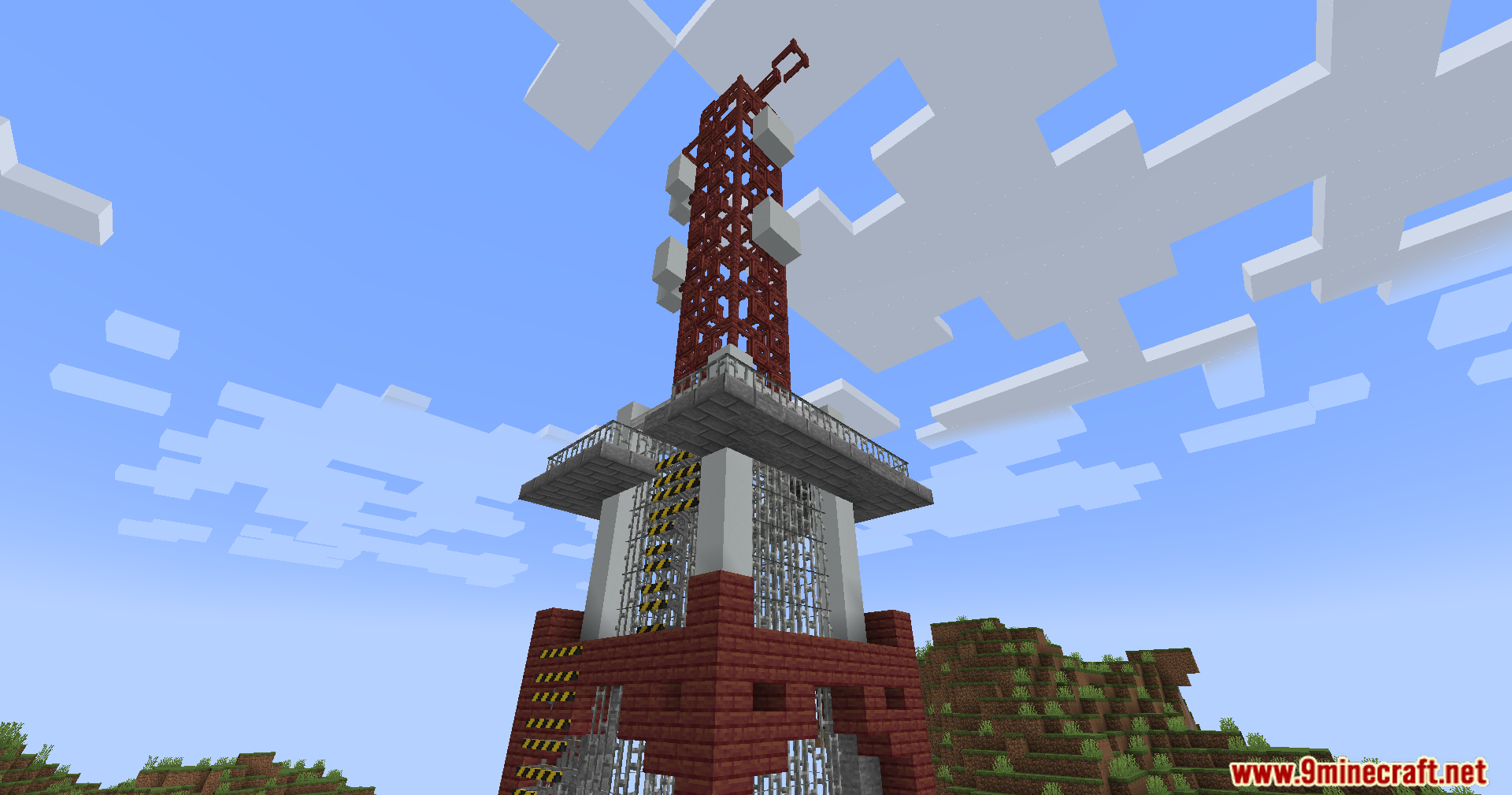
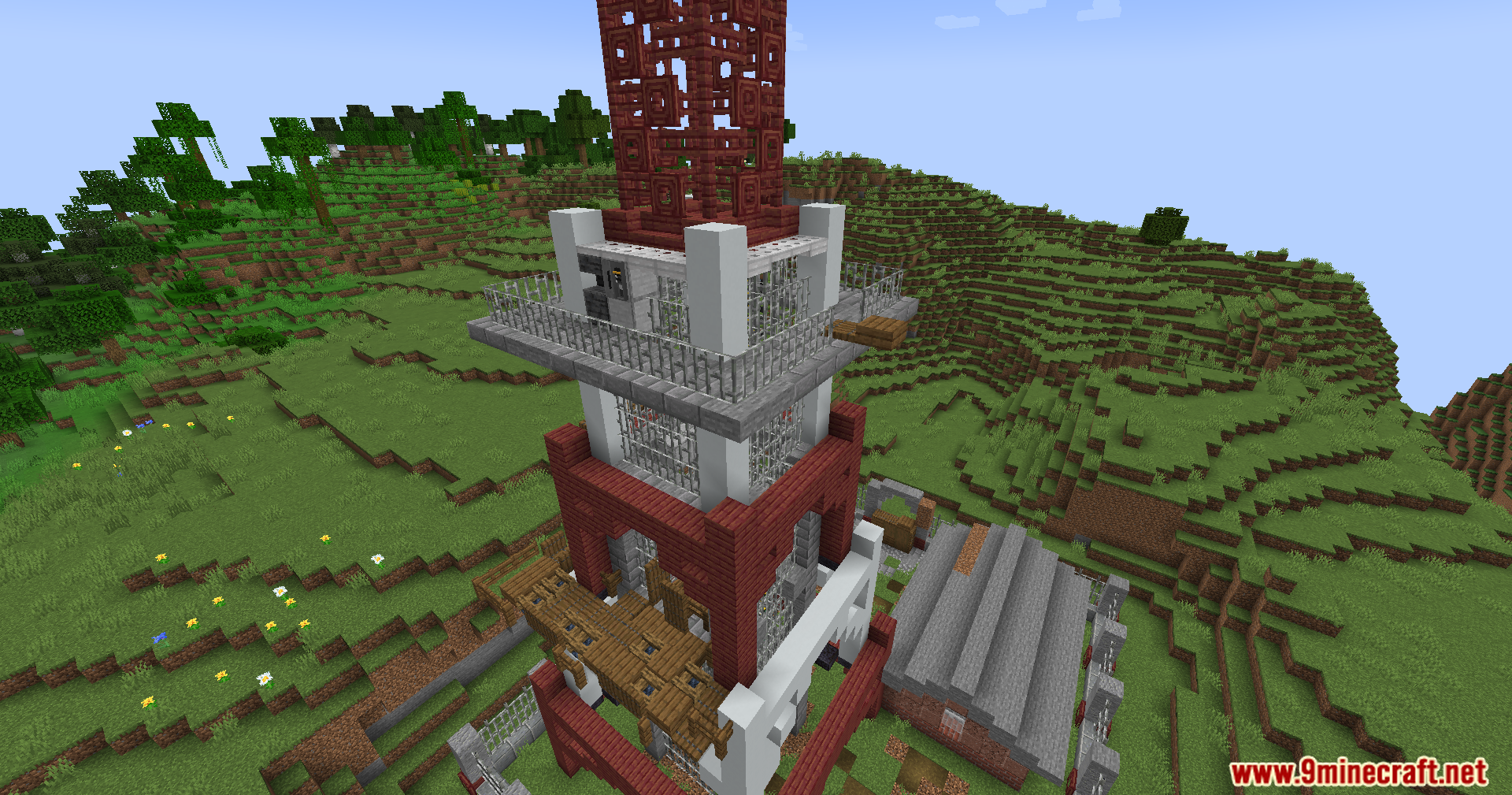
Dead Air Mod extends the Apocalypse Structures and Walkie-Talkie mods with a working radio network. It turns standard radio towers into broadcast nodes and lets you tune in to different music stations using your hand-held radio. You can explore the world while listening to built-in stations or add your own custom music tracks. The signal strength changes based on your distance from the towers, adding a fun survival element to your adventures.
Features:
- Working Radio Stations: Towers broadcast different channels like Bedrock Radio, Jukebox FM, and Remix Radio across the map.
- Signal Strength: The radio connection drops as you move further from a tower, losing signal completely after 375 blocks.
- Realistic Interference: Weather, bad line-of-sight, and weak signals add static noise to the audio.
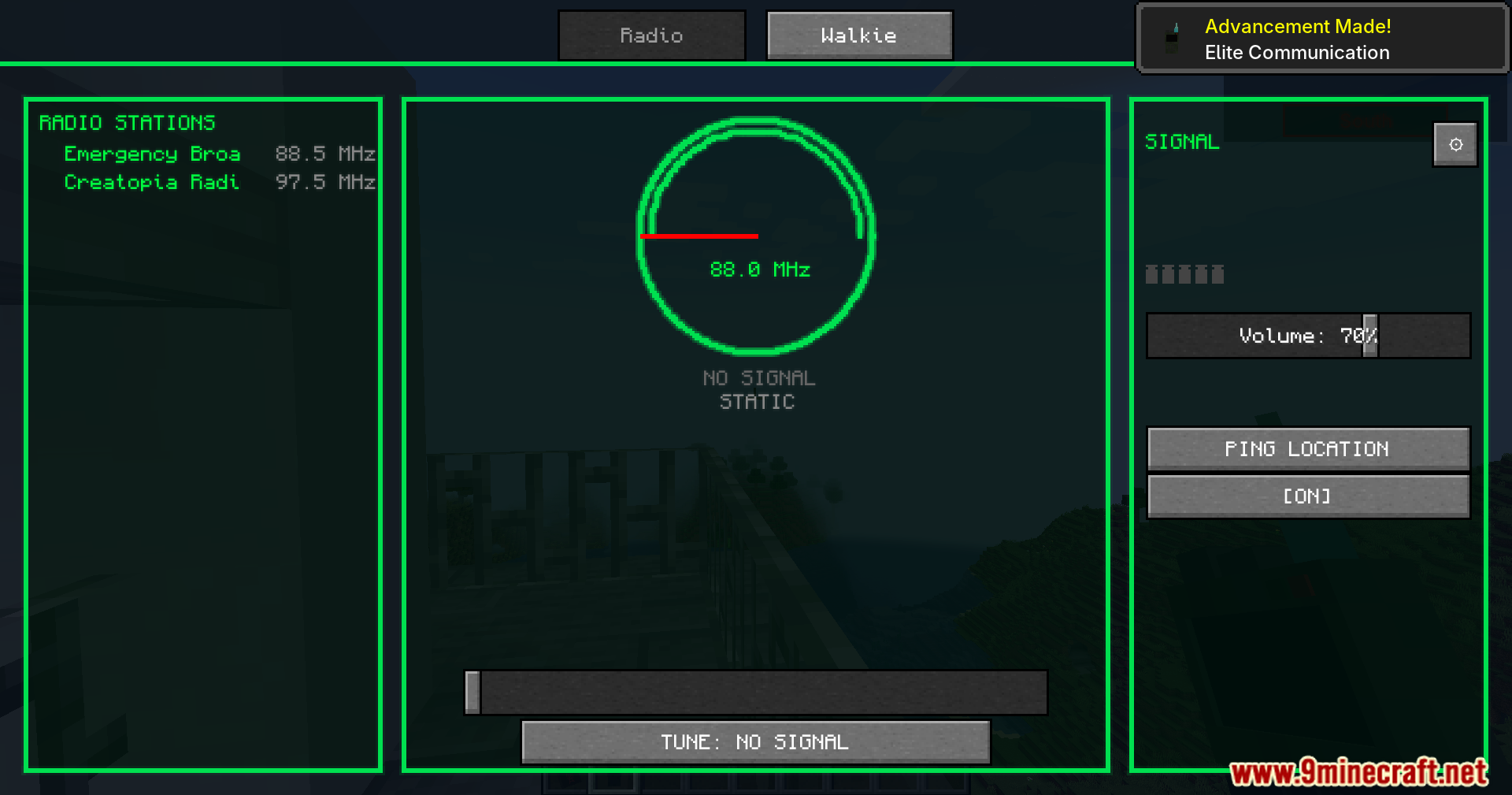
- Station Discovery: You unlock new stations by walking near a tower with your radio turned on.
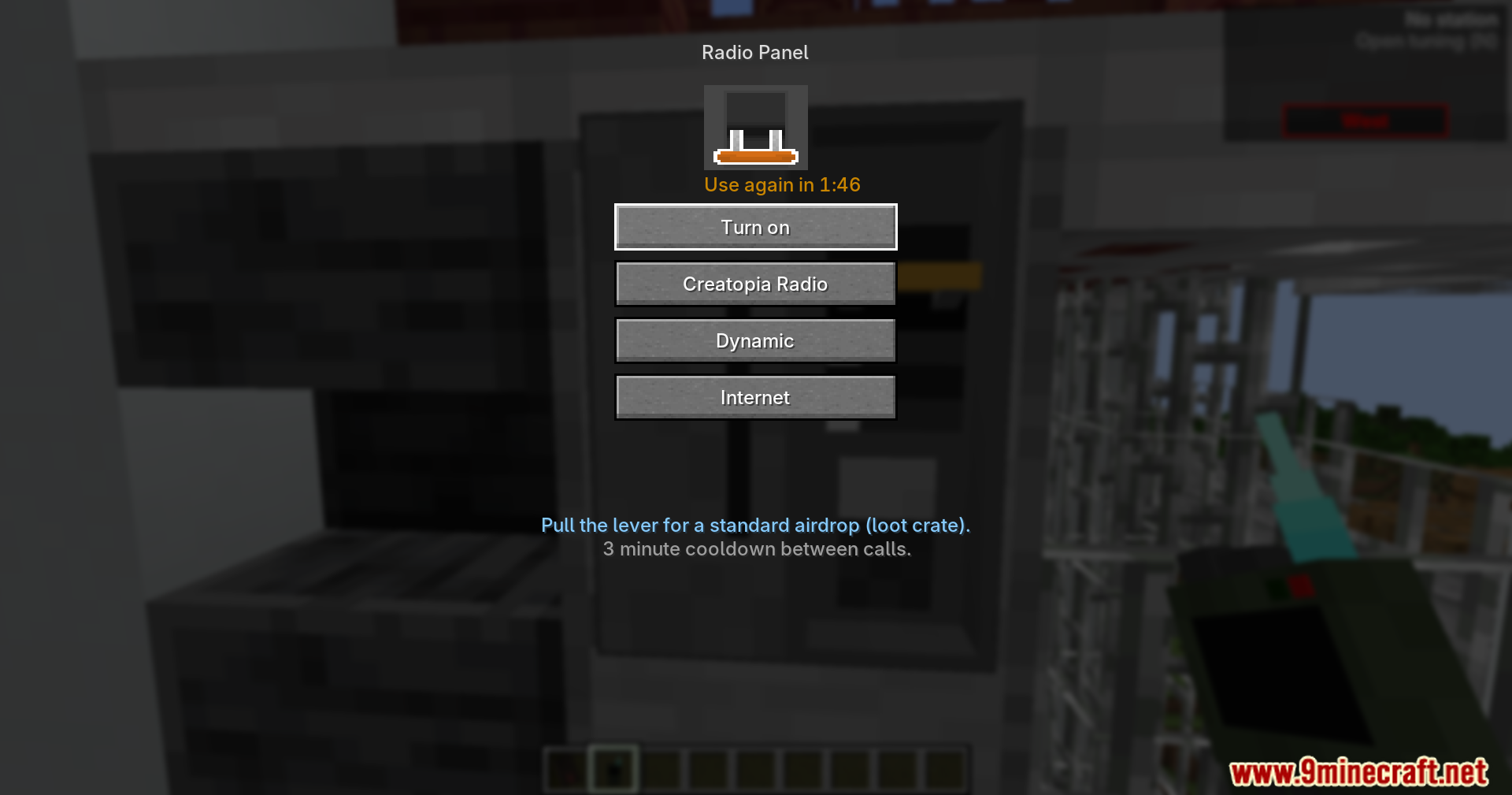
- Tower Activation: Standard towers work instantly, while fenced and overrun towers require a right-click on the radio panel to turn on.
- Custom Music: You can create your own stations by adding .ogg music files into the configuration folder.
- Background Playback: Music continues to play as long as the radio is in your hand, hotbar, or inventory.
- Location Ping: You can send your current coordinates and name directly to the game chat from the radio menu.
- Music Expansions: The system supports extra music packs for different moods like combat, adventure, and chill out.
Commands:
/dead_air spawntower [x] [y] [z]: Generates a standard, fenced, or overrun active radio tower at your current location or specific coordinates.
How to Use:
- Hold a walkie-talkie in your hand.
- Press the N key or right-click to open the tuning menu.
- Move the slider on the retro dial to find a frequency between 88.0 and 108.0 MHz.
- Select an unlocked station to start listening.
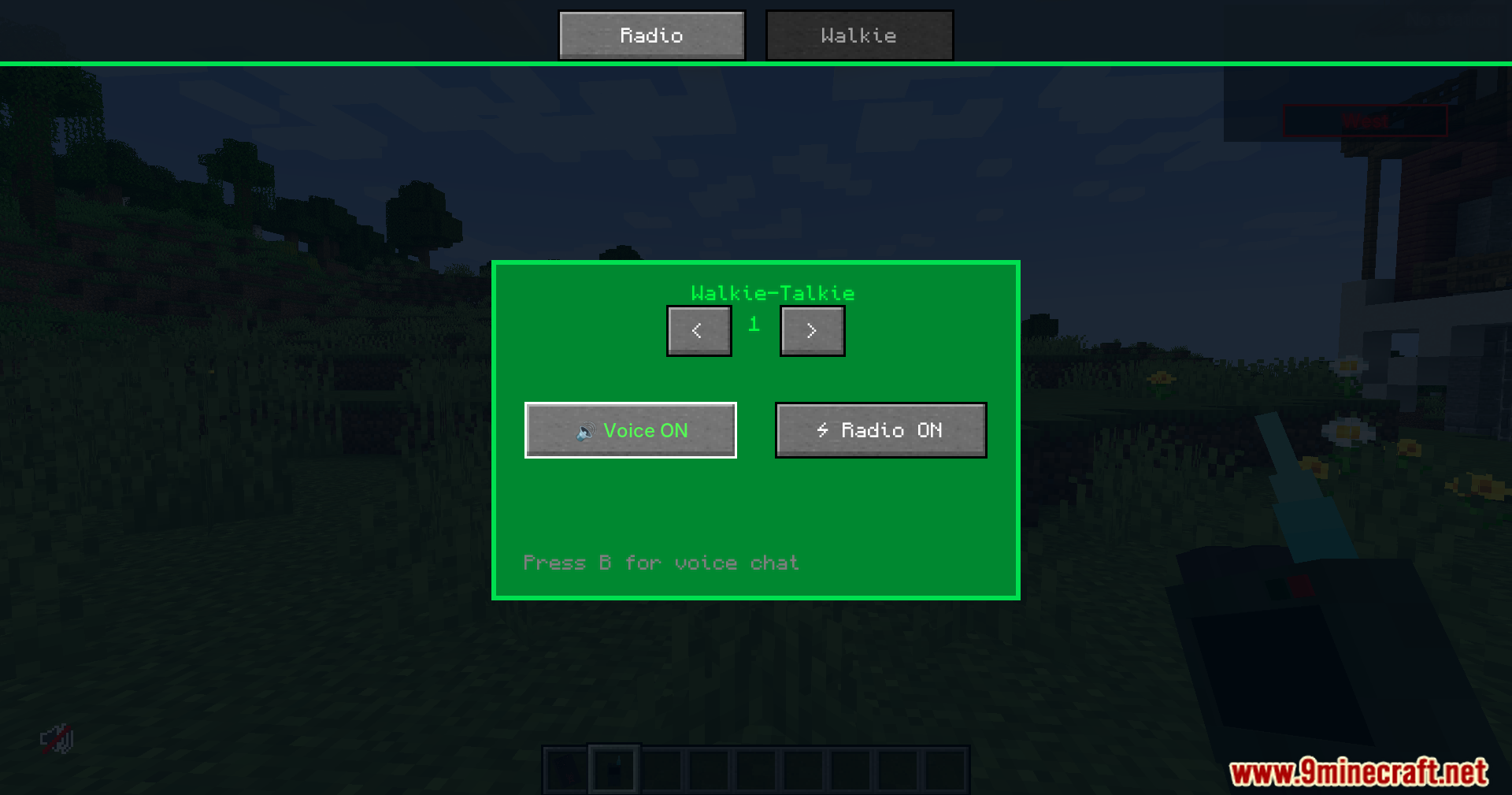
Screenshots:
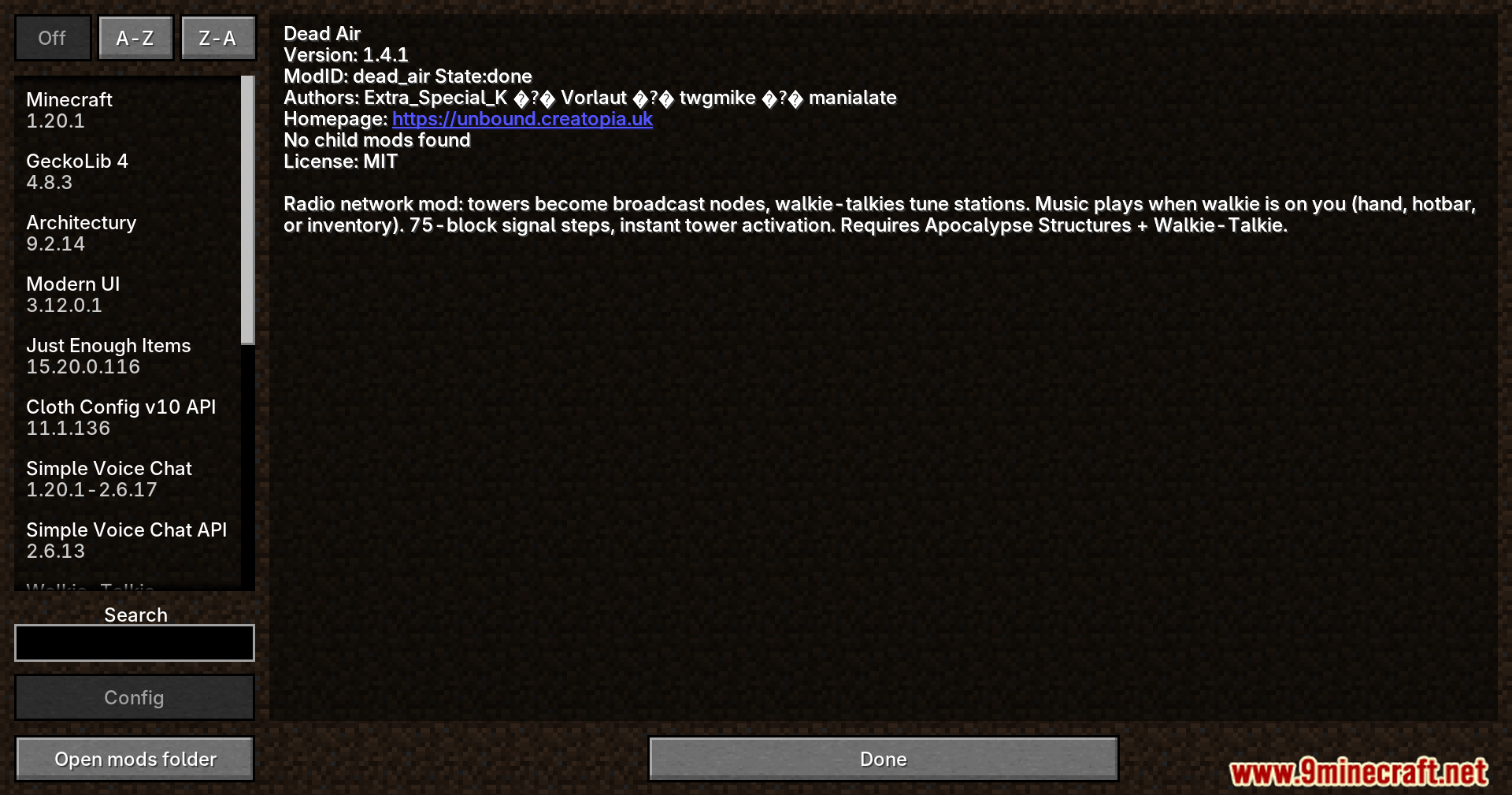
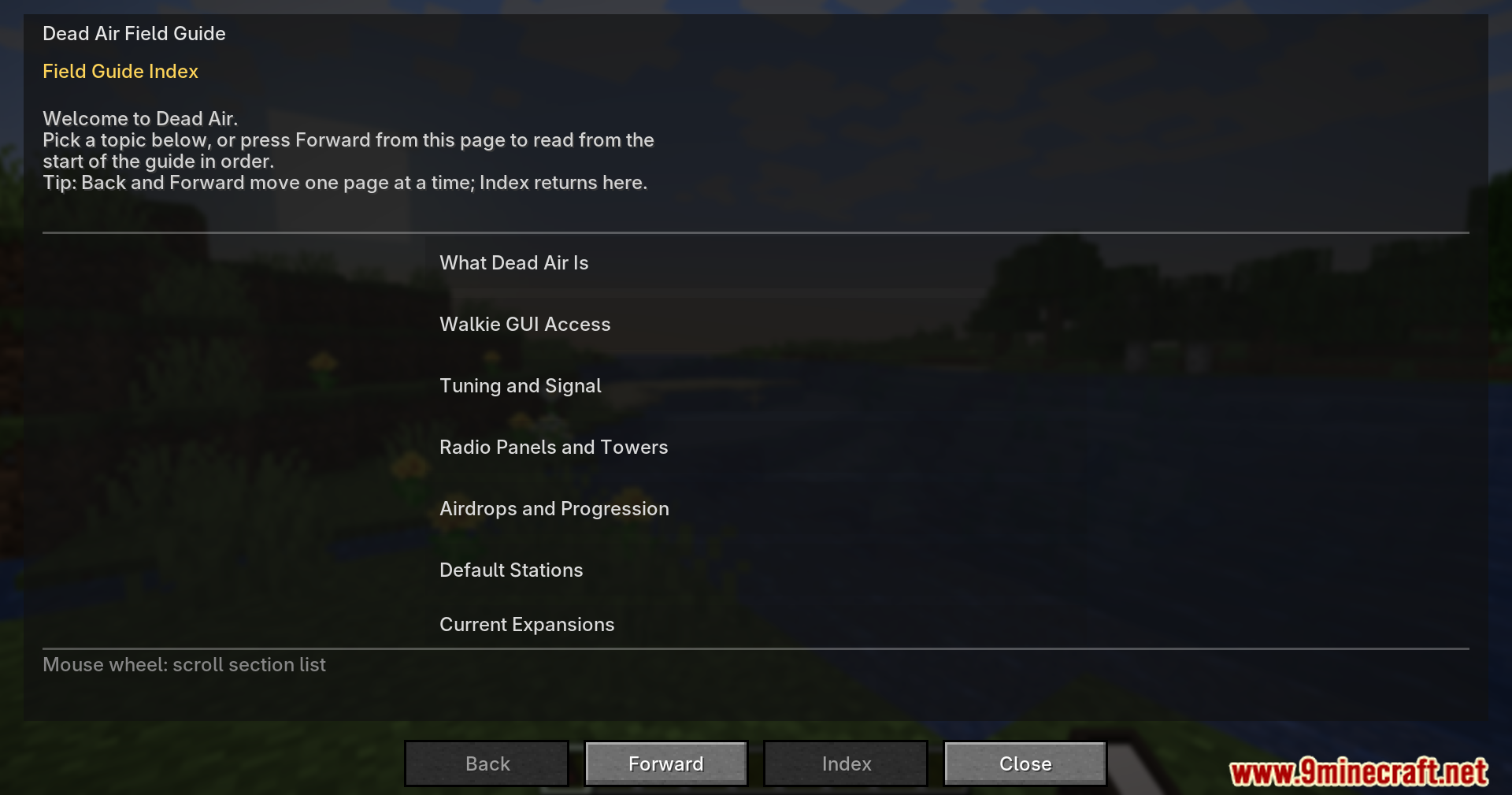
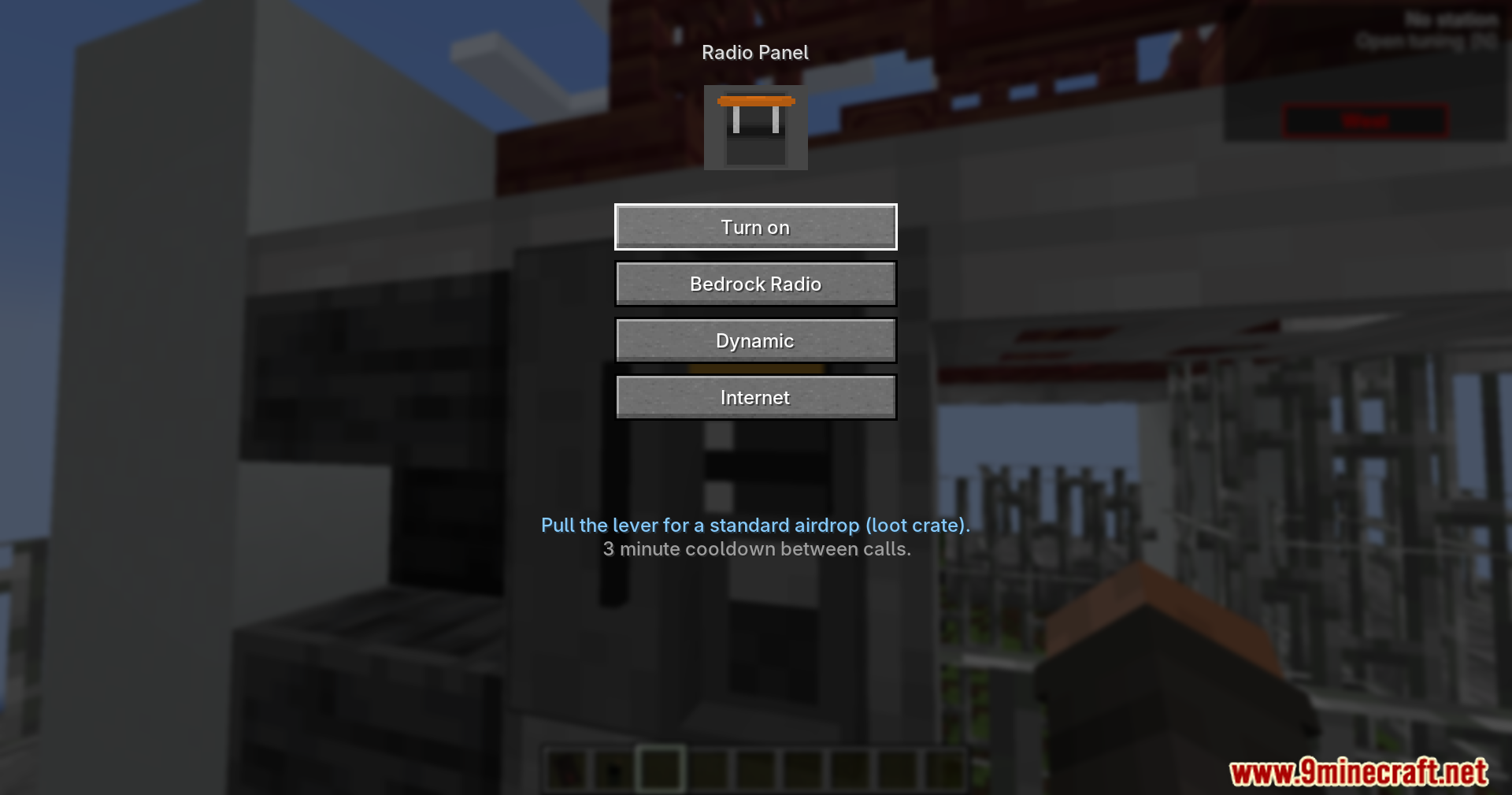
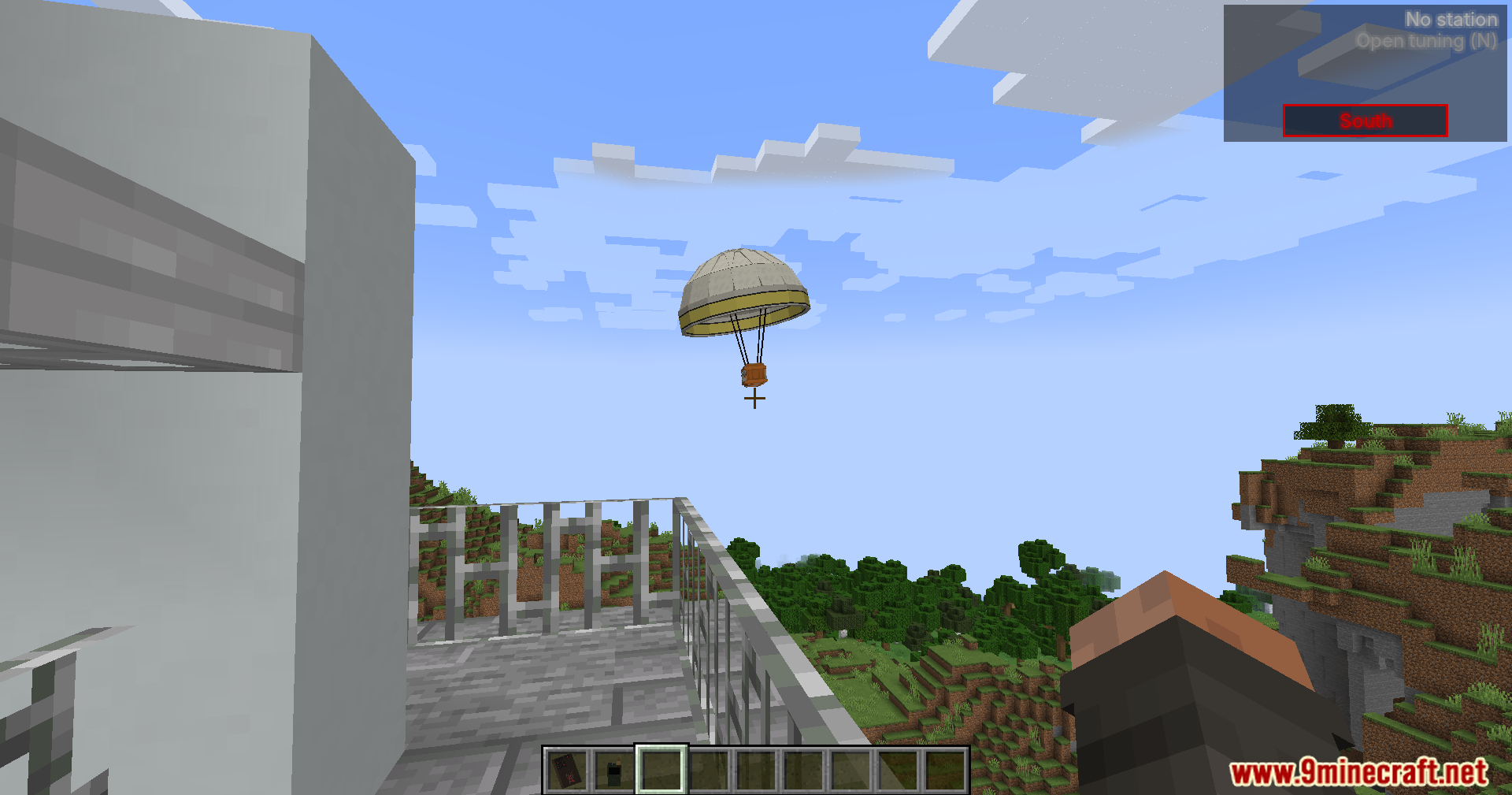
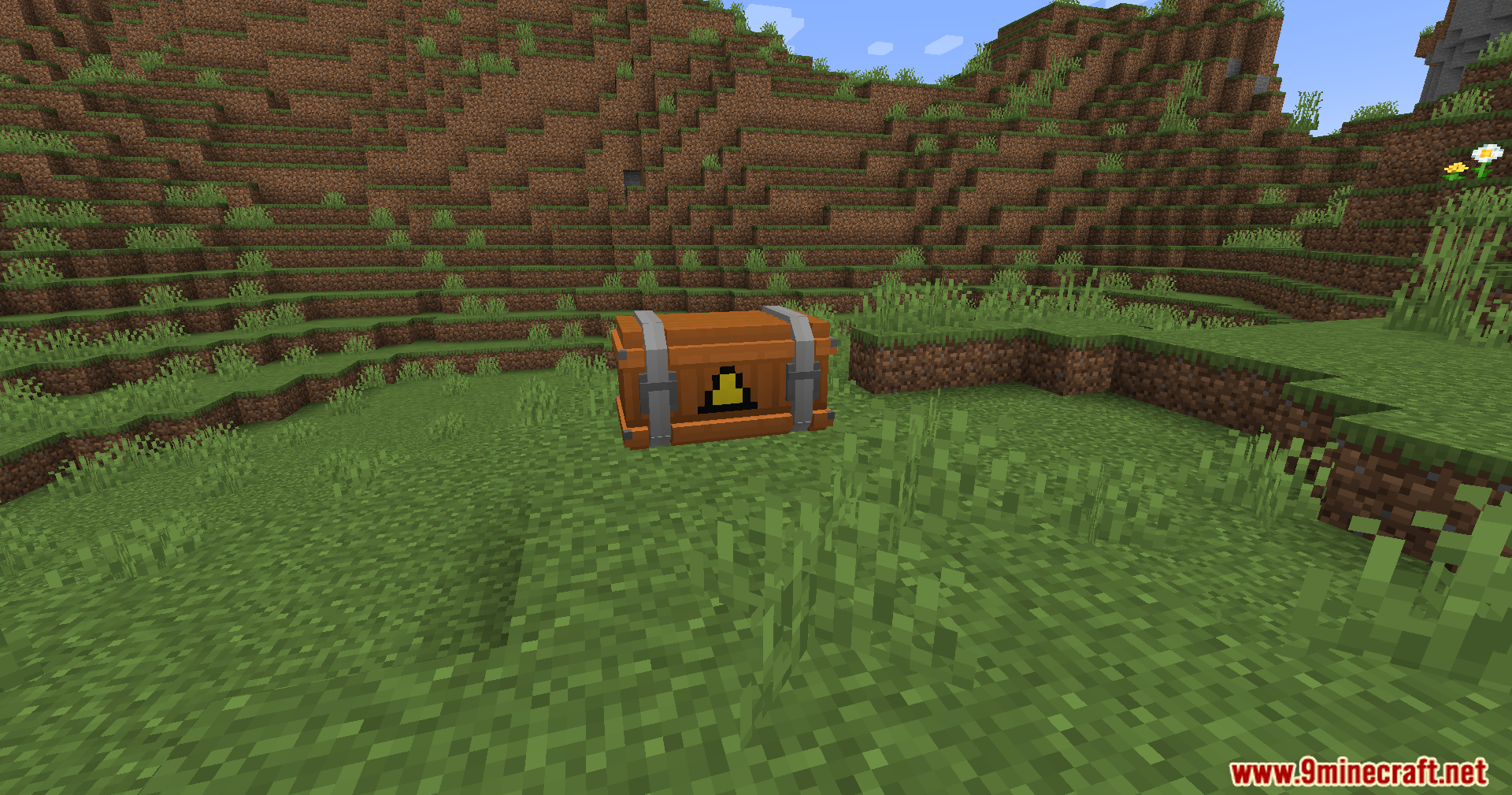
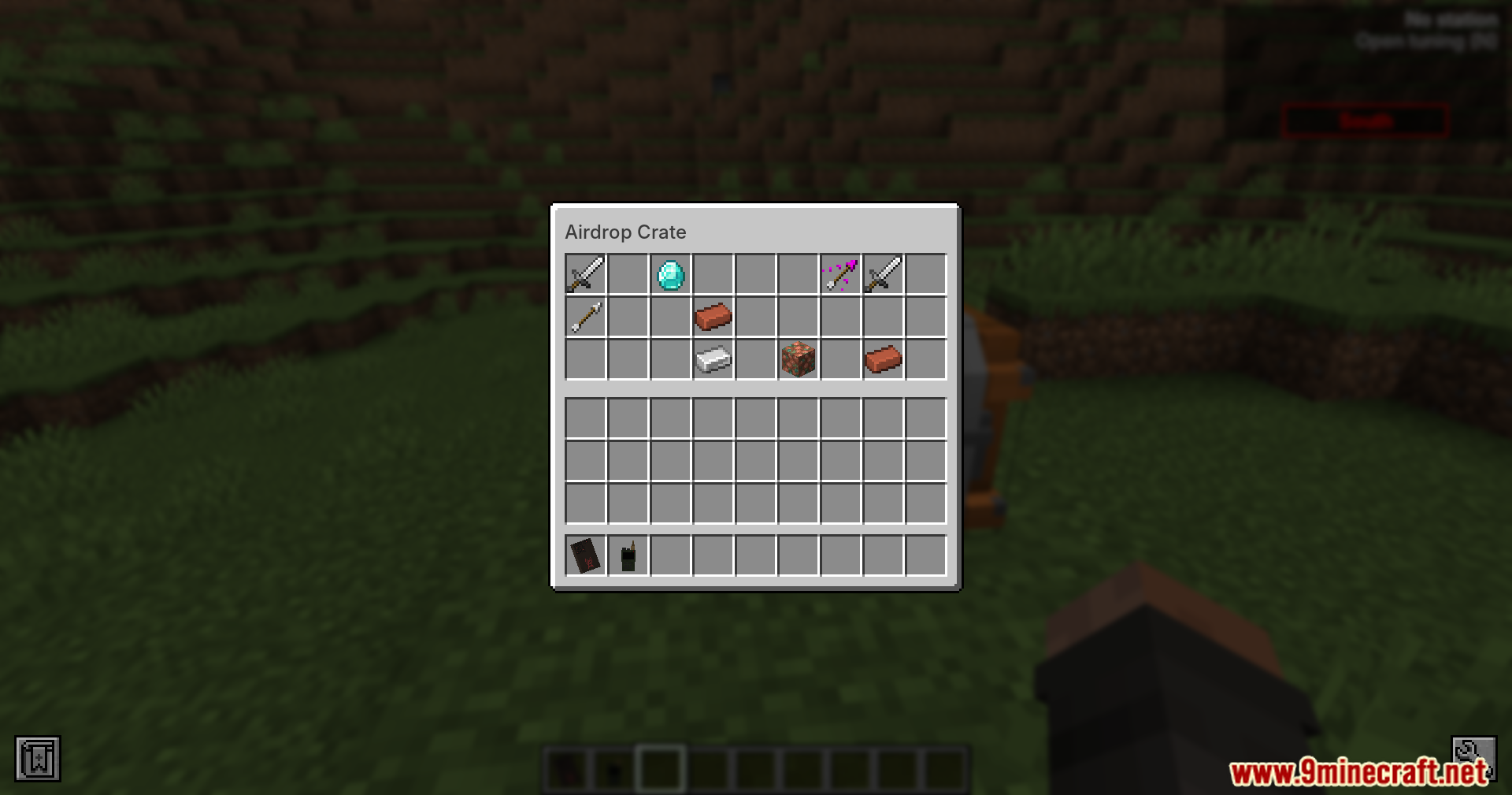
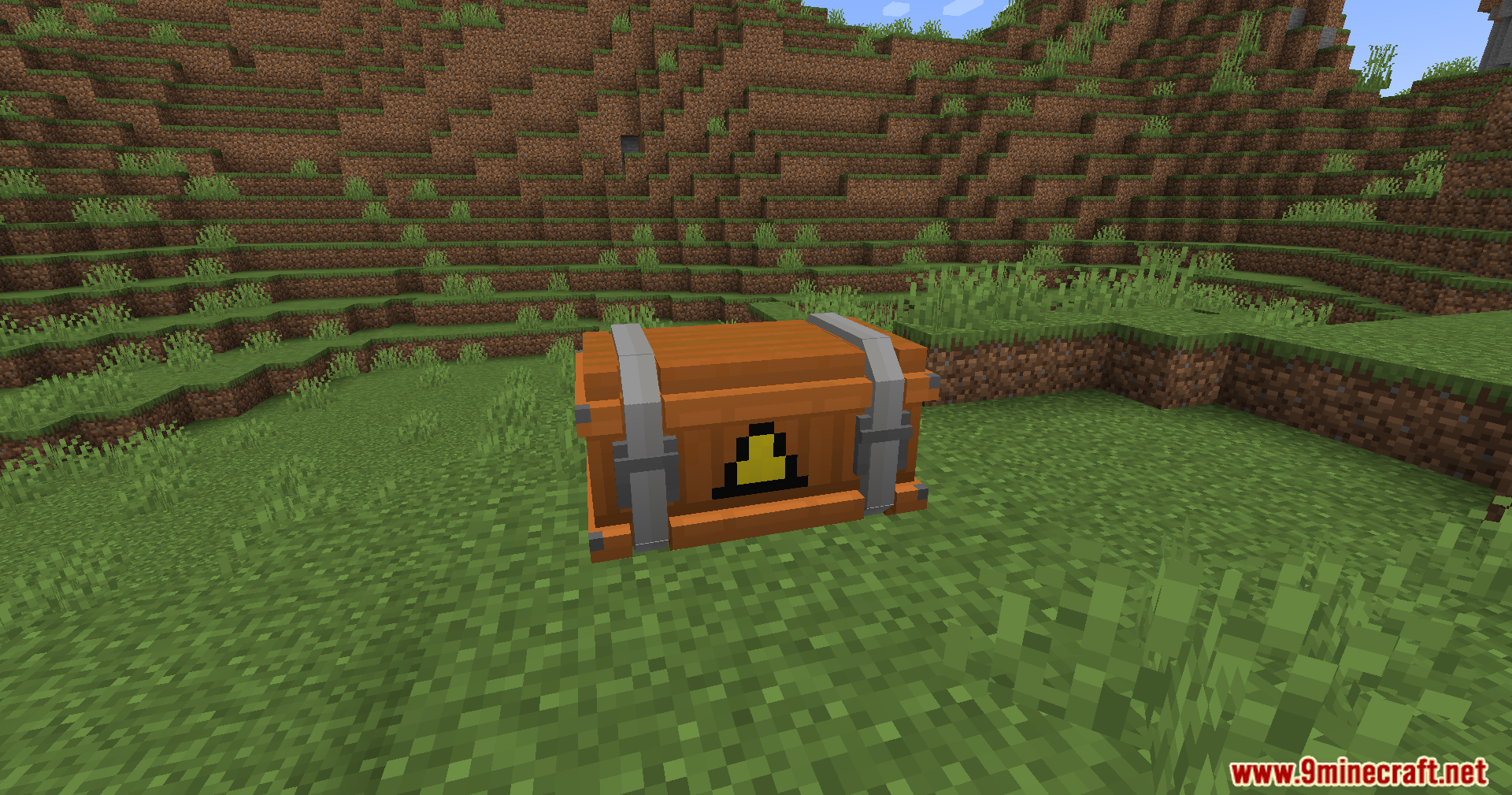
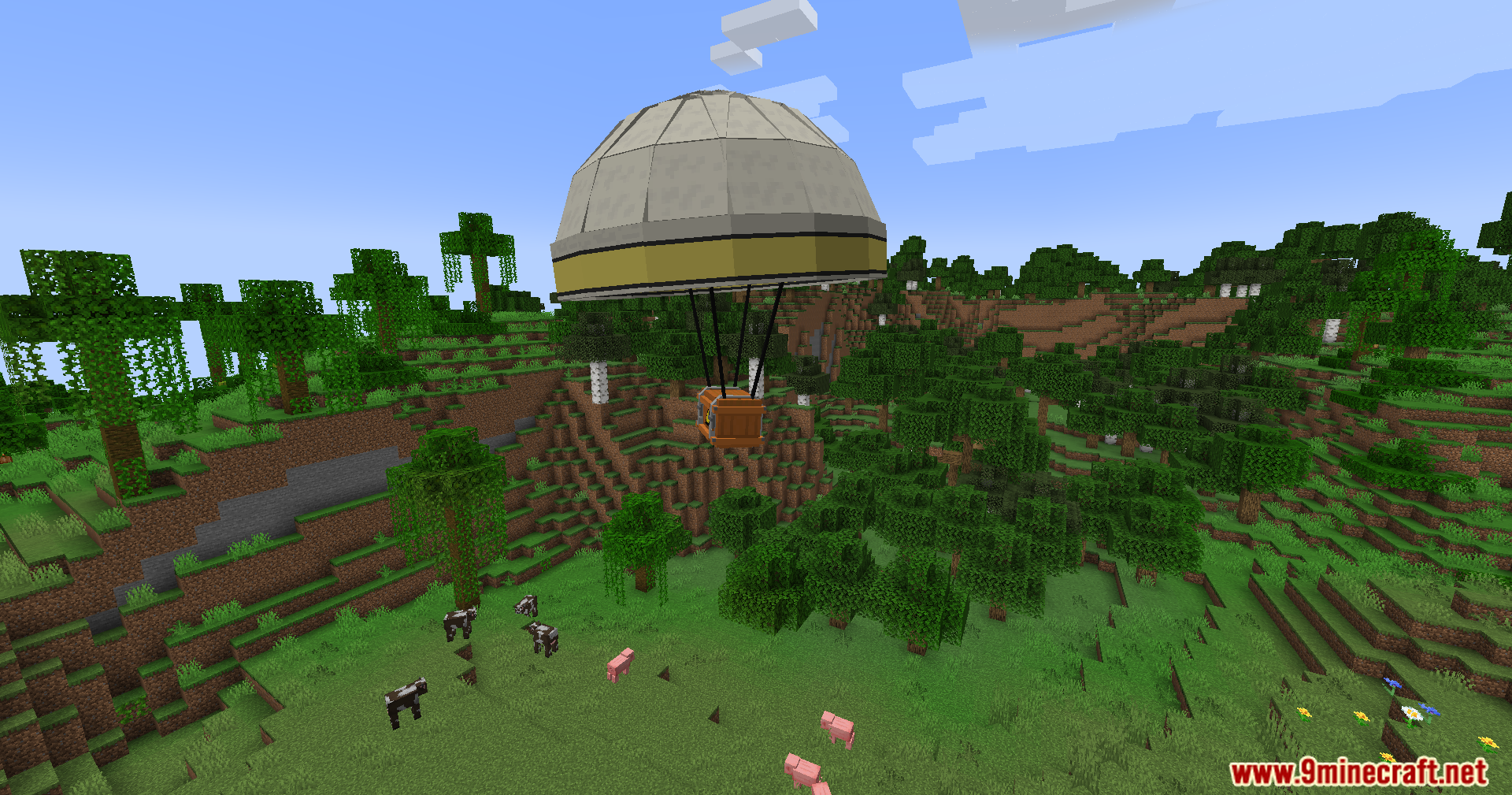
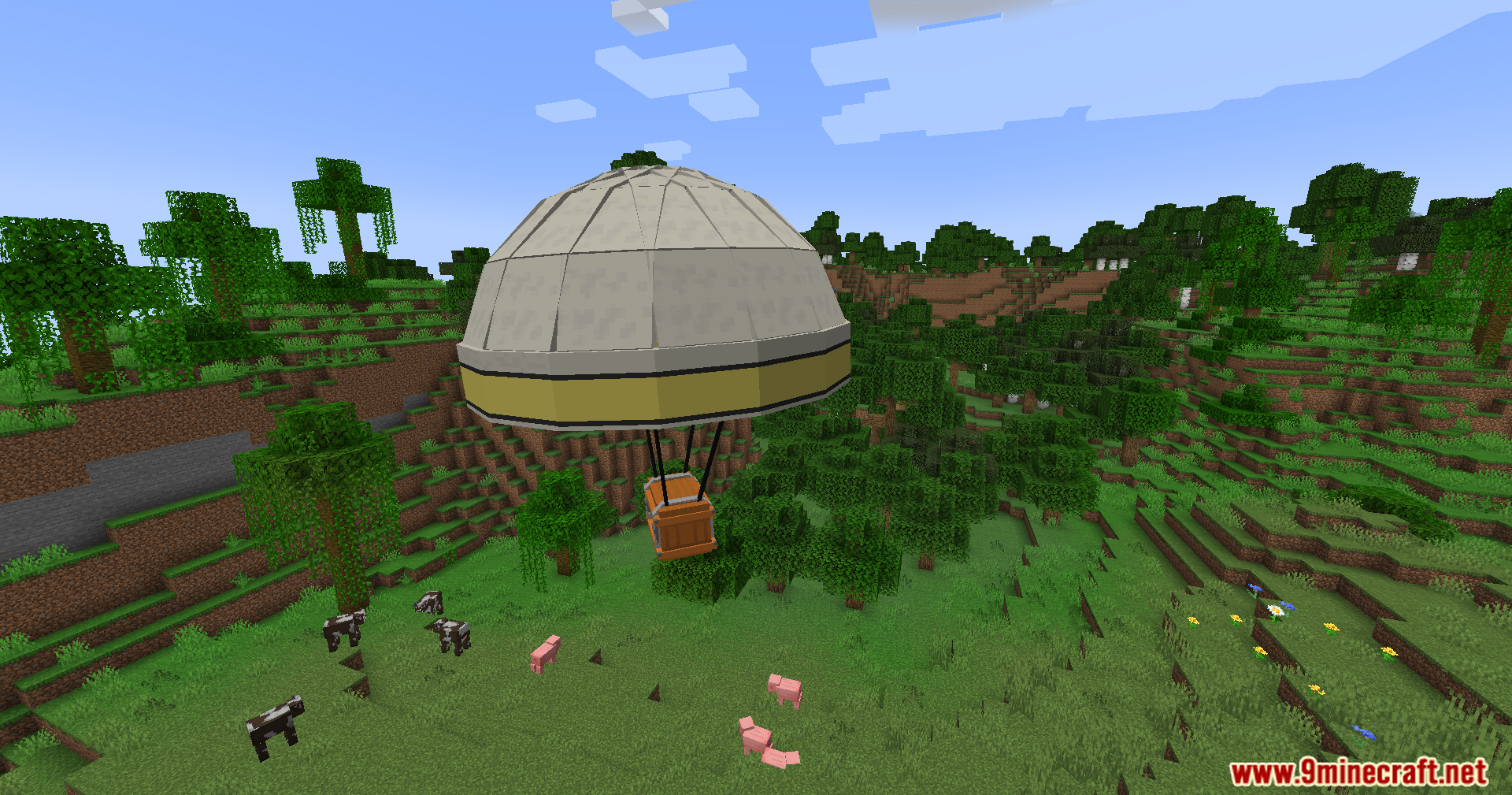
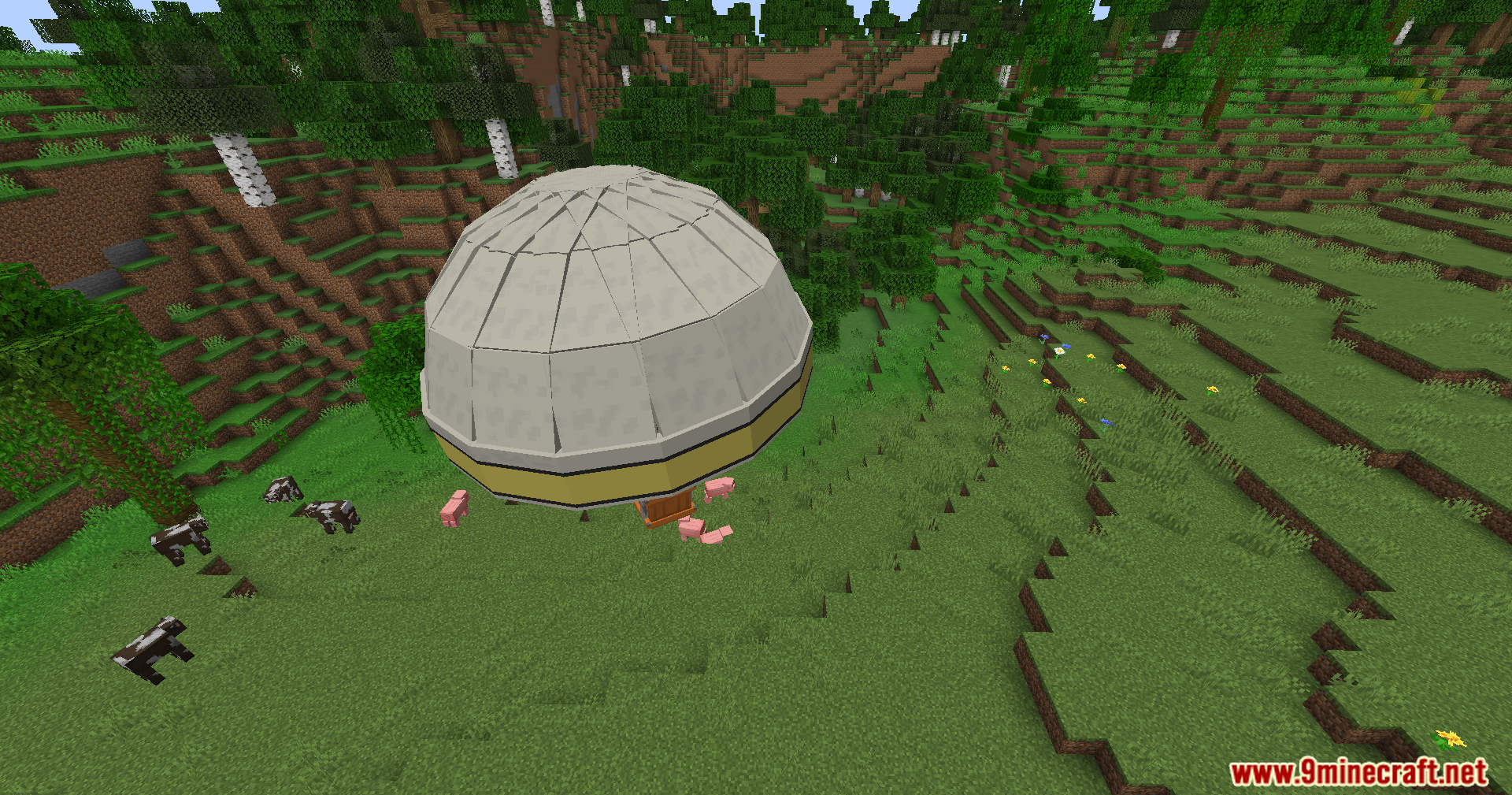
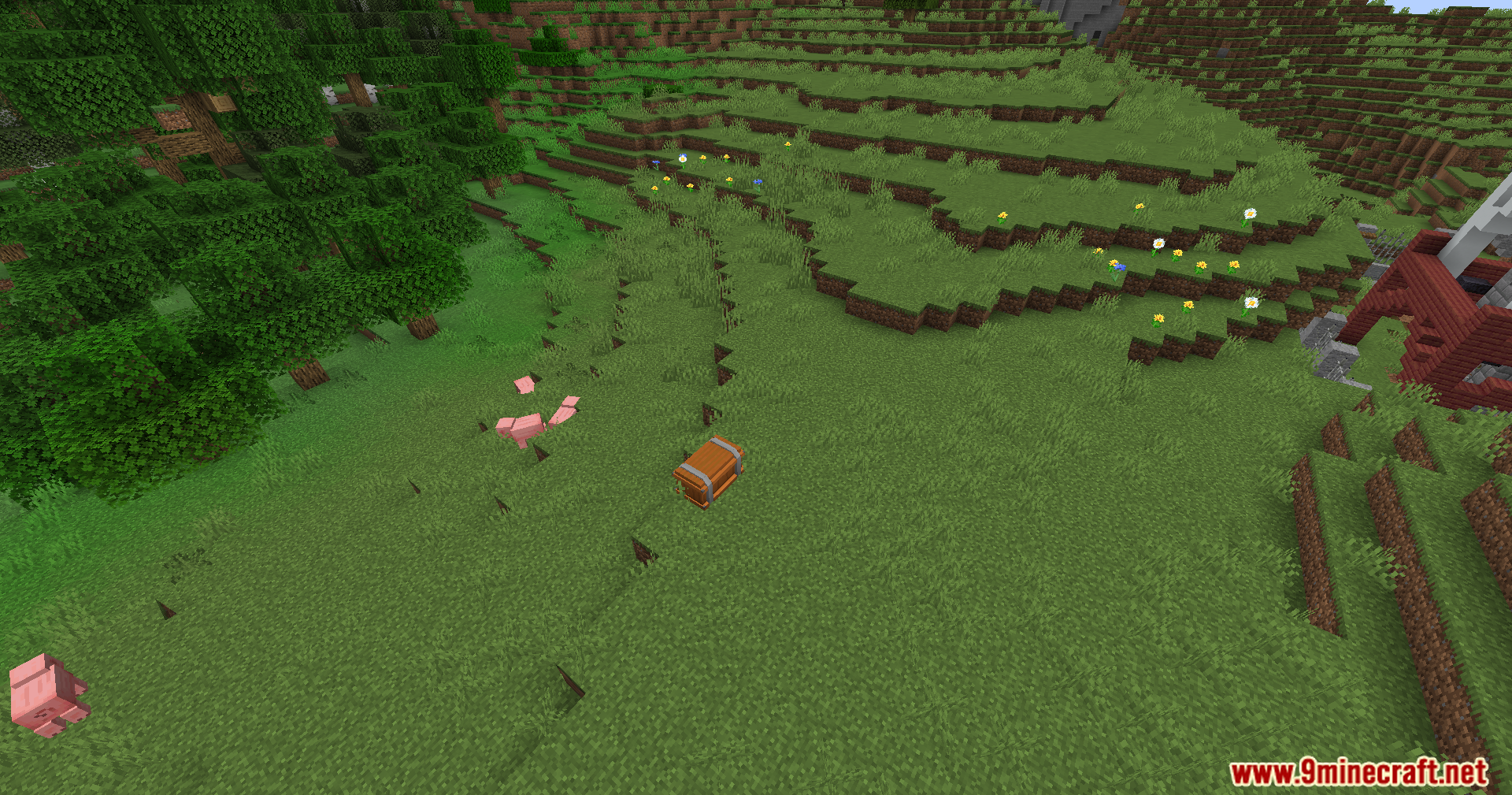
Dead Air Mod Download Links
Quick facts
- Edition: Minecraft Java
- File type: .jar
- Minecraft version listed: 1.20.1
- How to install: Install the matching mod loader (Forge, Fabric or NeoForge) for your Minecraft version. → Download the .jar. → Put it in the .minecraft/mods folder and launch that loader profile.
- Where to get it: In MC Java Mods, or directly above on this page.
Install steps are the general flow for this file type — How to install Minecraft Java mods & modpacks walks through it step by step.
Verified by MCModsHub
- Downloads as 26412.mcaddon
- Download size: 32.0 MB
- Download link checked 22 Sept 2026 — working
- Mirrored on our own servers — the download does not depend on the original host
These come from our own check of the pack file, not from the source page.