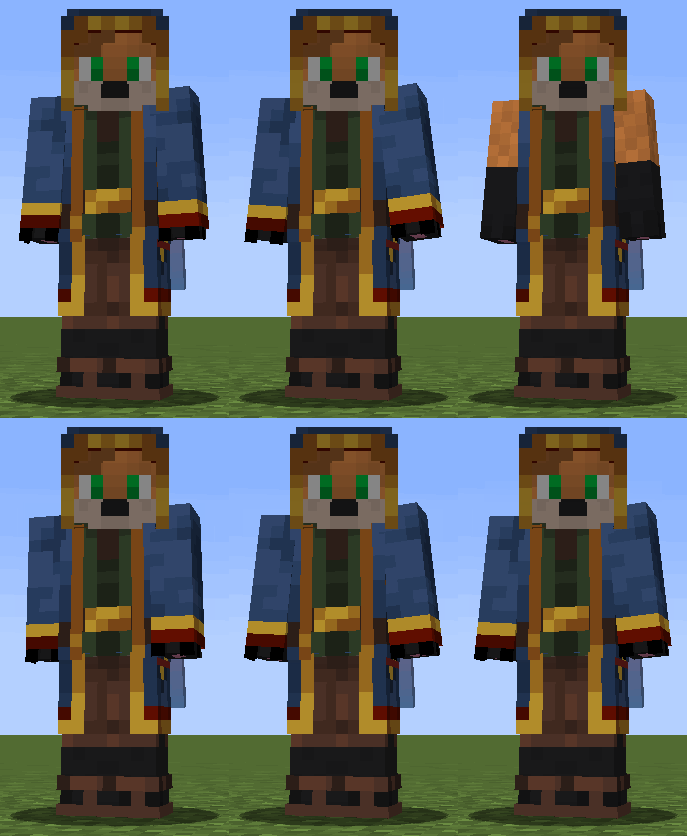
Skin Hotkey - a small mod that allows you to turn on and off the second layer of skin by pressing a key (s).
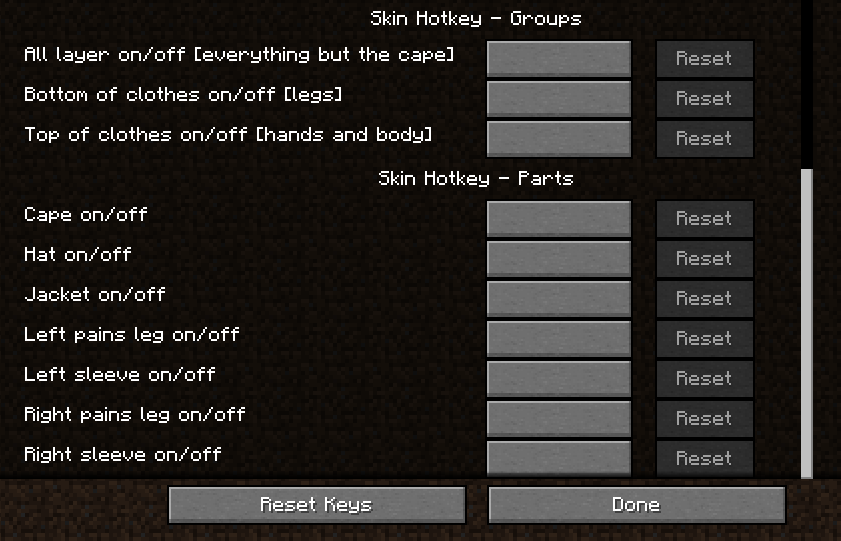
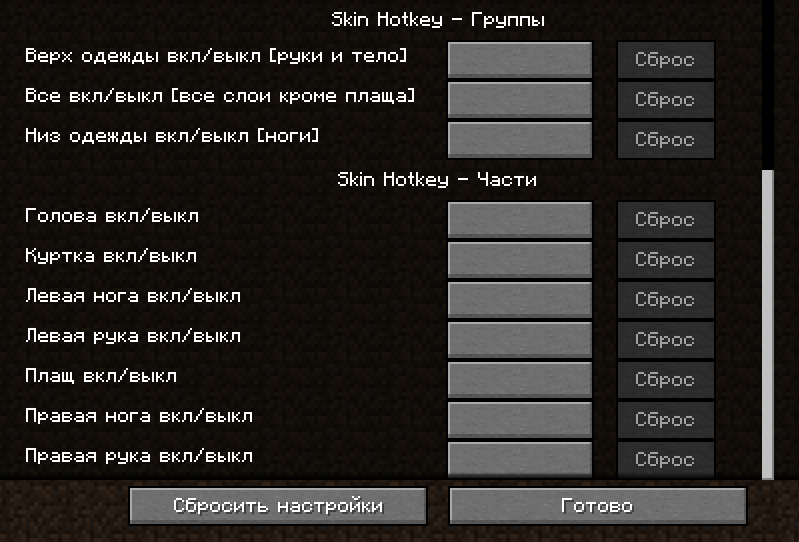
1) Skin Hotkey - Groups
In groups, you can configure the bind to enable and disable several elements at once: • Everything except the raincoat • Top of clothing (two arms and body) • Bottom of clothing (two legs) They are made in such a way that they first turn off and then turn on these parts (the state is reset when you restart the game, that is, the mod does not remember the previous state, but each time it first tries to turn off and then turn on all the parts in this group)
2) Skin Hotkey - Parts
In parts, you can set up buttons to enable and disable all parts individually. Starting with version 1.1 of the mod, you can assemble your group through the "Parts" section by assigning the parts you need to the same button.
ATTENTION! in the part section - all parts just reverse their state! For example: if you create your group by binding the G button on the head, arms and legs. Then, by pressing this button, the state of all these parts will be separately changed to the opposite. That is: if your head was turned off and your legs and arms were turned on, then it would turn out that your head would turn on and your legs and arms would turn off.
- Edition: Minecraft Java
- File type: .jar
- Minecraft version listed: 1.19.4
- How to install: Install the matching mod loader (Forge, Fabric or NeoForge) for your Minecraft version. → Download the .jar. → Put it in the .minecraft/mods folder and launch that loader profile.
- Where to get it: Opens on Modrinth — not every file is mirrored on our own servers.
Install steps are the general flow for this file type — How to install Minecraft Java mods & modpacks walks through it step by step.
- Ships as skinhotkey-1.3.jar — drop this file into the mods folder
- Download size: 8 KB
- Download link checked 30 Aug 2026 — working
These come from our own check of the pack file, not from the source page.