
Loyal Items Mod (26.2, 1.20.1) – Keep Your Items Safe
Java mod listed for Minecraft 1.20. Downloads from the MC Java Mods app on Android.
⬇ Download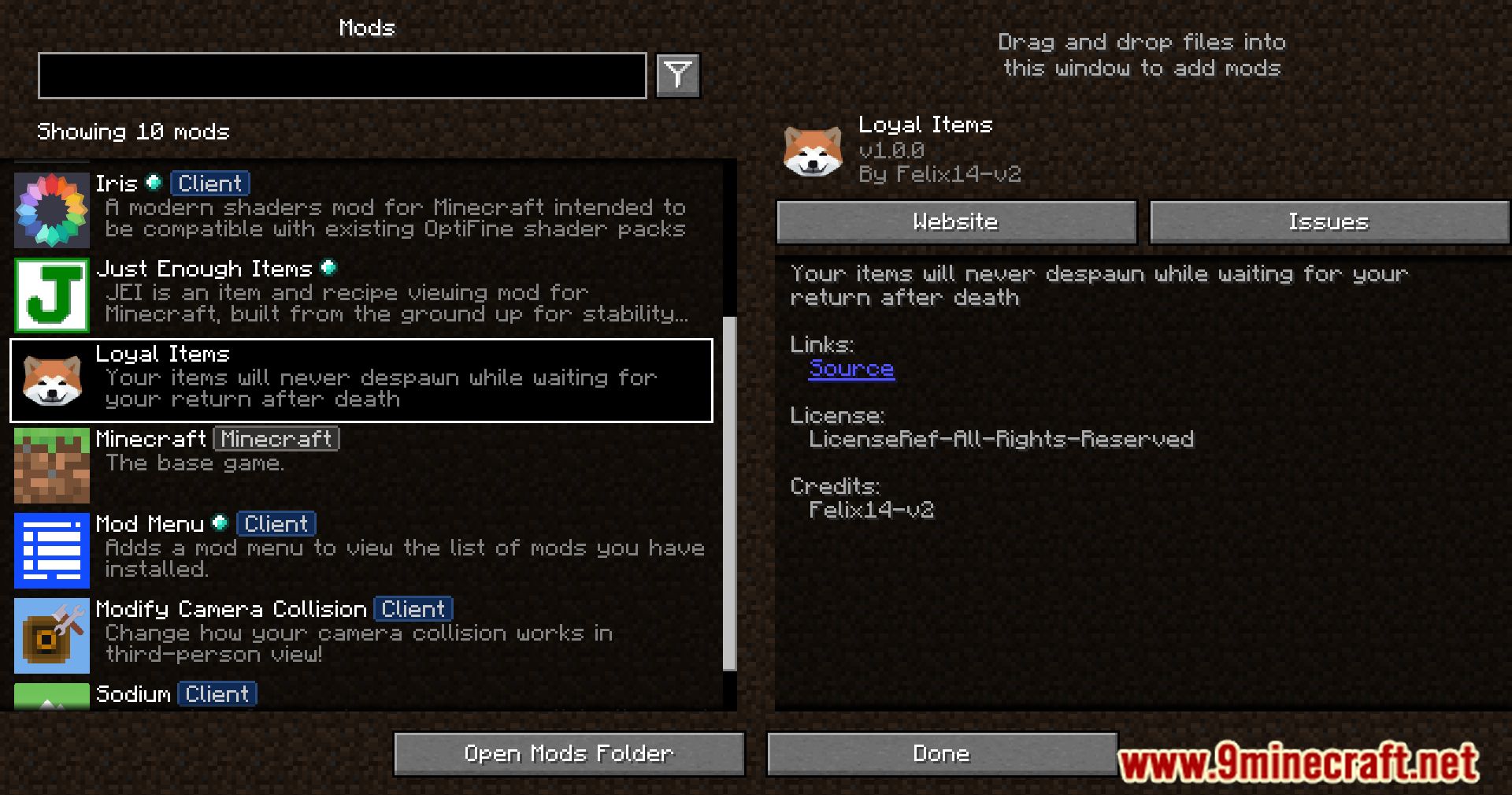


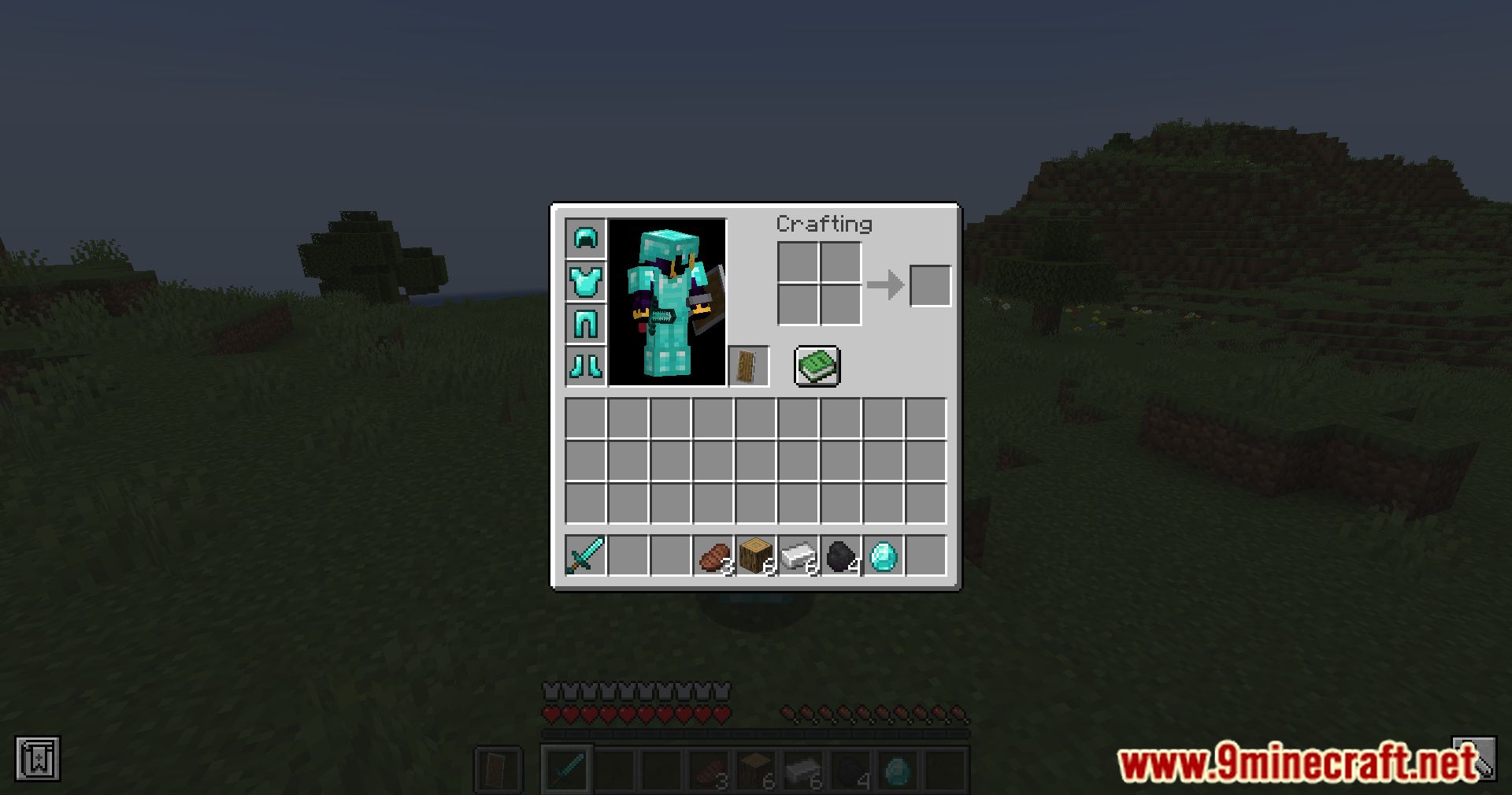




Use Loyal Items Mod is a simple mod to protect your items from despawning after 5 minutes from the character death. No more worrying that your equipment and resources will disappear while you spend too long attempting to find the place where the fatal damage parted you. This mod works unnoticeably and leaves no consequences after its removal. It doesn’t contain any ticking or even loading functions, so by itself it won’t affect Minecraft performance in any way. If you want, you can enable receiving feedback about the number of items that have been protected from despawn using this command: /tag @s add get_feedback
Features:
- Prevents items from despawning after character death.
- Items remain indefinitely until reclaimed by the player.
- Provides peace of mind for adventurers and explorers.
Screenshots:


Loyal Items Mod Download Links
- Edition: Minecraft Java
- File type: .jar
- Minecraft version listed: 1.20.1
- How to install: Install the matching mod loader (Forge, Fabric or NeoForge) for your Minecraft version. → Download the .jar. → Put it in the .minecraft/mods folder and launch that loader profile.
- Where to get it: In MC Java Mods, or directly above on this page.
Install steps are the general flow for this file type — How to install Minecraft Java mods & modpacks walks through it step by step.
- Downloads as 26417.mcaddon
- Download size: 13 KB
- Download link checked 23 Sept 2026 — working
- Mirrored on our own servers — the download does not depend on the original host
These come from our own check of the pack file, not from the source page.