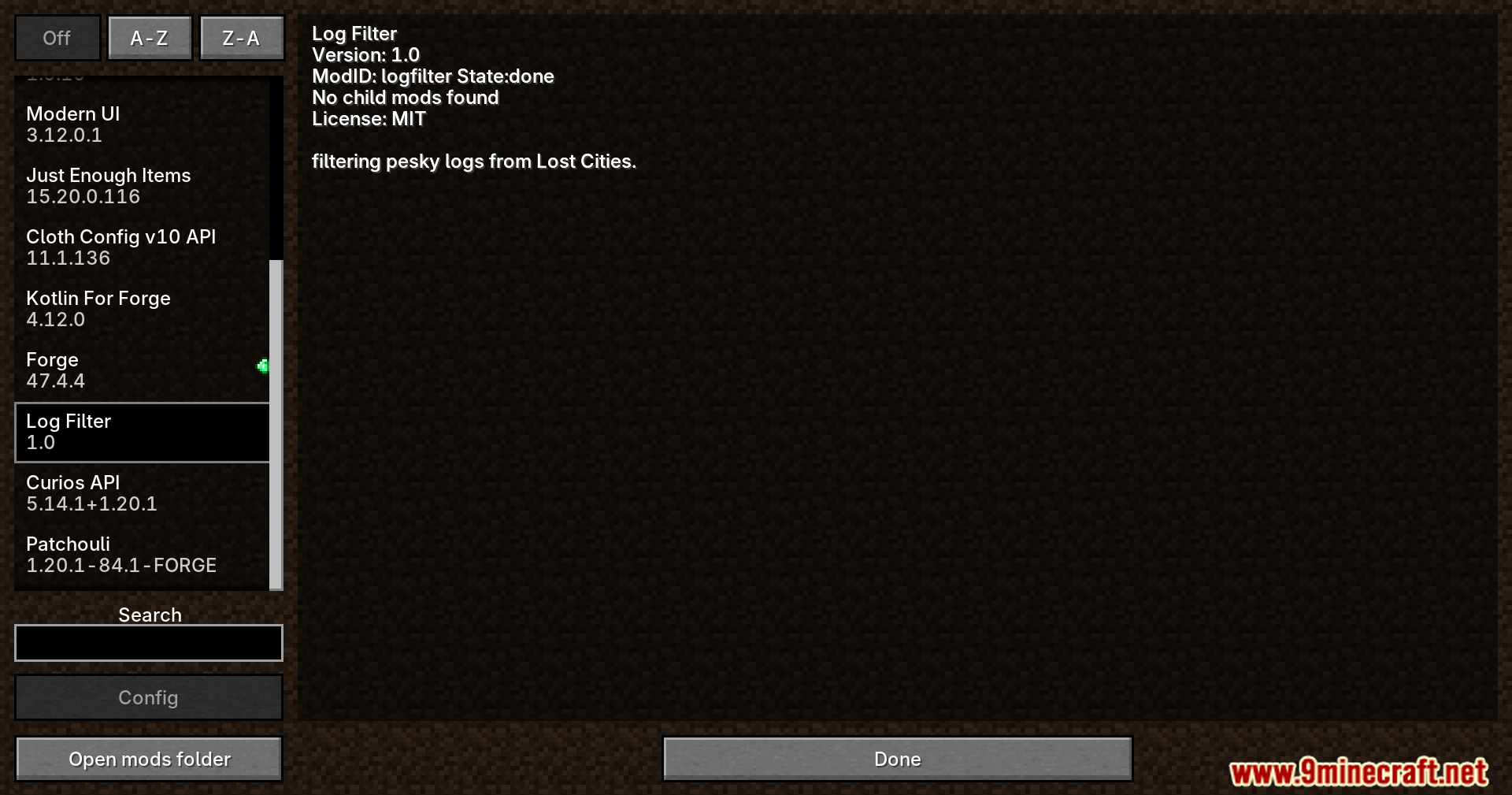
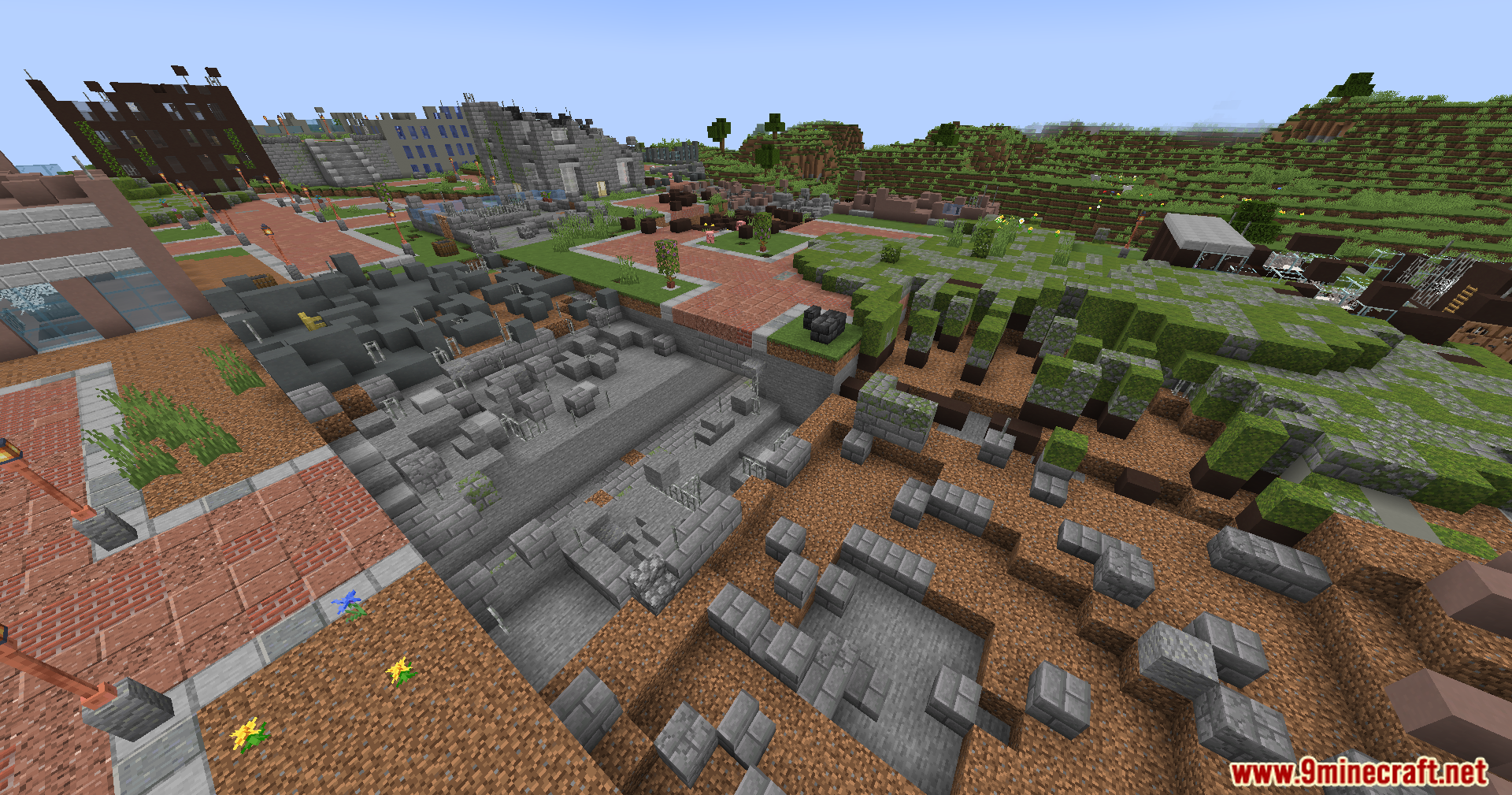
Lost Cities Filter Mod patches annoying error messages in the Lost Cities and Lost Cities Modern Tweaks mods. It stops these text alerts from popping up while you play. The mod hides specific warnings from your in-game chat box. It also removes the same alerts from your background game logs. This change keeps your screen clean and helps you focus on building and surviving. The mod does not change how the main world generation works. It simply turns off the useless text spam so you can play without distractions.
Features:
- Chat Cleanup: Hides specific error alerts from your main chat window.
- Log Filtering: Stops the same errors from filling up your background game files.
- Parent Mod Fixes: Works directly with the main Lost Cities mod and Modern Tweaks.
- Pure Gameplay: Keeps all building and generation mechanics exactly the same.
- Less Clutter: Gives you a clear screen so you do not get confused by random text.
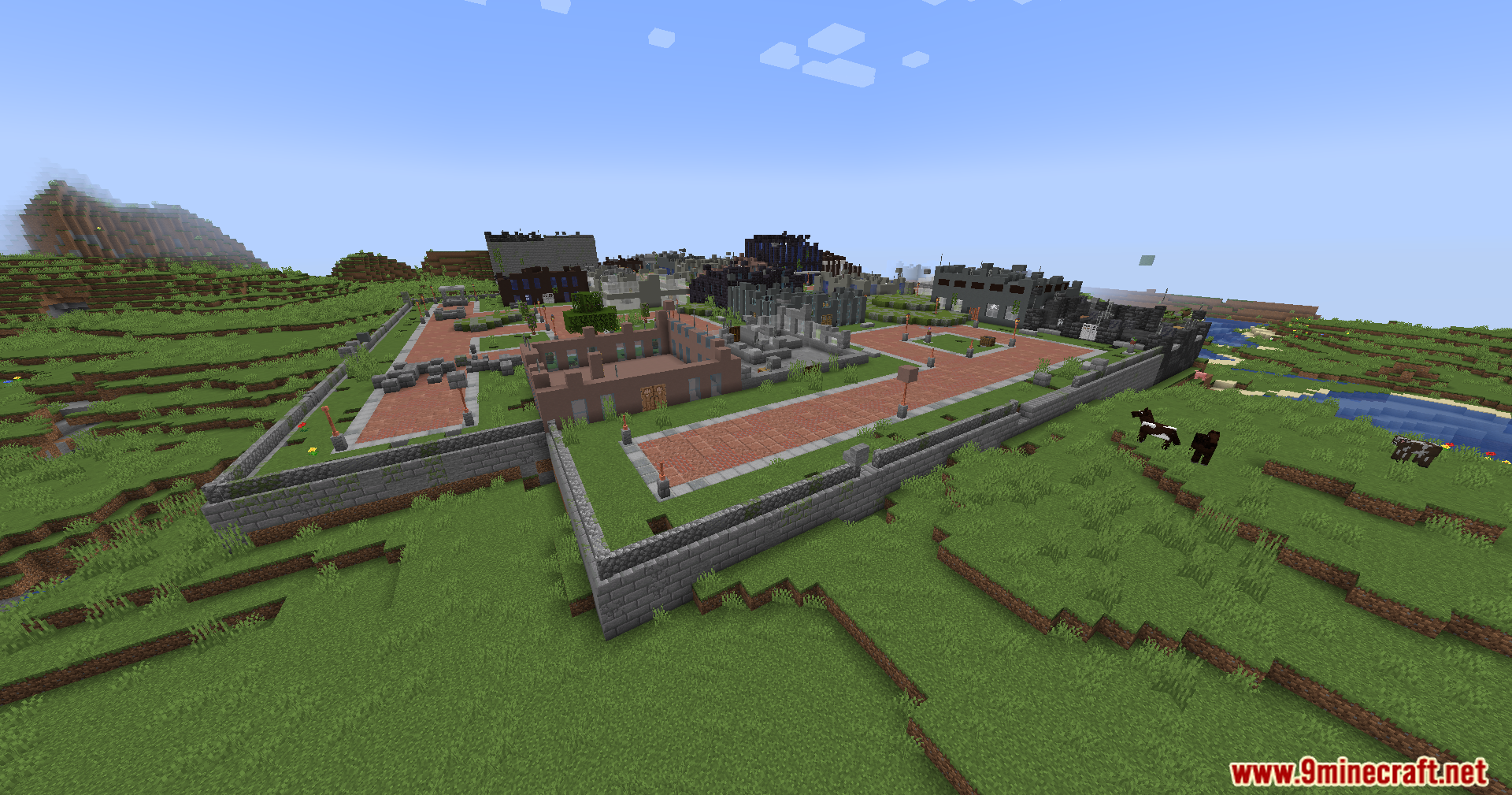
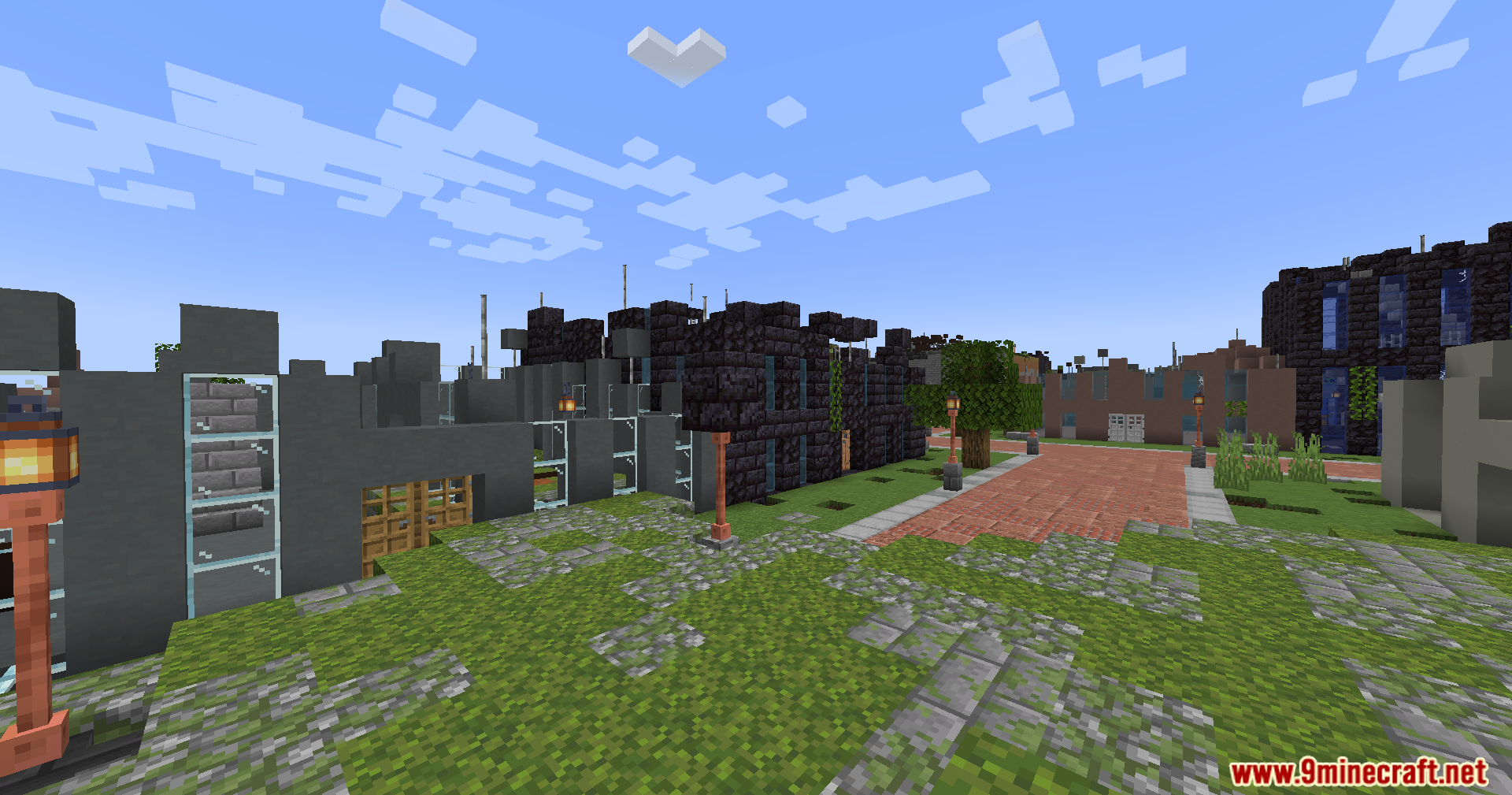
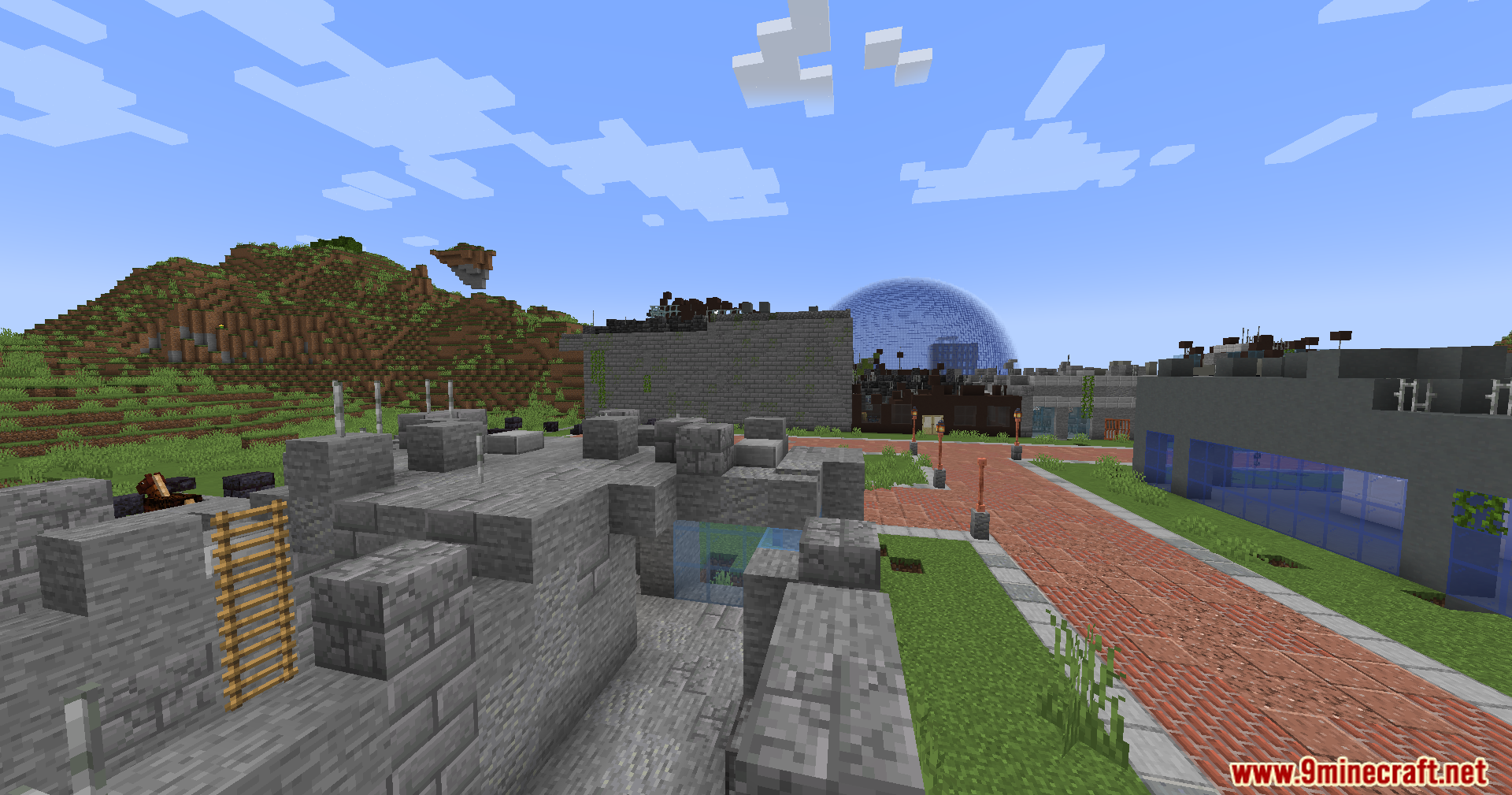
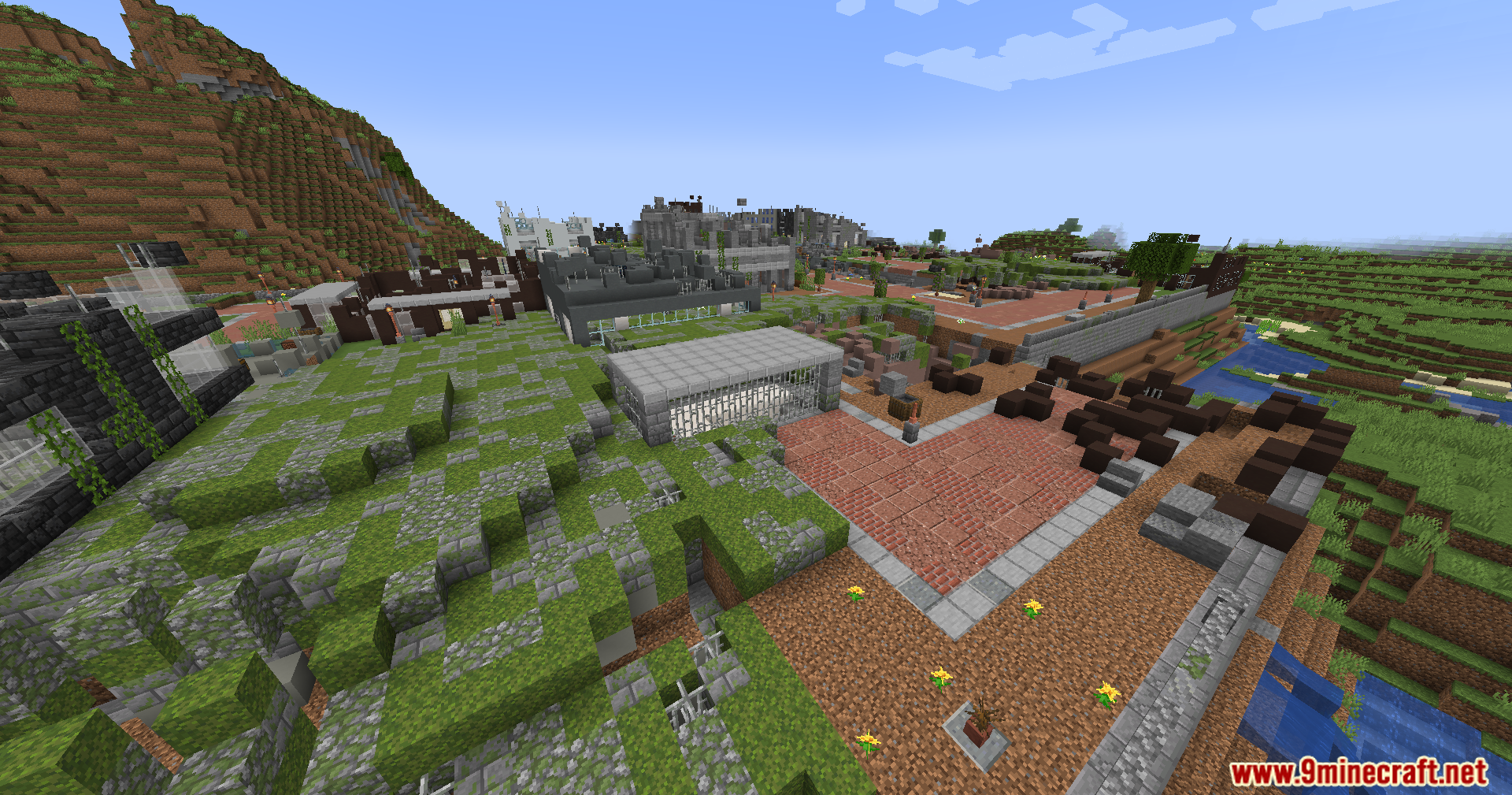
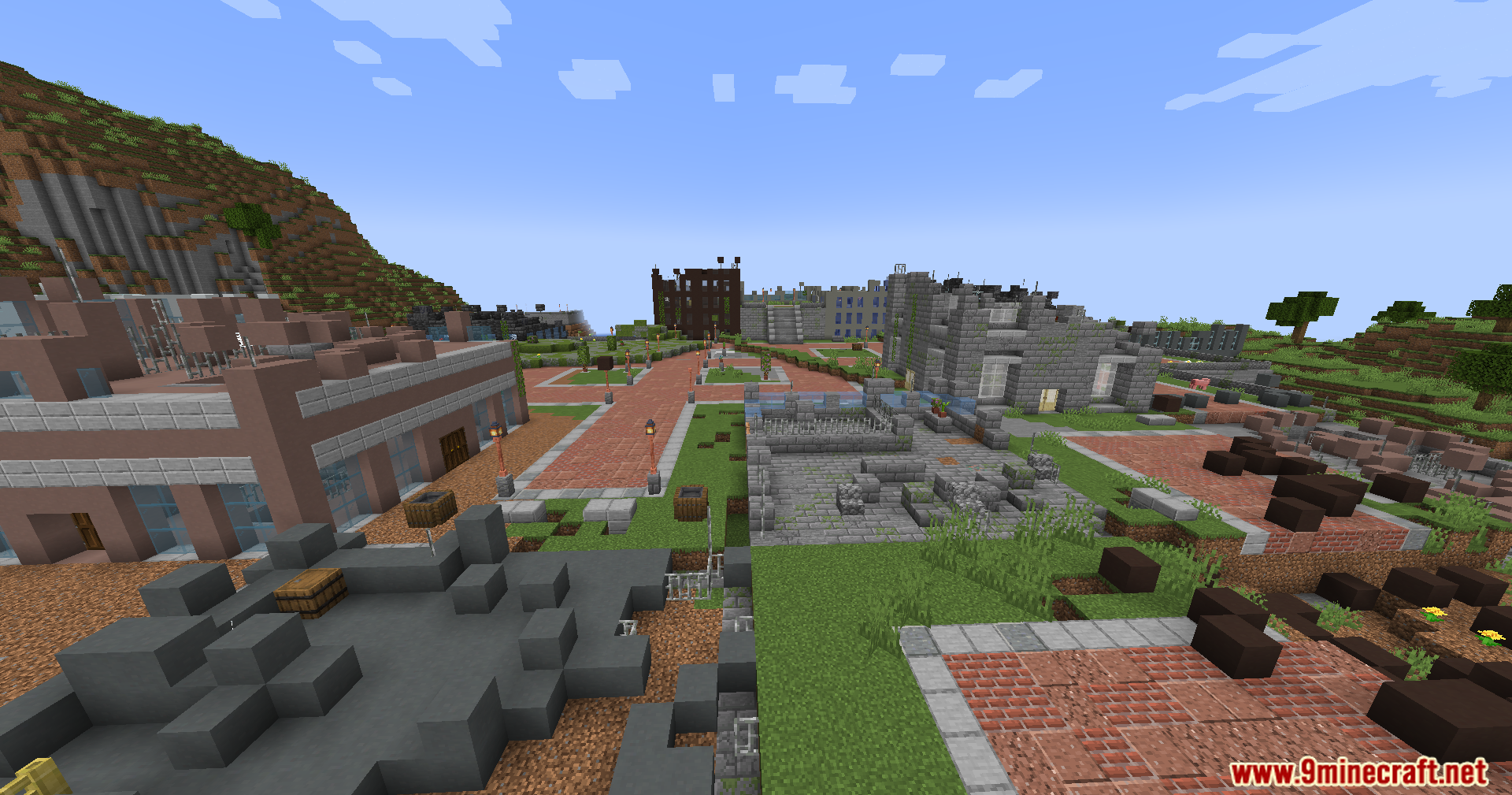
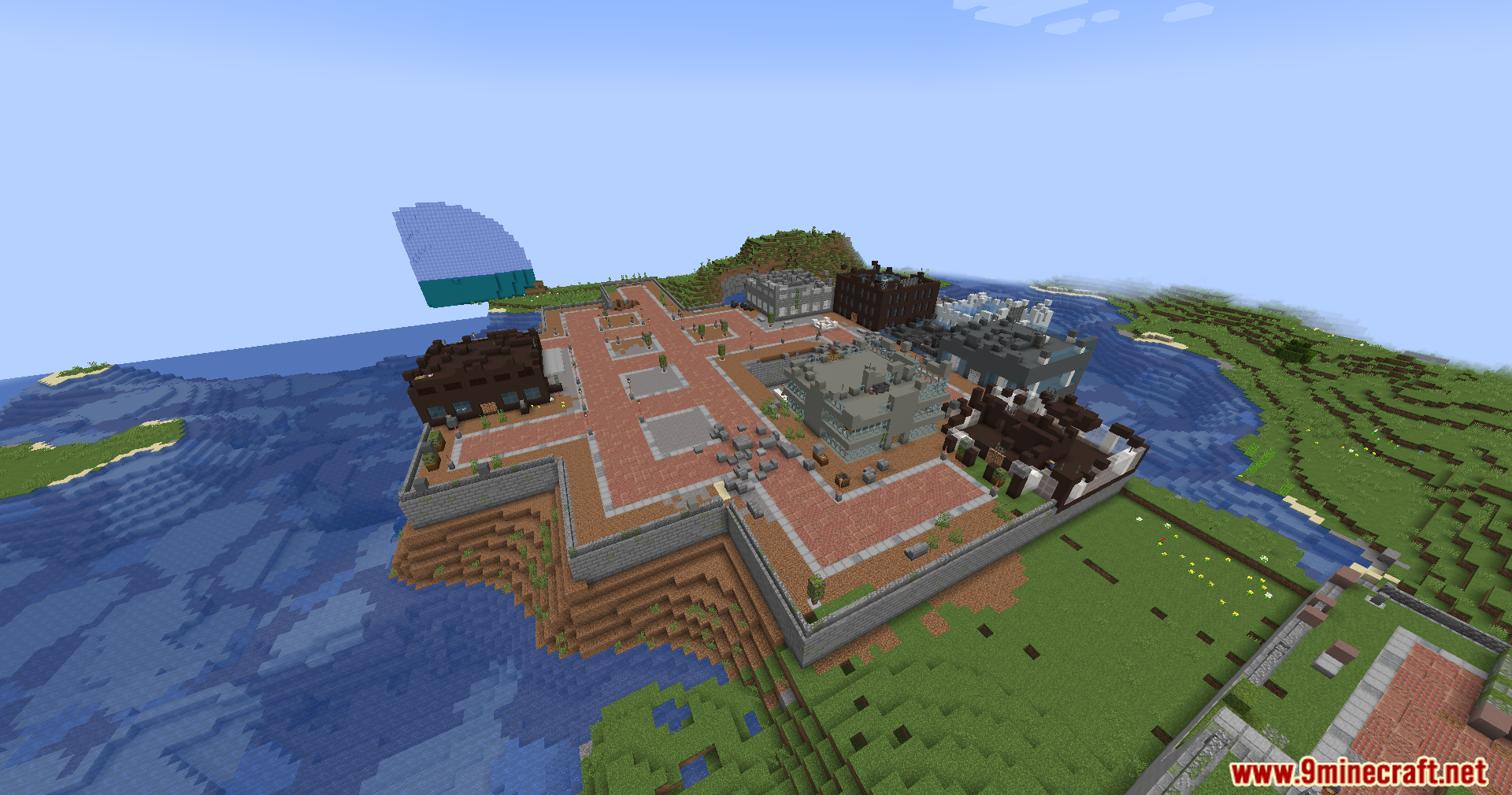
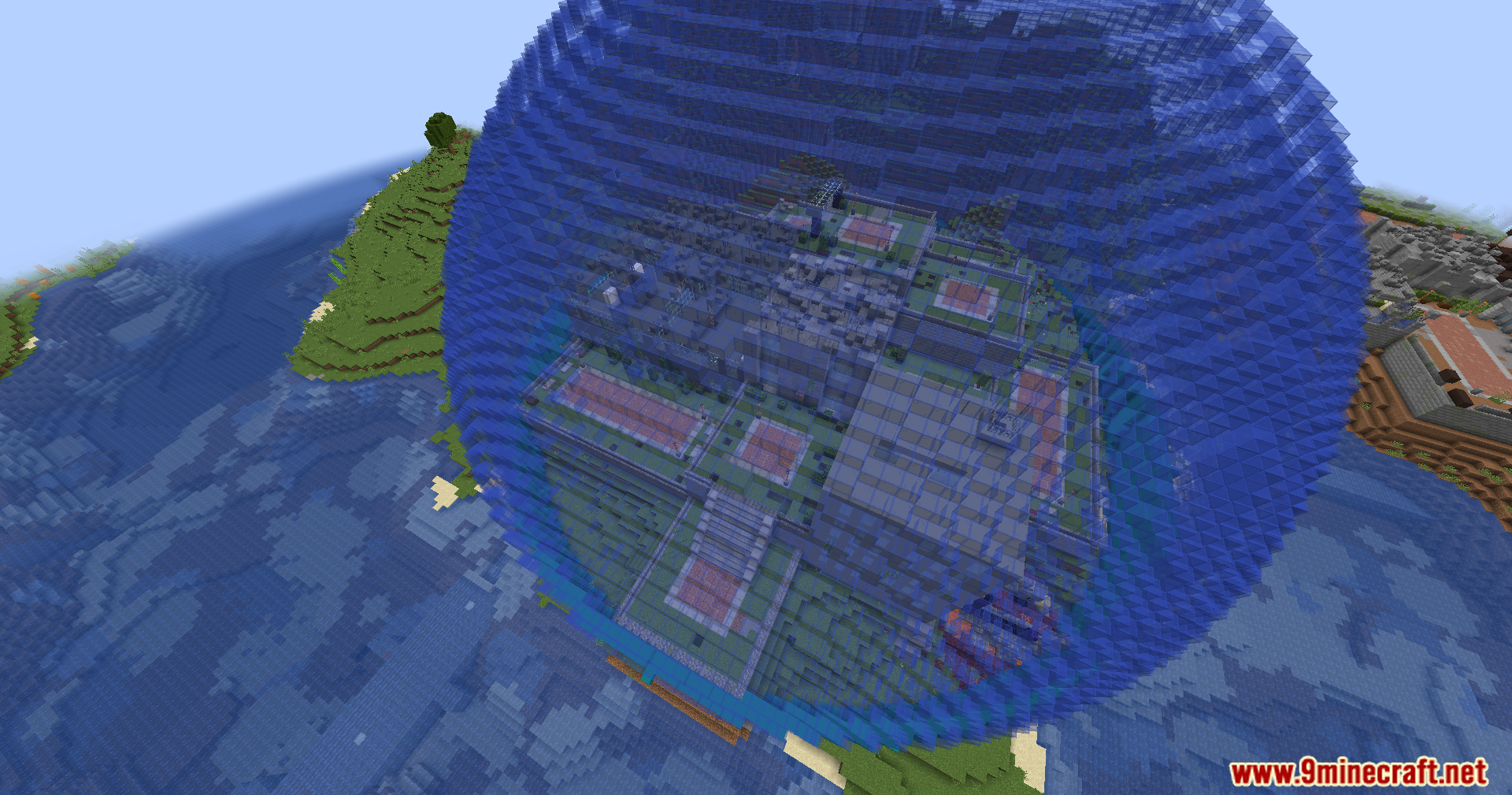
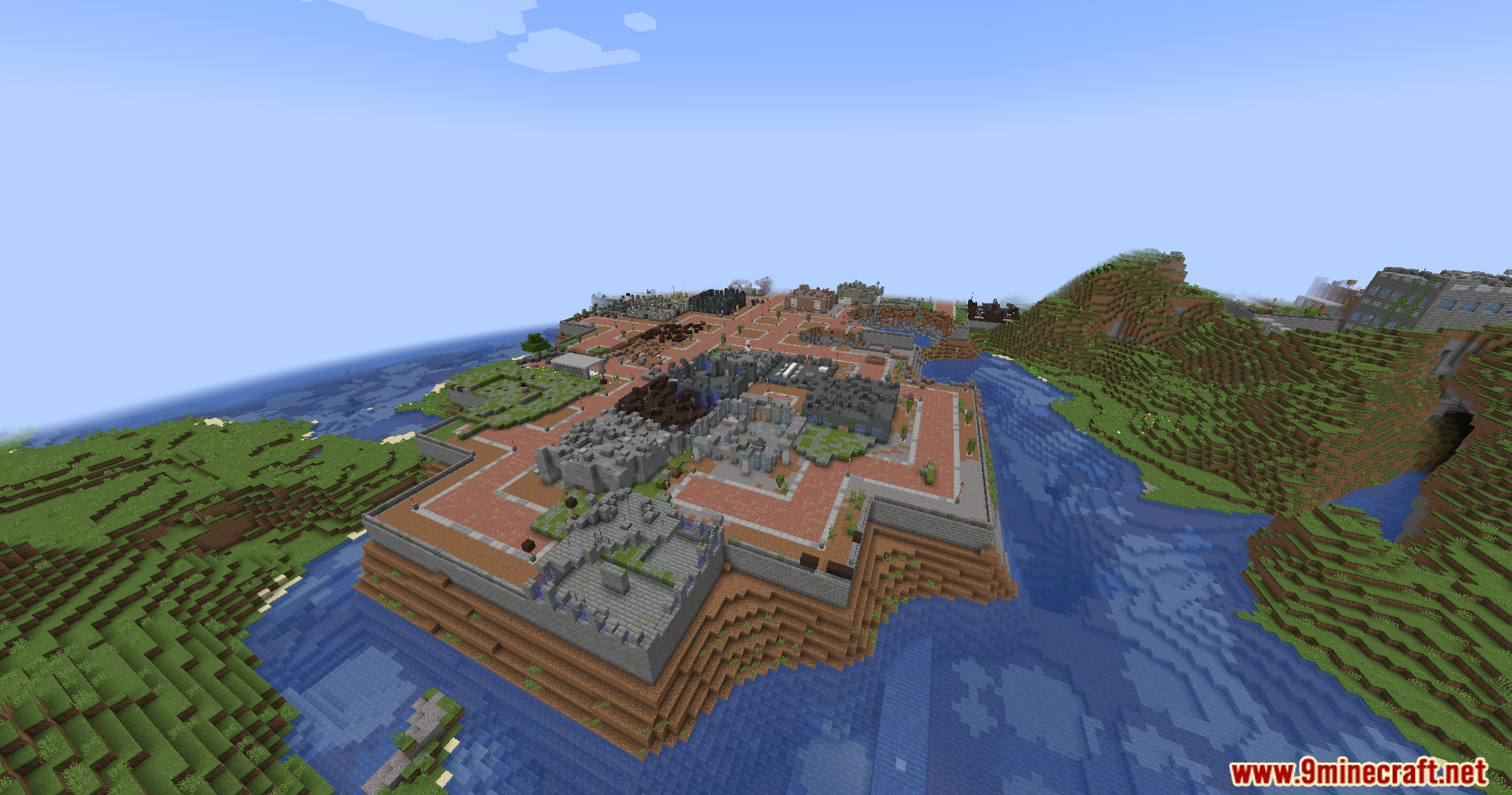
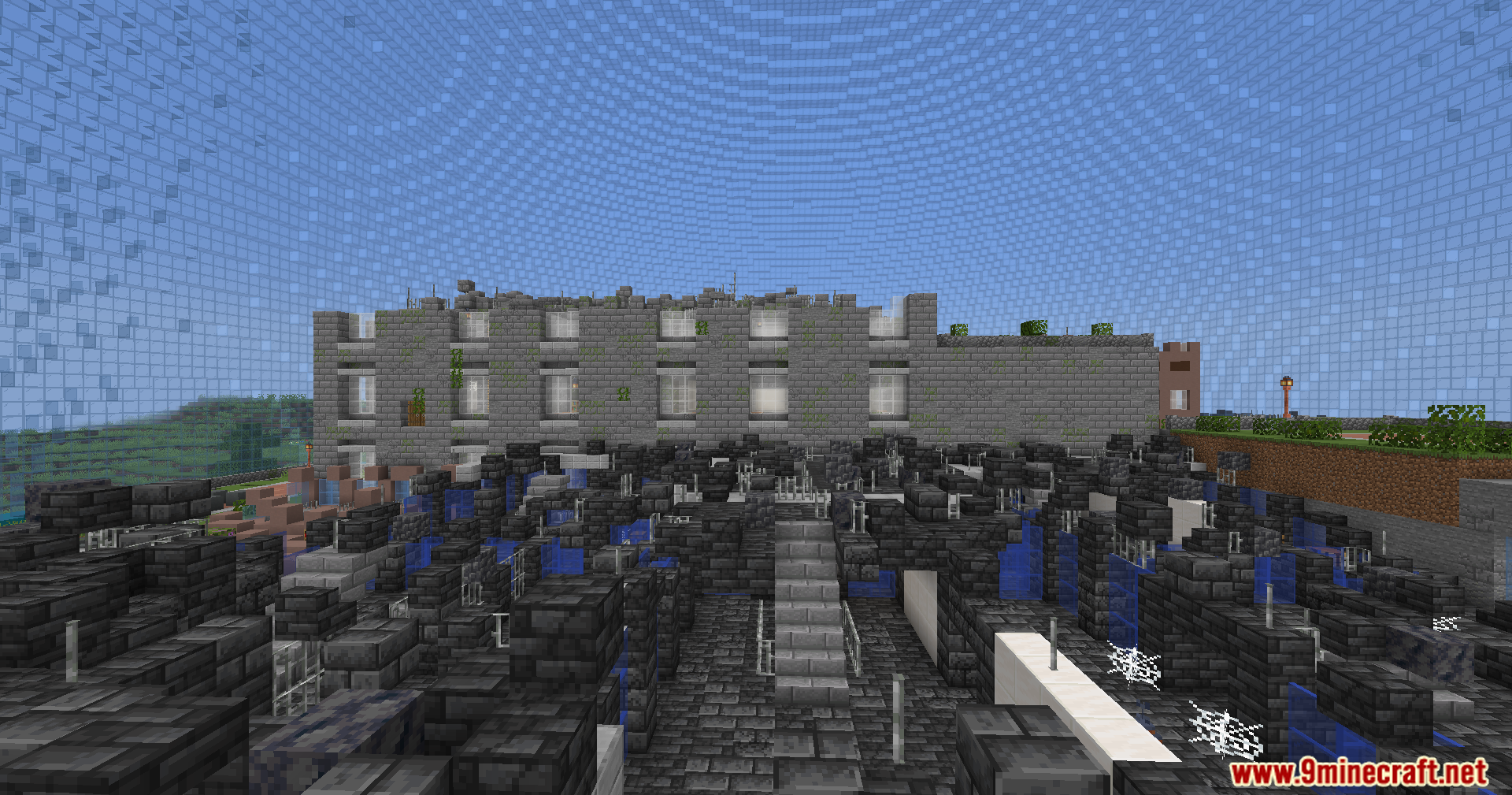
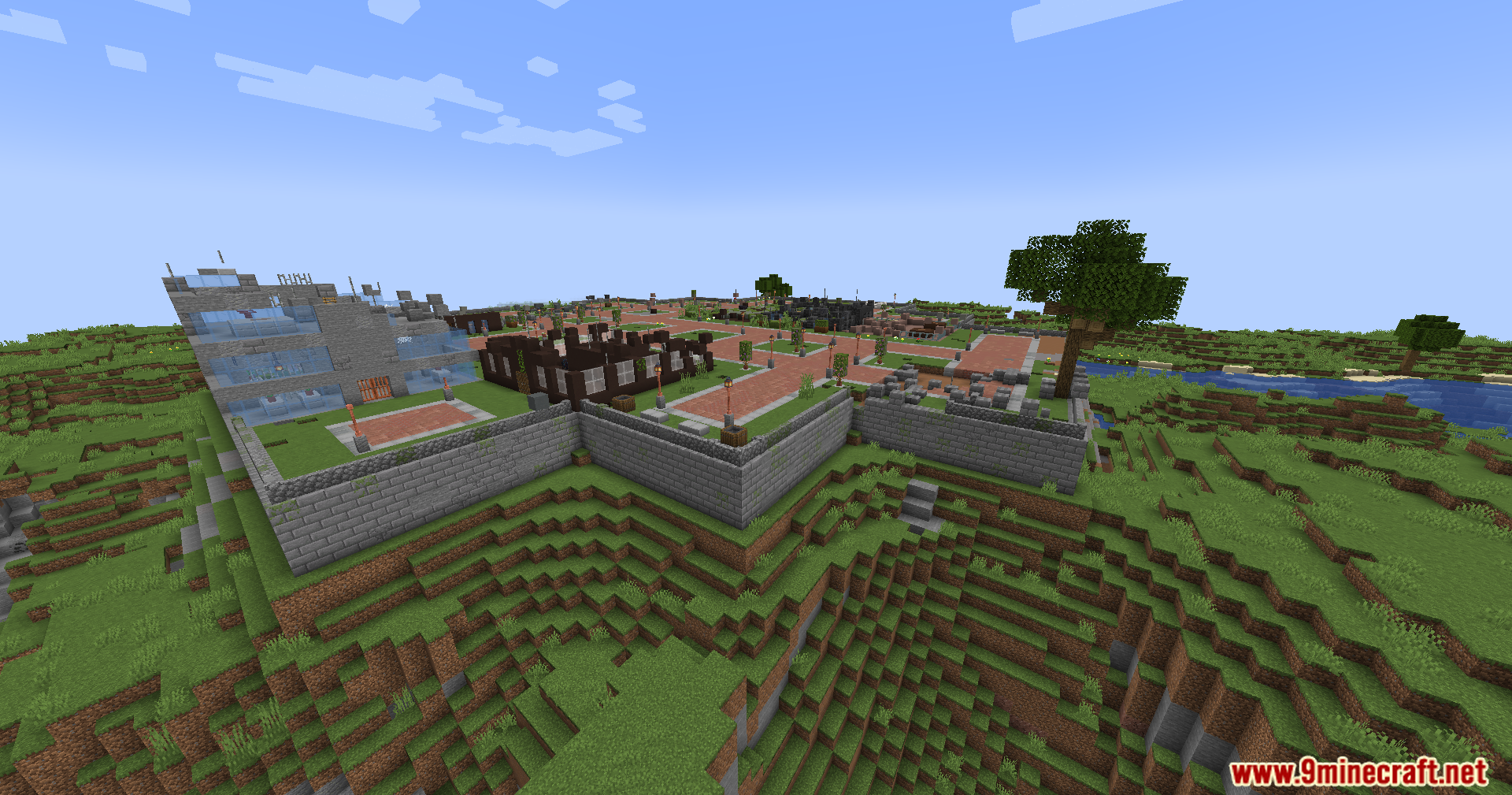
Screenshots:

Lost Cities Filter Mod Download Links
Quick facts
- Edition: Minecraft Java
- File type: .jar
- Minecraft version listed: 1.20.1
- How to install: Install the matching mod loader (Forge, Fabric or NeoForge) for your Minecraft version. → Download the .jar. → Put it in the .minecraft/mods folder and launch that loader profile.
- Where to get it: In MC Java Mods, or directly above on this page.
Install steps are the general flow for this file type — How to install Minecraft Java mods & modpacks walks through it step by step.
Verified by MCModsHub
- Downloads as 26424.mcaddon
- Download size: 7 KB
- Download link checked 26 Sept 2026 — working
- Mirrored on our own servers — the download does not depend on the original host
These come from our own check of the pack file, not from the source page.